AI Ingredient Factory Video Generator
Transform a product photo into an ingredient-orbit video that feels like a food factory scene. Short-form food videos drive strong ROI and attention across platforms.
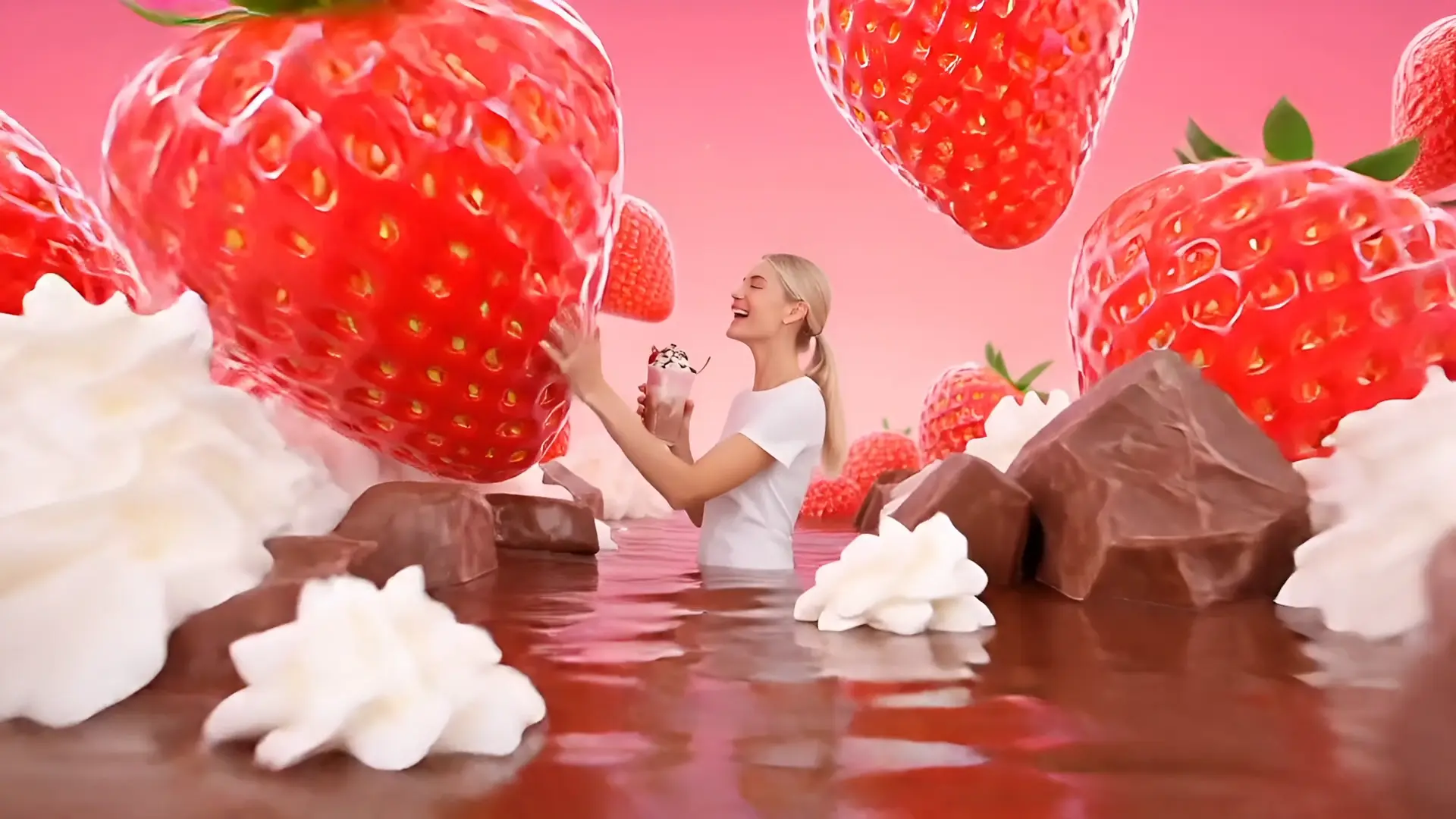
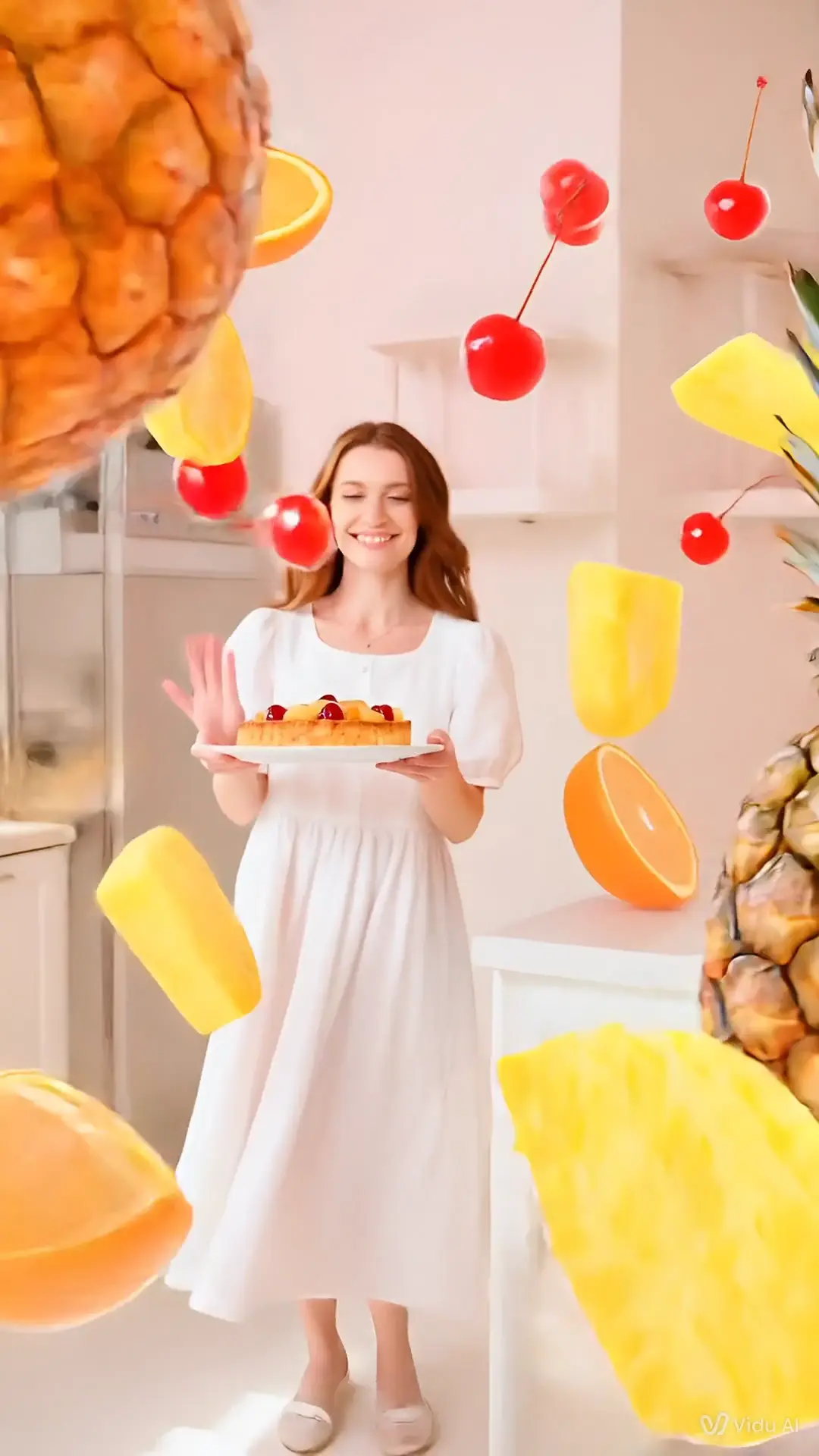
Ingredient Orbit Factory Scene (AI Food Video)
Upload a food image; the clip shows a bite, then herbs, fruit, or cocoa swirl around the face, evoking a "production line" vibe. Orbiting motion graphics are a standard animation cue that reads clearly in quick reveals.
Hero Shot Flavor Story (Short-Form Product Video)
Expect clean edges and a tidy finish that spotlights taste cues. Short videos remain a top format for discovery and conversion, with marketers reporting high ROI and engagement for bite-size product clips.
How to Use AI Ingredient Factory Video Generator?
Upload a photo
Add one food/product image.
Choose the number of outputs
Decide how many ingredient-orbit clips to generate.
Create and download
Click Create, then download or share your factory-style reveal.
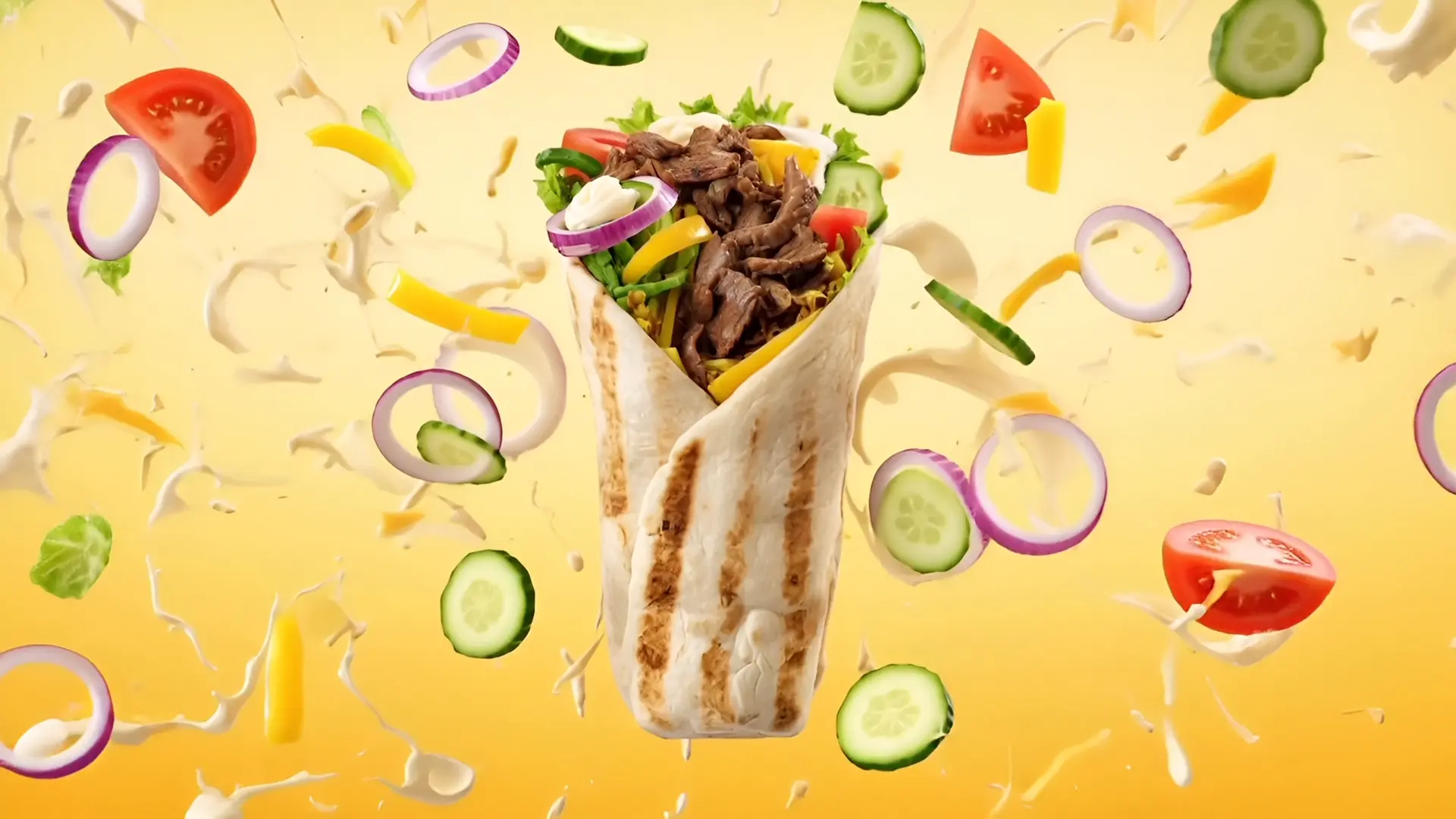

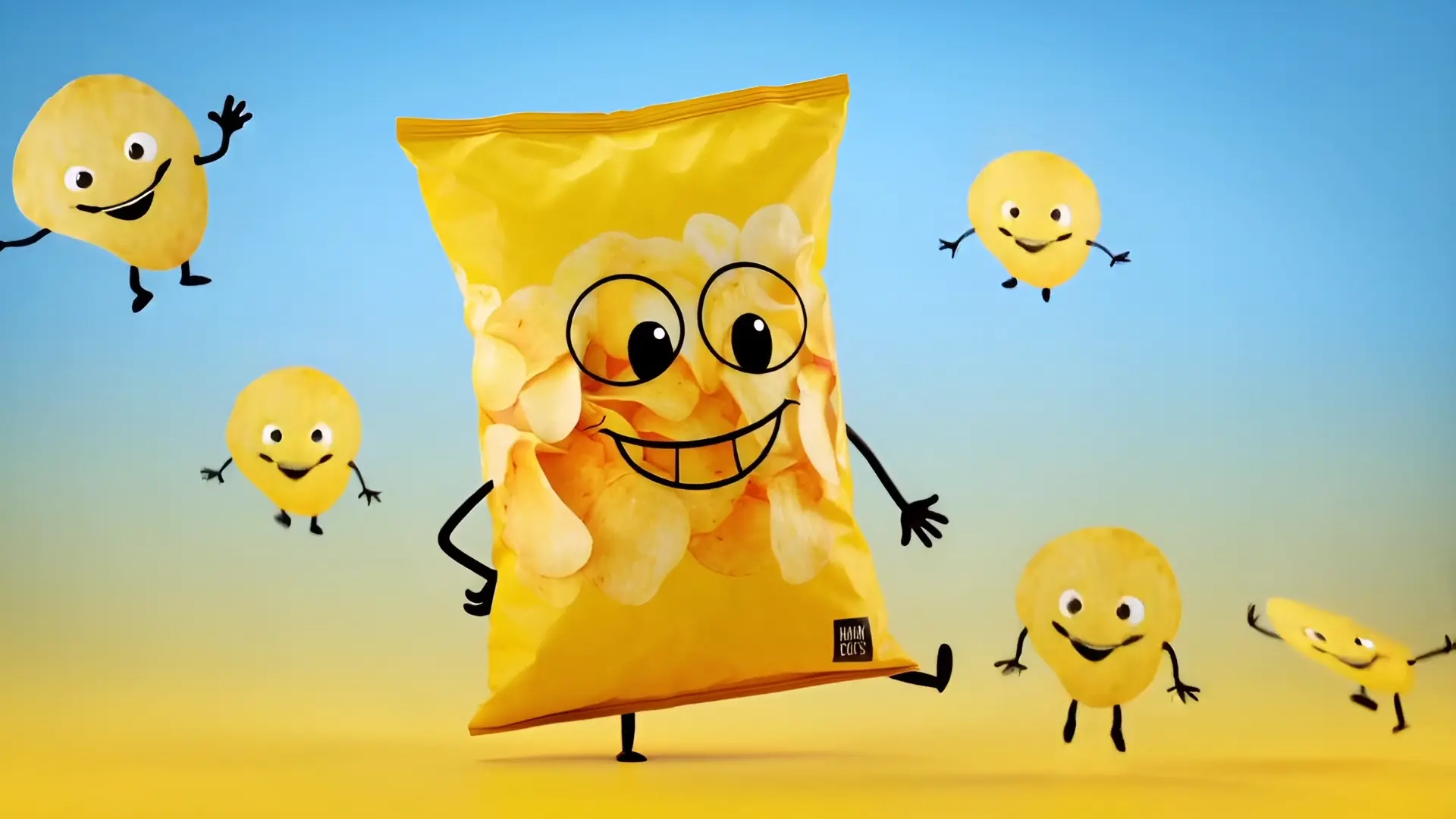
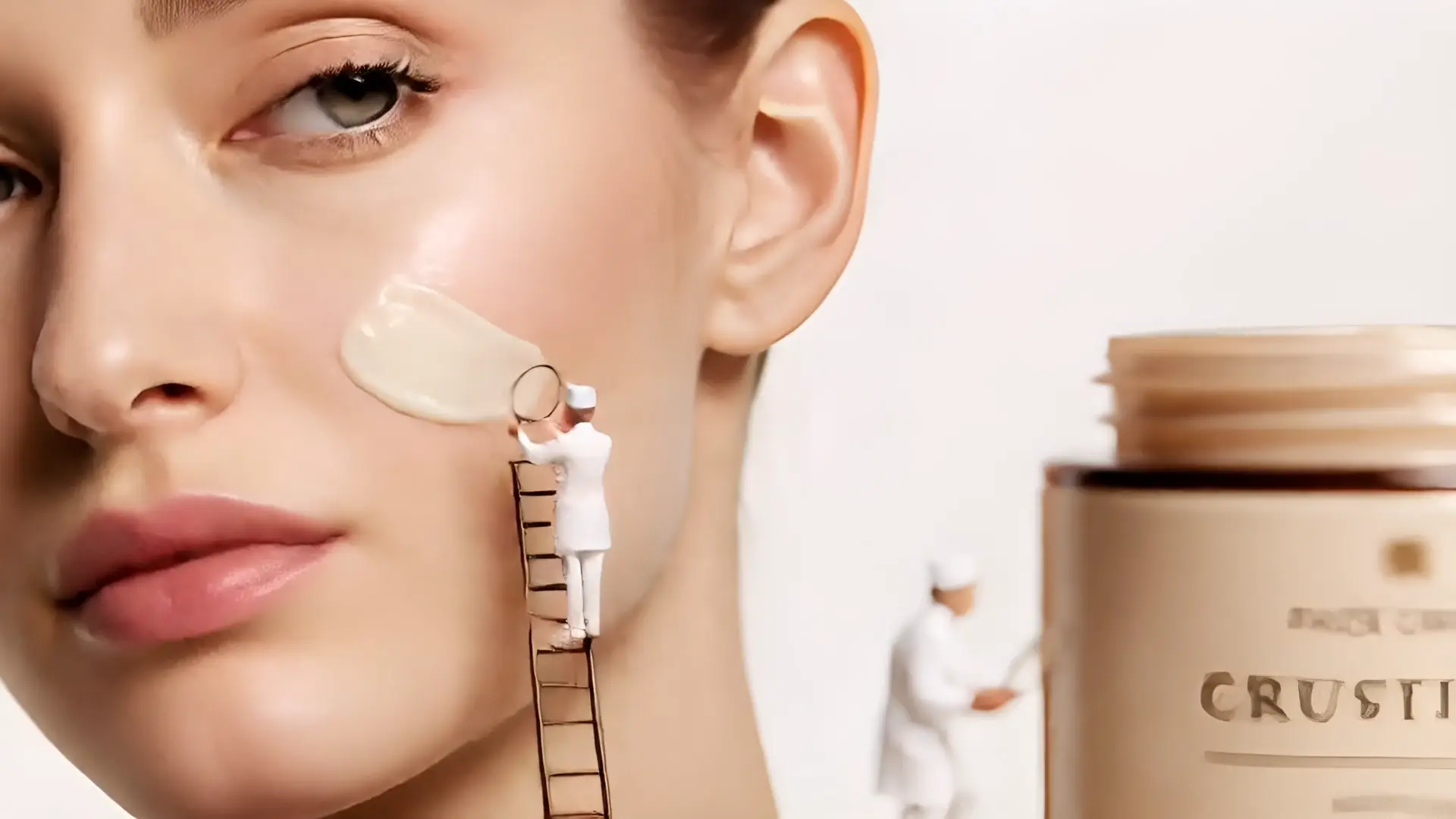
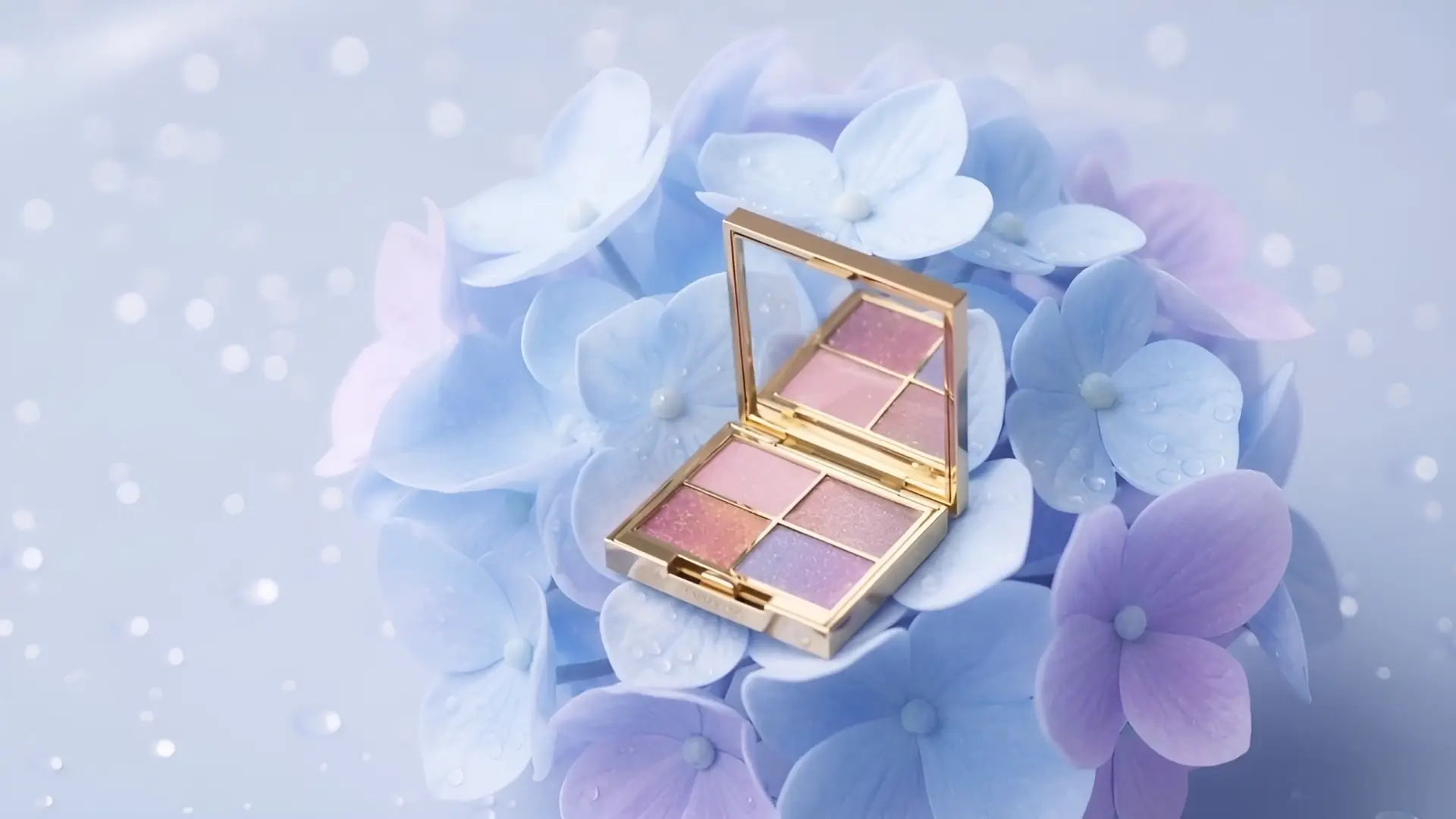
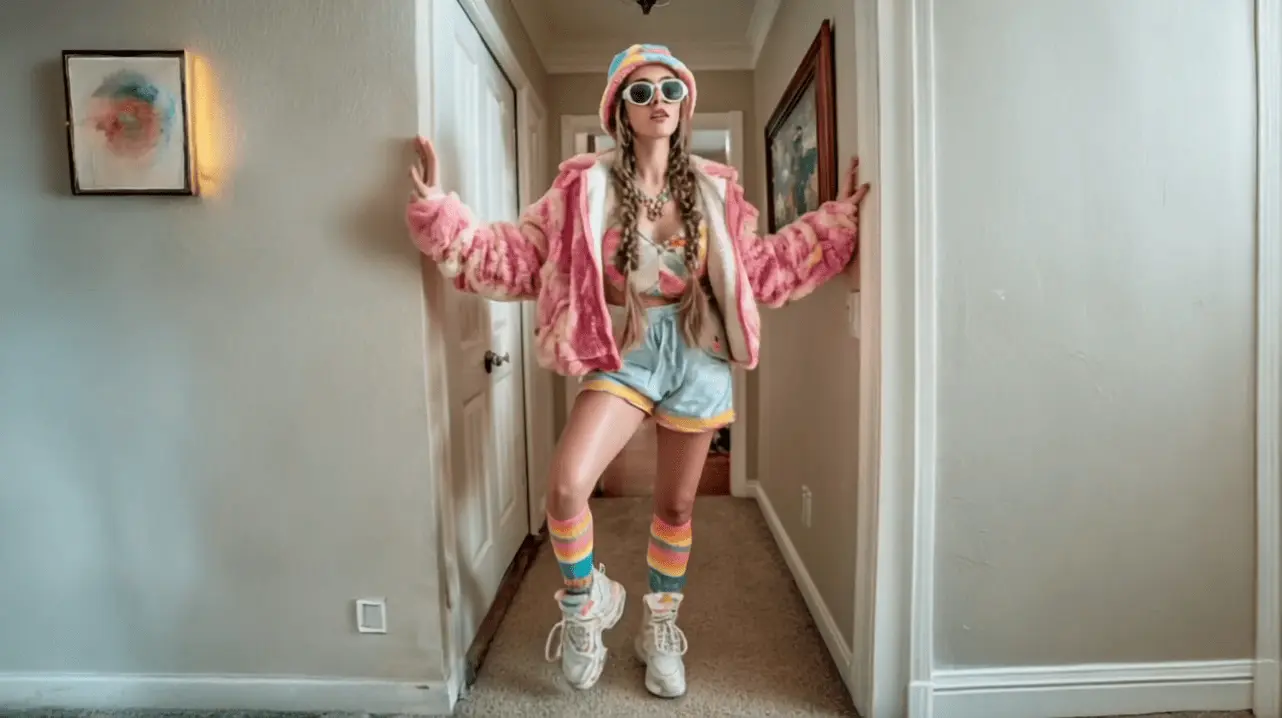
FAQs About AI Ingredient Factory Video Generator
It's a template that converts a food photo into a short video: the model tastes the product, then key ingredients orbit like a factory sequence—an easy way to communicate flavor fast.
The system isolates subject and background, then composites ingredient elements with depth, lighting, and circular motion. Orbit effects are a common motion-graphics technique used to suggest 3D space without complex 3D builds.
Yes. Reports show short-form video leads engagement and ROI across channels, helping shoppers grasp value quickly in feeds and on PDPs. Keep captions concise for silent viewing.
Use a high-resolution food image. Distinct, colorful ingredients (e.g., basil, berries) make the orbit clear—guidance echoed in food-styling and hero-shot best practices.