Vidu S2-Avatar
Supports real-time voice interaction, complex motion control, and reference-image-guided object interaction, outfit changes, and background switching.
Vidu S2-Avatar: Real-Time Interactive Model
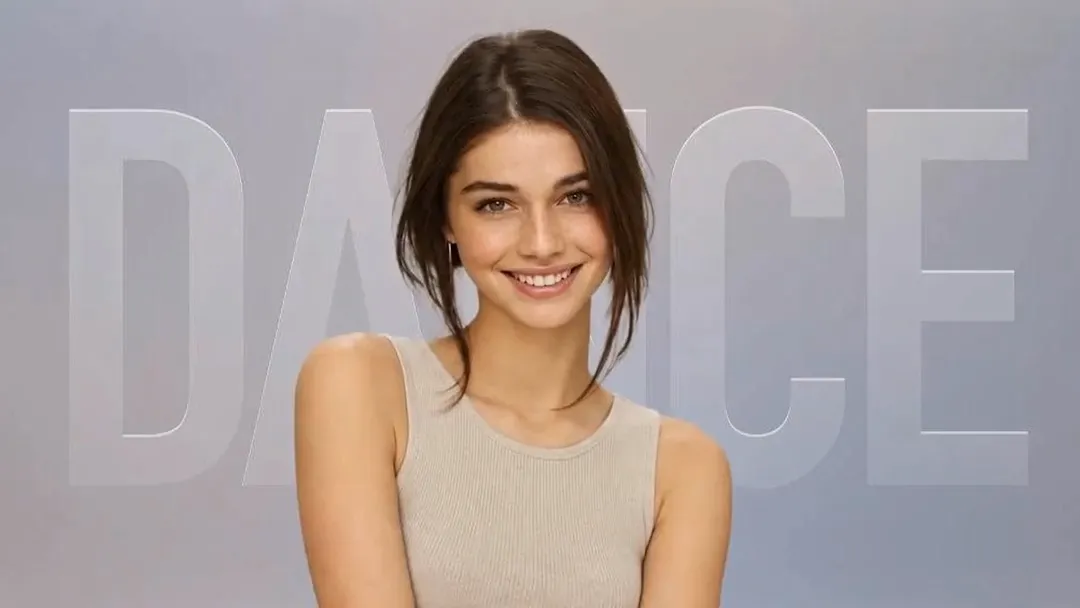
Vidu S2-Avatar
Support voice conversations and voice-controlled complex avatar motions, such as dancing.
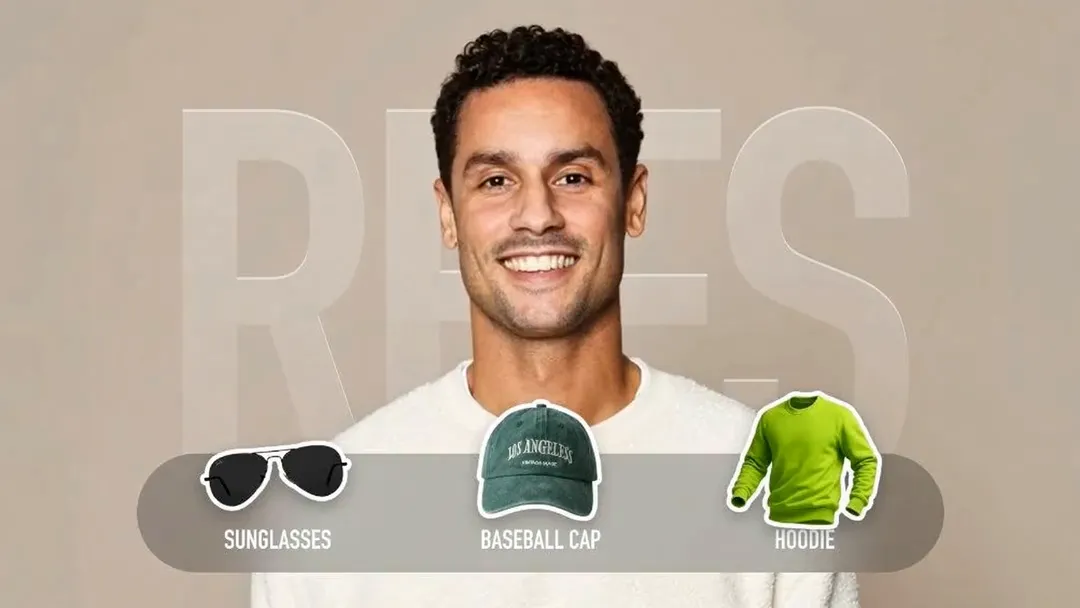
Live Object Interaction
Enables interaction with objects based on user instructions and reference images, such as picking up a specified item for presentation, wearing clothing from a reference image, or switching to a reference-image background.
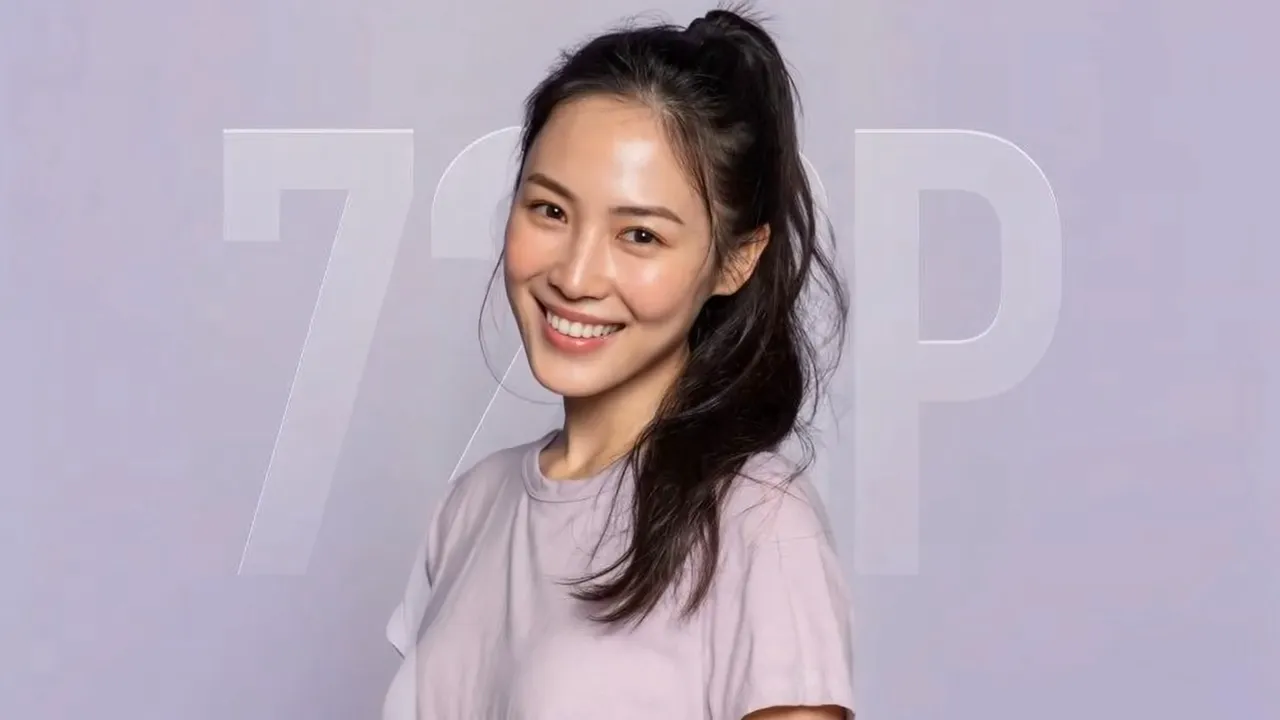
720p video quality
Supports 720p+ definition avatar output.
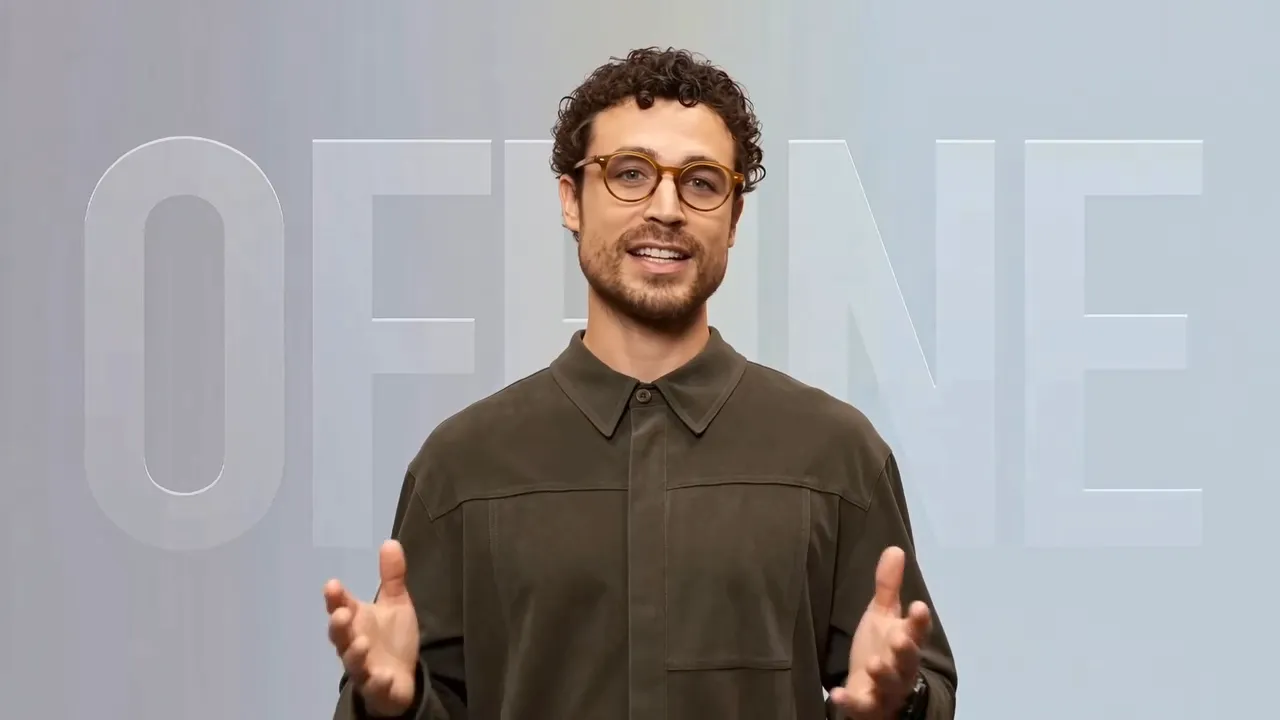
Offline Avatar
Provides high-quality offline digital avatars that can read from a preset script or perform predefined actions.
Vidu S2-Editing: Real-Time Editing Model
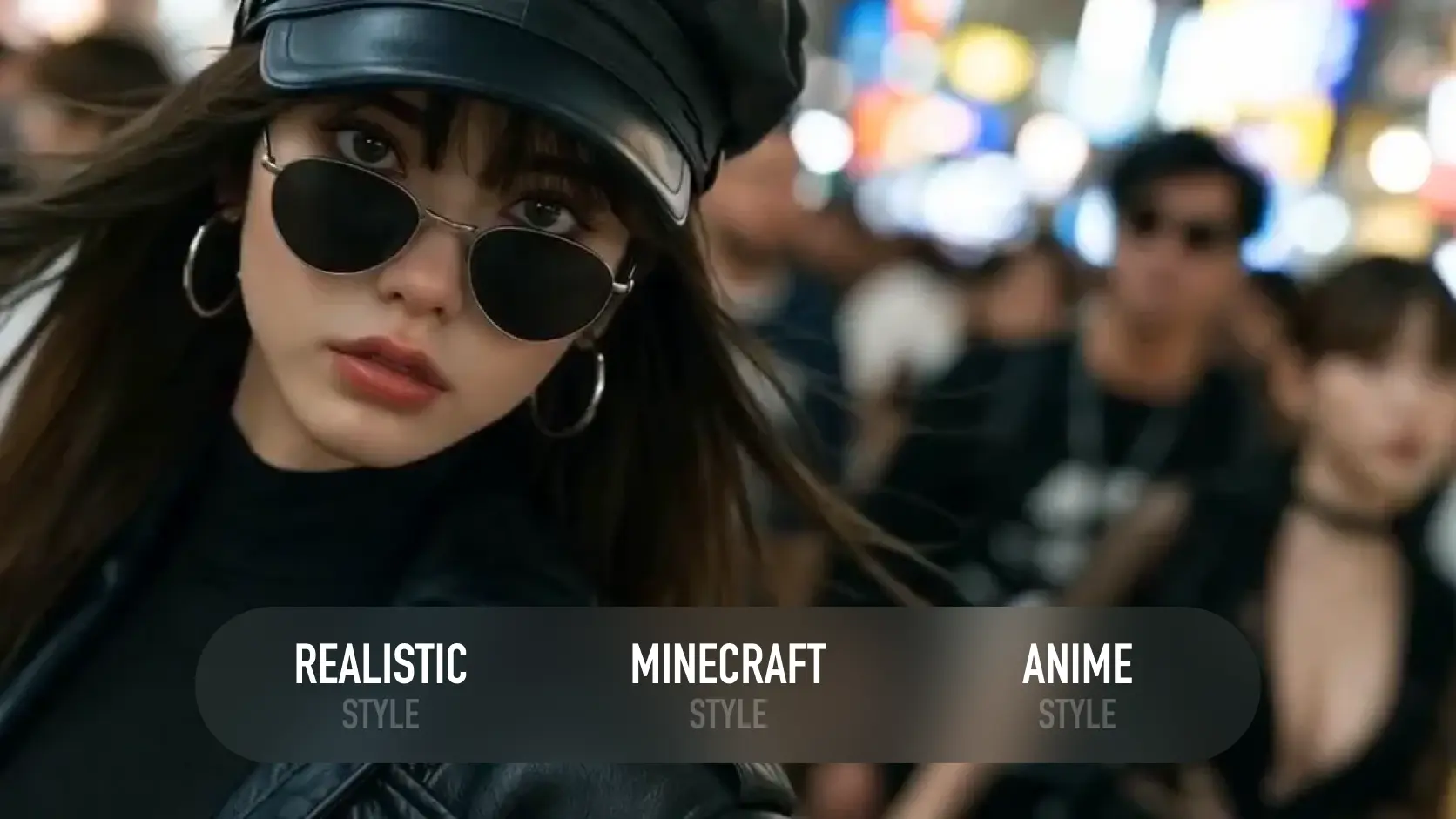
Style Rendering
Edits video style in real time based on a style reference image, transforming the video stream with different visual aesthetics.
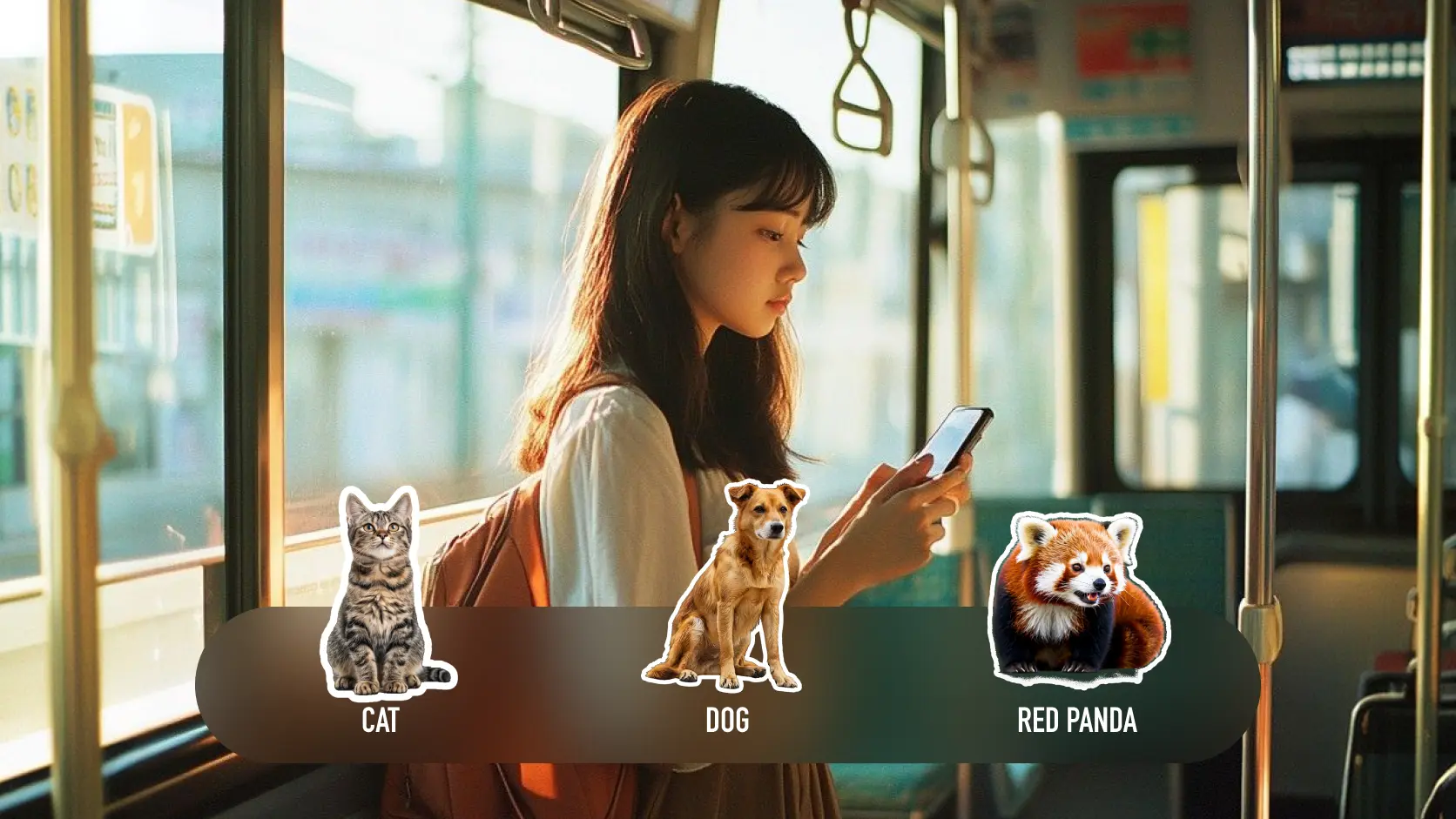
Character Replacement
Replaces the subject in real time based on a subject reference image, changing the person in the original video stream.
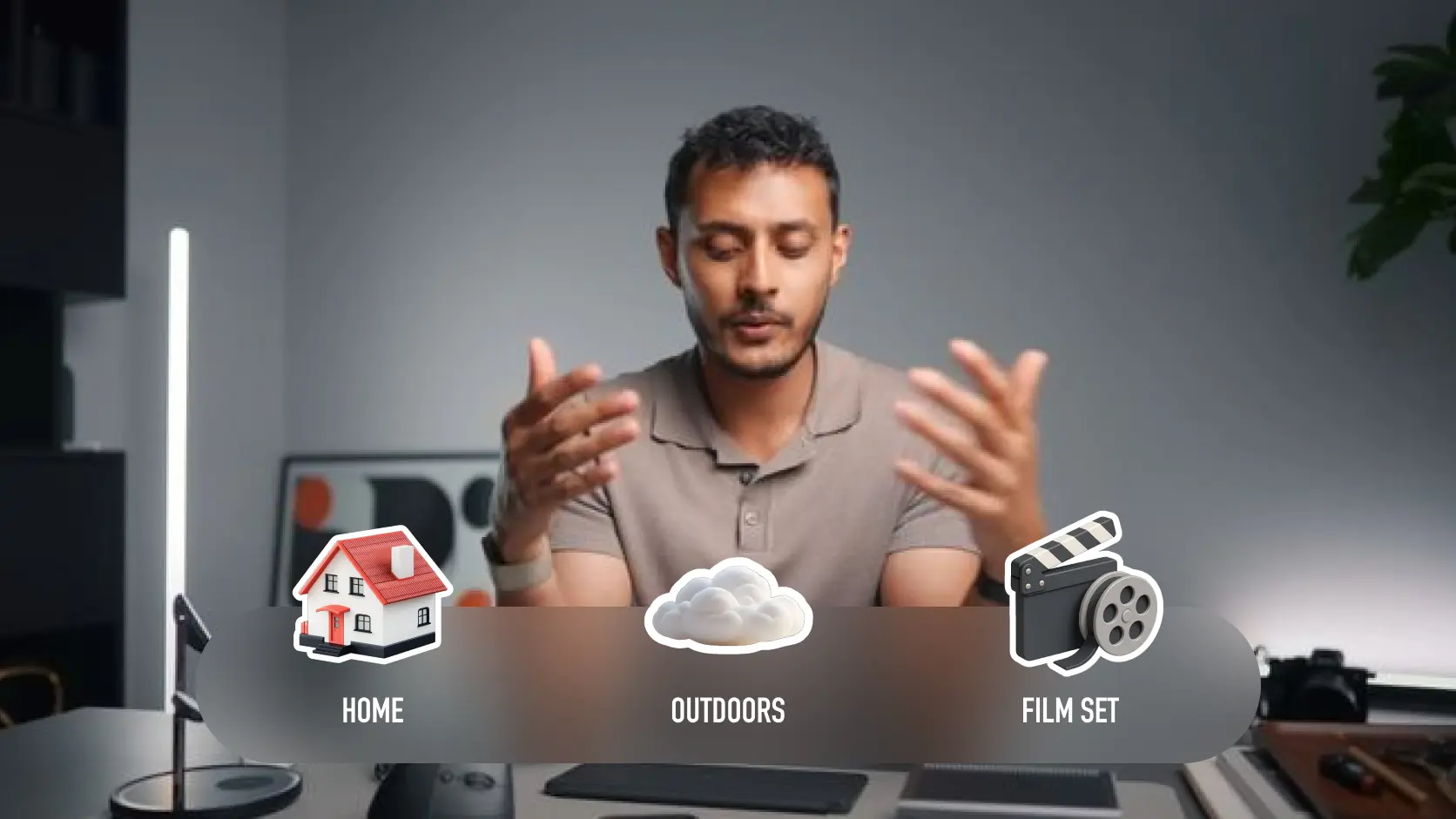
Background Replacement
Edits the video background in real time based on a background reference image, replacing the person's surrounding environment.
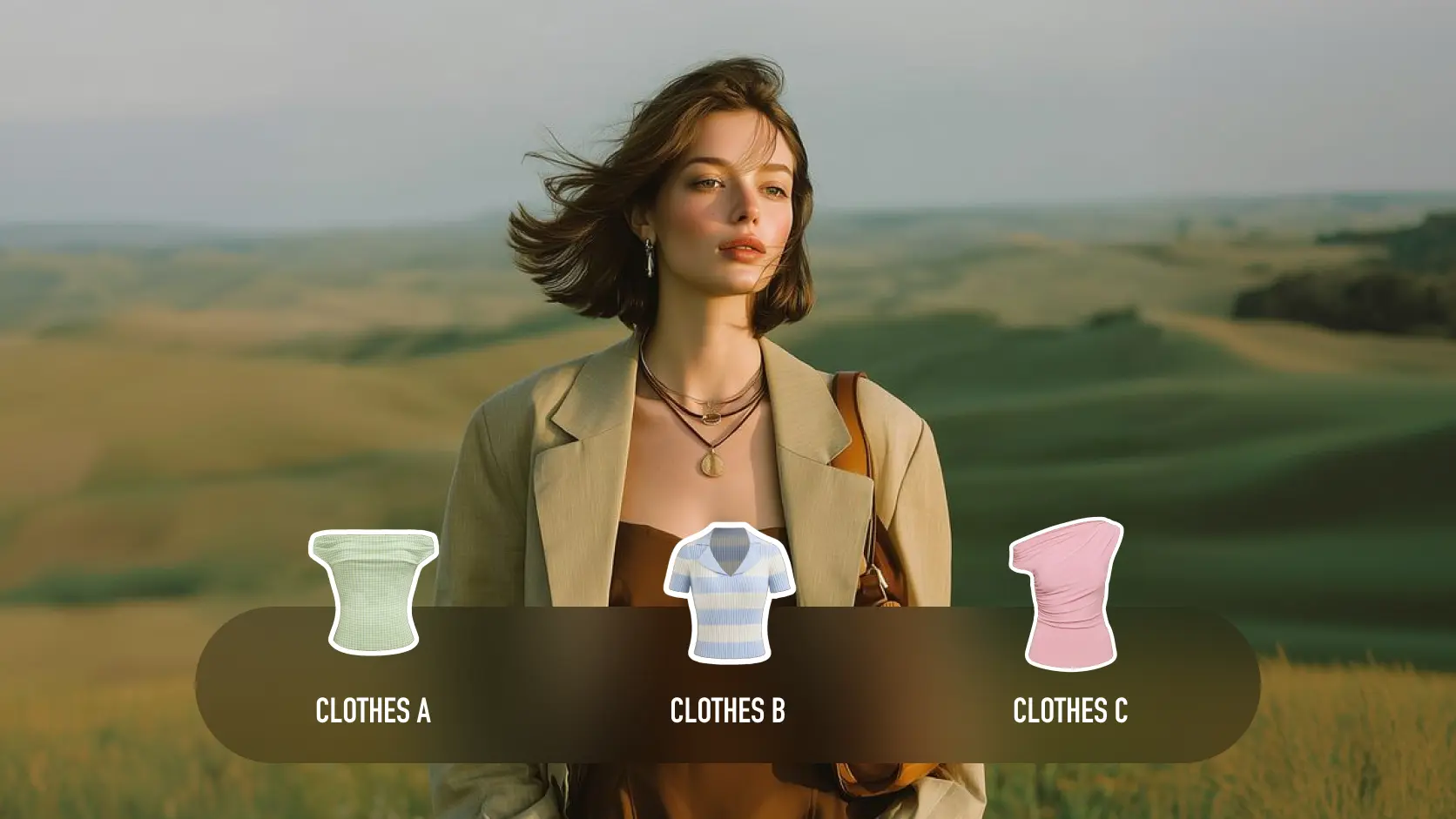
Virtual Try-On
Edits a person's outfit in real time based on a clothing reference image, generating diverse virtual try-on looks.
Popular Cases
FAQs about Vidu S
1. Vidu S2 is a world-leading real-time interactive model, offering real-time video avatar generation through Vidu S2-Avatar and real-time video editing through Vidu S2-Editing. 2. Vidu S2-Avatar supports real-time voice interaction and complex motion control, and can use reference images to enable object interaction, outfit changes, and background switching. 3. Vidu S2-Editing supports continuous real-time editing of input video streams based on style, outfit, subject, and background reference images. 4. In addition, Vidu S2 also supports asynchronous generation: users can generate avatar videos from a single image and an audio clip.
1. Improved visual quality, upgraded from 540p to 720p support. 2. Improved instruction-following capability, supporting voice instructions to control avatars in performing dance motions.
1. Vidu S2-Avatar enables real-time interaction: avatars can converse with users in real time, support interruption, provide two-way perception, and cover the full pipeline from voice input to rendering. 2. Vidu S2-Editing enables streaming video editing: it continuously receives video streams and outputs edited results in real time, allowing users to switch reference images or scenes midway without interrupting the stream.
1. Online avatars can converse with users in real time, support interruption at any moment during the conversation, and provide two-way interactive perception. 2. Offline avatars refer to asynchronous generation: users can generate a talking video with lip-sync and motion alignment from a character image plus an audio clip or text.
Vidu S2-Editing supports three input modes: camera, video, and image. After enabling the camera or selecting an input source, you can edit the input video stream in real time using style, outfit, subject, or background reference images, and output the edited result.
During an interactive livestream with avatar, users can provide reference images and instructions. Reference images are grouped into three categories: objects, outfits, and backgrounds. They enable interactions based on the instruction and the reference image, such as picking up an item for presentation, wearing clothing from the reference image, or replacing the background.
You can integrate with our API platform: https://platform.vidu.com/vidu-stream/doc