AI Image Generator & Editor
Turn text prompts or reference photos into ultra-HD images with consistent results—transform styles, merge elements, then edit after generation: resize, refine, and upscale.
Text to Image
Describe what you want—subject, style, lighting, mood, camera angle—and generate high-quality images in seconds.
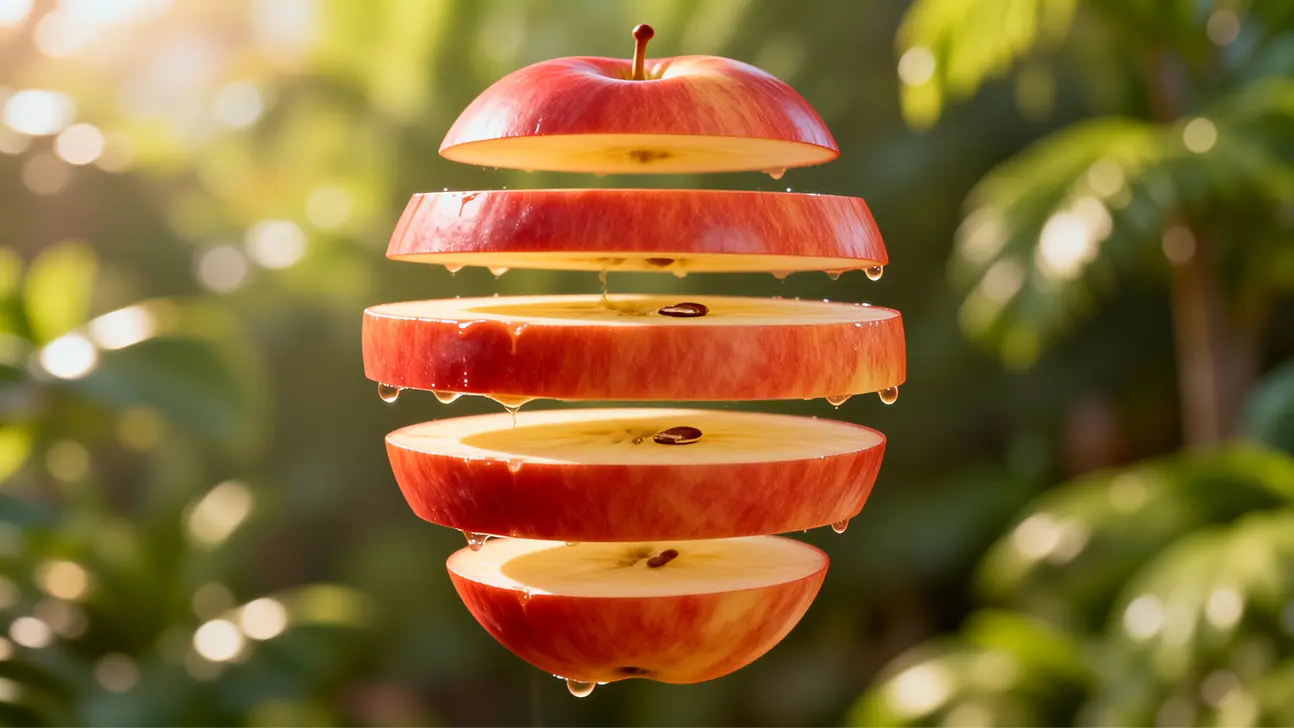
Ultra-HD output
Generate in 1080p, 2K, or 4K with crisp details, accurate textures, and clean edges. Suitable for marketing assets, product visuals, and high-resolution publishing.
Fast generation
Get strong results in a few seconds to support rapid iteration and higher creative throughput. Ideal for testing prompts, styles, and variations without long waits.
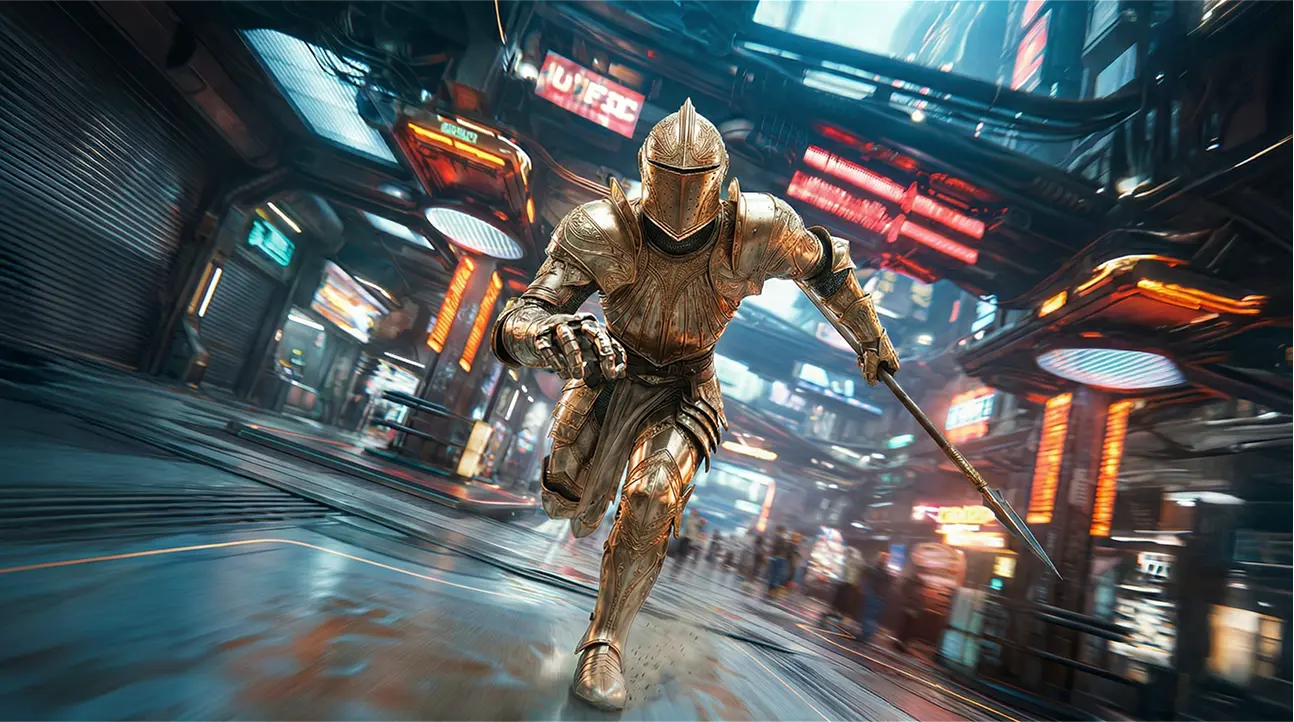
Any size
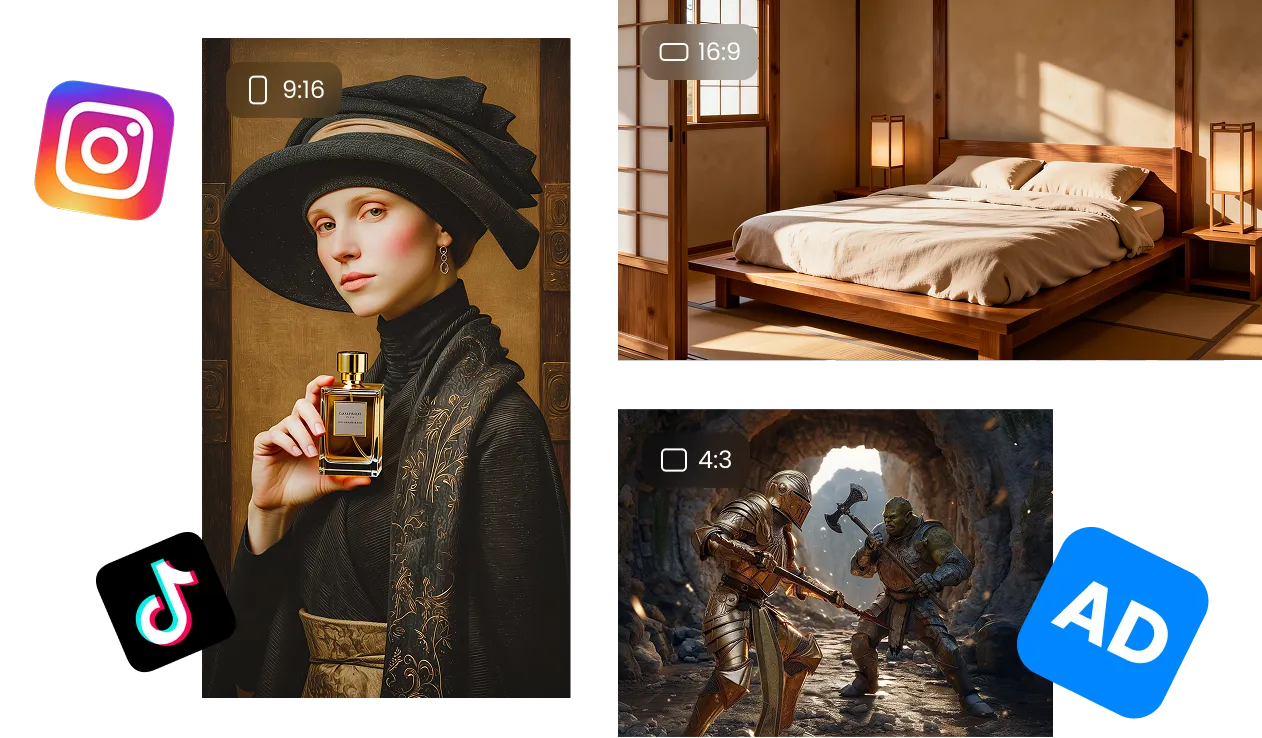
Create any aspect ratio for ads, product shots, posters, social posts, and custom layouts. Composition stays balanced across different canvas sizes.
Ultra-HD output
Generate in 1080p, 2K, or 4K with crisp details, accurate textures, and clean edges. Suitable for marketing assets, product visuals, and high-resolution publishing.
Fast generation
Get strong results in a few seconds to support rapid iteration and higher creative throughput. Ideal for testing prompts, styles, and variations without long waits.
Any size
Create any aspect ratio for ads, product shots, posters, social posts, and custom layouts. Composition stays balanced across different canvas sizes.
Reference to Image
Upload a reference image or multiple images, and tell the model what to keep, what to change, and what to combine.
Merge elements
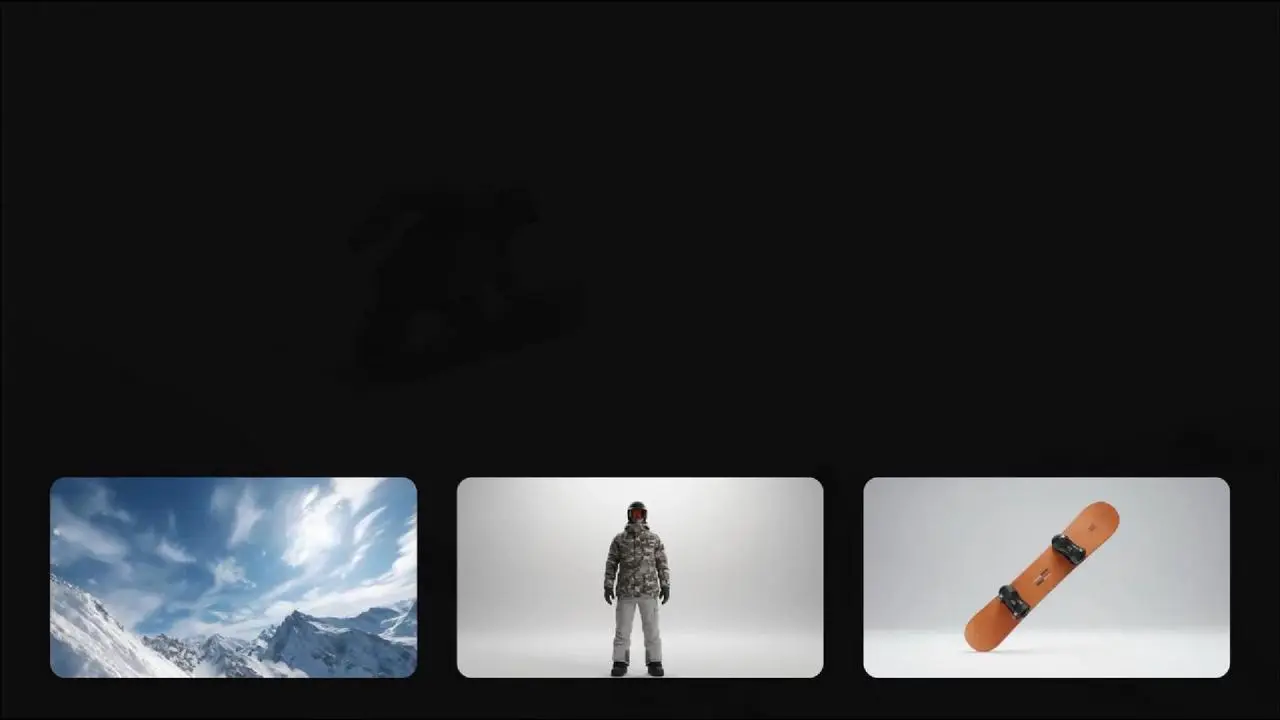
Combine features across multiple references into a single cohesive image. Preserve the key attributes you care about while keeping the overall look unified.
Super consistency
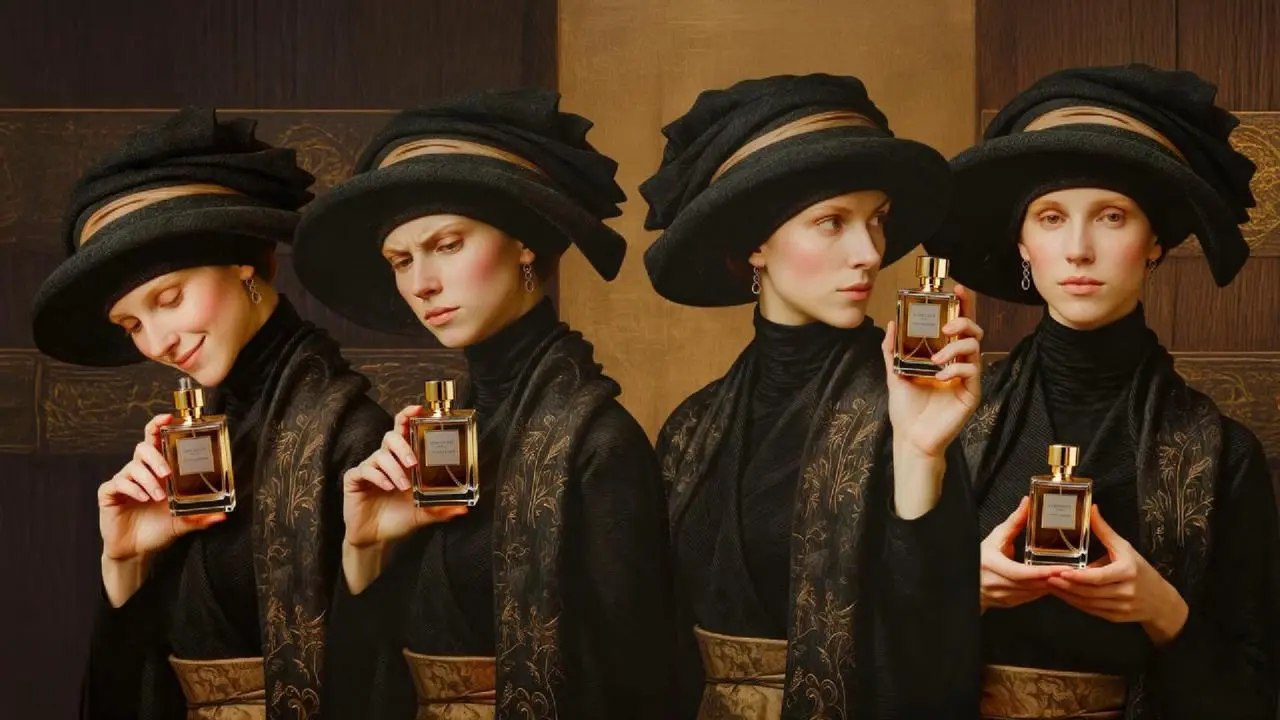
Keep characters, objects, and visual style stable across multiple generations. Useful for series creation, brand consistency, and long-running visual projects.
Any style, any use case
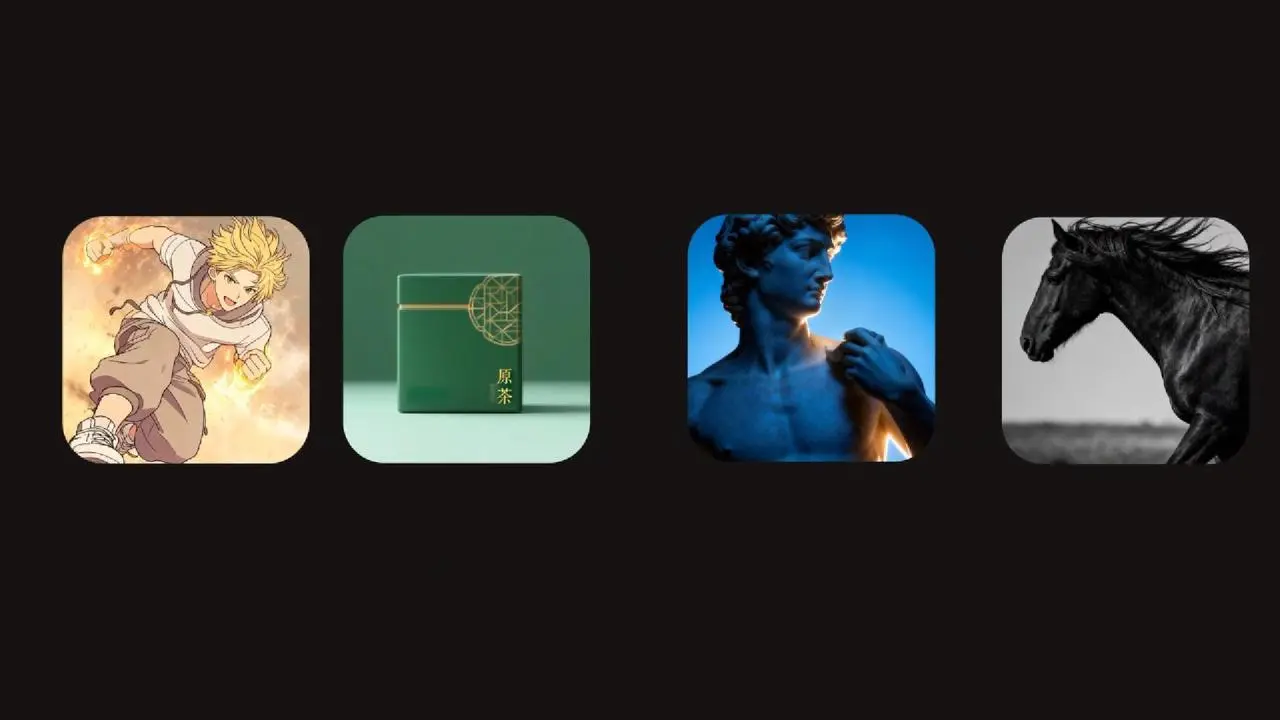
Generate aesthetically polished images across a wide range of styles and scenarios—anime, photorealistic, advertising, artistic visuals, etc.
Merge elements
Combine features across multiple references into a single cohesive image. Preserve the key attributes you care about while keeping the overall look unified.
Super consistency
Keep characters, objects, and visual style stable across multiple generations. Useful for series creation, brand consistency, and long-running visual projects.
Any style, any use case
Generate aesthetically polished images across a wide range of styles and scenarios—anime, photorealistic, advertising, artistic visuals, etc.
AI Image Editing
Edit after you generate. Finish the job with built-in AI editing designed for real-world delivery.
Edit content
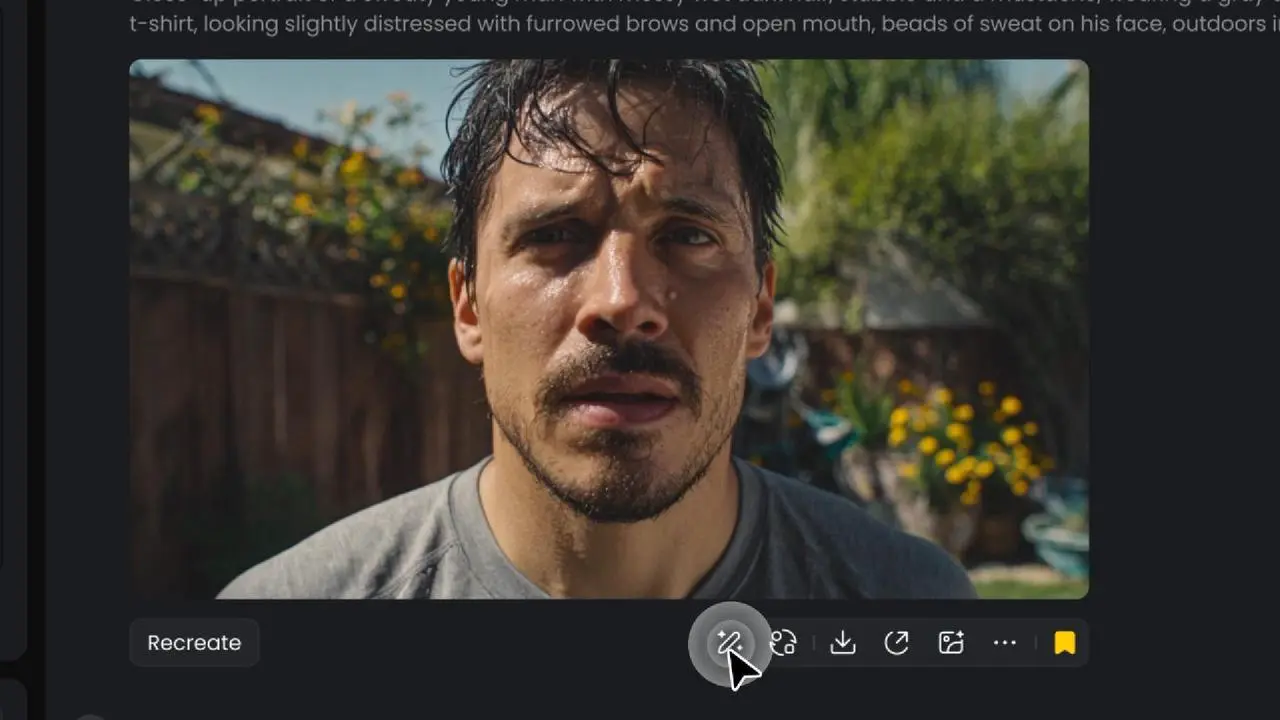
Add, remove, or modify any element in the image with targeted edits. Refine details without needing to regenerate the entire image.
Resize
Adapt images for different platforms, layouts, and aspect ratios with minimal effort. Reformat assets while retaining visual clarity and structure.
Upscale resolution
Increase clarity and sharpness for publishing, sharing, or delivery in higher-quality formats. Maintain clean lines and details as resolution increases.
Edit content
Add, remove, or modify any element in the image with targeted edits. Refine details without needing to regenerate the entire image.
Resize
Adapt images for different platforms, layouts, and aspect ratios with minimal effort. Reformat assets while retaining visual clarity and structure.
Upscale resolution
Increase clarity and sharpness for publishing, sharing, or delivery in higher-quality formats. Maintain clean lines and details as resolution increases.
Why Choose Vidu AI Image Generator
Built for sharp, professional output.
Reliable style and subject stability across outputs.
Resize, refine, and upscale without leaving the workflow.
One-click image-to-video workflow.
How to Generate Images with Vidu AI Image Generator
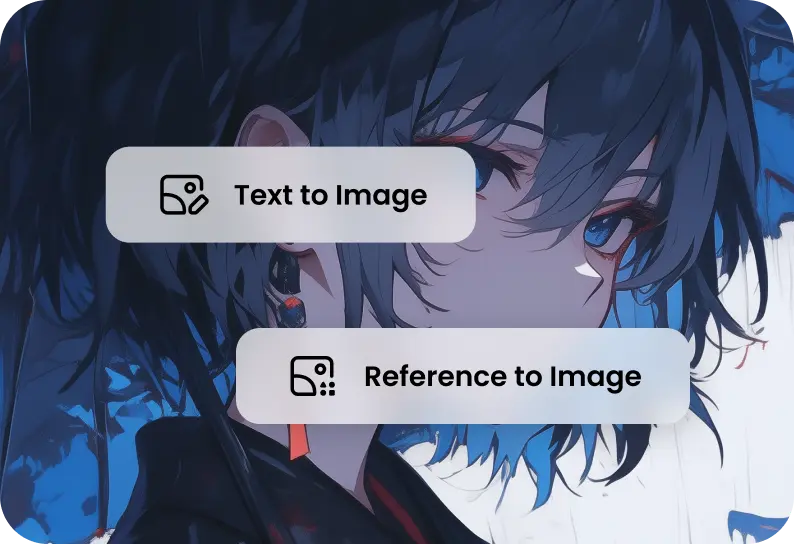
Choose your mode
Select Text-to-Image or Reference-to-Image.
1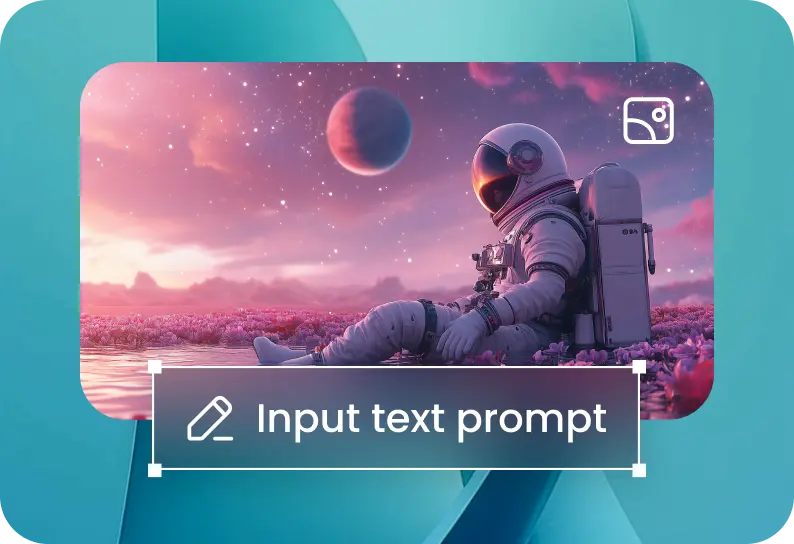
Add your prompt or upload images
For Text to Image: describe your scene or style. For Reference to Image: upload one or multiple reference photos and add a prompt.
2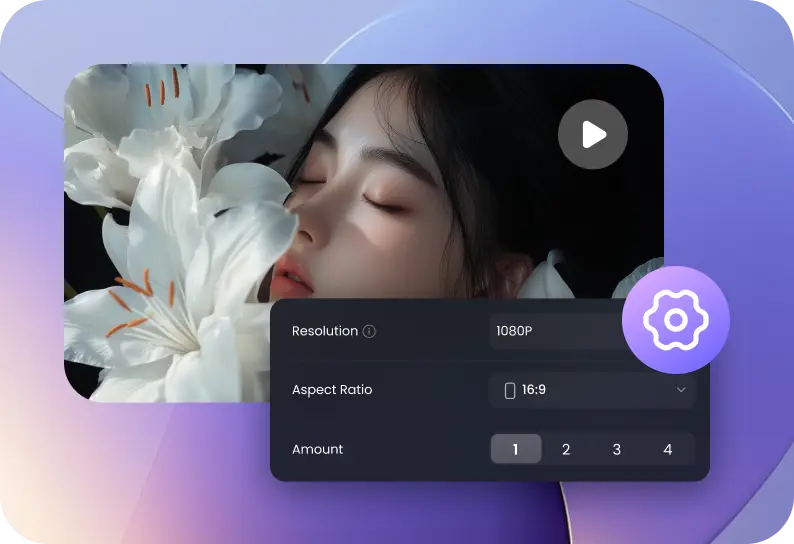
Set options and generate
Choose resolution, size, and quantity, then click Create. Afterward, edit your result: resize, refine content, or upscale.
3Set options and generate
Choose resolution, size, and quantity, then click Create. Afterward, edit your result: resize, refine content, or upscale.
3Choose your mode
Select Text-to-Image or Reference-to-Image.
1Add your prompt or upload images
For Text to Image: describe your scene or style. For Reference to Image: upload one or multiple reference photos and add a prompt.
2Set options and generate
Choose resolution, size, and quantity, then click Create. Afterward, edit your result: resize, refine content, or upscale.
3Choose your mode
Select Text-to-Image or Reference-to-Image.
1FAQs About Vidu AI Image Generator