AI Reference to Video
Create consistent AI videos using reference to video. Upload your references, and keep characters, objects, and scenes consistent across every shot for smooth, multi-scene videos.
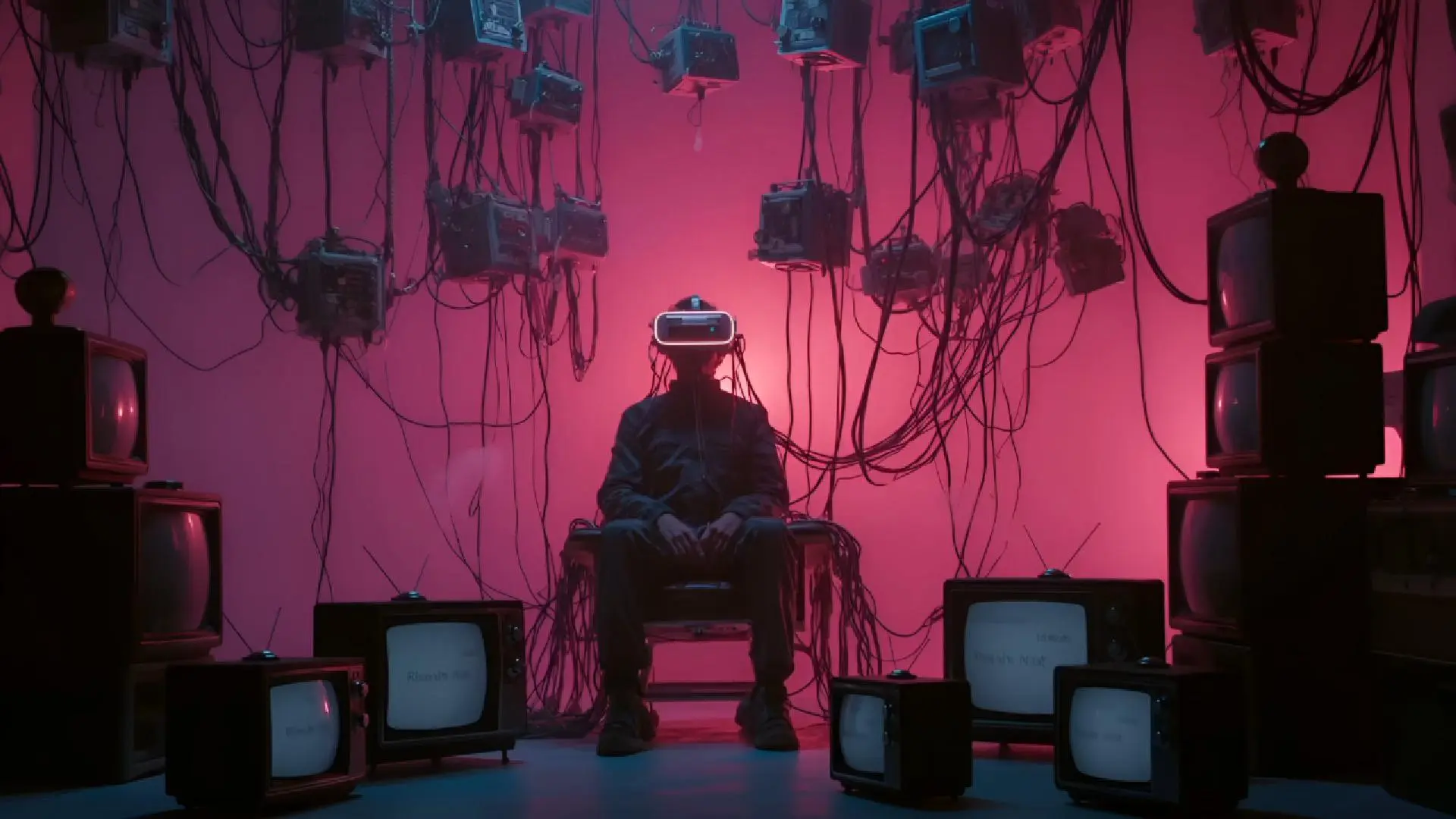
Create Without Limits — Reference to Video




Character consistency across scenes
Ensure characters look the same, move naturally, and maintain their design in every frame. Vidu’s AI reference to video technology guarantees consistent characters even in complex sequences.

Flexible Reference Creation
You can create your own or or select from our RefHub. Each reference can capture character, style, composition, camera movement, scene, and effects etc. from source images or videos.

Scene continuity and style preservation
Maintain a coherent visual style from backgrounds to props. Every scene looks polished and professional, keeping your storytelling smooth.

Multi-reference support
Support up to 7 references at once to create more complex, story-driven videos with multiple characters, richer scenes, and strong visual continuity. Vidu intelligently blends them to keep everything consistent across shots.

Use Reference to Video for Consistent AI Video Creation

Build more reliable brand and IP content
Keep characters, logos, and brand elements consistent to protect your intellectual property and strengthen brand recognition.

Keep the same character across multiple shots
AI reference to video makes sure your characters look the same in all scenes. This is key for multi-shot videos or animations where characters appear repeatedly.

Preserve product and object details
Keep every object and product perfectly consistent across frames with reference images. Details like shapes, colors, and textures stay true, so nothing fades, shifts, or changes unexpectedly.

Maintain visual continuity in scenes and stories
Reference to video can preserve the overall visual style, lighting, and scene composition. Your video story flows naturally, avoiding jarring changes between shots.
How to Use Vidu's Reference to Video

Select Reference to Video
Go to the Vidu website and click Try Vidu. Choose Reference to Video. Upload 1–7 reference images. You can use your own images or pick from our RefHu library.
1
Enter Your Prompt
Type what you want your character or object to do. You can also set the video resolution, aspect ratio, and other options to customize it.
2
Create and Download
Click Create and wait for Vidu to make your video. Once it’s ready, preview it and download it to your device.
3Create and Download
Click Create and wait for Vidu to make your video. Once it’s ready, preview it and download it to your device.
3Select Reference to Video
Go to the Vidu website and click Try Vidu. Choose Reference to Video. Upload 1–7 reference images. You can use your own images or pick from our RefHu library.
1Enter Your Prompt
Type what you want your character or object to do. You can also set the video resolution, aspect ratio, and other options to customize it.
2Create and Download
Click Create and wait for Vidu to make your video. Once it’s ready, preview it and download it to your device.
3Select Reference to Video
Go to the Vidu website and click Try Vidu. Choose Reference to Video. Upload 1–7 reference images. You can use your own images or pick from our RefHu library.
1Reference to Video or Image to Video? How to Choose for Your Project
If you focus on storytelling and consistency, use Reference to Video; if you want to animate a single image or keyframes, use Image to Video.
| Dimension | Reference to Video | Image to Video |
|---|---|---|
| Core Use Case | Consistency-driven video generation across multiple shots | Animate a single image or start–end frames |
| Input Type | Reference video / multiple references (image, video, prompt) | Single image or keyframes |
| Control Level | High — control character, style, composition, camera, effects | Moderate — mainly motion & visual animation |
| Consistency | Strong — maintains character identity & scene continuity | Limited — not designed for multi-scene consistency |
| Best For | Storytelling, ads, AI influencers, multi-scene workflows | Quick content, product animation, social media clips |
| Output | Multi-shot, narrative, structured video | Short, loopable or simple motion video |
| Complexity | Medium to high | Low |
Keep Your Video Consistent: Common Problems and Fixes
Why faces or outfits change between shots
When a character appears in multiple shots, their face or clothes can look different without clear references. Vidu makes a reference subject for each character to keep them consistent.

Why objects disappear or look different
Objects can move, vanish, or look wrong if there's no clear guide. Reference videos show where each object belongs. Vidu keeps all items in place and looking the same across shots.
How to improve continuity
Add a few reference images and highlight key actions. Clear guidance lets Vidu know how characters and objects should look and move, keeping every scene consistent.
Why faces or outfits change between shots
When a character appears in multiple shots, their face or clothes can look different without clear references. Vidu makes a reference subject for each character to keep them consistent.
Why objects disappear or look different
Objects can move, vanish, or look wrong if there's no clear guide. Reference videos show where each object belongs. Vidu keeps all items in place and looking the same across shots.
How to improve continuity
Add a few reference images and highlight key actions. Clear guidance lets Vidu know how characters and objects should look and move, keeping every scene consistent.



FAQs About Vidu Reference to Video