Animate Photos with AI Image Animator
Bring life to your still photos with Vidu's AI image animation maker. Animate old photos, portraits, sketches, and paintings to create dynamic, eye-catching videos in seconds.
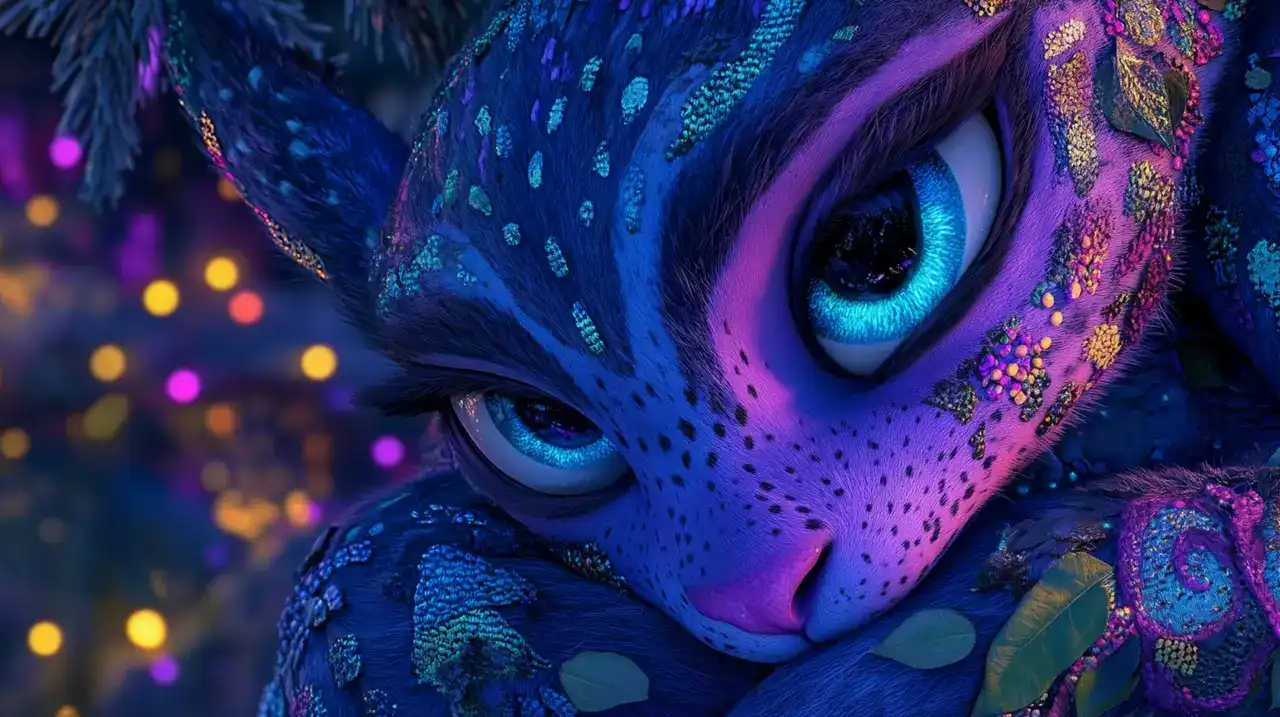

Animate Images with High-Resolution
Turn static images into high-quality, dynamic animations while maintaining crisp, detailed resolution.

Various AI Animation Templates
Choose from templates like kiss, hug, and AI outfits to easily animate your images with just a few clicks.

Lifelike Movements & Expressions
Enjoy seamless animations with fluid, natural transitions, bringing your images to life with realistic motion.
Animate Any Photo into Videos with AI
Vidu's AI image animator brings your images to life, whether old photos, anime, paintings, sketches, or portraits. Bring old photos to life, animate your favorite anime characters, or make elements in a painting come alive, turning static artwork into dynamic, interactive visuals.
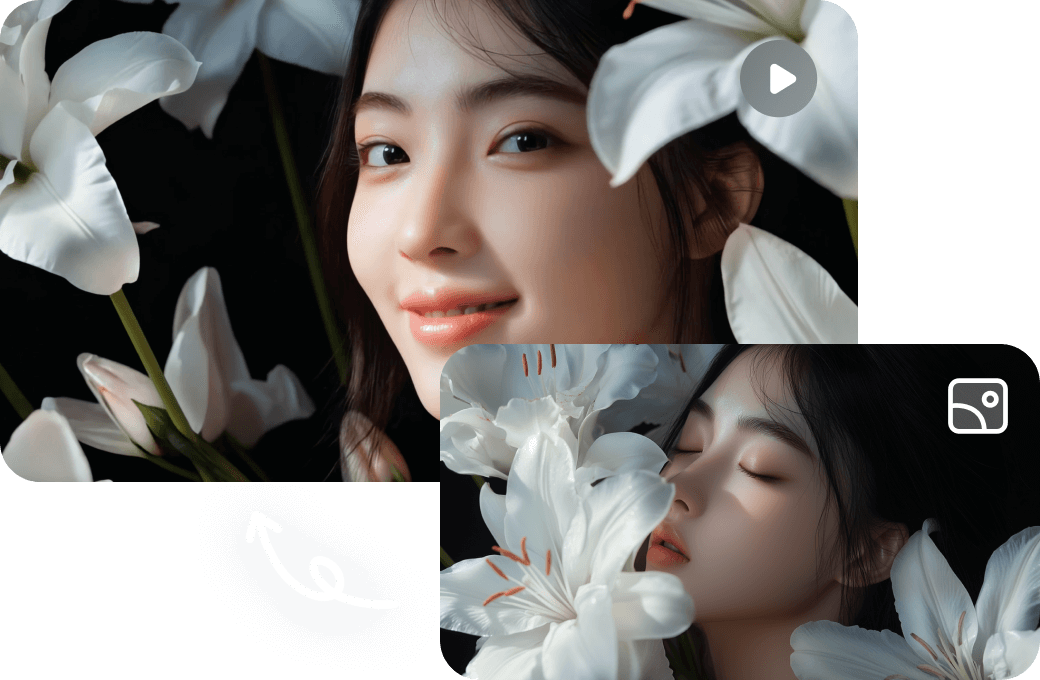
Animate Every Element in Your Images
With Vidu, you can change every element of your images. Change character movements, add realistic actions to objects, make backgrounds shift seamlessly, or even alter the weather. Whether a subtle motion or a dramatic transformation, Vidu gives you the creative freedom to bring your vision to life in stunning detail.
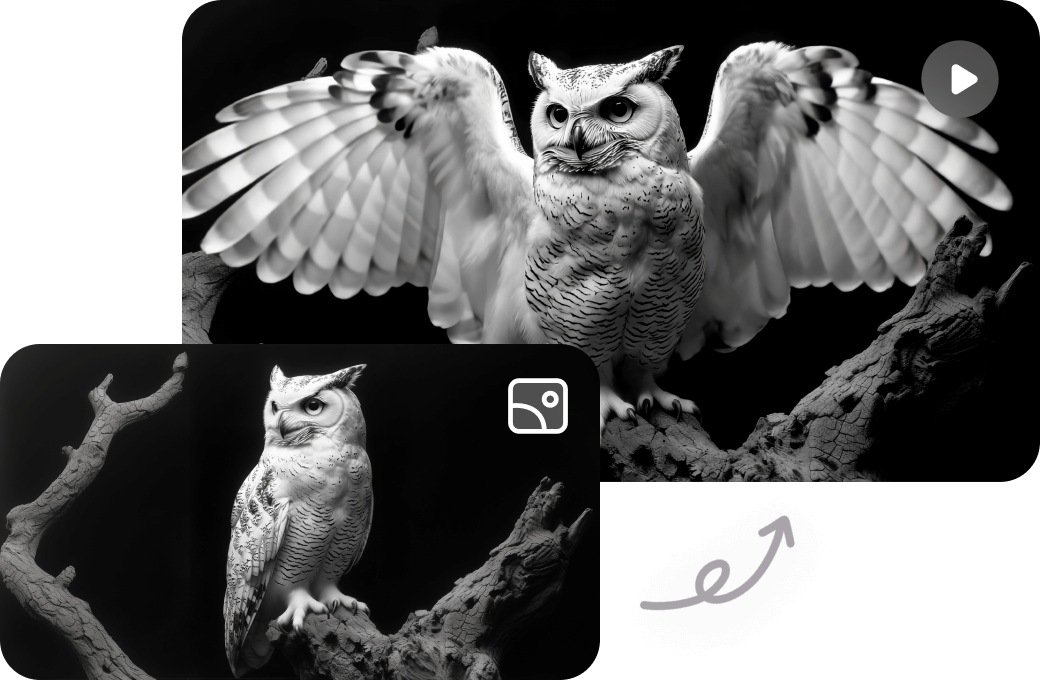
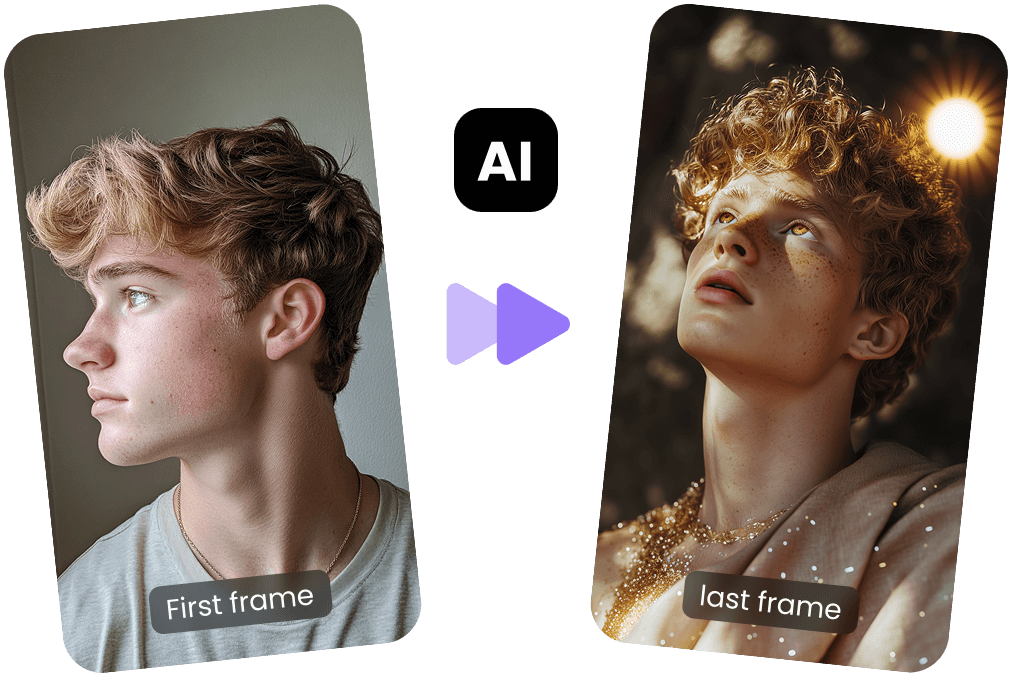
Customize Start and Last Frames of Animation
Vidu's Image to Video feature allows you to perfect your animation by setting both your video's start and last frames. Vidu AI ensures smooth transitions based on your prompts, saving time and giving you full control over your animation’s key moments for the best visual impact.
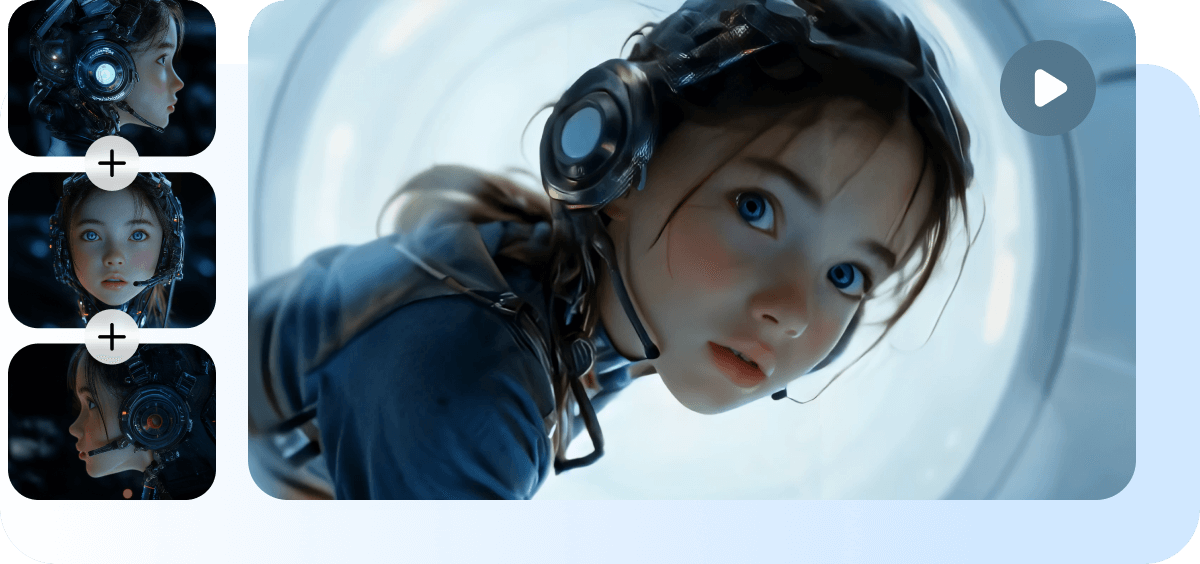
Ensure Consistency in Multi-Angle Characters & Objects
Upload multiple angles of a character or object and provide your prompt to animate them while maintaining consistency. Vidu's Reference to Video feature ensures your character or object appears unchanged from all perspectives, preserving its integrity throughout the video.
How to Animate a Picture?
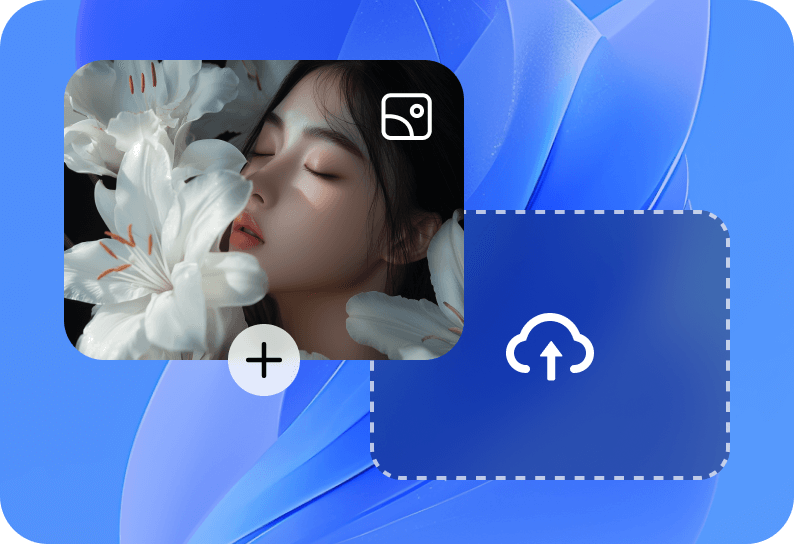
Upload Your Images
Select either Reference to Video or Image to Video, and upload your images.
1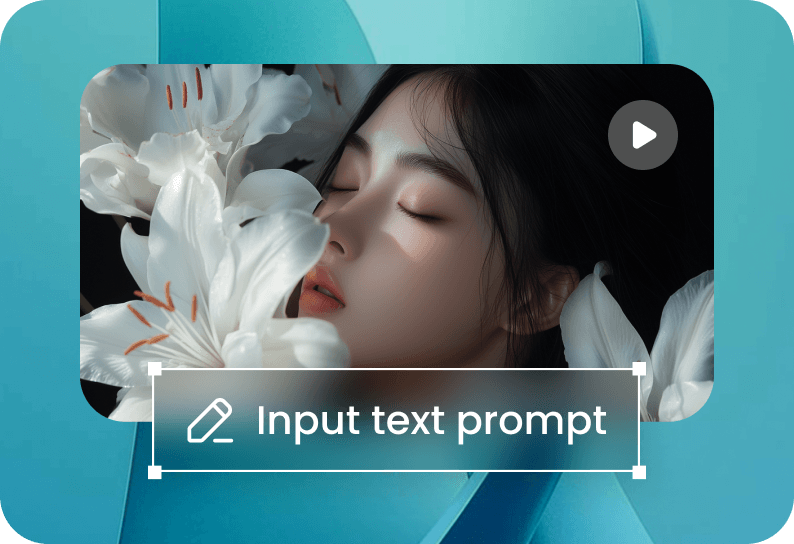
Enter a Text Prompt to Animate
Provide a text description of how you want the image to animate.
2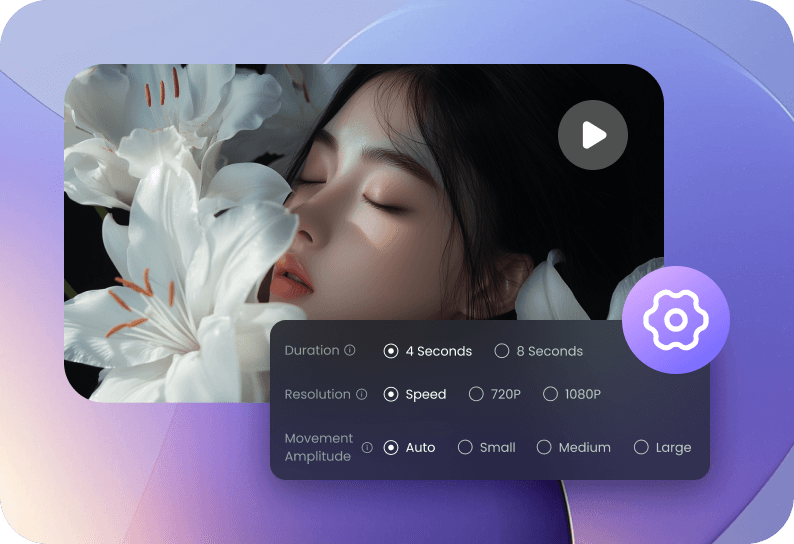
Adjust Settings and Create
Choose your preferred settings, such as duration, resolution, and more, then click the "Create" button to generate your animation.
3Adjust Settings and Create
Choose your preferred settings, such as duration, resolution, and more, then click the "Create" button to generate your animation.
3Upload Your Images
Select either Reference to Video or Image to Video, and upload your images.
1Enter a Text Prompt to Animate
Provide a text description of how you want the image to animate.
2Adjust Settings and Create
Choose your preferred settings, such as duration, resolution, and more, then click the "Create" button to generate your animation.
3Upload Your Images
Select either Reference to Video or Image to Video, and upload your images.
1FAQs About AI Image Animator
How can I make photo animation online for free?
You can make photo animations online for free with Vidu's AI image animation maker. Choose Image to Video, upload your images, and provide a prompt describing how you want the image to move. Once ready, click the Create button to generate your animated video.
What is the best free AI image animator?
Vidu's AI image animator is a top choice for animating images. It offers high-quality, dynamic animations with lifelike movements and expressions. The platform also provides a wide range of animation templates, such as kiss, hug, and AI outfits, allowing for easy animation creation with just a few clicks.
Is Vidu AI Image Animator free to use?
Yes, Vidu AI Image Animator is free to use. Every user receives 40 free credits each month.
Is there an AI to animate pictures?
Yes, Vidu provides an AI-powered image animator to bring your pictures to life. Whether old photos, anime, portraits, or sketches, Vidu's AI can animate these images, creating dynamic videos with smooth, realistic movements. It supports animating faces, portraits, objects, and entire scenes with fluid transitions.