AI Image Generator
Turn text prompts or reference photos into ultra-HD images with consistent results. Change styles, merge elements, then edit, resize, refine, and upscale with an AI image generator.
Text to Image – Turn ideas into images
Use the AI image generator to turn a simple idea into a real picture. Just type what you want to see, and it creates the image for you in seconds.
Ultra-HD output
Use the AI image generator from text to create images in 1080p, 2K, or 4K. Output stays sharp with clear details, accurate textures, and clean edges. It works well for marketing assets, product visuals, and high-resolution use.
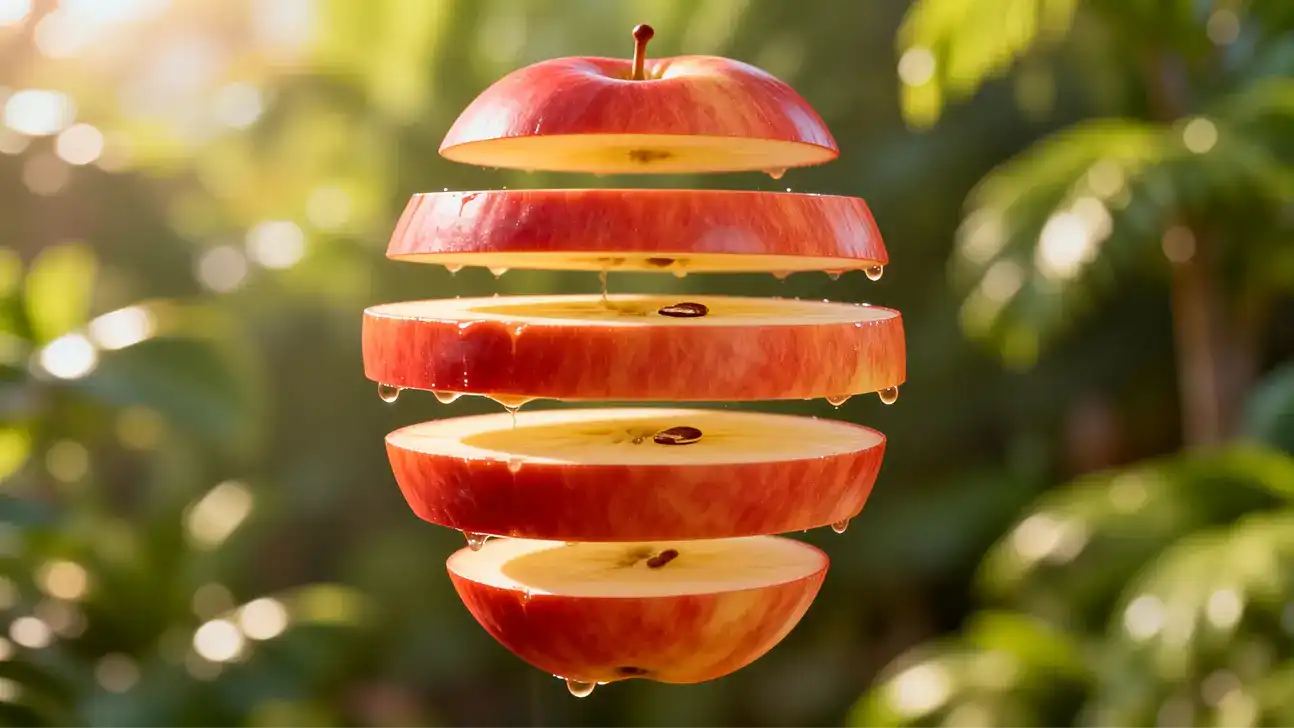
Fast generation
Get results in a few seconds. It helps you test prompts, styles, and variations quickly. You can iterate faster without waiting.
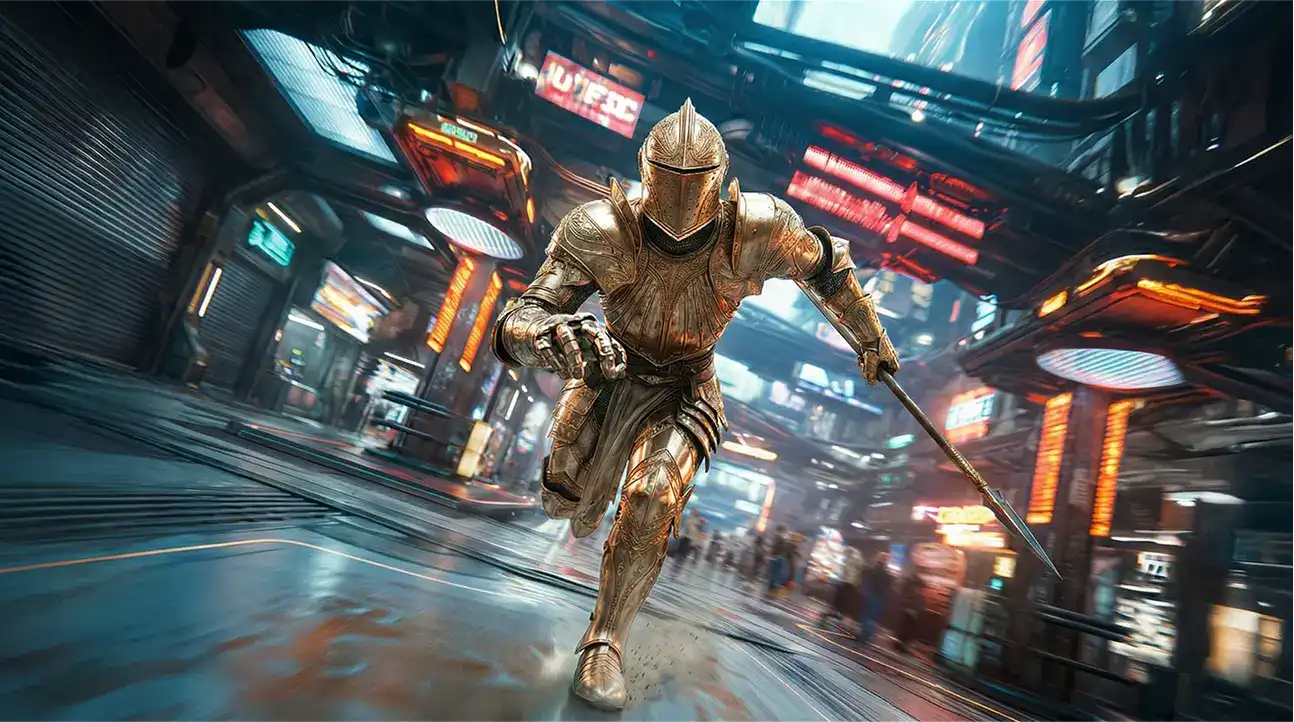
Any size
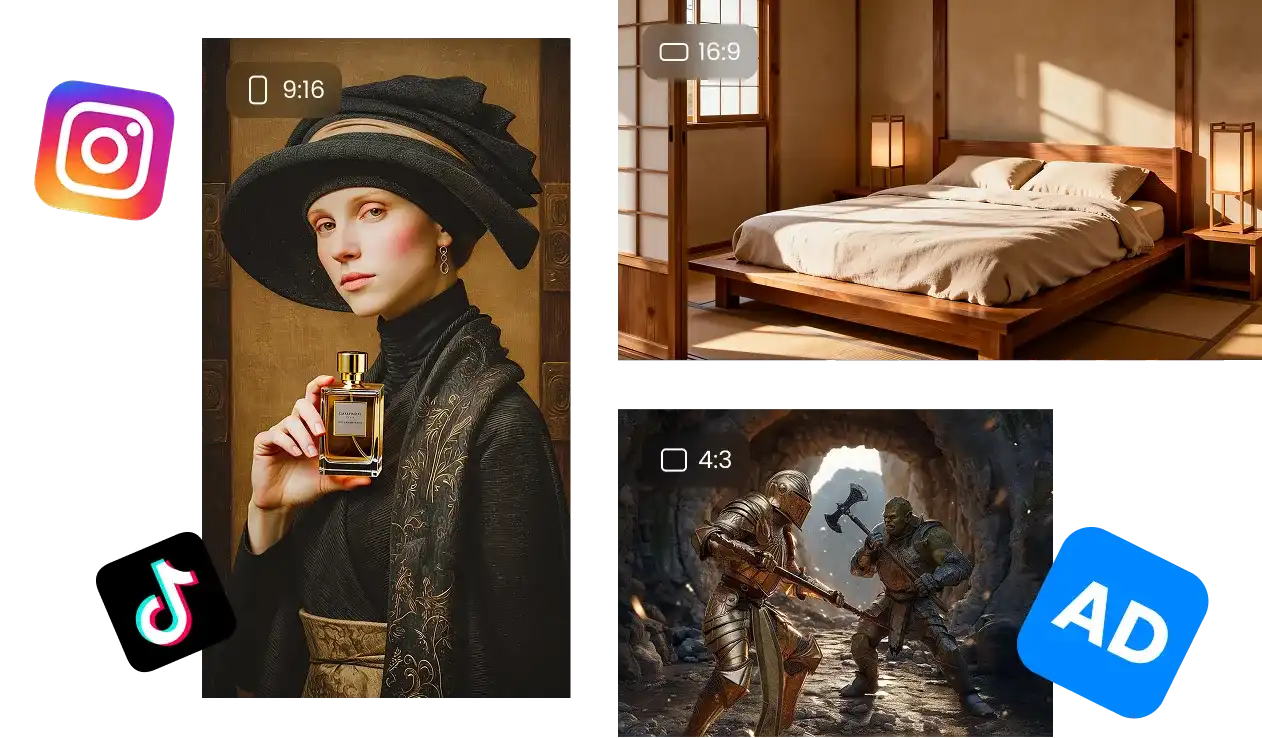
Create images in any aspect ratio for ads, product shots, posters, social posts, and custom layouts. The composition stays balanced even when the canvas size changes.
Ultra-HD output
Use the AI image generator from text to create images in 1080p, 2K, or 4K. Output stays sharp with clear details, accurate textures, and clean edges. It works well for marketing assets, product visuals, and high-resolution use.
Fast generation
Get results in a few seconds. It helps you test prompts, styles, and variations quickly. You can iterate faster without waiting.
Any size
Create images in any aspect ratio for ads, product shots, posters, social posts, and custom layouts. The composition stays balanced even when the canvas size changes.
Reference to Image – Improve image consistency
Keep the same character, style, face, and small details stable when you generate new AI images.
Merge elements
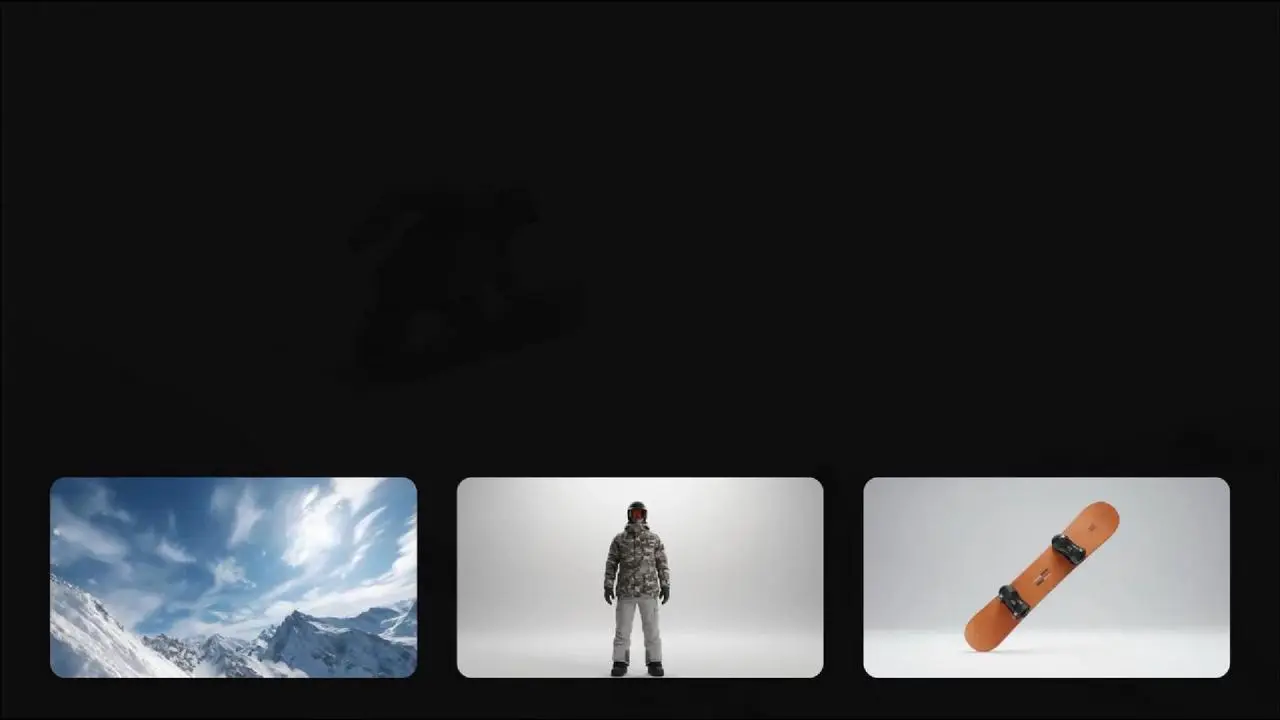
Combine features from multiple references into one image. Keep what you need and make the result clean and unified with an AI image generator from image.
Super consistency
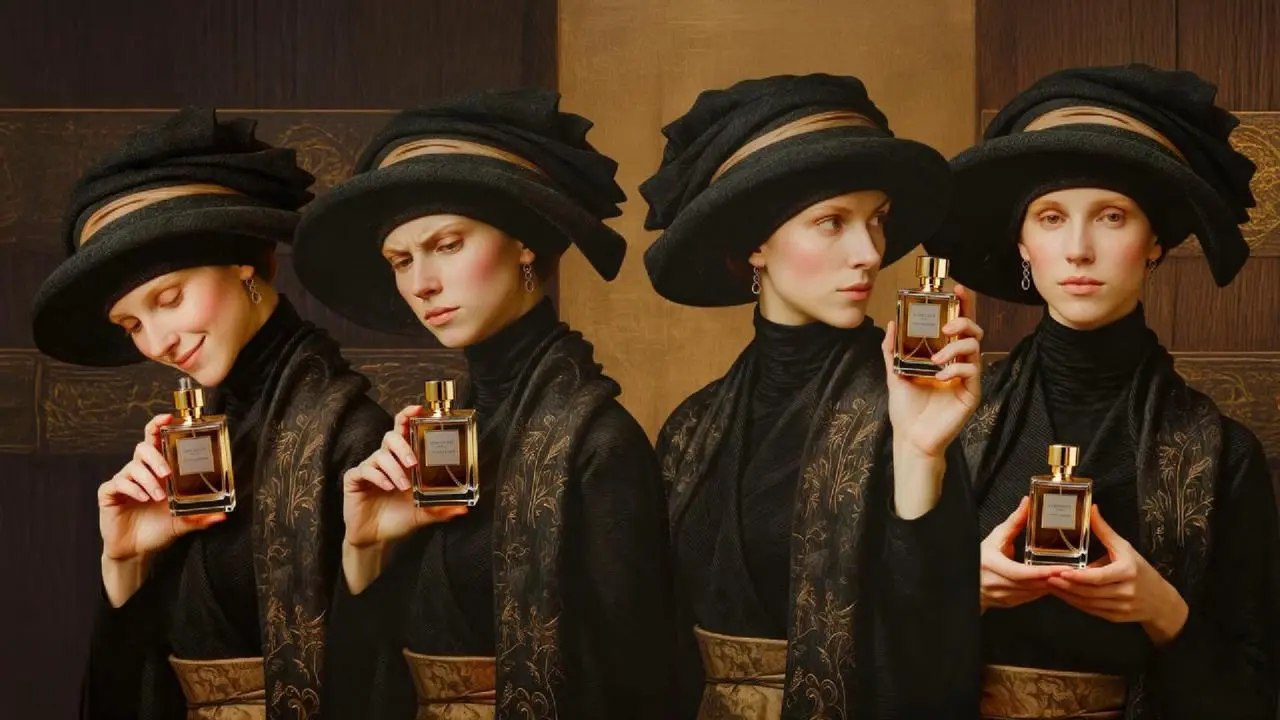
Keep characters, objects, and style stable across generations. Use it for series, brand assets, and long-term visual work.
Any style, any use case
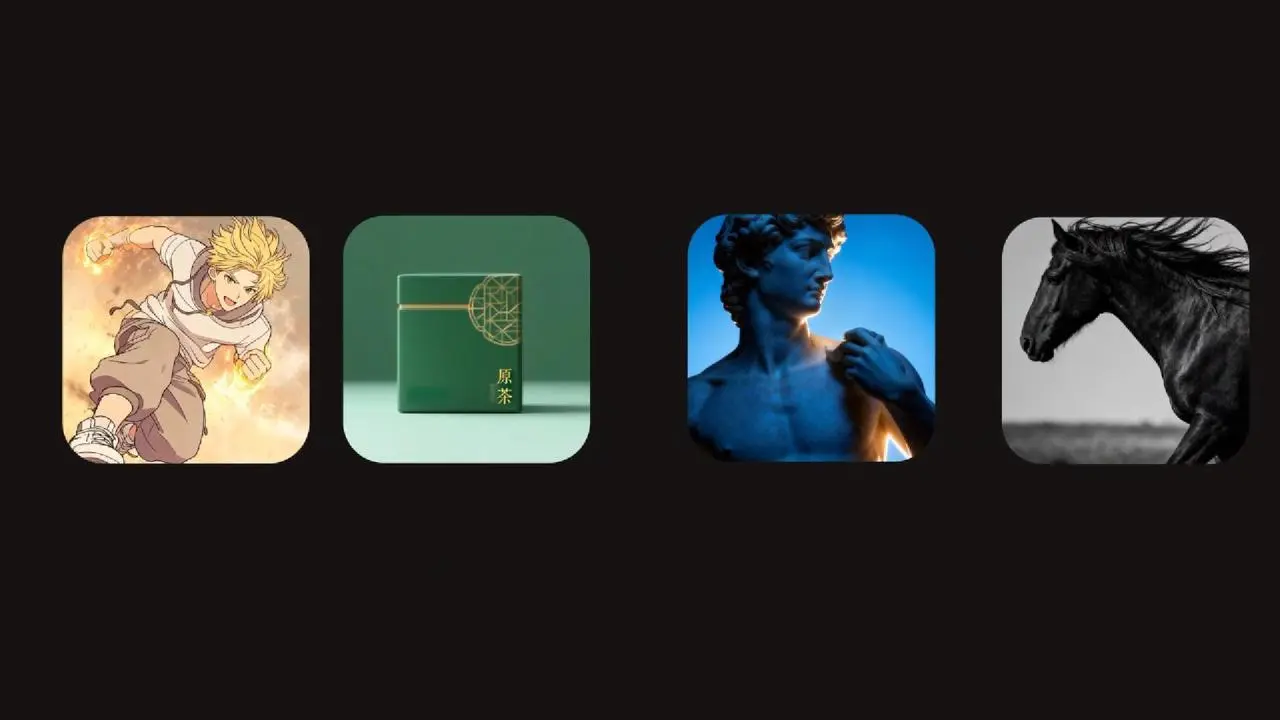
Create clean and polished images in many styles like anime, photoreal, ads, or art.
Merge elements
Combine features from multiple references into one image. Keep what you need and make the result clean and unified with an AI image generator from image.
Super consistency
Keep characters, objects, and style stable across generations. Use it for series, brand assets, and long-term visual work.
Any style, any use case
Create clean and polished images in many styles like anime, photoreal, ads, or art.
AI Image Editing – Refine your image after generation
Make quick edits after you generate. Adjust details, fix parts, and improve your image in seconds with a best free AI image generator.
Edit content
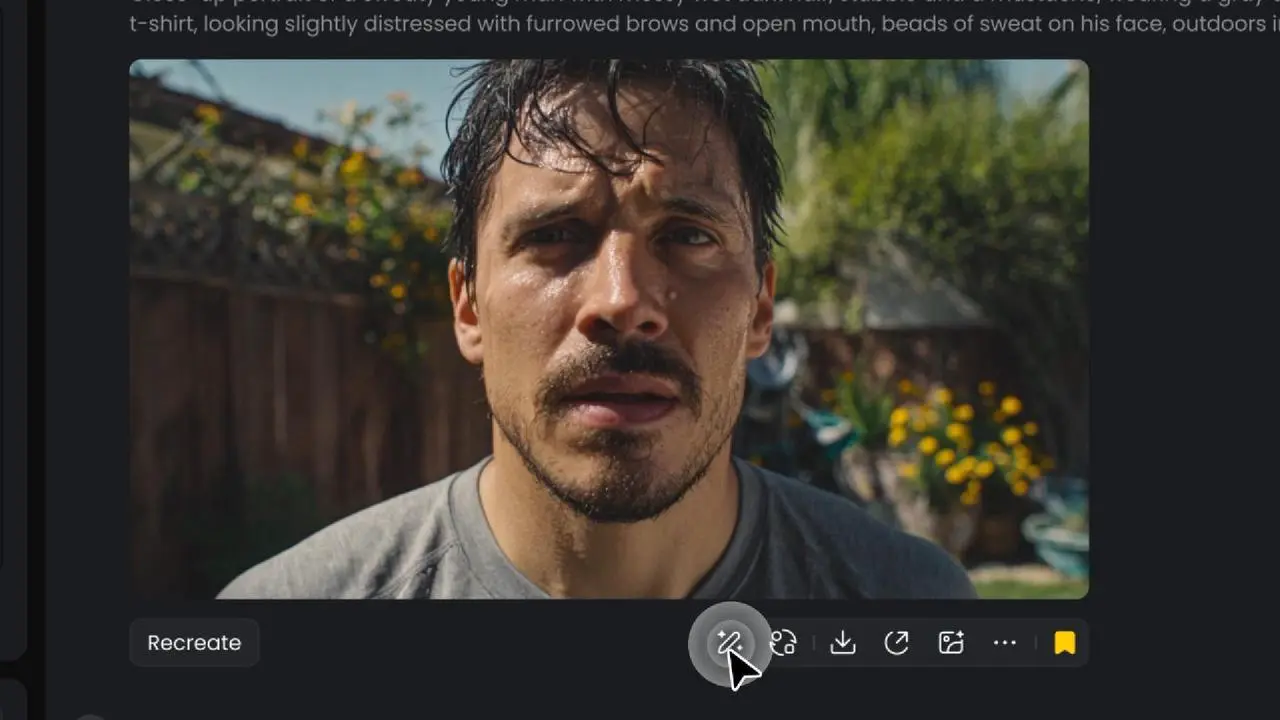
Add, remove, or change anything in the image with focused edits. Fix details without regenerating the full image for AI generated images.
Resize
Change images for different platforms and layouts. Keep the same structure and visual balance.
Upscale resolution
Make images clearer and sharper for sharing or publishing. Keep details clean and stable when improving quality.
Edit content
Add, remove, or change anything in the image with focused edits. Fix details without regenerating the full image for AI generated images.
Resize
Change images for different platforms and layouts. Keep the same structure and visual balance.
Upscale resolution
Make images clearer and sharper for sharing or publishing. Keep details clean and stable when improving quality.
How to Generate an AI Image in 3 Steps
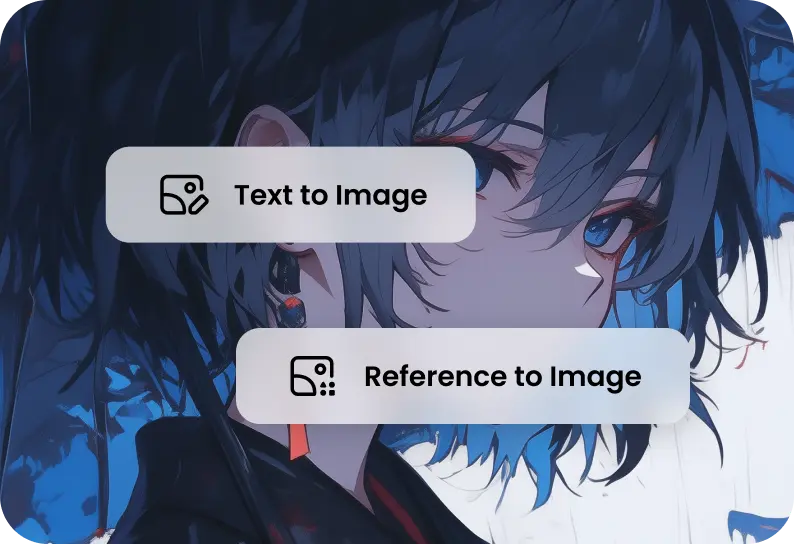
Choose your mode
Select Text-to-Image or Reference-to-Image. Use an AI image generator from text when starting from ideas.
1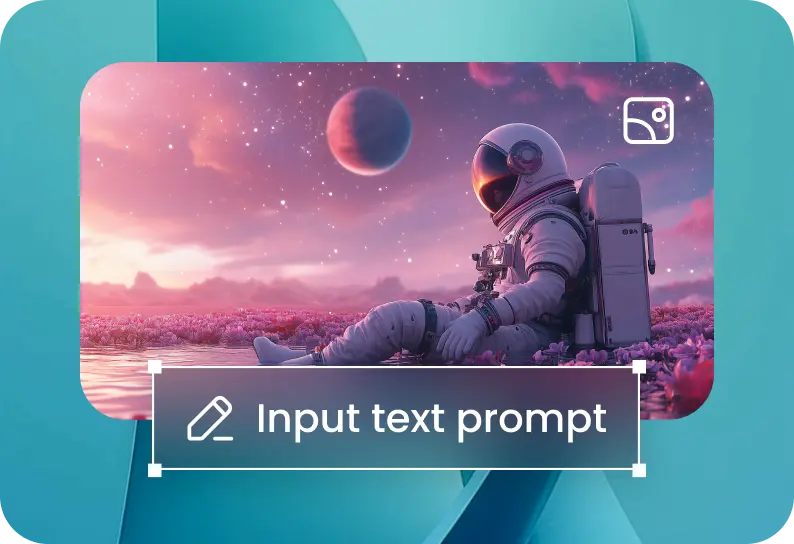
Add your prompt or upload images
For Text to Image: describe your scene or style. For Reference to Image: upload one or more images and add a prompt. Use an AI image generator from image when working with references.
2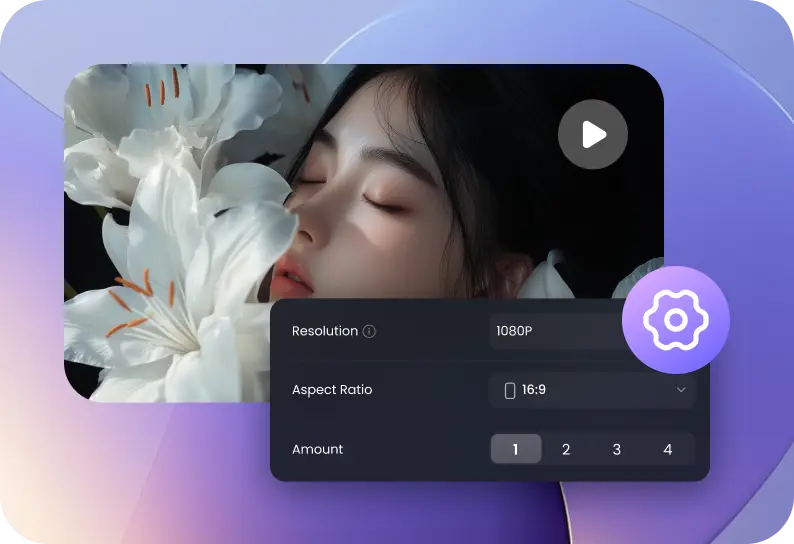
Set options and generate
Choose resolution, size, and quantity, then click Create. Afterward, edit your result: resize, refine content, or upscale.
3Set options and generate
Choose resolution, size, and quantity, then click Create. Afterward, edit your result: resize, refine content, or upscale.
3Choose your mode
Select Text-to-Image or Reference-to-Image. Use an AI image generator from text when starting from ideas.
1Add your prompt or upload images
For Text to Image: describe your scene or style. For Reference to Image: upload one or more images and add a prompt. Use an AI image generator from image when working with references.
2Set options and generate
Choose resolution, size, and quantity, then click Create. Afterward, edit your result: resize, refine content, or upscale.
3Choose your mode
Select Text-to-Image or Reference-to-Image. Use an AI image generator from text when starting from ideas.
1Why Choose Vidu AI Image Generator
Built for sharp, professional output.
Reliable style and subject stability across outputs.
Resize, refine, and upscale without leaving the workflow.
One-click image-to-video workflow.
AI Image Generator Use Cases
Create images for work, content, and business in seconds with an AI image generator.
FAQs About Vidu AI Image Generator