

AI Sound Effect Generator
Create sound effects, ambient sounds, and instrumental tracks from text with Vidu's AI sound effect generator.
AI sound showcase - Create Sounds for Any Scene
Use the AI sound effects generator to create sounds for videos, games, stories, and more.
Cinematic and Foley Sound Effects

Prompt
A train horn, train wheels rubbing against the tracks
00:10

Prompt
Violent impact sound, glass shattering, beast growling
00:10

Prompt
Knife chopping on a cutting board
00:10

Prompt
Waves on the shore, seagulls calling, sea breeze
00:10
Background Music

Prompt
Upbeat retro Latin jazz with guitar, percussion, saxophone, and piano — great for dance parties or sunny street scenes.
00:10

Prompt
A gentle, pure flute melody with a light, flowing rhythm, evoking a sense of nature and fantasy — perfect for a springtime forest scene.
00:10
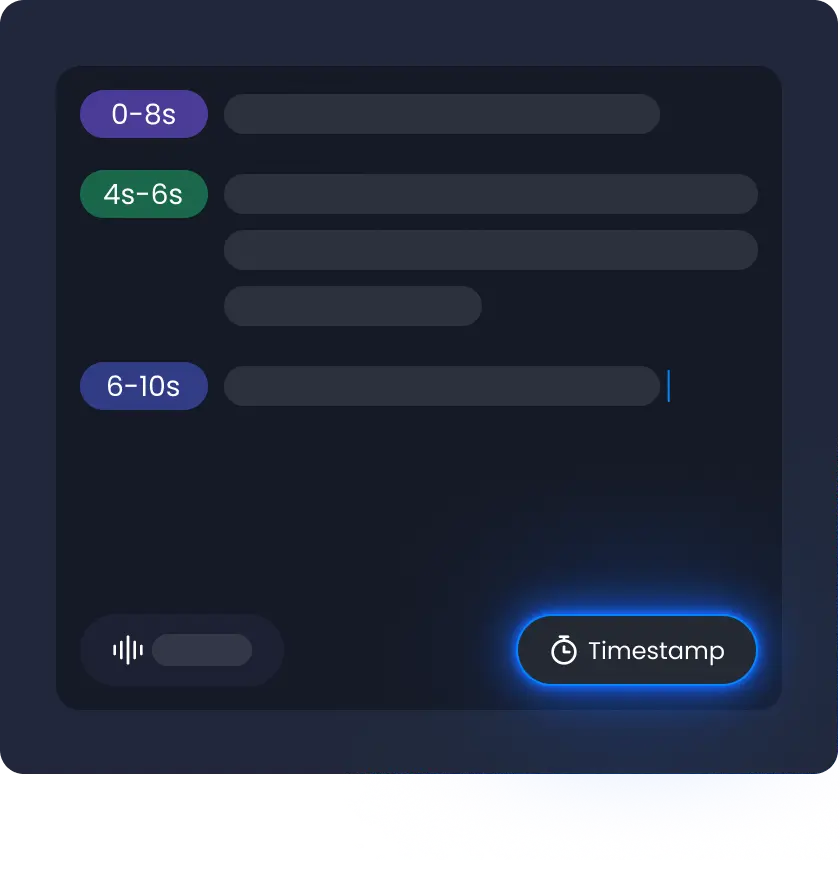
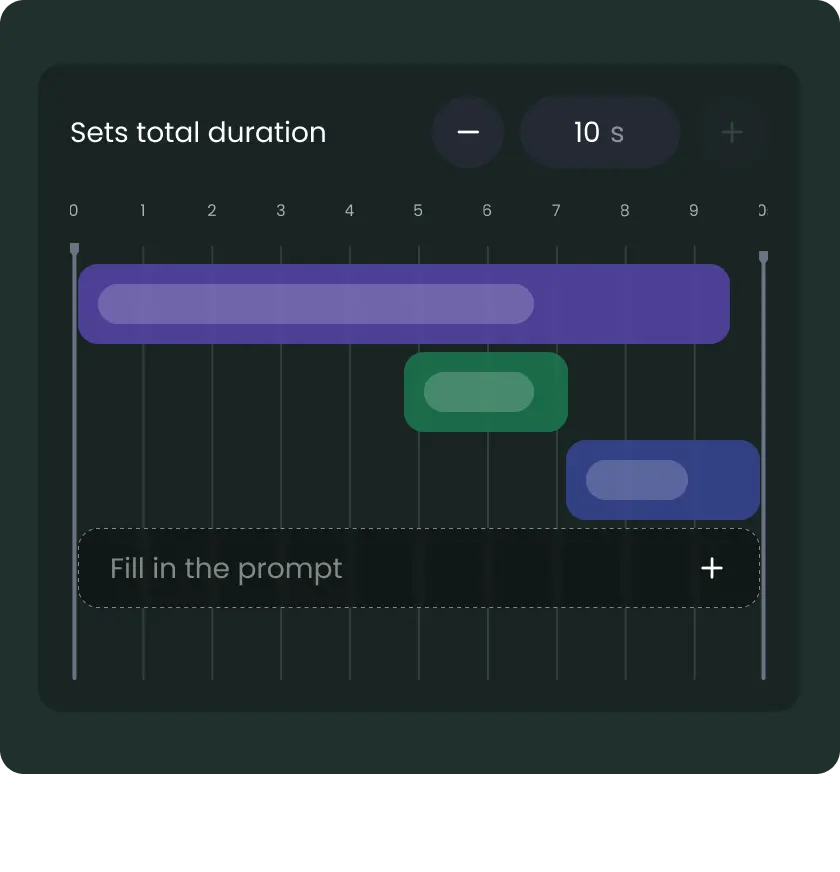
Timed Audio Layers



Why Creators Love Vidu's AI Sound Effects
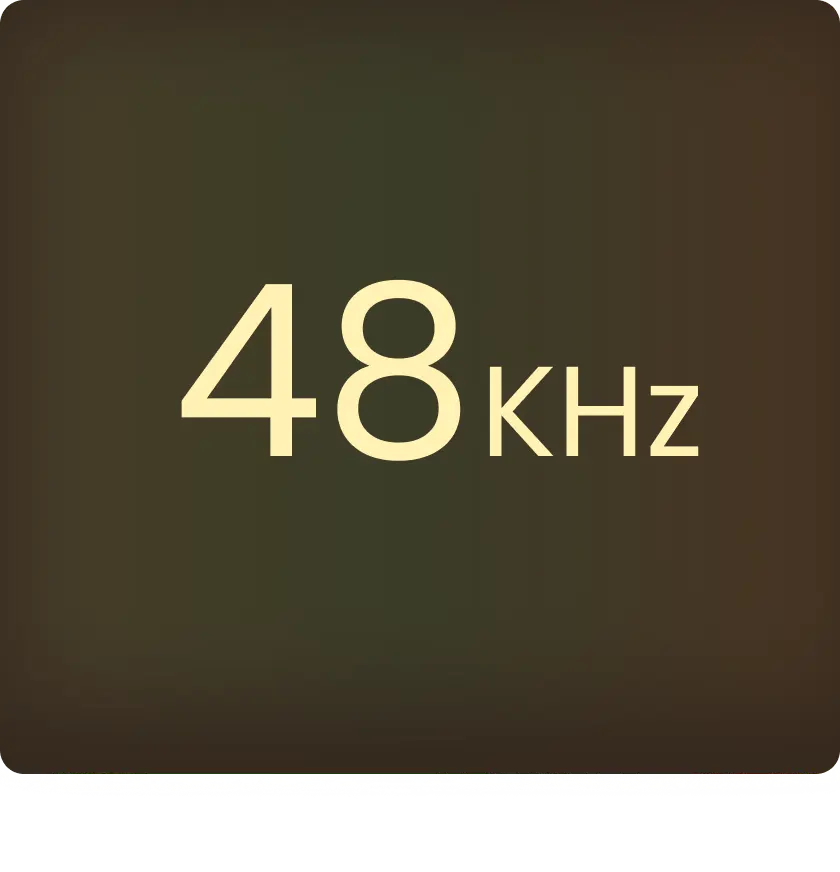
Use the AI sound effects generator from text to get precise timing, easy layering, and 48 kHz studio-quality audio.

AI Sound Effect Generator Use Cases
Use sound effects in videos, films, games, and other creative projects to bring scenes to life.
For Content Creators and YouTubers
Make engaging videos with AI generated sound effects. Add background audio and scene transitions that fit your style.
For Filmmakers
Use AI generated sound effects in scenes. Add ambient sounds, impacts, and cinematic moments to make storytelling feel more real.
For Game Developers
Build immersive gameplay with AI generated sound effects. Use sounds for actions, environments, and UI so every moment feels alive.
How to Generate a Sound Effect with AI in 3 Steps
Enter your idea and set timing
Open the AI sound effects tool. Type your idea like “wind” or “footsteps”. Set when each sound starts so it fits your scene.
1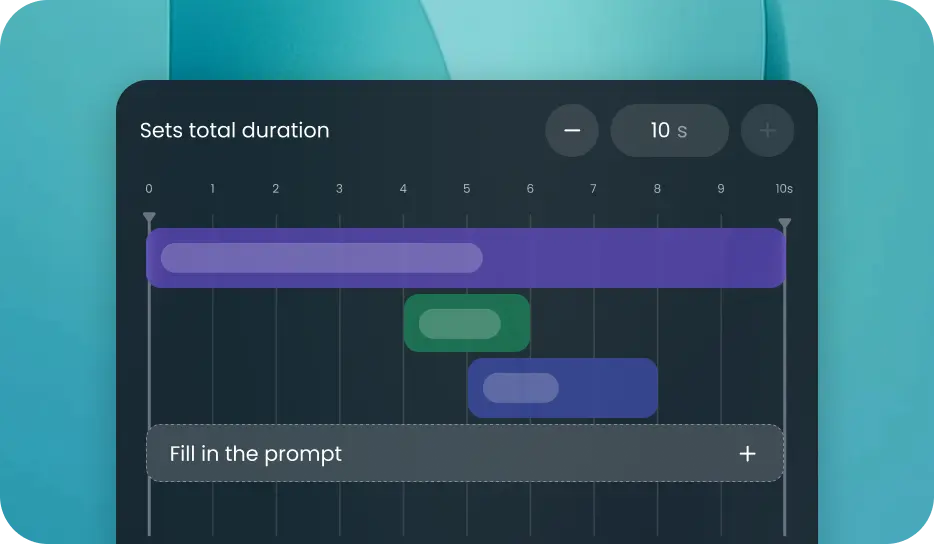
Add duration and layer sounds
Pick a length from 1 to 10 seconds. Add more sounds if needed. Stack them to build your audio.
2
Generate and download
Click create to make your sound. When it’s ready, download it or share it.
3Generate and download
Click create to make your sound. When it’s ready, download it or share it.
3Enter your idea and set timing
Open the AI sound effects tool. Type your idea like “wind” or “footsteps”. Set when each sound starts so it fits your scene.
1Add duration and layer sounds
Pick a length from 1 to 10 seconds. Add more sounds if needed. Stack them to build your audio.
2Generate and download
Click create to make your sound. When it’s ready, download it or share it.
3Enter your idea and set timing
Open the AI sound effects tool. Type your idea like “wind” or “footsteps”. Set when each sound starts so it fits your scene.
1


FAQs About AI Sound Effect Generator