AI Text to Video
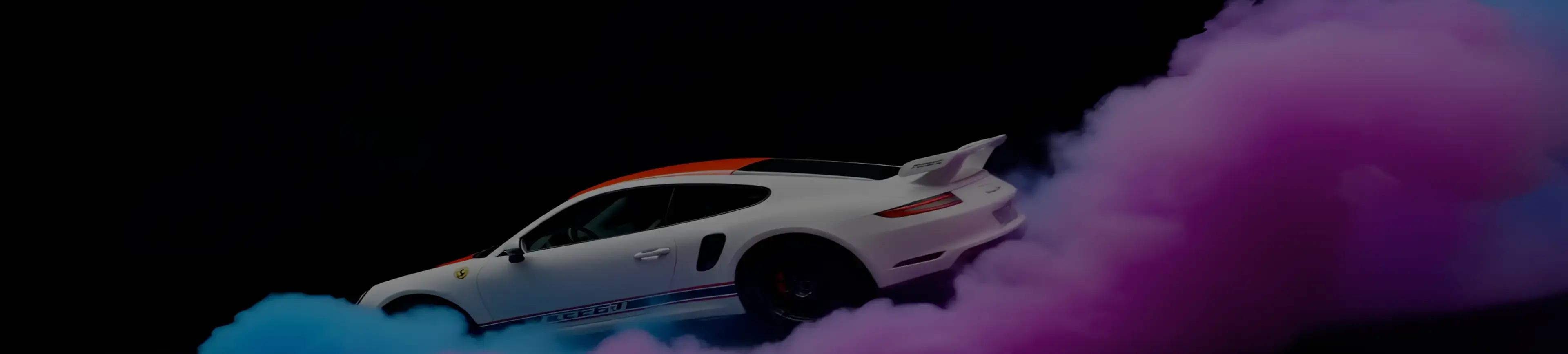
From text to video in seconds — fast, high-quality, and exceptional animation.
Lightning-Fast Text to Video Generation
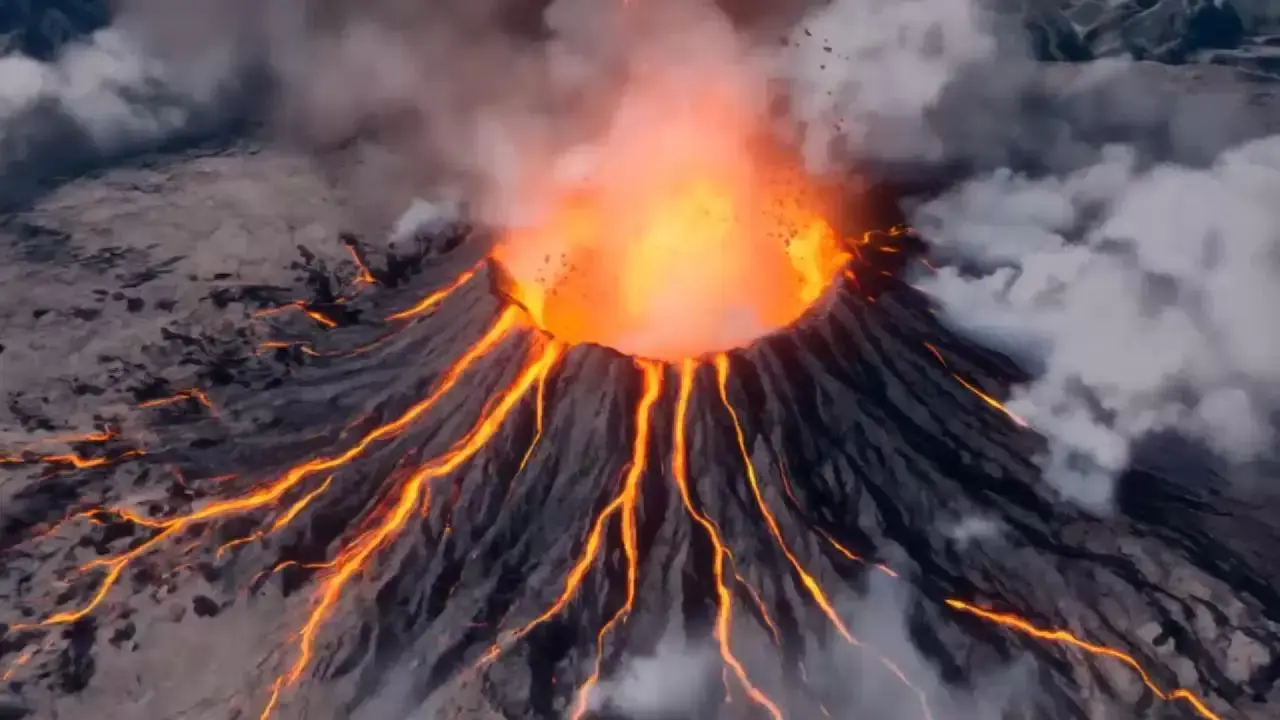
With Vidu AI, turning text into video has never been faster. Generate high-quality, 4-second videos in as little as 10 seconds. Whether you're creating content for social media, marketing, or storytelling, Vidu delivers unmatched speed without compromising quality.
Text to Video with Exceptional 2D Animation
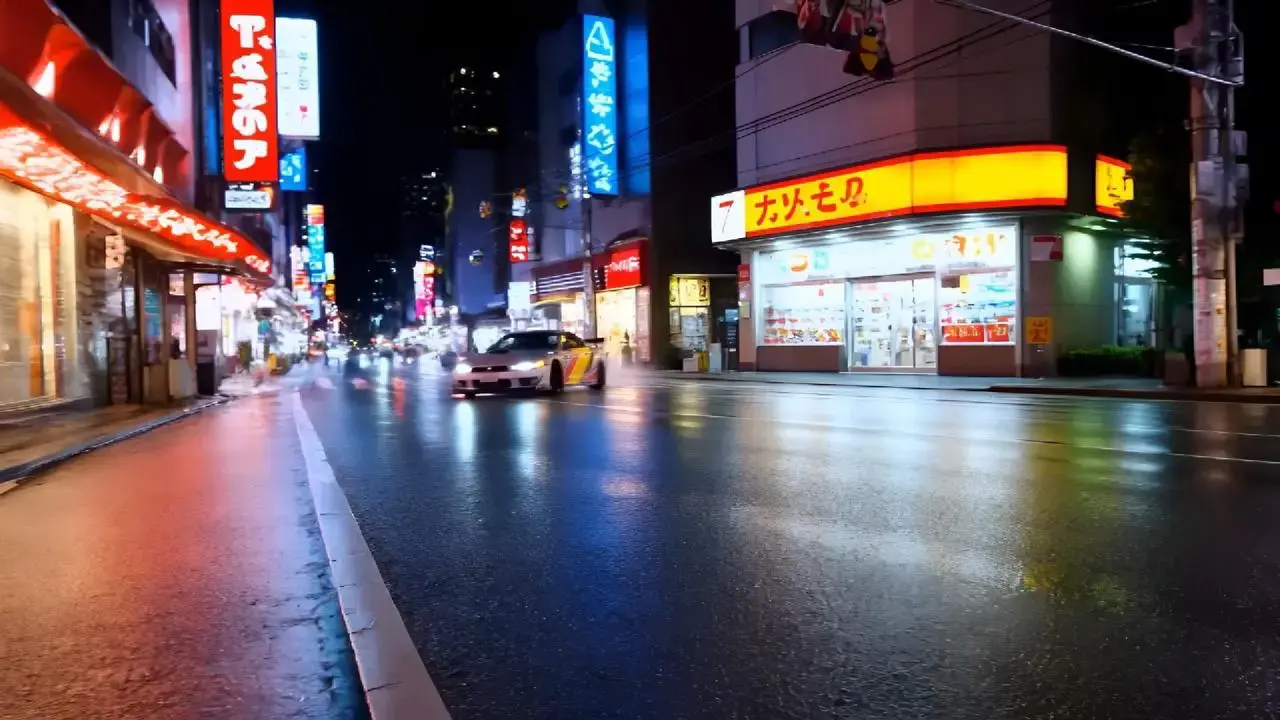
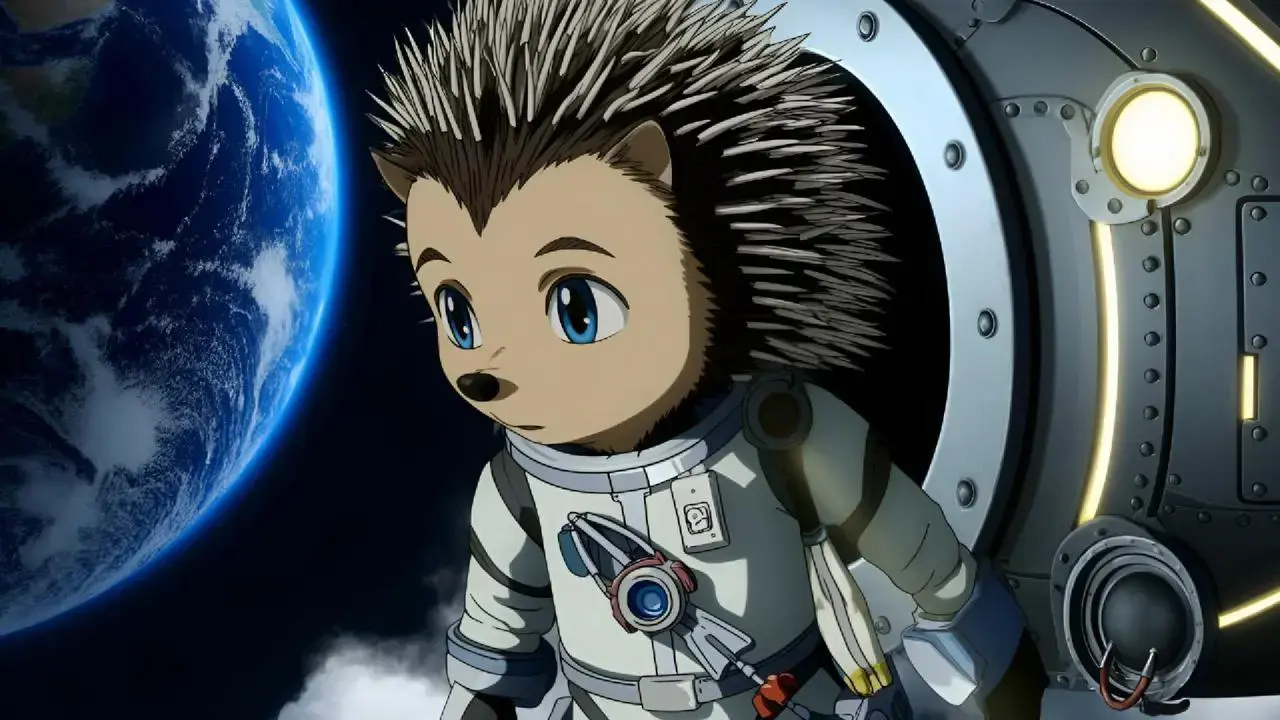
Vidu is a next-gen text-to-video solution, delivering beautifully stable visuals and natural character movements. As a powerful AI animation tool, it generates crisp, detailed frames that bring your ideas to life with cinematic clarity. Especially for 2D styles, Vidu is more than just a video generator — it's your creative animation partner.
Natural Motion and Realistic Animation
Enjoy smooth, lifelike animation in every frame. Vidu excels at generating natural body movements and camera dynamics, ensuring your text-to-video creations feel fluid and immersive. It's perfect for everything from character animations to cinematic sequences.
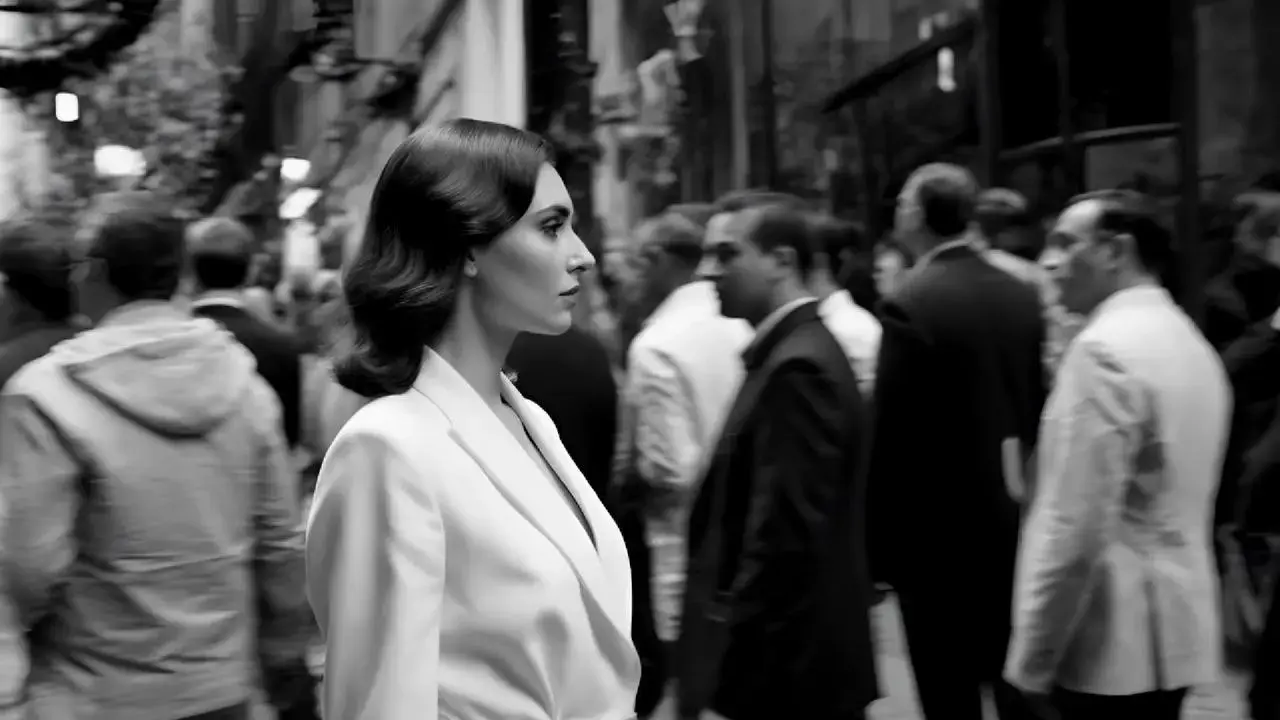
Stunning Visual Aesthetics in Text-to-Video Output
Vidu elevates your video output with impressive visual quality. Our AI captures fine details, realistic textures, and a strong sense of depth, transforming simple text into visually compelling video content. It's not just text to video; it's art in motion.

How to Convert Text to Video with Vidu?
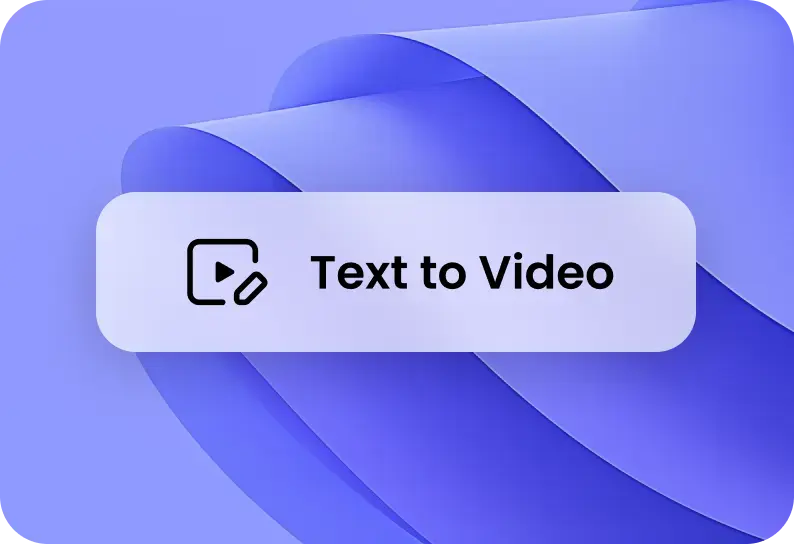
Choose Text to Video
Click the Try Vidu button in the top right corner. Choose the Text to Video. You can also click the Explore button or go to the Template page to find inspiring ideas for your video.
1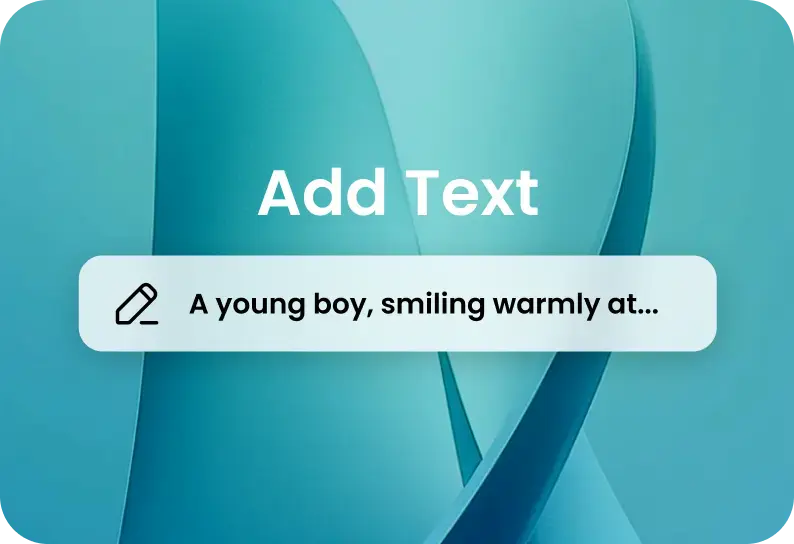
Enter Text Prompt
Type text in the input box describing what you want for the video, such as video style and angles, as specifically as possible. For more help, you can visit the Vidu User Guide for better video generation.
2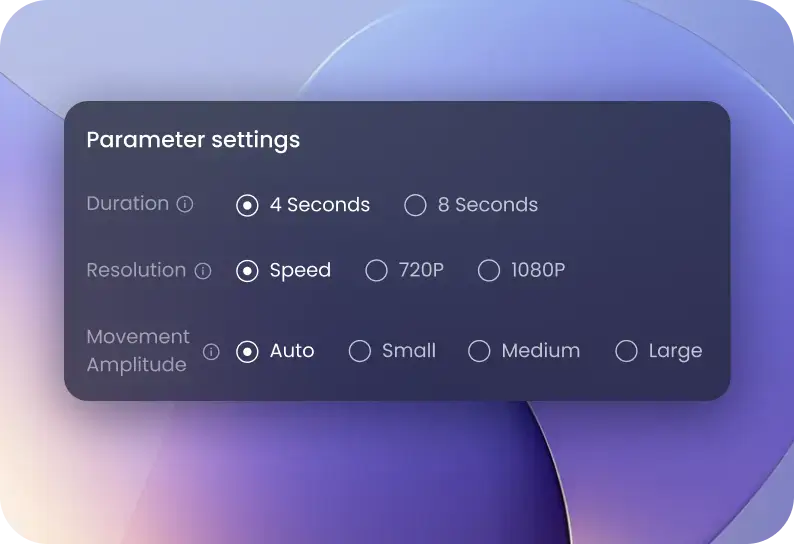
Create a Video with Text
Before generating the video, adjust different parameters in the Settings. For example, you can change the video's style, amount, aspect ratio, etc. Next, click Create to start the video generation.
3Create a Video with Text
Before generating the video, adjust different parameters in the Settings. For example, you can change the video's style, amount, aspect ratio, etc. Next, click Create to start the video generation.
3Choose Text to Video
Click the Try Vidu button in the top right corner. Choose the Text to Video. You can also click the Explore button or go to the Template page to find inspiring ideas for your video.
1Enter Text Prompt
Type text in the input box describing what you want for the video, such as video style and angles, as specifically as possible. For more help, you can visit the Vidu User Guide for better video generation.
2Create a Video with Text
Before generating the video, adjust different parameters in the Settings. For example, you can change the video's style, amount, aspect ratio, etc. Next, click Create to start the video generation.
3Choose Text to Video
Click the Try Vidu button in the top right corner. Choose the Text to Video. You can also click the Explore button or go to the Template page to find inspiring ideas for your video.
1How does Vidu's text-to-video AI generator work?