AI Video Generator from Text & Image
Create stunning AI videos from text or images in seconds. Simply type your prompt or upload an image with a description, and watch your ideas come to life. Whether you prefer realistic visuals or animated styles, your vision is just a few clicks away!

Easy to Use for Everyone
Generate AI videos instantly with one click. Vidu AI makes it quick and easy to turn your ideas into videos.

Diverse AI Video Templates
Provide various AI video templates to create AI hugging and AI kissing videos without any prompt.

Adjustable AI Video Settings
Tailor your AI video with duration, movement amplitude, and resolution settings to meet your needs.
Adjustable AI Video Settings
Tailor your AI video with duration, movement amplitude, and resolution settings to meet your needs.
Easy to Use for Everyone
Generate AI videos instantly with one click. Vidu AI makes it quick and easy to turn your ideas into videos.
Diverse AI Video Templates
Provide various AI video templates to create AI hugging and AI kissing videos without any prompt.
Adjustable AI Video Settings
Tailor your AI video with duration, movement amplitude, and resolution settings to meet your needs.
Easy to Use for Everyone
Generate AI videos instantly with one click. Vidu AI makes it quick and easy to turn your ideas into videos.
Text to Video with AI
With Vidu's free AI text-to-video generator, quickly transform your text into videos. Whether a movie script or a short paragraph, Vidu enables you to rapidly generate high-quality AI videos using advanced AI technology. Enjoy fast generation in seconds and 1080p resolution, allowing you to unleash creativity and easily create videos.
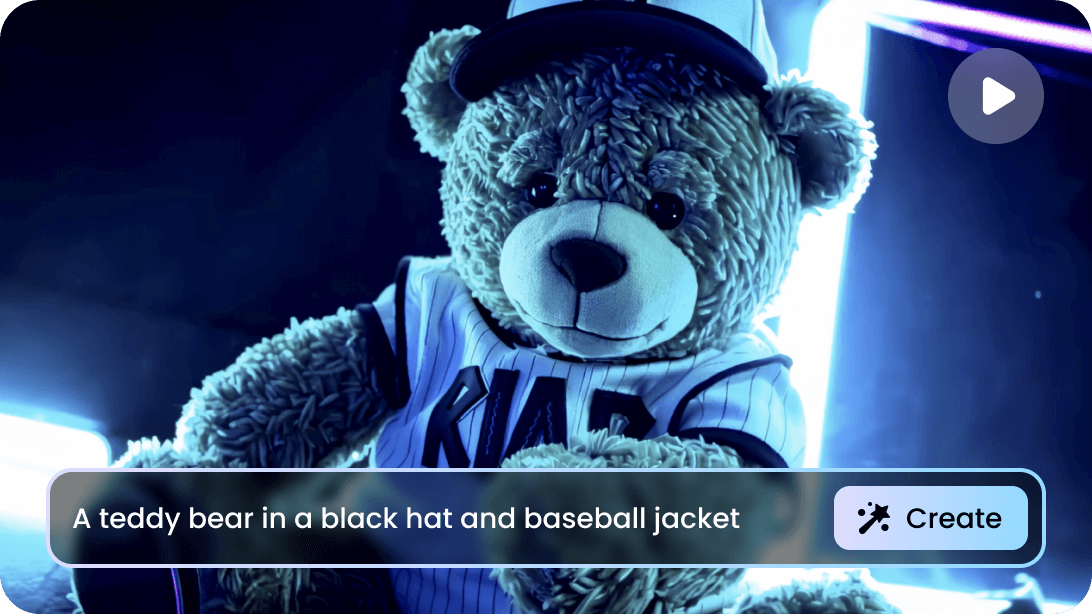
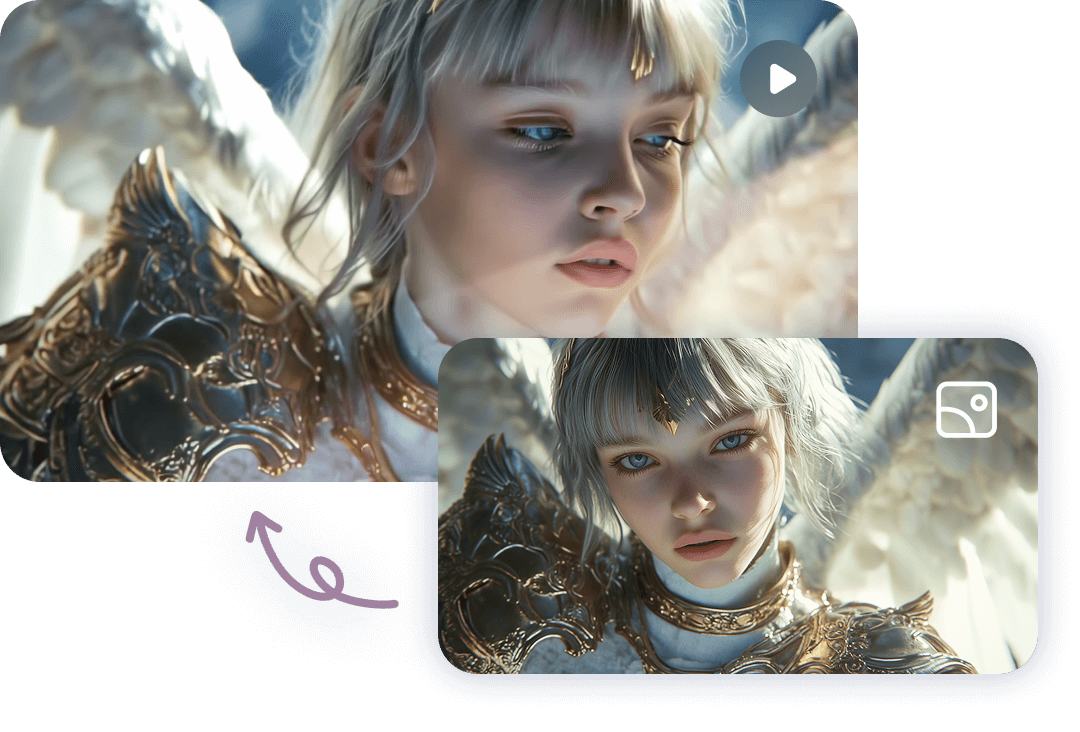
Image to Video Using AI
Upload your images, and Vidu's AI image-to-video generator will instantly transform them into high-quality, AI-generated videos. Customize the start and last frames to perfect your AI video! With both realistic and animated options, Vidu delivers fast and accurate video creation that brings your ideas to life.
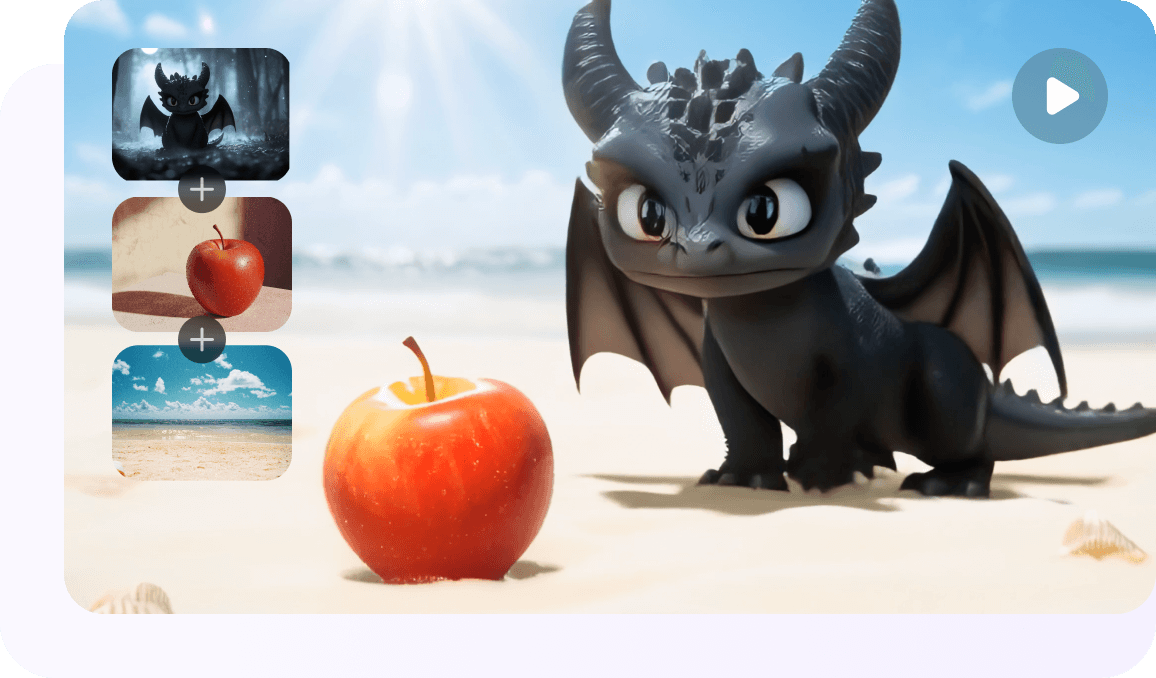
Multi-Subject Consistency for AI Video Generation
Vidu AI provides multi-subject consistency, allowing you to generate AI videos from multiple images while ensuring the characters and scenes remain consistent. This feature allows for easy management of various characters or objects, maintaining high levels of stability and accuracy in your videos.
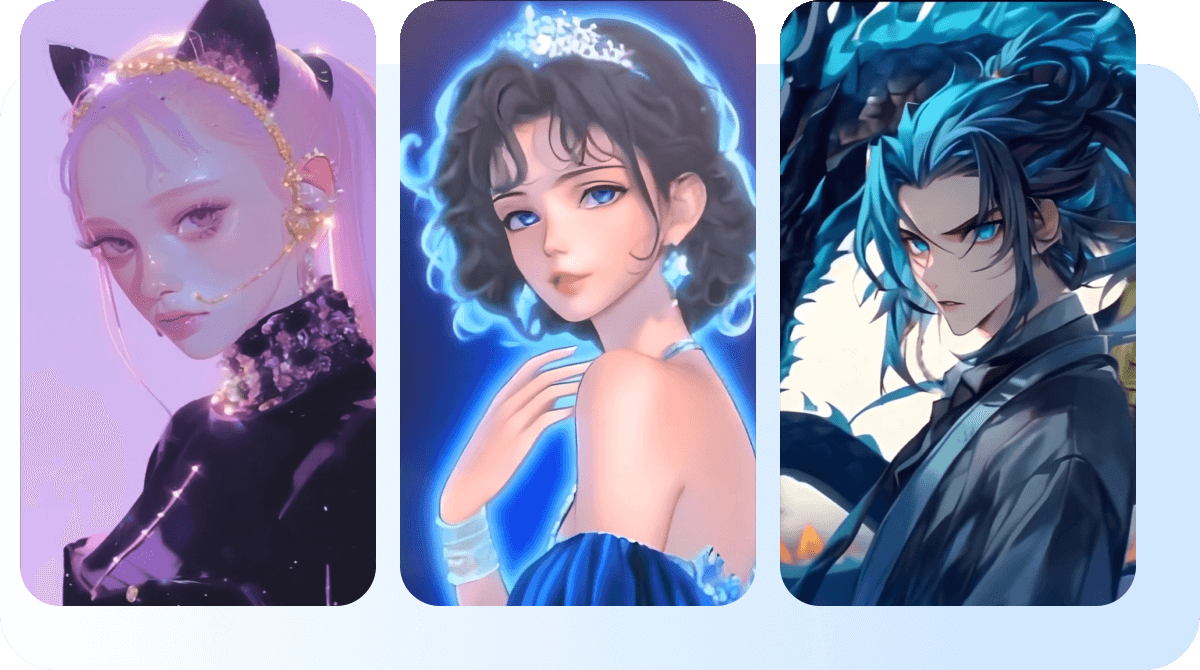
Generate Realistic & Animated AI Videos
Whether you prefer realistic or animated styles, Vidu's AI video creator makes choosing and creating videos that fit your desired aesthetic easy. Tailor your creations with either style to capture every frame with detailed precision and enhance your visual storytelling.
How to Create AI Videos with Vidu?
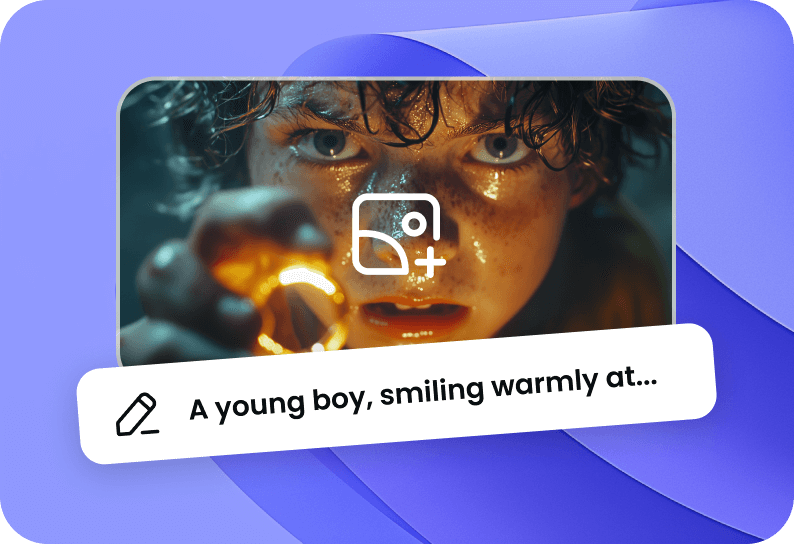
Enter Prompt or Upload Image(s)
Choose Reference to Video, Image to Video, or Text to Video. Enter your text description or upload your photo(s) along with a description.
1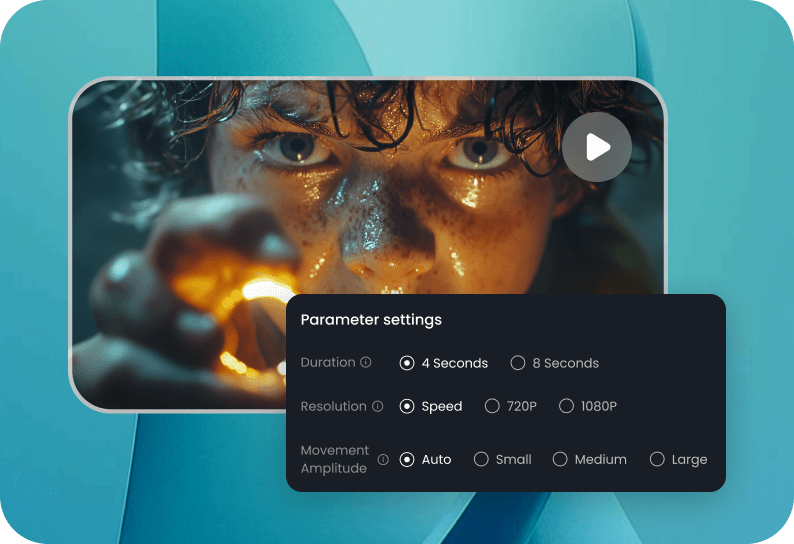
Customize Your AI Video
Choose the length of time, adjust the resolution for optimal quality, and set the movement amplitude to control the intensity of motion.
2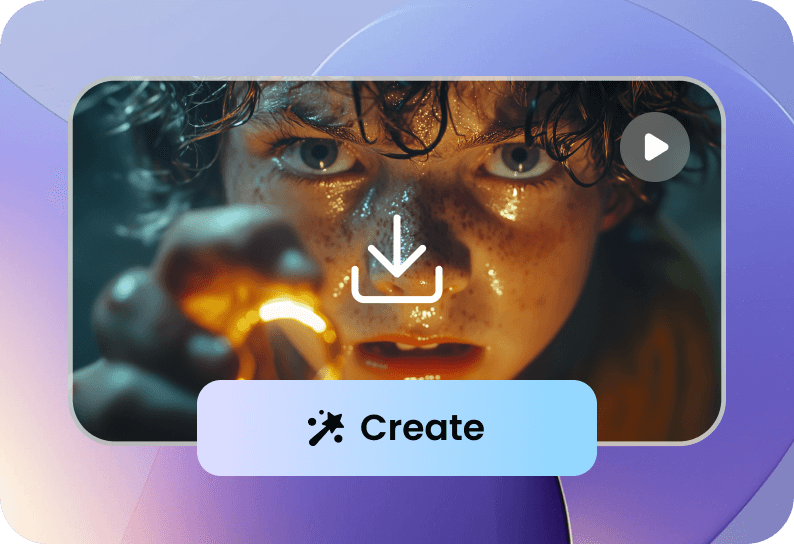
Generate and Download
Click the Create button and wait a moment for the video to generate. Once ready, download the video by clicking the button at the bottom right corner.
3Generate and Download
Click the Create button and wait a moment for the video to generate. Once ready, download the video by clicking the button at the bottom right corner.
3Enter Prompt or Upload Image(s)
Choose Reference to Video, Image to Video, or Text to Video. Enter your text description or upload your photo(s) along with a description.
1Customize Your AI Video
Choose the length of time, adjust the resolution for optimal quality, and set the movement amplitude to control the intensity of motion.
2Generate and Download
Click the Create button and wait a moment for the video to generate. Once ready, download the video by clicking the button at the bottom right corner.
3Enter Prompt or Upload Image(s)
Choose Reference to Video, Image to Video, or Text to Video. Enter your text description or upload your photo(s) along with a description.
1FAQs About AI Video Generator
What is the best AI Video Generator with a human avatar?
Vidu is a top choice for AI video creation with human avatars. It features advanced capabilities like reference-to-video and animated styles, ensuring engaging and realistic results.
Is Vidu's AI Video Creator free to use?
Yes, Vidu AI video generation tool is free to use. Each user receives 40 free credits per month. This allows all users to experience the Vidu AI video generator at no cost.
What is the best AI Video Generator?
Vidu is one of the best AI video creators, powered by cutting-edge text/image-to-video technology. Beyond basic AI video generation, it offers exceptional subject consistency and animation styles.
How does Vidu AI Video Generator work?
Vidu AI video generator is powered by the Vidu model. It excels in semantic accuracy, visual aesthetics, and multi-entity consistency. Users can choose 4-second or 8-second durations and start quickly. Vidu supports various camera techniques, dynamic motion, and popular features like reference-to-video, animated styles, and image-to-video. It delivers high-quality visuals with fast generation, producing a 4-second video in just seconds.