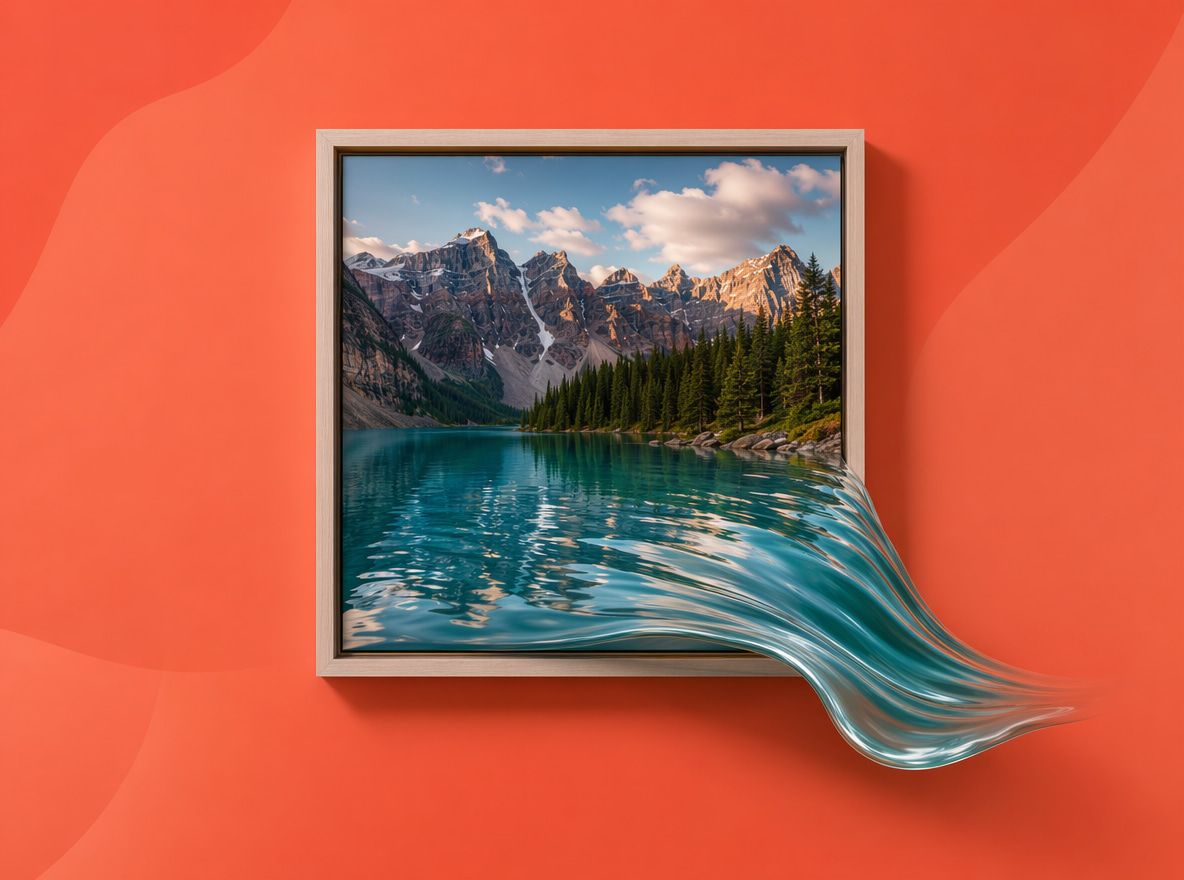
What Does It Mean to Create Moving Pictures With AI?
When most creators hear "AI moving pictures," they picture GIFs or slideshow transitions. That's not the right frame.
Modern image-to-video generation uses diffusion models to synthesize intermediate frames between a source image and a generated motion state. The model isn't sliding a layer — it's generating new pixel-level information for each frame: hair reacting, a product surface rotating, smoke curling in a painted scene. Stability conditions are completely different from layer-based animation.
What holds stable — and what drifts — depends on prompt specificity, clip duration, and source image complexity.
Disclosure: Tests used Vidu Q1, default settings, medium motion amplitude unless noted. Results based on 4–6 generation runs per scenario. No commercial relationship with Vidu.
Moving Pictures vs AI Video Generation
Worth separating before going further, because the workflows are different:
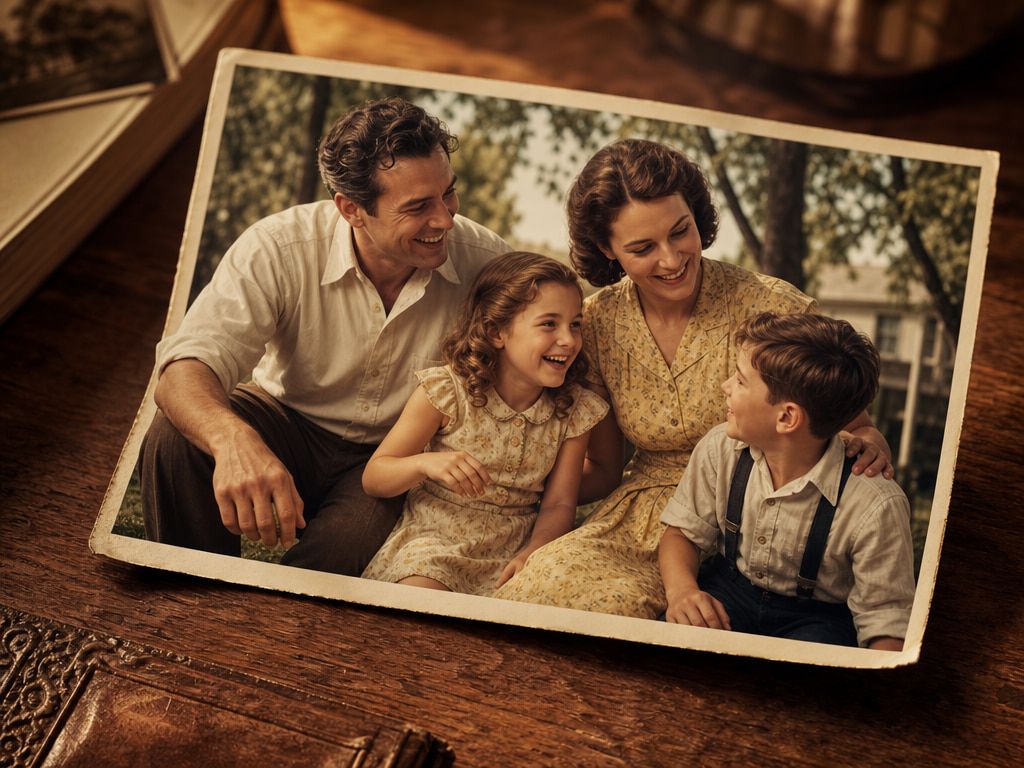
AI moving pictures, as most creators use the term, means animating a single still image — adding motion to one source frame, usually 3–8 seconds. The goal is to create life, not a full narrative sequence.
AI video generation is the broader category. Text to video, image to video, and reference to video are all technically AI video generation — but they differ in input complexity and output control. When you specifically want to create moving pictures from a still image, image-to-video is the relevant mode. It uses your image as the starting frame, then generates motion based on your prompt and model parameters.
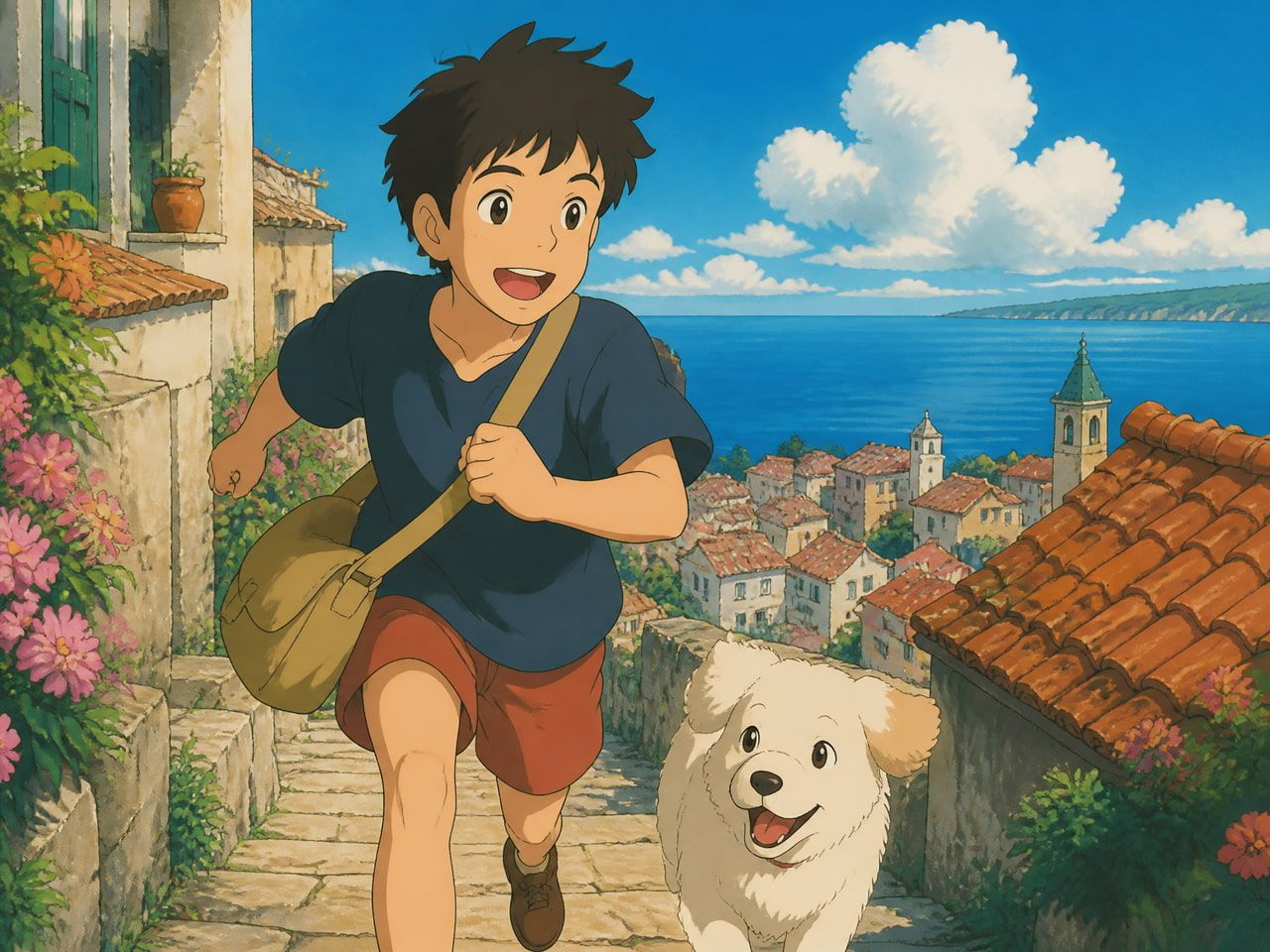
The third category: animated picture AI, which applies stylized motion — anime, 2D illustration, flat cel — rather than realistic physics. Models handle stylized and realistic motion through meaningfully different generation patterns. Invideo's technical breakdown of diffusion-based frame generation explains this well: diffusion models generate statistically plausible individual frames, which is why stylized output (with fewer physics constraints) often holds more consistently than realistic output. I saw this directly — a cape that failed in three realistic generations held cleanly in anime-style mode across five consecutive runs.
Vidu's image-to-video generator supports all three modes from the same interface, including a dedicated anime generation path. Worth knowing if you work across styles.
Creative Ideas for Moving Pictures
Portrait loops
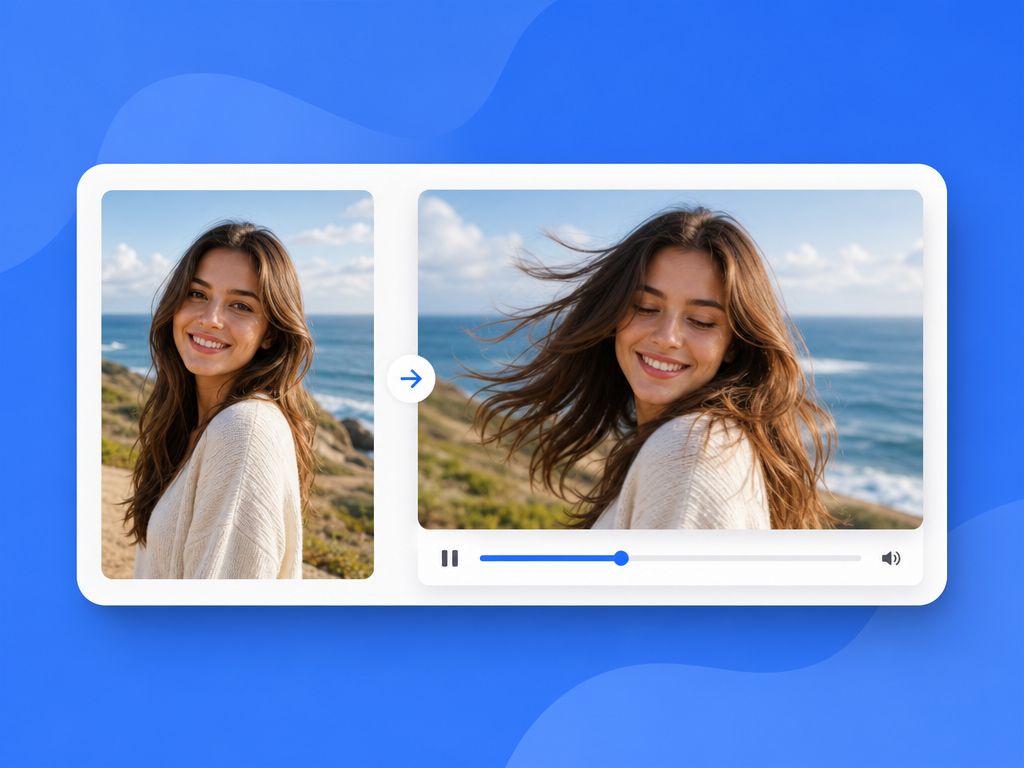
Subtle motion on a face or figure — a slight head turn, breath movement, a blink — holds better than expressive full-body action in short clips. Fewer semantic variables for the model to manage when the focal area is constrained.
Six runs testing a portrait with a simple head-tilt prompt (4-second duration, medium amplitude): four produced usable output. Extended to 7 seconds: two out of six. The drift pattern was consistent — facial features held through the third second, then began to shift.
Usable window: 4–5 seconds, single motion element, minimal background activity.
Product reveals
A product rotating slowly on a neutral surface is one of the more reliable setups for AI moving pictures. Defined object, predictable motion, few competing semantic variables.
The surface texture caveat: a matte object on a plain background stayed clean in four out of five runs. The same object on a glossy surface generated inconsistently — reflections shifted frame-to-frame in ways that looked physically wrong. Specifying "soft matte surface" rather than leaving the surface unspecified brought results back to four out of five stable outputs.
Anime-style scene motion
This is where realistic and stylized generation diverge most visibly. Hair and fabric that drift badly in realistic mode often hold in flat 2D output — the model's frame-generation logic for stylized content draws from a different distribution of training examples, with fewer physics expectations.
Vidu's anime generation documentation positions this as a dedicated output mode, not a filter on top of realistic generation — which is what makes the stability difference reproducible across runs. Cross-platform: Runway ML and Pika Labs offer stylized animation modes, but Vidu's anime path specifically targets 2D illustration fidelity. For creators in flat-style aesthetics, that's a different stability profile than trying to approximate realism.
How to Make a Picture Move With AI
Choose the focal point
Before writing a prompt: decide what should move and what should stay still. There's no "lock area" control in basic image-to-video. But a prompt that specifies motion for one element reduces the model's tendency to animate everything else.
First generation with no focal specification: background, character, and foreground all moved independently. Third generation after narrowing to a single motion element: overall drift dropped. Same source image, same model, same duration — only the prompt changed.
Prompt motion and camera direction
Subject motion (what the character does) and camera motion (how the virtual camera moves) are two different variables. Mixing both into a short prompt tends to produce output where one is handled well and the other is ignored or garbled.
The pattern that worked across most of my runs: subject motion described first, camera motion second, both stated more explicitly than feels necessary. "Hair lifts slightly in a left-to-right breeze, camera holds still" produced more consistent outputs than "natural outdoor movement" across three out of four generations. The specificity reduces what the model has to interpolate — less interpolation means less deviation from the source frame.
For multi-clip work, Vidu's Reference to Video supports up to 7 reference images per generation to anchor character appearance across clips. According to Vidu's Q1 update announcement, this multi-reference system is designed specifically to address the identity drift that affects make picture move AI workflows when the same character appears across multiple shots. In testing, character appearance held more consistently across four consecutive reference-anchored generations than across four single-image generations from the same prompt.
Export for social platforms
Short-form video consumption has seen a 75% global increase, with over 73% of consumers preferring short video when learning about products — per Sprout Social's 2026 social video benchmarks. Most of that viewing is mobile-first and vertical.
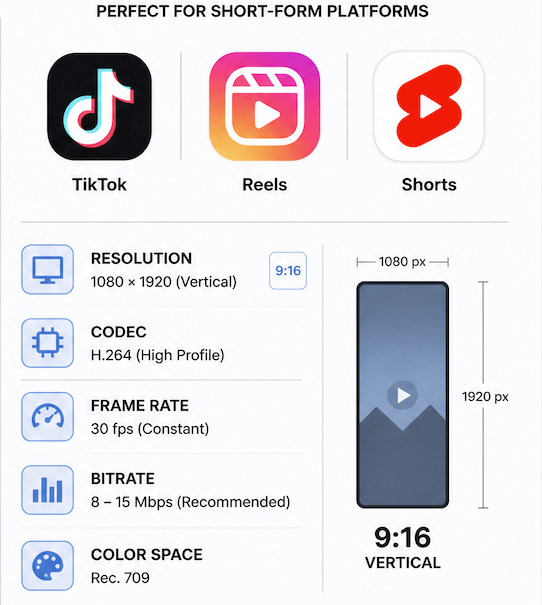
For TikTok, Reels, and Shorts: 9:16 vertical, 5–8 seconds, 1080p. That duration range is also where AI generation holds most reliably. Past 8 seconds, more generation runs are needed before finding stable output. For preview loops: 1:1 or 4:5, 3–5 seconds.