What Is Image to Video AI?
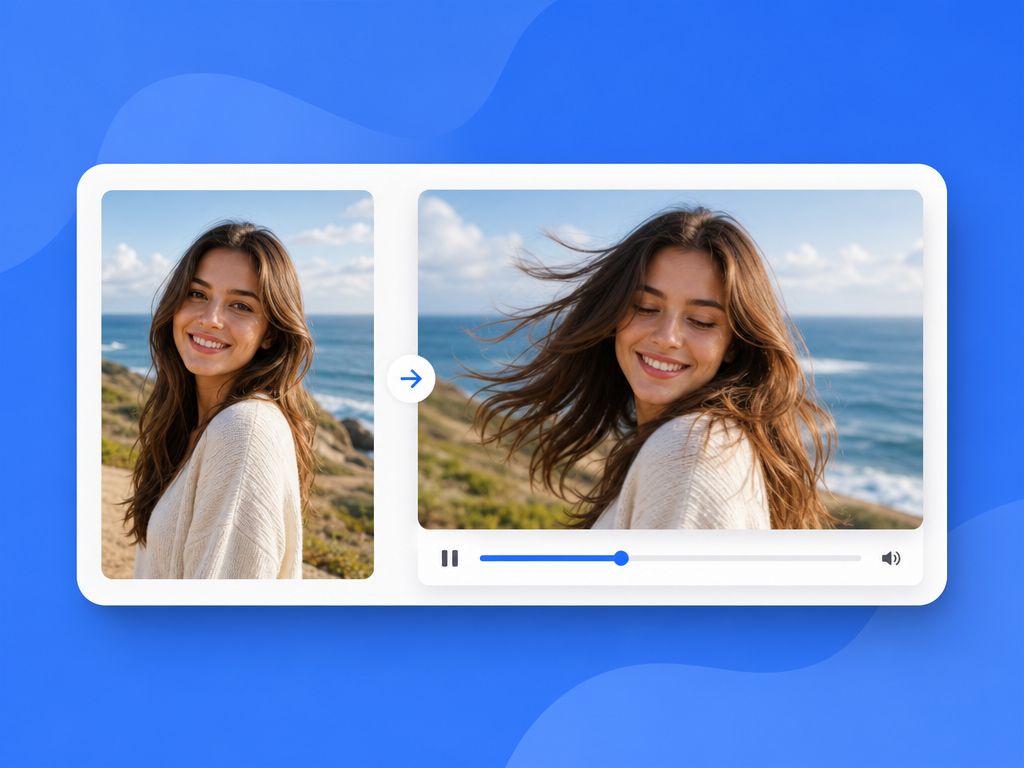
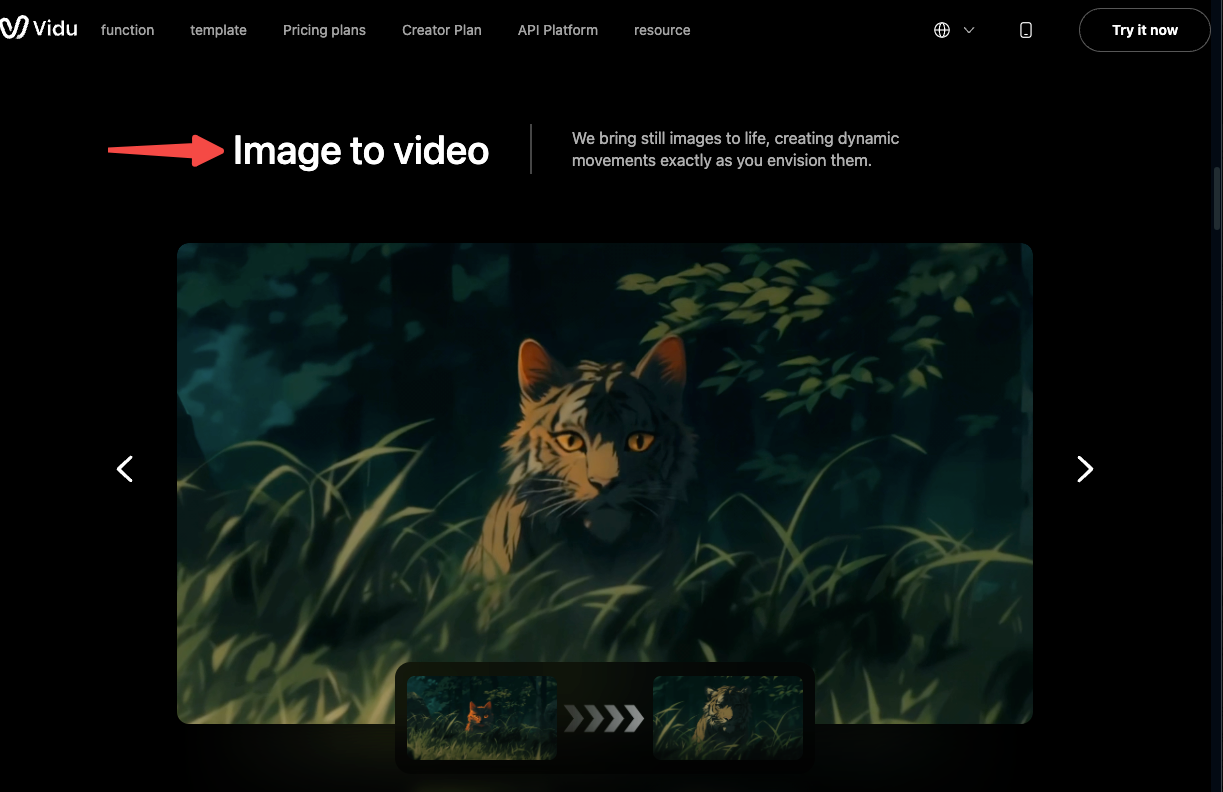
Image to video AI turns a single static image into a short moving clip using diffusion models trained on video data. You upload a photo, illustration, or digital artwork, then add a prompt describing the motion you want. Newer image to animation AI systems increasingly focus not just on generating movement, but on preserving composition, subject consistency, and motion coherence across the sequence.
How static images become motion
The underlying process works through a form of diffusion-based video synthesis — the model learns to predict how pixels should change across time, conditioned on both your image and your prompt. It's not rotating a 3D object or running physics simulations. It's pattern-matching against enormous amounts of video training data to decide: "if this scene existed in motion, what would the next 4 seconds look like?"
That's important context for understanding why animate image results are inconsistent. The model is making a probabilistic guess, not a deterministic one. Run the same image twice with the same prompt, and you'll often get different motion paths, different drift directions, different degrees of edge stability. The variability is built into the process.
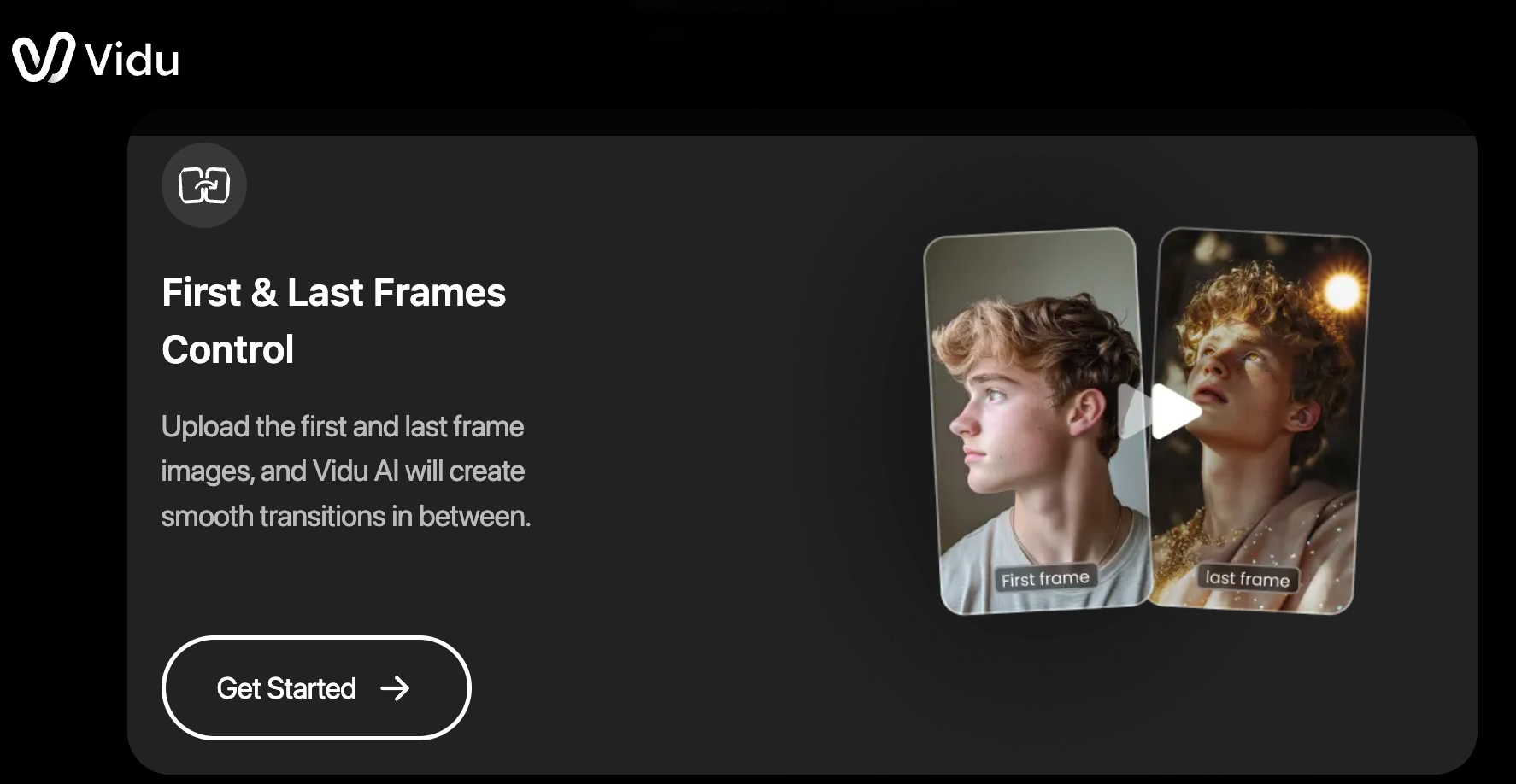
What's changed in the current generation of image-to-video tools is the level of control they offer. Platforms like Vidu now support frame anchoring workflows that let creators define both the starting and ending frames of a clip. Instead of simply telling the model to "animate this," users can constrain the motion path itself — a shift that can reduce motion variance and often produce more stable results.
Best Creator Use Cases for Image to Video
Not every image type performs the same way. After repeated testing across different content categories, some scenarios stabilize faster and more reliably than others.
Social clips, product shots, anime scenes
Social and viral clips — short 4–8 second animations built from illustrations or stylized character art — tend to hold up well. The simpler the subject motion and the cleaner the background, the more consistent the output. Fast-scrolling platforms reward exactly the kind of content these clips produce: a single moment brought to life, loopable, punchy. Data from Buffer's research on TikTok viewing found that shorter clips with high completion rates outperform longer content in the early algorithmic push — which is exactly the format that image-to-video generation handles best.
Photo to video for product shots works when the product is the clear subject and the motion directive is minimal. "Subtle rotation," "light drift," "slight push in" — these produce usable results faster than complex camera movements. The caveat: product edges are where drift tends to surface first. In three out of five tests on product photography, the corners started showing instability by the 6-second mark.
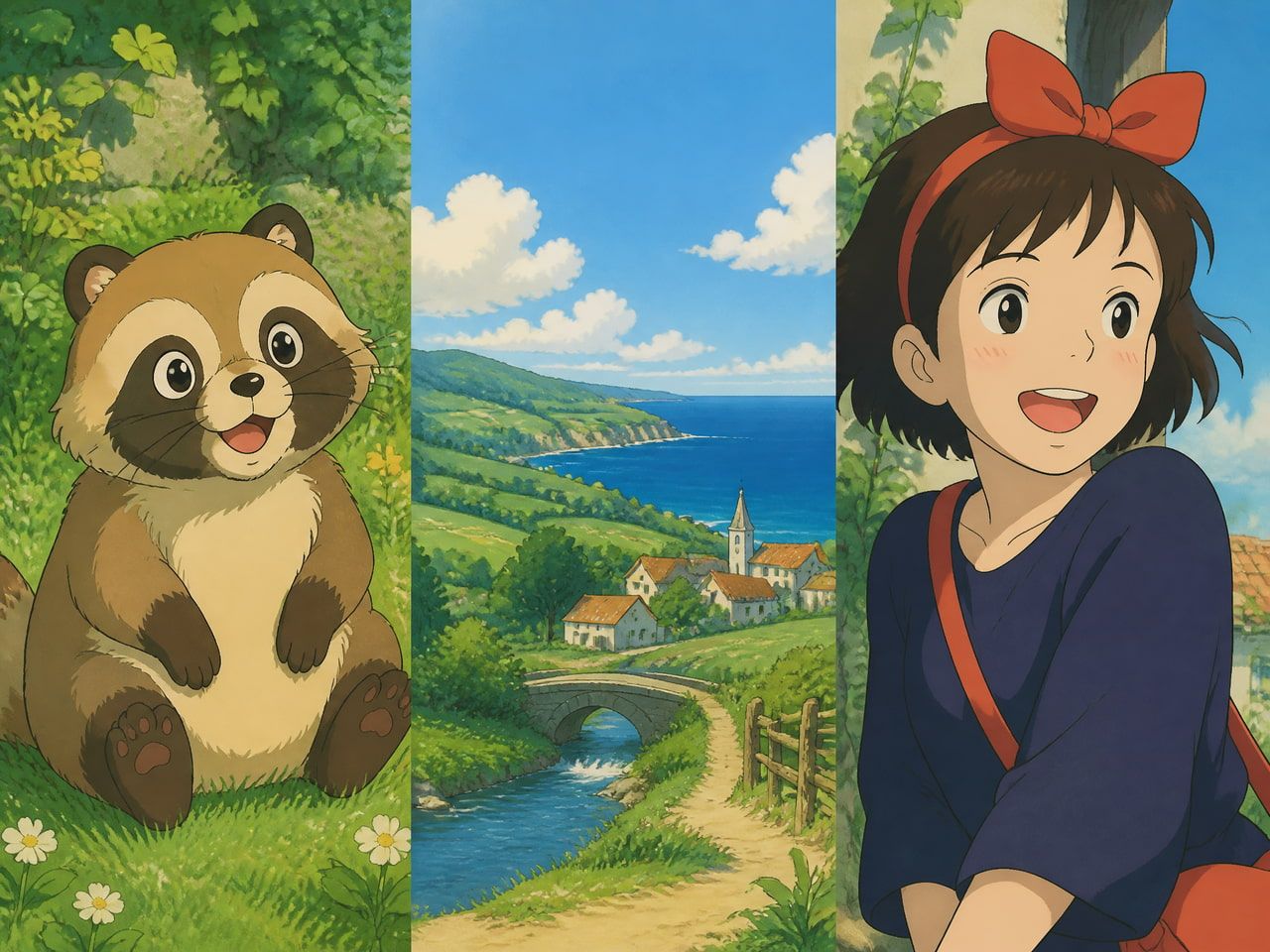
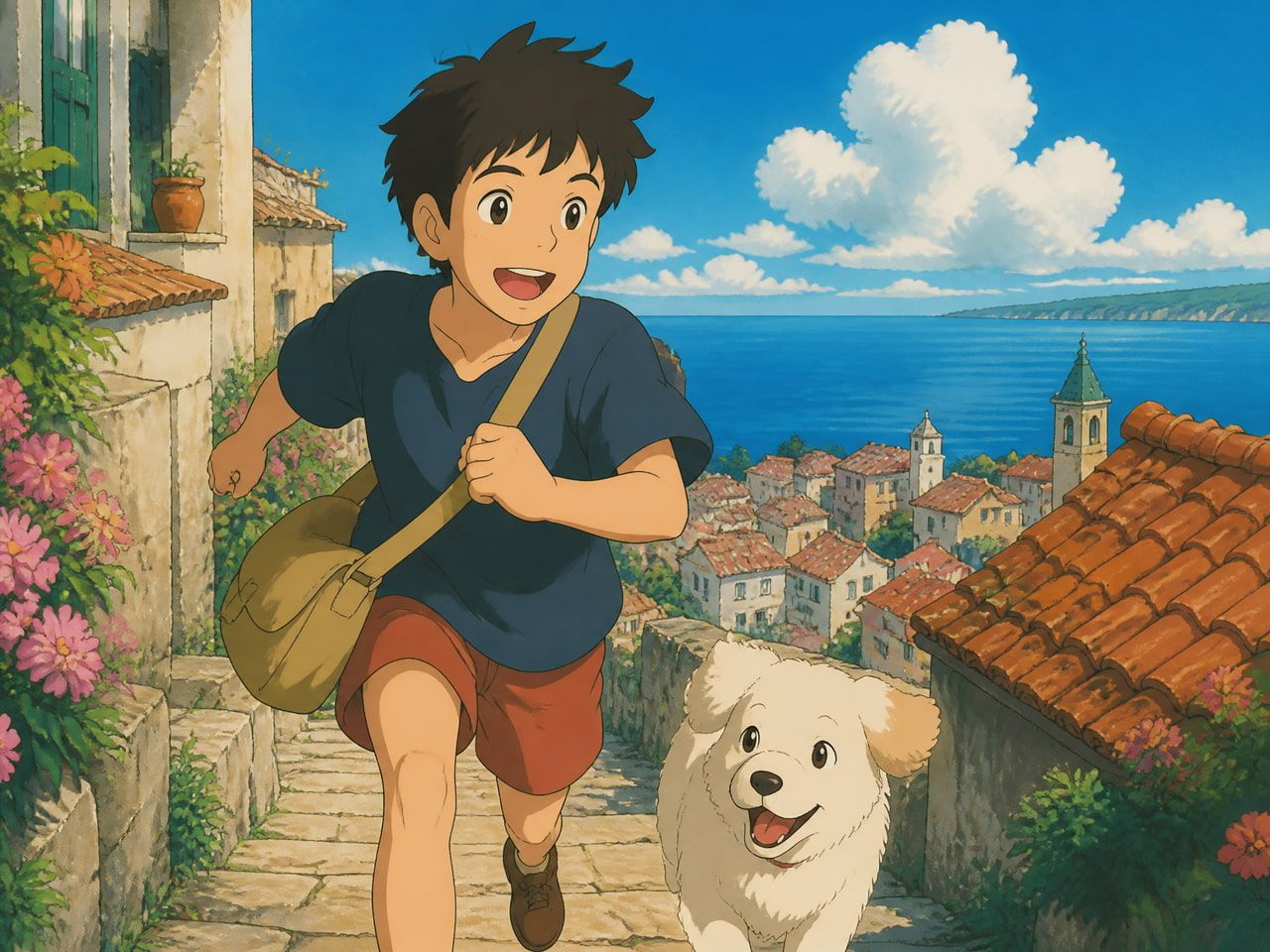
Anime and stylized art is a different story — and a better one. Flat illustration styles with defined outlines tend to animate more cleanly than photorealistic images. Vidu has specifically built toward this: their Superior Anime Generation feature handles cel-shaded artwork better than most tools I've tested, and the character motion stays closer to the reference design across multiple generations. If you're working with original character art or anime-style frames, this is currently one of the more reliable use cases for image to video AI.
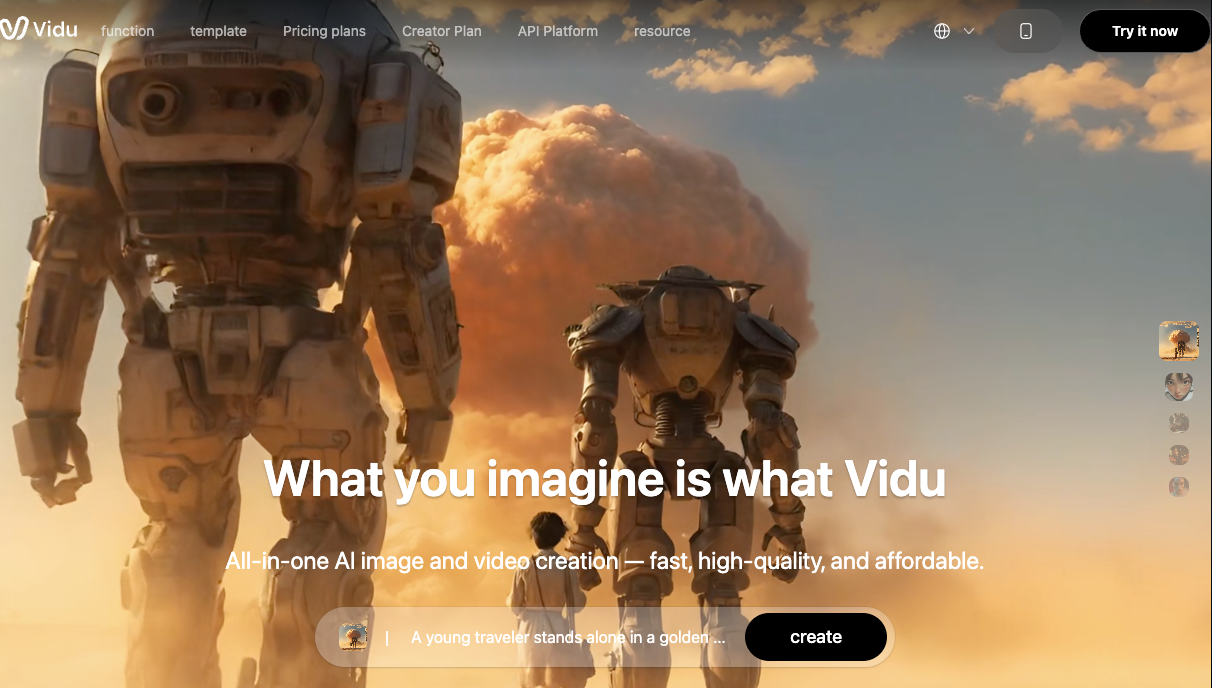
Concept art and mood boards for filmmakers and animators occupy the middle range — interesting, but requiring more iteration. Background complexity is the main variable. A character against a simple sky gives the model clear constraints. A character against a detailed, textured environment introduces more drift opportunities.
How to Turn an Image Into a Video
The workflow itself isn't complicated. The judgment calls along the way are where most time gets spent.
Prepare the source image
Resolution matters more than people expect. Low-resolution or heavily compressed images produce artifacts faster — the model has less information to work with and starts interpolating inconsistently. For stable results, use images at 720p or above, with a clear subject and reasonably defined edges.
Busy backgrounds increase instability. If the background has high-frequency detail (tree leaves, complex textures, detailed crowds), the model tends to animate those areas unpredictably. Either simplify the background before uploading, or accept that you'll need more generation attempts before finding a usable result.
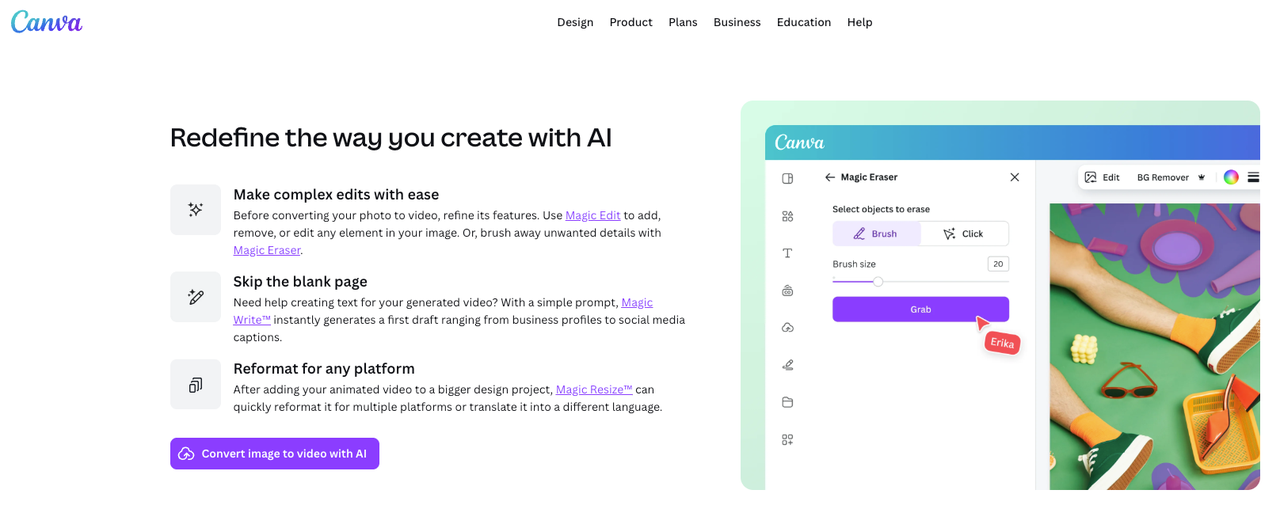
Add motion direction and style cues
This is where prompt structure actually changes outcomes. Vague motion prompts ("make it move") produce the most variance — the model has maximum freedom to guess. Specific motion prompts narrow that range significantly.
What tends to work: directional language ("slow camera push left," "character turns head slightly right"), motion intensity qualifiers ("subtle," "gentle," "minimal"), and explicit statements about what should stay still ("background remains static").
What tends to produce instability: multiple simultaneous motion directives in one prompt, overly complex action sequences, and extreme motion amplitudes in tools that let you set that parameter.
The image-to-video generation research on trajectory control suggests that self-guided approaches — where the model uses the spatial structure of the source image as an implicit motion guide — produce more coherent results than pure text conditioning alone. In practice, this means: when your image has a clear compositional structure, the model has more to work with.
Review consistency and regenerate if needed
One generation is rarely the answer. In my testing, the first run establishes a baseline — it shows you where the model's instability lives in this specific image. The second and third runs are where you observe whether that instability is random or clustered.
If the same area drifts in the same direction across multiple generations: that's a structural problem with the image, and adjusting the prompt or cropping the image can help. If the instability is random across runs: you're in probability territory, and generating 4–6 times to find a stable version is the actual workflow.
Keep the versions that work within your tolerance threshold. Not the "best" clip in an abstract sense — the one that holds up for your specific use case.
Common Limits and Quality Checks
A few things consistently reduce output quality across multiple tools:
Duration is a real constraint. Most image-to-video generation runs stable for 4–6 seconds. Push toward 8 seconds with a complex source image and drift becomes more likely. The model has to maintain consistency across more frames, and small prediction errors compound. For social clips, staying in the 4–6 second range gives you the most usable output per generation attempt. Video length data confirms that 2-minute clips see the best engagement on TikTok — but for AI-generated clips, building to that length from multiple stable short segments is a more reliable production strategy than trying to generate a single long clip.
Character faces drift under motion. If a face appears in your image and the motion prompt includes significant head movement, expect to generate more to find a stable version. The model tracks facial geometry across frames, but the tracking breaks down faster with complex movements. Minimal motion prompts for face-heavy images almost always outperform ambitious ones.
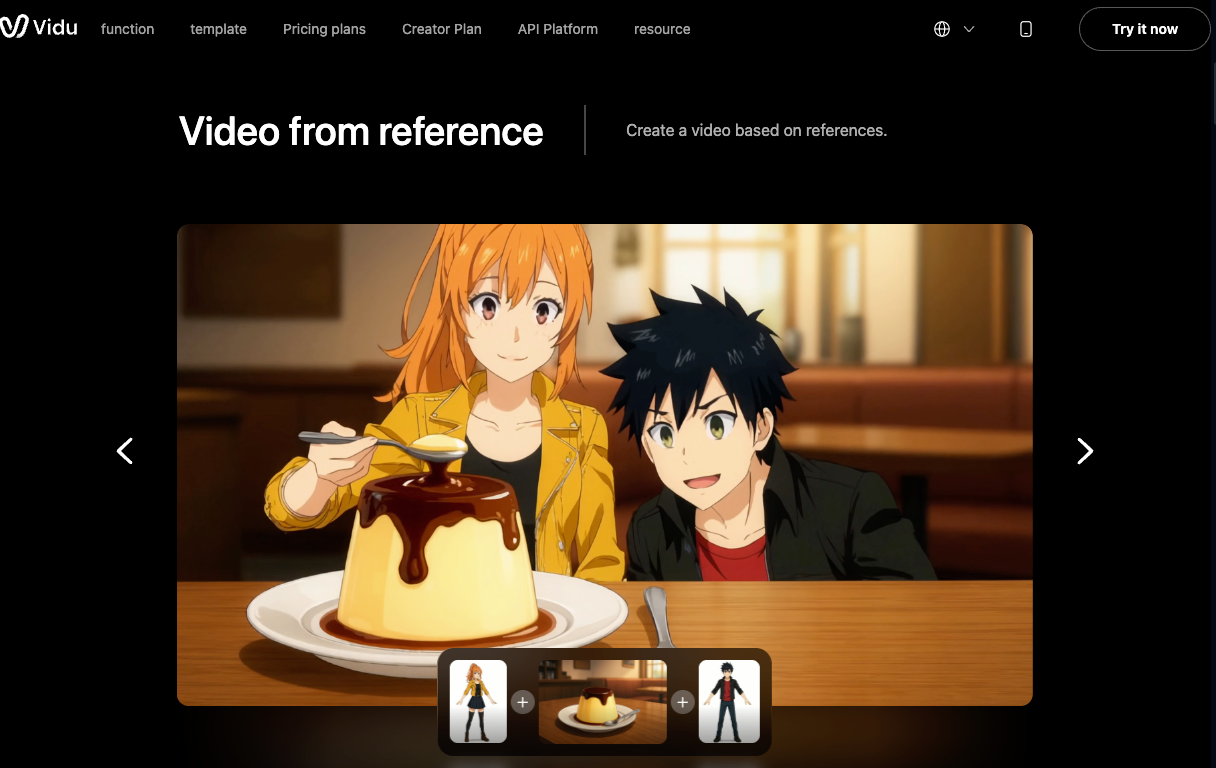
The difference between image-to-video and reference-to-video matters for multi-shot work. If you're building a sequence — the same character across several clips — image to video alone won't maintain character consistency from clip to clip. That's what reference-based generation exists for. By using multiple reference images, Vidu's Reference to Video workflow helps maintain character identity across generations, reducing the need to solve consistency on a clip-by-clip basis.
Commercial usage rules vary by platform. Terms around commercial publishing, AI disclosure requirements, and training-data liability continue to change across platforms, so creators working on client projects should verify current policies before delivery.