Christmas Templates
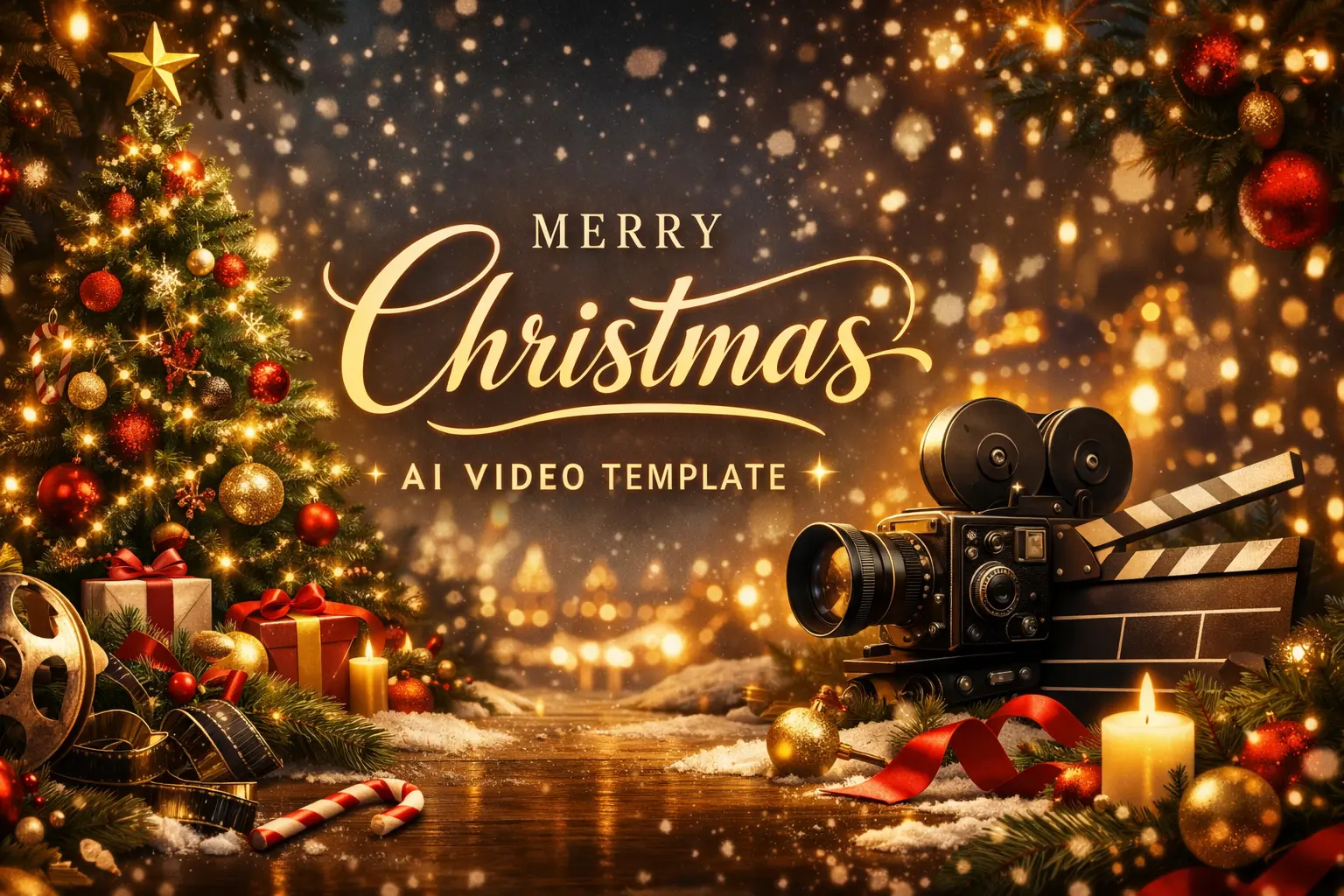
Create festive Christmas videos from a single photo with ready-made AI effects: Santa hats, holiday building makeovers, snow-globe scenes for social, ads, and greetings.

Santa Hat Video Effect
Instantly add a realistic Santa hat to include-friendly portraits and group photos, with lighting and motion that match the scene.

Holiday Building Christmas Outfit Effect
Transform any building into a Christmas landmark by layering festive exteriors—string lights, wreaths, garlands, snowy rooftops, and warm window glow.

Christmas Snow Globe Video Effect
Place a person (or couple, pet, or character) inside a Christmas-themed snow globe with falling snow, sparkling bokeh, and cozy winter backgrounds.
How to Use Christmas Templates?
Upload a Photo
Upload a portrait, building shot, or any image you want to turn into a Christmas video effect.
Choose Quantity & Audio
Select how many videos you want and whether to add audio.
Create and Download
Click Create to generate your Christmas videos, then Download and share on social media, or use in holiday ads.
Discover More AI Video Templates
FAQs About Christmas Templates
Clear, high-resolution photos with a visible subject work best. Good lighting and an unobstructed face (for Santa hat/snow globe effects) usually improve results.
Yes—these Christmas AI video templates are commonly used for seasonal campaigns, product promos, and brand social content.
If you're posting on social or running ads, generating multiple versions helps you pick the best one and test performance across formats and audiences.
Yes. The holiday building template is designed for storefronts, streets, landmarks, and architecture photos—adding lights, wreaths, snow, and festive exterior details.
No. You can also place pets, characters, products, or objects inside a Christmas snow globe for a fun, giftable holiday video style.
No. The workflow is designed to be simple: upload, select quantity, generate, and download.