What an AI Sound Effect Generator Does
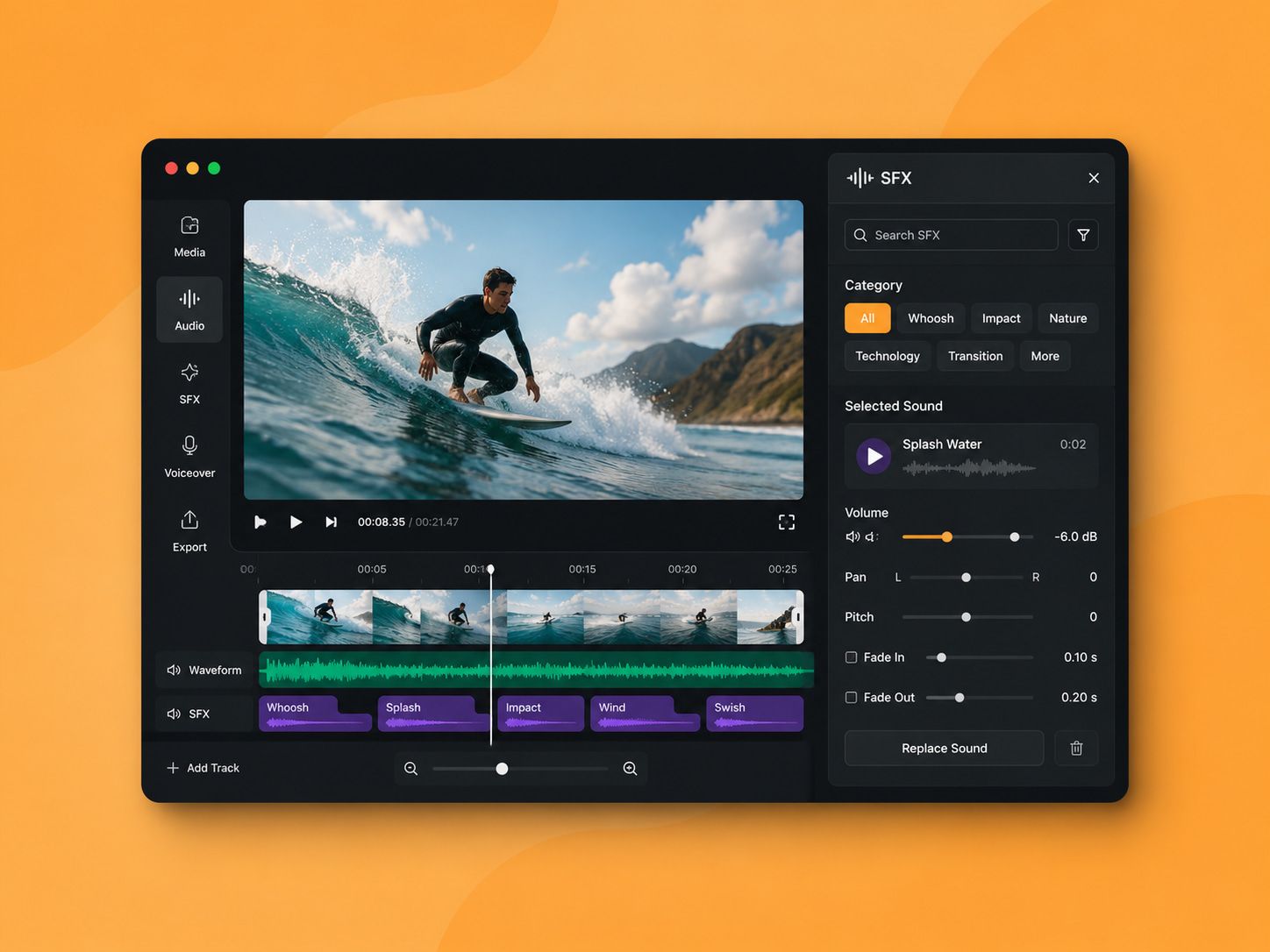
A sound effect AI tool takes a text description and returns an audio file. The more useful ones also let you control when each sound starts within the clip, so the timing decision and the sound decision happen at the same step.
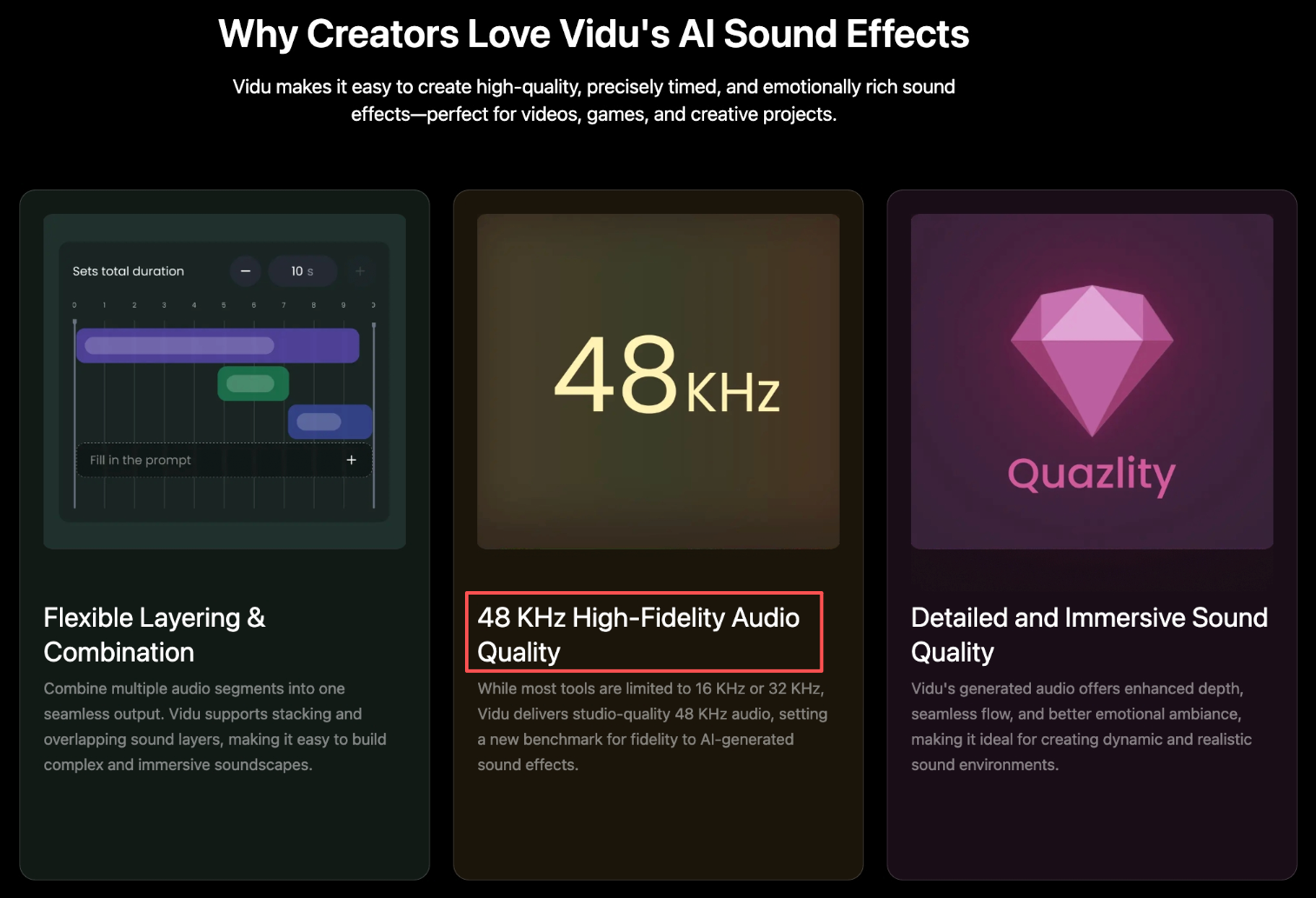
Vidu's AI Sound Effect Generator works this way. You describe the sound — "glass shattering, beast growling" — and attach a timestamp. Multiple layers can overlap in one output. The generated audio comes out at 48 kHz, which is above what most comparable tools deliver.
The part worth knowing: this is not a search-and-retrieve system. It generates from scratch. Which means the result is unpredictable until you run it.
Why Sound Effects Matter in AI Video
Sound is the part of a video that viewers don't consciously notice until it's missing or wrong. Once it's off — a cut that lands silent, a scene that needs weight but has none — the whole clip reads as unfinished. That's true for a two-minute short film and equally true for a fifteen-second Reel.
Creators working in sound design for video production have known this for decades. The short-form video workflow has compressed the timeline, not the problem.
Mood and atmosphere
Ambient sound — rain, city noise, forest — sets the emotional register before the viewer processes what they're looking at. Without it, AI-generated video in particular can feel sterile. The visuals are clean; the absence of background texture reads as artificial.
In repeated tests, a five-second atmospheric layer often did more for a clip's watchability than any visual adjustment. Divergence starts appearing from this round — clips with even basic ambient sound retained viewer attention through the cut; silent versions felt like demo renders.
Action and transitions
Impact sounds, whooshes, clicks — these are the audio punctuation of a cut. When the timing is off by half a second, the effect feels disconnected from the visual. When it's right, the viewer doesn't notice it at all.
This is where precise timestamp control matters. Vidu lets you set the exact start point for each sound element within a ten-second window. In practice, getting the alignment right usually takes two or three rounds — not because the tool is unreliable, but because the gap between what you imagine and what lands on frame requires iteration.
Social video polish
Sound effects AI usage in short-form content has increased because the bar for polish has moved. Viewers on TikTok and Reels process audio as part of the content — according to Sprout Social's video engagement data, short-form video continues to dominate engagement across platforms. Audio quality is now a competitive variable, not a finishing touch.
How to Create Sound Effects for Video
This isn't a tutorial on steps and buttons. It's closer to a description of where things go wrong, and where they tend to stabilize.
Describe the scene action
The most common failure in early generations: the description is too abstract. "Dramatic sound" produces nothing usable. "Heavy wooden door slamming shut" produces something you can work with.
Vidu's own guidance suggests one to three key sound elements per timestamp. Based on test runs, that range holds — going beyond three elements in one layer produces outputs where individual sounds become indistinct. The output exists, but the blend becomes harder to evaluate.
This connects to what sound design practitioners describe as working with precision on sound placement: specificity of input determines specificity of output.
Match timing and tone
Timing is set at the description stage, not after. This changes how you think about the sound. Instead of editing audio to fit the video, you decide where the sound should land and describe it in that context.
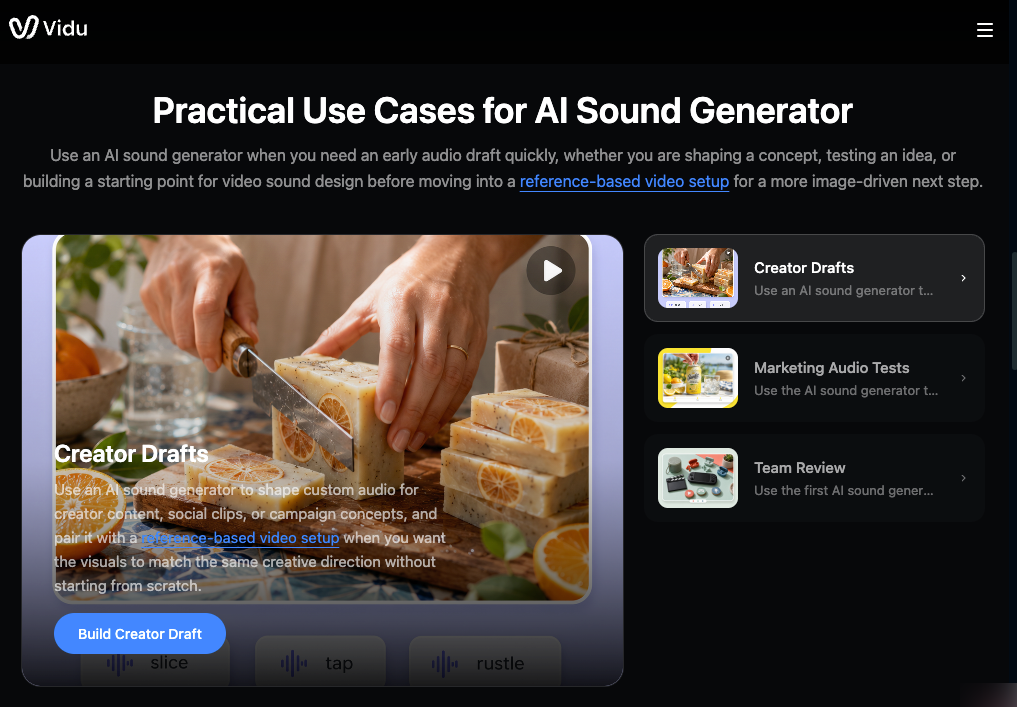
Tone matching is harder to control. A "creaking floorboard" can come out tense or mundane depending on generation variation. In three rounds from the same prompt, two outputs were usable for a suspense edit; one was too neutral to work. The path to consistent tone is shorter prompts with more specific emotional context — "slow, tense creaking floorboard" rather than "floorboard sound." This is true whether you're using a standalone AI sound effect or building a layered scene with multiple elements: specificity closes the gap between what you expected and what you get.
Review rights and export needs
This is the part many creators skip until it's a problem.
Vidu's generated sound effects are royalty-free and available for commercial use, including advertisements and other paid projects. The Vidu pricing page clarifies which plans include commercial rights — generated audio does not carry additional licensing fees. Free-tier access is available, though commercial usage rights are more clearly covered under paid plans.
Export is generate, download. No separate licensing step.
Common Mistakes With AI Sound Effects
Over-describing the prompt. More detail is not always more control. Four or five sound elements in one timestamp produce muddy output more often than not. Start with two, layer separately.
Ignoring timing at the description stage. The timestamp is not metadata — it's part of the generation input. Skipping it means adjusting timing in a separate editor after, which defeats part of the workflow advantage.
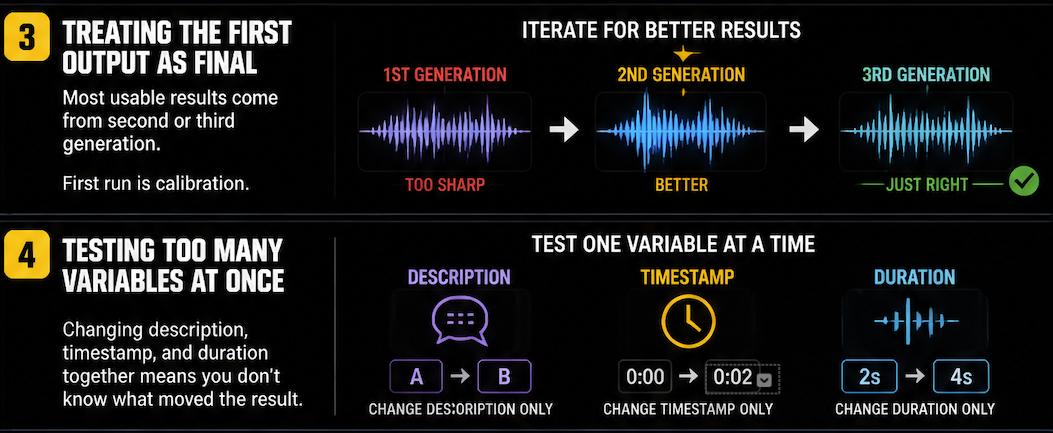
Treating the first output as the final output. Most usable results come from the second or third generation. The first run is calibration — it tells you whether the description is pointing in the right direction.
Testing too many variables at once. If you change the sound description, the timestamp, and the duration in the same round, you don't know which adjustment moved the result. One variable at a time produces learnable patterns.
Assuming free-tier output is commercially safe. With AI sound effects specifically, rights vary by platform and plan. Vidu confirms commercial use is supported — but check current terms before putting audio into a paid project.