What Free AI Animation Usually Includes
Most free tiers in 2026 follow a similar pattern: a monthly or daily credit pool, access to standard generation modes, and output capped at 720p. Vidu's free plan, for example, includes a recurring credit allowance — enough to generate roughly 10–16 clips per month depending on duration and quality settings. A 4-second standard-quality clip runs about 5 credits.
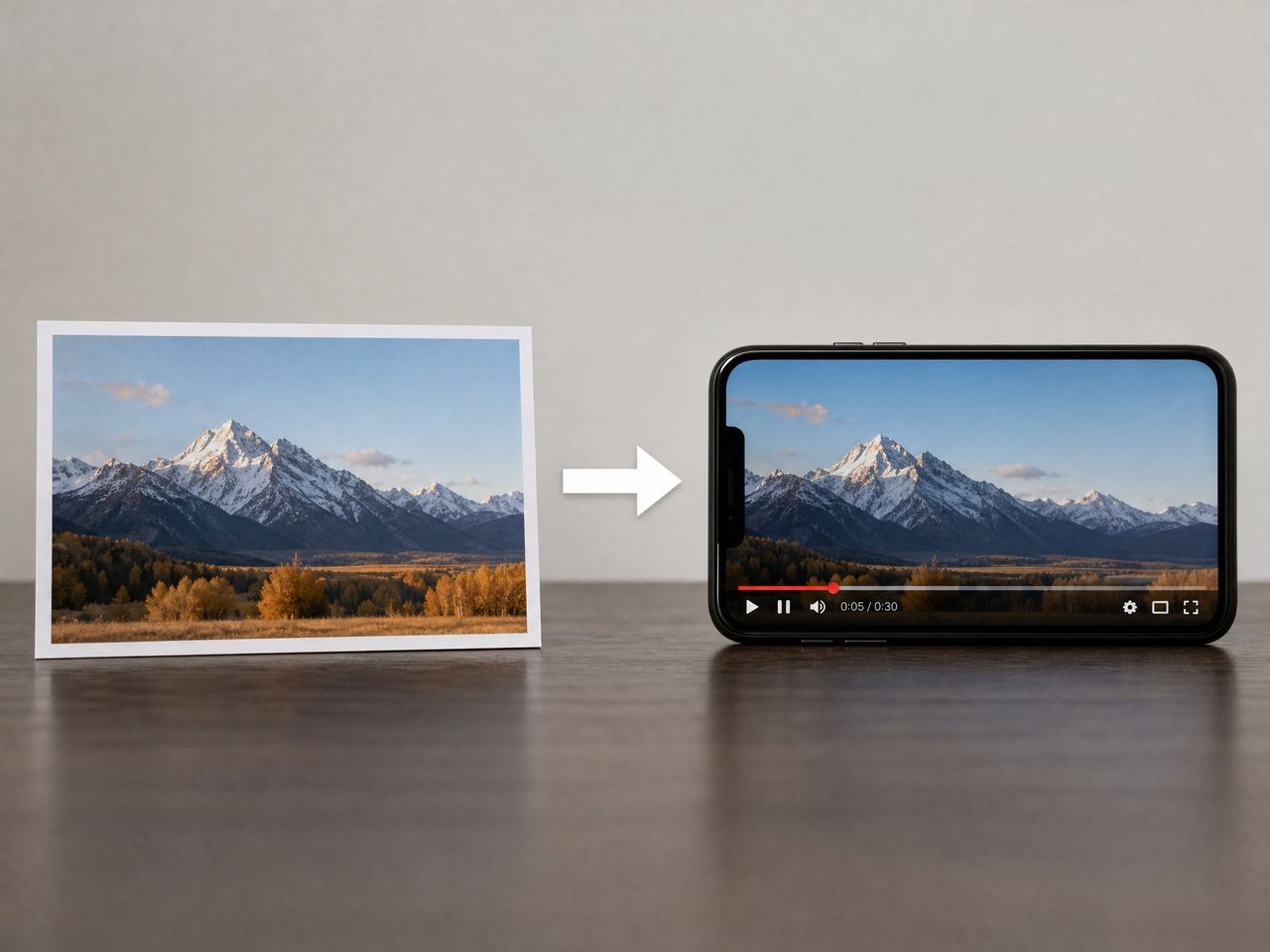
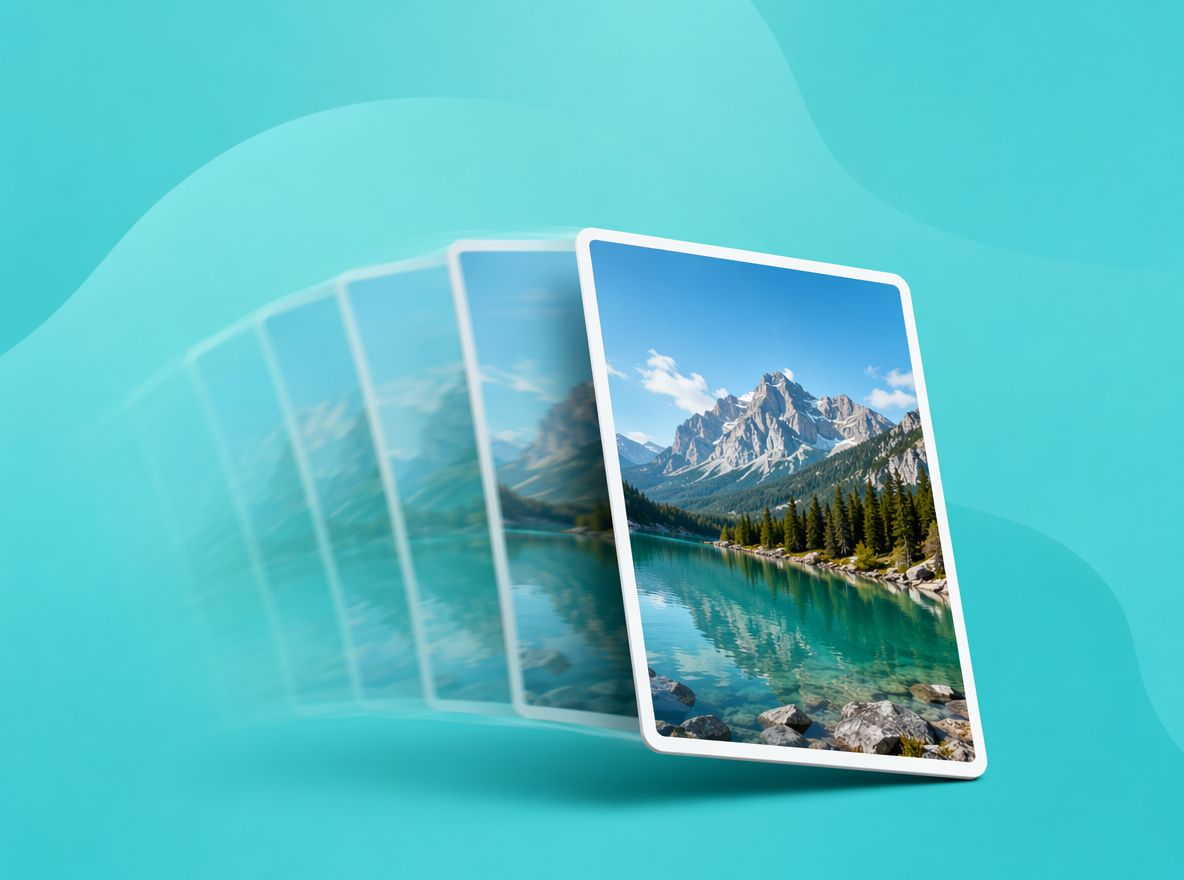
Text-to-video is almost always included. Image-to-video — where you upload a still photo and the model animates it — is also available on most free tiers, including Vidu's. That matters for creators who already have reference images they want to bring into motion.
What free plans don't include: watermark-free export, commercial use rights, and higher resolution output. Those consistently sit behind paid tiers.
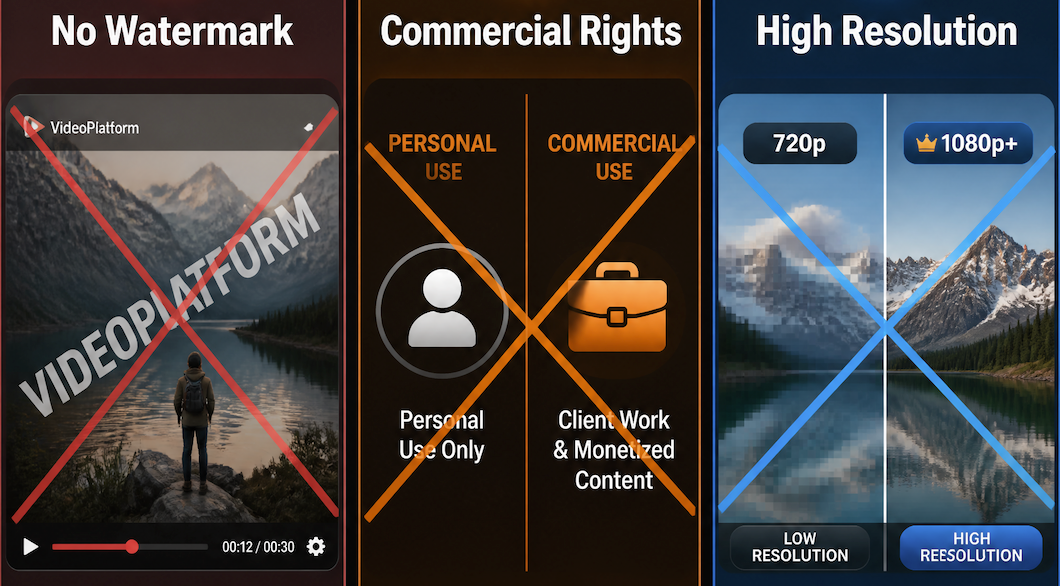
The generation experience itself — the actual quality of the engine — is usually accessible on free plans. What you're paying for on higher tiers is mostly output conditions, not a different underlying model.
Best Free AI Animation Use Cases
Free plans are worth using for specific things. The mistake is expecting them to do everything.
Image Animation Tests
This is the clearest use case for free ai animation photo testing. You have a character reference, a product photo, or a background — and you want to know if this tool can move it in a way that doesn't immediately look broken.
Run it 2–3 times on the same image with the same prompt. Watch where the drift starts. On the first run, edge stability is usually the tell — if the character's silhouette holds through the first 3 seconds, that's a usable signal. If it starts dissolving at second 2, that generation mode isn't worth continuing.
Free credits are cheap enough (in the "it costs you nothing" sense) that testing a single image concept across 3–4 prompt variations is a completely reasonable workflow before committing to a paid session.
Short Social Drafts
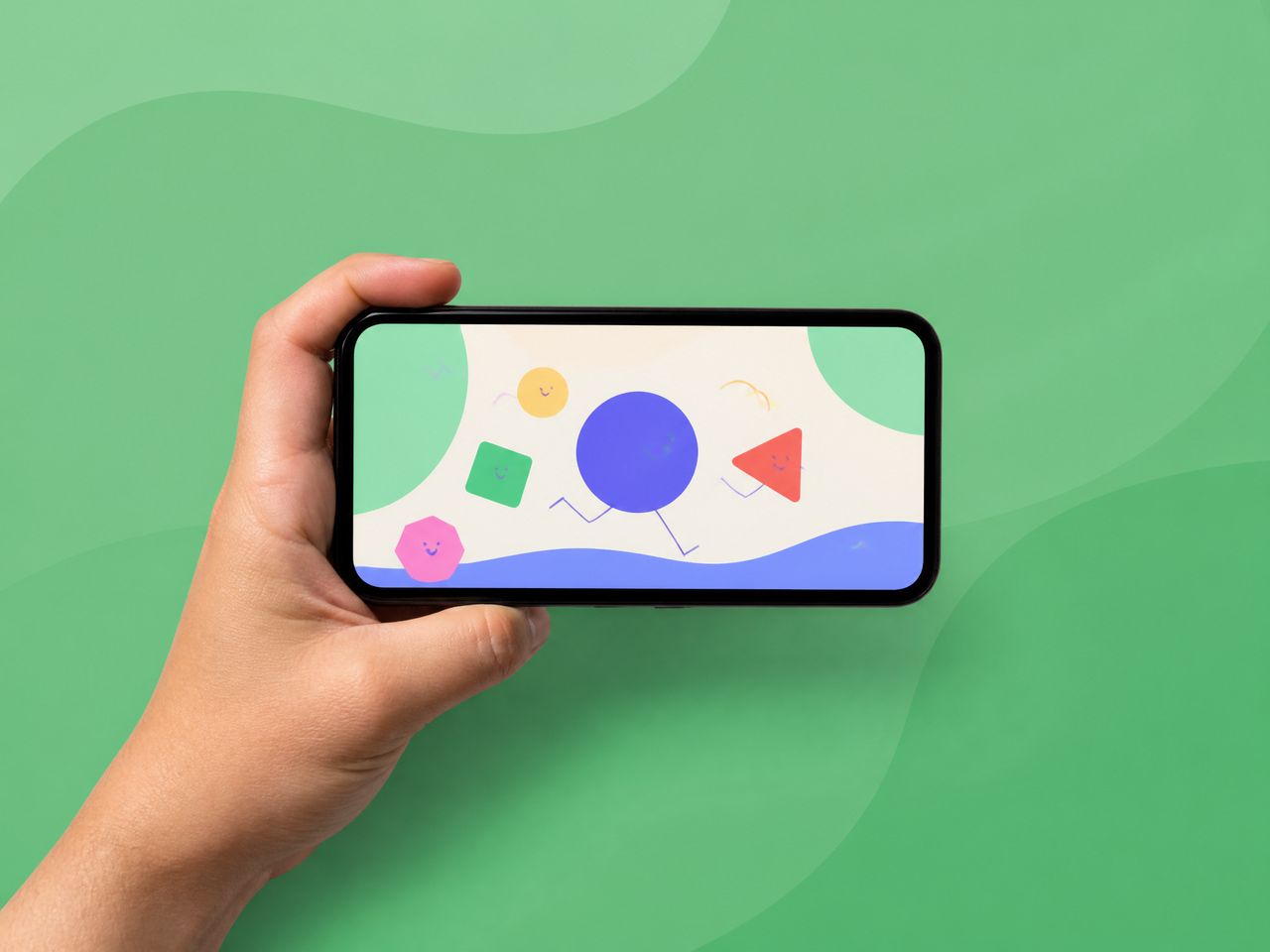
For creators producing short content — a 4–6 second clip for a Reel, a quick transition, a looping visual for a story — free plans can get you to a usable draft. The watermark is the main obstacle. If the output is just for internal review, concept approval, or your own judgment, the watermark doesn't matter. If you're publishing it, it does.
Free ai image animation is most useful at the draft stage, where you're deciding which creative direction to take before actually generating final assets.
Style Experiments
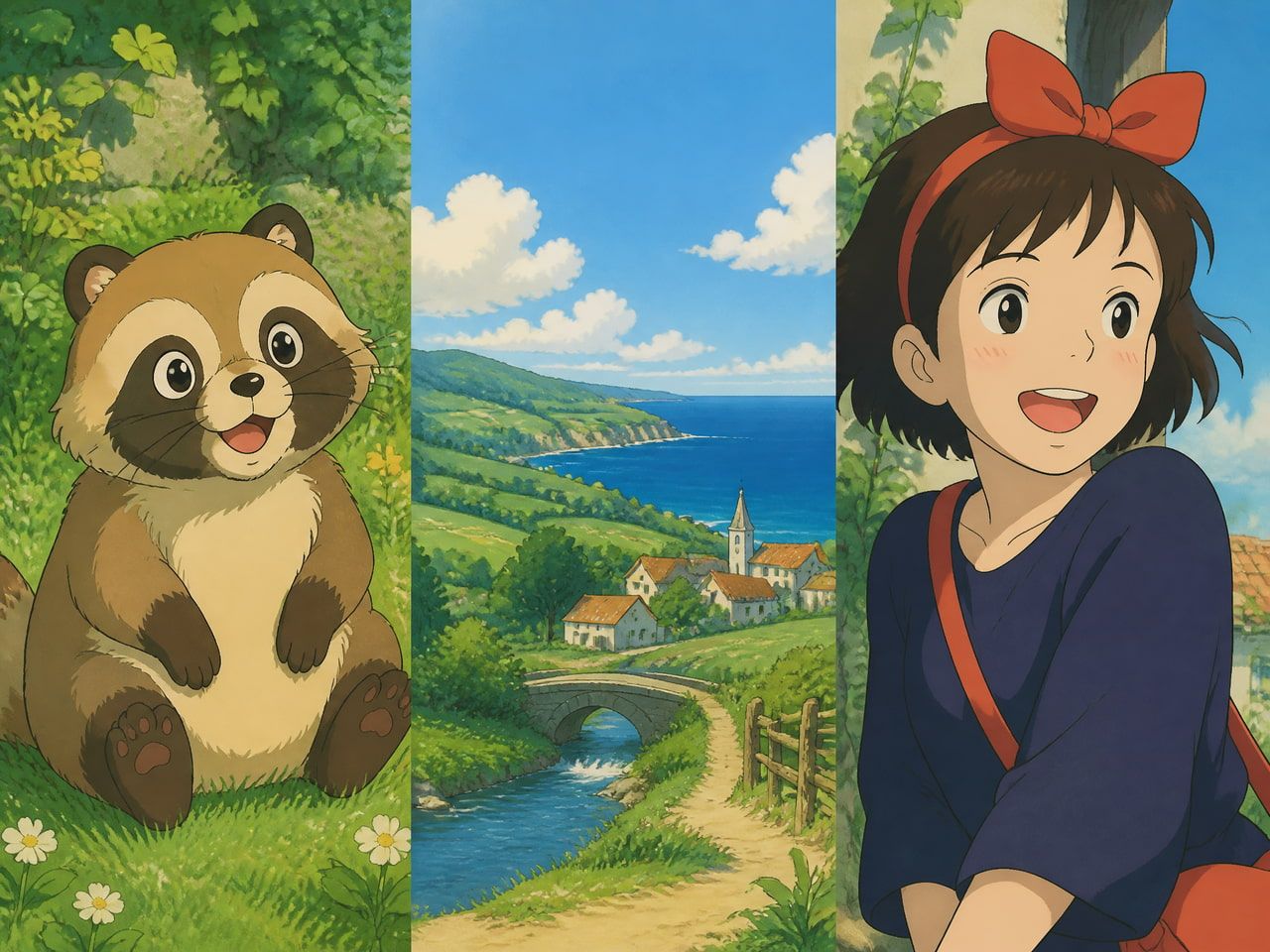
Free plans are genuinely good for this. If you're exploring whether anime-style generation works for a character concept, or testing whether a cinematic prompt produces something useful, credits on a free plan are the right thing to spend on that uncertainty.
The consistency question — whether the same character holds across multiple clips — is different. That requires building a reference set and running multiple generations. For that kind of deeper testing, free credits run out faster than you'd expect.
Common Free Plan Limits
Credits, Resolution, Watermark
The combination of limited credits, 720p output, and a visible watermark is the standard free-plan package in 2026. Vidu's free tier caps output at 720p, with a visible watermark in the lower-right corner of every generated video.
The credit limit is the constraint that actually affects workflow. Once you hit it, you wait until the next cycle. For someone exploring a new concept, that pause is fine. For someone on a production schedule, it's a blocker.
The watermark and resolution limits are less about quality and more about publishing conditions. A 720p clip with a watermark is completely usable for reference purposes, style testing, or internal feedback loops. It's not usable for a client deliverable or monetized content.
Commercial Use and Export Rights
This one matters and is often missed at the start. Free plan videos on Vidu cannot be used commercially. That means no monetized YouTube uploads, no paid ad placements, no client deliverables — the output is licensed for personal, non-commercial use only. The ai image animation free tier is clear on this: commercial rights come with paid plans.
For creators who are still building their style and testing concepts, this is fine. For anyone moving toward professional work, it's the first real reason to upgrade.
According to the Vidu official pricing documentation, commercial use and watermark removal are both tied to paid plans. Platform-specific disclosure requirements — like YouTube's AI content labeling policy — apply separately and remain the creator's responsibility regardless of plan tier.
How to Get Better Results on a Free Plan
The biggest variable on a free plan isn't the tool. It's how you spend the credits on AI video generators.
Generate short clips first. A 4-second generation at standard quality costs fewer credits than an 8-second generation at enhanced quality. If you're not sure whether a concept will work, start with the shortest duration that lets you see the motion behavior.
Don't go straight for complexity. Simple prompts tend to produce more stable outputs than detailed ones — a finding that holds across most ai animation free testing. Add specificity only after you've confirmed the baseline works.
Run the same prompt twice before moving to a new idea. A single generation tells you almost nothing about stability. Two runs of the same input let you see whether the output is repeatable or random. That's the actual information you're looking for on a free plan.
Save the credits for the generations that matter. Style exploration is valuable. Generating slight variations on something you've already confirmed doesn't work is not.