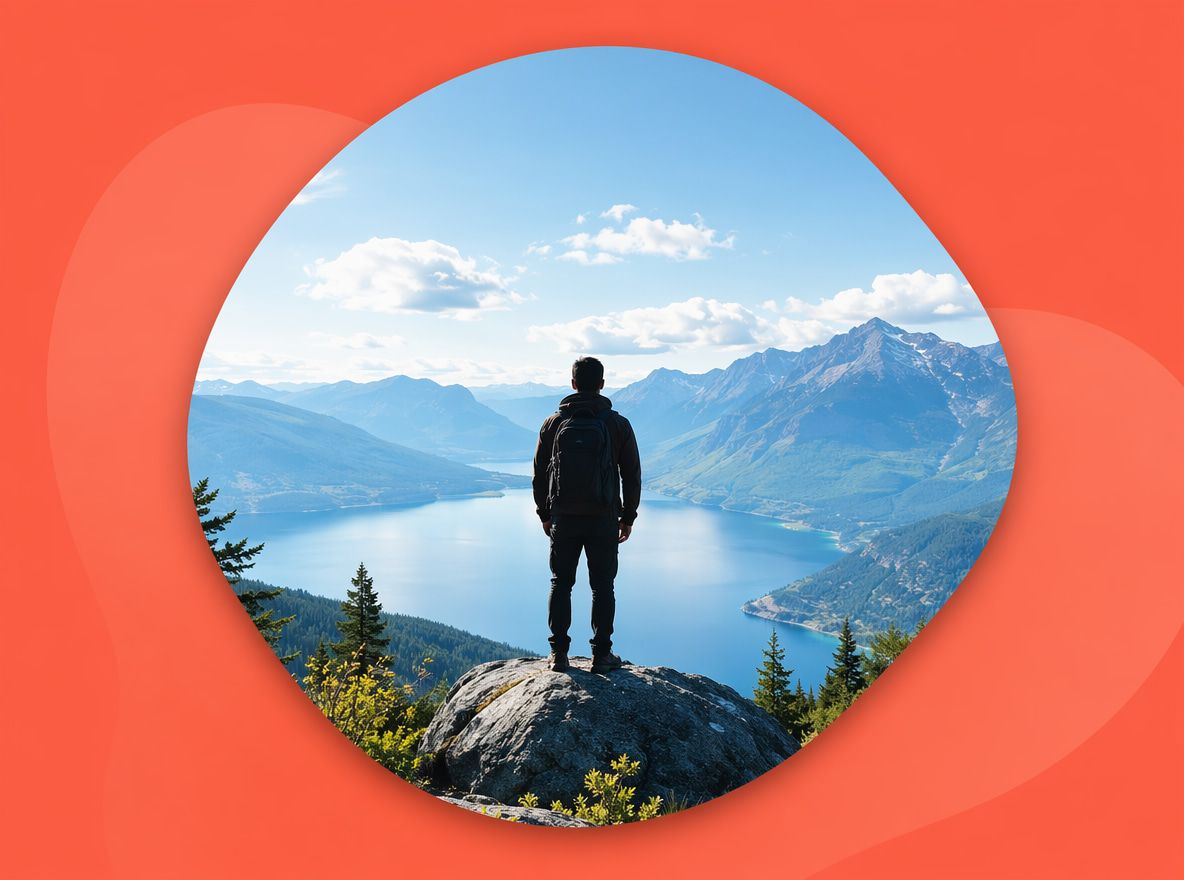
What Free AI Background Generators Can Make
A background AI tool, at its most basic, takes a text prompt and returns a still or looping visual environment — a café interior, a mountain ridge at dusk, a neon-lit street. The output category matters because it determines what you can actually do with it in post.Free tiers handle this reasonably well for:
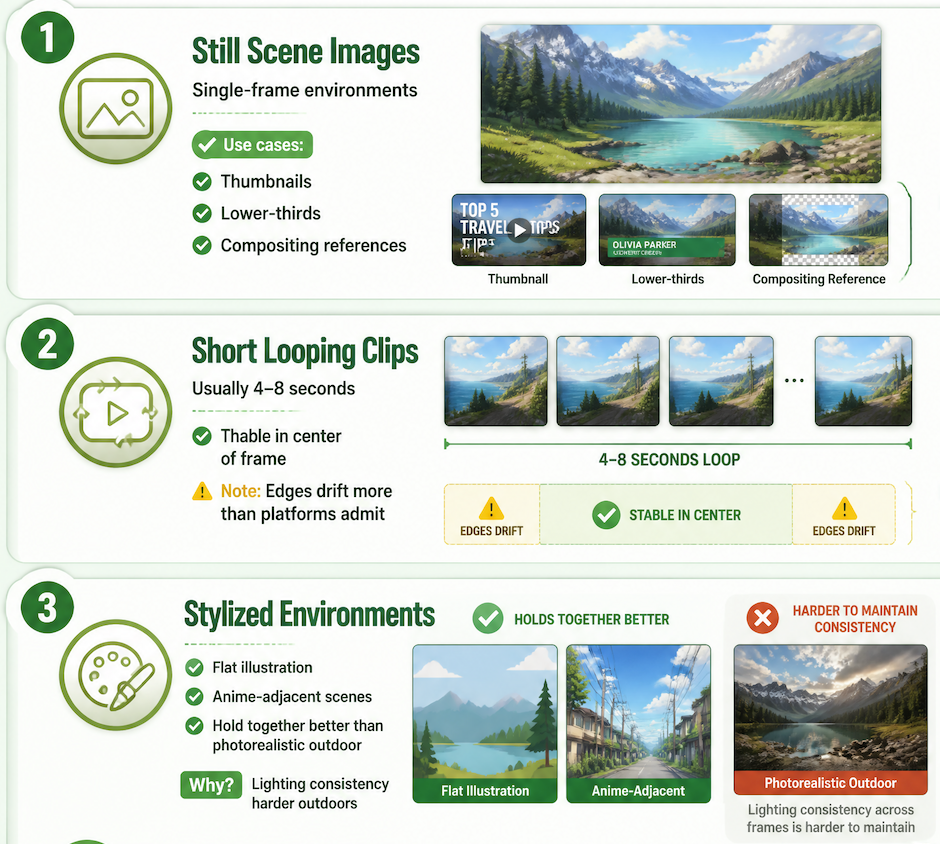
- Still scene images. Single-frame environments for thumbnails, lower-thirds, or compositing references.
- Short looping clips. Usually 4–8 seconds. Stable in the center of frame; edges drift more often than platforms will admit.
- Stylized environments. Flat illustration and anime-adjacent scenes hold together better than photorealistic outdoor shots, where lighting consistency across frames is harder to maintain.
What they do less reliably: environments with moving elements (water, crowds, wind-moved foliage) and anything requiring a specific aspect ratio without cropping.
Best Free Uses for Video Creators
Scene concepts
The clearest free use is concept validation — run four or five prompts through a free tool and see what comes back before spending credits on a full environment. Even a slightly unstable output tells you whether the scene reads the way you intended. A snowy mountain interior and a snowy exterior read very differently in generated output, and finding that gap cheaply is the point.
This is also where an AI scenery generator earns its place as a reference-building tool. Save the outputs you like, even the near-misses. They become directional references for paid-tier generation or collaborator handoffs — visual shorthand for lighting, mood, and scene density.
Background loops
A 4–8 second looping environment is useful for any creator who needs motion behind a static subject. The generation part is usually quick; the problem shows up at the loop point. If the clip doesn't connect cleanly, the cut is visible on every cycle.
Free tiers rarely give you control over that transition. Generate several versions of the same prompt and compare how each one exits the last frame — one in four or five will usually loop more cleanly than the others.
Social layouts
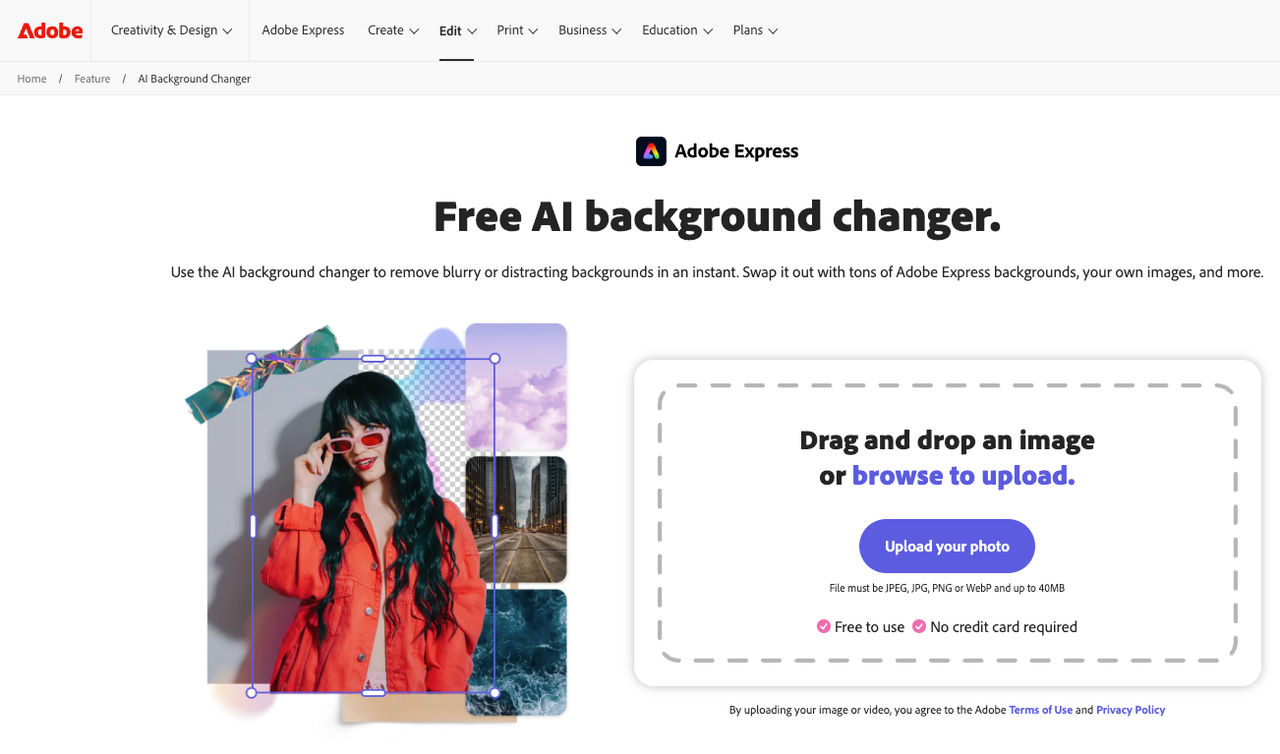
Vertical and square format backgrounds for Reels, Shorts, or TikTok are a reasonable free-tier target, with one constraint worth checking before you build a layout around an output: most free plans watermark downloads, restrict resolution, or both. A background that looks usable in the preview window may not be publishable once you check the downloaded file.
Free Plan Limits to Check
Resolution
Most free plans cap output between 720p and 1080p. That works for mobile-first social content but creates problems when your main footage is 4K. A background generated at 720p softens when stretched to fill a 4K frame. Understanding video resolution standards before generating saves time — if your deliverable is 1080p, a 720p background may pass; if it's 4K, test at higher resolution before publishing. Aspect ratio is a related issue: a 16:9 background dropped into a vertical 9:16 layout loses most of its usable frame.
Commercial use
This is the check most creators skip. Free plan terms vary significantly by platform. Some grant commercial use on all outputs; others restrict it to paid tiers; some require attribution regardless. AI-generated content and commercial rights in 2026 remain tied to each platform's terms of service — the legal framework doesn't automatically grant rights the platform hasn't licensed to you. Before using a free-tier background in a client project, paid ad, or monetized video, confirm what your specific plan actually covers.
Consistency across scenes
A single usable background is one thing. A set of backgrounds that feel like the same visual world is harder. Free tools have no memory between sessions — each generation starts fresh. Three angles of the same fictional environment will often drift in lighting color or architectural detail between outputs.
Divergence starts appearing from this round — usually around the third or fourth scene in a set. The outputs stay individually coherent but stop reading as connected. That's where reference-image support matters, and most platforms gate that behind a paid plan.
Turning Backgrounds Into Video Assets
A still background image becomes a video background image when it moves — through parallax animation, motion blur, or native video output from an AI background generator itself.
The workflow that tends to hold on free tiers: generate the still, bring it into your editing timeline, apply a slow Ken Burns move (2–3% zoom or drift over the clip duration). The subtle motion sells depth without relying on free-tier video generation, which is where instability tends to appear.
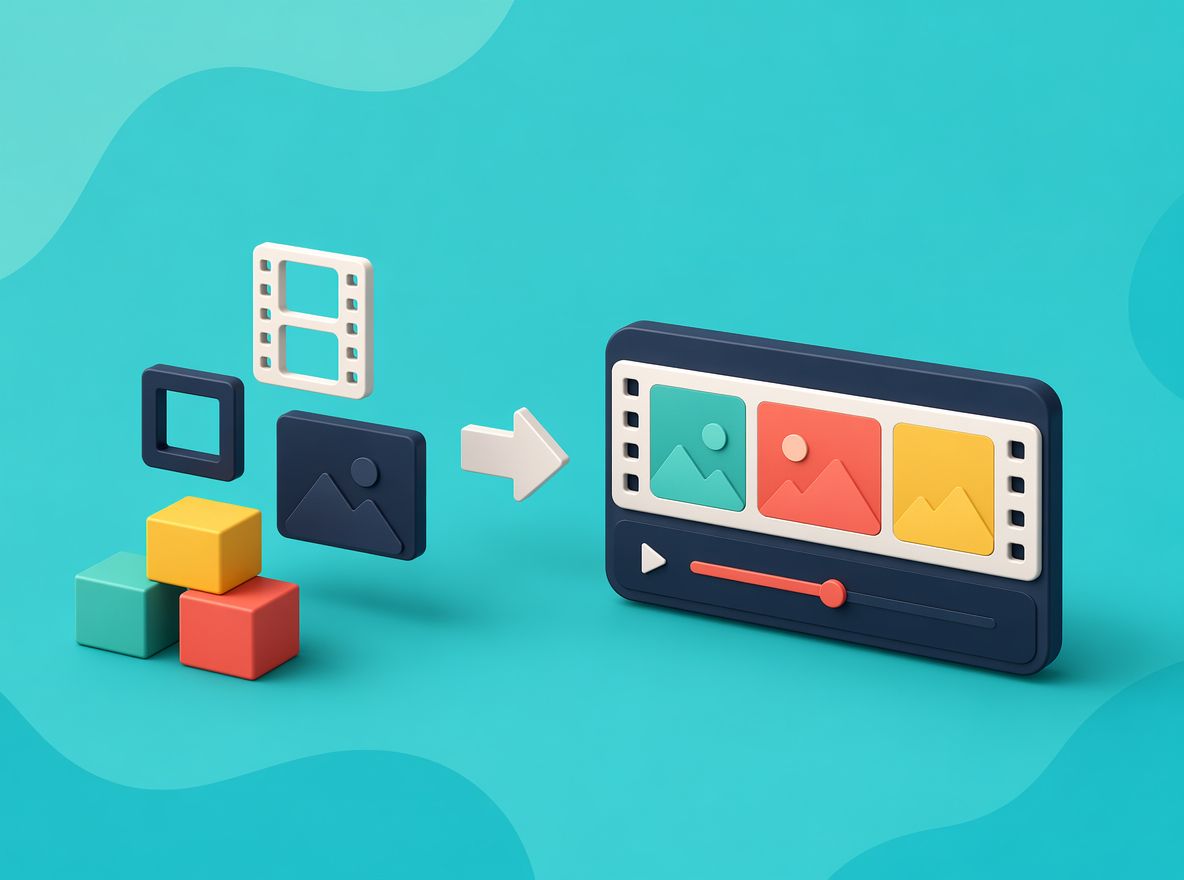
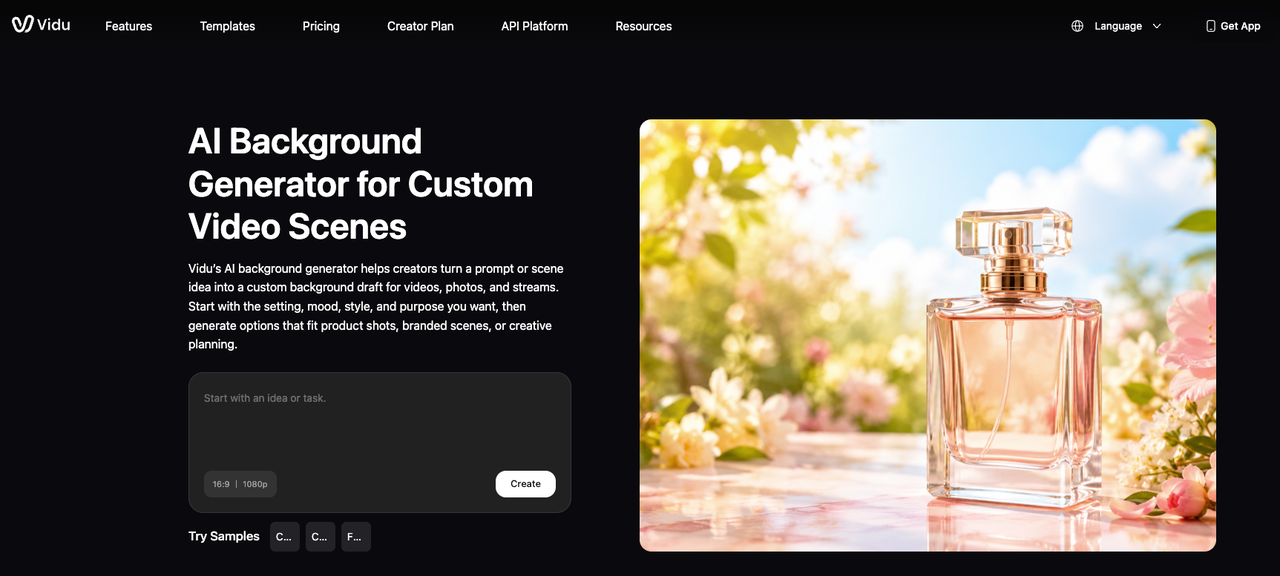
For creators who want native video output, Vidu's text-to-image tool generates scene images that can feed directly into an image-to-video step — the still becomes a starting frame, and motion is generated from there rather than from a text prompt alone. That gives more control over what's in frame before motion begins, and the free plan includes enough monthly credits to test a few scene-to-video passes before committing to a paid tier.
The asset pipeline matters more than the generation step. A background from a free AI background generator is raw material — whether it fits your format, footage, and rights situation determines whether it's actually usable.