What a Free AI Image Generator Can Do
At its core, a free AI image generator takes a text description and returns an image. That's text to image AI in its simplest form — a prompt interpreted by a diffusion model trained on image-text pairs, sampling from a learned distribution to construct a plausible visual output.
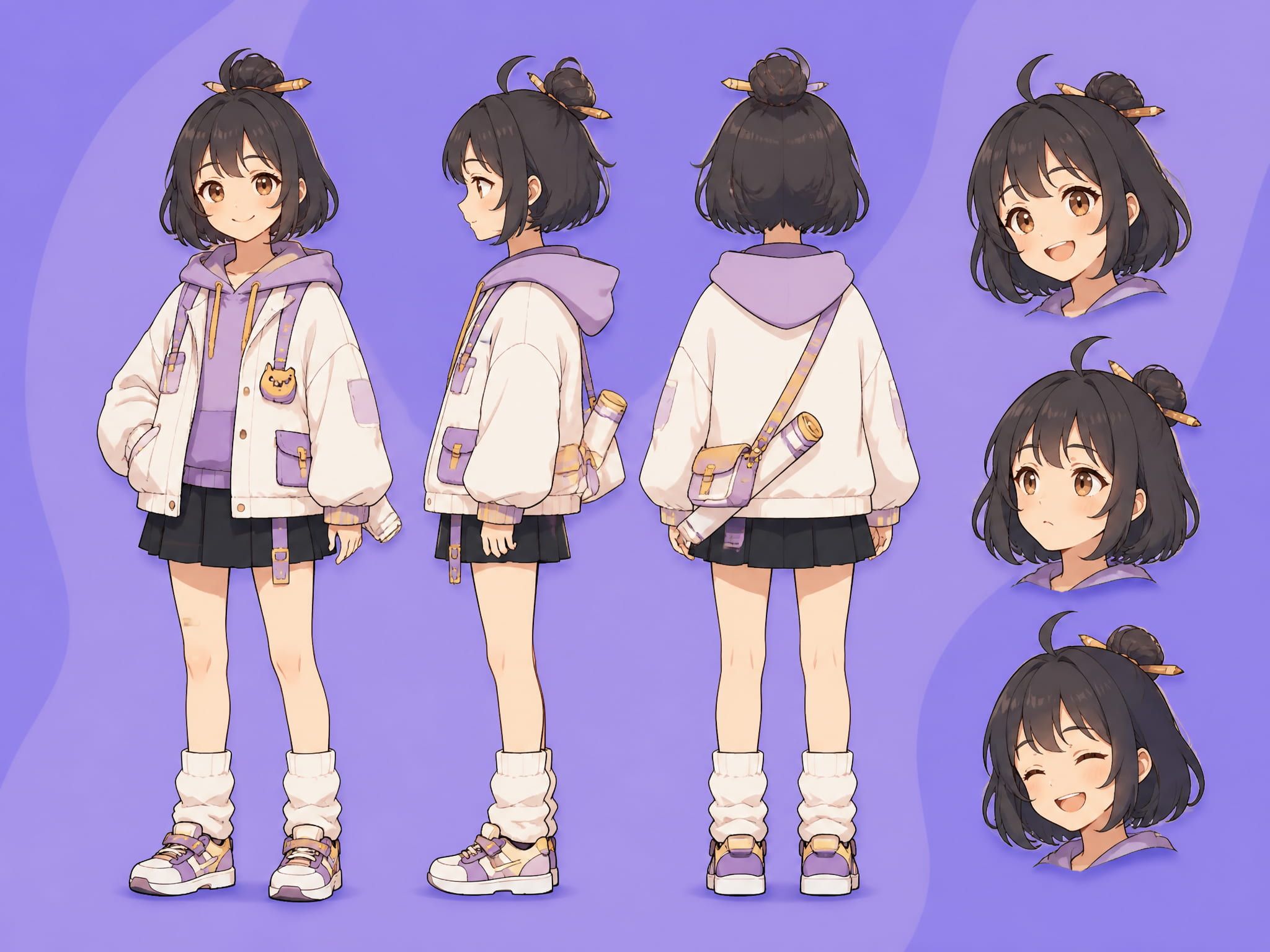
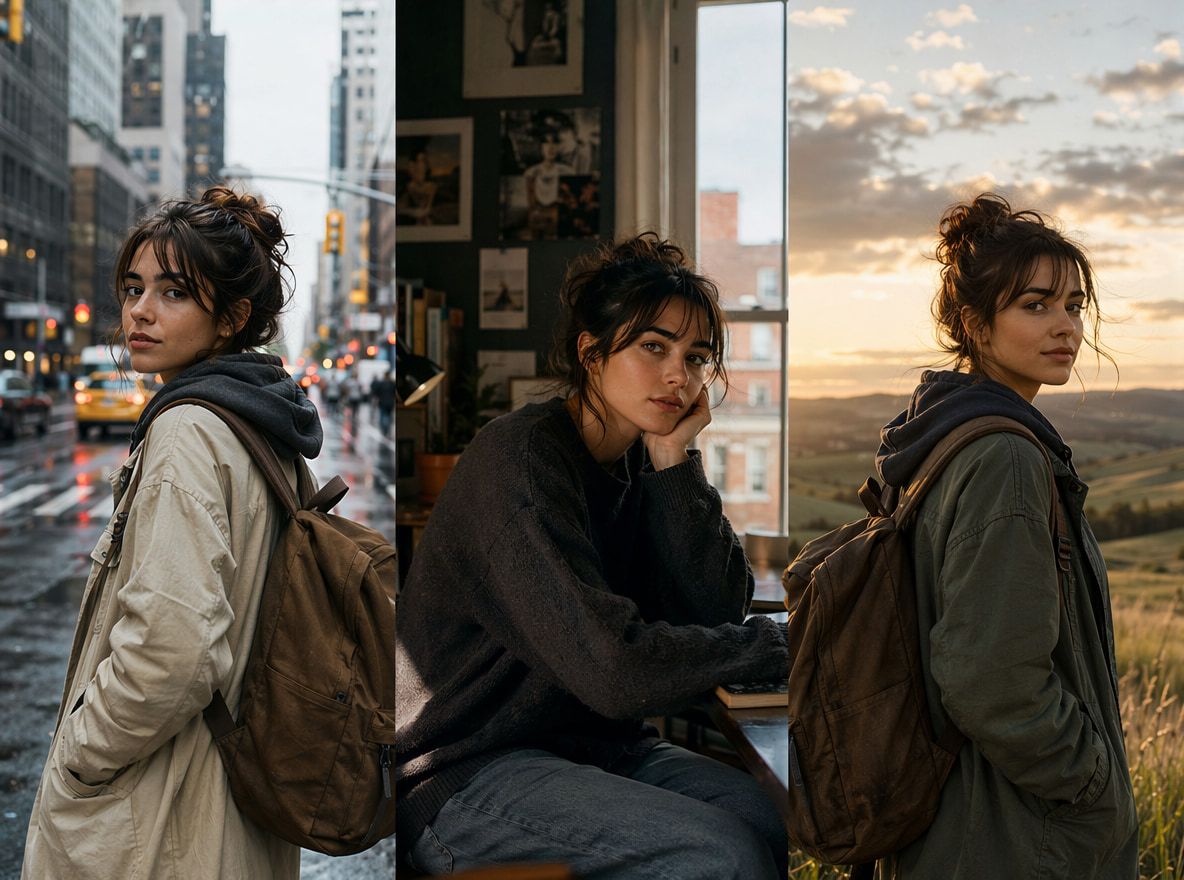
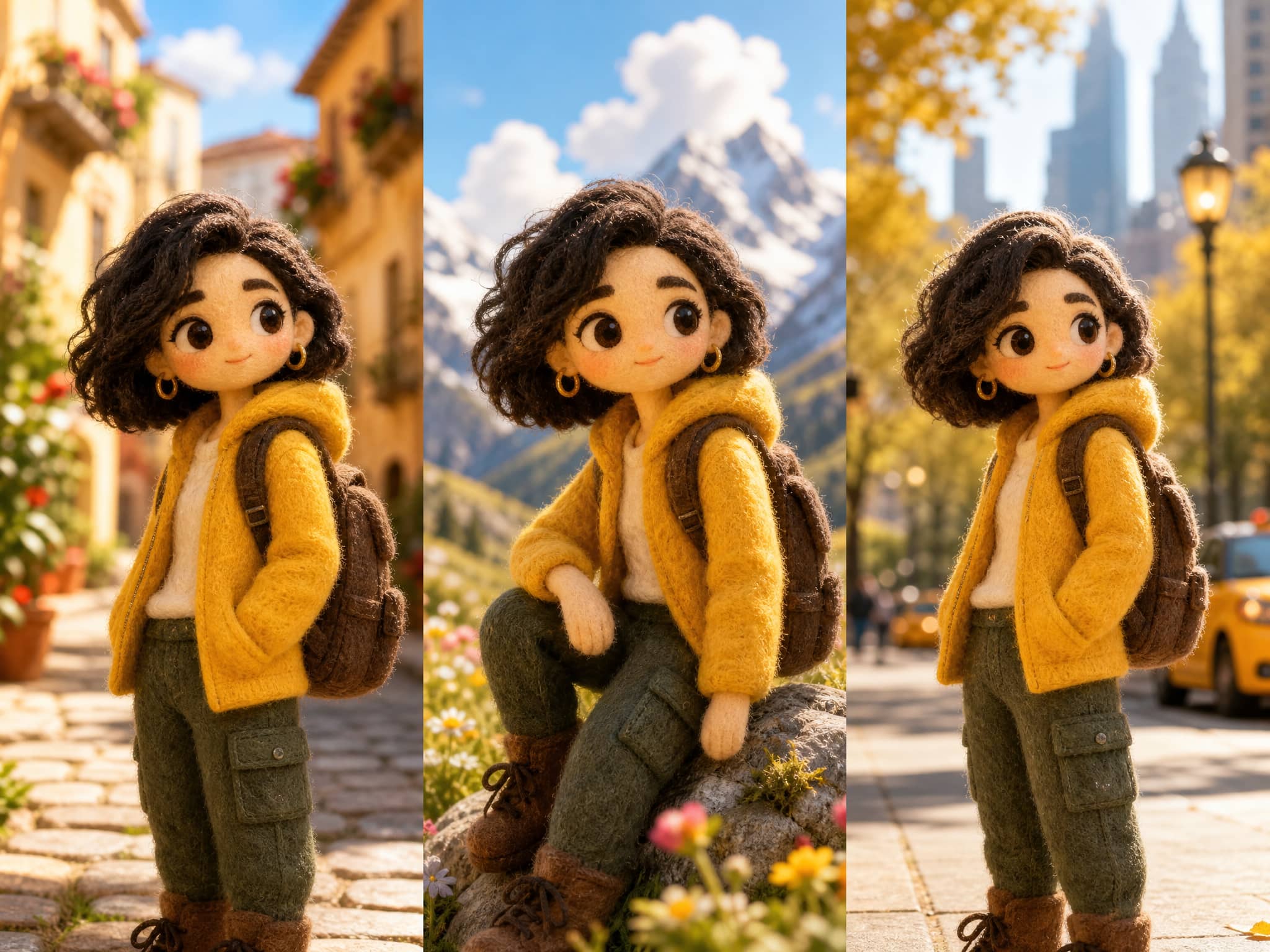
Where things get more useful for video creators is when tools accept reference inputs alongside the prompt. Not just "generate a woman in a blue coat" but "generate a woman in a blue coat, structured like this composition I'm uploading." That reference-to-image mode is what actually matters for building consistent visual assets before video.
Free tiers vary in three places: whether reference inputs are supported at all, how much weight the model gives to the reference versus improvising around it, and what resolution cap applies. Generation is fast — under ten seconds across most platforms. Style range is wide. What free plans limit is usually control precision, not speed.
Why Video Creators Use AI Images First
The workflow I kept returning to: generate the still first, review it, then feed it into video generation.
It's an extra step. It's also a checkpoint — you can evaluate the character before committing video credits to a direction that might not work.
Characters, Backgrounds, and Style References
A reference image does something specific in AI video generation. When you give a video model a character image, you're providing a visual anchor — something the model can return to as it renders motion across frames. Without that anchor, the model generates the character from your text prompt at each step, and the character in frame one may not quite match frame three.
This subject consistency problem is documented as a core challenge in image-to-video research. A study on image-to-video visual consistency (TMLR 2024, University of Waterloo) found that existing I2V methods "often struggle to preserve the integrity of the subject, background, and style from the first frame" — outputs show degenerated appearance as the video progresses even with first-frame conditioning applied. The mechanism: standard first-frame concatenation provides a layout anchor but doesn't fully constrain the spatial and temporal attention layers governing how features propagate across frames.
Generating your character as a still first doesn't eliminate drift. It gives you a controlled starting point — you decide what the character looks like before the video model ever sees them.
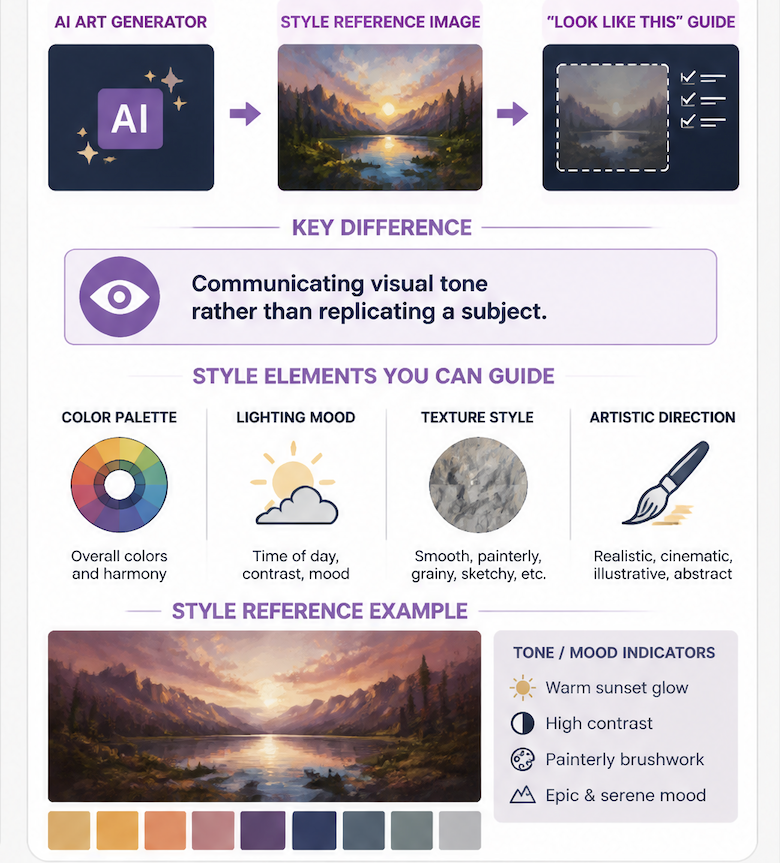
Background generation follows the same logic. If you need a specific interior — color temperature, furniture arrangement, depth — generating it as a still lets you art-direct it before it becomes a moving scene. Style references work differently: here you're communicating visual tone rather than replicating a subject. A free AI art generator can produce style reference images you upload as a "look like this" guide to your video tool.
Free Tool Limits to Check
Usage Rights
The legal situation around AI-generated images matters more than most creators realize, and it runs on two separate tracks.
First: copyright. The U.S. Copyright Office has issued guidance on AI-generated works stating that content produced without meaningful human creative authorship cannot be copyrighted. A purely generated image from a text prompt has no enforceable copyright — anyone can copy it. The EU AI Act (Article 50) adds its own transparency obligations around AI-generated content, and other jurisdictions vary. For client work or contracts where ownership matters, jurisdiction-specific legal advice applies.
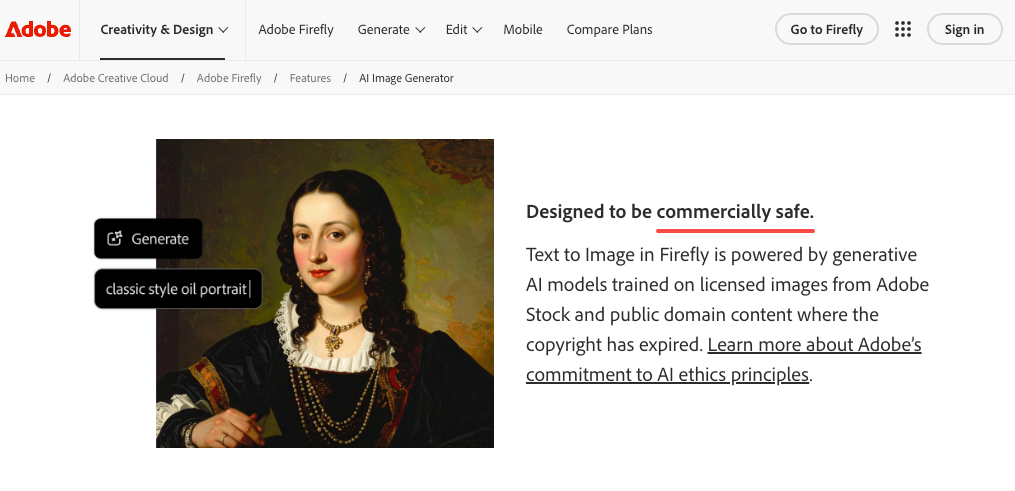
Second: platform license. Most free tiers restrict commercial use in their terms of service — Vidu's free plan licenses output for personal and non-commercial use only as of March 2026; commercial rights require a paid tier. This pattern is consistent across Kling, Pika, HaiLuo, and Runway. Adobe Firefly is a notable exception: its free tier explicitly grants commercial rights on outputs.
For internal reference use — generating images to feed into a video workflow, not publishing the stills — platform commercial restrictions generally don't apply.
Resolution
Most free AI photo generator tools cap output between 720p and 1080p. For social video — TikTok, Reels, Shorts — that's workable. A 720p reference image fed into a 1080p video generation can introduce soft edges or texture artifacts on subjects, particularly at hair and fabric detail. When building references specifically for video input, generating at the highest resolution the free tier allows is the better default.
As of mid-2026: Kling free tier caps at 720p; Pika free Basic at 480p; Vidu free tier reaches 1080p for image generation. These change — verify directly on each platform's current pricing page.
Watermark and Editing Limits
Free output from Runway, Kling, Pika, HaiLuo, and Vidu all includes a visible watermark as of early 2026. For internal reference use this doesn't matter. For published stills, it's a hard stop.
Monthly generation caps are the other constraint. Stabilizing a character reference across fifteen to twenty iterations is typical — and running into a daily cap mid-session is a real disruption. As of mid-2026: Kling offers 66 non-accumulating daily credits; Vidu offers 80 monthly credits plus off-peak generation at no credit cost. If you exhaust the iteration budget before the reference stabilizes, you're either stopping or paying.
How to Turn AI Images Into Video Assets
The workflow that consistently produced the most controllable results: generate the still → review and refine → feed into video as a reference image.
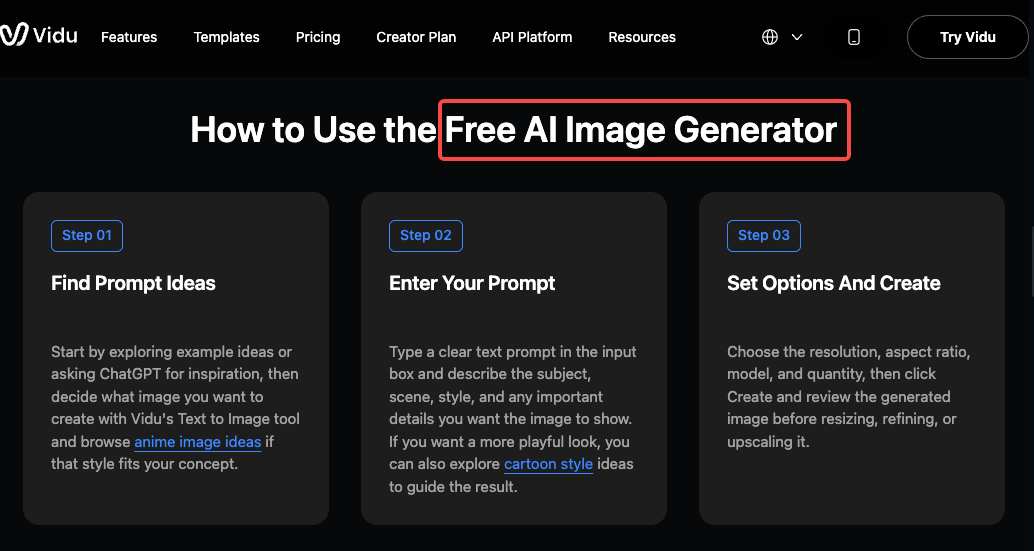
A free AI image generator is used in this step to produce the initial reference asset before any video generation begins.
For this to work well, the still needs a few specific properties.
Clear subject framing. If you're generating a character, you want them visible and unambiguous — centered, with the expression and posture you want to carry into motion. An ambiguous composition gives the video model more to guess about, and it will guess in the direction of its internal priors, not necessarily yours.
Directional lighting. Light appearing to come from unspecified directions in the reference tends to produce flickering or inconsistent lighting across video frames. The VBench benchmark suite for video generation model evaluation (CVPR 2024) measures "temporal flickering" as a distinct quality dimension — it's a persistent failure mode in generated video that often traces back to ambiguous reference conditioning.
Matched resolution. Generate at the highest resolution the free tier allows; it matters at the input stage as much as the output stage.
Where this breaks down: high-detail references. Complex fabric textures, busy backgrounds, fine facial features in close-up — the model will simplify or distort these details in motion. Diffusion-based generation averages across learned distributions of similar features rather than reproducing reference detail precisely. Simpler, lower-frequency references produce more stable video output. That's not a workaround; it's how the mechanism works.
For cross-session consistency, Vidu's image-to-video reference library lets you save reference assets so you're not regenerating the character from scratch each session. Multi-reference conditioning — providing several images of the same subject from different angles — gives the model more spatial information to constrain output, measurably reducing drift compared to single-image anchoring.