What an Image Prompt Generator Does
An image prompt generator takes a text description and turns it into a visual. Most creators use this step casually — type something, get an image, move on. That works fine when the image is the final output.
The process is similar to using an AI image generator, but with a different goal. Instead of creating a standalone image, you're creating a reference that needs to remain readable and consistent when interpreted by a video model.
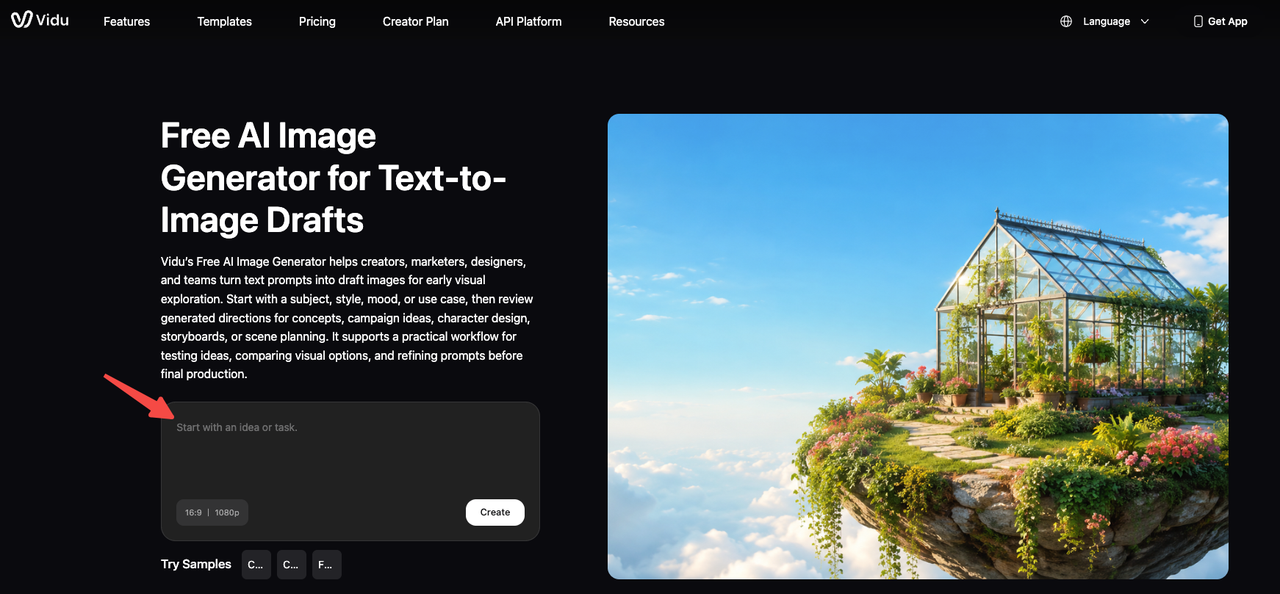
When you're feeding that image into an AI video tool as a reference, "fine" isn't a useful standard. You need an image that a video model can read cleanly: consistent lighting, unambiguous subject framing, and no visual noise competing for the model's attention.
Think of the generator as a translation layer. What you type determines what structure the generated image holds — and that structure is what the video model has to interpret later. Two prompts for "a woman in a red jacket" can produce wildly different images with different levels of readability for downstream video generation.
Getting this translation step right matters more than most prompt guides acknowledge, because they're typically written for the image as endpoint, not as input.
Why Image Prompts Matter for AI Video
The gap between "good image" and "video-ready reference image" is real. I noticed it when running the same character reference through multiple video generations — outputs with lower structural consistency in the source image drifted more, sometimes from the first clip.
Research on text to image and image-to-video pipelines confirms this isn't surprising. A 2024 paper on visual consistency in image-to-video generation found that maintaining subject integrity from the first frame is one of the hardest problems in the field — and the quality of that first frame directly constrains what's achievable downstream.
The prompt you use to generate your reference image is doing more work than it looks like.
Character References
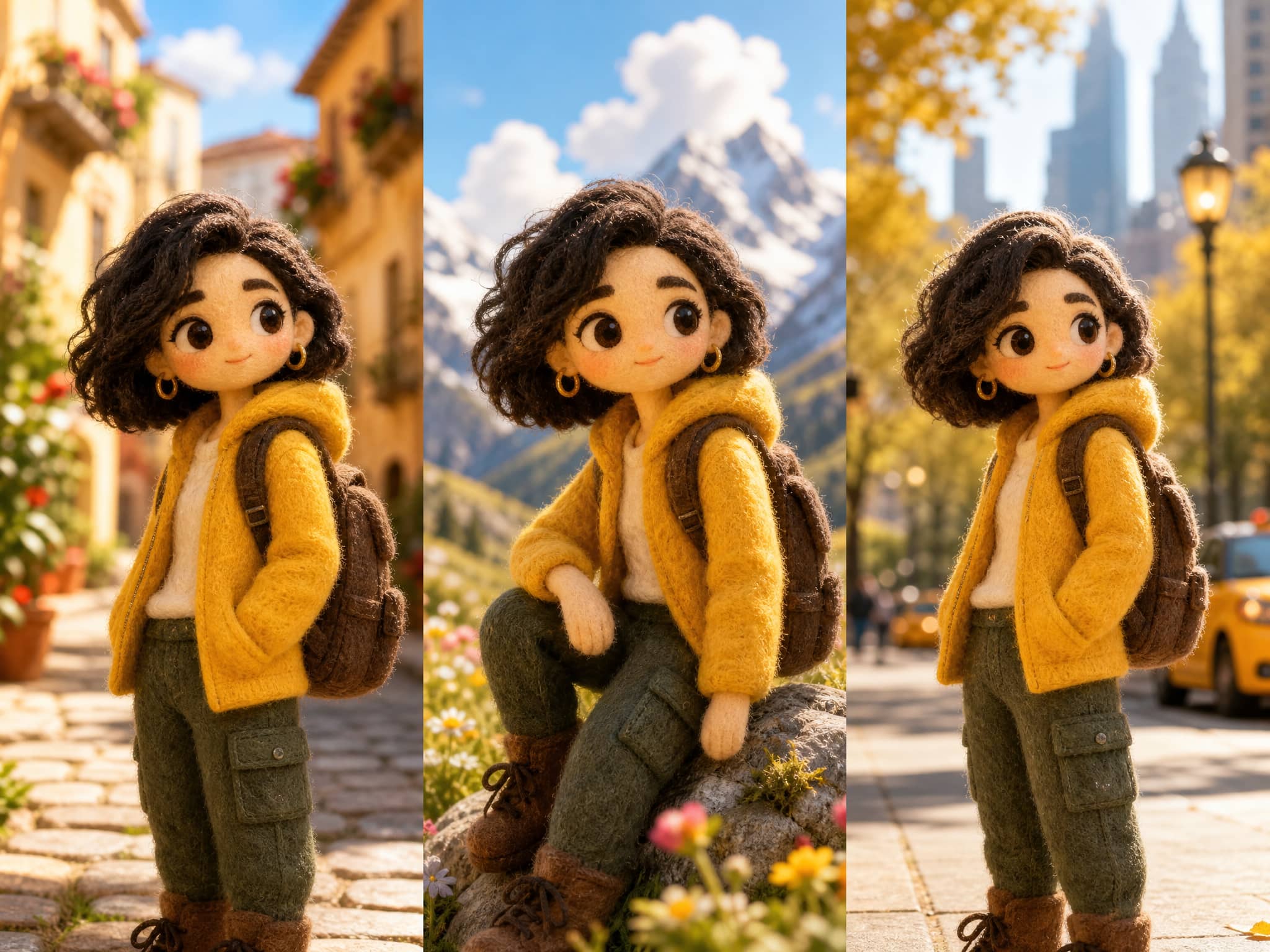
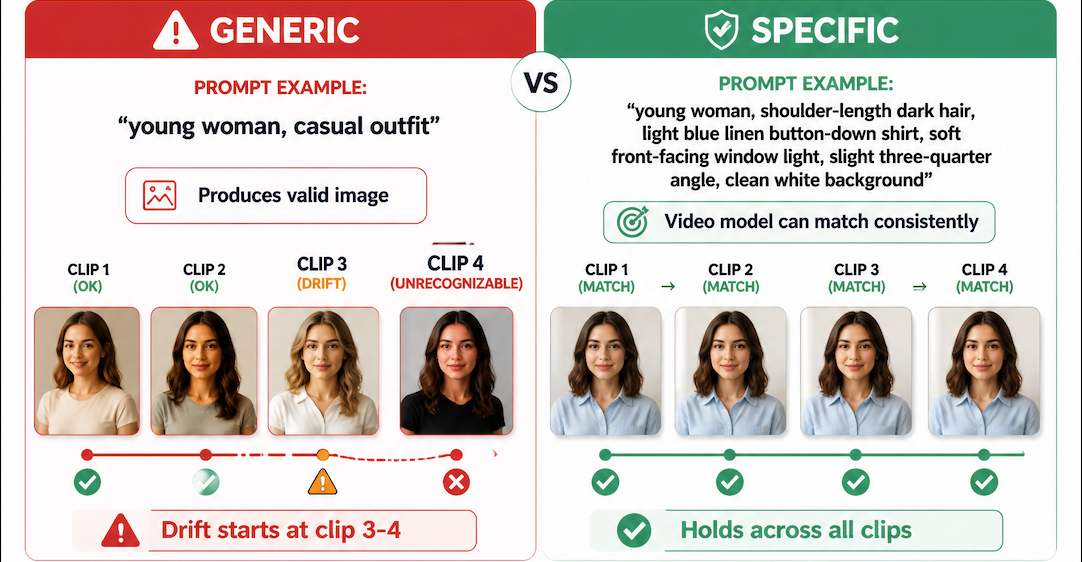
When a character needs to appear in multiple clips, the reference image has to carry enough information to anchor the model each time. This means the prompt needs to specify facial structure, clothing details, and lighting conditions clearly — not generically.
A prompt like "young woman, casual outfit" produces a valid image. But "young woman, shoulder-length dark hair, light blue linen button-down shirt, soft front-facing window light, slight three-quarter angle, clean white background" produces something a video model can match against consistently.
The difference shows up in the third and fourth clip, when generic references start drifting and specific ones hold.
Style References
Style references work differently from character references. Here the prompt is less about describing a person and more about establishing a visual grammar — color palette, texture, shadow quality, rendering style.
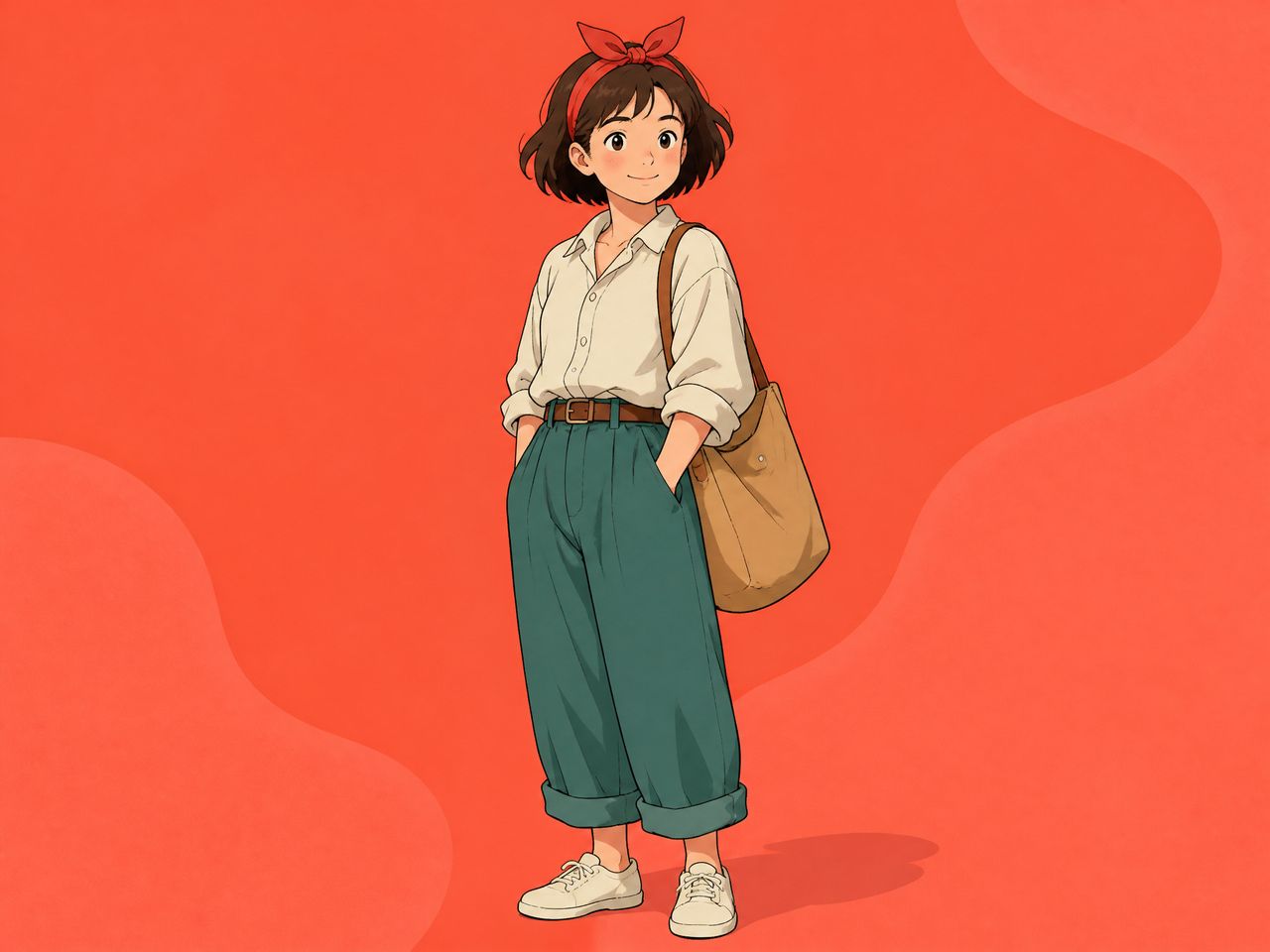
For anime or illustrated content, this matters especially. A style reference prompt that specifies "flat cell-shaded illustration, limited color palette, strong outline weight, no photorealistic texture" gives the video model a consistent visual target to maintain. Vague style prompts produce images that look fine in isolation but create inconsistency as the video model interprets them differently each generation.
Scene Backgrounds
Background references are often the most underspecified. Creators spend time on character prompts and then use a rough scene description for the background.
The result: backgrounds that feel slightly different between clips — lighting shifts, depth changes, small compositional inconsistencies. These are often described as "model drift" when they're actually prompt gaps. If the background reference prompt doesn't specify lighting direction, time of day, and depth-of-field treatment, each generation is making those decisions independently.
How to Write Video-Ready Image Prompts
The goal isn't complexity. It's specificity in the right places. These are the three structural areas that matter most when writing ai image prompts for video reference use.
Subject and Style
Start with what the model absolutely cannot guess wrong. For characters: full description of visible features, clothing, and skin/hair/eye details. For scenes: architectural or environmental type, lighting quality, weather if visible.
Then add the rendering style. Is this photorealistic? Illustrated? Anime? Specify it explicitly, because the same subject description can produce images across a wide style range depending on the model's defaults.
Platforms like Google Cloud's Imagen document how subject-first prompt structure improves output specificity — the same logic applies when generating reference images for video.
Don't stack style modifiers without meaning. "Cinematic dramatic beautiful high quality" is model noise. "Overcast natural light, shallow depth of field, muted color palette" is a set of visual constraints the model can actually apply.
Composition and Camera
This is the part most creators skip. And it's where reference images fail most often.
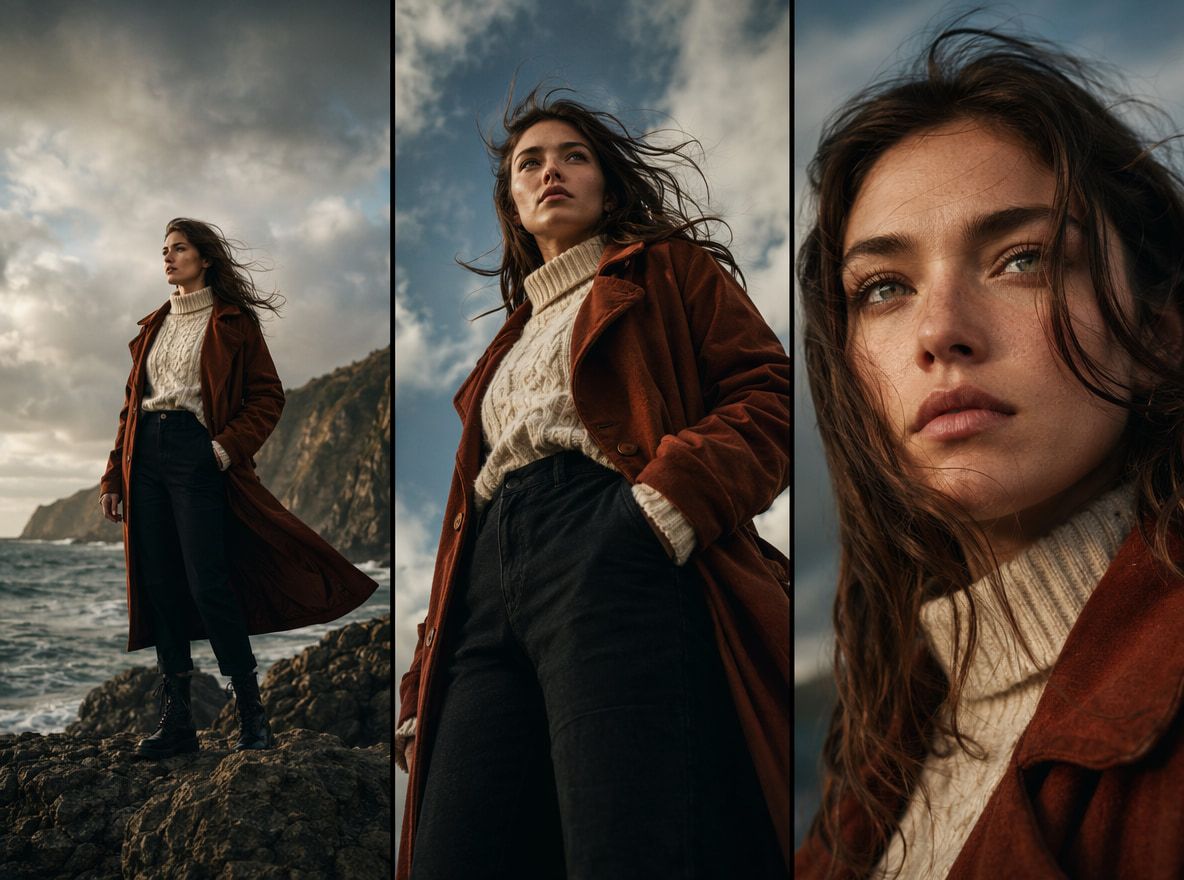
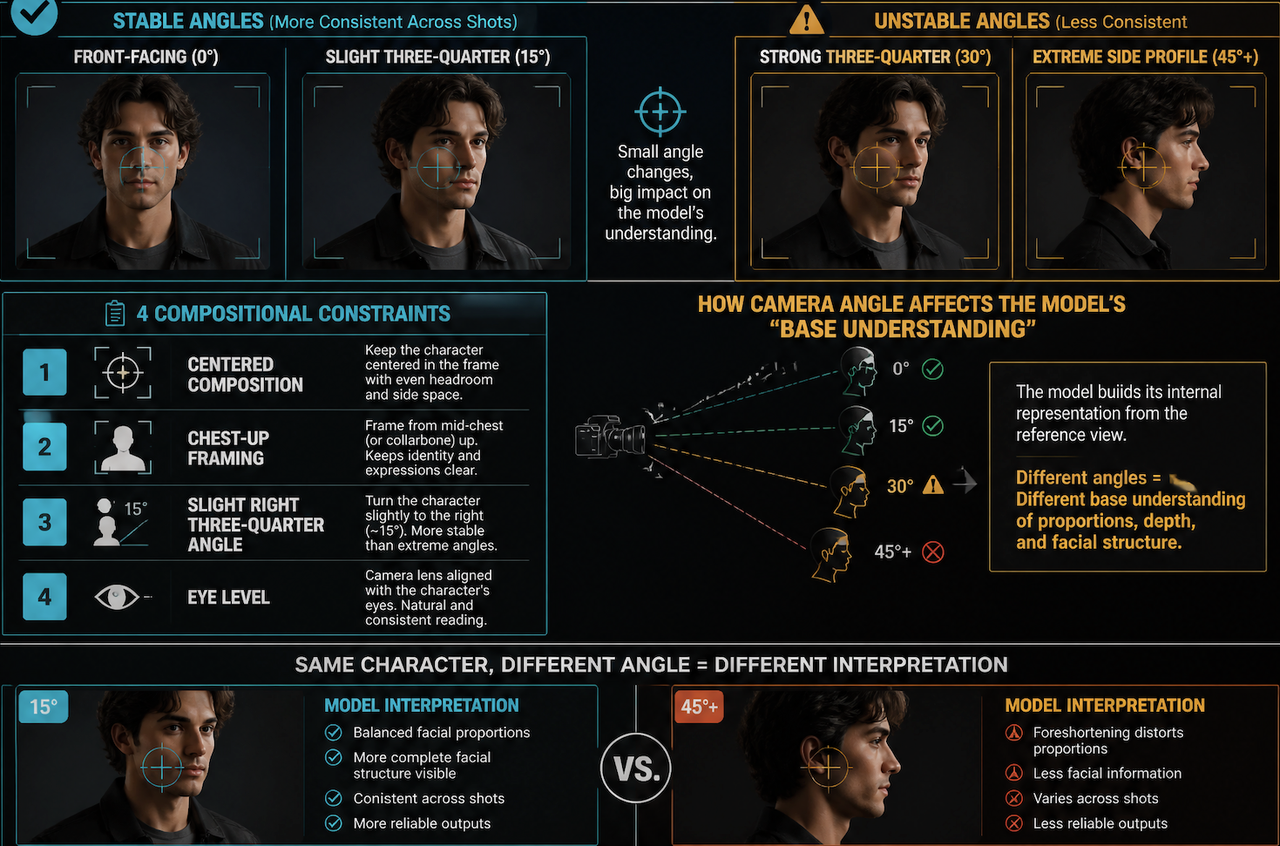
Composition determines how much of the subject is visible and where they sit in the frame. Camera angle determines the reading angle the video model will use to interpret the character's proportions and spatial relationships.
For character references that need to appear across multiple shots: front-facing or slight three-quarter is more stable than extreme angles. The reference image the video model reads at 45 degrees from the side will produce a different "base understanding" of the character than one at 15 degrees.
Specify: "centered composition, chest-up framing, slight right three-quarter angle, eye level." That's four compositional constraints that take seconds to add and noticeably improve clip-to-clip consistency.
Reusable Reference Details
The most underused practice in reference image prompts is creating what I'd call an anchoring description — a consistent block of text you use across every reference image for the same character or scene.
If a character has a scar on the left cheek, that goes in the anchoring block every time. If the lighting for a scene is always overcast midday, that goes in every scene reference prompt. Consistency in the input produces consistency in the generated reference, which produces consistency in the video.
This is especially relevant when using tools that accept multiple reference images. Vidu's Reference to Video feature accepts up to seven reference images per generation — when those images were all generated from a consistent prompt anchoring block, the model has a much cleaner signal to work from across all seven inputs.
The OpenAI image generation documentation notes a similar principle in iterative image workflows: the more precisely constrained the input, the more reproducible the output across generations. For video reference work, that reproducibility is the whole point.
Mistakes That Hurt Video Consistency
These aren't edge cases. They come up across most workflows I've seen or tested.
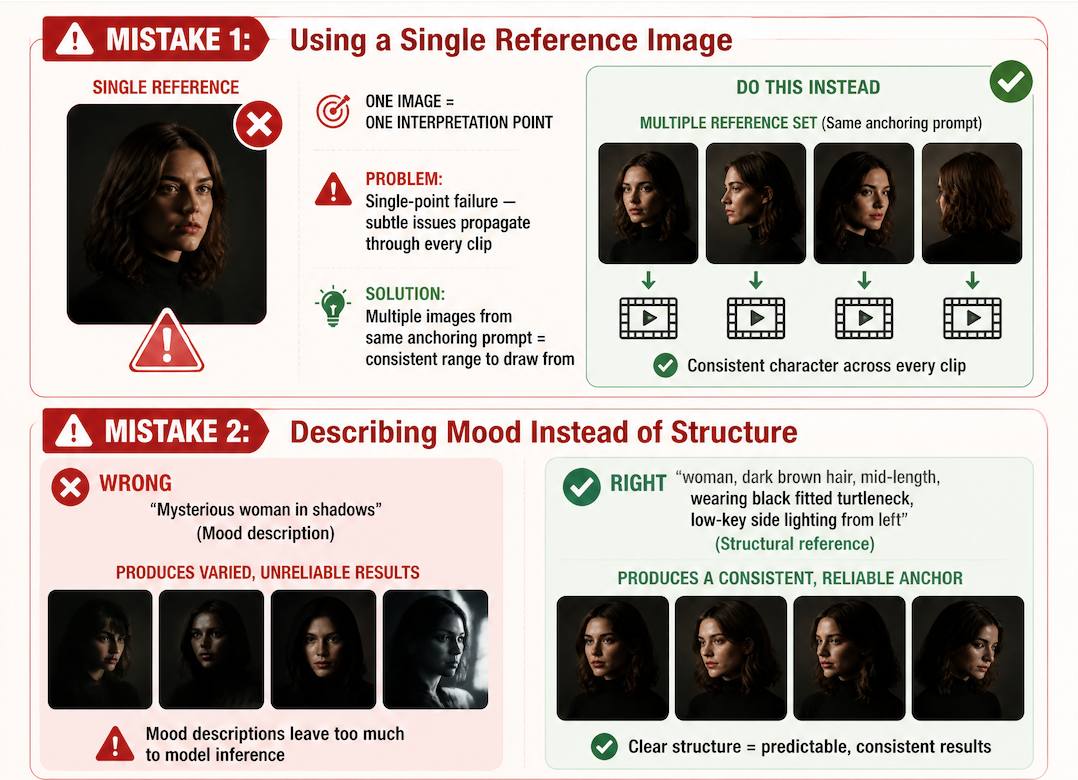
Using a single reference image for a multi-shot character. One image gives the model one interpretation point. Multiple images from the same anchoring prompt give it a consistent range to draw from. Single references produce single-point failure — if that image has a subtle issue, it propagates through every clip.
Describing mood instead of structure. "Mysterious woman in shadows" is a mood description. It produces an image, probably several interesting ones. But "woman, dark brown hair, mid-length, wearing black fitted turtleneck, low-key side lighting from left" produces a structural reference. Mood descriptions leave too much to model inference.
Mixing rendering styles across references. Character reference in photorealistic style, background reference in illustrated style. The video model tries to reconcile these during generation and typically fails in visible ways — one element looks composited, or style shifts between clips.
Generating one image and accepting it. Even from a precise prompt, the first generation isn't always the most structurally clean. Running the same reference prompt three to five times and selecting the most compositionally stable result costs two minutes and measurably improves downstream video consistency.