What Makes a Good Social Media Video?
It's not resolution. It's not effects. It's whether someone stops scrolling.
In repeated generation tests, the clips that worked as social posts shared three traits: the subject was recognizable within the first second, there was one clear motion or transition (not three), and the clip ended before anything started to degrade. That's it.
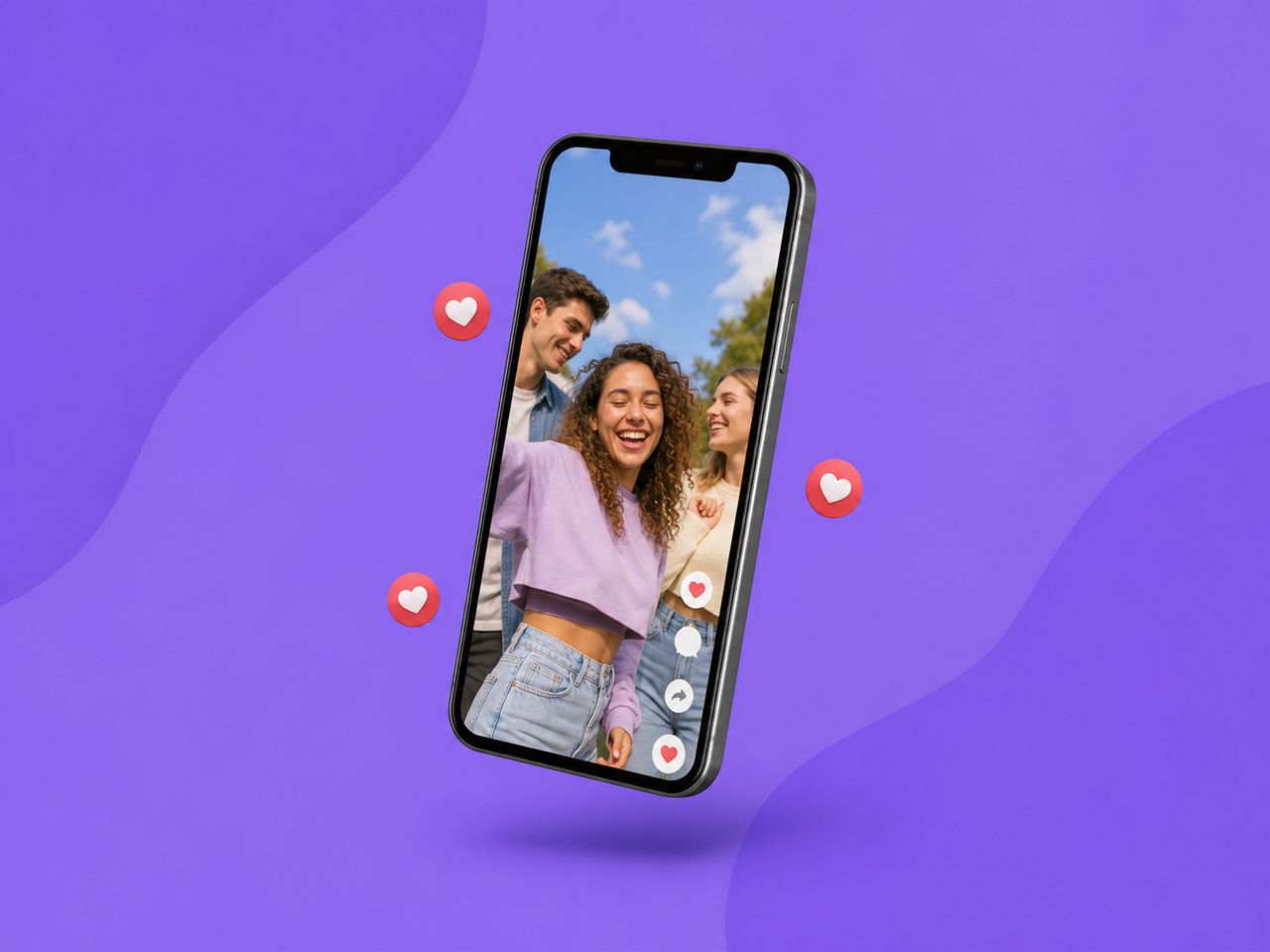
A good social media video maker — whether AI-based or traditional — needs to produce output that survives platform compression, looks intentional on a phone screen, and doesn't require a second watch to understand. Most AI-generated clips fail the third test. They look interesting on desktop preview but fall apart at phone scale because the subject is too small or the motion is too subtle to register while scrolling.
What actually holds up: close framing, limited camera movement, high contrast between subject and background. These aren't creative preferences. They're compression survival traits. According to Sprout Social's video specs guide, every major platform enforces its own aspect ratios and file constraints — and getting even one parameter wrong means automatic cropping, quality loss, or suppressed reach.
Where AI Helps Social Creators
Idea to first draft
The value isn't "AI makes video." It's "AI makes the first version you can react to."
In 5 generation tests from a text prompt describing a product rotating against a gradient, 3 out of 5 produced clips where the object stayed centered and the rotation was smooth enough to post. The other 2 had mid-clip jitter that looked like encoding errors.
That 60% hit rate still beats opening After Effects, building the comp, rendering, realizing the motion feels wrong, and starting over. The first draft arrives in seconds. The judgment call takes longer than the generation.
Image to video
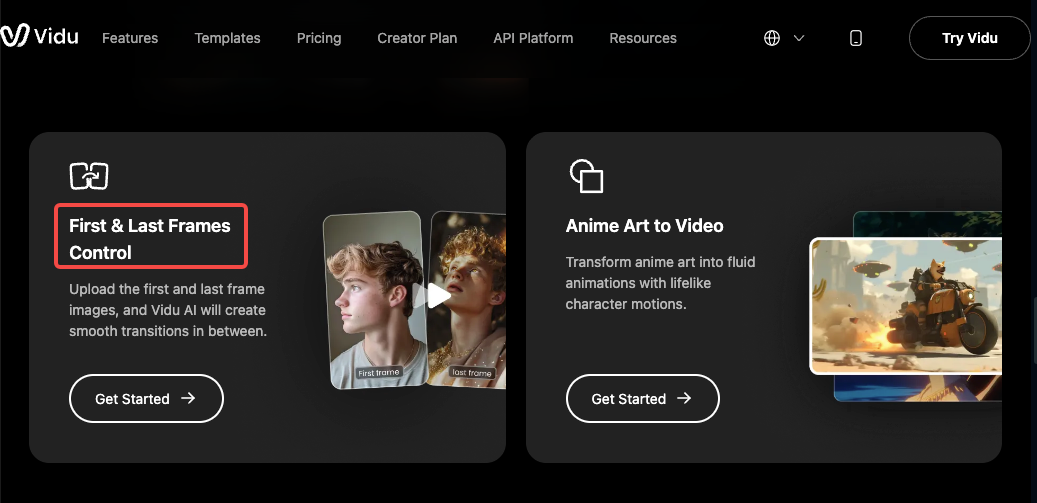
This is where the hit rate climbs. Static product shots, character portraits, or illustrated key frames converted to short motion clips stabilize faster than text-only prompts. Pinning the first frame with an uploaded image reduced drift noticeably across tests. Consistency breaks at this layer start appearing around second five in most runs, but for a 3-second social clip, that's beyond the boundary that matters.
Vidu's image-to-video tool lets you set both first and last frames, which narrows the drift window even further. In practice, that constraint is what made the difference between "interesting but unusable" and "post it."
Style and character reuse
Divergence starts appearing from the second round when you try to keep a character consistent across multiple clips without reference images. Face shape shifts. Clothing color drifts. Hair changes texture.
Multi-reference uploads reduce this. Not eliminate — reduce. In a 4-clip batch using the same 3 reference images, the character stayed recognizable across all 4. Clothing stayed consistent in 3. One clip shifted the sleeve length, which only matters if your audience is paying close attention.
For social media video where the character appears in a series — a recurring host, a mascot, a brand avatar — this level of consistency is enough. For a feature film, no. But social isn't asking for that.
Templates for repeat formats
Social media video templates solve the most boring part of the workflow: rebuilding the same structure every time you post. Kissing animations, product reveals, outfit transitions — these aren't creative decisions anymore once you've settled on a format. They're production tasks.
Using pre-built templates for recurring formats compressed what used to be a 20-minute setup into a single upload-and-generate cycle. The output isn't always perfect. In 5 template-based generations, 1 produced a timing glitch where the transition happened a beat too early. But 4 out of 5 were usable without adjustment — a better ratio than building from scratch each time.
Platform Planning Basics
TikTok and Reels
9:16 vertical. Full screen. Under 30 seconds for organic reach.
Short-form video dominates engagement on both platforms — HubSpot's 2026 State of Marketing data shows it's the highest-ROI content format, with 49% of marketers ranking it first. AI-generated clips fit this format well because the shorter the clip, the less time there is for drift or model artifacts to surface. Under 5 seconds, most AI output holds. Between 5 and 15, stability depends on input constraints. Past 15, you're editing regardless.

One detail: TikTok and Reels both recompress uploads. If your source clip is already compressed from generation, the double compression stacks. Export at the highest quality the tool allows.
Shorts
YouTube Shorts shares the vertical format but skews slightly different. Viewers tolerate more information density — text overlays, captions, split-screen comparisons. AI-generated clips work here as B-roll behind voiceover or as visual hooks in the first 2 seconds.
Wyzowl's 2026 video marketing survey reports 71% of marketers believe videos between 30 seconds and 2 minutes are most effective. For Shorts, the sweet spot for AI-generated content is the opening visual — the part that decides whether someone keeps watching.
Ads and product posts
Ad content has tighter standards. A face drifting in an organic post is quirky. In a paid ad, it's a credibility problem.
For product posts and ad concepts, image-to-video with locked frames is the more reliable path. Text-to-video works for concept exploration — generating 5 variations quickly to see which visual direction resonates — but the final ad asset usually needs more control than text prompts alone provide.
Small marketing teams using AI for ad video typically follow this sequence: generate concept variations from text, pick the strongest direction, rebuild it from a curated source image with frame locking, then export.
Quality Checklist Before Posting
Before publishing any AI-generated social clip, run through these. Every failed post I've traced back to a quality issue could have been caught at this stage.
Format match: 9:16 for Reels, TikTok, Shorts. 1:1 for feed posts. 16:9 for YouTube longform or LinkedIn. Using the wrong ratio doesn't just look bad — it tells the algorithm your content wasn't built for the platform. A good social media video editor workflow starts with format, not aesthetics.
First-second clarity: Pause the clip at frame one. Can you tell what the video is about? If not, the scroll audience won't either.
Motion check: Play at 1x on your phone. Is the motion smooth, or does it stutter at any point? AI-generated motion artifacts that look fine on desktop can become obvious on mobile.
Compression test: Upload to a private or unlisted post first. Watch the published version. If the quality drops visibly, your source resolution is too low.
Character consistency: If this clip is part of a series, compare the character to the previous post. Side by side. Face, clothing, color. If anything shifted, regenerate with tighter references before posting.
Audio layer: Most AI video tools generate silent clips. If your platform favors native audio — TikTok especially — add a track before uploading. Silent auto-play can suppress reach on platforms that reward sound-on engagement. Hootsuite's 2026 social trends analysis notes that posting frequency matters less than format-native content — and sound is part of what makes a clip feel native.