
What Is a Video Maker AI Tool?
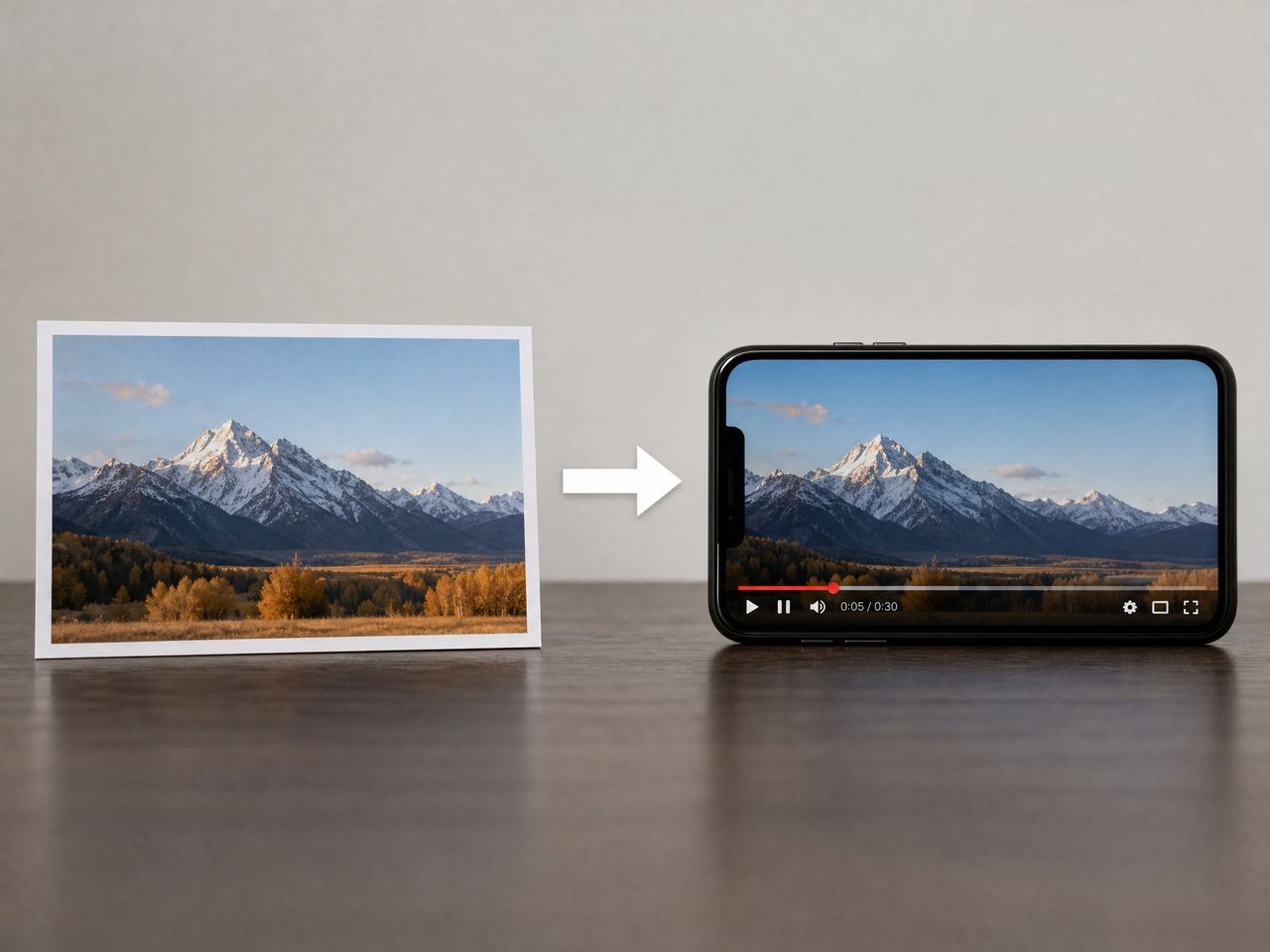
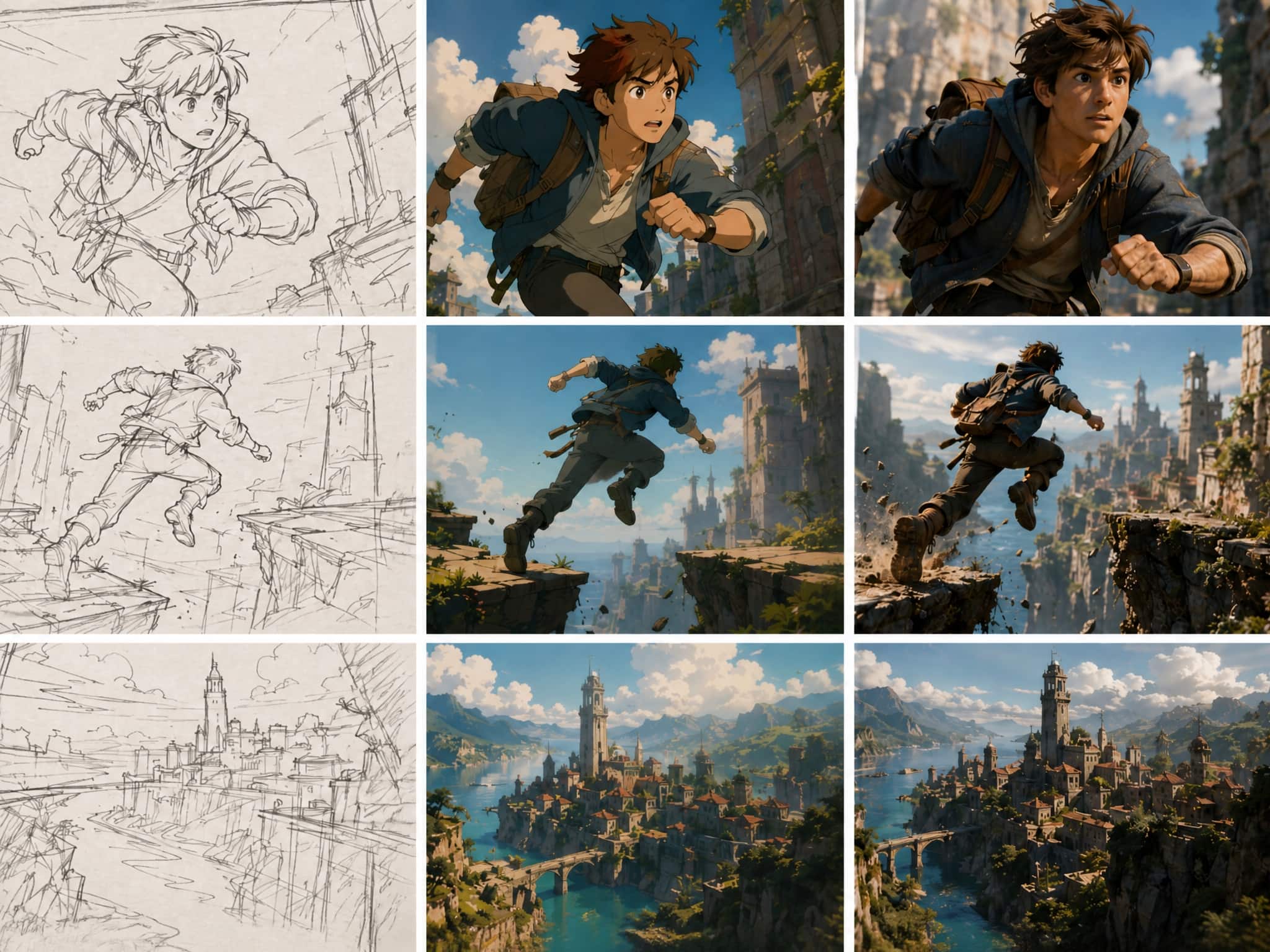
A video maker AI generates video from inputs—text prompts, still images, or reference photos—using generative models. The category has splintered in 2026. Some tools optimize for cinematic realism: longer clips, higher resolution, native audio. Others optimize for speed and throughput, useful when you need ten rough variations instead of one polished take. A third group focuses on character consistency and stylized output, particularly for animation-adjacent content.
As the text-to-video model entry on Wikipedia notes, generation quality tends to degrade as clip length increases—something most marketing pages quietly omit. Knowing which camp a tool falls into before you commit is the whole game.
What Creators Should Compare
Starting Input: Text, Image, Reference
The entry point shapes your entire workflow.
Text-to-video AI is the most flexible starting point—describe a scene and the model interprets it. The tradeoff is prompt sensitivity: tiny wording changes produce radically different outputs, and that unpredictability compounds across multiple generations.
Image-to-video gives more structural control. You anchor generation to a frame, which tends to improve initial stability. The limitation is motion interpretation—what happens between the first frame and the last is still the model's guess.
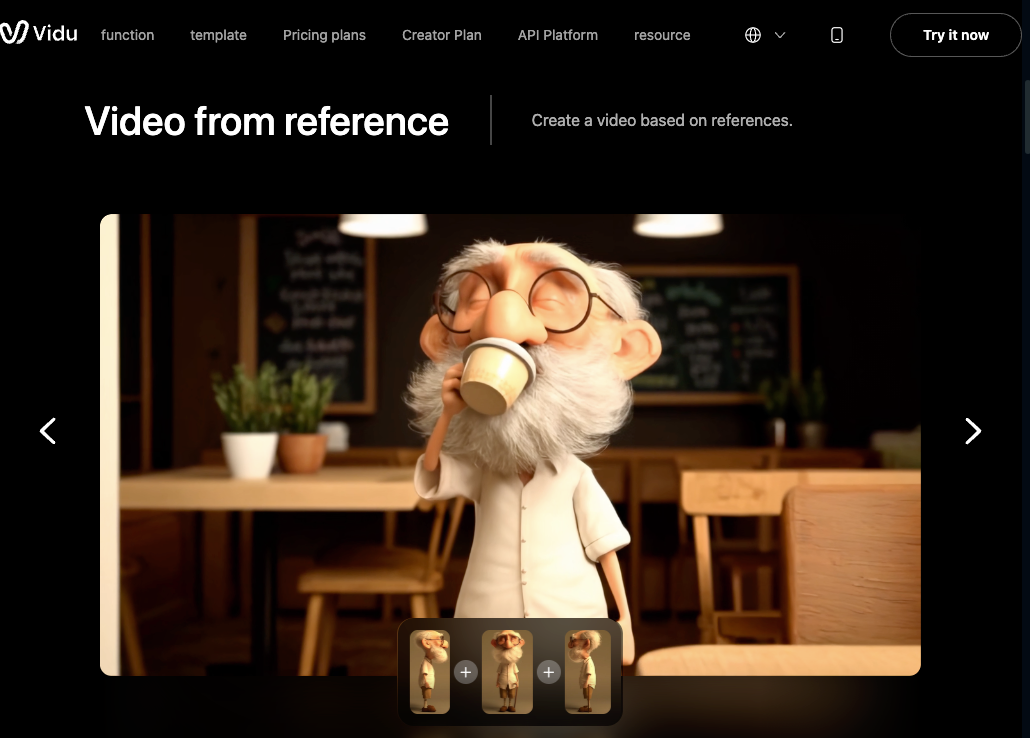
Reference-based generation matters most for creators who need consistency across clips. You supply multiple images of the same subject, and the model attempts to maintain visual coherence across outputs. This is where tool differences become most visible. Some handle it reliably after two or three references; others drift by the third generation regardless of how many references you provide.
If consistency is your core requirement, test the reference-to-video pipeline specifically before committing.
Consistency and Style Control
This is the variable that matters most for anything serialized—a character series, recurring brand assets, or multi-clip campaigns.
In my testing, consistency problems rarely appear on the first generation. They show up on the third or fourth, when the model starts interpreting your references slightly differently. Facial proportions shift. A character who wore a dark jacket in clip one is wearing something ambiguous by clip four.
Better tools offer explicit controls: named reference libraries, first-and-last-frame anchoring, or persistent subject tagging. Weaker ones rely on you re-uploading the same references and hoping the model "remembers."
One practical test: generate the same subject three times in a row without changing anything. If the outputs differ noticeably, that tool's consistency ceiling is lower than its showcase reel suggests.
Templates and Social Formats
For short-form content—Reels, Shorts, TikTok clips—templates aren't a convenience feature. They're a workflow accelerant. The difference between 40 genuinely useful templates and 200 decorative ones is real. Useful templates are built around repeatable patterns: intro hooks, product reveals, character moments. Test templates the same way you test raw generation: run the same one three times. If output varies wildly, it's aesthetic scaffolding, not structural guidance.

Pricing and Export Limits
Credit-based pricing is standard in 2026, and the math is more complicated than it looks. Credit consumption varies by clip length, resolution, and quality tier. Real workflows involve failed generations and prompt iterations—not just clean successful outputs.
According to a detailed pricing analysis from Flowith, failed renders on some platforms still consume credits even when the output is unusable. That's the line item most creators don't budget for. Free tiers typically cap exports at 720p with watermarks—fine for evaluation, not viable for commercial use. Spend a week on the free tier testing your actual scenarios before upgrading.
Best-Fit Use Cases
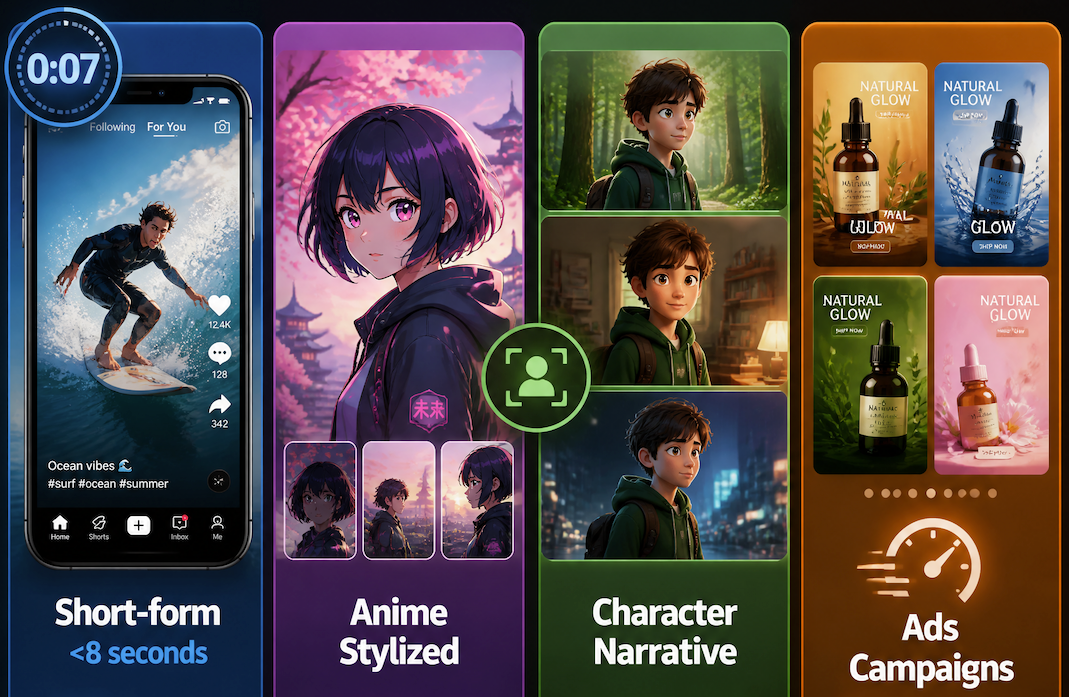
Short-form social content (under 8 seconds) is where most ai video maker platforms perform most reliably. Generation stability holds within short durations—the model has less time to accumulate drift.
Anime and stylized animation is a niche where generative tools have made genuine progress. Platforms that explicitly optimized for this output type tend to produce more consistent results than those treating it as a byproduct of general video generation.
Character-driven narrative content has the highest consistency requirements. If you're building a recurring character series, you need explicit reference management—not just good single-clip output.
Ad and campaign assets suit teams generating multiple variations quickly. Speed and iteration cost matter more here than consistency across episodes.
Red Flags When Choosing a Tool
Showcase reels with only successful outputs. The more useful signal is community content—Discord shares, YouTube process videos—where you see real users generating under normal conditions, including failures.
No credit cost transparency before you generate. If you can't see how many credits a generation will cost before hitting the button, you'll overspend in week one.
Stability that drops sharply after 4–5 seconds. This is nearly universal across the category, but severity varies. If your use cases run longer than 8 seconds, test that duration specifically.
Customer service issues in user reviews. Unresponsive support affects your production timeline eventually. A consistent pattern of refund complaints across review platforms is a workflow risk, not just a reputation issue—factor it in before subscribing.