What Visual Storytelling Means in AI Video
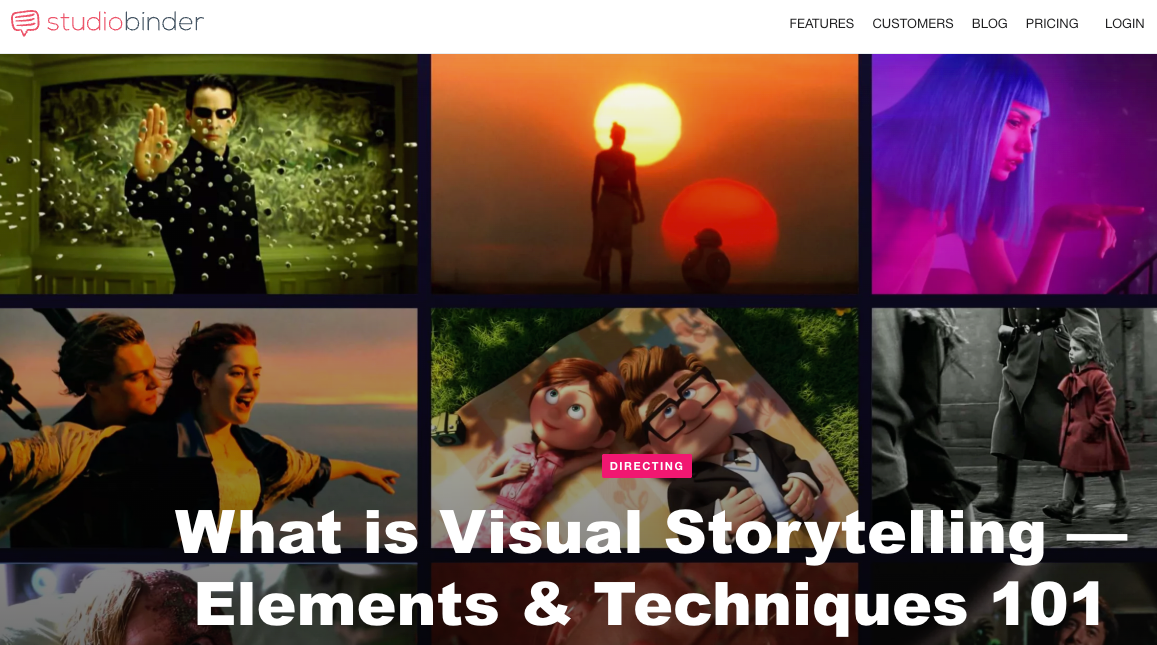
In traditional filmmaking, visual storytelling is how narrative is communicated through imagery rather than dialogue — through composition, color, movement, and the arrangement of subjects within the frame. The story doesn't happen in the script; it happens in what the audience sees and feels between lines.
In AI video, that definition holds. What changes is where you set the parameters.
You're not giving a cinematographer a shot list. You're not blocking actors. You're writing a prompt, uploading references, and making decisions about motion and framing inside a generation interface. The creative decisions are the same — they've just moved upstream into your planning process.
AI storytelling doesn't skip the work of scene design. It relocates it.
If you've been generating clips that feel random — mood shifts between shots, characters that don't read as consistent, scenes that look technically fine but feel flat — the issue usually isn't the model. It's that the story variables weren't defined before generation started.
Story Elements Creators Should Define
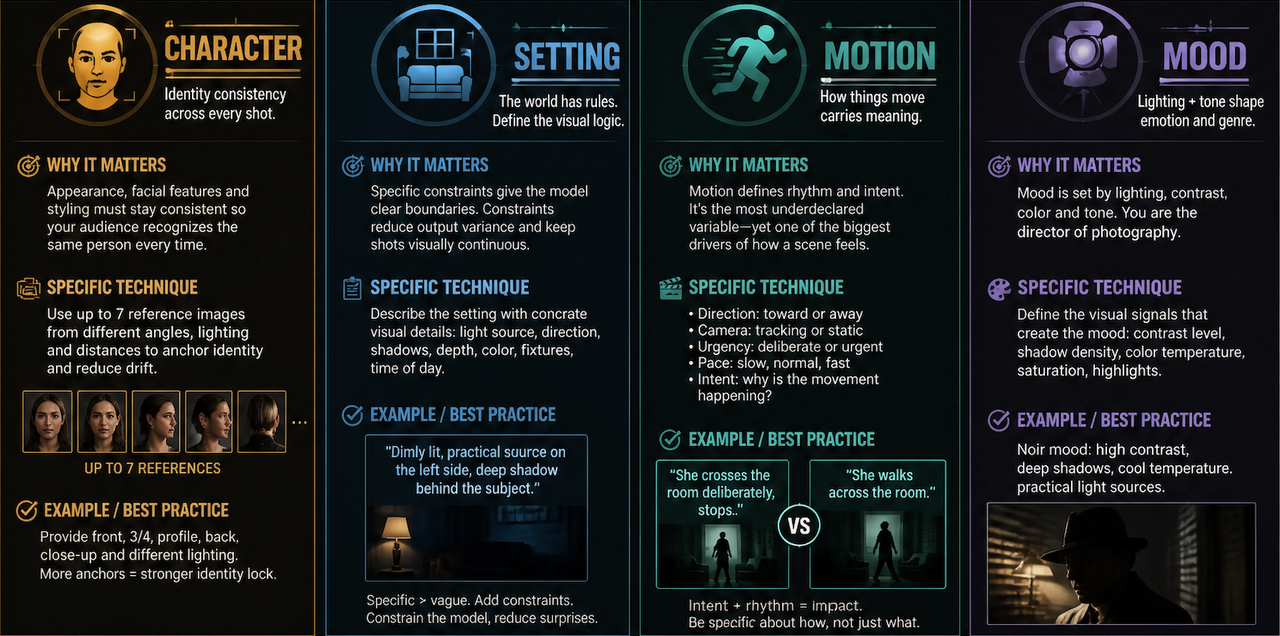
Character / Setting / Motion / Mood
These four variables aren't optional. They're what keeps the output stable across multiple generations and multiple scenes.
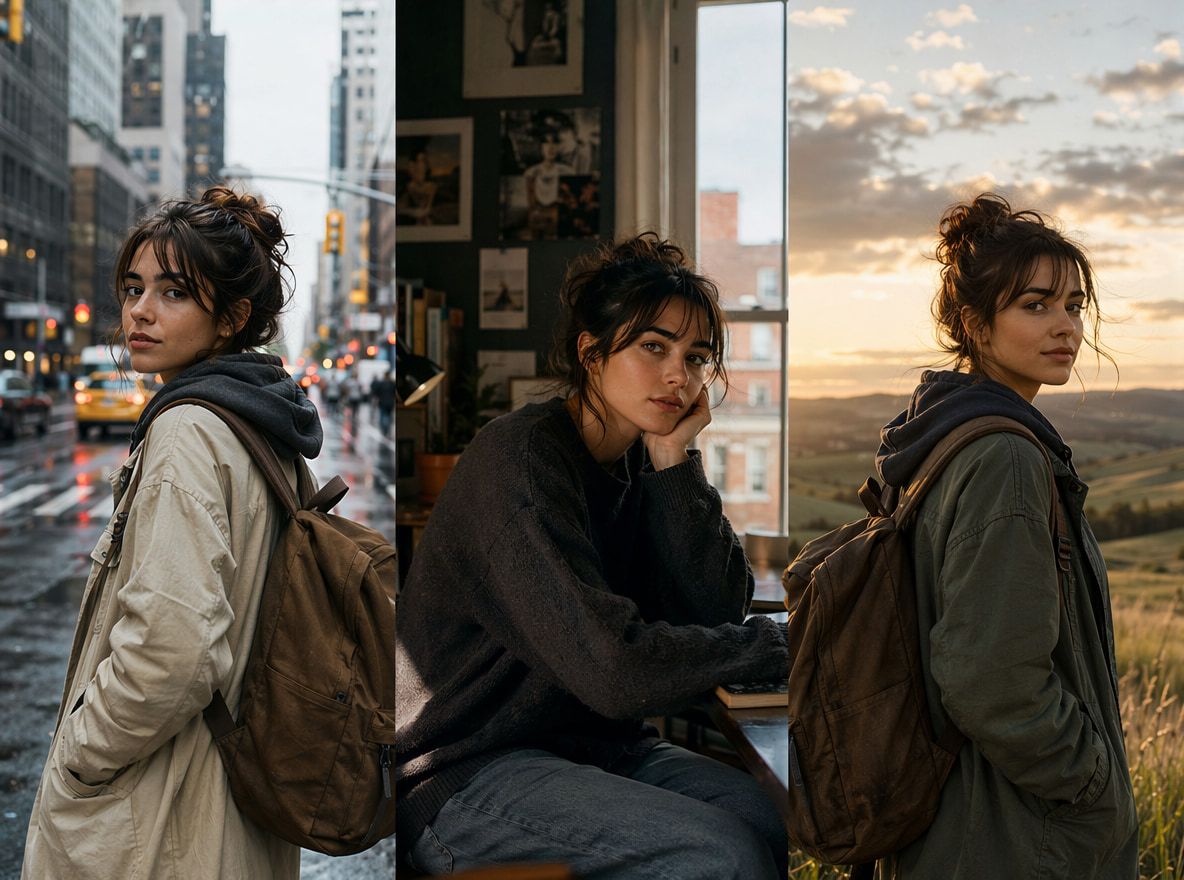
Character means more than appearance. In AI video, it means having reference images that hold facial features and styling consistent. Vidu's multi-reference input lets you upload up to seven images, which gives the model more anchor points to maintain identity. A single reference image will drift — the character starts looking like someone adjacent to the original. Multiple references from different angles stabilize it.
Setting needs a defined visual logic, not just a description. "Dimly lit room" gives the model something to work with, but "dimly lit, practical source on the left side, deep shadow behind the subject" gives it a constraint. Constraints reduce output variance. If your setting shifts in mood between shots, it breaks the visual continuity your audience subconsciously tracks.
Motion is the variable most creators underdeclare. Should the character move toward the camera or away? Is the camera tracking or static? Does movement feel urgent or slow?
Creative storytelling lives here — in the specific rhythm of how things move. Describing motion intent in the prompt, not just action, makes a noticeable difference. "She crosses the room deliberately, stops" reads differently than "she walks across the room."
Mood is lighting plus tone. In film, mood is set by a director of photography. In AI video, you're making those choices through your prompt language and reference imagery. A noir mood requires specific visual signals — contrast, shadows, cool or warm color temperature. If you don't define mood, the model picks something from what else is in the prompt. That's where the grocery-ad lighting came from.
How to Turn a Story Idea Into AI Video Scenes
Write scene beats
Before opening the generation interface, write out your scenes as beats — not full script descriptions, but the moments that matter. Three to five beats per clip is usually enough.Beat structure for a 5-second clip might look like:
- She enters, door behind her still open
- Pauses — something is off
- Turns to face right side of frame, expression changes
That's a story. It has a before, a transition, and a shift. When you turn beats into a prompt, you're translating decisions you've already made rather than asking the model to make them for you.
The difference in output stability is real. In my testing, prompts built from pre-written beats produced consistent results within two or three generations. Prompts written directly from a vague concept took five or six attempts to converge.
Add camera angles
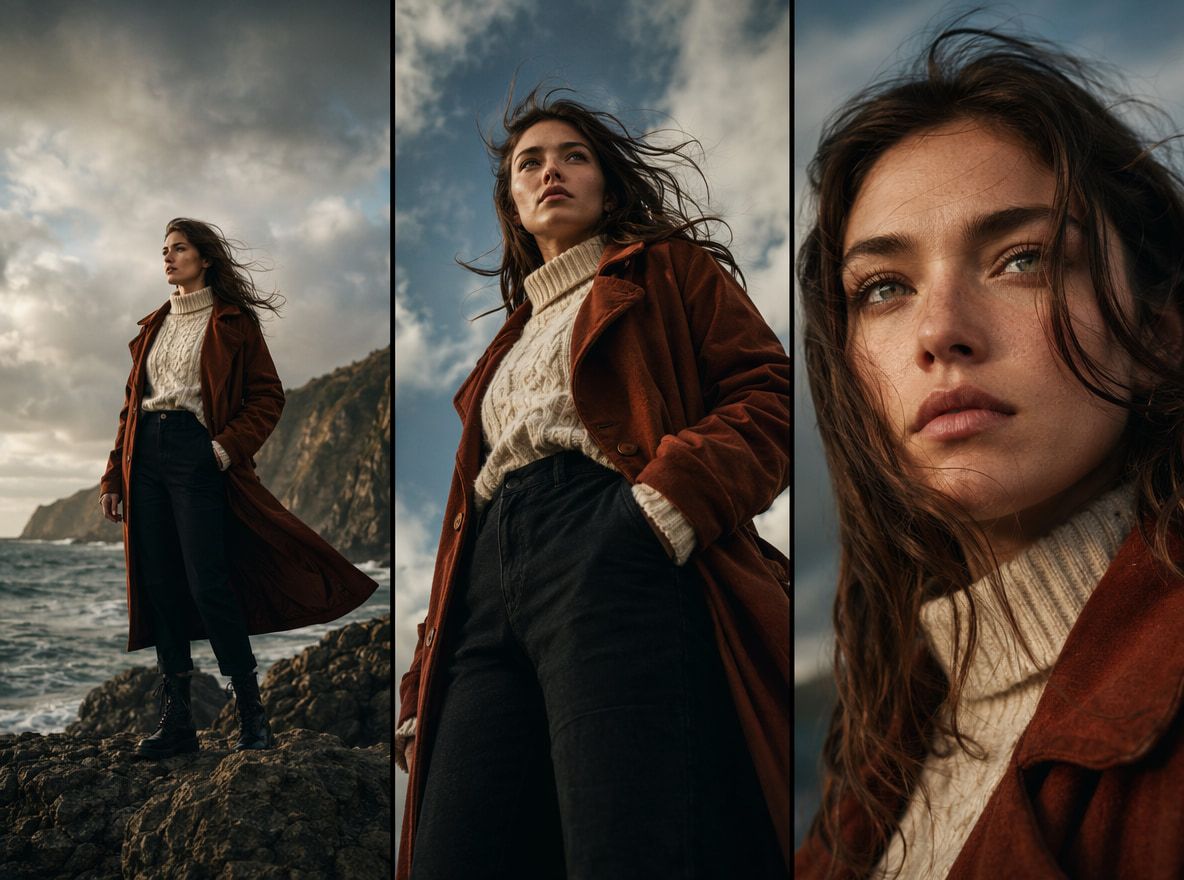
Camera angles carry meaning. This isn't stylistic preference — it's structural. A low angle makes a subject appear dominant or threatening. A high angle shifts the perceived power dynamic, making the subject look smaller or more vulnerable. An eye-level shot creates a sense of equality between the viewer and the subject.
In AI video prompts, naming the angle explicitly produces more predictable results than describing what you want the audience to feel. Understanding common camera angles and the visual meaning they carry helps turn abstract intentions into production instructions. "Low angle, camera slightly below eye level looking up at her face" is a production instruction. "Make her look powerful" is an interpretive request. The first constrains the output. The second leaves it open.
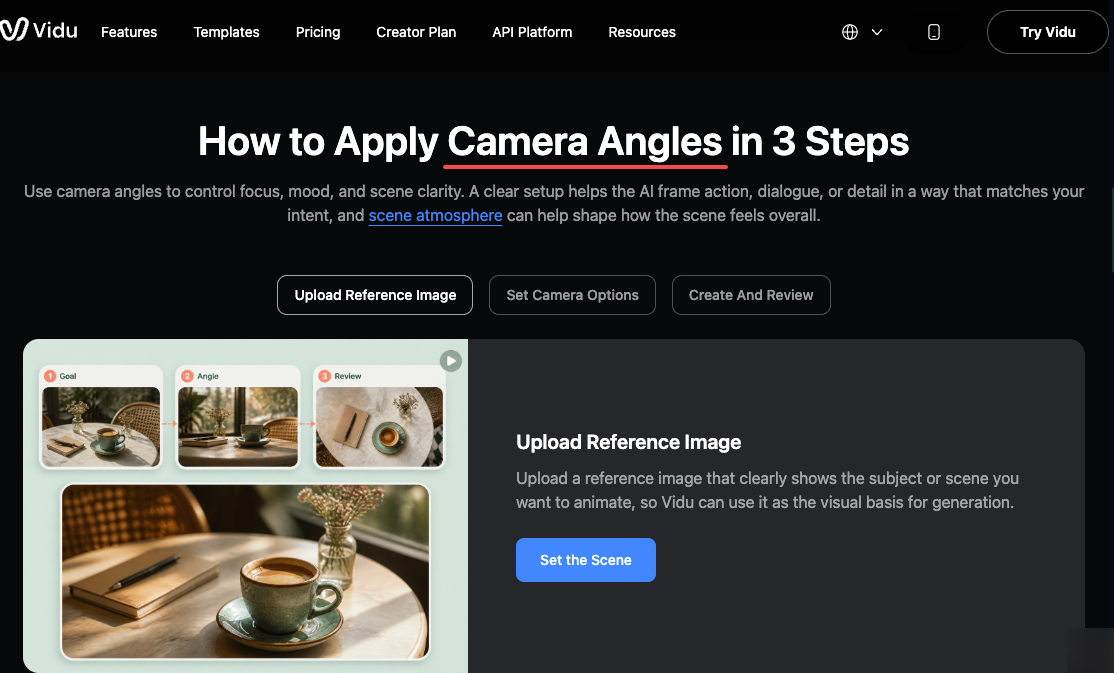
Cinematic storytelling depends heavily on this layer of control. Film scholars have documented how camera angle affects perceived power and dominance — low angles amplify presence, high angles diminish it. These aren't conventions the model needs to be taught; they're patterns already embedded in its training data. Name the angle, and the model knows what signals to produce.
For short-form content — 5 to 8 seconds — one dominant angle per scene is usually the right call. Introducing too much camera variation in a short clip often reads as unstable rather than dynamic.
Use references for continuity
References do more than keep characters consistent. They anchor the visual logic of a scene.
Uploading a color-graded reference image — one with the specific contrast and palette you want — gives the model a target for mood that prompt language alone can't always deliver. It's the difference between describing a mood and showing one.
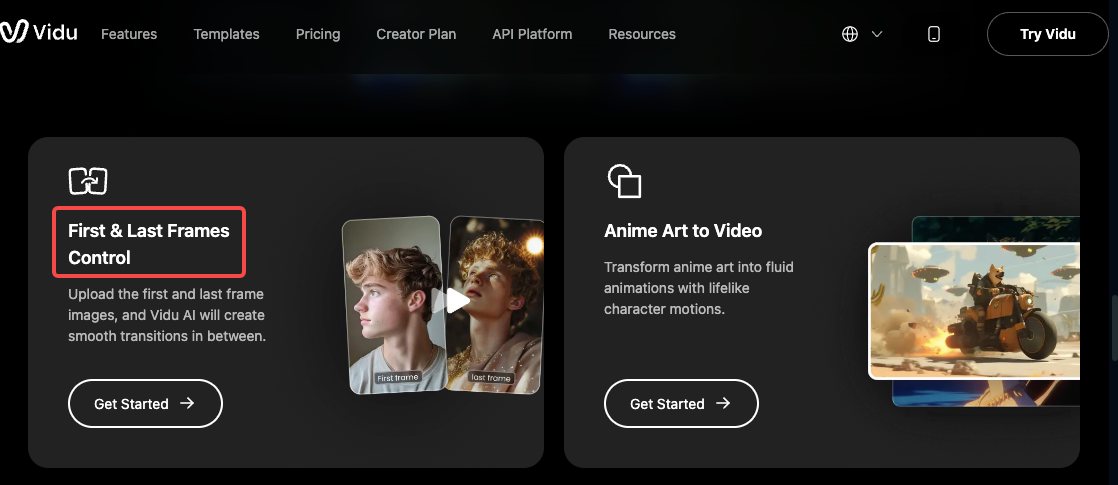
Vidu's image to video feature lets you define both the starting and ending frame of a clip. That first-and-last-frame control is the closest thing to a shot list available in current AI video tools. You're not just describing the motion — you're specifying where the scene begins and where it needs to land. For video storytelling, that's a significant constraint: the model has to connect two fixed points, which dramatically narrows the output range and increases consistency.
In my testing, first-and-last-frame generations stabilized faster than open-ended prompts. When the first run misses, the error is easier to diagnose — it's almost always a motion or timing issue in the middle, not a failure at either anchor point.
Common Storytelling Mistakes
Treating the prompt as the scene plan. The prompt is the last step of scene design, not the first. Creators who skip the beat-writing and jump straight to prompting end up iterating on surface-level wording instead of underlying structure.
Generating a single reference. One reference image drifts. It's consistent enough to recognize the character, but subtle shifts accumulate across scenes. Multi-reference inputs aren't extra work — they're the baseline for maintaining continuity across a project.
Mixing mood signals. A prompt that includes "dark, moody atmosphere" alongside "bright natural light through the windows" sends contradictory signals. The model picks one, or averages them into something neither intended. Decide on the mood before writing the prompt and strip out anything that contradicts it.
Describing action without describing camera. What the character does and how the camera observes it are separate decisions. Both need to be in the prompt. A scene where a character "runs down a hallway" looks completely different depending on whether the camera is at eye level tracking alongside, mounted at the end of the hallway looking toward the subject, or positioned high looking down. The action is the same. The meaning isn't.
Expecting continuity without references. If you're making a multi-scene project and not uploading consistent references between generations, the character and setting will diverge. That divergence accumulates. By scene three or four, it becomes visible. By scene six, it's distracting.