
Language
Try Vidu
Vidu AI sound effect generator interface for text to audio
Animated audio waveform icon for AI sound effects

AI Sound Effect Generator

Create sound effects, ambient sounds, and instrumental tracks from text with Vidu's AI sound effect generator.

AI sound showcase - Create Sounds for Any Scene

Use the AI sound effects generator to create sounds for videos, games, stories, and more.

Cinematic and Foley Sound Effects

Train Horn & Tracks
Train Horn & Tracks

Prompt

A train horn, train wheels rubbing against the tracks

00:10

Glass Shatter & Beast

Prompt

Violent impact sound, glass shattering, beast growling

00:10

Knife Chopping
Knife Chopping

Prompt

Knife chopping on a cutting board

00:10

Waves & Seagulls
Waves & Seagulls

Prompt

Waves on the shore, seagulls calling, sea breeze

00:10

Background Music

Latin Jazz
Latin Jazz

Prompt

Upbeat retro Latin jazz with guitar, percussion, saxophone, and piano — great for dance parties or sunny street scenes.

00:10

Spring Forest Flute
Spring Forest Flute

Prompt

A gentle, pure flute melody with a light, flowing rhythm, evoking a sense of nature and fantasy — perfect for a springtime forest scene.

00:10

Timed Audio Layers

Forest Fire Scene
Forest Fire Scene

Prompt

{Roaring fire & <0.00,10.00>} {Trees falling & <1.00,4.00>} {Animals in panic & <2.00,5.00>} {Water bomber plane & <4.00,6.00>} {Ember rain & <3.00,10.00>} "start_second": 0, "total_seconds": 10.0

Office Sounds
Office Sounds

Prompt

{Typing on a keyboard & <0.00,8.00>} {Printer noise & <2.00,3.00>} {Coffee machine sound & <4.50,5.50>} "start_second": 0, "total_seconds": 8.0

Night Sounds
Night Sounds

Prompt

{Owl hoot & <2.50,3.50>} {Cricket chirping & <0.00,8.00>} "start_second": 0, "total_seconds": 8.0

Why Creators Love Vidu's AI Sound Effects

Use the AI sound effects generator from text to get precise timing, easy layering, and 48 kHz studio-quality audio.
Precise Sound Timing Control

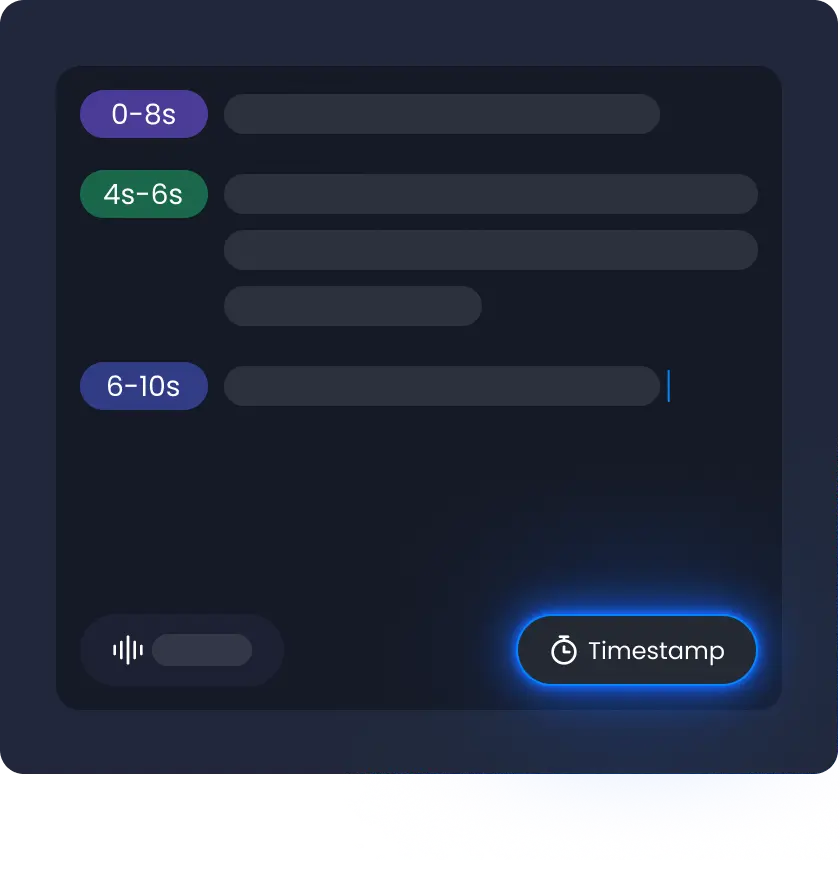
Precise Sound Timing Control

Create sound with text to sound effect. Set the sound to start at any point within 10 seconds. Match sound with video on the exact frame.

Flexible Layering & Combination

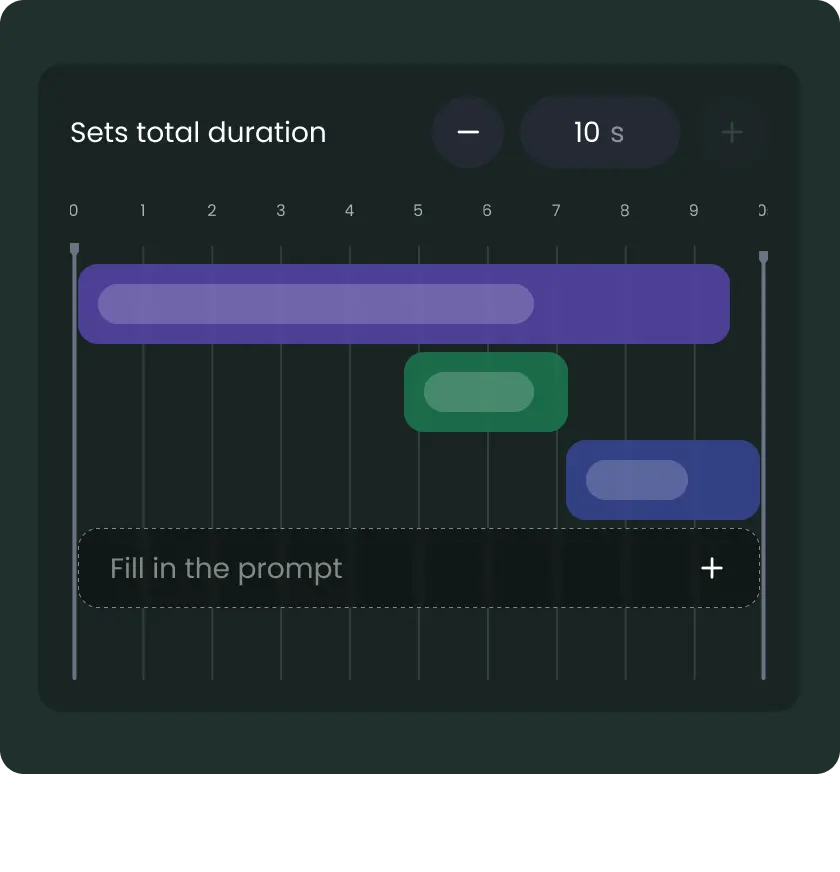
Flexible Layering & Combination

Use the AI sound effect generator from video to add and layer multiple sounds. Mix them into one audio track and create a richer soundscape for your scene.

48 KHz High-Fidelity Audio Quality

48 KHz High-Fidelity Audio Quality

Create AI generated sound effects in 48 kHz studio quality. Most tools stop at lower sample rates like 16 kHz or 32 kHz. Vidu keeps more detail, so sound stays clear and natural.

Detailed and Immersive Sound Quality

Detailed and Immersive Sound Quality

Use AI text to sound effect generator to create sounds with depth and smooth flow. Sound feels full and natural, like it belongs in the scene.

AI Sound Effect Generator Use Cases

Use sound effects in videos, films, games, and other creative projects to bring scenes to life.

For Content Creators and YouTubers

Make engaging videos with AI generated sound effects. Add background audio and scene transitions that fit your style.

For Filmmakers

Use AI generated sound effects in scenes. Add ambient sounds, impacts, and cinematic moments to make storytelling feel more real.

For Game Developers

Build immersive gameplay with AI generated sound effects. Use sounds for actions, environments, and UI so every moment feels alive.

How to Generate a Sound Effect with AI in 3 Steps
Enter your idea and set timing

Enter your idea and set timing

Open the AI sound effects tool. Type your idea like “wind” or “footsteps”. Set when each sound starts so it fits your scene.

1
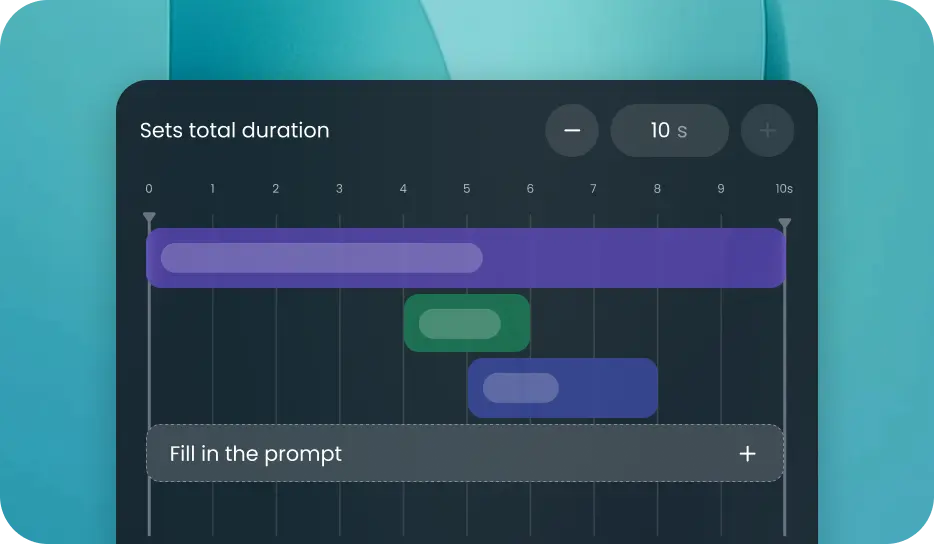
Add duration and layer sounds

Add duration and layer sounds

Pick a length from 1 to 10 seconds. Add more sounds if needed. Stack them to build your audio.

2
Generate and download

Generate and download

Click create to make your sound. When it’s ready, download it or share it.

3

FAQs About AI Sound Effect Generator

How do I generate a sound effect from text for free?
Yes. With Vidu's AI sound effect generator from text, you can simply describe the sound you want using natural language and generate audio in seconds. Just enter a prompt, choose the duration, and create AI-generated sound effects without recording or editing. You can start using the free AI sound effect generator instantly online.
Is the AI sound effect generator free with no sign up?
Yes. You can try Vidu's free AI sound effect generator without downloading software. The sound effects can be generated directly online, and users can explore the AI sound effect generator no sign up experience before creating an account. Additional features and higher usage limits may be available with paid plans.
What is the best free AI sound effect generator?
The best AI sound effect generator should provide high-quality audio, precise timing controls, and fast generation. Vidu allows creators to generate custom sound effects from text prompts, making it easy to create audio for videos, games, stories, and creative projects. It also supports layered audio generation and 48 kHz output quality for richer, more realistic sound effects.
What types of sound effects can an AI sound effects generator create?
An AI sound effects generator can create a wide range of audio, including ambient sounds, cinematic effects, game audio, UI sounds, background music, and environmental soundscapes. These sounds can be generated from text prompts or video content. This flexibility makes AI audio useful for creators across many industries.
Can I use AI-generated sound effects commercially?
Commercial usage rights depend on your subscription plan. AI generated sound effects created by free users are not licensed for commercial use. Content generated under a paid plan may be used commercially, subject to Vidu's User Agreement and Commercial License Terms. Please review the latest licensing policies before using AI-generated audio in business, marketing, or monetized projects.
Create royalty-free AI sound effects with Vidu

Start Creating AI Sound Effects Free