-6b43dff1.webp)
Text to Video Skills – Create Consistent AI Videos from Text
Transform simple text prompts into visually rich, style-consistent videos in seconds. Vidu Claw Skills helps you move beyond one-off generations and create reusable, controllable video content for real production needs.
Built for Real Creation
Most text to video tools are built for quick demos, not real creation. They generate impressive clips at first—but struggle with consistency and scaling. This text to video AI inside Vidu Claw is designed for repeatable, controllable, and production-ready video workflows.
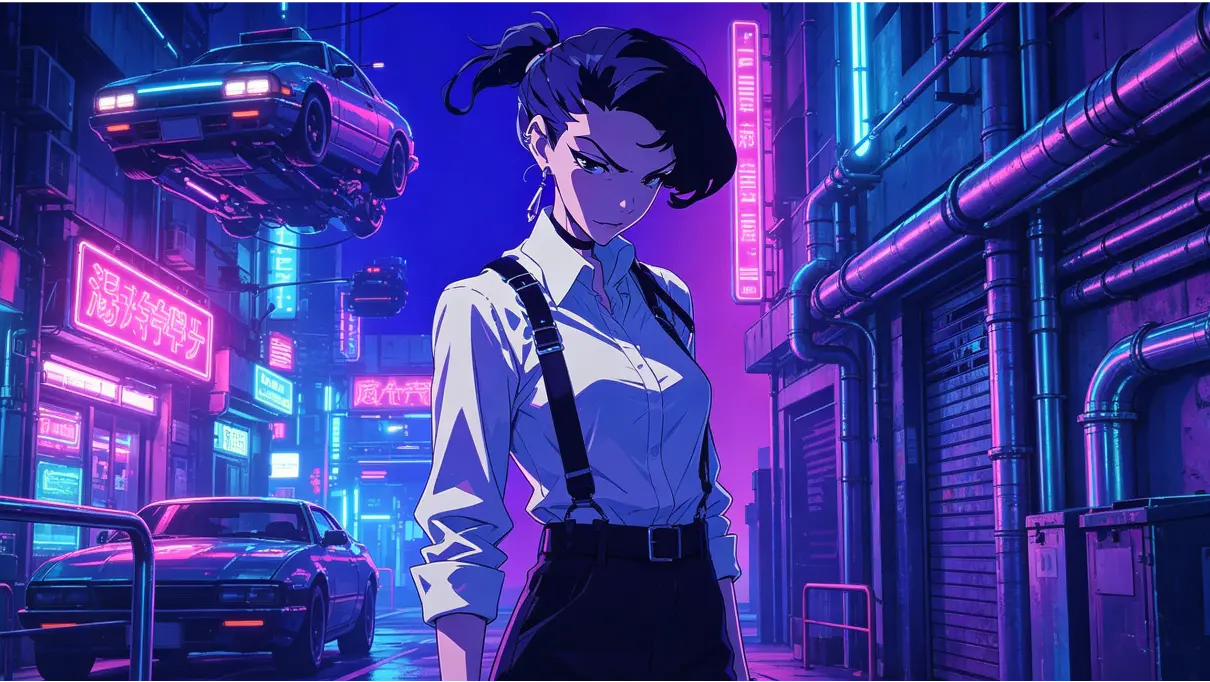
How to Turn Text into Video with Vidu AI tools
Step 1 — Describe Your Idea
Start with a clear text prompt that defines your scene, subject, or story. Whether you're creating cinematic shots, product visuals, or stylized characters, the AI translates your input into structured visual output you can build on.
Step 2 — Guide the Output with References or Templates
Add images, style references, or templates to shape how your video looks and behaves. This step is where you move from random results to controlled creation—helping you maintain consistent characters, scenes, and visual identity across videos.
Step 3 — Generate, Refine, and Reuse
Generate your video in seconds, then refine it by adjusting prompts or adding more references. Save your best outputs as reusable assets, so you can create faster and more consistently over time instead of starting from scratch.
Why Choose Vidu Text-to-Video AI

High-Quality Visual Output
Generate clean, detailed, and production-ready results.

Prompt-Based Generation
Generate video scenes directly from text prompts.

Character Consistency
Maintain the same identity across angles, scenes, and sequences.

Advanced AI Models
Generate high-quality and diverse video content with advanced models.

Creator-Friendly Workflow
From idea to video in a streamlined, end-to-end process.

Free to Use
Start creating with a free trial and flexible cancellation.
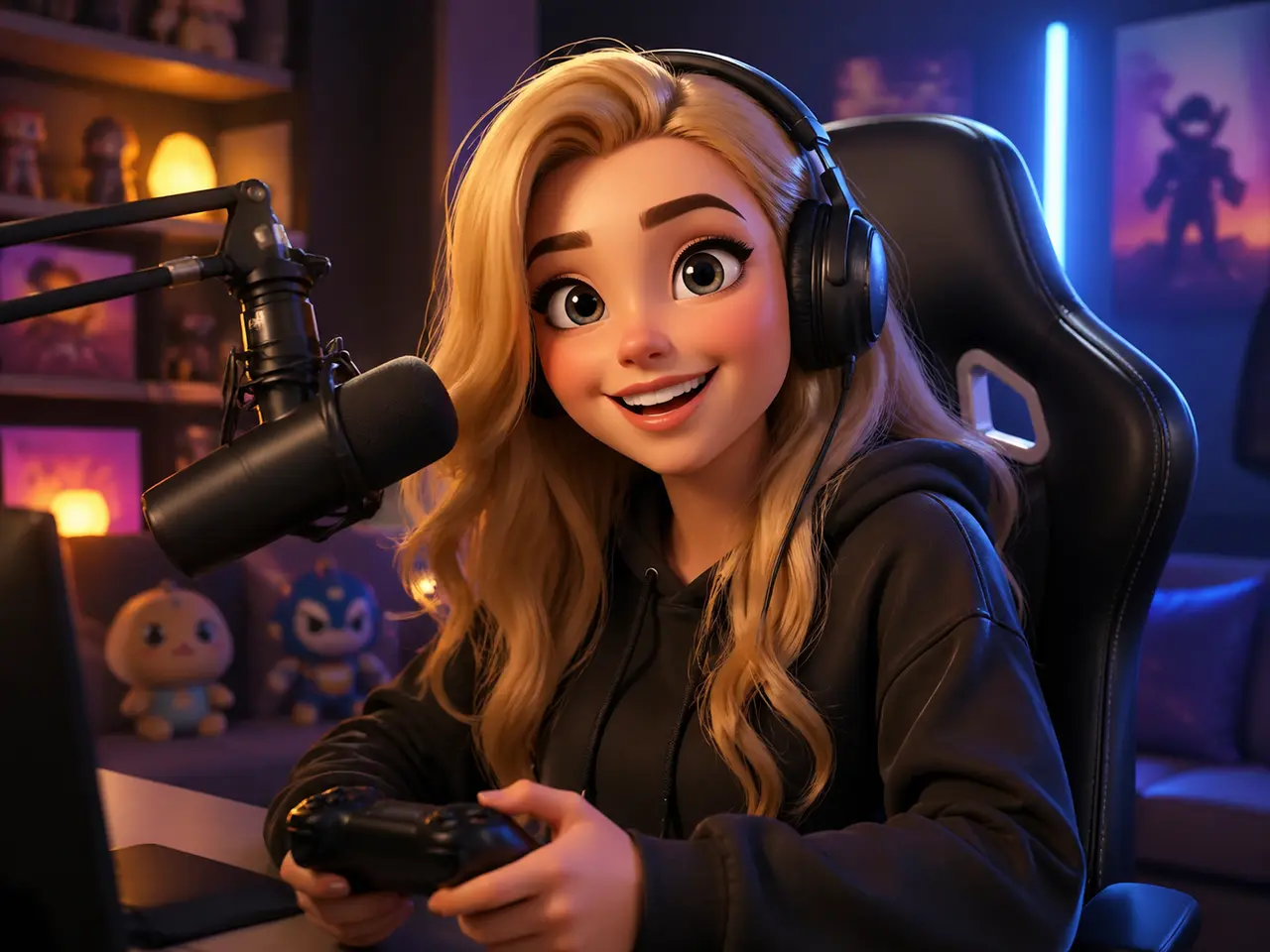
Content Creators
For creators who need to produce videos faster without sacrificing quality or creative control. Whether you're making short-form content, storytelling videos, or visual experiments, this helps you move from idea to output in minutes—while keeping your style consistent over time and enabling you to create AI videos efficiently.
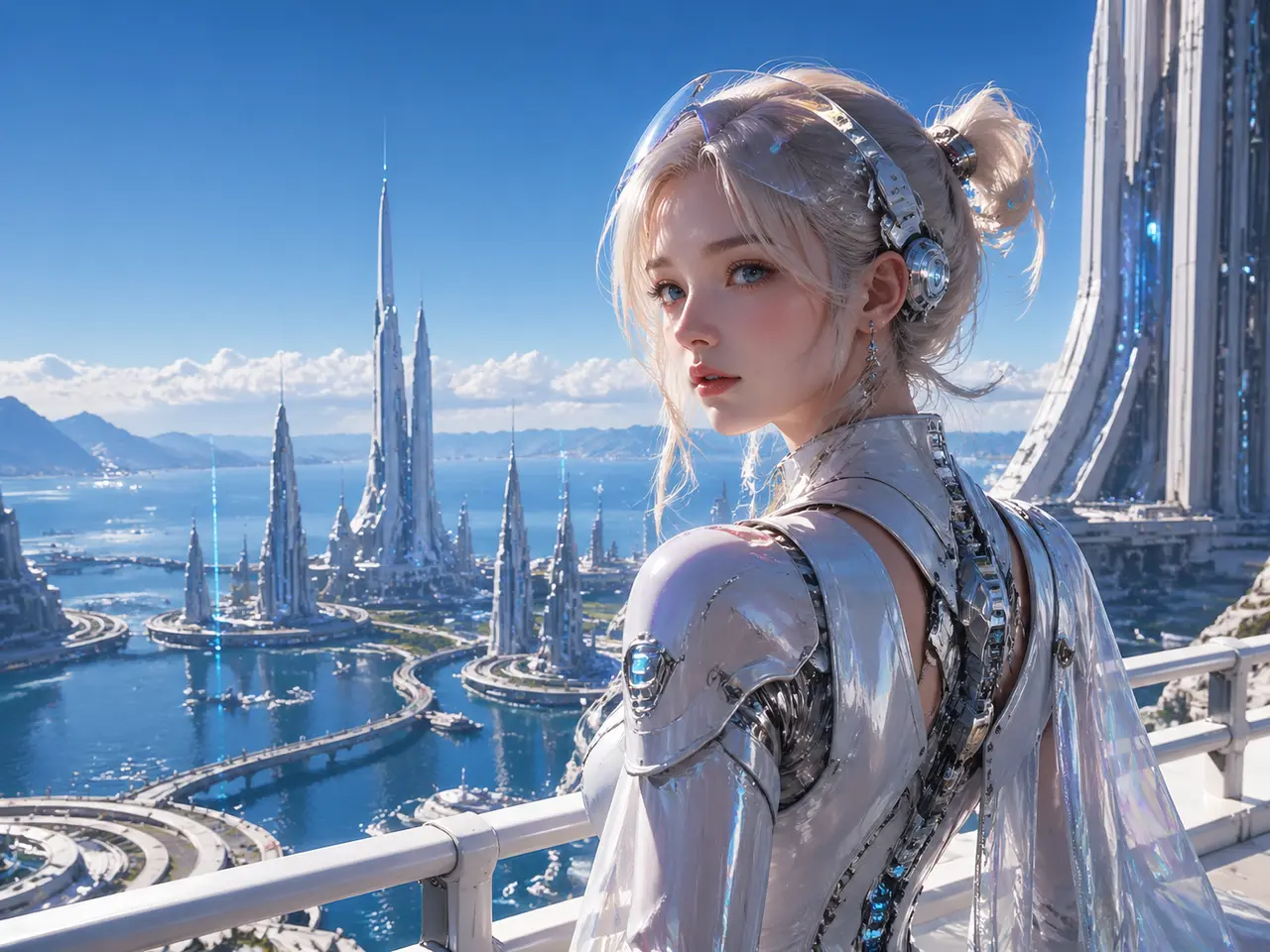
AI Animation & Stylized Creators
For creators working with anime, stylized visuals, or character-driven content. If maintaining consistent characters and visual identity matters to your work, this workflow gives you far more control than typical text to video tools.

Marketing Teams & Small Studios
For teams that need to generate multiple video variations quickly for campaigns, ads, or social content. Instead of starting from scratch each time, you can build reusable assets and scale production without increasing complexity.
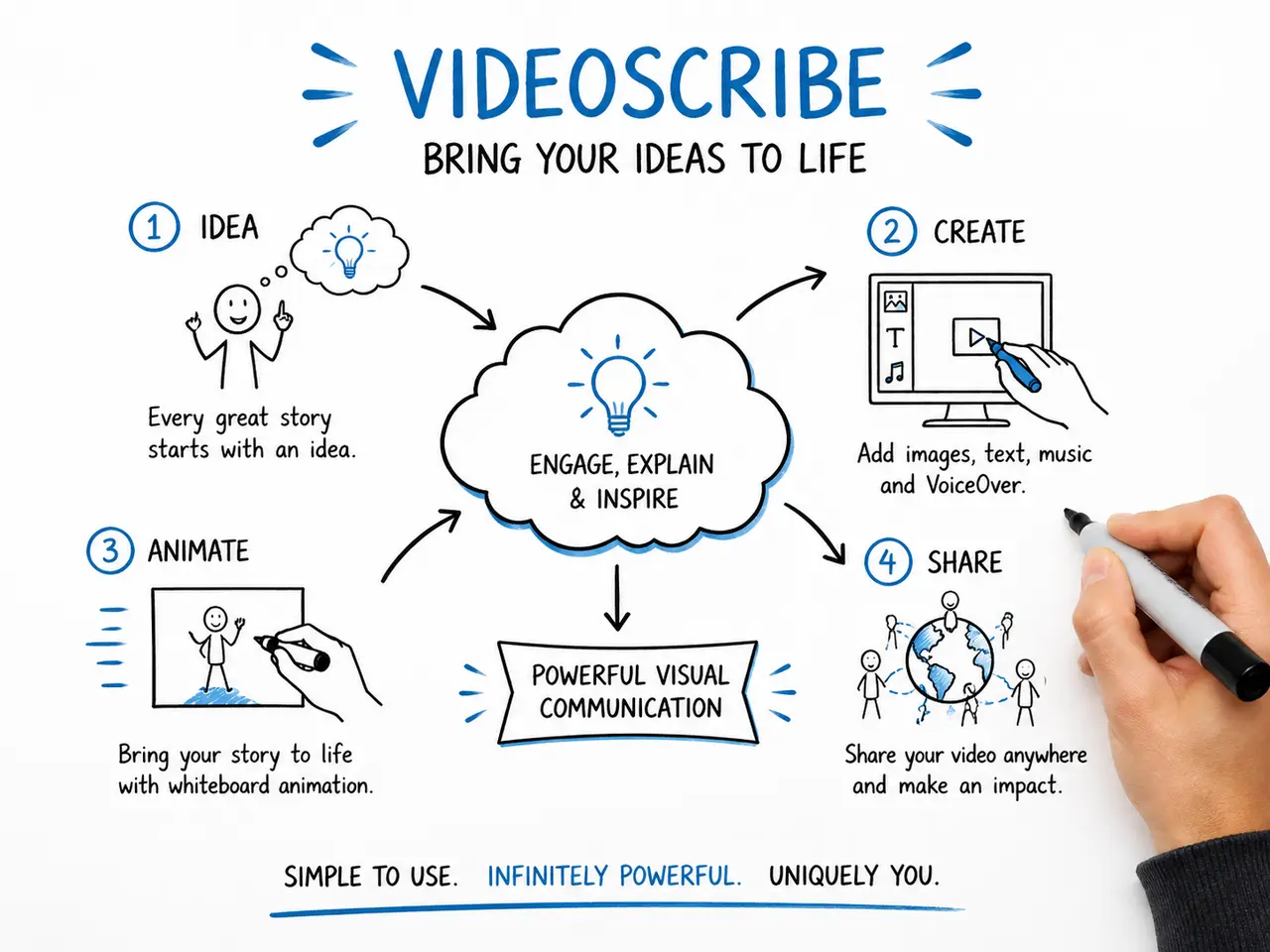
Product Teams & Developers
For teams looking to integrate AI video generation into workflows, tools, or products. This text to video capability can evolve from a creation tool into a scalable system for generating consistent video content programmatically.
Frequently Asked
Questions
Use text to video when you're starting from scratch or exploring new ideas quickly. When you need more control or consistency—especially for characters or branded visuals—adding images or references will give you much more stable and predictable results.
Start Creating with Text-to-Video AI
Turn your ideas into consistent, production-ready videos in seconds.
Create faster, reuse what works, and build a video workflow you can scale with.