AI Hair Color Change Video Generator
AI Hair Color Change Video Generator transforms one photo into a short video where hair smoothly changes using AI.
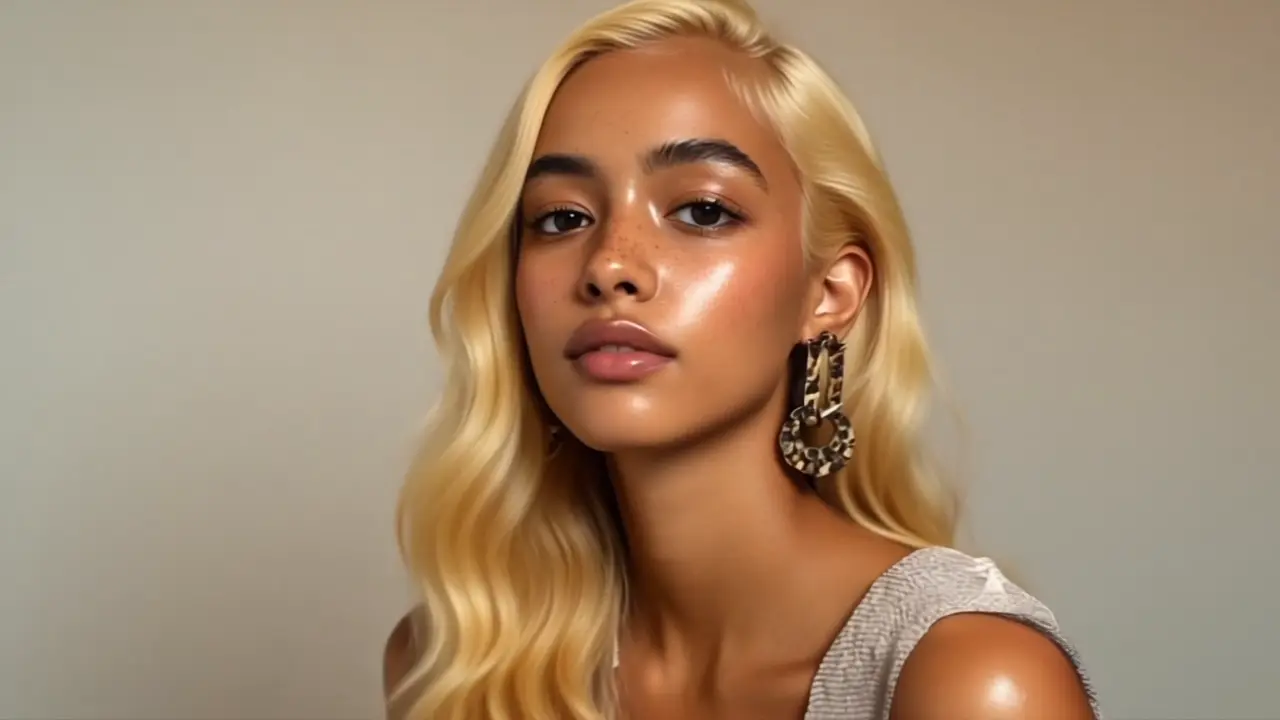

AI Hair Color Filter Makeover
Upload a clear portrait; the system maps hair lines and strands, then renders a natural, frame-stable shade shift. You only choose the number of outputs.
Realistic Color Transform, Virtual Try-On
Expect smooth gradients, clean edges, and consistent tones—ideal for reveals, before→after moments, or playful edits.
How to Use AI Hair Color Change Video Generator?
Upload a photo
Use a well-lit, front-facing image with visible hairlines.
Choose the number of outputs
Select how many color-change videos to generate.
Create and download
Click Create, then download or share your makeover clip.
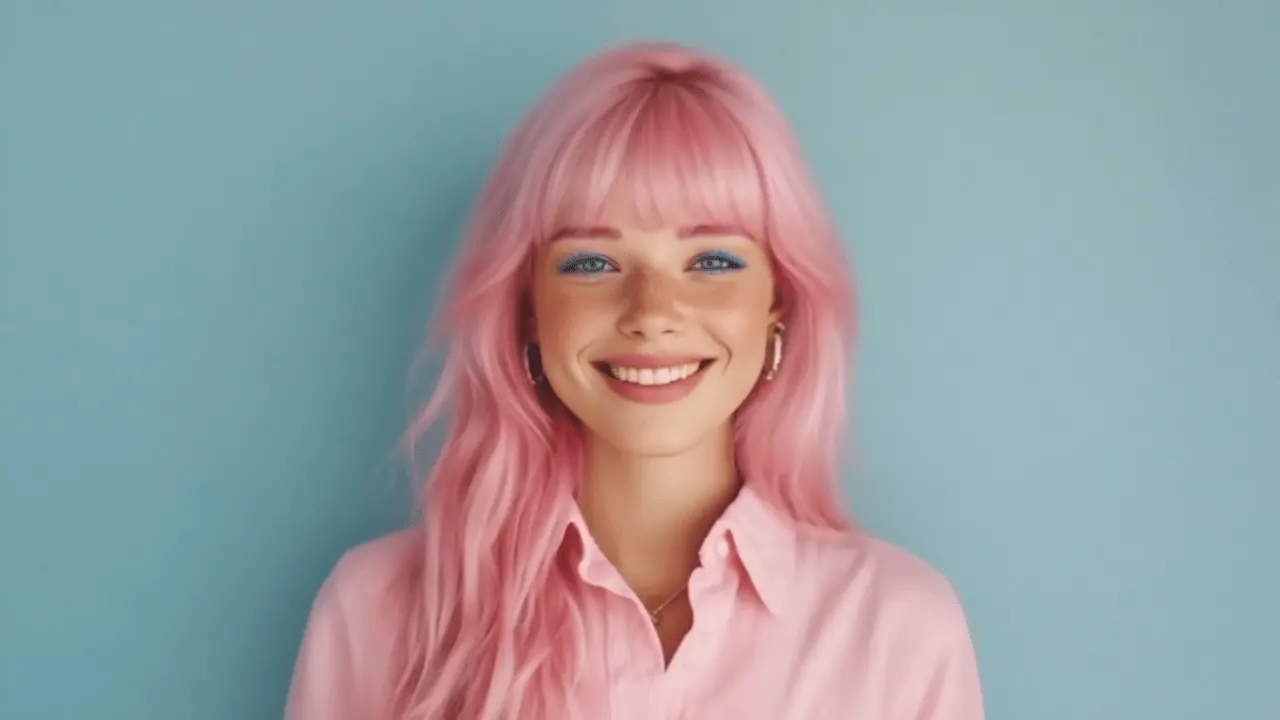
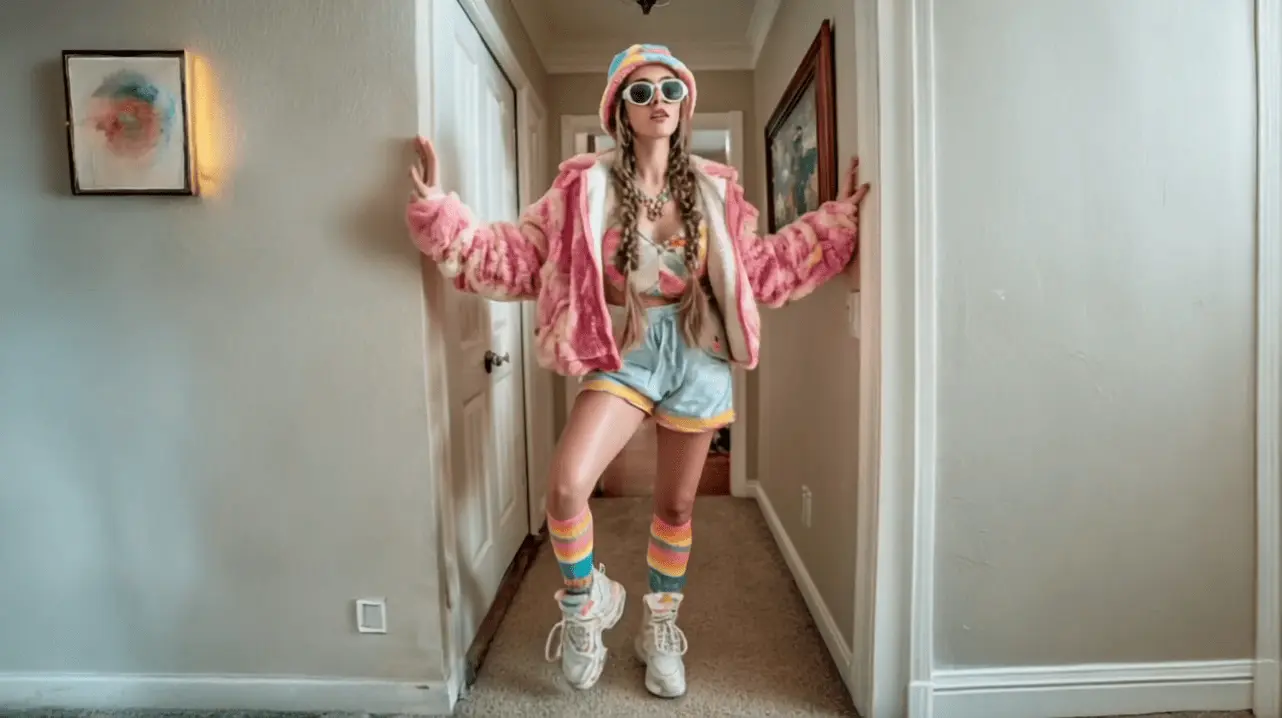
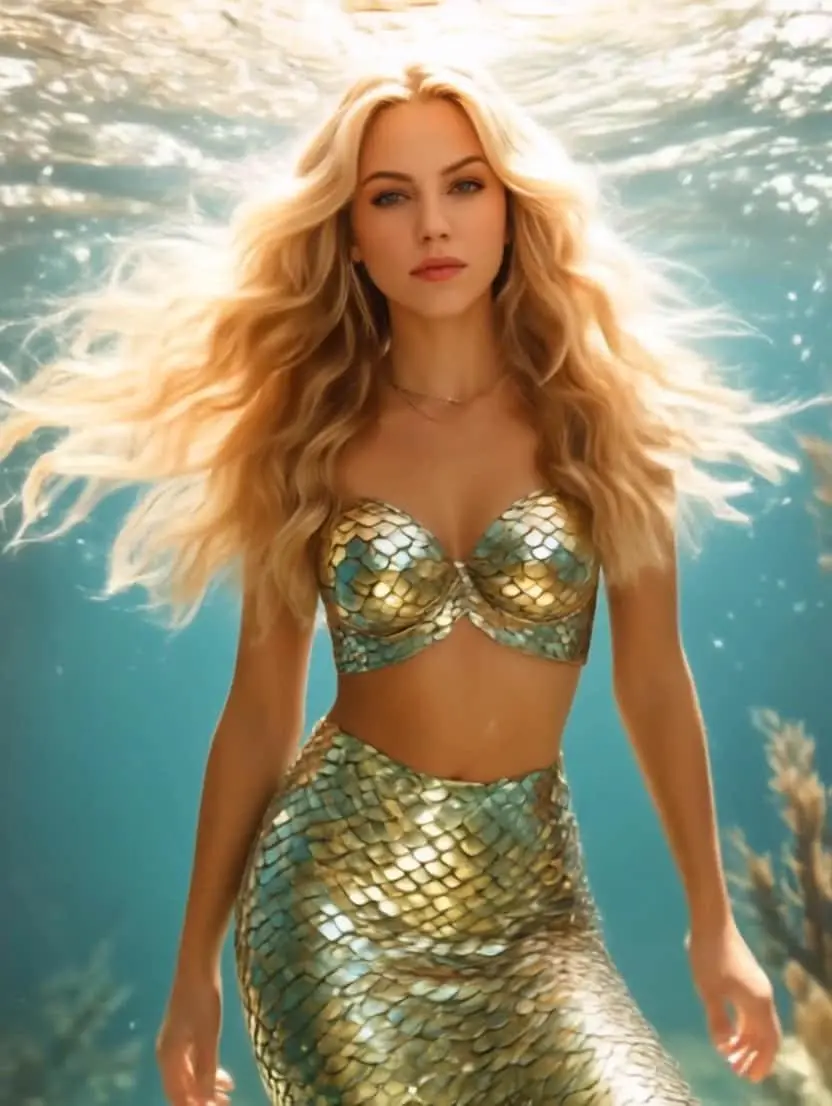
FAQs About AI Hair Color Change Video Generator
It's an AI tool that turns a single photo into a short video where hair smoothly changes color. It uses hair segmentation and landmark tracking similar to brand virtual try-on tech, producing believable shade shifts without filming or manual edits.
Modern virtual try-on systems combine precise hair tracking with realistic shade rendering, preserving edges and texture while the hue changes. This approach powers well-known try-on experiences from beauty brands and apps.
Yes. Short transformations deliver fast hooks and strong completion rates in short-form environments, making them effective for engagement and product storytelling.
Use a high-resolution, front-facing portrait with even lighting and clear hair boundaries (avoid heavy obstructions like hats). Defined edges help the system keep strands stable and the shade shift smooth, similar to best practices used by virtual try-on tools.