What an AI Animation Generator Does
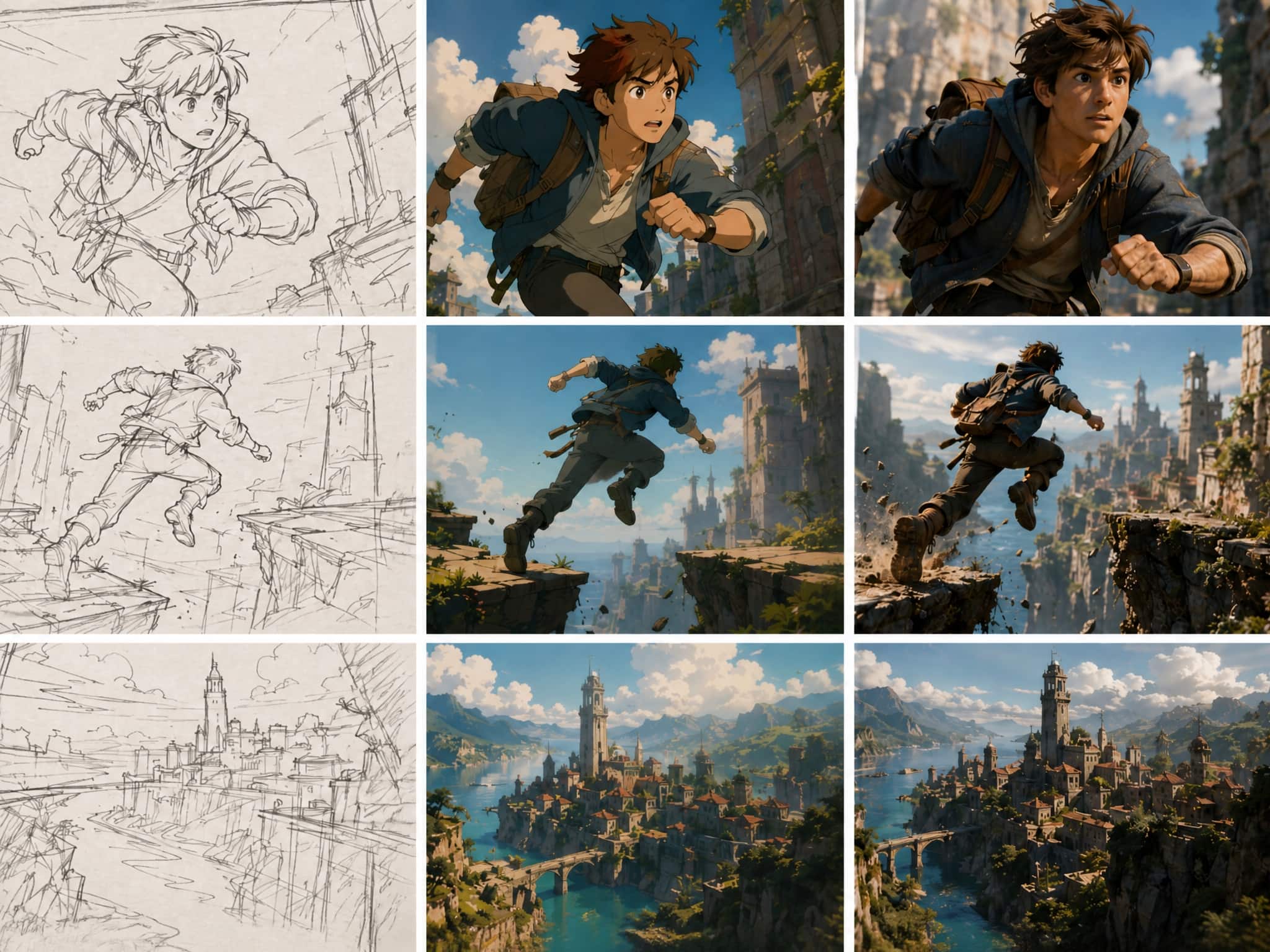
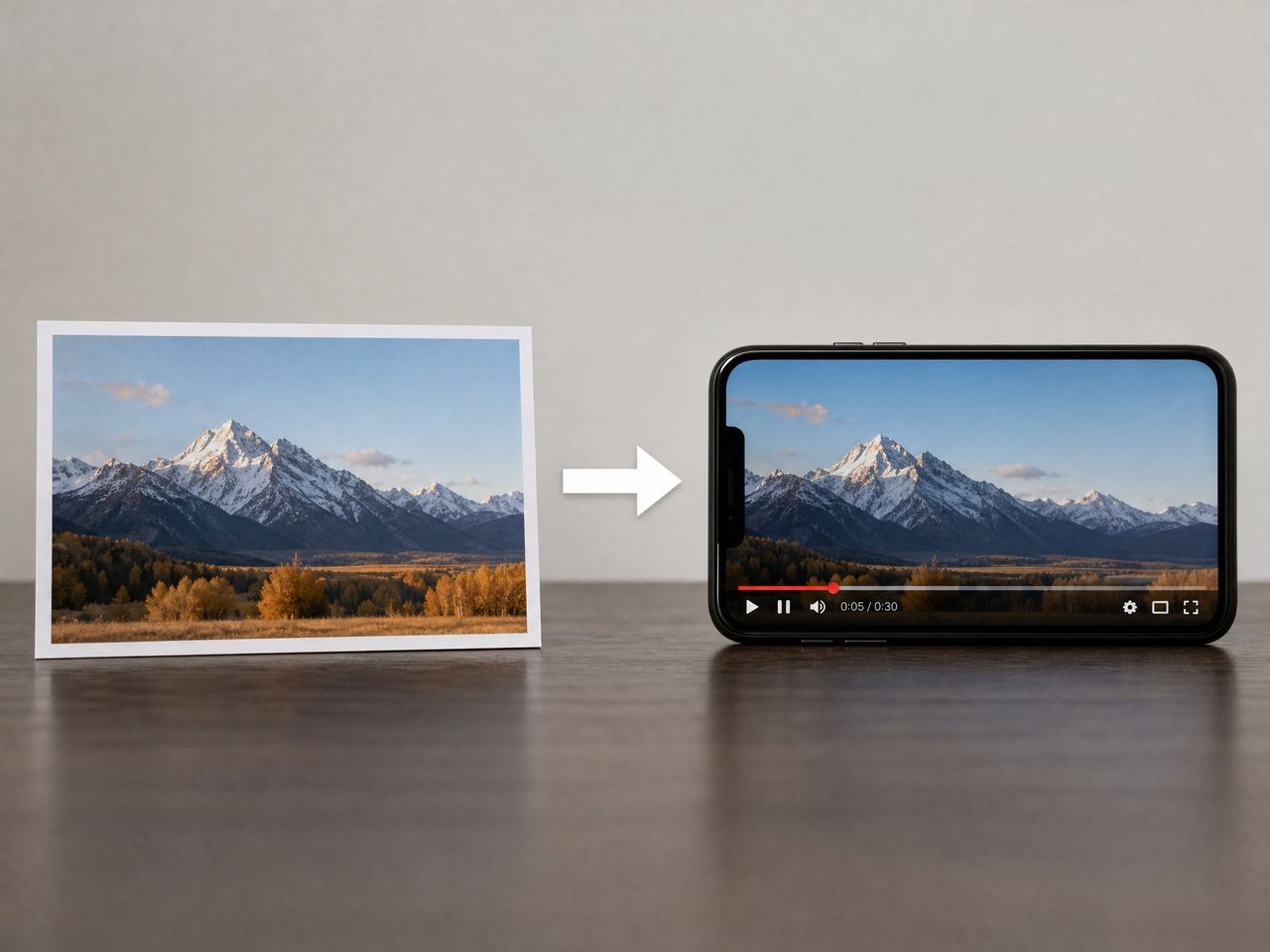
At its core, an ai animation generator takes some form of input — a text prompt, a still image, or a set of reference images — and produces a short video clip with motion.
The range of what "motion" means has expanded significantly. In 2025, most outputs were limited to subtle camera drift and basic object movement. By 2026, the better tools produce fluid character motion, stylized transitions, and multi-entity scenes where more than one subject interacts in a single clip. That said, the gap between what a tool can do in a demo and what it produces consistently across repeated runs is still real.
What's changed most isn't the ceiling — it's the floor. Tools now fail less catastrophically. A bad run in 2024 gave you flickering chaos. A bad run now usually gives you something usable in parts, with drift localized to specific moments rather than the whole clip collapsing.
For reference, NVIDIA Research's work on Video Storyboarding — presented at ICCV 2025 — captures exactly why multi-shot character consistency was so hard to crack: the model has to balance identity preservation, motion, and prompt adherence simultaneously without finetuning. That's the problem every serious ai animation maker is solving right now.
Best Uses for Creators in 2026
Anime and Stylized Scenes
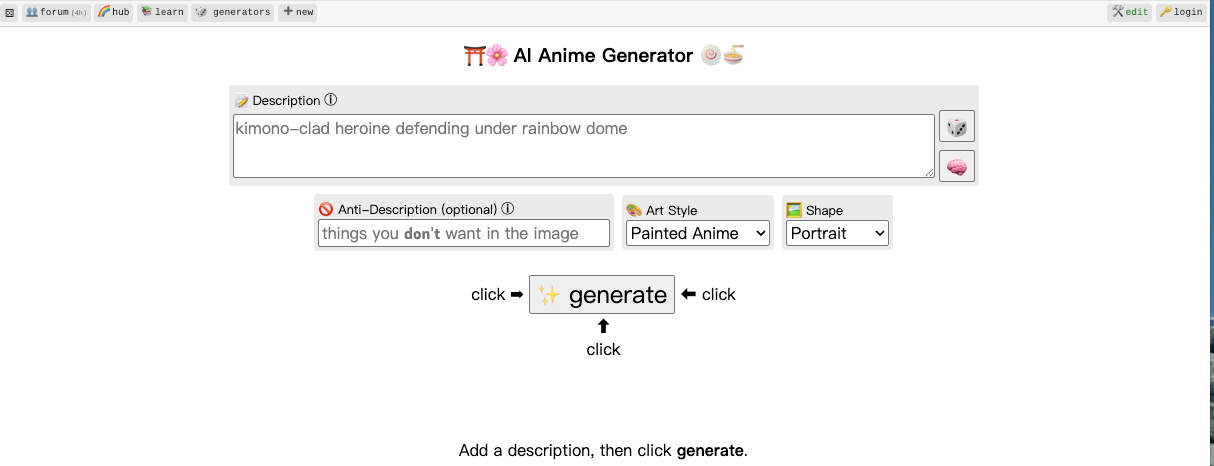
This is currently the strongest use case — not because the tools are tuned for it specifically, but because stylized content is more forgiving of the inconsistencies that still appear.
In realistic footage, a character's nose shifting slightly between cuts reads as wrong. In anime style, stylistic variation between frames often reads as intentional. The tolerance window is wider, which means more outputs land in "usable" territory without extra adjustment.
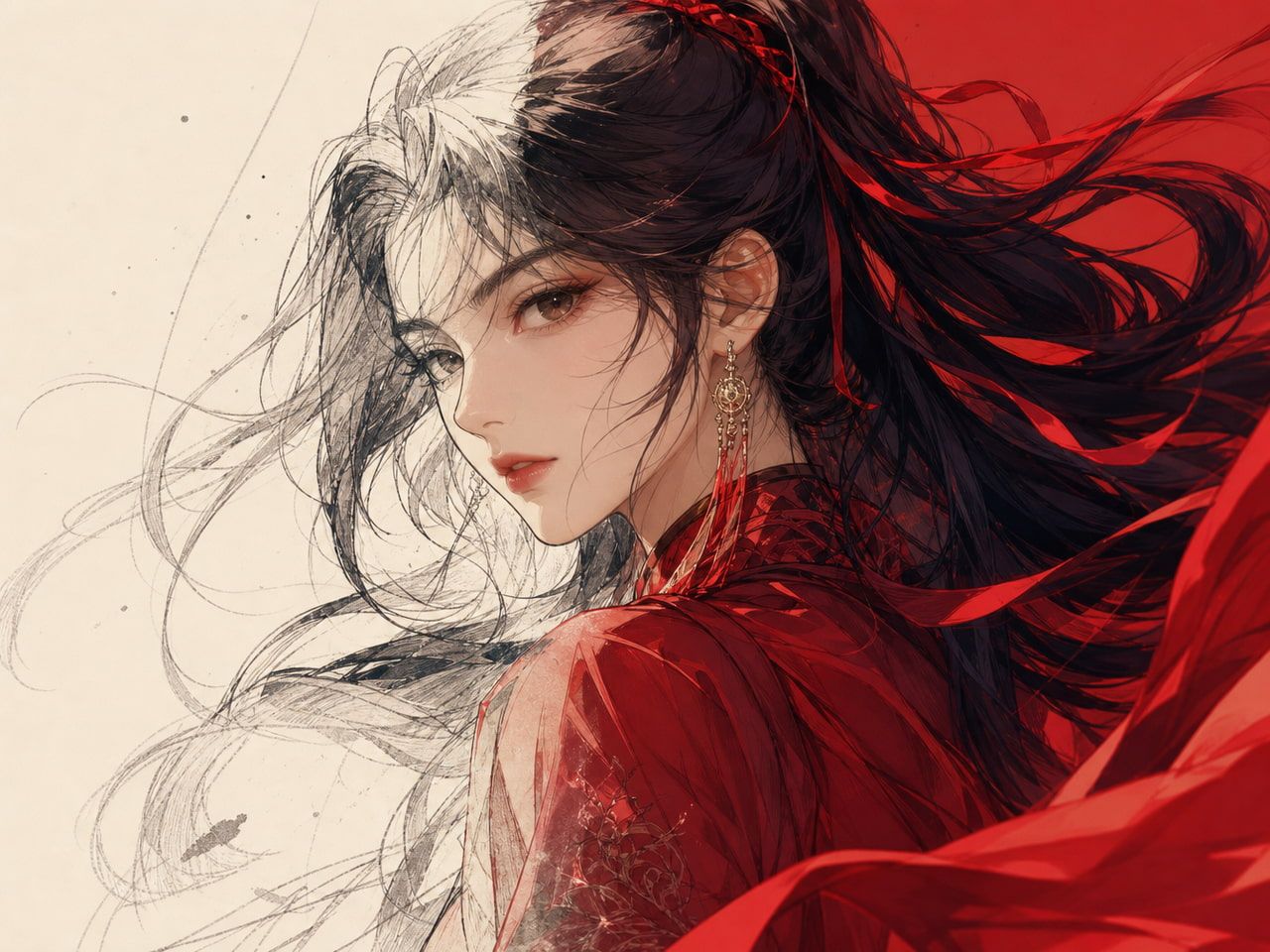
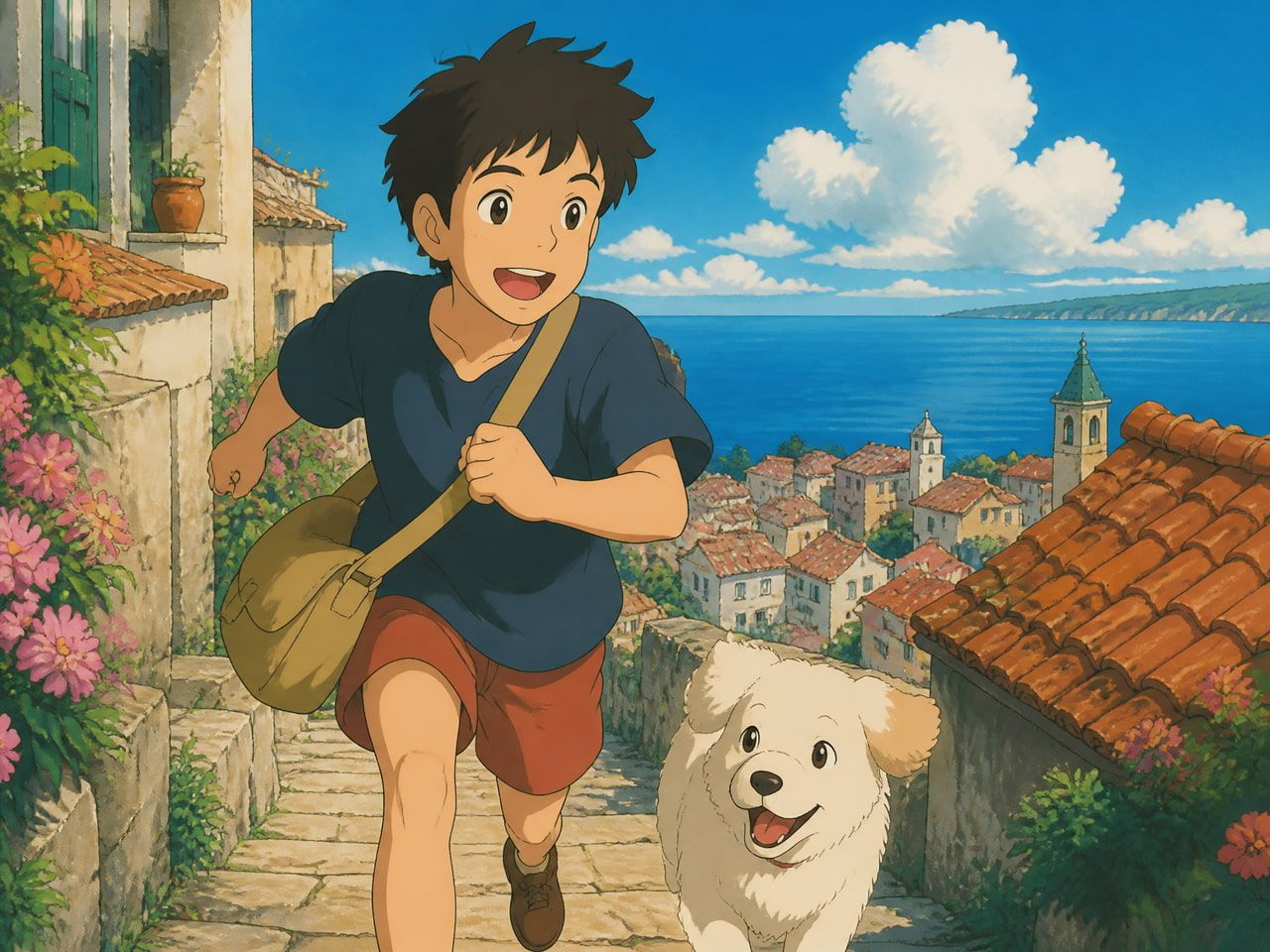
Where an ai anime generator actually earns its place is on short stylized clips: opening sequences, scene transitions, character introduction moments. In repeated generation testing, anime-style outputs tend to stabilize faster than realistic ones — typically by the second or third run using the same prompt.
The caveat: complex multi-character interaction still breaks down. Two characters physically interacting (not just appearing in the same frame) produces artifacts in the contact zone — limbs clipping, motion discontinuity — that appear consistently enough you should plan around it. Single character, defined background, clear motion direction. That's the stable zone.
Vidu's Anime Art to Video feature focuses specifically on this: converting 2D anime artwork into fluid animated clips with motion that stays within the stylistic rules of the source art. In five runs of the same character reference, the motion style remained consistent across all five. The scale of objects in the frame shifted slightly between runs, but nothing that broke usability for short-form content.
Character Clips
Character animation is where the consistency problem shows up most visibly — and also where the most meaningful progress has been made in 2026.
The core issue, documented in academic benchmarks of identity-preserving video generation, is latent space drift: each generation samples from slightly different regions of the model's learned space, which means the same face can shift between clips even when you use the same prompt. The fix isn't a better prompt — it's a reference-conditioning mechanism that anchors the output to specific visual features.
This is what multi-reference systems address. Upload two or three images of your character, and the generator uses those as anchors during denoising. The result doesn't perfectly match every detail across runs, but the identity — face shape, color palette, general proportions — holds together far more reliably than text-only prompting.
Vidu's Multi-Reference Consistency, which supports up to seven reference images per clip, is one of the more tested implementations of this. In four runs using the same three character reference images, the face stayed consistent in all four. The camera angle drifted on the third run — but the character looked like the same character.
The practical boundary: this holds well for 4–8 second clips. At 16 seconds, drift starts appearing around the midpoint. If you're cutting together a longer sequence, plan for that — generate shorter clips and assemble them rather than trying to push a single 20-second output.
Social Video Drafts
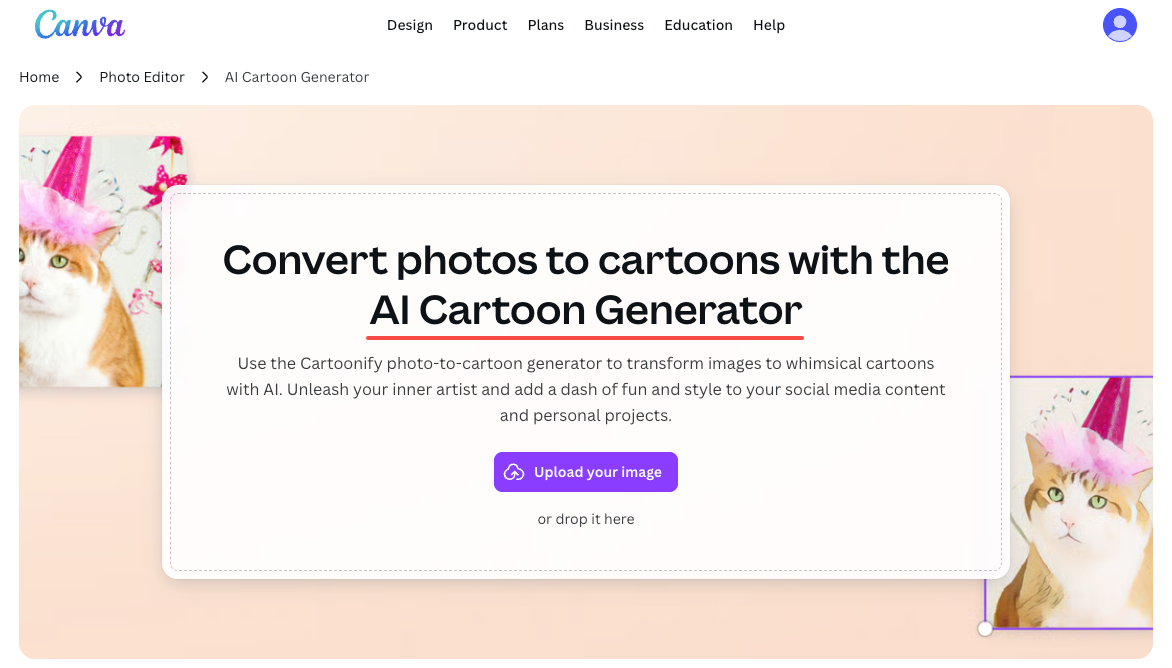
This use case is less about quality and more about speed. For social content — short vertical clips, quick scene setups, transitional moments — an ai cartoon generator produces fast drafts that work as a starting point or a filler between stronger assets.
The failure mode here isn't quality, it's the mismatch between what template-style outputs look like and what performs on a given platform. Generative motion tends to be smooth in a way that reads as slightly uncanny in realistic contexts. On stylized or illustrated content, that smoothness works. On footage meant to blend with live-action, it doesn't.
Templates built around trending visual effects — outfit transitions, blossom reveals, motion-matched character entrances — tend to work better because the aesthetic expectation is already stylized. Viewers aren't comparing it to reality.
Worth noting: for social draft use specifically, the off-peak generation windows on platforms like Vidu let you run more experiments without burning credits — useful when you're iterating on a concept and don't know yet which direction you'll commit to.
How to Evaluate AI Animation Tools
Forget the demos. The demo is always the best possible output from the best possible prompt. What matters is what happens on your second run, your fifth run, your run at 11pm when you need the clip for tomorrow.
Four things actually predict whether a tool fits into a real workflow:
Consistency across runs
Generate the same clip three times. Does the character look like the same character? Does the style hold? Drift within a run is bad; drift between runs is worse, because it means you can't build a library of assets that feel like they belong to the same project.
Speed under realistic conditions
Most tools advertise generation time under ideal server load. The number that matters is speed during peak hours. For short-form content workflows, a 45-second generation vs a 10-second generation matters less than whether the queue adds 8 minutes during peak use.
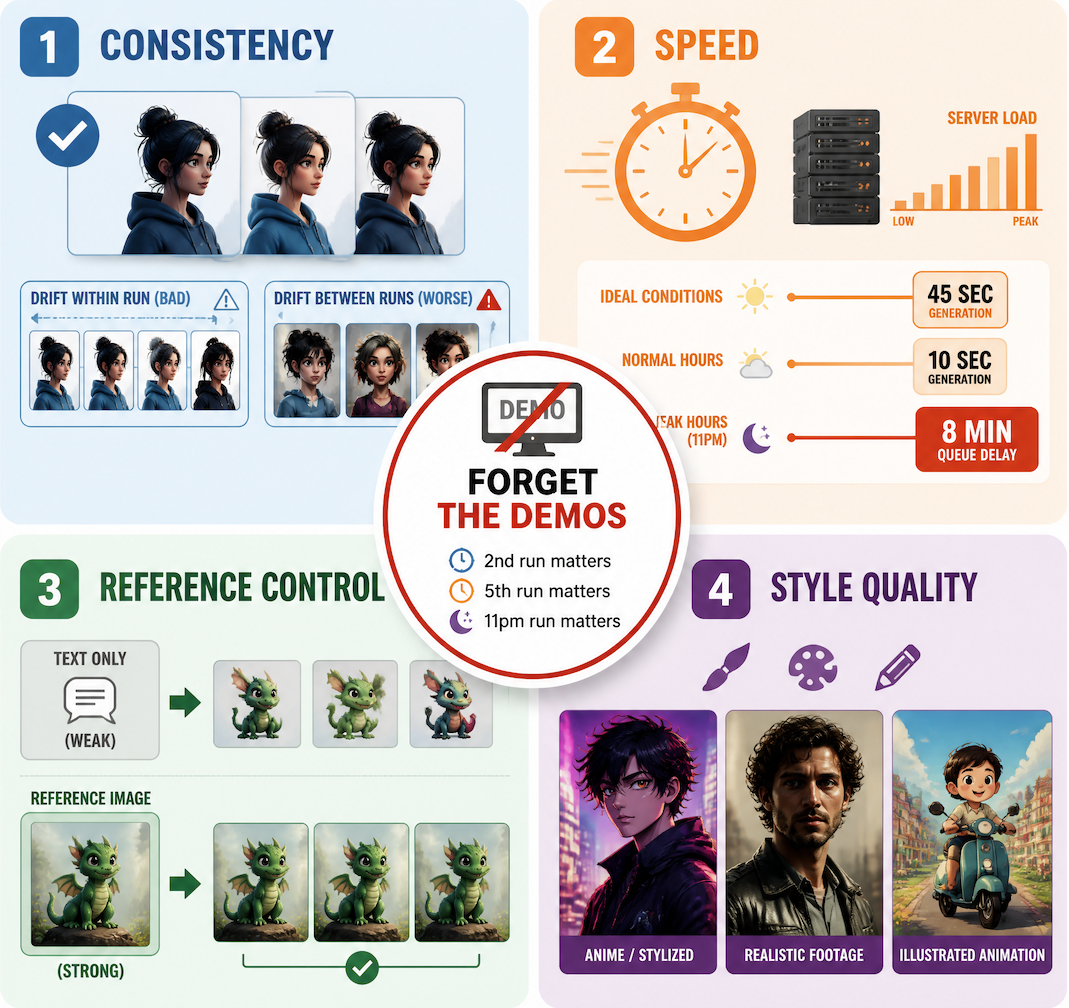
Reference control
Can you anchor the output to something you provide? Text-only generation is a starting point, not a workflow. Tools that let you supply reference images and preserve them across multiple outputs give you something you can actually build with. Tools that don't are useful for exploration, not production.
Output quality in your specific style
Anime/stylized content, realistic footage, and illustrated animation are three different problems and different tools handle them differently. Test in your actual target style before committing. A review of a tool's realistic output tells you nothing about its anime output — the models are tuned differently.
A useful review methodology to cross-reference: Cybernews' AI animation generator testing uses the same prompt across tools to create a controlled comparison — a straightforward way to isolate model behavior from prompt quality.
When AI Animation Is Not Enough
The honest version of this section: AI animation generators in 2026 are a strong addition to a creator's workflow, not a replacement for it.
Three specific situations where they hit their limits:
Long-form narrative continuity. If you're producing anything over 60 seconds with a consistent protagonist across scenes, you'll spend more time correcting drift than you'll save on generation. Shorter clips assembled in editing — with manual consistency checks between shots — is still the more reliable path.
Complex motion choreography. Fast movement, overlapping limbs, physical contact between characters. These still produce artifacts that require cleanup. The more elements moving in relation to each other, the more denoising steps introduce compounding variance.
Broadcast or commercial deliverables. Commercial use is available on paid plans, but output quality for polished advertising or broadcast work typically requires post-processing. The motion is clean enough for social and digital, not always clean enough for high-scrutiny review.
The place AI animation sits most reliably: in the middle of the pipeline. Not as the final output, but as a fast, low-cost way to test concepts, fill gaps, and generate assets that inform or support work finished elsewhere.