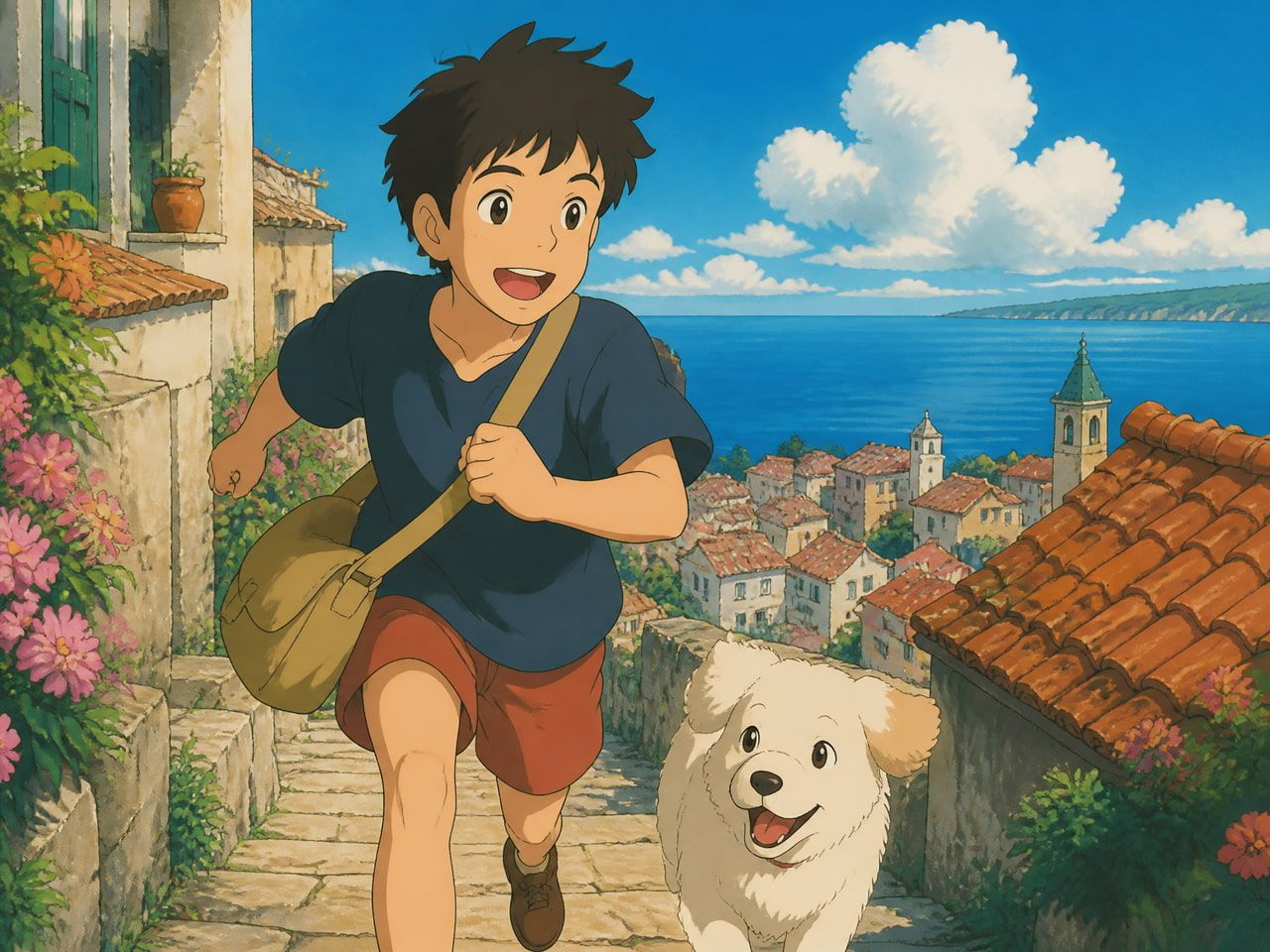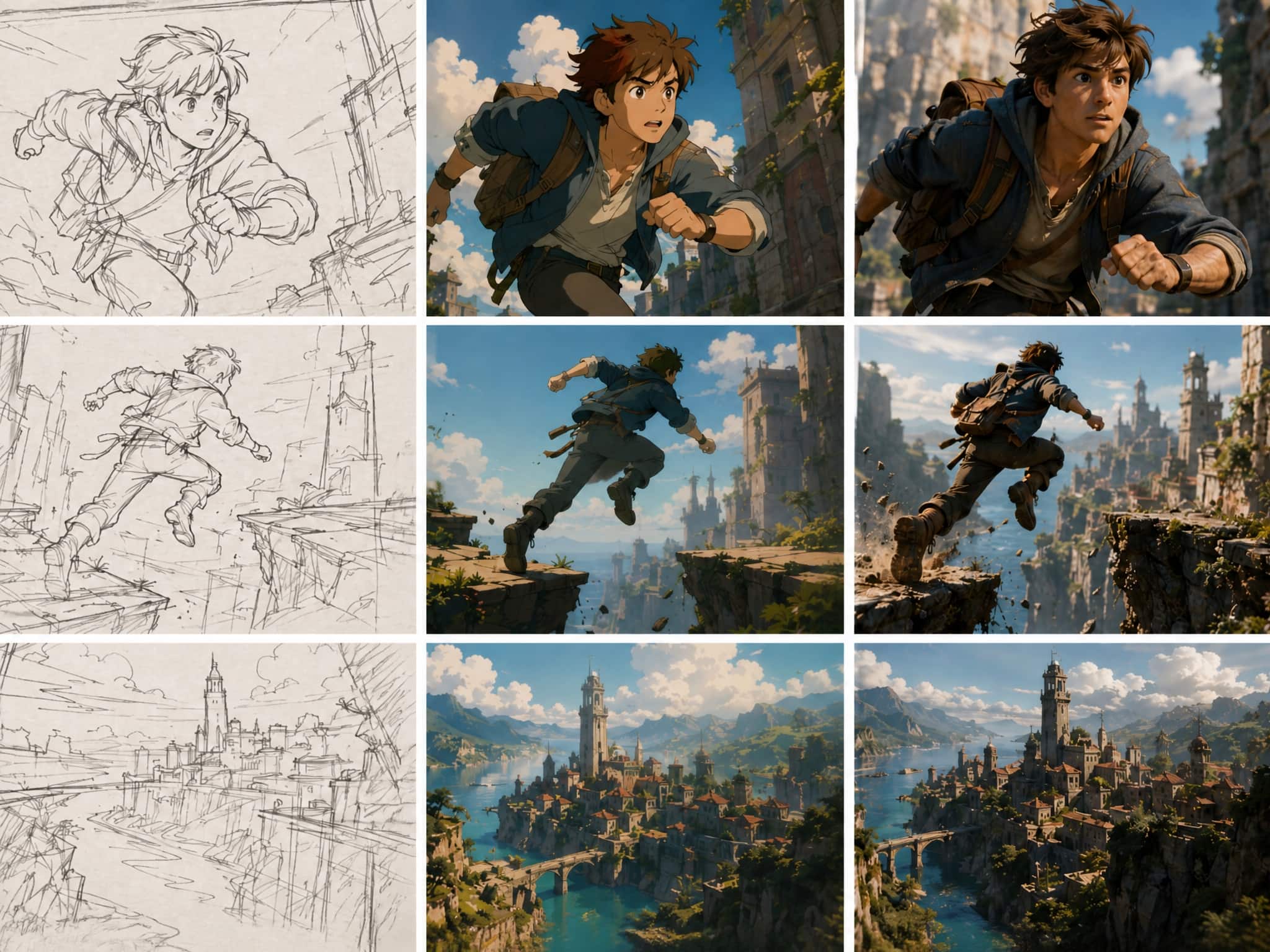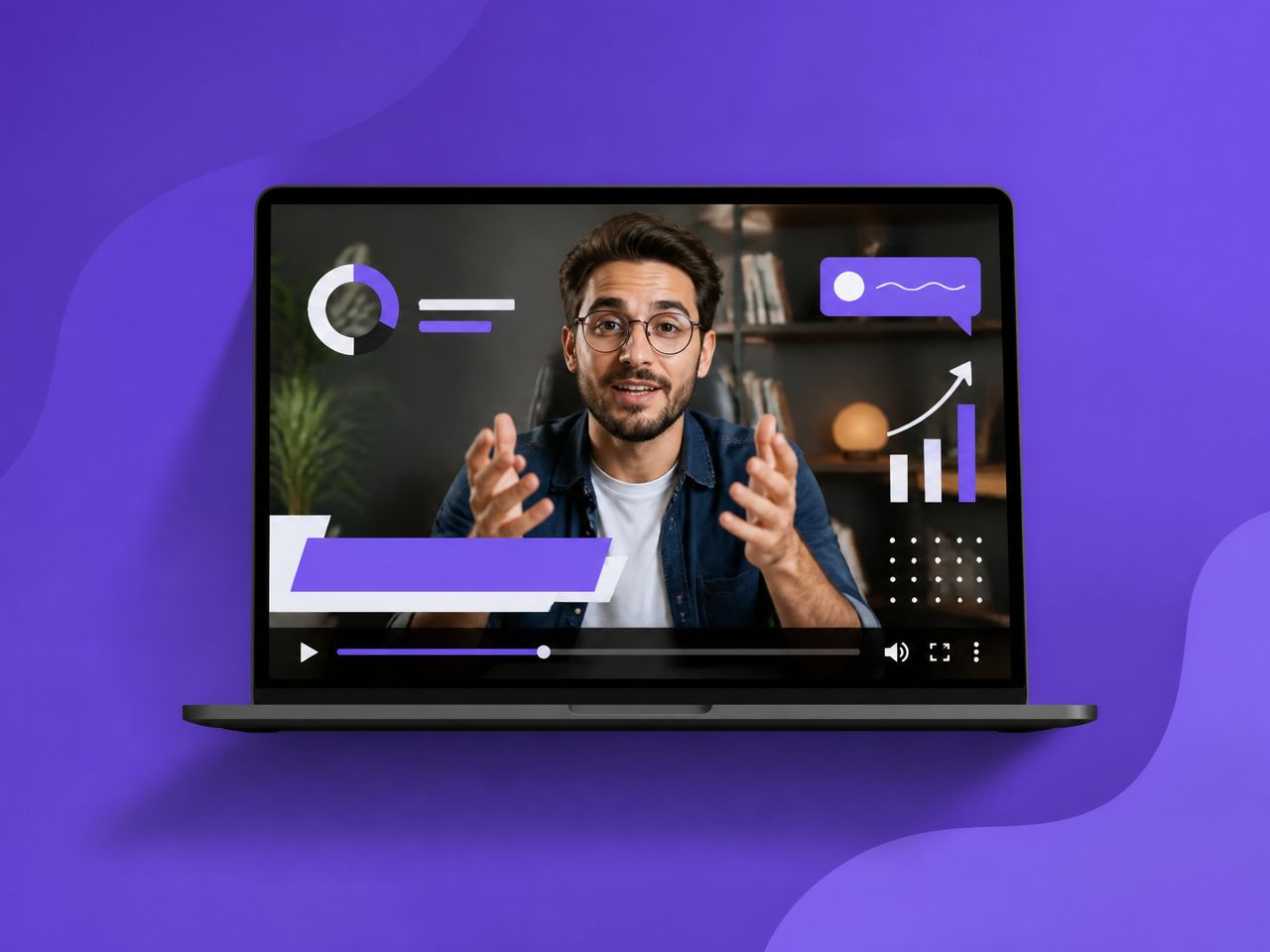
What Are AI Motion Graphics?
Motion graphics are animated graphic shapes, text, icons, or charts brought to life through movement — used to convey information, tell a story, or enhance visual appeal in multimedia projects like videos, advertisements, and digital media. In traditional production, that means software like After Effects, a timeline full of keyframes, and someone who knows what an easing curve is.
AI changes one part of that equation. Instead of building each animation manually, you feed an image, a prompt, or a reference clip into a motion design AI system. This idea connects to motion-content separation research like MoCoGAN, where motion and content are treated as distinct layers—and the system generates the motion for you.
The output isn't After Effects-grade. That's not the point. The point is generating usable short clips in seconds, not hours, especially for the kind of content that lives on a feed for 15 seconds before someone swipes.
AI Image to Motion Video Generator starts this workflow for most creators — you upload a static image, add a short description of the movement you want, and the model handles the rest. Three inputs. Ten seconds of generation time.
Best Creator Use Cases
Not everything works. But a few scenarios produce consistent, usable results across repeated generations.
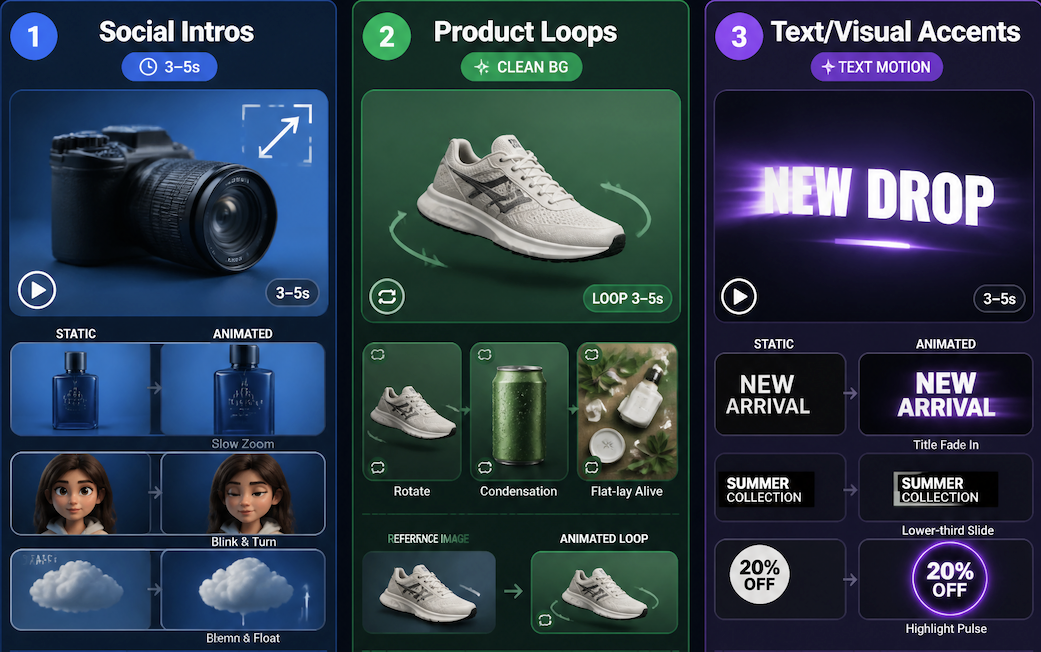
Social Intros
Short openers — 3 to 5 seconds — with simple motion on a static image. A product photo that slowly zooms in. A character that blinks and turns. A background element that floats.
In four consecutive tests using a product image with a clean background, three came back with stable, platform-ready motion. The fourth drifted at the edge of the frame, which I'd call the standard failure mode for this type of input.
This is the format that holds up most reliably with an ai motion graphics generator. Short duration, limited motion complexity, one subject.
Product Loops
Still images of products animated into short loops for ads or reels. A shoe rotating. A drink can sweating condensation. A flat-lay that slowly comes alive.
Here's where motion design ai earns its time savings. What used to require a 3D render or a studio setup now starts with a reference image. The output won't replace a full product shoot — but for quick social ad iterations, it gets you into a usable range faster.
The condition where this works: the product has a clean background and a simple silhouette. Complex textures and busy backgrounds introduce drift at the edges that usually shows up around the 2–3 second mark.
Text and Visual Accents
This is the category most people overlook — and the one that tends to drift the most.
Animated graphics ai can produce subtle motion on text overlays and graphic elements: a title that fades in, a lower-third that slides, a highlight effect that pulses. In isolation, these work fine. Where they get unstable is when you're trying to animate a specific font at a specific size with a specific timing.
The control just isn't there yet. If you need exact typography behavior, you still need a proper editor. If you're okay with "close enough for a 5-second social cut," the generation is usually fast enough to iterate to something usable.
How to Generate Motion Graphics With AI
Define Style and Movement
The most consistent generations come from clear, constrained prompts. "Slow zoom in on the product, warm light, no camera shake" outperforms "make this look cinematic" by a wide margin.
Two things matter more than anything else: specifying the motion direction and specifying what should stay still. The model needs both constraints to avoid generating a clip where everything is moving at once — which looks chaotic and rarely passes a usability check.
Vidu's Multi-Reference feature adds another stabilization layer. If you upload multiple reference images, the model uses them to hold character or object consistency across the clip. In tests with 3 reference images versus 1, the consistency improvement was visible from the second generation onward.
Keep Visual Hierarchy Simple
One subject. Clean background. One dominant motion.
Every element you add to the input increases the chance of deviation in the output. A subject in front of a complex background, with multiple animated elements, in a specific color palette — that's four variables the model has to hold simultaneously. One or two will drift.
The clips that passed a "can I actually use this" check in repeated testing almost always had fewer elements than I initially wanted. I cut back the input, and the output stabilized.
As motion design experts at School of Motion point out, visual hierarchy is the foundational skill in motion design — and it matters even more when the animator is a model that hasn't studied it for years, a principle widely discussed in their educational materials at School of Motion motion design learning resources.
Export for Platform Format
Vidu generates in standard aspect ratios and resolutions. The output is clip-ready for platforms like TikTok, Reels, and Shorts without heavy conversion. What it doesn't do is pre-trim to platform-specific time limits or apply platform-safe safe zones for captions.
That's a two-minute task in any basic editor. But it is a task — worth knowing going in that generation is step one, not the final step.
Where AI Motion Graphics Fall Short
This is the part I want to spend more time on, because most reviews skip it.
AI isn't quite ready to create a complex logo animation from scratch that truly reflects a brand identity. It often struggles to maintain brand consistency and lacks the fine-tuned artistic control needed for high-stakes branding.
That tracks with what I saw in testing. The failure modes follow a pattern:
Long clips degrade. The 5-second range is reliably stable. At 8–10 seconds, background elements start to drift in a way that doesn't look intentional. At 15+ seconds, the visual consistency that made the first half usable has usually broken down enough to notice on a second watch.
Text generation is unreliable. If your motion graphic depends on a specific word rendered at a specific size in a specific position — expect to get close, not exact. The ai visual effects layer can do a lot, but pixel-accurate typography is not one of those things yet. Plan for a compositor pass.
Brand-specific elements require post-production. Custom color palettes, specific logo placements, proprietary style elements — these need a layer of human editing on top of the AI generation. The generator gives you a base clip, not a finished asset.
Exact timing is hard to specify. "The text appears at the 2-second mark" is not a reliable instruction. The model interprets timing loosely. For anything where a specific beat or cut matters, you still need an editor to nail the frame.
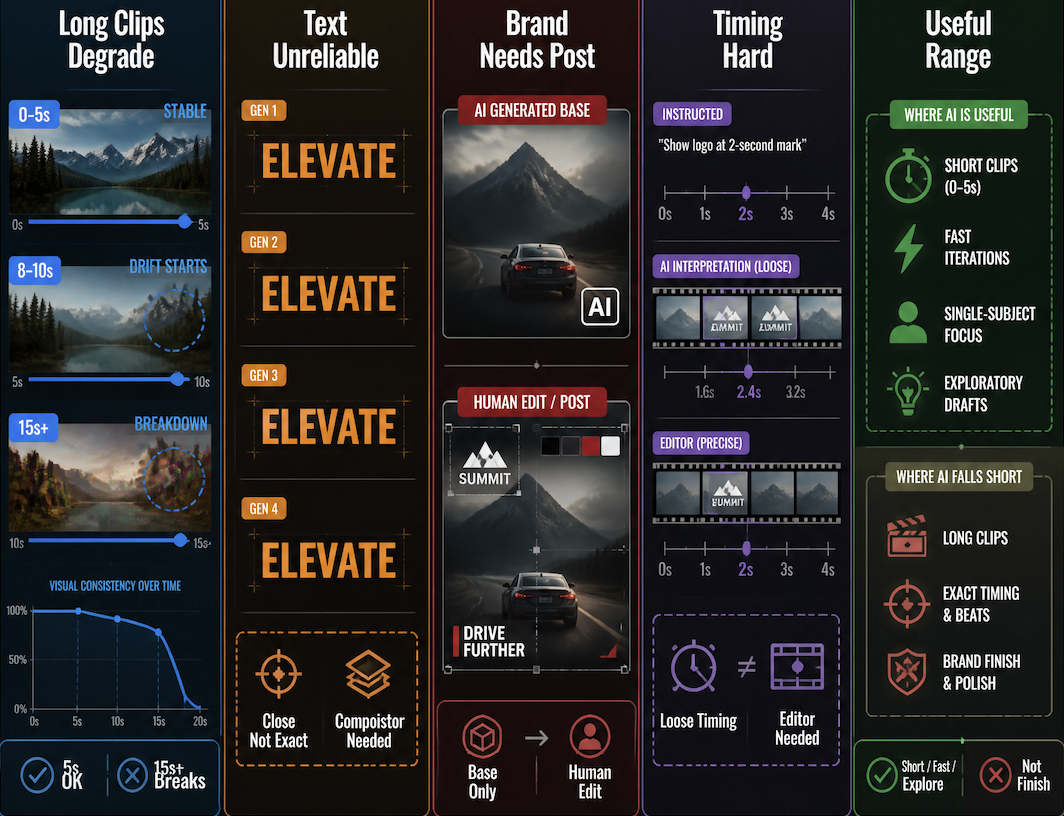
This doesn't make the tool useless — it narrows where it's useful. Short clips, fast iterations, single-subject visuals, exploratory drafts. That's the range where generation can stand in for production. Outside that range, it's a starting point, not a finish.