What Free Anime AI Art Tools Are Good For
The honest answer: concept pressure-testing.
If you're building anime-style video content, the first problem isn't motion. It's whether your character or scene looks right as a still. Free tools let you iterate on that at no cost before anything moves.
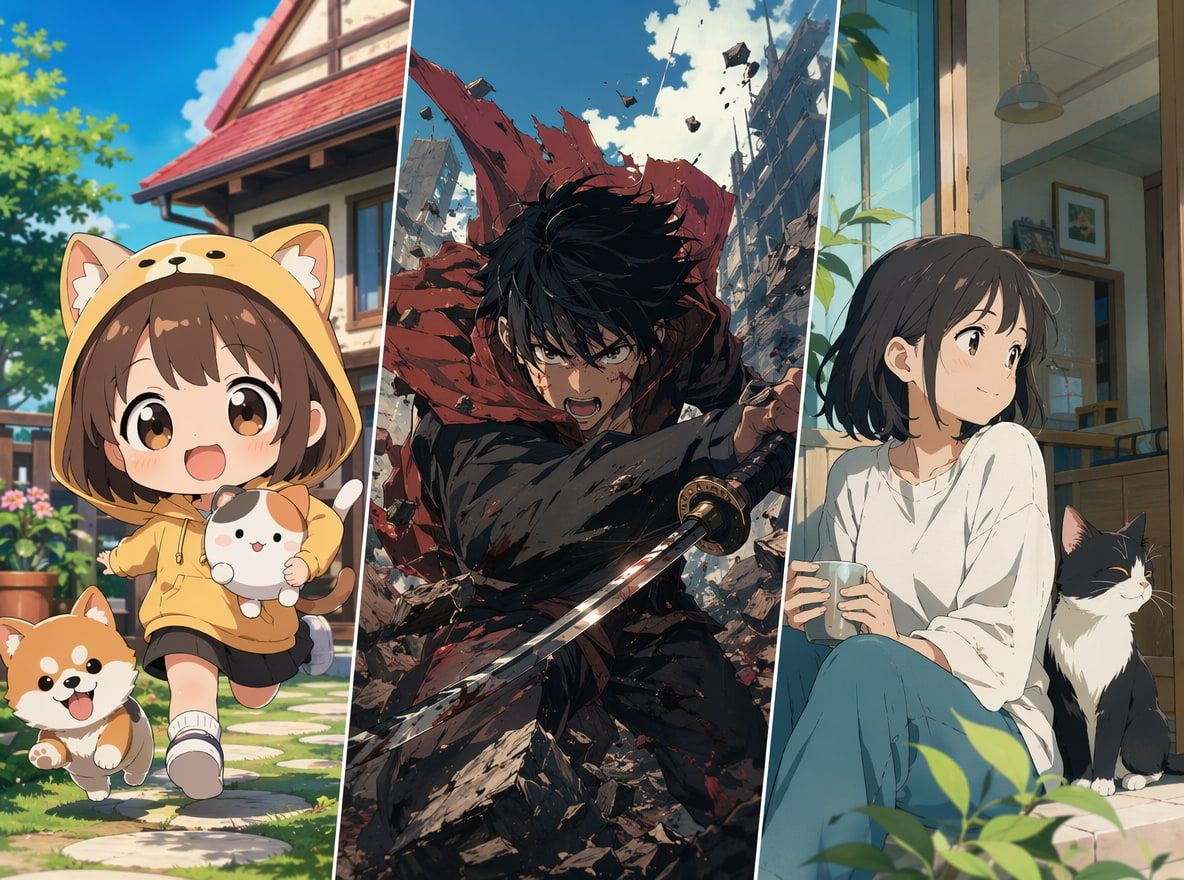
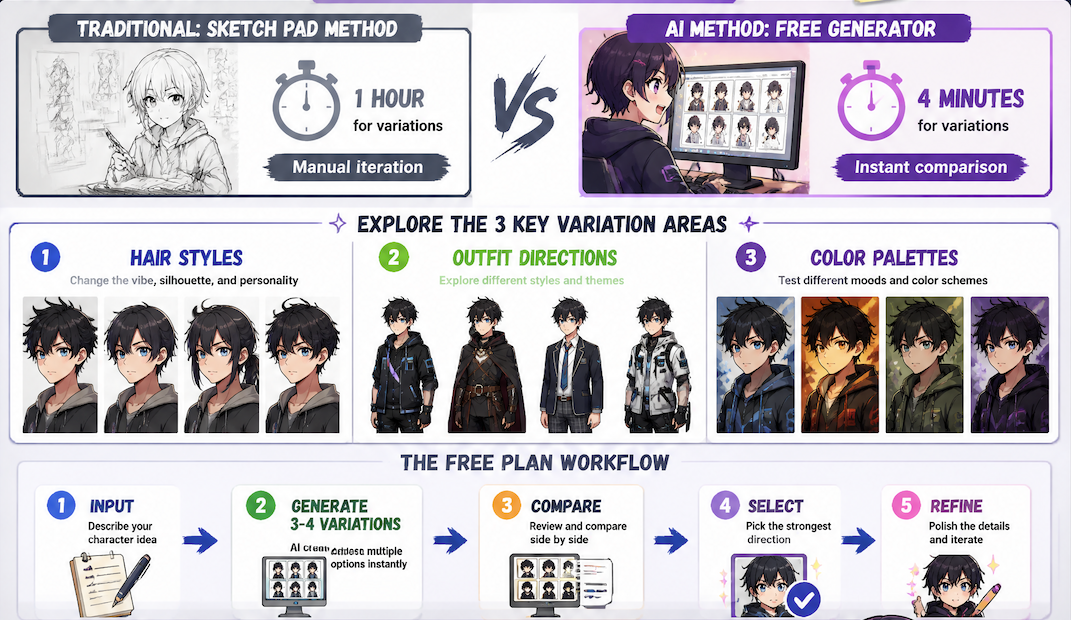
An anime ai image generator on a free plan typically gives you enough runs to test 3–4 character variations in a session. That's useful. You can compare hair styles, outfit directions, color palettes — the kind of thing that would take an hour with a sketch pad and takes about four minutes here.
What free tools aren't good for: finalized assets. Output resolution on free tiers is usually compressed. Watermarks appear on some platforms. And the generation limits — which vary wildly — mean you'll hit a wall right when you're getting somewhere.
Still. For ideation, for concept validation, for figuring out "does this character design even hold together before I animate it" — free image generation is a reasonable first step.
How Creators Turn Anime Art Into Video Ideas
This is where the workflow gets practical.
Character Concepts
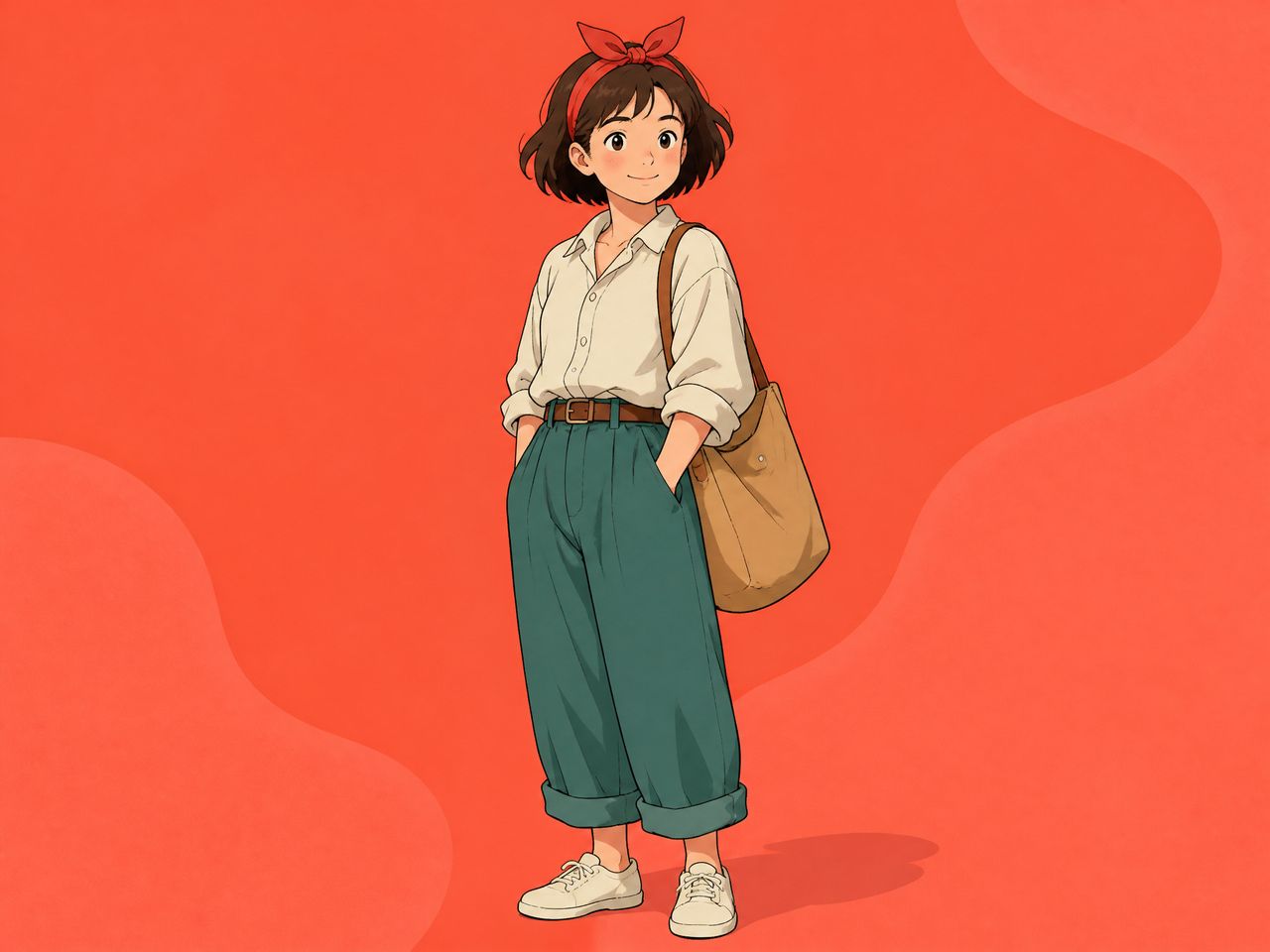
Generate 4–6 variations of a character. Look for which one holds visual coherence — does the face read clearly at small size, do the proportions feel right, does the style actually match the project tone. The one that survives that rough screen is your reference candidate.
That still image then becomes input. Not the output.
Scene Backgrounds
Backgrounds are easier to prototype for free because consistency pressure is lower — a background doesn't need to match itself across shots the same way a face does. Generate a mood, a palette, a rough spatial logic. You'll know quickly whether it works with your character concept or fights it.
An ai animated image workflow that starts with static background tests almost always produces better video results than one that jumps straight to generation.
Style Tests
Style drift is one of the more frustrating things that happens in AI video. You generate a clip, the character looks right, then three seconds in the line weight changes, the shading flattens, and the output no longer matches your reference.
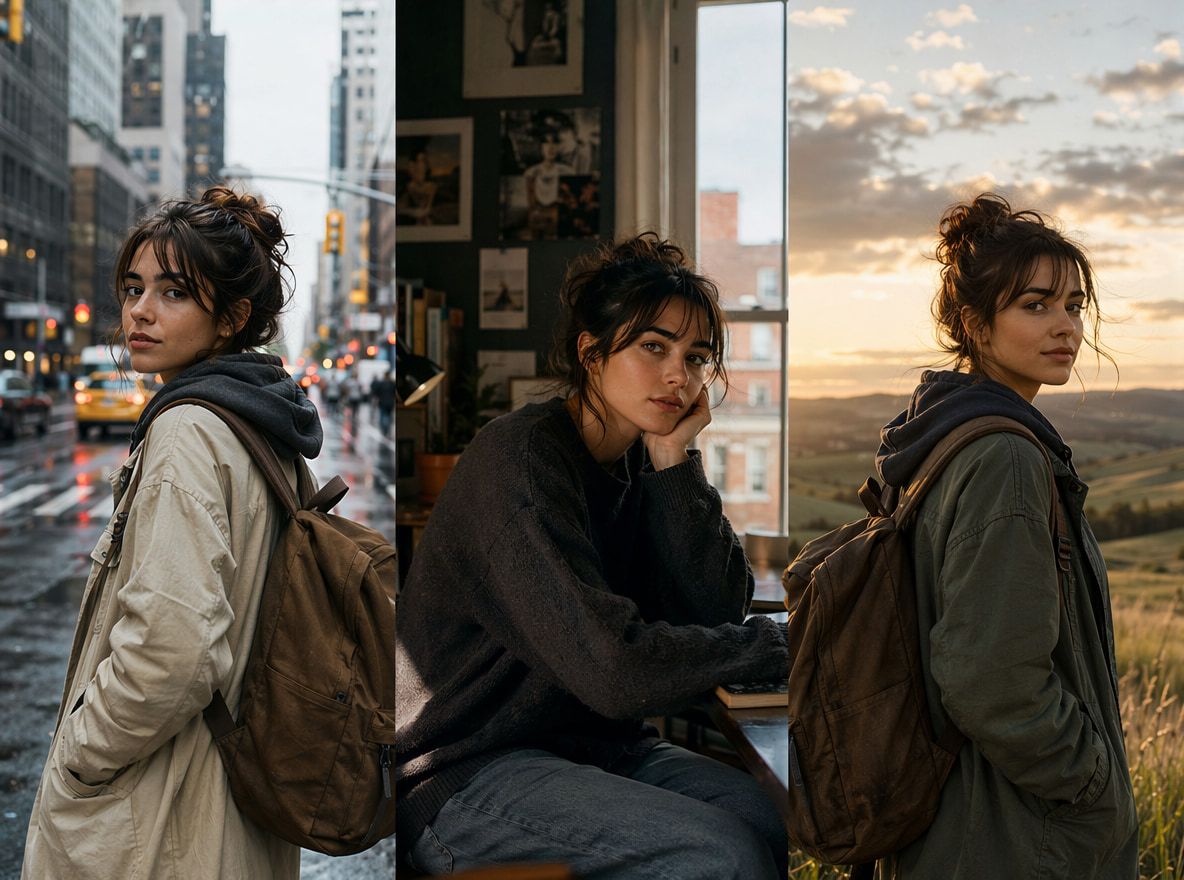
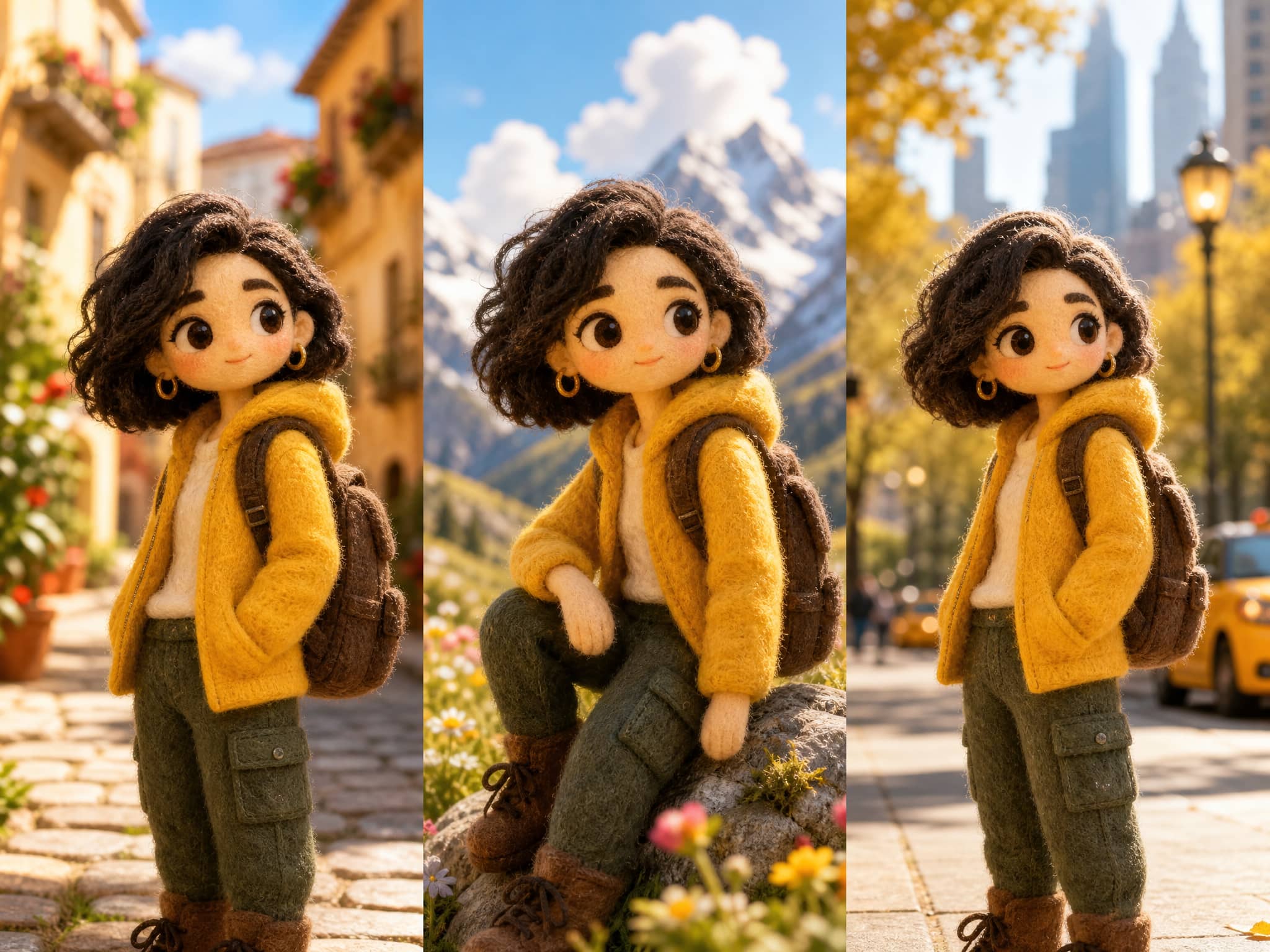
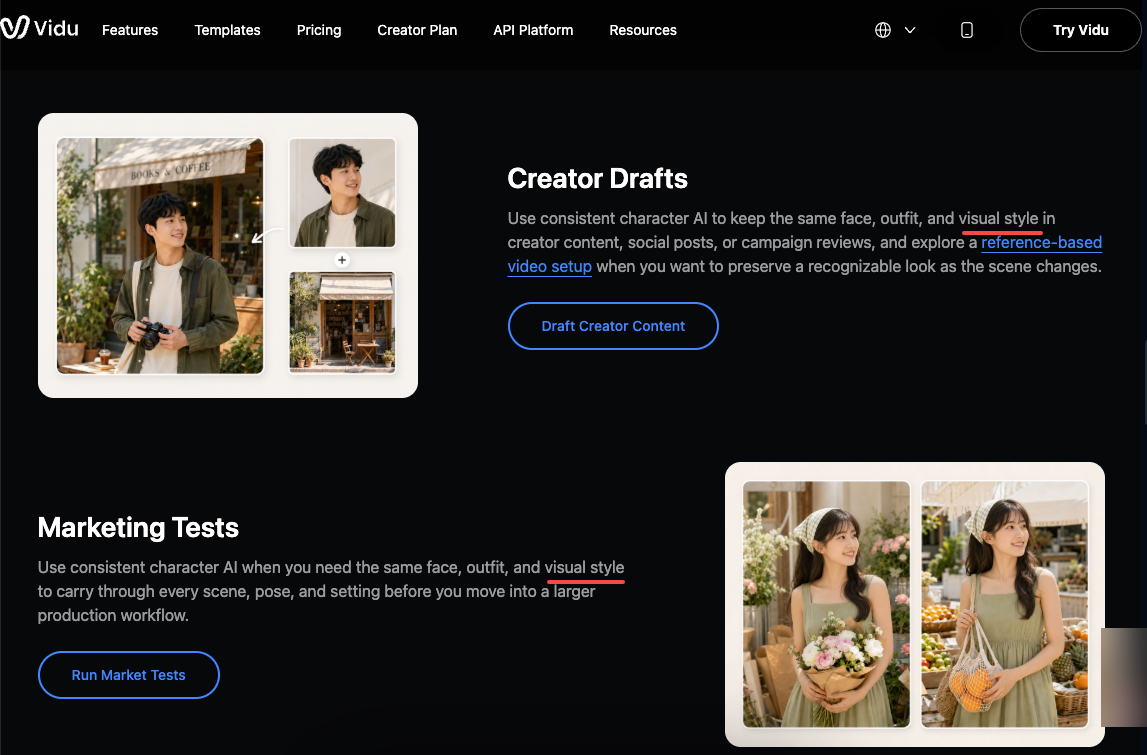
Running style tests as still images first — using a Consistent Character AI workflow with the same character and different prompt variations across multiple generations — lets you identify which descriptions actually hold. Before you feed anything into video generation, you want to know that the style description is stable, not just lucky.
Free Limits to Check
Commercial Use
This is the part that catches people. A lot of free anime AI art generators carry restrictions on commercial use of outputs. Some are explicit — free tier outputs are personal only. Others leave it vague and point you toward their terms.
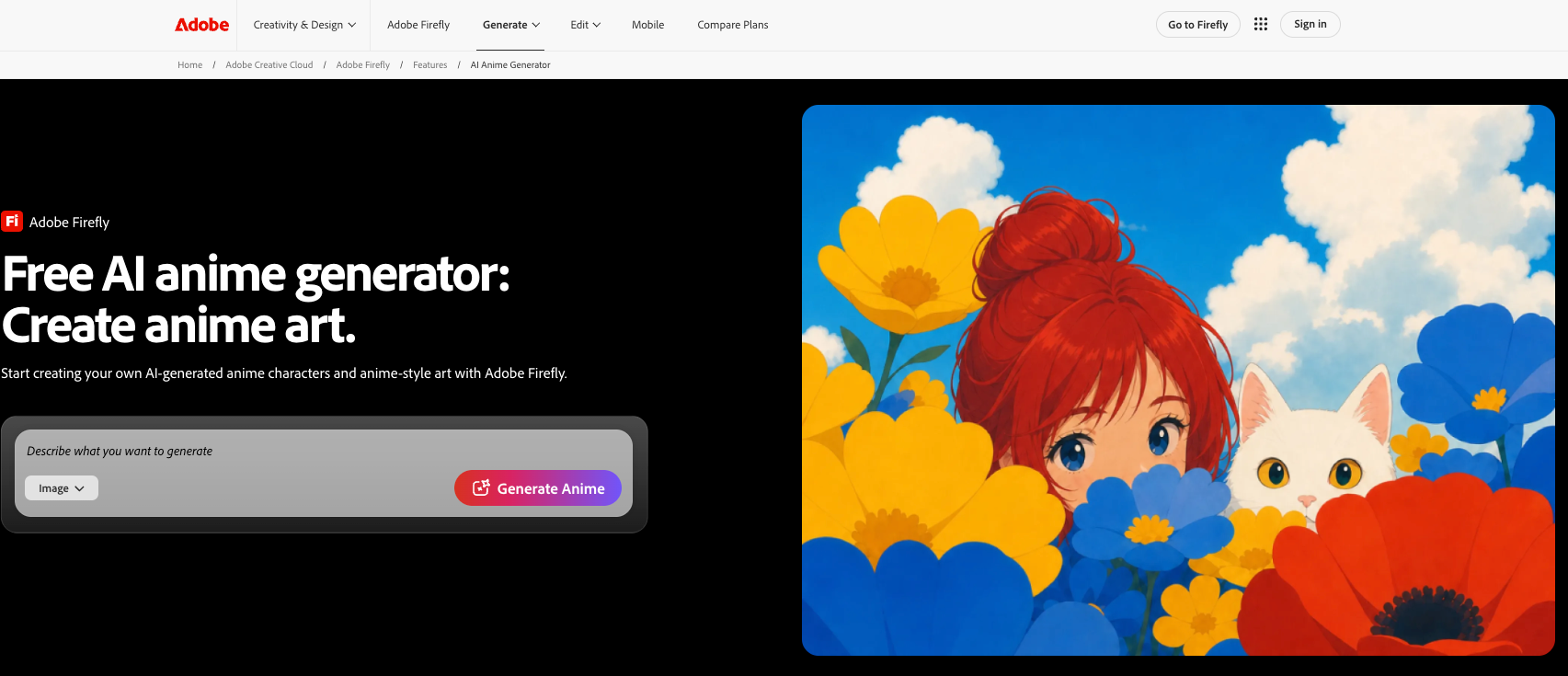
Adobe Firefly's free generative credits cover personal and commercial use, provided you're working within their content guidelines and using the commercially released version. Canva's free Magic Media outputs may not give you exclusive rights and recommend seeking legal advice before any commercial application.
The general pattern: free-tier commercial rights exist in some places, but you need to read the specific terms, not assume. If you're building toward video that will run ads or be sold, verify before you use the stills as assets.
Resolution and Consistency
Free outputs are usually lower resolution than paid. For concept work this doesn't matter much. For using the image as a direct video reference — where the model needs to read facial detail, edge definition, color accuracy — compressed resolution will produce looser results.
Consistency is the bigger issue. A single free generation might look great. But if you can't regenerate that same character reliably — same face, same line weight, same color — the still isn't actually stable enough to serve as a reference.
Watermark or Credit Limits
Some free tools watermark outputs. Others have daily generation caps that reset every 24 hours. Neither is necessarily a dealbreaker for concept work, but both become limiting if you're trying to build a library of reference images across multiple characters.
Moving From Anime Image to Animation
Here's where the two-step workflow actually matters.
Once you have a stable character concept from a free anime AI art generator, the next question is whether that image can anchor a video generation. The answer depends heavily on what the video tool does with a reference image.
For free ai animation tests specifically, shorter clips — five seconds and under — maintain visual consistency more reliably than longer ones. The character has less time to drift. If you're evaluating whether a reference image actually works, start short.
Vidu's Reference to Video feature accepts up to 7 reference images, which means you can upload a character, a background, and supporting elements together. The system tries to hold all of them consistent across the generated clip. In practice, I tested the same character reference across three 4-second generations — the first two held the face correctly, the third introduced a lighting shift that changed the feel enough to be noticeable.
That's a normal result pattern. Not every generation from a good reference will be clean. The reference image raises the floor; it doesn't eliminate variance.
The Artlist guide on consistent character AI describes a "frame-to-frame chaining" method — using the last frame of each clip as the reference for the next — which is probably the most practical approach if you're trying to build multi-shot sequences without the character drifting between cuts. It works, but it requires reviewing each generation before chaining, not just running in batches.
Vidu's own character consistency documentation notes that even small variations in eye color, hairstyle, and clothing can appear between generations. Knowing this going in is useful — it means your reference image quality directly affects how much correction you'll need later.
As an anime ai creator, the realistic workflow is: free image generation for concept → stable high-quality still as reference → short-form video generation → review → adjust. Not a single pass.