
What Makes an AI Animation Generator Good?
The obvious answer: it makes good-looking video. Not wrong. Just not enough.
After running the same clip types through multiple tools, here's what I've noticed: output quality on the first generation almost never decides anything. Most tools produce a great-looking clip once. The real question is whether you can reproduce it — whether style, character, and motion hold across multiple generations without rebuilding the prompt from scratch each time.
A best ai animation generator worth committing to has to pass three tests:
It stabilizes in two to three attempts. If you're on attempt five and still fixing basics, that's not creativity — it's a workflow tax.
The drift is predictable. Every tool drifts. The question is whether it drifts in patterns you can anticipate and correct, or randomly in ways you can't. Predictable is manageable.
It fits the content you actually make. A tool excellent at cinematic realism is often mediocre at anime. A tool built for fast social clips breaks down at longer durations. These are design choices, not defects — picking the wrong tool for your content type is the most common source of wasted time.
Evaluation Criteria for Creators
Lock down what you're measuring before you test anything. Comparisons that treat all animation output as equivalent tend to mislead.
Style Control
How much does your input constrain what comes out? Some tools follow prompts closely. Others treat your prompt as a suggestion and fill in gaps with their own training biases.
For stylized content — anime, 2D illustration, motion graphics — tight style control matters a lot. A tool that defaults toward photorealism when you ask for "anime-style character walking" isn't solving for your use case, regardless of how good its cinematic output looks.
Character Consistency
This is the one that kills workflows. Generate a character in shot one, then shot two — same type, but different face shape, slightly different hair, shifted expression baseline. Not the same character.
Reference-based generation is the most reliable current fix. Runway Gen-4's reference system — which accepts up to three images to anchor character appearance across scenes — is one of the more documented approaches to this problem. The underlying logic holds across tools: more reference signal means less room for the model to improvise in directions you didn't want.
That said, reference consistency still breaks down in predictable places. Motion that moves the character far from the reference pose — running, overhead angles, dramatic gestures — drifts more than slow or static shots. Worth knowing before building a workflow around it.
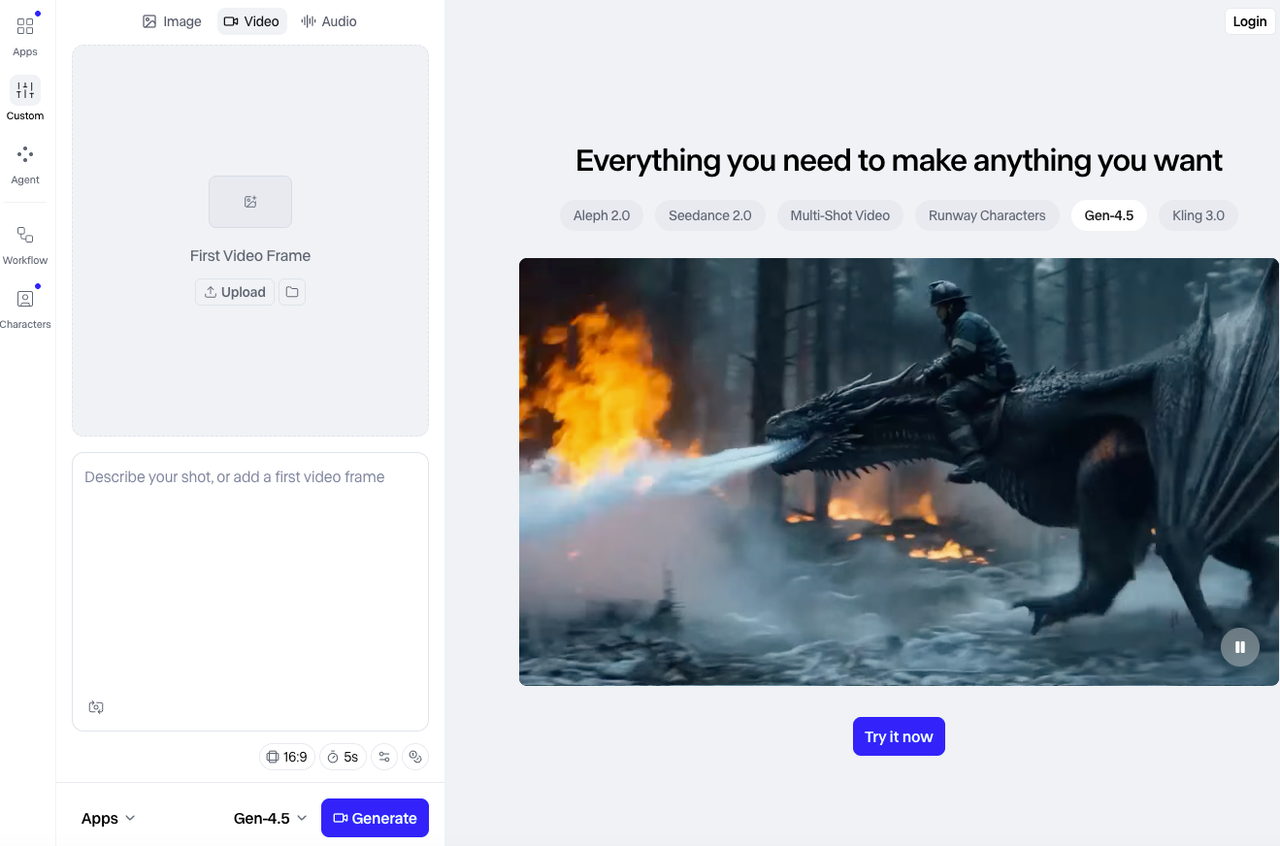
Image-to-Video Workflow
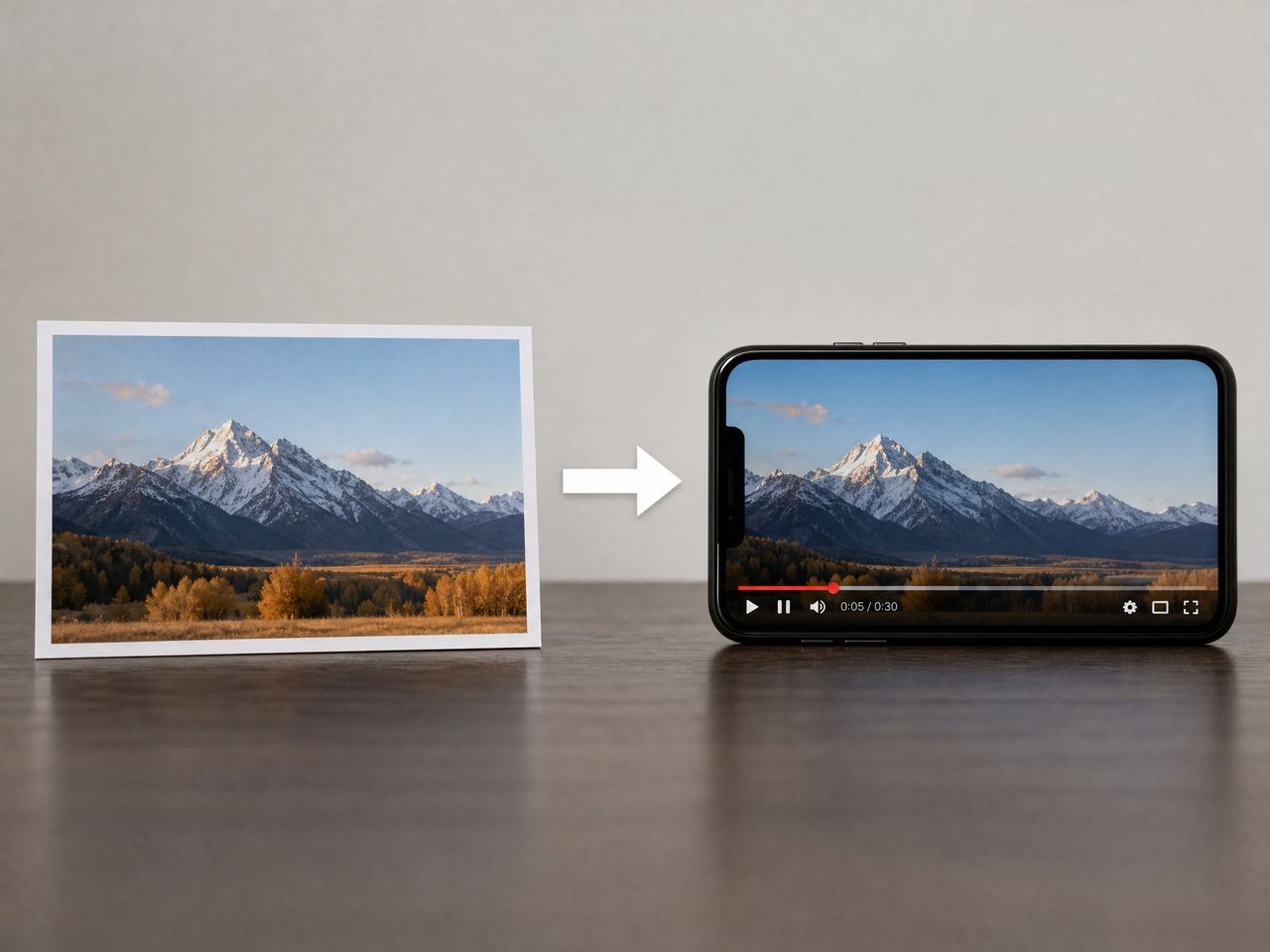
The ai animated image use case — taking a still and making it move — is where many creators start, because the asset already exists. You're not generating from nothing; you're animating something you made or sourced.
The key variable isn't motion quality in isolation. It's whether the tool handles the still-to-moving transition without losing what made the image look right in the first place. Edges, textures, specific lighting quality — these tend to compress or distort. Test your actual assets before committing, not the tool's demo assets.
Cost and Limits
Free ai animation tiers exist across most major tools, but they're structured very differently. A few things worth checking:
- Does the free tier watermark outputs? Kling AI offers daily free credits without watermarks; Runway's free tier is watermarked
- Is the credit pool one-time or refreshing? Monthly or daily refresh changes the evaluation math significantly
- What's locked behind paid plans — resolution, clip length, or commercial rights?
As of mid-2026: Pika's free tier includes roughly 150 credits/month that refresh, making it practically usable for ongoing testing. Kling's daily credit refresh is among the more generous in the category for ai image animation free experimentation. Runway's 125 lifetime free credits make thorough evaluation difficult without paying.
For commercial use, verify license terms explicitly — "free" often defaults to non-commercial.
Best-Fit Tool Categories
Fast Social Clips
If your output is primarily short-form for TikTok, Reels, or Shorts — under ten seconds, quick iteration, high visual energy — the evaluation criteria shift toward speed and effect variety over consistency.
Pika 2.5 is the clearest fit. Its effects library (Pikaffects, Pikaswaps, Pikadditions) is built for the "what if this looked like X" creative loop that feeds short-form platforms. The iteration cycle is fast, the free tier is usable, and outputs are tuned for social visual language.
Runway Gen-4.5 is worth it if you need camera direction — actually specifying how the shot moves rather than describing motion in text. But the limited free tier (watermarked, 125 lifetime credits) makes meaningful evaluation difficult without paying first.
Anime and Stylized Video
This is where tool selection gets specific. Most general-purpose AI video generators trained primarily on photorealistic footage. Anime and 2D illustration are edge cases — not impossible, but requiring more prompt engineering to prevent the model defaulting toward realism.
Tools that treat stylized output as a primary design target rather than a capability checklist item tend to be more stable here. The specific failure mode to watch regardless of tool: complex motion in anime-style clips breaks down faster than slow or static shots. A character standing and speaking is much more stable than one running through a crowd. This holds across tools — it's a training data function — but knowing it shapes how you design prompts and structure shots.
Reference-Led Production
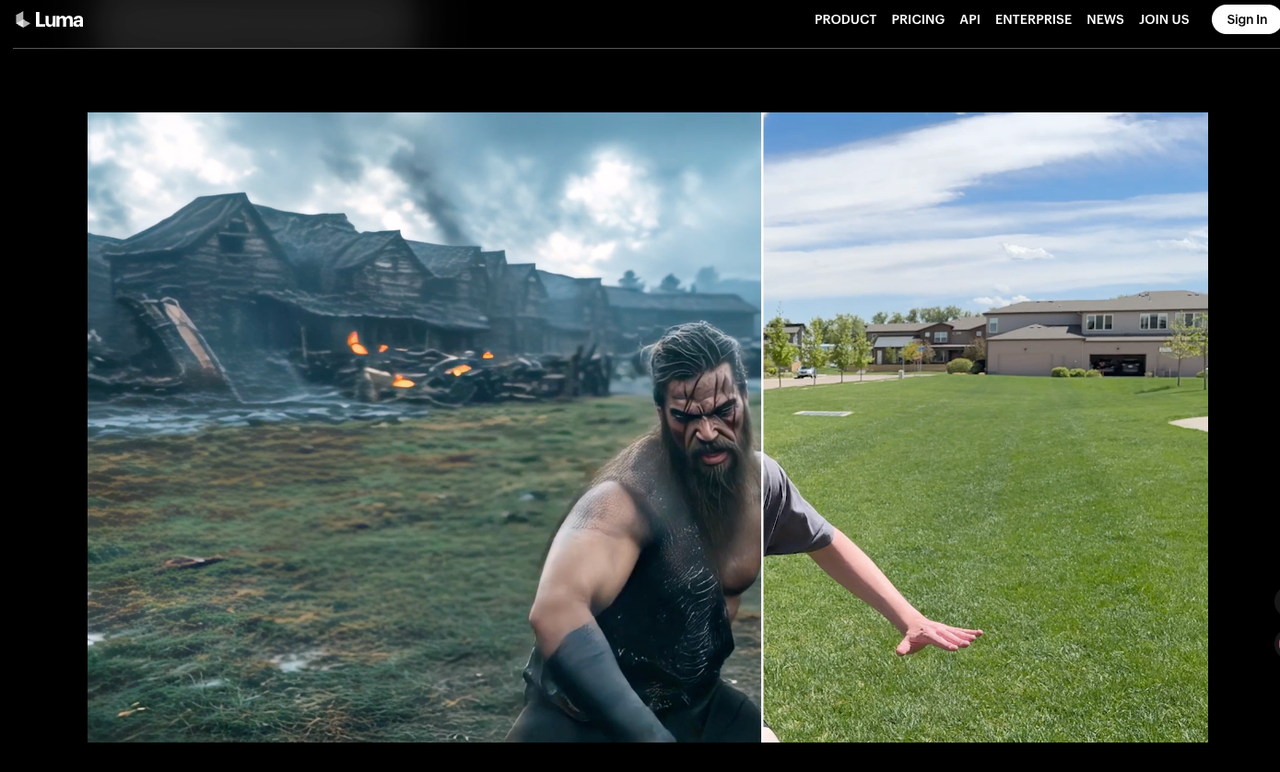
If you're building multi-shot sequences — clips that need to look like they came from the same production — reference-based generation is the most reliable current path. You're giving the model a visual brief for every generation.
Setup takes longer than single-shot generation. But the stability payoff is real: the drift that accumulates across shots in free-form generation largely collapses when the model has strong reference signal.
The practical limit: reference-based generation is most stable for character appearance and less reliable for scene environment consistency. If you need both a consistent character and a consistent environment across shots, expect to manage both reference inputs carefully — and plan for more correction on the environment side.
Trade-Offs to Watch
Speed versus consistency. Tools that generate quickly often do so by narrowing the search space — less variability, but also less adaptability. The fastest generators tend to have a recognizable "house style" that can override strong stylistic prompts. If your visual identity is specific, faster isn't always better.
Free tier structure versus actual usability. One-time signup credits mean you'll use them more carefully than in real production — which changes what you learn about the tool. A small monthly refresh is more informative than a large one-time pool. According to AI video generator pricing comparisons tracking mid-2026 plans, cost-per-clip ranges from under $0.10 at high volume to over $0.40 on lower-tier plans — the spread matters if you're generating at any real frequency.
Watermark policies vary more than expected. Some free tiers offer clean exports with commercial restrictions; others watermark everything below a paid threshold. Check this before building anything client-facing.
Longer clips are a different product. Quality at under eight seconds doesn't predict quality at fifteen or twenty. Test at your actual target duration.