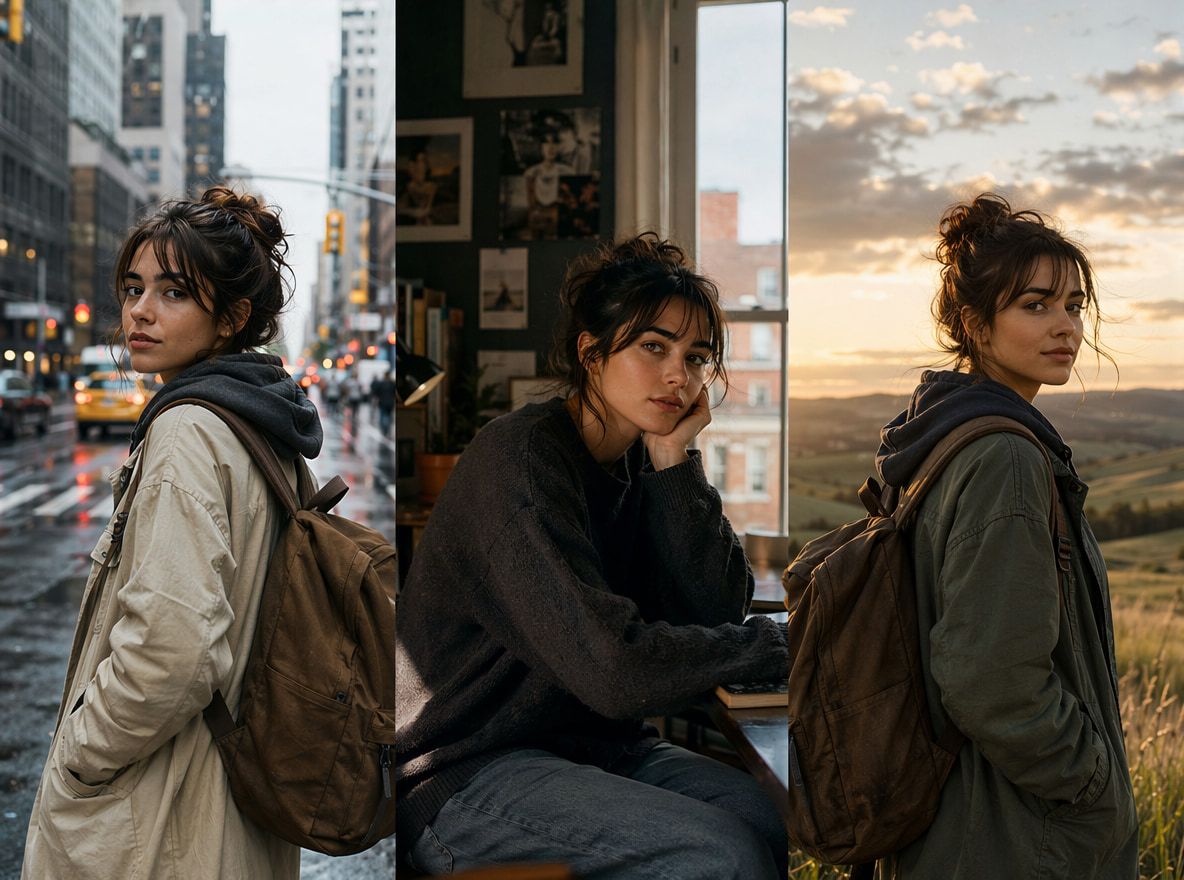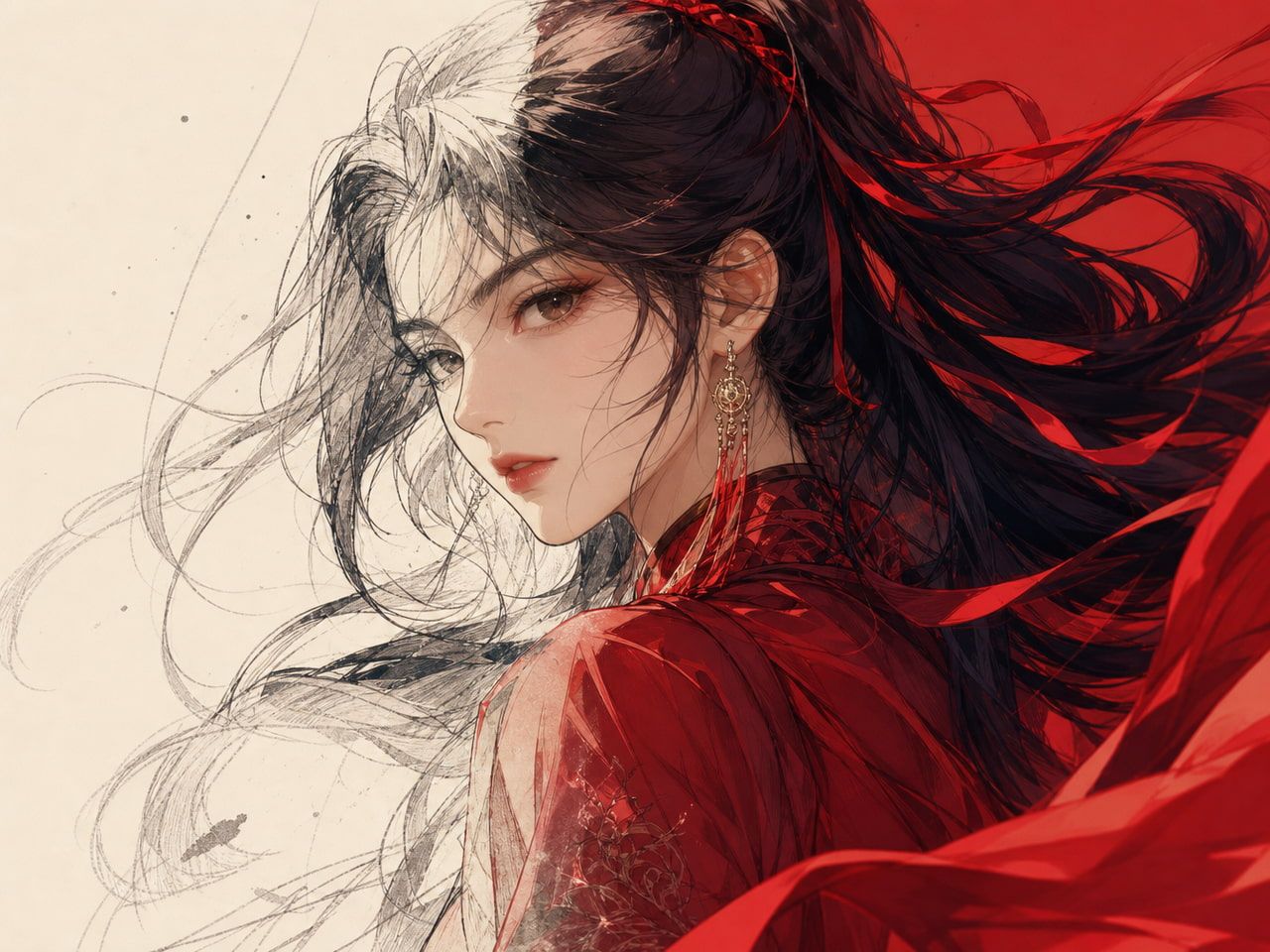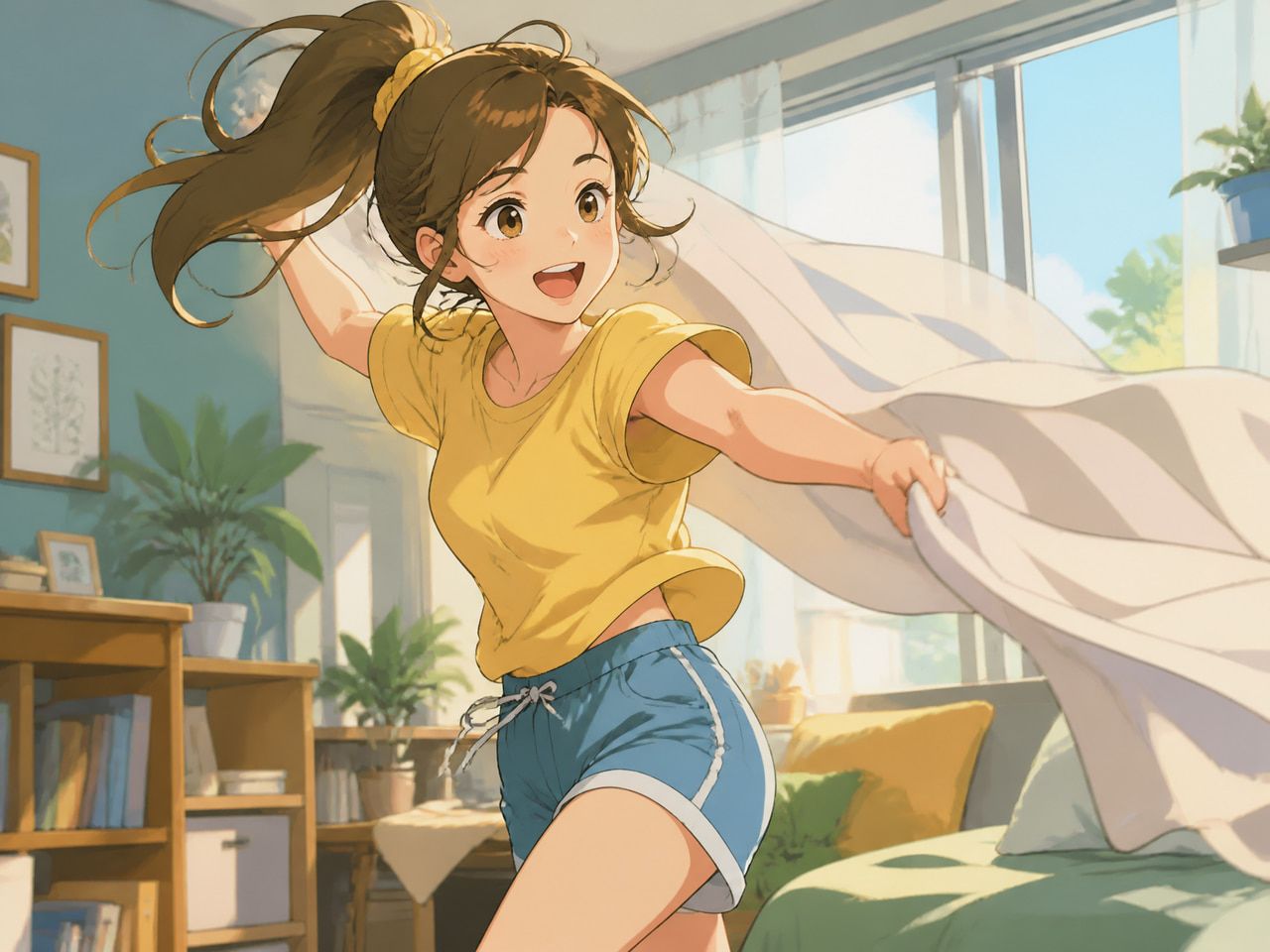
What AI Character Animation Can Do
The starting point is realistic: AI character animation today does not replace full rigging and rendering pipelines. Instead, it compresses the gap between a reference image and a moving clip, a direction explored in models such as the First Order Motion Model and newer diffusion-based systems like AnimateDiff.
What that means in practice: you bring a character design, describe a motion or scene, and the model generates a short video in which that character moves. The better tools track identity markers — face shape, clothing, hair, color palette — and try to carry them through the generated frames.
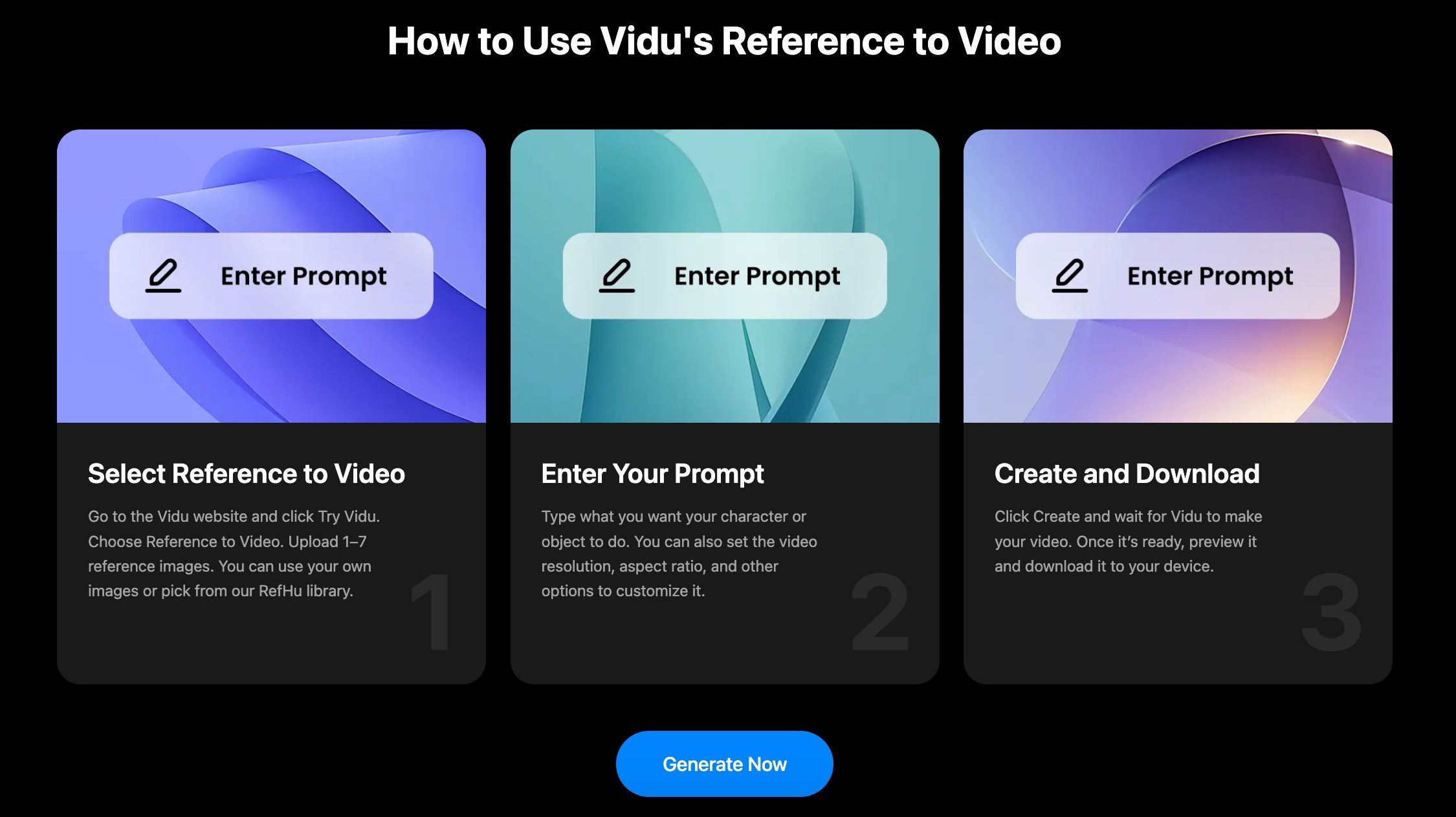
Vidu's character-to-video feature handles this through reference image input — you supply the character, add a text prompt describing the action, and the model generates motion anchored to that reference. Across multiple tests: the first result is often not the one you keep. The second or third tends to stabilize into something usable.
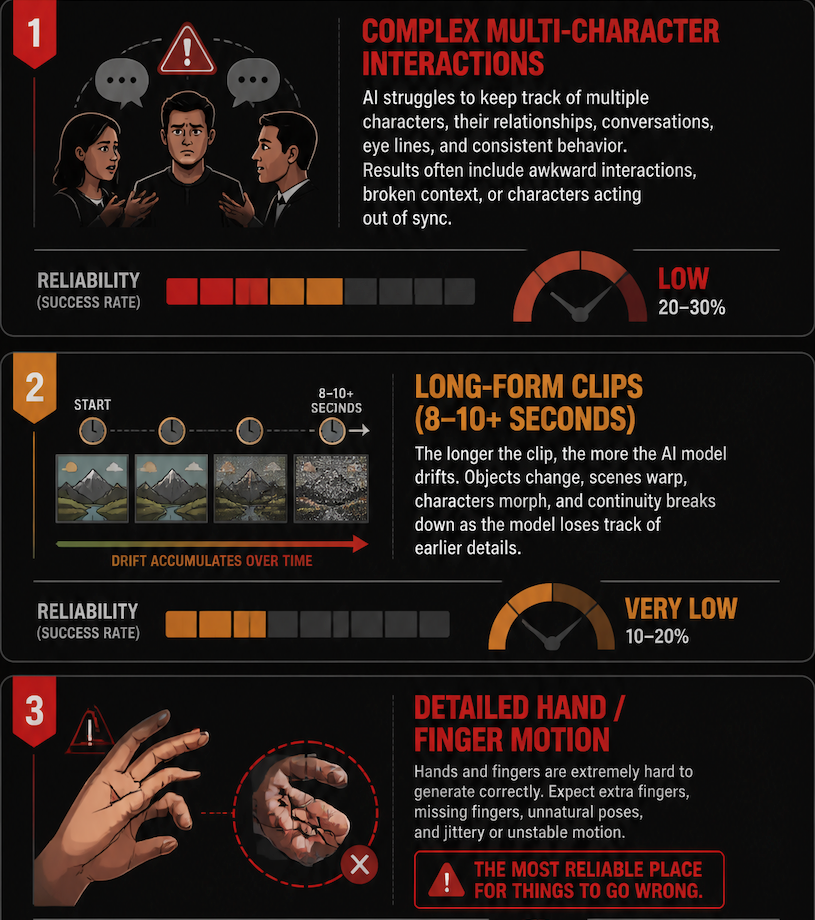
Where it does not work: complex multi-character interactions, long-form clips beyond 8–10 seconds where drift accumulates, and detailed hand or finger motion — the most reliable place for things to go wrong.
Character Animation Workflow
This is the sequence I ended up using. It's not a tutorial — the steps are obvious enough. What matters is what to check at each stage.
Design the Character
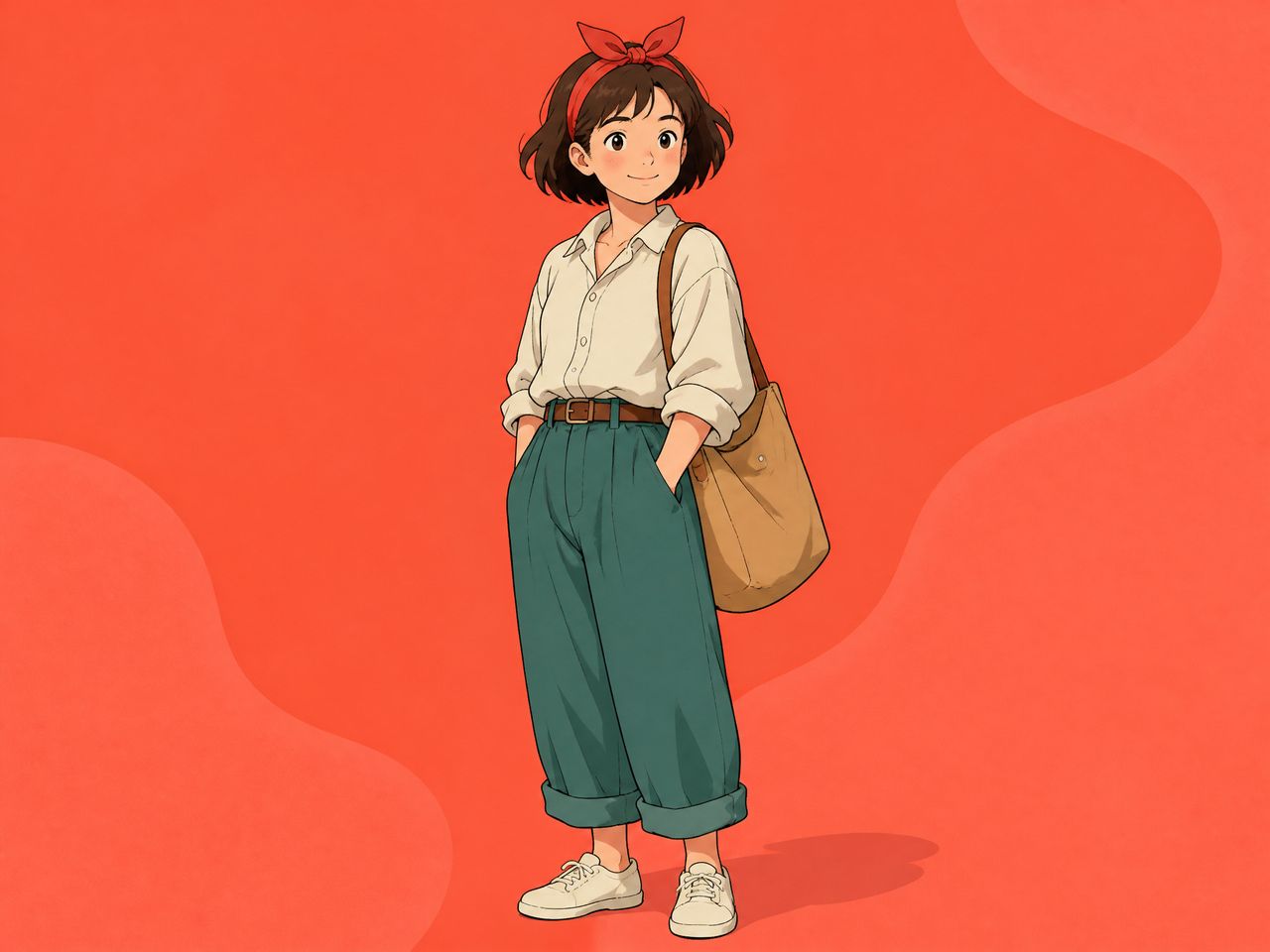
The character reference you bring in determines the ceiling on what the model can preserve. Flat, over-illustrated designs with ambiguous proportions give the model more room to drift. Cleaner linework with distinct color zones — hair clearly differentiated from skin, clothing with specific shapes — produces tighter output.
I tested two versions of the same character: one with loose, painterly illustration and one with harder edges and cleaner fill. The second produced recognizable results on the second generation attempt. The first took four attempts before the face stopped floating.
This isn't a flaw in the model — it's inherent to reference-based generation. Work on temporal consistency in video diffusion models shows that clearer structural guidance reduces identity drift across frames.
The 12 principles of animation still apply at the input stage: stronger silhouettes lead to more consistent model reconstruction.
Prepare References
For characters that need to appear across multiple clips, single-reference input is the weakest setup. The model has more to anchor to when you supply multiple views — front-facing, three-quarter, side profile, or an action pose.
Vidu's Reference-to-Video feature accepts up to seven image inputs simultaneously. That upper limit matters less than what you include. I found that three well-chosen images — front, slight angle, one costume detail shot — produced more stable results than seven loosely related images of the same subject. More isn't always more. The model needs clear, consistent signal.
Save your reference sets. If you're running a recurring character, rebuilding the reference pack every session wastes runs.
Generate Motion
The text prompt describing the action is where most of the motion variability originates. Vague descriptions ("walks forward") produce wider output variation. Specific, scene-grounded descriptions ("walks slowly toward camera in a dim corridor, head slightly lowered") narrow the generation window and produce more consistent body movement.
One thing that held across most of my tests: reducing the complexity of the motion description improved consistency more than adjusting other variables. If the result is unstable, simplify the prompt before touching the reference images.
Review Expressions and Body Movement
A single successful-looking clip isn't a stability signal — it might be an outlier. The review pass needs at least two regenerations of the same input to confirm reproducibility.
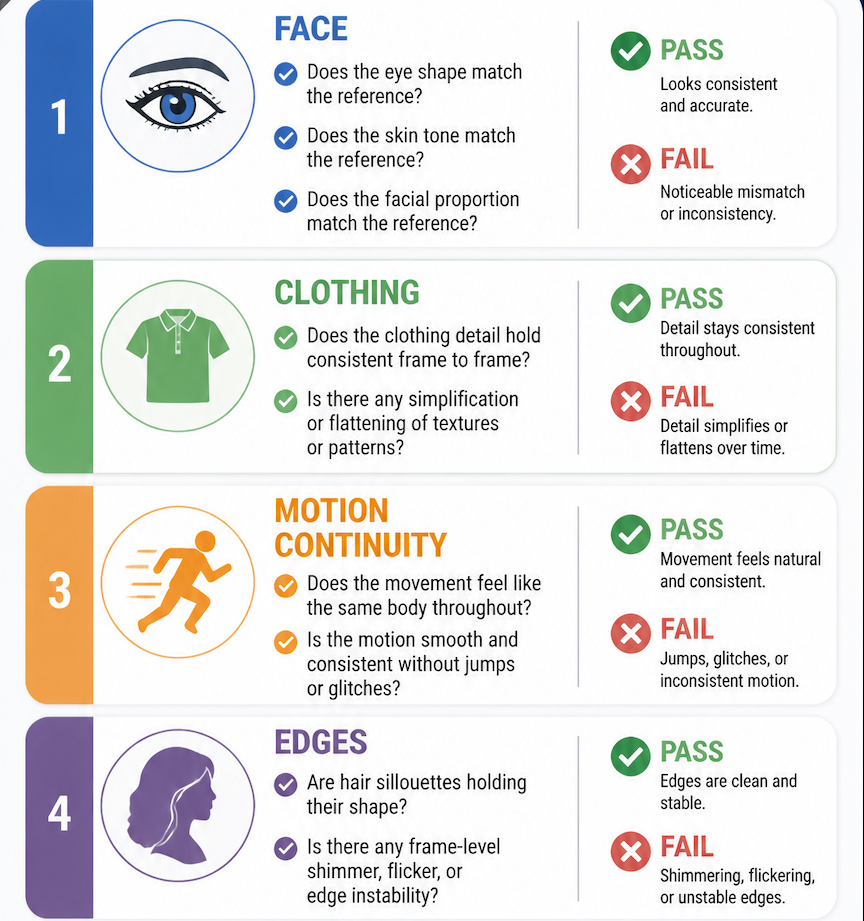
What to check:
- Face: does the eye shape, skin tone, and proportion match the reference?
- Clothing: does detail hold frame to frame, or does it simplify and flatten?
- Motion continuity: does the movement feel like the same body throughout?
- Edges: are hair silhouettes holding, or is there frame-level shimmer?
If two out of three regenerations pass those checks, the result is stable enough to keep. If it's one out of three, the reference setup or motion prompt needs adjustment — not more attempts at the same input.
Where AI Helps Most
The clearest gain is in short clips with single-subject, moderate-complexity motion. For character account creators producing 5–15 second social clips, the workflow above gets to a usable result in under ten minutes once the reference pack is established.
Animation pipeline compression is a less obvious benefit for creators who aren't animators. The traditional path from concept art to moving clip requires rigging skills, motion designer collaboration, or a studio session. AI generation removes that bottleneck for content where "character moves naturally on camera" is the bar.
The reference consistency approach also creates portable character identity. Once you have a reference set that produces stable output, you can reuse it across scenes, settings, and prompts without rebuilding.
This is the same principle behind consistent character AI workflows, where a reference pack is used to preserve identity across multiple generated scenes rather than treating each clip as a separate generation.
That's the actual workflow benefit — efficiency across a series, not just speed on one clip.
Current Limits Creators Should Expect
Consistent character AI at the current level has structural ceilings worth knowing before you build a production plan around it.
Clip length degrades consistency. Beyond roughly 8–10 seconds, most models begin accumulating small deviations in face and clothing detail. The character remains recognizable, but not identical. For episodic content requiring shot-to-shot matching, this requires active management.
Two characters in one frame is harder than one. I ran the same two-character prompt five times. Three produced recognizable versions of both subjects. Two produced one correct character and one that had drifted toward a generic type.
The output is locked after generation. As Rokoko's analysis of generative AI versus motion capture animation makes clear, once a clip is generated, there's no editable skeletal data, no joint adjustments, no re-targeting. If the motion is wrong, you regenerate — you don't revise.
Style can drift between sessions. Even with identical reference images, model behavior can vary as platforms update. The reference pack reduces this, but doesn't eliminate it.