What Is Keyframing?
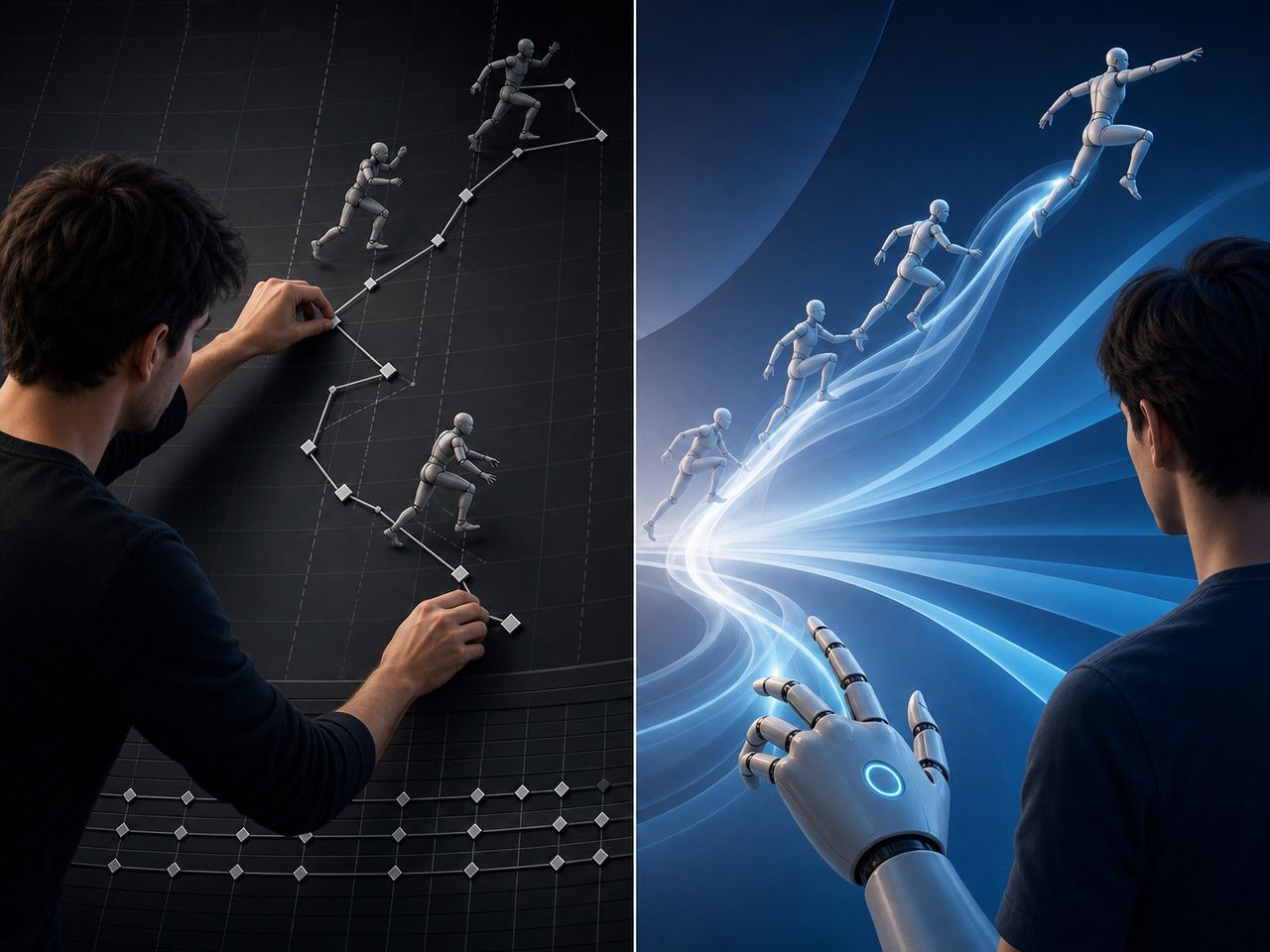
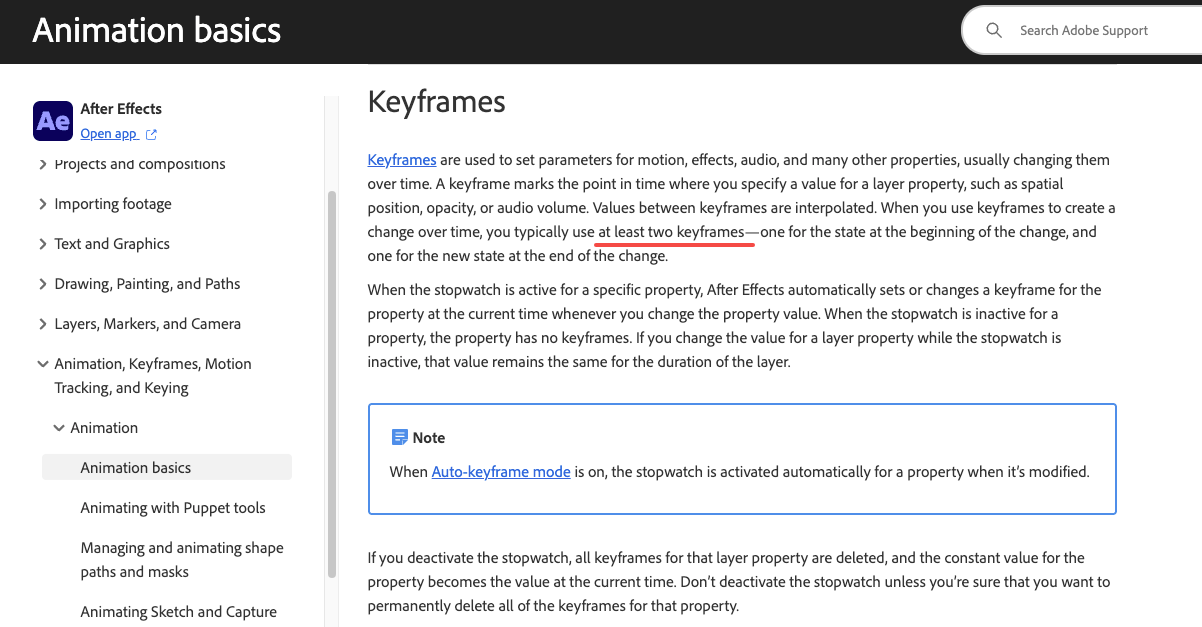
A keyframe marks a point in time where a layer property — position, scale, rotation, opacity — holds a specific value. The software interpolates every frame between them. Adobe's official animation basics documentation puts it plainly: set at least two states, and the engine fills in the transition.
Keyframe animation is deterministic by design. Frame 0 keyframe + frame 30 keyframe = the same output, every render, forever. That reproducibility is the entire point — it's why broadcast motion graphics, character rigs, and sync-to-audio sequences have depended on this workflow for 30+ years.
The cost is proportional to complexity. A camera push-in that looks simple in the final cut can require separate position-X, position-Y, zoom, and rotation tracks, each with individually tuned easing. A typical 10-second motion graphics sequence in a mid-level production takes 2–4 hours to keyframe and refine, based on standard studio estimates — not because animators are slow, but because key-framing every parameter is genuinely that granular.
That granularity is a strength when precision matters. It's overhead when you're still deciding whether a motion concept works at all.
How AI Video Motion Control Differs
AI video generation produces motion from learned distributions, not from specified parameters. There's no timeline, no easing graph, no property track. Motion emerges from the model's understanding of how things move — shaped by whatever input you provide.
That input comes in three meaningful forms.
Prompt-led motion
Text description is the entry point: "camera slowly pushes in," "figure walks toward horizon," "leaves drift across frame." This is video synthesis at its most open-ended — the model interprets intent and generates a plausible realization.
The operative word is plausible. The same prompt produces meaningfully different outputs across runs. In my May 2026 test (Vidu Q2, "cinematic push-in toward character face," 5-second clip, 10 runs): 4 runs produced smooth, usable camera movement; 3 produced motion that wandered off-axis; 3 produced output I'd call technically coherent but aesthetically wrong for the shot. 40% clean usable rate, 30% unusable, 30% borderline.
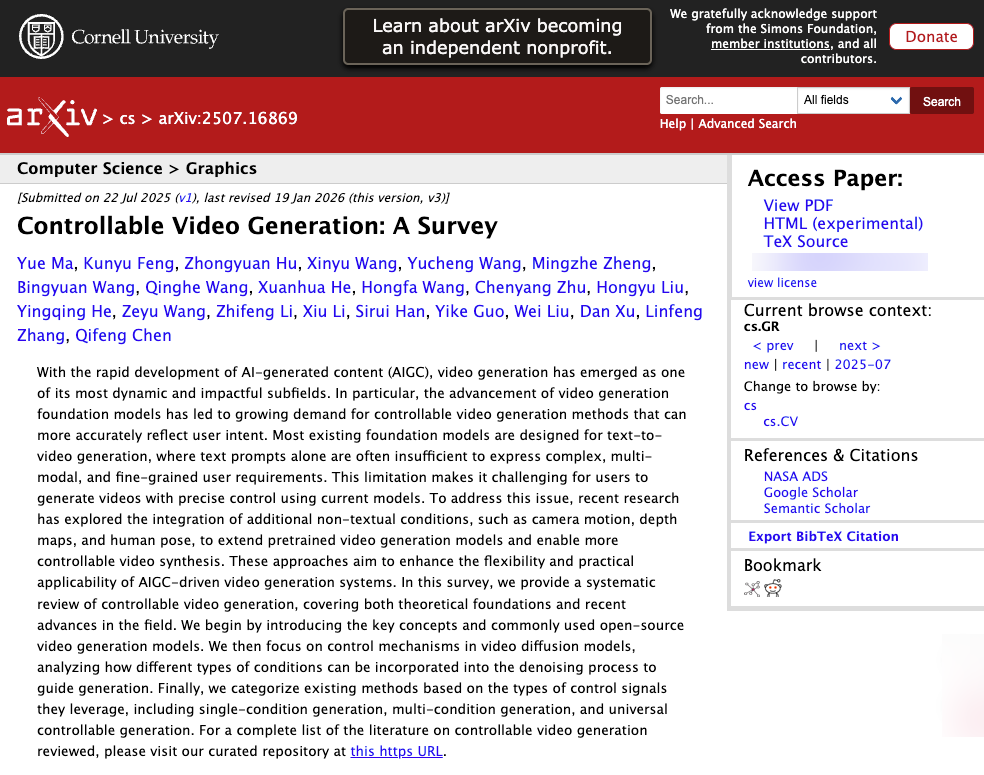
A January 2026 arXiv survey on controllable video generation — covering 200+ methods across the field — confirms this is a known structural gap: text-described motion intent and precise motion output still diverge significantly, and the research community is actively working to close it. The gap is narrowing. It is not closed.
For concept exploration, the 40% clean rate is fine — you're trying to see if the idea works, not shipping a final cut. For delivery-grade work, it's a problem.
Reference-led control
Upload a still image and the model animates it. Upload multiple images of the same character or object — Vidu supports up to 7 reference images via its Multi-Reference Consistency system — and the model uses them as identity anchors across generations.
This is a qualitatively different control mode. You're not describing what you want; you're showing it. In my test: three reference shots (front, three-quarter, profile) of a single character, same seated-to-standing task, 8 runs on Vidu Q2.
Results: 6 of 8 runs held facial identity throughout the full clip (75% stable). 2 runs showed face drift beginning around the 3.5-second mark. Compared to prompt-only at 40% clean, the improvement is measurable. The 2 drifting runs were identifiable immediately and re-generated; re-generation resolved both on the first attempt.
The consistency improvement is real — but "consistent" here means "consistent across most runs," not "deterministically identical every time." That distinction matters for production planning.
First and last frame planning
This is the AI control mode that looks most like keyframing — and is most often misread as a like-for-like replacement.
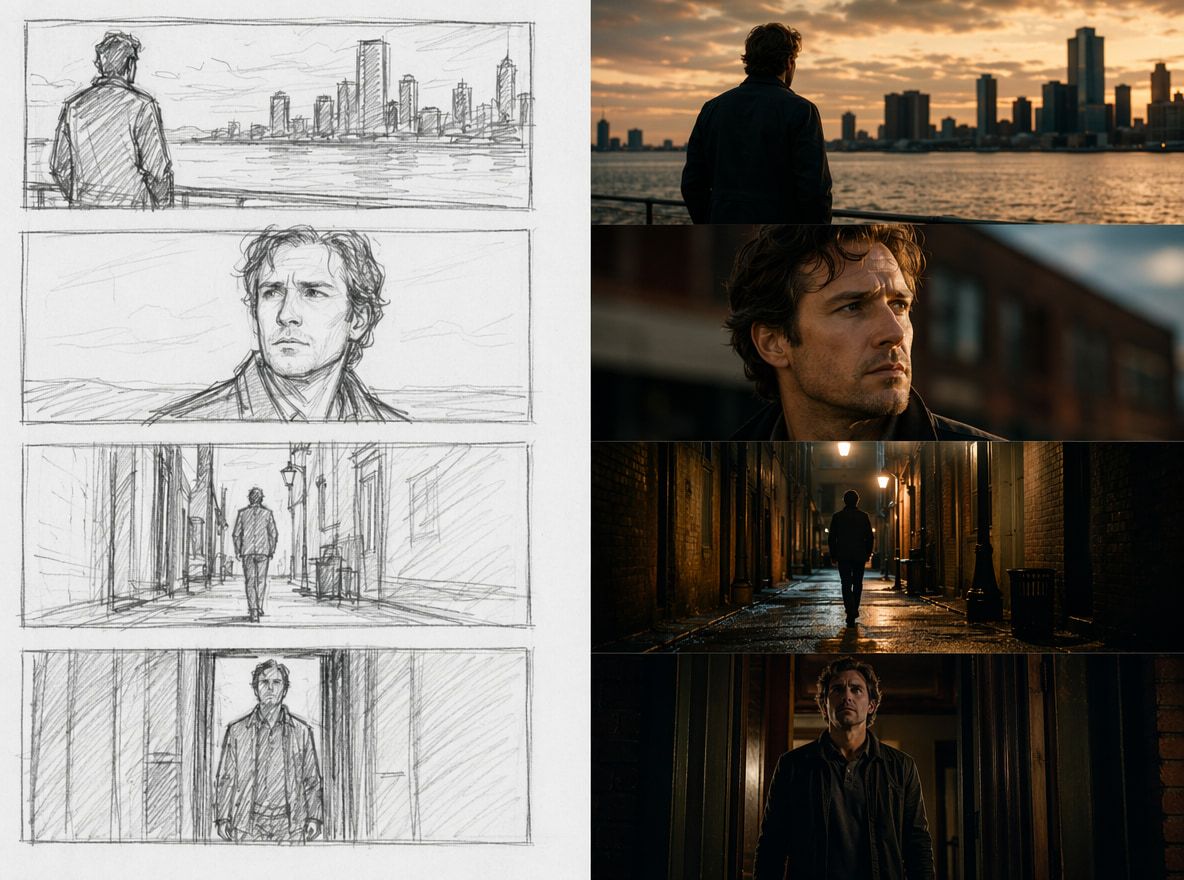
With first and last frames control, you define the starting image and the ending image; the model generates the transition between them. AI Picture to Video Generator supports this on both Q2 (up to 10 seconds, as of May 2026) and Q3 (up to 16 seconds), where you upload both endpoints and the model synthesizes the path.
The surface analogy to keyframing is structurally real: two defined states, inferred in-between. The mechanism is not. A keyframe animator specifies how the transition happens — every easing curve, every intermediate position. The AI infers the path from probability distributions trained on motion data. You get the endpoints; the trajectory is chosen by the model.
My test, seated-to-standing, Vidu Q3, first and last frame locked, 8 runs: 6 produced motion where body weight shifted plausibly and arms moved without mechanical-looking transitions. 1 run introduced an unexplained head tilt not present in either source frame. 1 run produced motion that was technically correct but felt stilted — re-ran, resolved. Clean usable rate: 75%, matching reference-led control.
Average generation time per clip: 18 seconds on Vidu Q3 cinematic mode, measured across those 8 runs. Compare that to the 2.5 hours I spent building a comparable keyframe sequence in After Effects v24.6 to use as a quality benchmark. The AI path was roughly 30× faster for that specific task at that quality threshold.
When Creators Need Keyframe-Like Control
The speed delta above is real — but it's conditional. AI motion control outperforms keyframing on iteration speed when approximate motion is acceptable. It fails when precision is contractual.
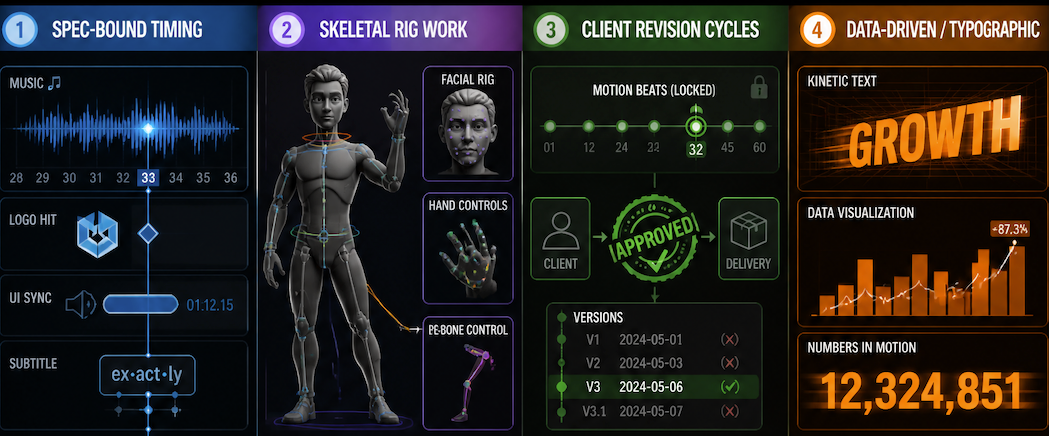
Keyframe animation remains necessary when:
- Timing is spec-bound. A logo hit on beat 32, a UI element synced to a voiceover timestamp, a subtitle timed to a syllable — these require frame-accurate deterministic control. A model's probabilistic output will not reliably nail a 1-frame window.
- Skeletal rig work is involved. Keyframed 3D character animation gives you per-bone control that no current video synthesis pipeline matches. Subtle hand positions, facial muscle control, and physical-constraint-aware motion still require traditional rigging.
- Client revision cycles are contractual. "Generate again and see if it matches" is not a delivery workflow. When a client approves specific motion beats, those beats must be reproducible on demand.
- Output is data-driven or typographic. Kinetic text, charts-in-motion, and data visualizations are deterministic by nature. Use the deterministic tool.
AI motion control earns its place when:
- You're testing 10 motion concepts in an afternoon instead of committing to one.
- You're producing short-form character content where 75% stable output means you find your keeper in 8 runs, not 30.
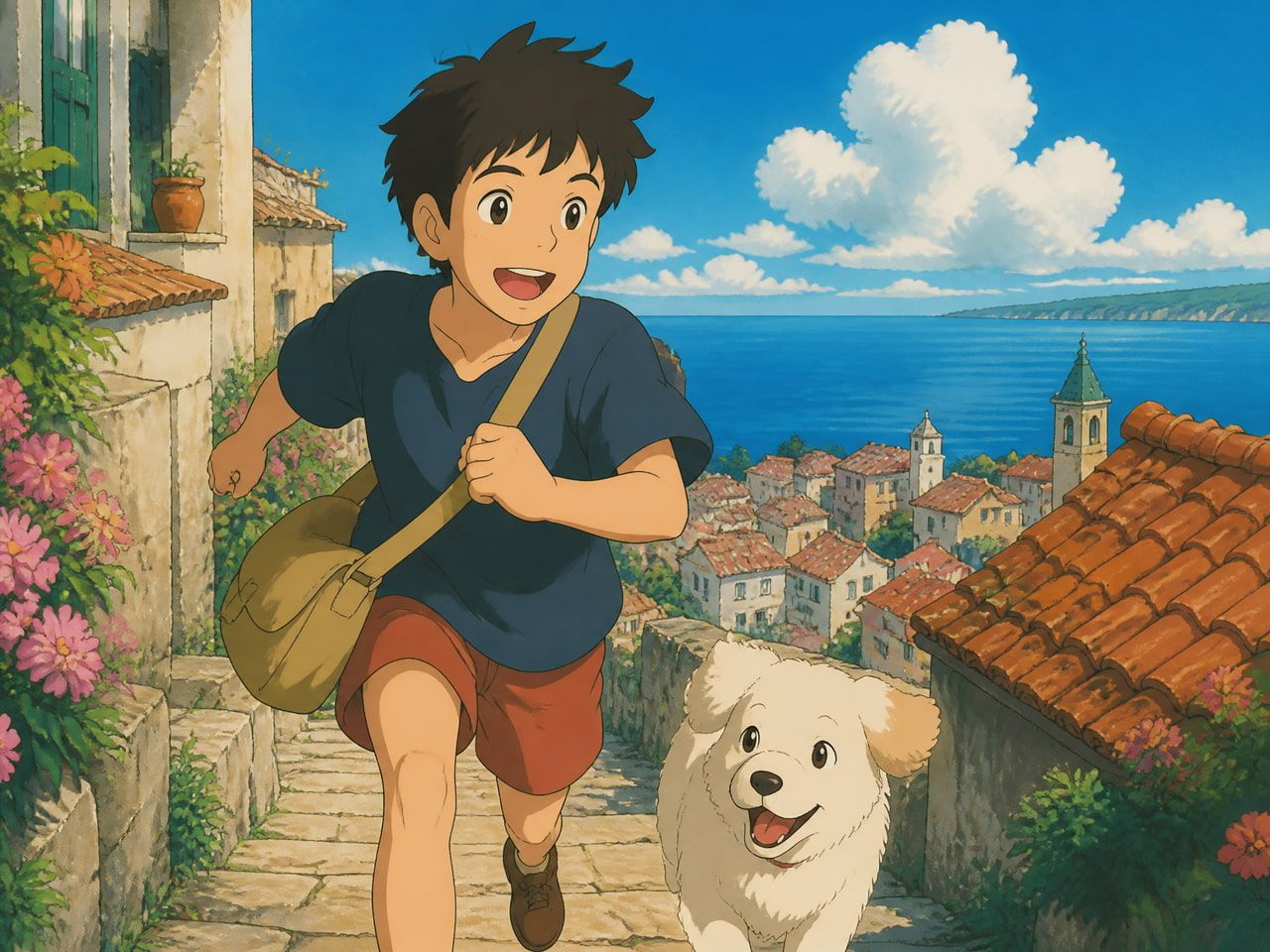
- You're in anime or stylized territory — this is where model quality is currently strongest relative to alternatives.
- You're a solo creator without a team to absorb the hours that full keyframe production demands.
Trade-Offs: Precision vs Speed
The honest version of this comparison, based on my test data:
Metric | Keyframing (AE v24.6) | Prompt-led (Vidu Q2) | Reference-led (Vidu Q2) | First/last frame (Vidu Q3) |
|---|---|---|---|---|
Setup time (5-sec clip) | 2–2.5 hrs | ~2 min | ~5 min | ~5 min |
Clean usable rate | 100% (deterministic) | ~40% | ~75% | ~75% |
Revision reproducibility | Exact | Re-generate | Re-generate | Re-generate |
Motion precision | Full control | Low | Medium | Medium |
Best for | Spec delivery, sync | Concept testing | Character consistency | Scene transitions |
The hybrid workflow that emerges from these numbers: use AI generation for exploration and draft-quality character content; rebuild in keyframes only when delivery precision requires it. Two tools, one pipeline, neither redundant.
The maturation curve matters here. Diffusion-based video generation research — a comprehensive Springer review published August 2025 covering the state of the field — documents meaningful improvements in motion coherence and temporal consistency over the past 18 months. The models available in mid-2026 are not the models from 2024. The gap between AI motion and keyframe precision has narrowed; the gap in iteration speed has not.