What Photorealistic Means in AI Video

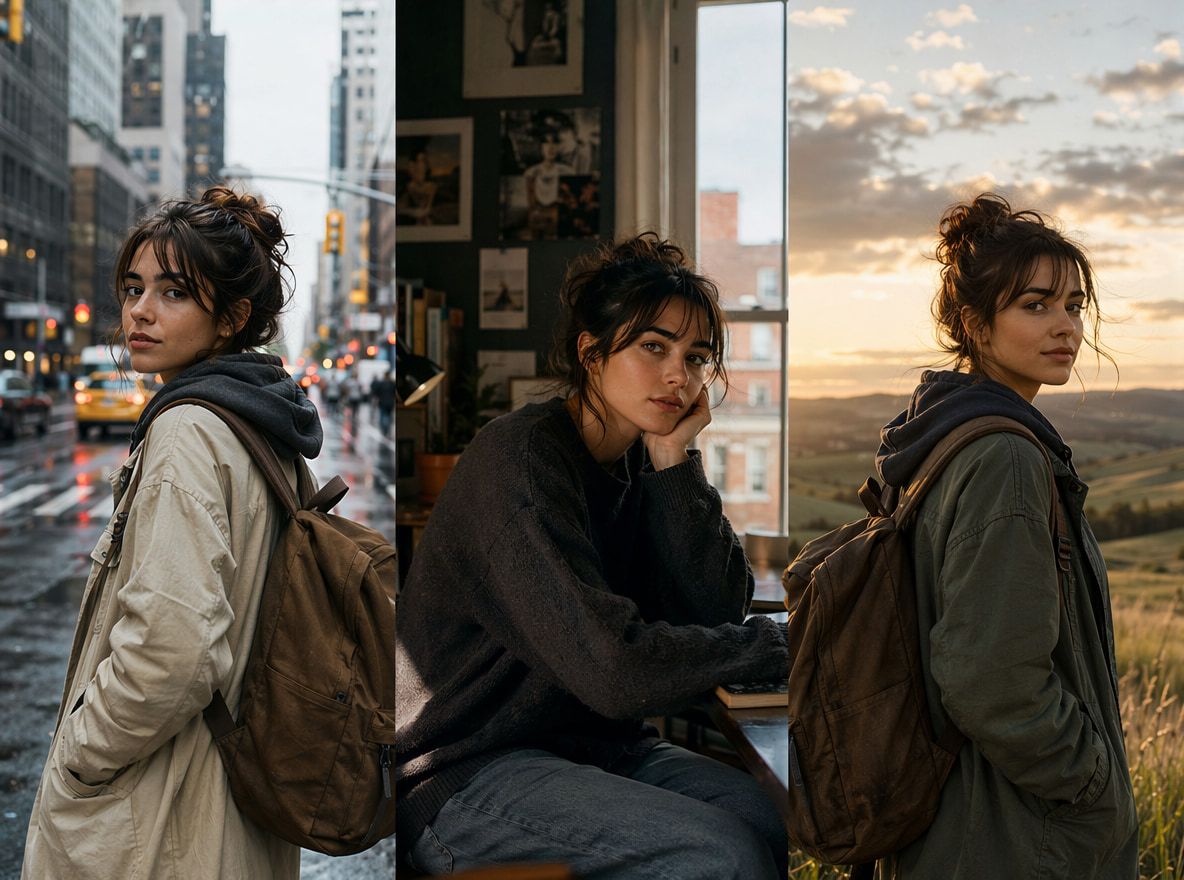
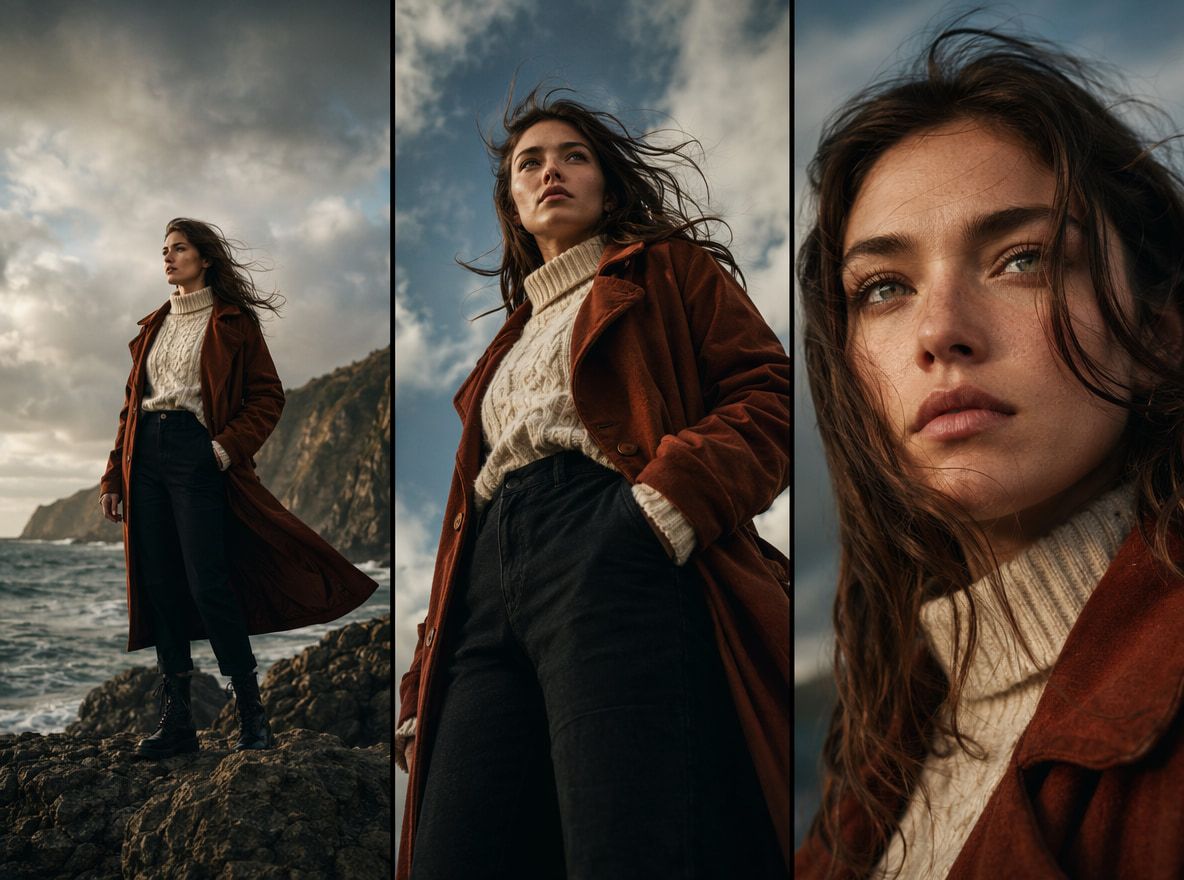
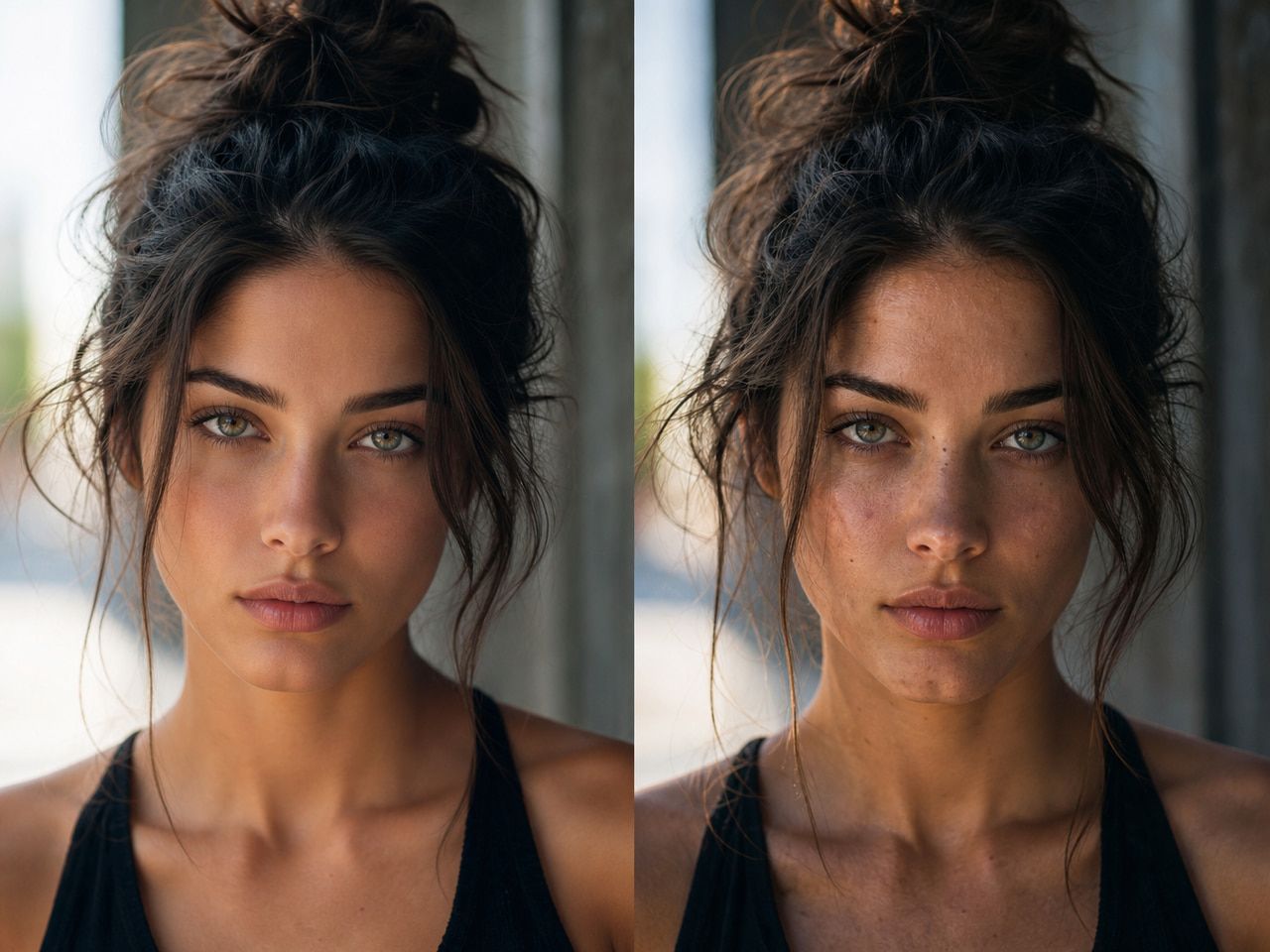
Photorealistic, in AI video terms, doesn't mean identical to live action. It means the output mimics the visual grammar of real-world capture — depth of field, surface texture, natural motion blur, lighting that behaves like light rather than a flat overlay.
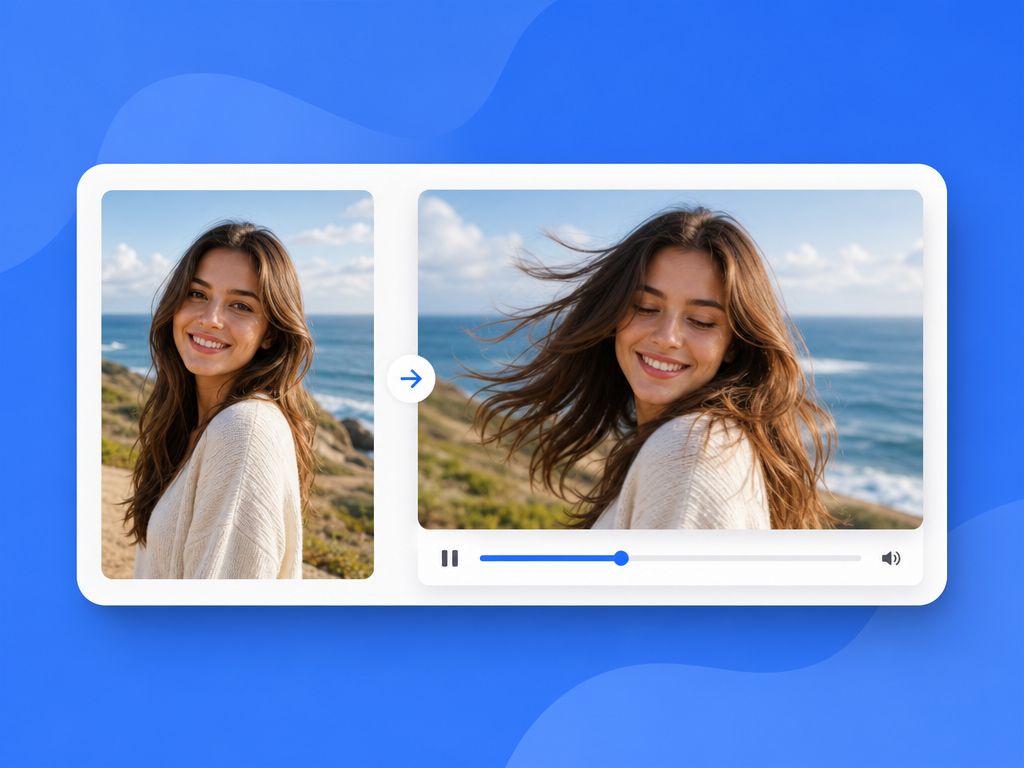
A single generated frame can hold up to scrutiny. The same scene in motion is a harder problem. This is where image-to-video generation becomes the core workflow — turning a still reference into controlled motion rather than reconstructing an entire scene from scratch.
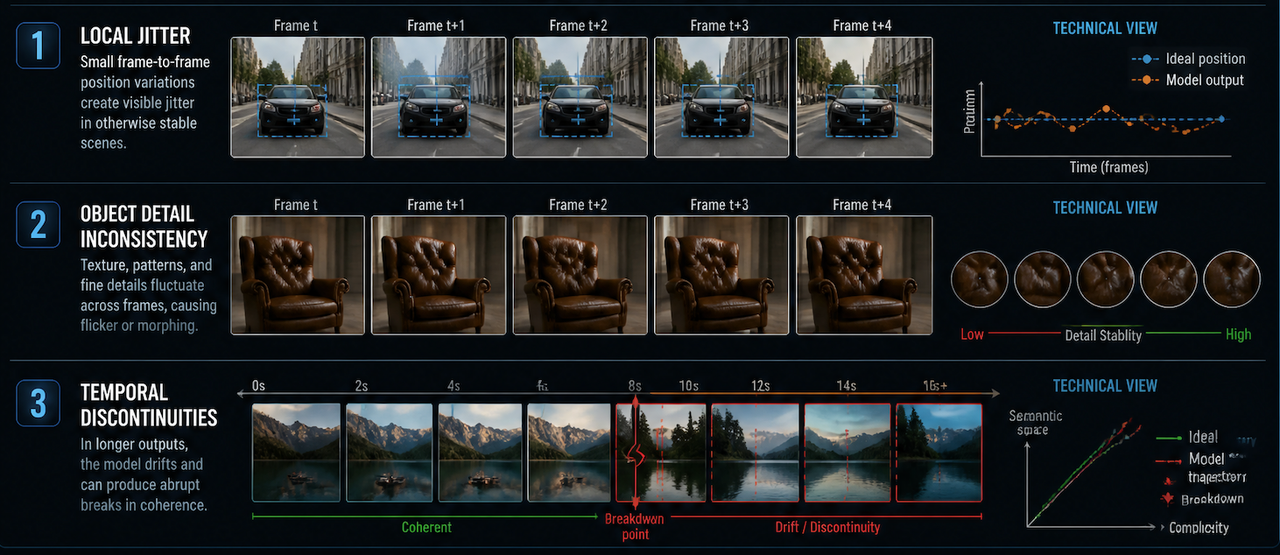
Research on spatiotemporal consistency in video generation identifies three recurring failure modes: local jitter between frames, inconsistencies in object detail, and temporal discontinuities in longer outputs. These aren't tool-specific bugs — they're structural constraints in how current diffusion models handle sequences.
For creators, photorealistic rendering means: textured surfaces, plausible lighting, motion that doesn't immediately read as synthetic. Achievable in short clips. Harder past eight seconds. Genuinely difficult when hands, faces, or complex physics enter the frame.
Best Use Cases for Photorealistic AI Clips
Product Scenes / Lifestyle Shots / Cinematic Social Videos
The strongest use cases share a few things: contained environment, simple camera movement, a subject that doesn't need to interact with other objects in physically complex ways.
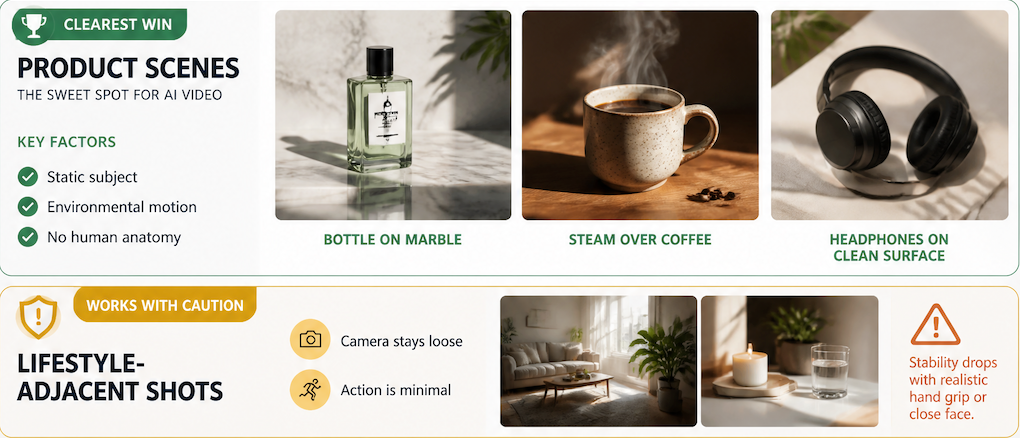
Product scenes are the clearest win. A bottle on marble, steam over coffee, headphones on a clean surface — the subject is static, motion is environmental, there's no human anatomy to get wrong.
Lifestyle-adjacent shots work when the camera stays loose and action is minimal. The moment a clip needs a realistic hand grip or close face, stability drops noticeably.
Cinematic social videos — short-form content where visual storytelling is the goal — are probably the widest application. A five-second brand opener, a mood transition, an abstract product environment. Vidu's image-to-video tool handles this category well when given a clean reference image and limited motion complexity. The output won't pass for broadcast live action. For a 9:1 Reel with color grading on top, the threshold is different.
Working rule: if the clip could be called a "beauty shot," it's probably in range. If it needs to look like a documentary of a person doing something, it's out of range.
What Makes Realistic AI Video Hard
Hands, Faces, Physics, Motion
These are where photorealistic attempts fail — and they fail predictably.
Hands are structurally difficult. The problems documented in AI image research — extra fingers, wrong joint direction, shifting proportions — compound in video because the model now has to maintain that across time. Of seven clips I generated for a brief requiring visible hand interaction, two were usable. Neither showed a full hand clearly.
Faces in motion introduce identity drift. A face that looks consistent in frame one starts shifting subtly by frame four. Research on face generation limitations shows that generating multiple outputs with consistent identity is fundamentally constrained in diffusion-based models — worse in video than in stills.
Physics is where cinematic video attempts most visibly break down. Studies benchmarking physical realism in AI video find that models produce motion that's locally plausible but globally inconsistent — individual frames look right, but the sequence can violate basic physical laws. For a static product shot, this rarely matters. For anything with fabric, liquid, or environmental complexity, it matters a lot.
Motion is the least predictable variable. Slow drifts stay stable. Rapid panning or object tracking tends to produce drift artifacts. Keep camera motion implied, not explicit.
How Creators Can Improve Realism
Three adjustments that actually change output quality:
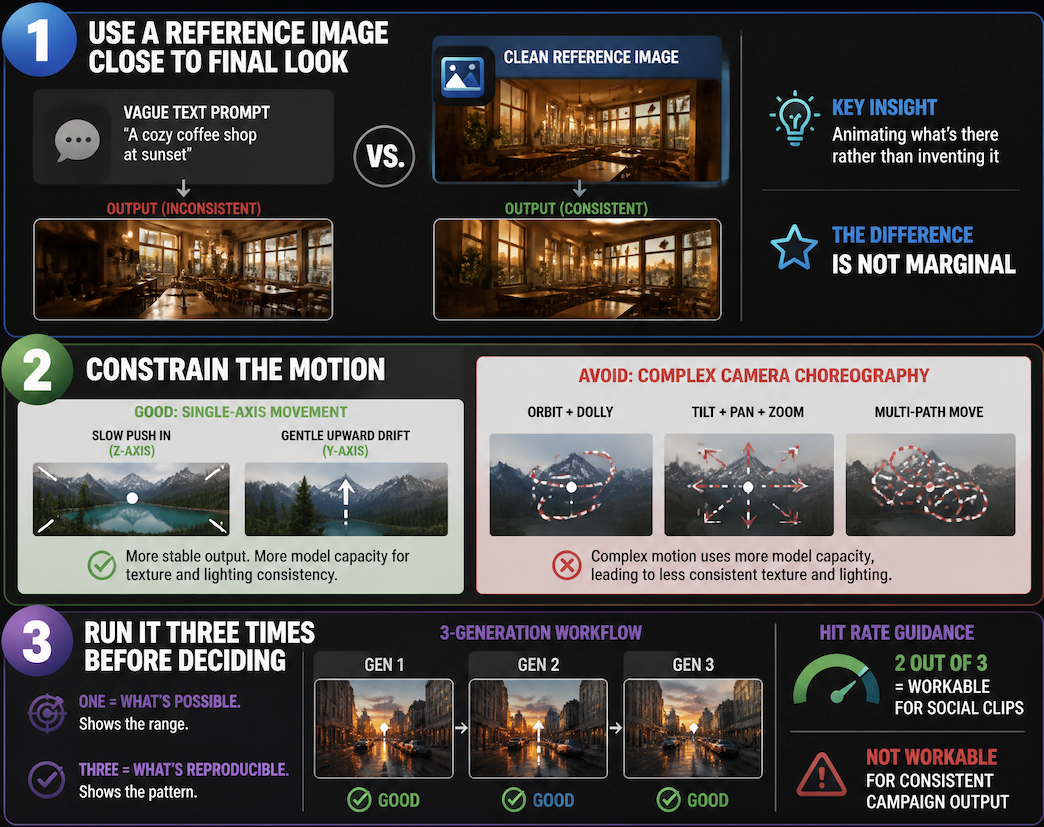
Use a reference image close to the final look. When you give the model a still that already has the right light and composition, it's animating what's there rather than inventing it. The difference between a vague text prompt and a clean reference is not marginal.
Constrain the motion. Single-axis movement descriptions — slow push in, gentle upward drift — produce more stable output than complex camera choreography. Simpler motion prompts leave more model capacity for texture and lighting consistency.
Run it three times before deciding. One generation tells you what's possible. Three tell you what's reproducible. A two-out-of-three hit rate is workable for short social clips. It's not workable if you need consistent output across a campaign.