What Is Script to Video AI?
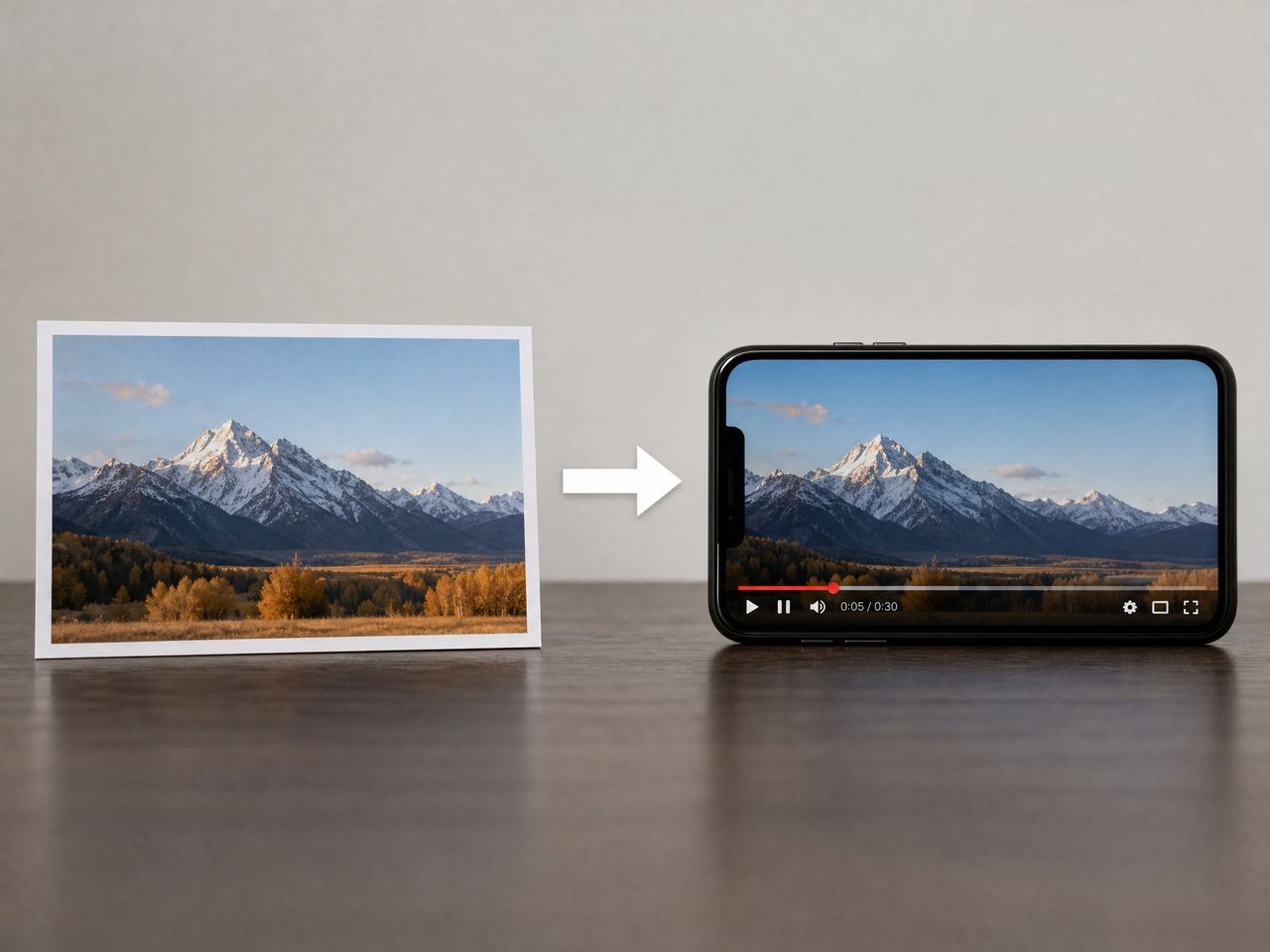
Script to video ai takes written descriptions — scenes, actions, character behaviors — and converts them into video clips through a generation model. You're not editing footage. You're writing directions, and the model is interpreting them.
The interpretation part is where things get interesting. Models don't read your script the way a human director would. They parse it for visual cues: who's in the frame, what's moving, what the camera is doing. The more visual your language, the closer the output gets to what you intended.
Vidu's text to video feature describes the basic formula directly: pick a subject, add details like clothing or color, describe the action, then specify setting and camera. That structure isn't just a suggestion — it's a map of how the model reads input.
What I noticed across several runs: the subject-action-setting order mattered more than prompt length. A 40-word prompt with clear structure outperformed an 80-word prompt that wandered.
Script to Video vs Text to Video
These two terms are often used interchangeably — they're not exactly the same thing, and the difference is worth naming.
Text to video ai takes a prompt and generates a clip. One input, one output. You describe a scene, you get a scene. The prompt is often a single sentence or short paragraph.
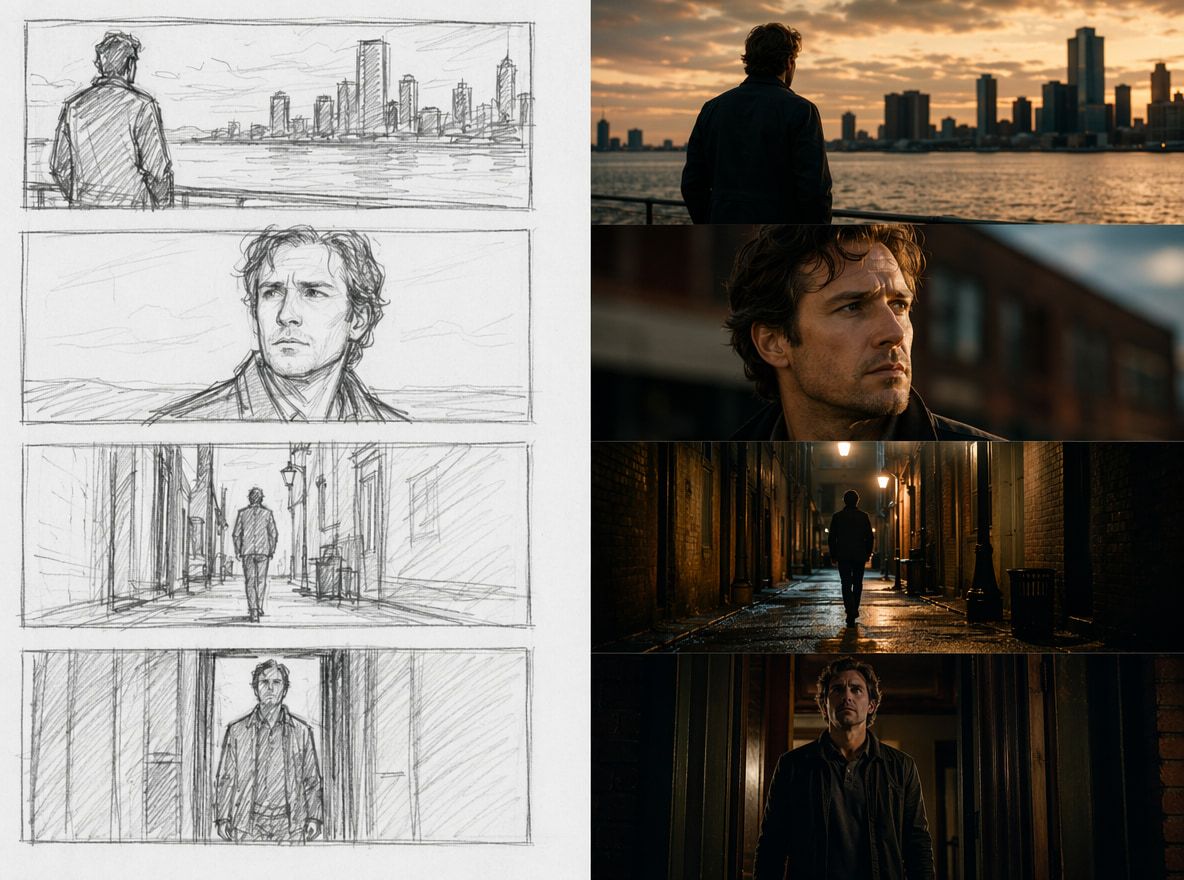
Script to video ai implies something more sequential: you have multiple beats, multiple shots, a structure that was written before generation began. The "script" is doing organizational work — it's not just describing one moment, it's planning a series of them.
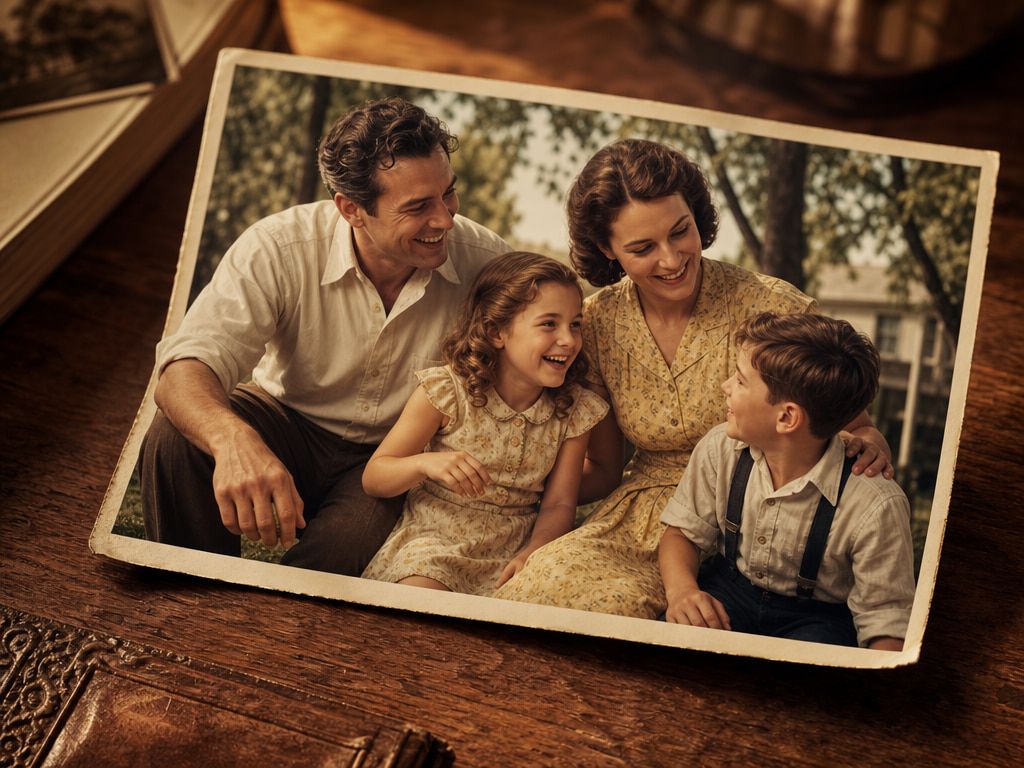
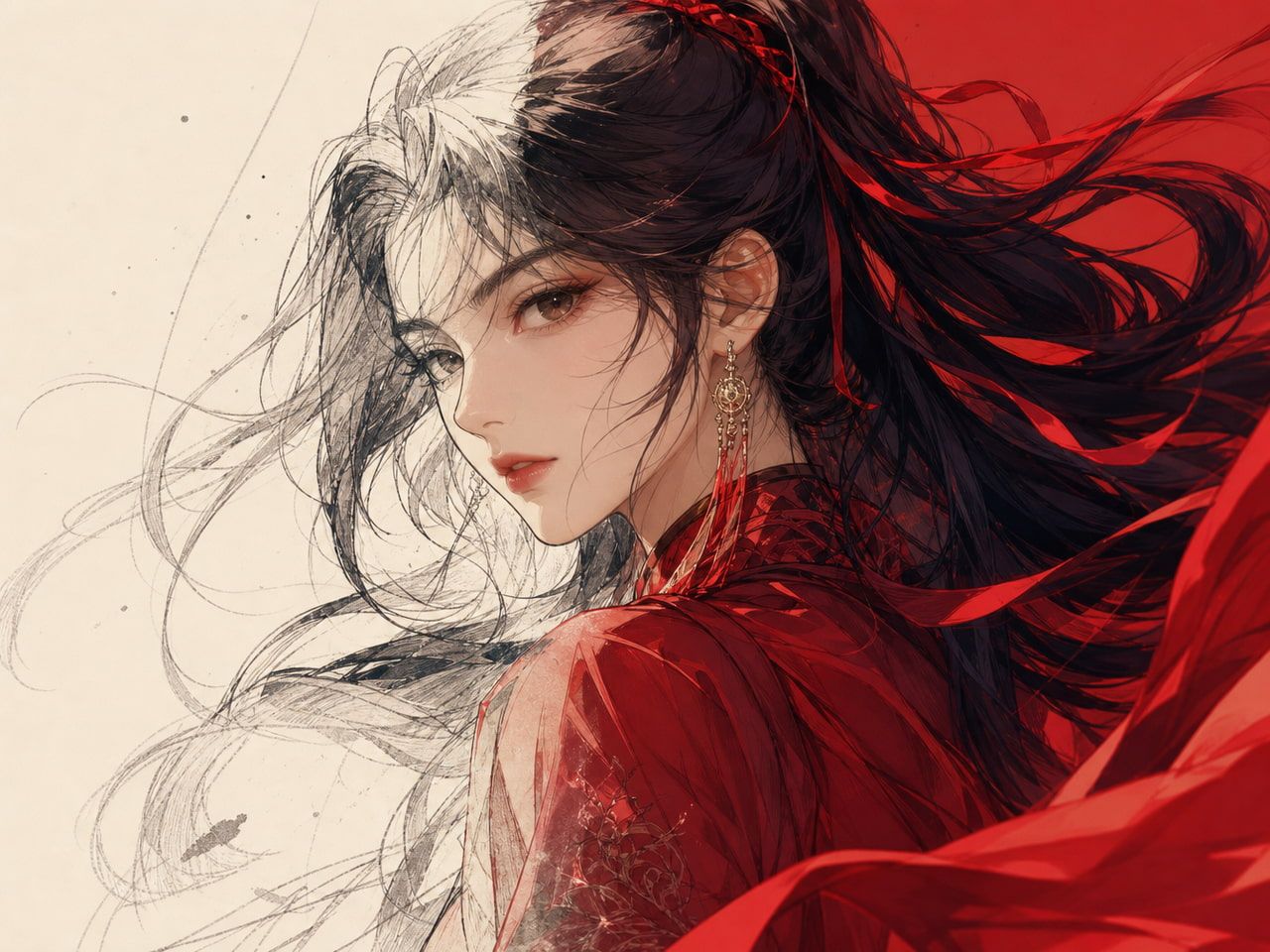
Text to animation follows similar logic but the output target is stylized. You're not aiming for photorealism; you're directing a frame structure into 2D or illustrated movement. The prompting approach is similar, but style keywords carry more weight.
The practical difference: if you're working from a script, you're almost never feeding it raw into the generator. You're breaking it down first — which is most of what this post is about.
How to Prepare a Script for AI Video
This is where most generated videos fail before a single frame is created. The script isn't wrong — it's just not in a format the model can translate cleanly.
Break the idea into scenes
A script is not a prompt. A script has narrative logic, implied context, character motivation. A prompt needs explicit visual information.
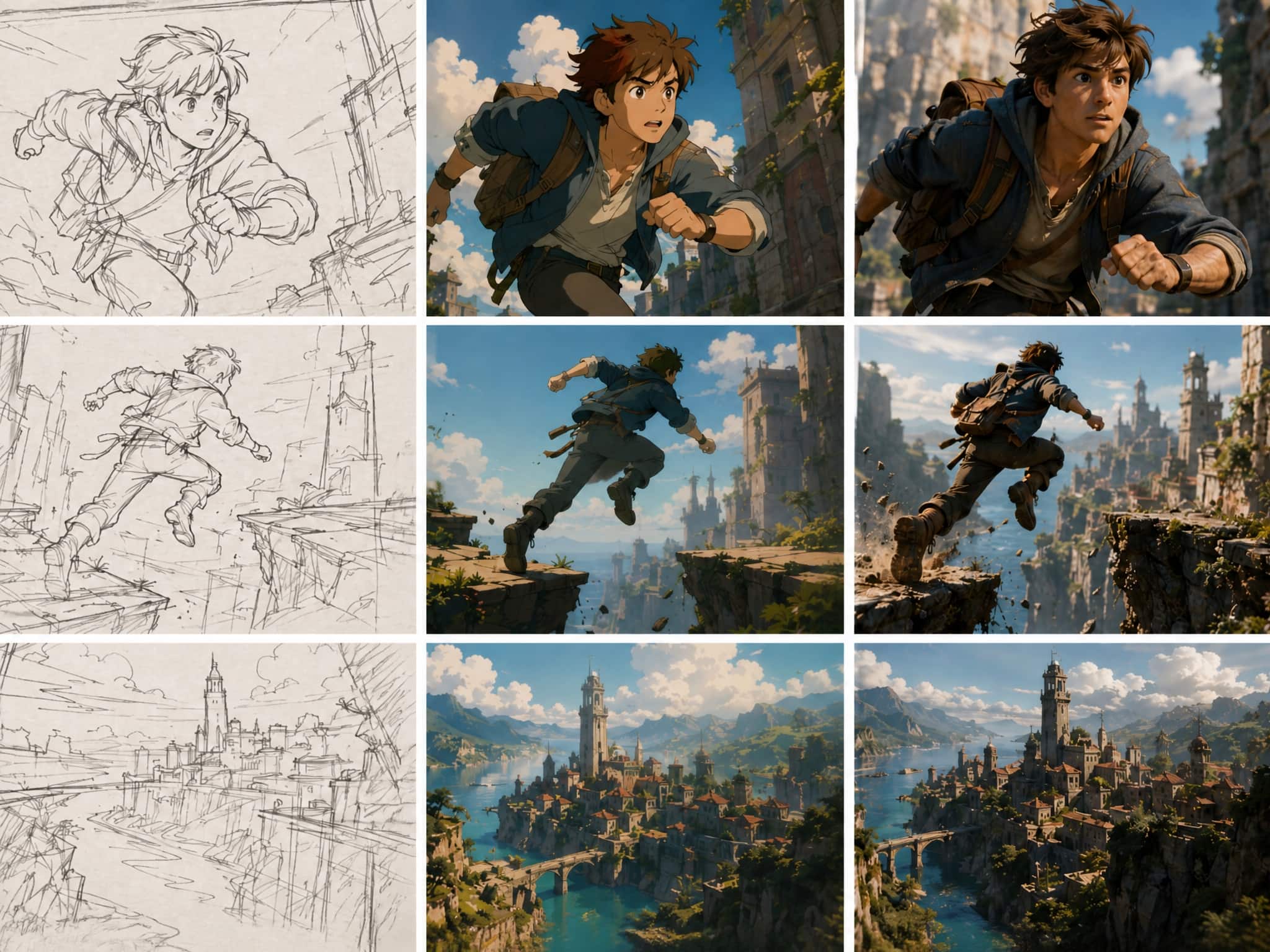
The move is to break each story beat into a single scene description. One location. One subject. One action. If your script says "she walks through the door and the room goes quiet," that's two moments — the walk, and the reaction. Generate them separately.
Runway's text-to-video prompting guide makes a similar point: consistent prompt structure speeds up iteration because you know exactly what to change between runs. If everything is in one paragraph, you don't know which word caused the output to drift.
I tested this with the same scene written two ways: one continuous paragraph, one broken into three focused descriptions. The segmented version produced three clips that could actually be cut together. The paragraph version produced one clip that tried to do everything and mostly failed.
Add visual style and camera direction
The model is interpreting your words as visual instructions. Generic language produces generic output — or output that varies wildly between generations.
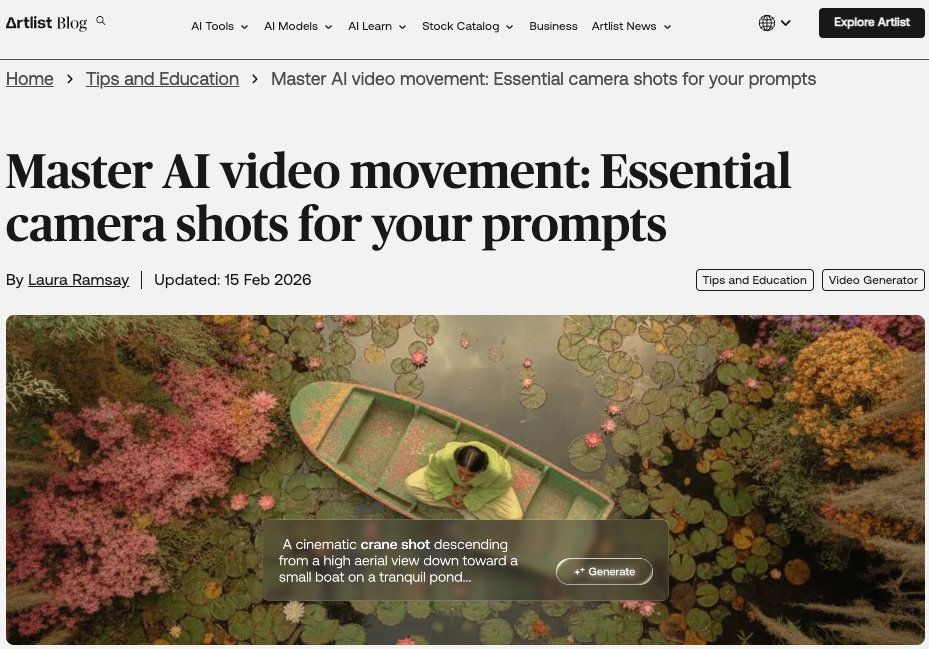
Artlist's breakdown of camera shots for AI prompts puts it well: describe motion the way filmmakers do, and you give the model a roadmap. Specific beats like "slow push in, soft morning light" or "locked wide shot, subject enters from left" constrain the generation in useful ways.
Style keywords work similarly. "Anime" is broader than "flat 2D animation, bold outlines, warm color palette." The more specific the style description, the more consistent the output becomes across multiple generations of the same scene.
What I found unstable: lighting descriptions that weren't tied to a direction. "Moody lighting" produced different results every time. "Side key light, cool shadows" held more consistently.
Use references when consistency matters
If your script involves a recurring character, object, or location — text alone is usually not enough to keep it stable. This is where prompt to video ai workflows often break down in multi-scene projects.
Vidu's Reference to Video feature accepts up to seven reference images, combining elements using its Multi-Entity Consistency system. Each uploaded reference anchors one visual element — character, prop, environment — and the model attempts to hold that across the generated clip.
I used two reference images for a character across four scenes. The face held. The clothing drifted slightly in one run, then stabilized in the next. The improvement over text-only generation was significant enough that for anything involving a consistent subject, I don't prompt without references now.
My References — Vidu's saved assets feature — extends this further. You build a library of anchored elements and pull them into new prompts without re-uploading each time. For an ai video creator working on a series or recurring content, that's the difference between starting from scratch every session and actually building on previous work.
Workflow for Creator-Ready Clips
This is the sequence that produces the most usable outputs for short-form content — not the most impressive single result, but the most repeatable one.
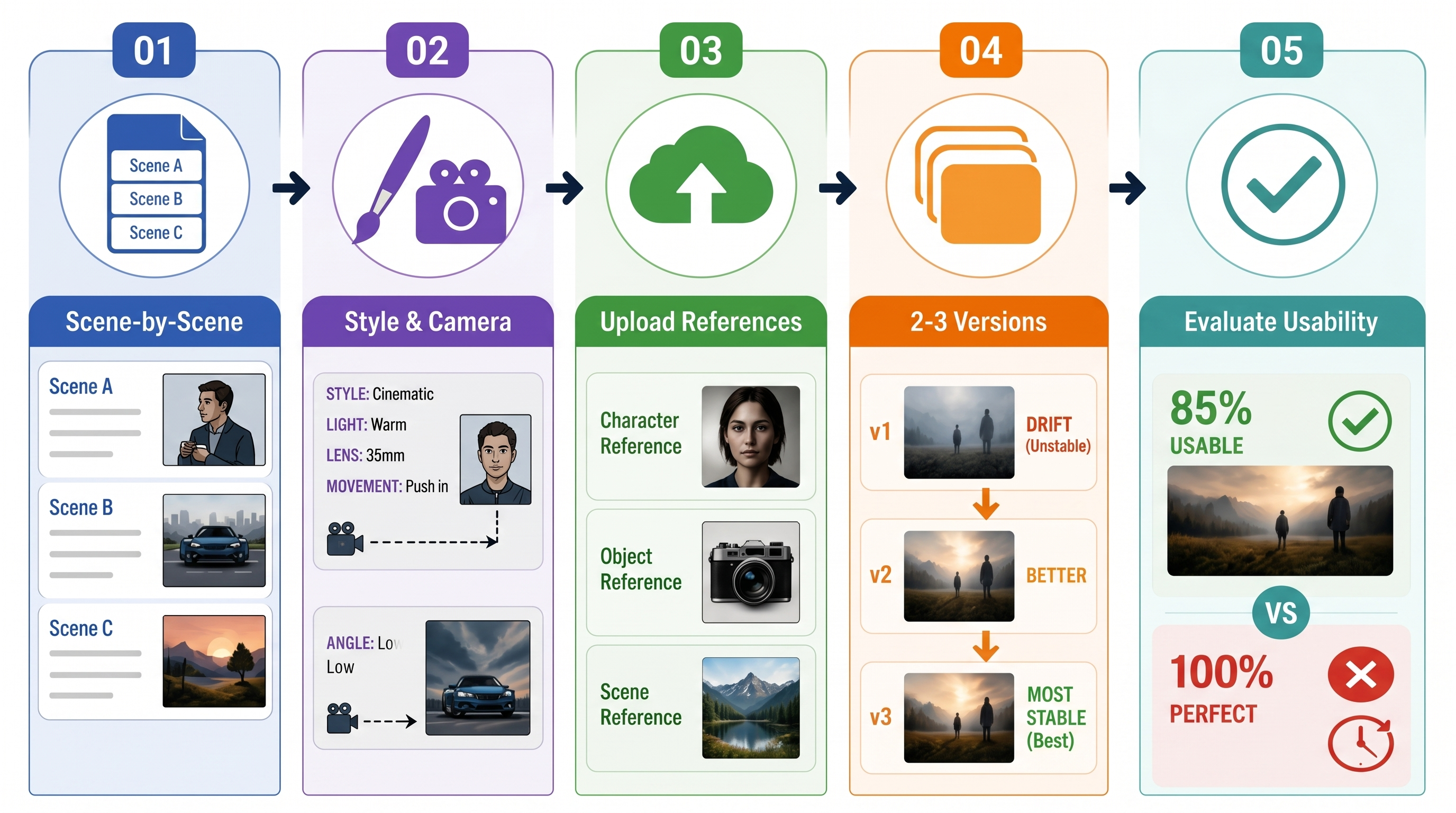
Step 1: Write scene-by-scene, not story-by-story. Each scene gets its own prompt. Target one subject, one action, one camera position per clip. If the scene has a transition, split it.
Step 2: Add style and camera language to every prompt. Don't inherit style assumptions from a previous clip. State it each time. Consistency across clips comes from consistent prompting, not from the model "remembering" what you did before.
Step 3: Upload references for anything that recurs. Characters especially. Objects if they're prominent. A scene reference if the location needs to hold across multiple cuts.
Step 4: Generate 2–3 versions of each scene before committing. First outputs drift. The third generation of the same prompt is usually more stable than the first — not because the model "learned," but because you've often adjusted something slightly between runs that helped.
Step 5: Evaluate for usability, not perfection. The question is whether the clip works in context, not whether every detail is correct. Edge flicker, minor expression shifts, small background inconsistencies — these disappear in a 5-second cut. A clip that's 85% right and usable beats spending an hour trying to get to 100%.
A 2025 iterative AI production case study makes the same observation from a filmmaking angle: the human role is to evaluate and redirect, not to expect the model to nail it first try. Taste and sequencing matter more than perfect prompts.