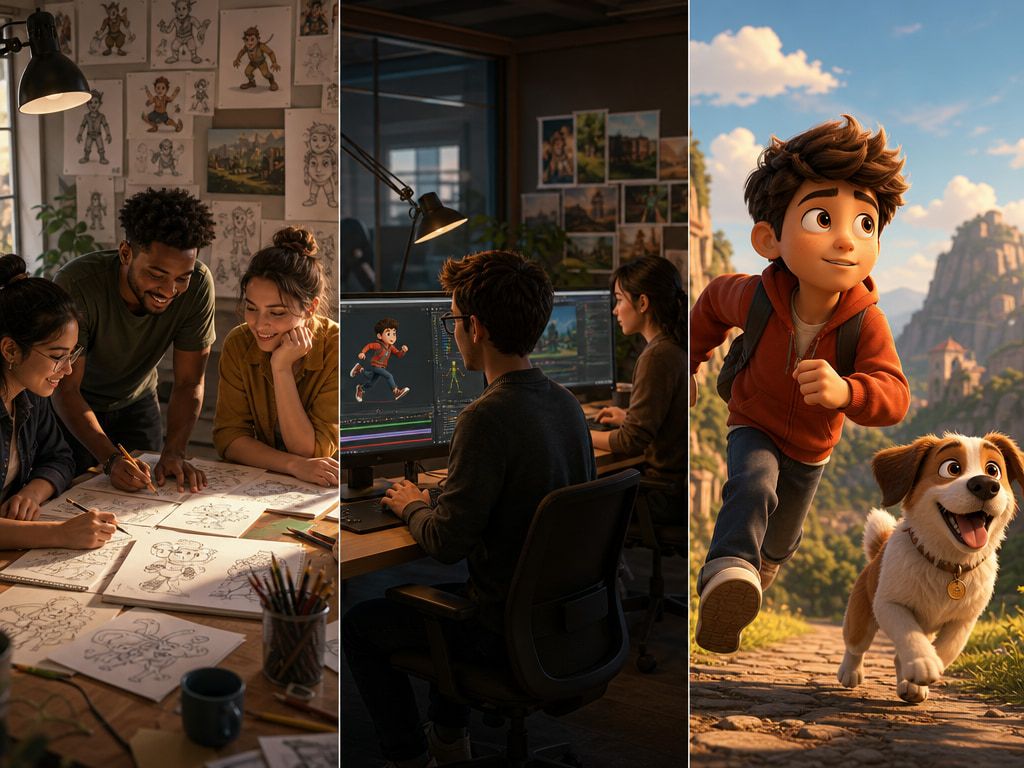
What Is Short-Form Video Today?
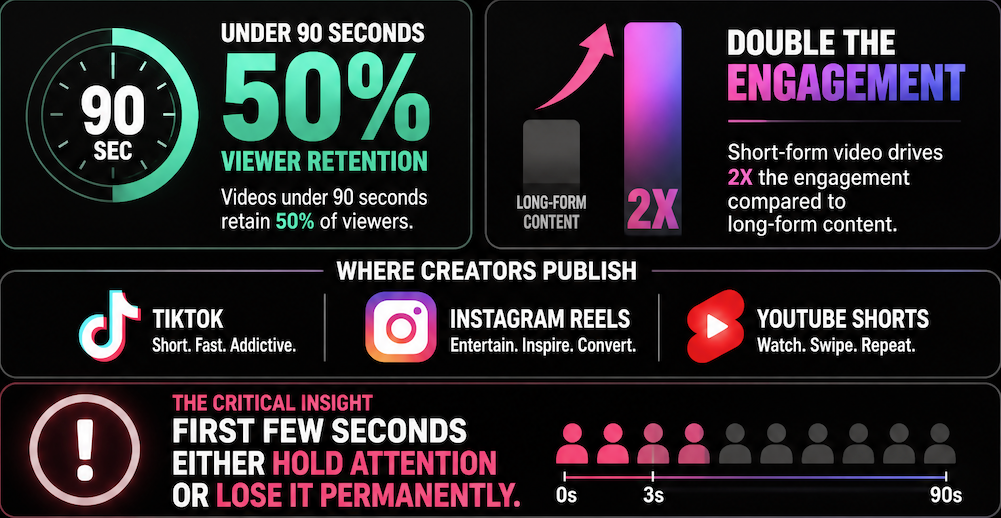
Short-form video is the default delivery surface for most content on the internet. Videos under 90 seconds retain 50% of viewers — double the engagement rate of long-form content. Creators publishing to TikTok, Instagram Reels, and YouTube Shorts are working inside a system where the first few seconds either hold attention or lose it permanently.
The practical pressure for any short video maker isn't market size — it's throughput. How many clips can you produce in a week? How many can you produce without the process breaking down? That's where the format constraint actually shows up.
Why AI Fits Short-Form Creation
Faster ideation
The clip length works in AI's favor. A 5-second scene doesn't require the model to maintain complex motion across extended frames. Shorter clips are where AI generation tends to be most stable — which is also where the format lives.
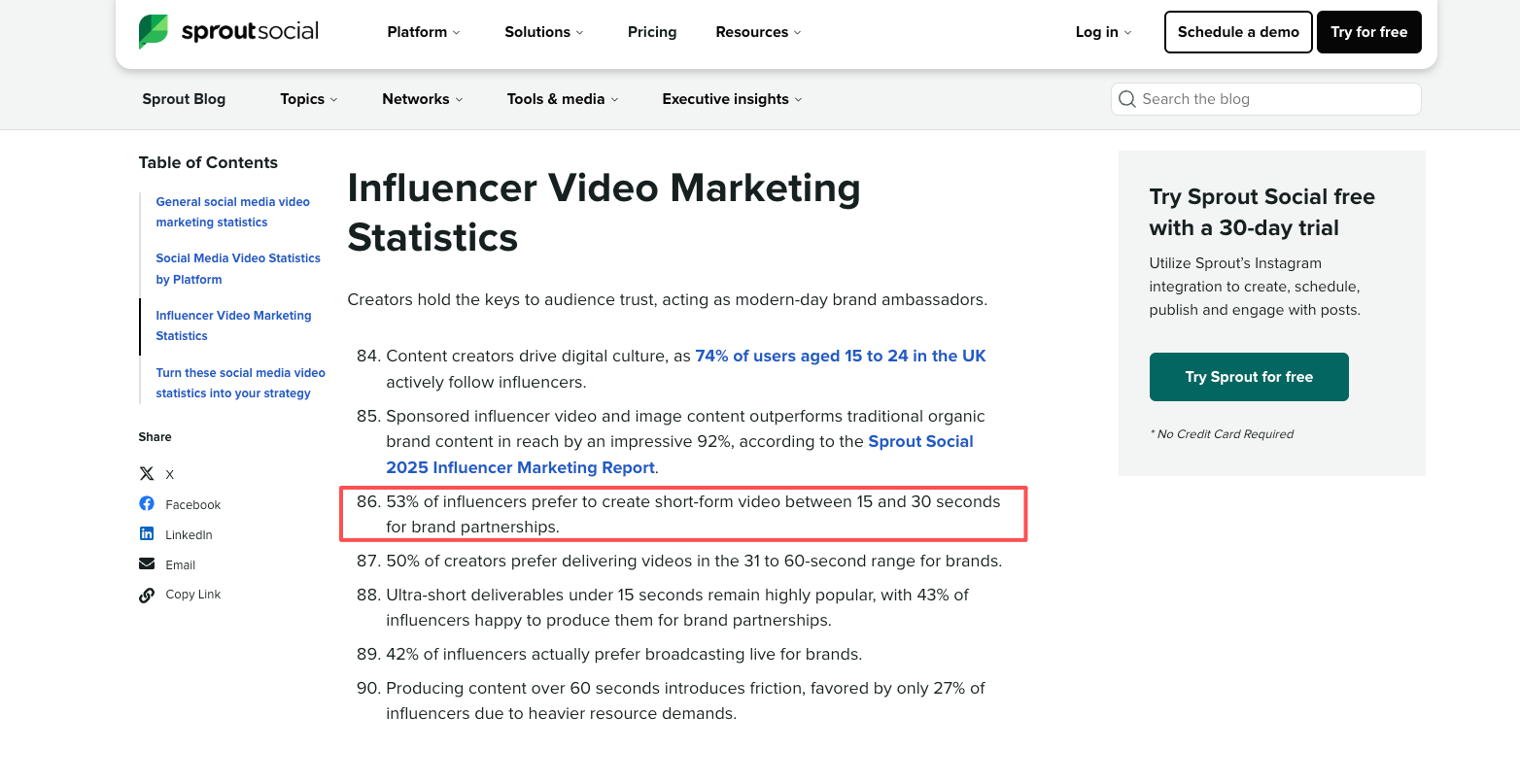
Starting with a text prompt gives you something to react to. It's not always usable on the first run. But it's something to look at, adjust, and regenerate. That working speed is different from opening a blank timeline. According to Sprout Social's influencer data, 53% of influencers prefer creating clips between 15 and 30 seconds for brand partnerships — a window that AI-generated clips fit well.
Reusable visual assets
This is where short form video content production at volume becomes sustainable. A creator publishing several times a week doesn't want to rebuild the same character or environment from scratch every time.
NVIDIA Research's Video Storyboarding work (ICCV 2025) notes that text-to-video models generate each shot independently, without a persistent identity for recurring subjects. That's exactly the problem reference-based workflows solve. In 3 repeated generation tests with the same reference image, a character's visual identity held across all three clips — face, outfit, and general proportion varied slightly in motion, but stayed recognizable across the set. That's the useful threshold: not pixel-perfect, just continuous enough for short-form audiences.
Vertical-first output
Most tools were built for widescreen and retrofitted for vertical. The aspect ratio selection matters more than it sounds — generating at 9:16 from the start means the composition is built for that frame, not cropped after the fact. Generating horizontal and cropping to vertical usually cuts off composition elements the model built for a wider frame.
AI Workflow for Short-Form Creators
Start with an idea or image
The cleaner the input, the more stable the output. In 4 generation tests comparing a minimal prompt against one with conflicting instructions, the minimal version produced a usable result twice; the longer version, once — and that one still needed an additional run to fix mid-frame motion.
If you have a reference image, use it. A still gives the model something visual to anchor against rather than interpreting language. Output deviation is smaller.
Generate a short scene
Set your aspect ratio before generating. For TikTok and Reels, use 9:16. Shorts follow the same format. The motion behavior and frame composition change depending on how the model is conditioned from the start.
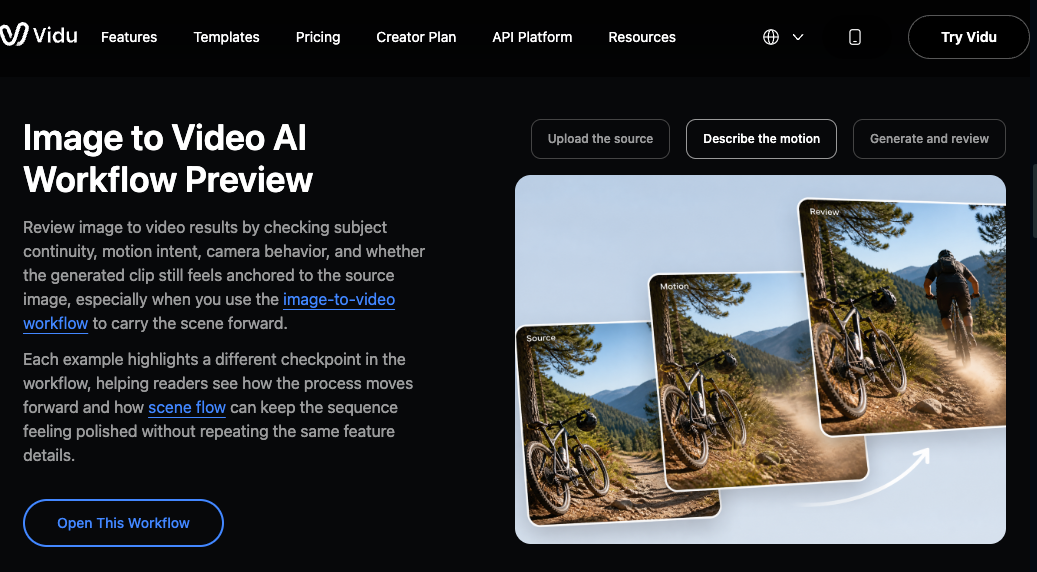
If you're working from a still image instead of pure text, an image-to-video workflow usually produces more stable results. The model can anchor motion to an existing frame rather than interpreting everything from the prompt alone.
For a 4-second clip, there's simply less time for motion drift to accumulate. When I extended the same prompt to 8 seconds, I noticed inconsistencies in the second half in two out of four runs. At 4 seconds, that issue didn't appear.
Vidu's image-to-video workflow allows separate uploads for character, props, and background. These references are combined in a single generation, while staying visually distinct across the clip. That makes it easier to reuse the same assets across multiple short scenes without rebuilding everything from scratch.
Review hook, motion, and style
Watch the first 1–2 seconds first. In AI-generated clips, drift tends to start early — the model is still establishing the scene in the opening frames. If something looks off before the 2-second mark, regenerate rather than trying to fix it in post. The editing effort usually exceeds the time cost of another generation.
If motion feels jumpy, check whether the prompt included competing directional instructions. Two motion vectors in the same prompt created mid-clip inconsistency in 3 out of 4 tests. Separating them across generations produced smoother output.
What AI Should Not Replace
The short form video editor role doesn't disappear with AI generation. The model decides what to generate; someone still has to decide whether it's worth keeping — and what to build around it.
Audio is the most obvious gap. AI video generation handles motion and composition, not sound design, voiceover, or music timing. A clip that looks right but has no audio layer won't perform well on platforms where sound is embedded in how content gets discovered. According to Sprout Social's video research, Instagram Reels now account for 50% of time spent on the app, and the platform rewards content that combines visual hooks with audio. Generating the visual is one step; the audio decision is separate and stays with the creator.
Judgment about what's worth publishing also stays human. A clip can be technically stable — clean motion, correct ratio, no drift — and still be the wrong choice for a specific moment or audience. The model doesn't know your channel or what you posted last week.