What Smooth Motion Means in AI Video
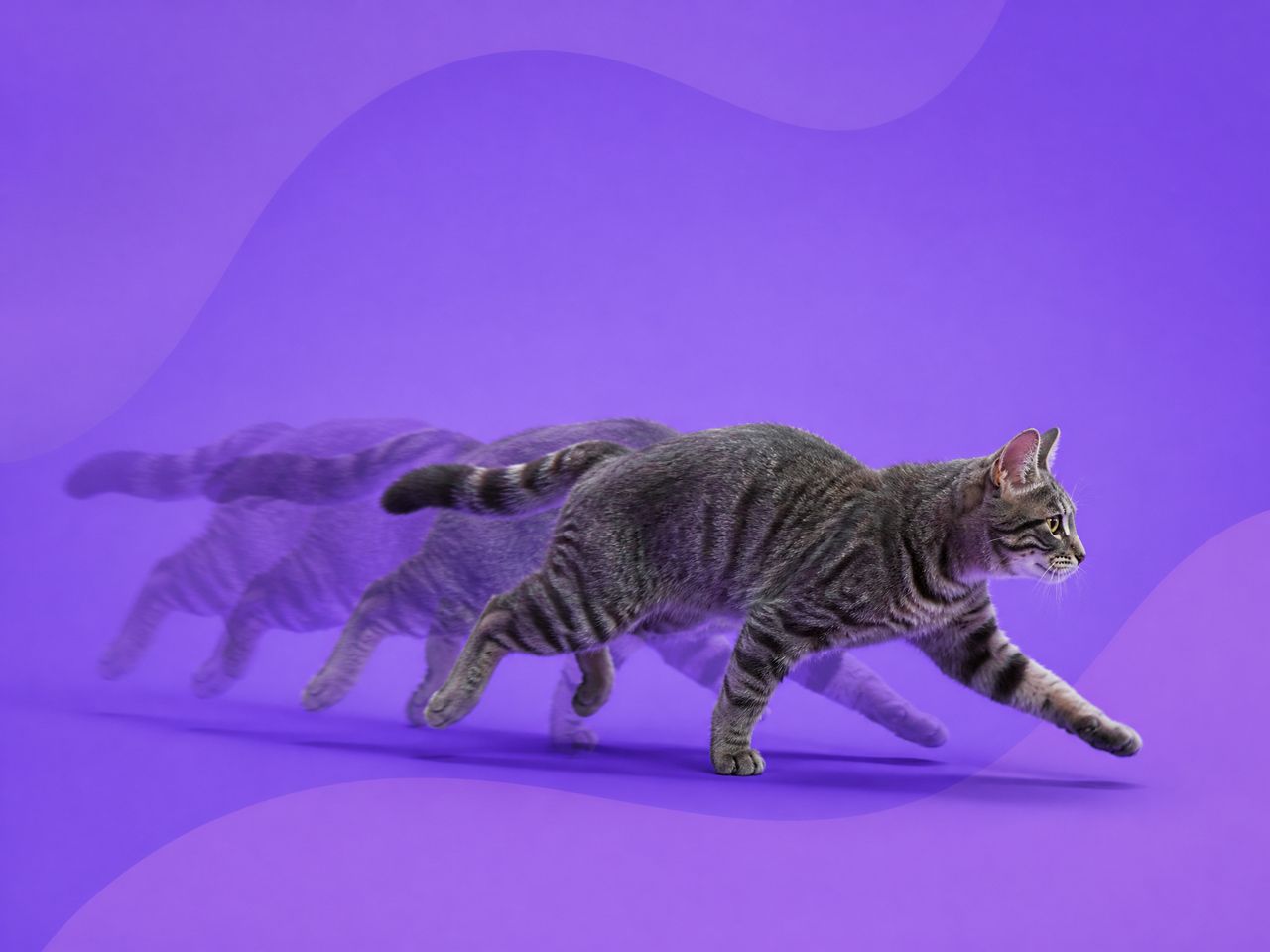
Smooth motion and dynamic movement are not the same thing. A fast pan can be smooth. A slow zoom can be jittery. The distinction is temporal consistency — whether each frame connects logically to the one before it.
When motion animation holds, you're not noticing individual frames. When it breaks down, you get edge flickering, backgrounds shaking independently of the subject, or a camera that seems to change its mind mid-clip.
Smooth video AI output is mostly a function of two things: how clearly the model understood what was supposed to move and how fast, and whether the source image gave it enough stable structure to work from. You can influence both from the prompt side.
Why AI Video Motion Gets Jittery
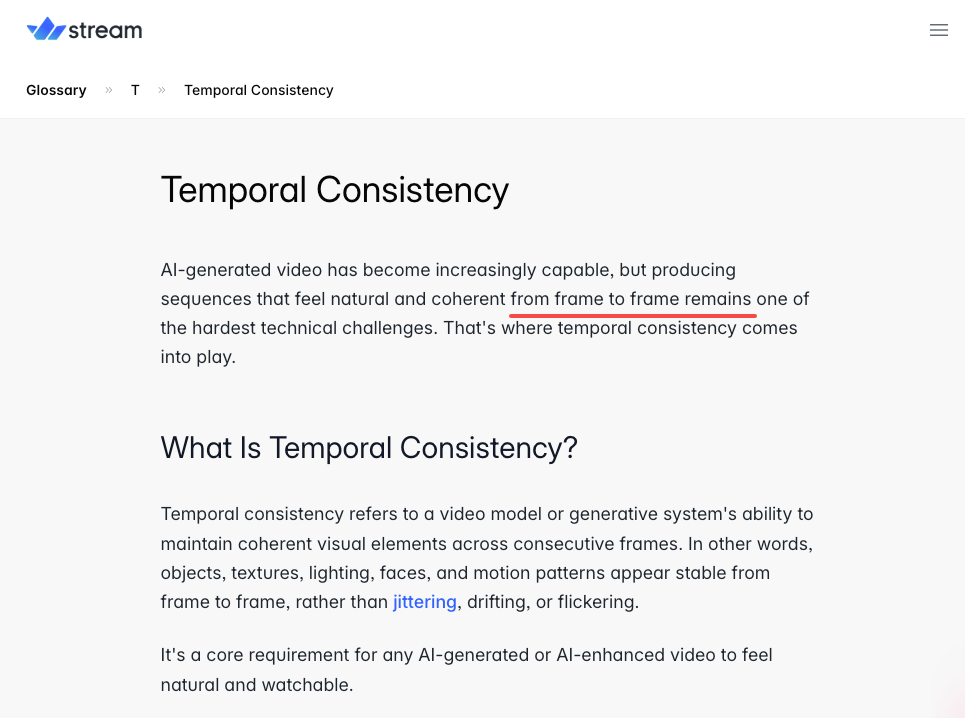
Too many actions
In the second generation of that push-in, I added "her scarf ripples in wind." Face warp got worse. Camera felt less stable.
When the model manages multiple simultaneous motion animation tasks — character motion, cloth simulation, camera movement — temporal consistency drops. Most diffusion models process frames somewhat independently, lacking strong temporal coupling mechanisms. For longer clips, inconsistencies and flickering in object shape, position, or appearance increase as a result. Stacking motion instructions multiplies the chance that at least one drifts. I stripped the scarf prompt. The push-in stabilized.
Weak source images
I was uploading character art with detailed illustrated environments — trees, textured walls, distant crowds. The model kept animating background areas I had no intention of moving.
In four consecutive tests with the same character across two backgrounds (simple gradient vs. illustrated cityscape), the gradient version was usable in 3 out of 4 runs. The cityscape: 1 out of 4. High-frequency background detail consistently triggers unpredictable motion animation in areas you're not prompting.
Conflicting camera motion prompts
I wrote "slow dolly forward with slight pan left." Two camera instructions at once. The result looked uncertain — it started pushing, corrected left, then overcorrected back. Camera motion in AI-generated video tends to get unsteady with complicated or conflicting direction instructions.
One camera action per generation. If you need a dolly-plus-pan, test them separately and stitch.
How to Prompt for Smoother Motion
Keep motion simple
Single-axis, directional, qualified prompts produce smoother motion than multi-element descriptions. What works: "slow camera push left," "gentle tilt upward," "subject turns head slightly right." What produces more variance: "dynamic movement through the scene," anything without a direction or speed qualifier.
Speed qualifiers — "subtle," "gentle," "slow," "steady" — have a consistent dampening effect on variance. Using keywords that imply physical weight helps the model prioritize smooth transitions over rapid, erratic frame changes. I include one in almost every generation now.
Use reference frames when needed
First and last frame control is the most direct way to constrain camera motion. Set where the camera starts and ends, and the motion between those anchors has a tighter constraint than a text-only prompt provides.
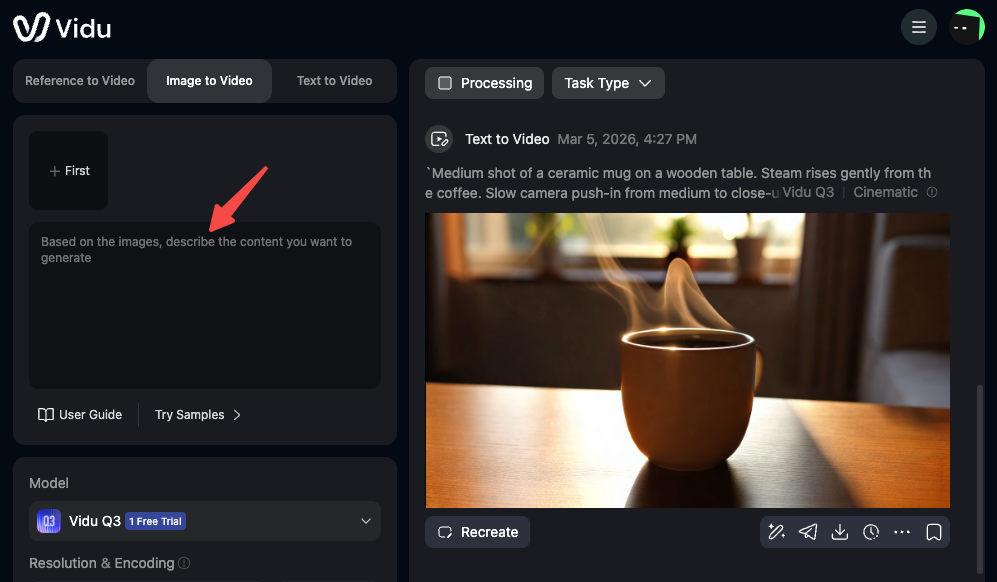
I use Vidu's image-to-video for most of my character work. When I add a last frame — even a slightly repositioned version of the same image — the motion between anchor points tends to feel more deliberate. It's the closest thing to a stability lever on the input side.
Review hands, faces, and background
These are the three areas where instability shows up first. Even cutting-edge models produce artifacts including imperfect faces and hands, broken topology, warped backgrounds, and cross-frame drift. I review on three dedicated passes: one just watching hands, one watching the face, one watching the background edges.
If the hands are wrong but face and background are clean, I'll often keep the clip and cut before hands are prominent. If the face drifts — features shift or proportions change across the clip — I regenerate. That one doesn't fix in post.
When to Regenerate or Change Inputs
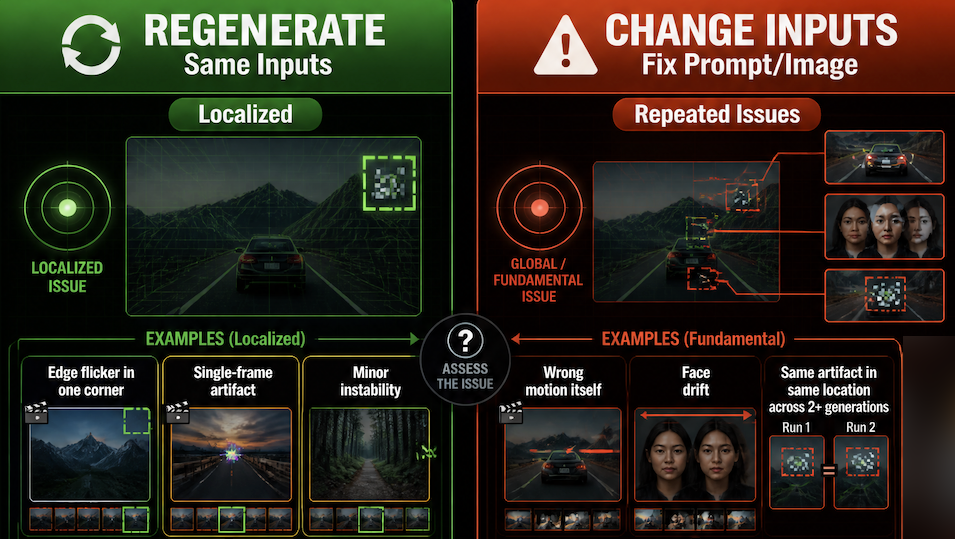
Regenerate with the same inputs when: the issue is localized (edge flicker in one corner, a single-frame artifact), the motion reads correctly overall, and the instability is minor enough to cut around.
Change inputs when: the motion itself is wrong, the face drifts, or the same artifact appears in the same location across 2+ generations. That last condition matters — repeated artifacts in the same place usually point to a source image issue or prompt conflict, not random variance.
When footage has significant consistency issues — morphing faces, major object drift — post-processing won't save it. Earlier intervention in the prompt or the image is cheaper than later fixes.