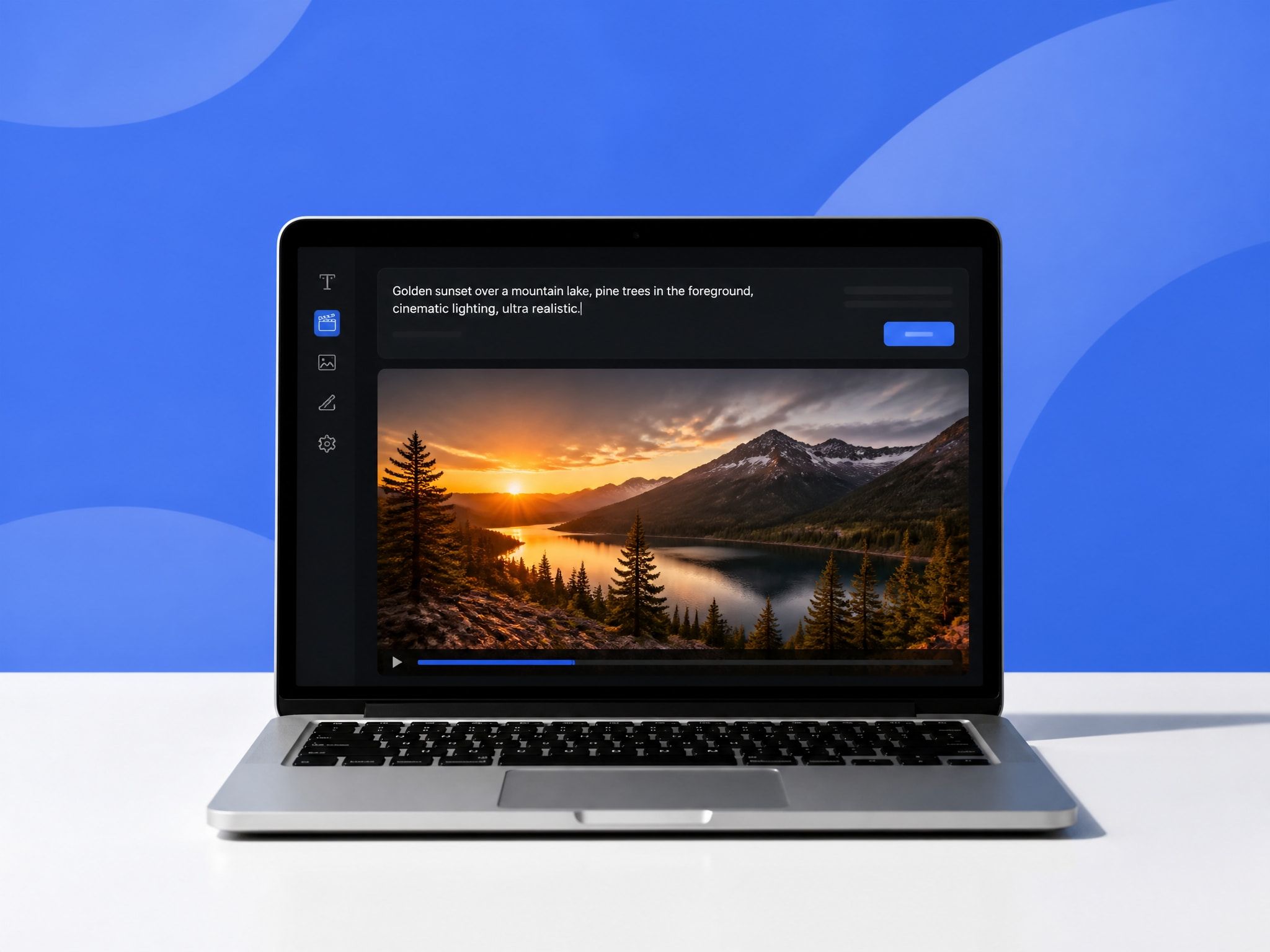
Why Text to Image Matters for AI Video
Most AI video tools are sensitive to what they receive as input. A text prompt alone describes a scene — but a reference image shows the model a specific version of it.
The difference shows up in outputs. Prompts without image references tend to vary between generations. Hair color shifts. Lighting shifts. Character proportions shift. After the third generation of the same clip with different outputs, the problem becomes obvious: the model has no anchor. It's interpreting the same words differently each time.
Reference-based video generation research bears this out. A 2024 study published at NeurIPS on reference-controlled visual consistency found that self-attention modulation using a reference image significantly stabilizes output identity across generations — compared to text-only prompts, which showed considerably higher variance in character and scene fidelity.
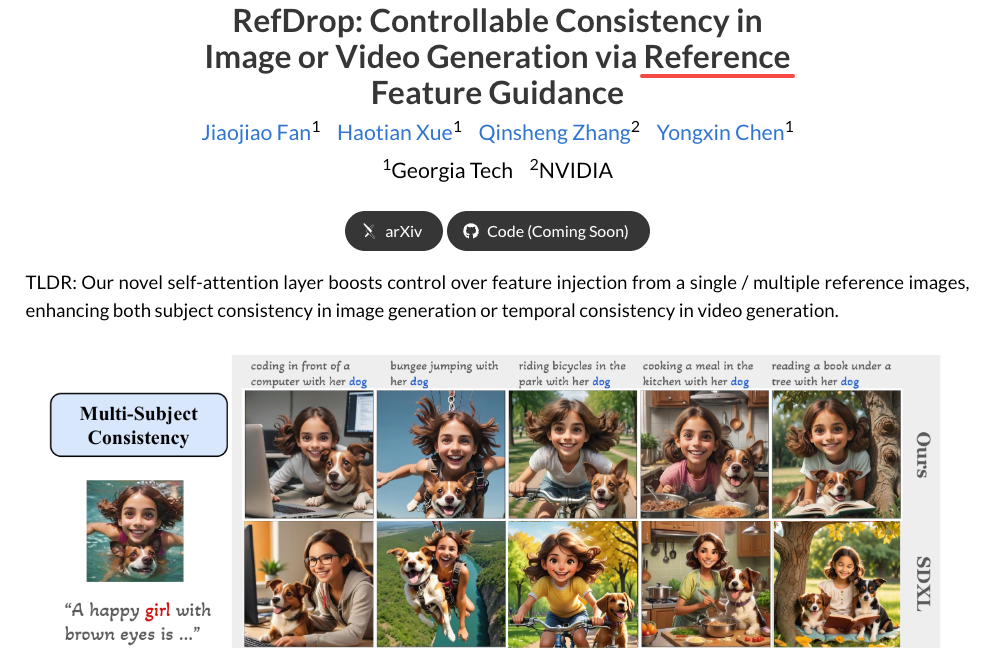
In practice: giving the model a clear image to work from makes repeated generation more predictable. Not perfect. But more predictable.
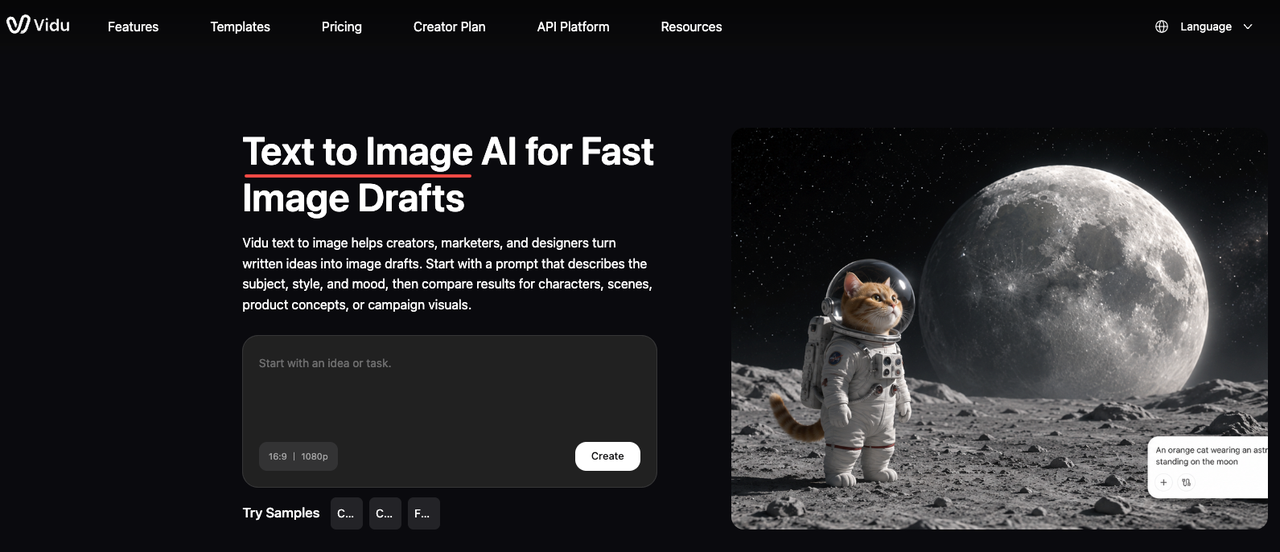
That's the whole reason text to image matters here. It's not about making art. It's about making inputs — images that work as stable references for video.
How Creators Use Text to Image Before Video
Character concepts
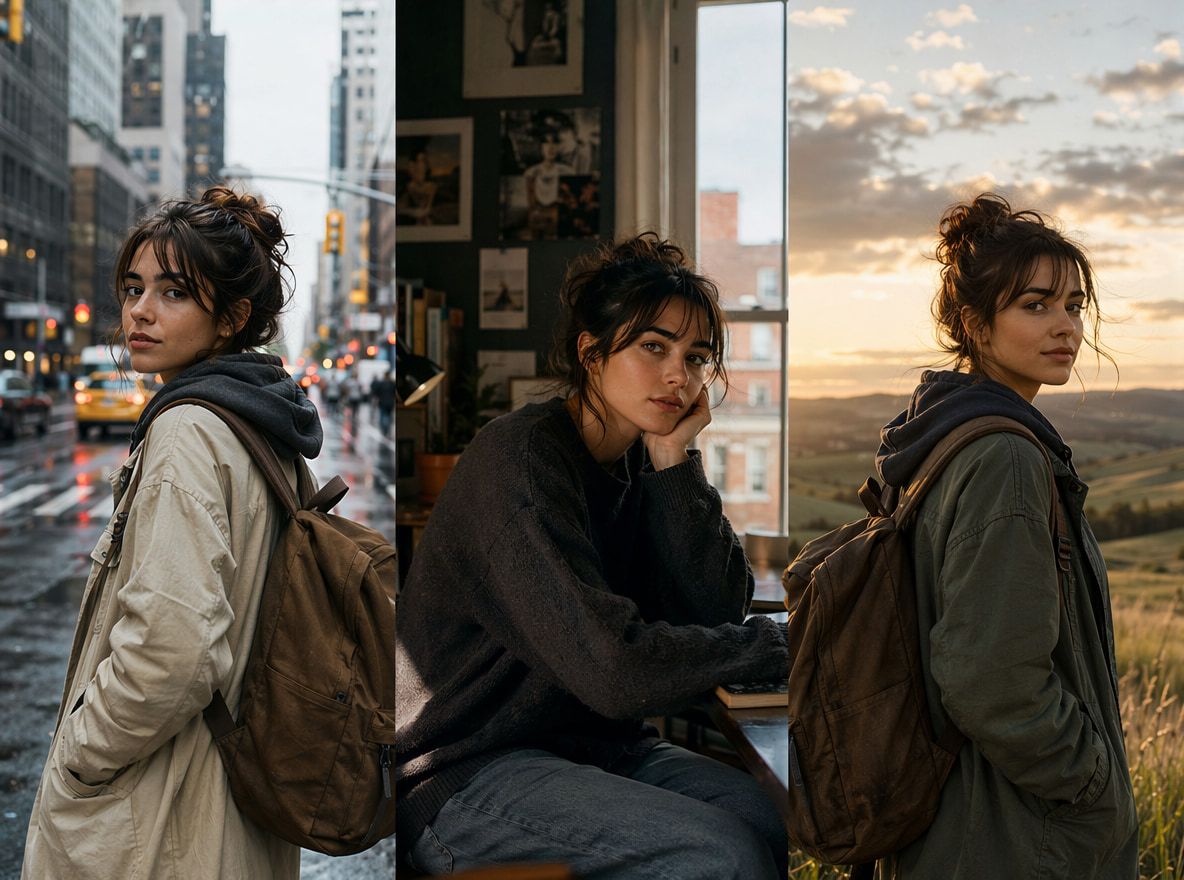
The most common use case: you need a character to appear in multiple clips. You want the same face, same outfit, same general feel.
Generating that character as a still image first — via text to image — gives you a visual asset you can then feed into the video model as a reference. The character exists on paper (or rather, in pixels) before it exists in motion.
I've run this comparison directly. Same character description, same action prompt, two scenarios: one with a reference image, one without. The ai image prompts were identical in both runs. In the reference-image version, the character's face held across four consecutive generations. In the text-only version, it started drifting by the second.
The reference image isn't a guarantee. It's a stabilizer.
Backgrounds and props
A generated background image — a specific alley, a specific interior, a specific color palette — gives the video model something concrete for environmental consistency.
This matters more than it seems. Without a background reference, the model tends to invent slightly different spatial configurations each time. Shadows move. Depth shifts. Objects that were on the left end up on the right. With a reference image of the environment, the spatial logic tends to hold longer.
Same for props. If a character is supposed to carry a specific bag or hold a specific object, generating that object as a standalone image and including it in your reference set reduces the chance the model replaces it with something it finds more "natural."
Style boards
This is less about specific characters and more about overall visual direction — color temperature, line weight, level of detail, art style.
Three or four images that establish a visual register give the model something to calibrate against — not just for this clip, but for an entire series. When all clips share the same style reference set, they read as a set.
This is particularly useful for anime or stylized content, where the gap between "close enough" and "completely off" is immediately obvious.
How to Create Video-Ready Images
Not every generated image makes a good video reference. Whether you're using an image prompt generator to draft character concepts or building out a full scene, some images that look great as stills turn out to be poor anchors — too detailed in some areas, too ambiguous in others, or composed in a way that creates problems when motion is added.
Keep composition clear
The reference image needs to communicate clearly what the model should hold consistent.
For a character, that means: face visible, body framing not too extreme, no strong motion blur that obscures features. Standard principles of video composition — clear subject, uncluttered framing, obvious focal point — apply here. A character shot from an extreme angle, with half the face in shadow, is harder for the model to extract usable identity information from.
Keep the subject centered or clearly positioned. Keep background clean enough that the character reads distinctly. Medium shots work better than extreme close-ups or wide establishing shots for character references.
Create consistent reference sets
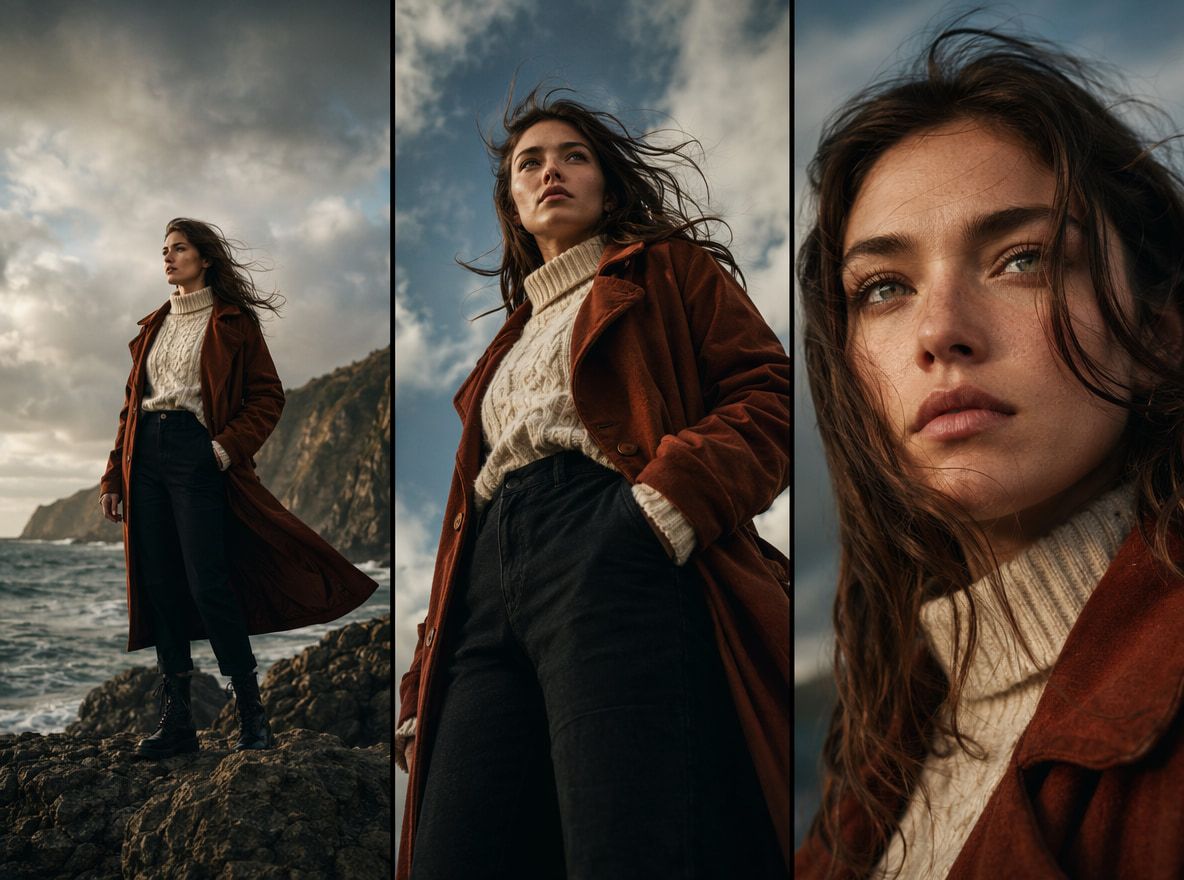
For multi-clip projects, a single reference image is rarely enough. Different viewing angles, different lighting conditions, and different action states all benefit from having reference images that address them directly.
Practically: generate the same character from three or four angles before starting video generation. Front, three-quarter, side. This gives the model more information to work from, and Vidu's AI image generator lets you maintain identity consistency across a multi-image reference set — up to seven reference images can be loaded into a single generation, feeding the video model a fuller picture of what the subject should look like.
For environments, generate the space from the intended camera position. Don't generate a wide establishing shot and then expect the model to understand what the scene looks like from a tighter angle. Match the reference image composition to the intended video shot.
Avoid details that break in motion
Some image details cause problems the moment the clip starts moving.
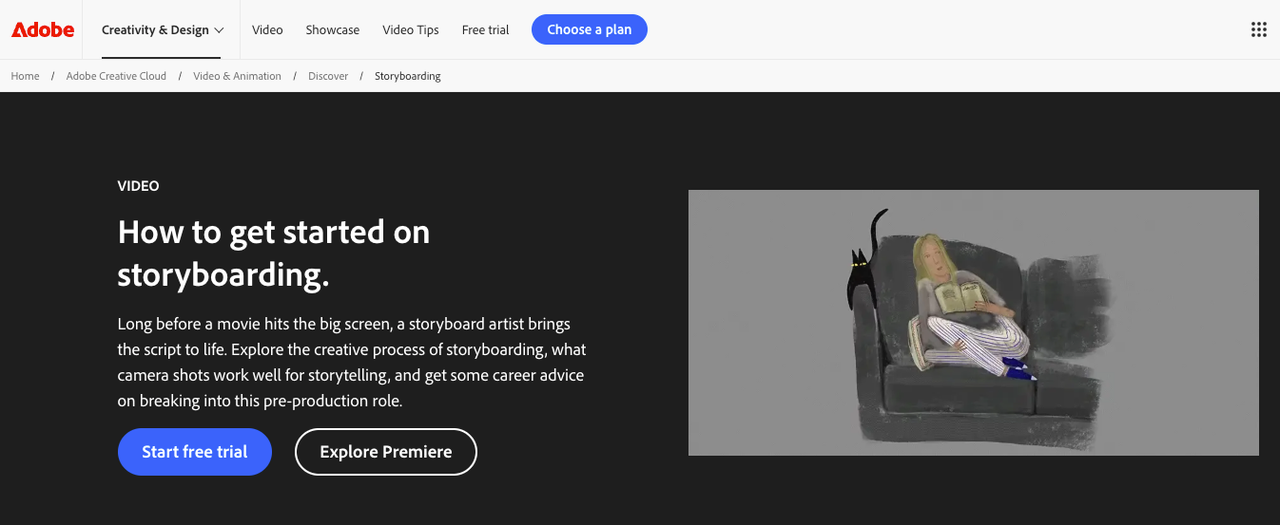
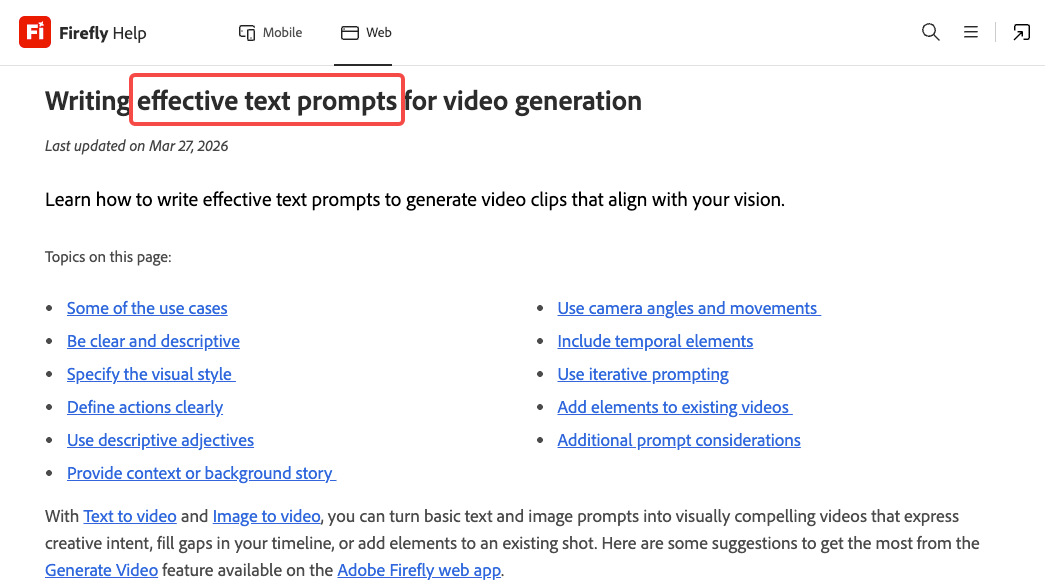
Fine textures — detailed fabric, complex patterns, intricate jewelry — tend to flicker or distort during video generation. This isn't a bug, exactly; it's a known limitation in how diffusion-based video models handle high-frequency visual information. Adobe's guidelines on writing effective prompts for video generation note that overly complex details in reference inputs can create artifacts in motion outputs.
This applies at the image generation stage too. The image prompts you're writing aren't meant to produce exhibition-ready stills — they're meant to produce stable inputs. Simpler surfaces, clearer forms, fewer tiny details — these make for better video references, even if they make for slightly less interesting still images.
It's a tradeoff worth accepting.
Moving From Image to Video
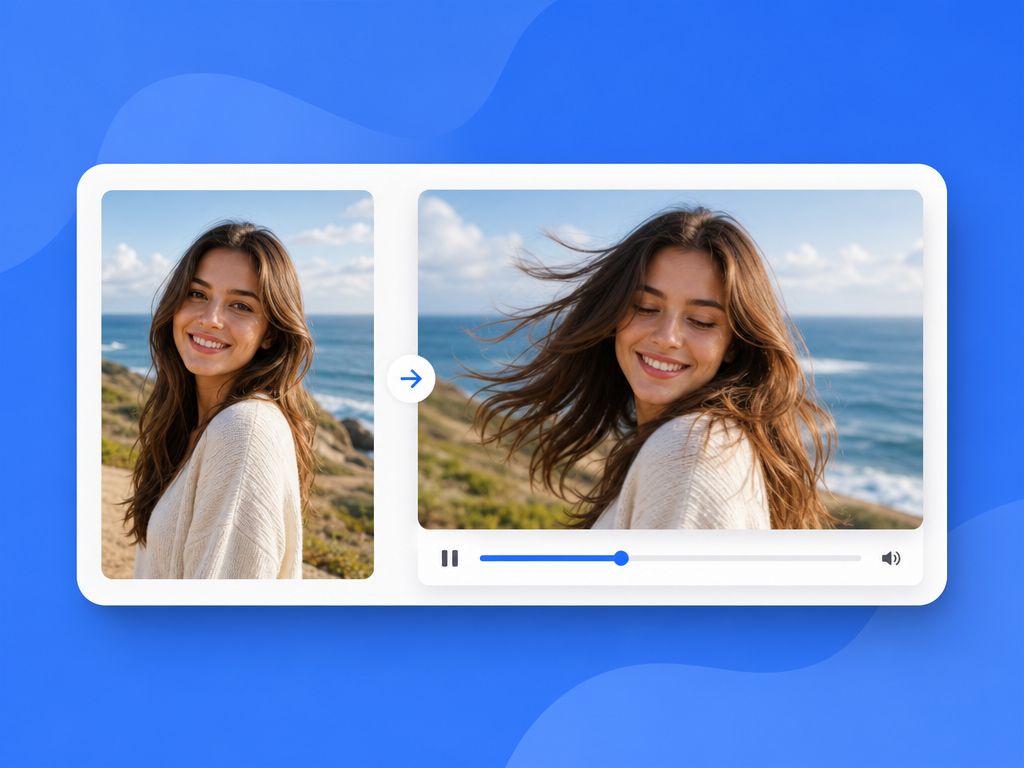
Once you have reference images that are stable, clearly composed, and video-appropriate, the path to reference to video becomes more predictable.
Vidu's Reference to Video feature lets you upload multiple reference images — character, environment, props — and combine them into a single video generation with a text prompt. The model uses the references to constrain what each element looks like while the prompt directs action and scene dynamics.
First generations still deviate somewhere — a hand position changes, an expression lands softer than the reference suggests. But the range of deviation is narrower and more locatable. With no reference images, drift is unpredictable. With reference images, the failure mode is attached to a specific visual element. You can address it.
Most clips I've kept after adding reference images required fewer total generations to reach "usable" than text-only prompts. Not dramatically fewer. But consistently fewer.