What a TikTok Background Video Generator Does
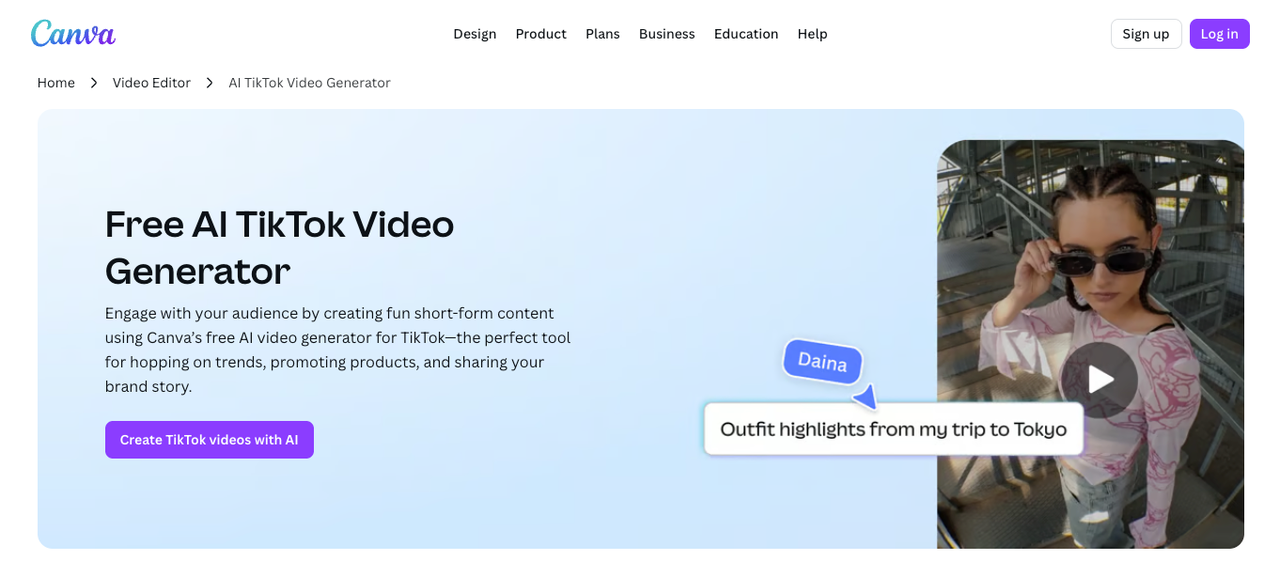
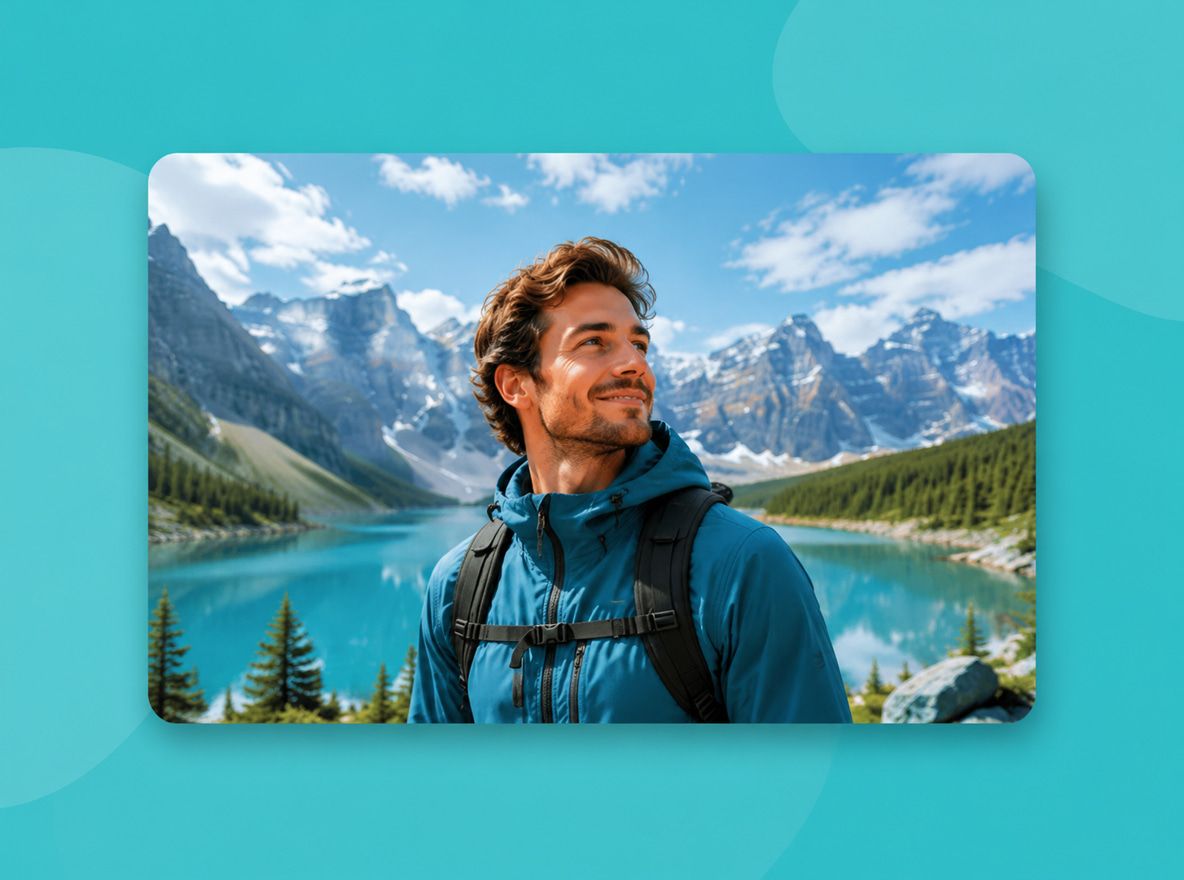
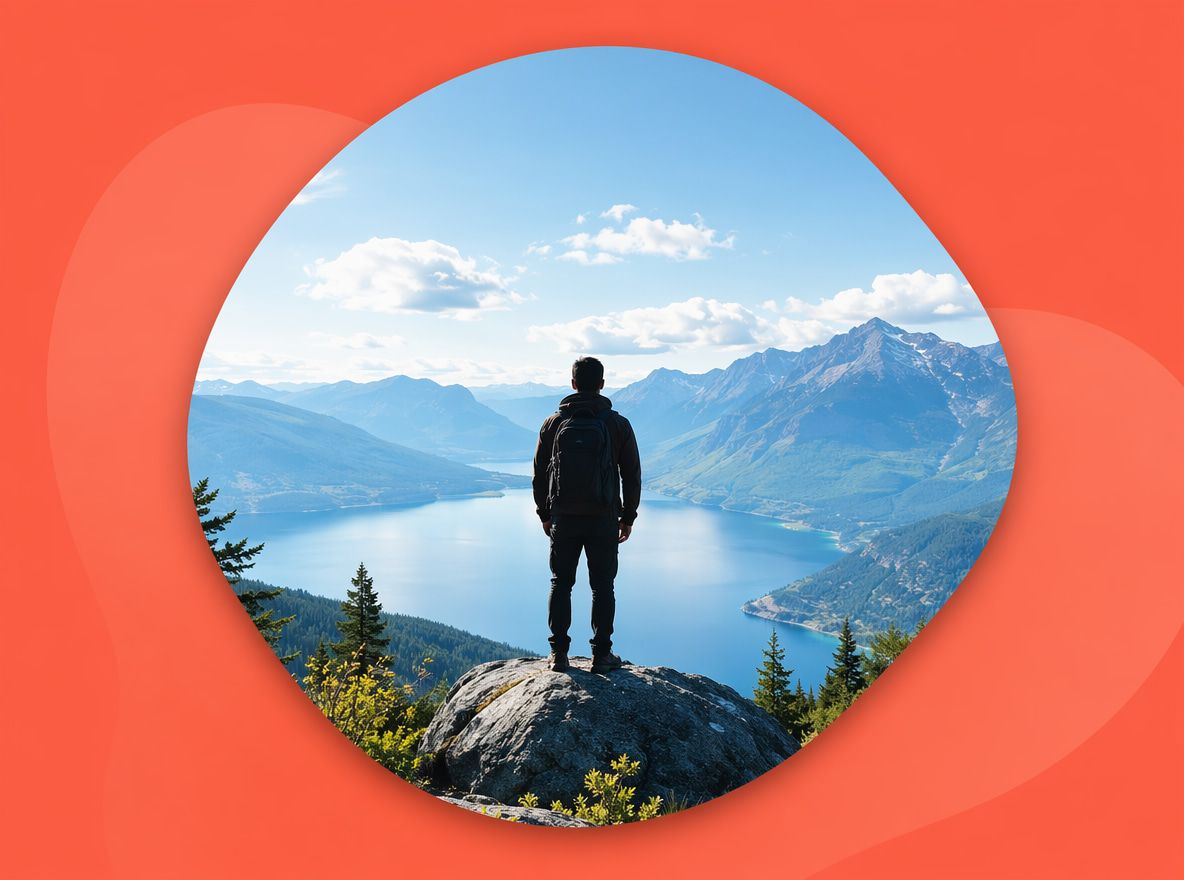
This type of tool produces video background material sized and paced for short-form content. The clip plays behind a subject, fills a green-screen area, or runs as a standalone scene loop. Most AI-based systems accept a text description or a reference image, then output an MP4 sized for the platform.
The distinction that matters: it's not a background remover or chroma-key replacement tool. It generates new visual material. If you want to swap your background, that's a background video changer workflow — you film yourself, key out the original background, and composite over new footage. Generation creates the asset you'd composite onto.
Vidu handles this through its Text to Video and Image to Video modes, with 9:16 available as a native output ratio. According to Vidu's animation page, you can control movement amplitude directly — which matters for backgrounds, since the motion needs to stay subtle enough not to compete with a foreground subject.
Best Background Ideas for TikTok Creators
Three types of generated video background come up consistently as usable.
Talking-head backdrops
For talking-head content, the motion tolerance is low. In five rounds of testing looping backgrounds at different settings, the ones that read as professional all shared one trait: movement slow enough to miss on a quick scroll. Abstract particle fields, slow environmental ambience, or an out-of-focus architecture scene all stayed stable. Fast-moving scenes — anything with characters, action, or rapid cuts — failed as a background layer in every test.
Product reveal loops
A clean, looping scene that places a product in a neutral environment. Generated scenes with a single object or styled surface held up better in short clips than in longer ones. At five seconds, most were acceptable. Extended past eight seconds without a loop, structural drift appeared.
Anime and stylized scenes
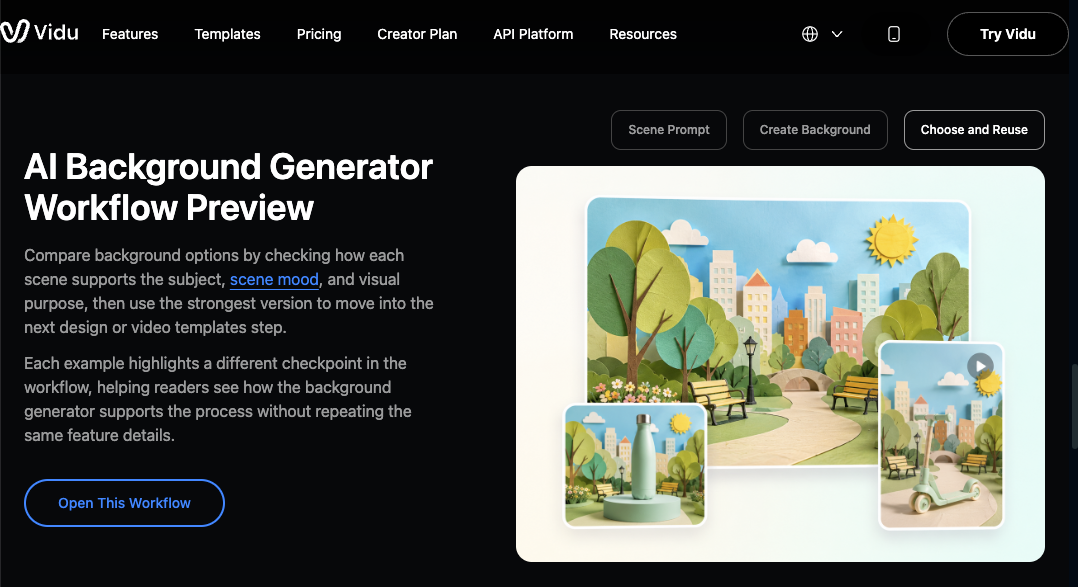
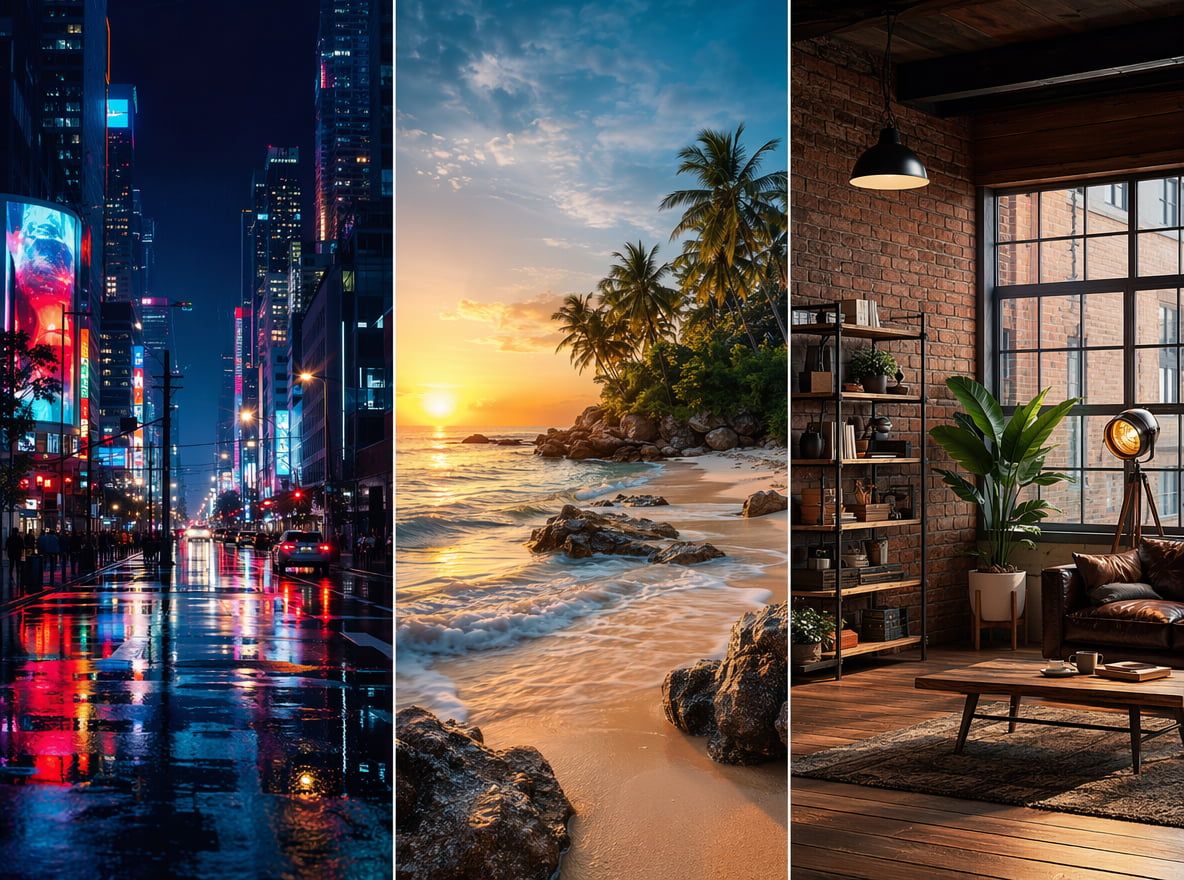
This is where the AI background generator outputs required the fewest retries. A stylized exterior — a misty street, glowing neon, a fantasy skyline — generated more coherently than realistic environments in most runs. Edges stayed cleaner, motion more predictable. For creators working in illustrated styles, these scenes produced the most stable results across repeated tests.
How to Make a TikTok Background With AI
Three structural decisions determined whether a generated background worked in a real workflow. Not prompt length, not style — these three.
Choose 9:16 framing
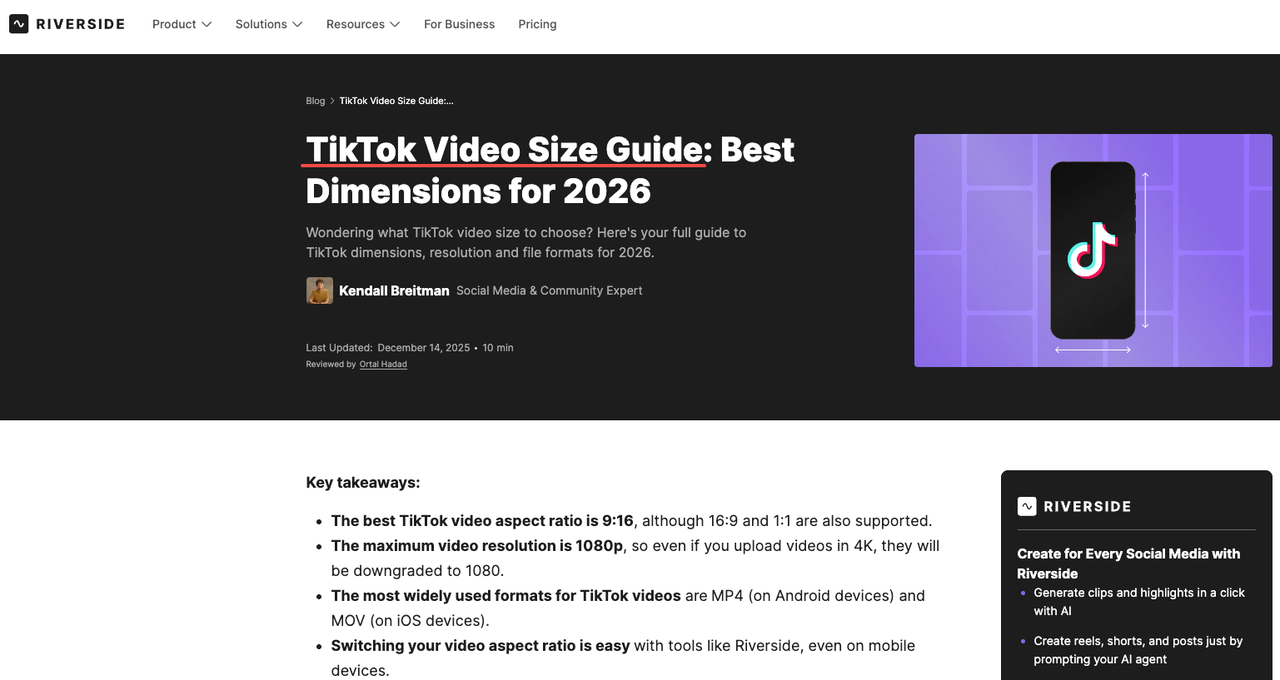
This is not optional. A background generated in 16:9 will either get cropped or pillarboxed — both outcomes are visible and distracting. Vidu outputs 9:16 natively, so the full 1080×1920 canvas is available without reformatting. TikTok's recommended resolution is 1080×1920 pixels, which means a natively-sized generation is distribution-ready without scaling artifacts.
Generating in the wrong ratio and cropping afterward introduced visible quality loss in three out of four tests.
Keep motion subtle
Generated backgrounds with heavy movement competed with the foreground subject in all test cases. Vidu's movement amplitude control helped — prompting for "slow drift" or "minimal motion" produced more stable backdrop material than open-ended generation.
One test generated the same scene five times without a motion constraint. Four of the five were unusable as backgrounds. Adding "slow ambient movement, no camera shake" to the same prompt produced three usable clips out of five.
Leave space for captions
TikTok's UI covers the lower portion of every video. According to TikTok safe zone guidelines, creators should leave approximately 320 pixels clear from the bottom on a 1080×1920 canvas. A generated background with visual detail in that zone will be hidden from viewers on playback.
Prompting for "clear lower third" or "open space at the bottom" produced more caption-friendly results in four tests than leaving the composition unspecified.
Publishing Quality Checklist
Before dropping a generated background into a TikTok workflow, four things to confirm:
Ratio is 9:16. The output should be vertical before any editing step. Cropping a horizontal generation afterward degrades edge quality.
Motion is slow enough to sit behind a subject. Play the clip muted and imagine a talking head in the foreground. If the eye goes to the background, the motion is too heavy.
Lower third is caption-safe. Check the bottom 25% of the frame at multiple points in the clip. If there's visual interest there, it will disappear behind TikTok's interface.
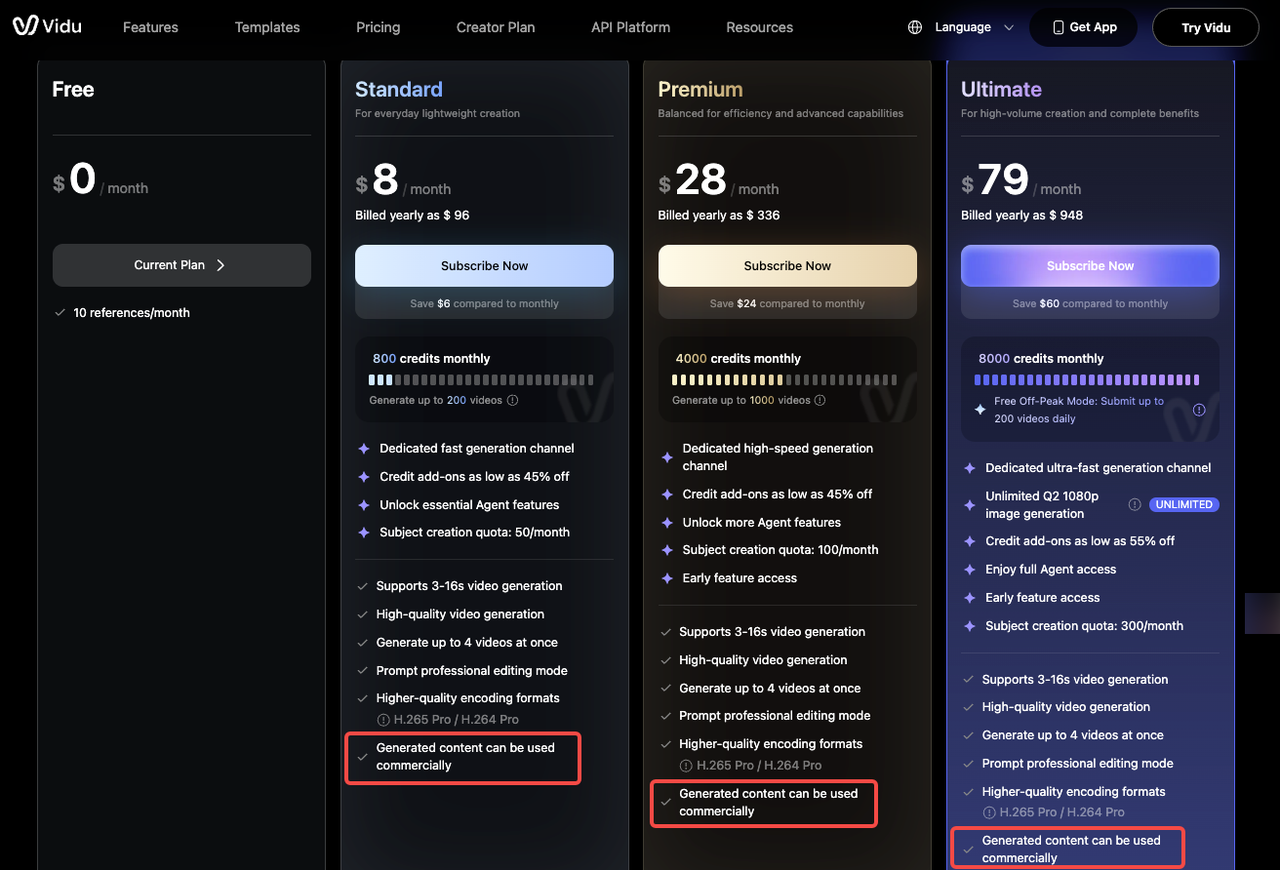
Commercial license confirmed. Free plan outputs carry a watermark and are restricted to personal use. According to Vidu's pricing page, paid plans remove the watermark and cover commercial publishing — the Standard plan is the entry point for monetized TikTok content.