What Is 9:16 Video?
9:16 is an aspect ratio — width to height. A standard horizontal video is 16:9 (wider than tall). Flip those numbers and you get the vertical format: taller than wide. That's what now dominates short-form platforms.
At 1080×1920 pixels, this frame fills a phone screen edge to edge. At 720×1280, it still plays cleanly but with slightly softer rendering. Most platform guidelines treat 1080×1920 as the recommended resolution for vertical clips.
The math isn't complicated. What matters is that you internalize it before generating. A tall frame has roughly 56% more vertical space than a widescreen frame at the same width. That vertical space is what you're working with — and it behaves differently from horizontal composition. According to Adobe's guide on vertical video composition, the framing rules for tall formats require a fundamentally different approach than the widescreen techniques most creators default to.
Why 9:16 Matters for Short-Form Creators
This format isn't a preference. It's infrastructure.
TikTok / Instagram Reels / YouTube Shorts
All three platforms default to vertical playback. A horizontal video uploaded to any of them gets letterboxed — black bars top and bottom — or auto-cropped in ways you can't predict. Neither outcome is good. The crop usually removes something important. The letterboxing shrinks your subject into a narrow band in the middle of the screen.
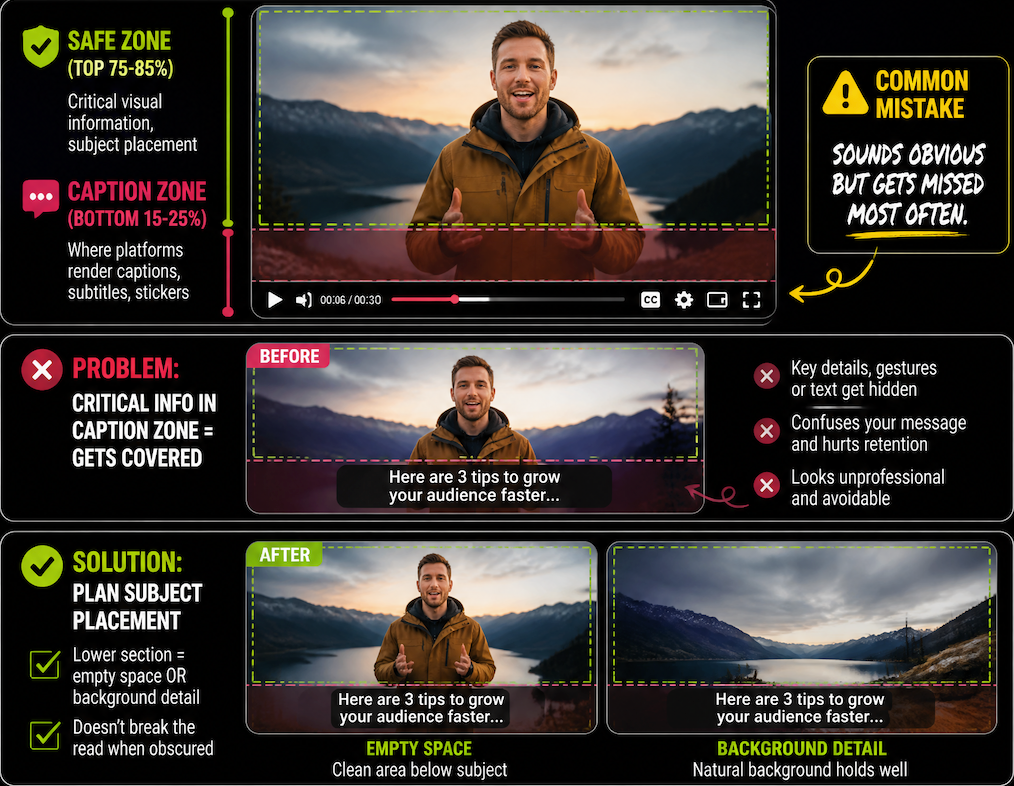
This format also affects how platforms display text overlays, captions, and stickers. These UI elements appear in the lower 20–30% of the screen. If your subject's face or the most important action in your clip sits in that zone, it gets buried. Creators who plan for vertical framing account for this before they start — not after they've already generated.
Per the social media video specs guide from Sprout Social, all three major short-form platforms list 9:16 at 1080×1920 as their recommended format, and uploads outside that ratio are either letterboxed or algorithmically disadvantaged.
How to Plan AI Videos in 9:16
The difference between a clip that works and one that doesn't often isn't generation quality — it's framing intent. These are the three things I check before generating anything meant for vertical distribution.
Compose for vertical framing
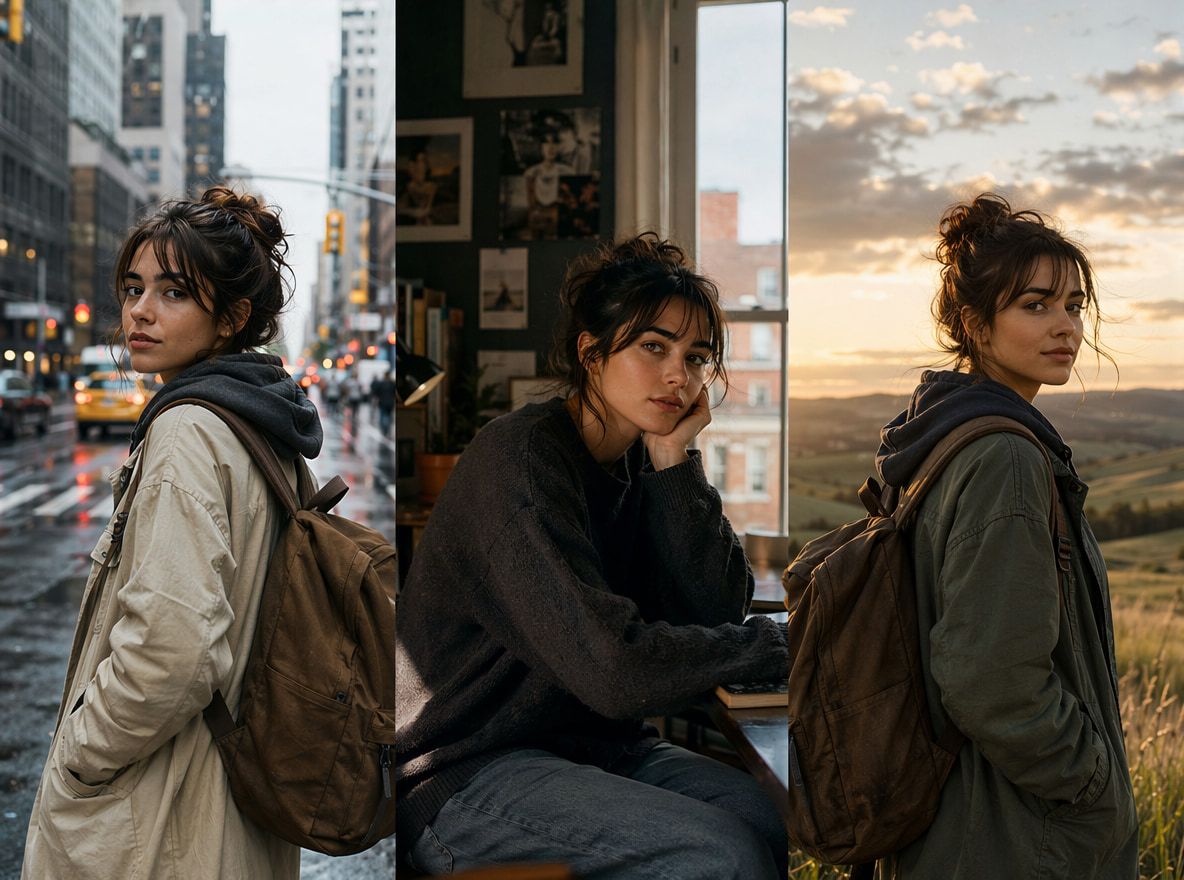
A tall frame lets you do full-body shots that would feel cramped in widescreen. Use that. Subjects should be placed in the center column, positioned high enough to clear caption space but not crowding the top edge.
For AI-generated clips, this means being explicit in your prompt about subject placement. "Centered, upper-middle frame" reads differently to a model than leaving framing unspecified. I tested the same subject prompt — a person walking toward the camera — with and without vertical framing guidance. Without it, the first three generations pushed the subject toward the right half. With explicit vertical positioning, the subject centered on the first attempt.
Divergence starts appearing from this round when you skip the framing instruction.
Leave caption space
The bottom 15–25% of the frame is where most platforms render captions, subtitles, and sticker overlays. If your composition places critical visual information in that zone — a character's expression, a product detail, an action that defines the clip — it gets covered.
Plan subject placement so the lower section contains either empty space or background detail that doesn't break the read when obscured. This is one of those adjustments that sounds obvious but gets missed most often in practice.
Use motion that fits the frame
Horizontal motion — subjects or camera moving side to side — doesn't use vertical space efficiently. In a tall frame, the eye moves up and down. Motion that follows that axis tends to feel more natural: camera tilts, subjects moving toward or away from the viewer, vertical reveals.
In generation testing, lateral motion in a vertical frame also tends to produce edge instability more often than vertical motion. The subject reaches the frame boundary, and the model sometimes fills the empty edge in inconsistent ways. Not a dealbreaker — but worth noting if you're getting varied results across multiple runs with the same motion prompt.
Converting vs Generating Natively
The question that comes up often: should you generate in widescreen and convert, or generate natively in vertical?
The short answer: generate natively when you can.
The 16:9 to 9:16 conversion problem isn't a file format issue — it's a composition issue. A widescreen frame centers subjects differently than a tall one. When you convert video to 9:16 by cropping, you're making a compositional decision after the fact, with no control over what gets removed.
If you have a horizontal clip that wasn't generated with vertical framing in mind, a 9:16 video converter will let you choose what to crop — center crop, face-tracking crop, or manual. For footage where the subject is centered and the action stays in the middle third of the horizontal frame, a center crop usually works. For anything with lateral movement or subjects near the horizontal edges, you're likely to lose important visual information.
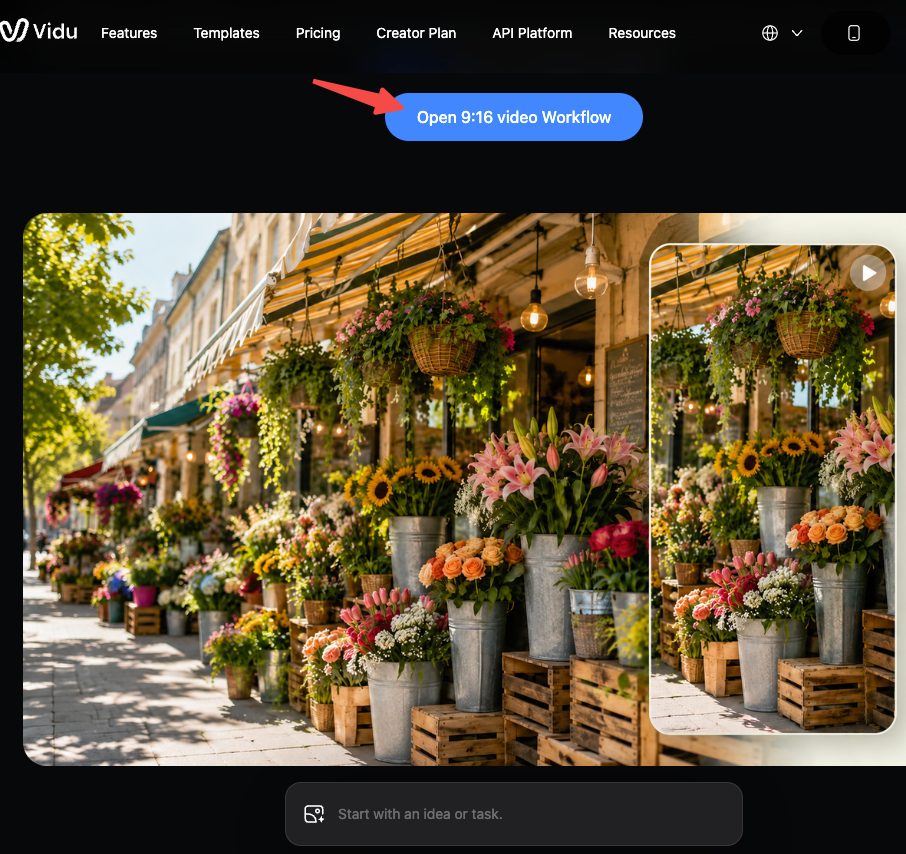
Native vertical generation avoids that decision entirely. A 9:16 video generator supports vertical aspect ratio output, which means you can specify vertical framing at the generation stage rather than inheriting a horizontal composition and working around it. I'd keep that approach for anything going directly to social — it removes one variable from the process.
Where converting actually makes sense: repurposing existing horizontal footage for a secondary platform, or when you have a widescreen master and need both formats for different distribution channels. In that case, a converter is practical. It's just not a substitute for intentional vertical composition.