What Is Video Synthesis?
Video synthesis is the process of generating or transforming video content using AI models — rather than recording it with a camera or animating it by hand.
The underlying mechanics involve models trained on large video datasets learning to predict sequences of frames that are coherent, temporally consistent, and — in the best cases — aligned with whatever prompt or reference you gave them. Researchers at OpenAI describe this in their video generation models technical report: modern systems treat video as spacetime patches rather than isolated frames, which is part of why motion can look fluid instead of jumpy.
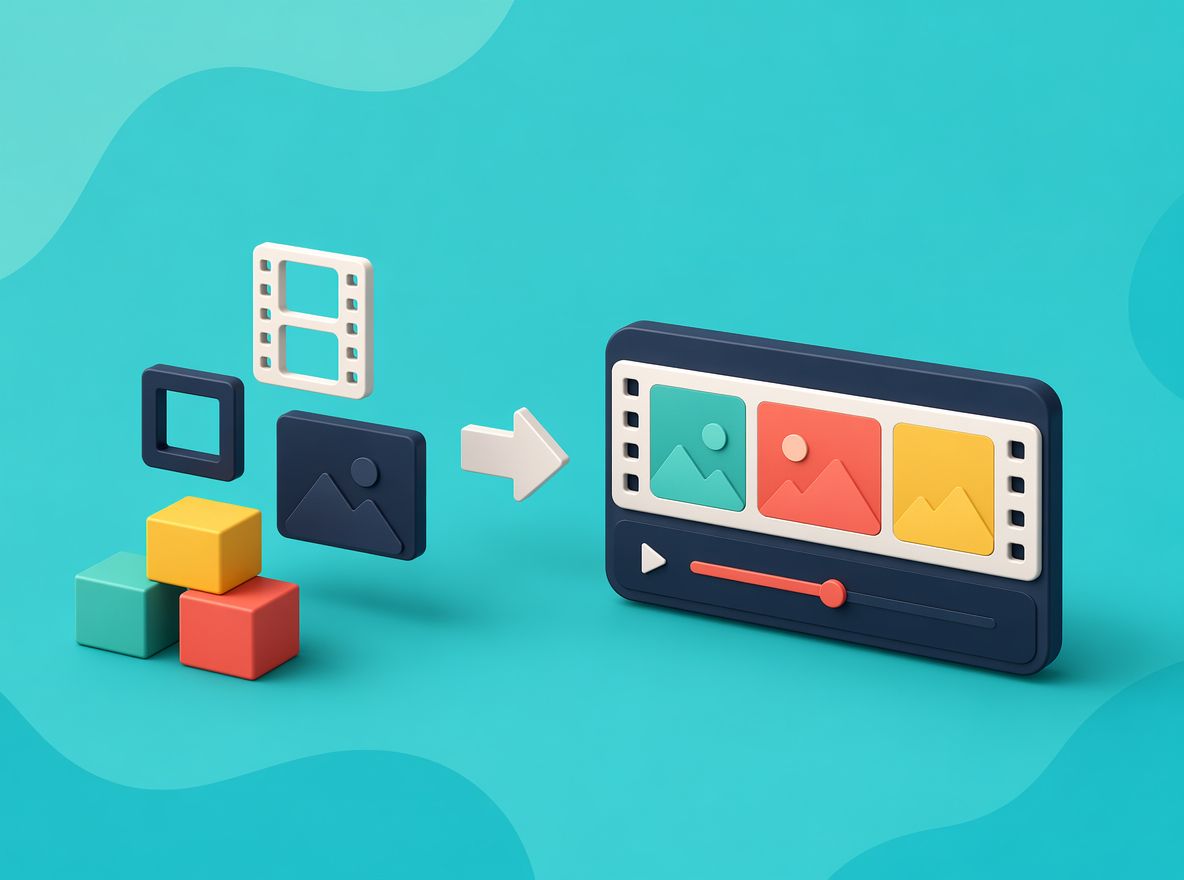
For creators, the more useful definition is simpler: video synthesis means you can start with text, an image, or an existing video — and end up with something that moves.
The term "generative video" is often used interchangeably. Both describe the same thing. What varies is the input.
Main Types of AI Video Synthesis
Text to Video
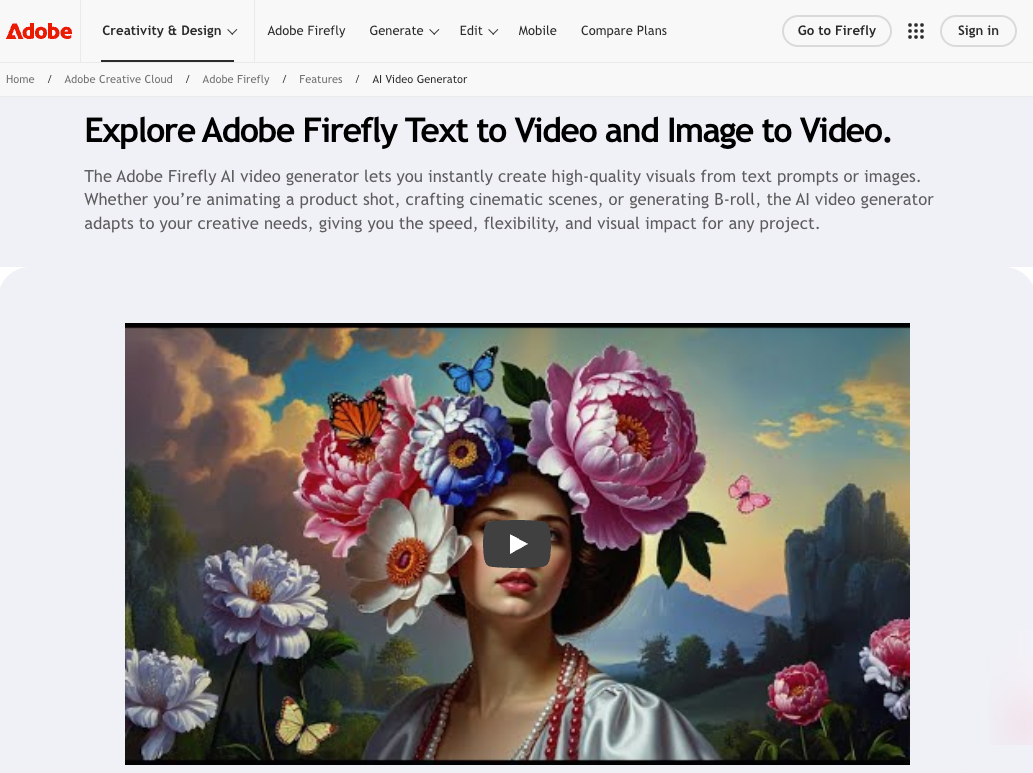
You write a description. The model generates footage to match it.
This is the entry point most people try first, and the one where results vary the most. The model has no visual anchor beyond your words, so it fills in every decision — lighting, movement, character look, camera angle — on its own.
In short burst tests (4–5 seconds), text-to-video holds together reasonably well. Push past 8 seconds on complex prompts and the structure tends to drift. A character that starts walking might shift proportions mid-clip. A background that was consistent at second 3 develops unexpected changes by second 6.
Simple prompts stabilize faster than detailed ones — that pattern repeated across multiple runs. More words don't automatically mean more control.
Image to Video
You give the model a static image. It animates it.
The generation is constrained by the visual you provide, which removes some of the random variation that text-only runs introduce. The model has something to hold onto. In practice, this means the first frame is usually close to what you expect — the drift, when it happens, tends to accumulate over time rather than showing up immediately.
Live action animation — taking a still photograph and generating natural motion from it — is one of the cleaner use cases here. A portrait becomes a person slightly turning their head. A product shot gets a slow pan. The model stays closer to the source material than it would from pure text.
Results are still inconsistent across runs on the same image. The third attempt is often visibly different from the first, even with identical inputs.
Video to Video
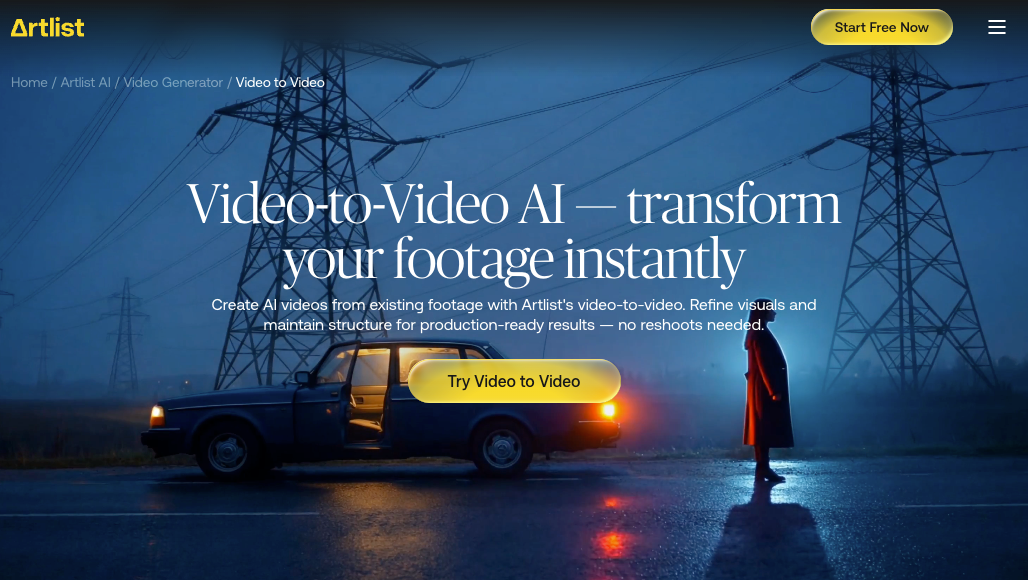
You input an existing video and the model transforms it — changing style, adjusting movement, replacing visual elements, or re-rendering the whole clip in a different aesthetic.
This is the mode where the term "ai video to video" comes up most. The motion structure of the original video acts as a scaffold, which is why this approach can feel more controllable than text-to-video. You're not asking the model to invent timing and trajectory — you're asking it to redress something that already moves.
A research survey on translation-based video synthesis describes the core challenge clearly: maintaining temporal continuity between frames without introducing flicker artifacts. That problem doesn't disappear in consumer tools — it just shows up less dramatically than it did a few years ago.
The video to video ai workflow is practical for style transfer, anime-ification of live footage, or converting rough reference clips into more polished visual material. It's not reliable for fine-grained content edits — if you need a specific object to change shape or a person to swap expressions, frame-level control is still limited.
Why Video Synthesis Matters for Creators
The honest version: it changes what's possible at the beginning of a project, not necessarily at the end.
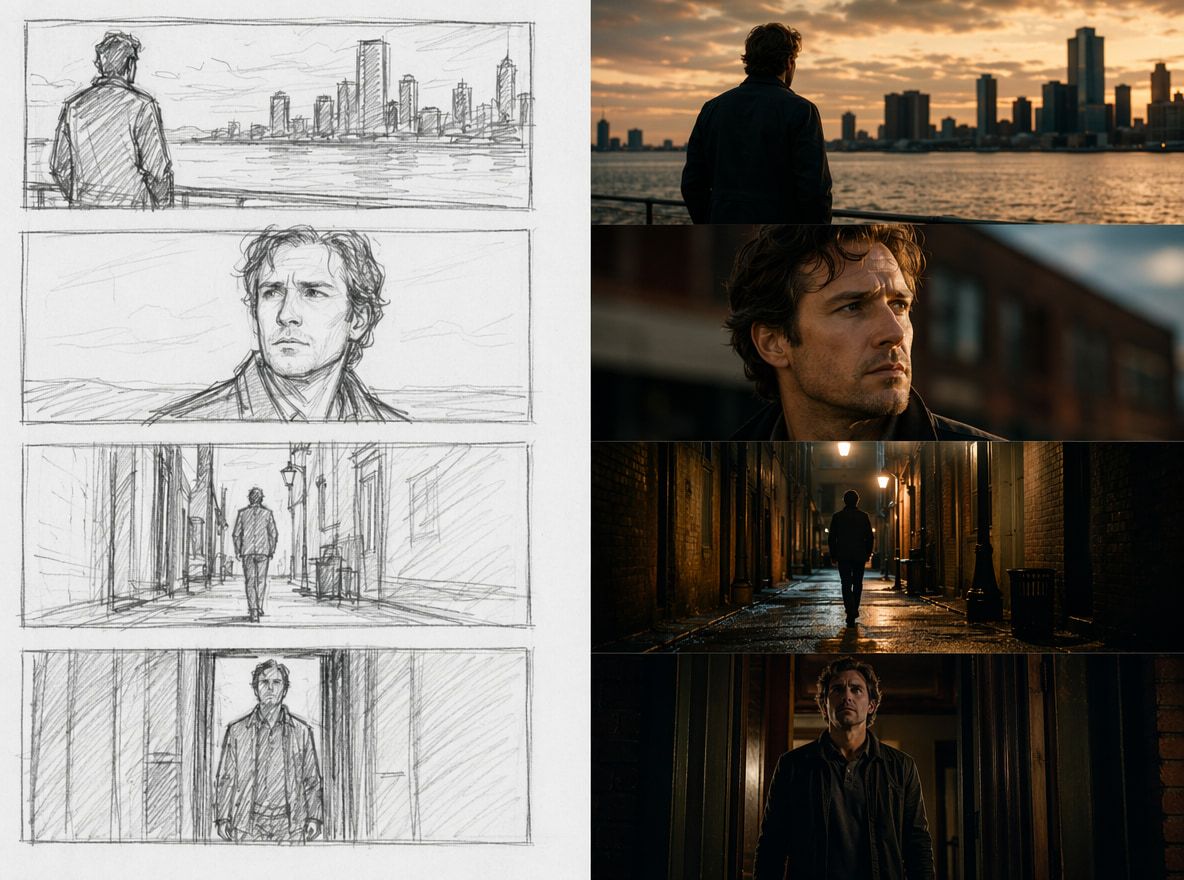
For exploratory work — testing whether a visual concept has momentum, roughing out a shot sequence, seeing what a character actually looks like in motion before committing to a full animation workflow — the speed is real. Generate, observe, decide. The loop is fast enough to be genuinely useful.
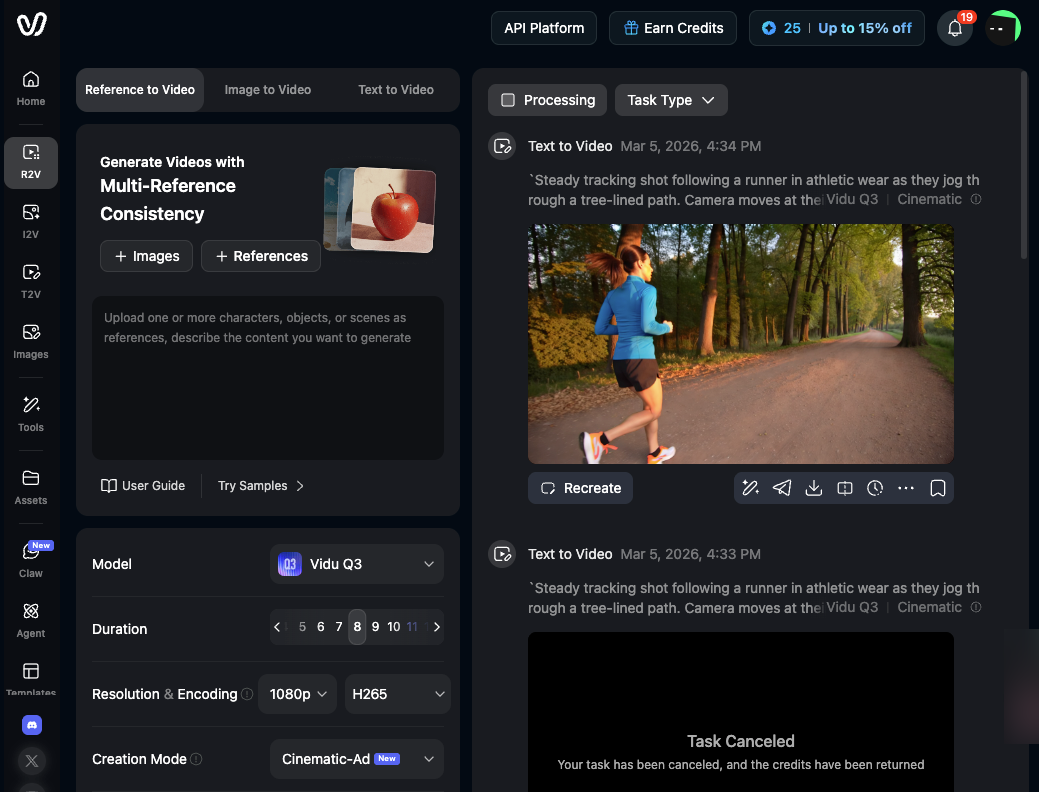
Where it earns its place in a working process is in lowering the cost of trying something. Vidu's character-to-video feature is a concrete example: upload reference images of a character, and the model works to keep that character's appearance stable across generated clips. The first few outputs may drift — that's normal. By the third or fourth attempt with consistent references, the results tighten.
That's not magic. It's just a shorter distance between an idea and a usable first draft.
Practical Limits to Understand
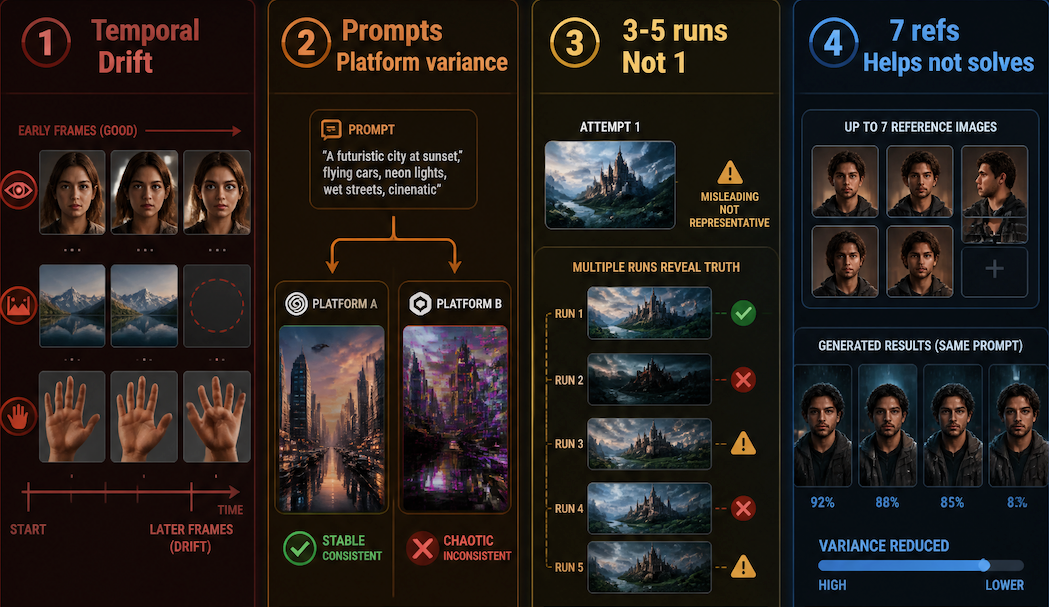
Temporal consistency breaks down. The longer the clip, the more the model has to maintain — and the more likely something starts to shift. Eyes change shape. Background objects disappear. Hands go wrong. This isn't a bug in any specific tool; it reflects a known challenge in spatiotemporal coherence for video generation that current architectures handle imperfectly.
Prompts don't transfer cleanly between tools. What works in one platform often needs reworking in another. The same description can produce stable output in one system and chaotic output in another.
Single-attempt results are misleading. The first output — whether good or bad — isn't representative. Running the same prompt 3–5 times gives you a much more accurate read on what a tool can actually do. Stability judgment after repeated generation, not single-attempt success.
Reference images help, but don't solve everything. Vidu's Multi-Reference Consistency feature supports up to seven reference images per generation. In repeated testing, this does narrow the variance — subjects stay closer to the reference across runs. It doesn't eliminate drift entirely, especially in scenes with motion and occlusion.