Al Video Generator
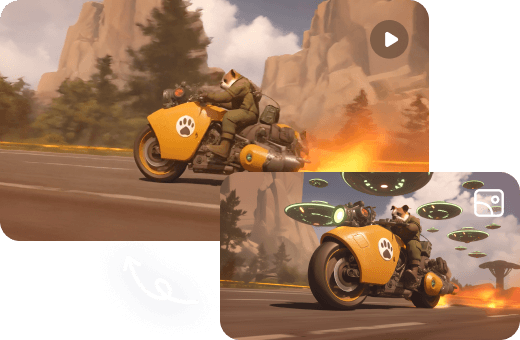
Create cinematic videos in minutes with free Al Video Generator. Make stunning visuals for social media, ads, or animated stories using advanced Al text, image and video to video tools.
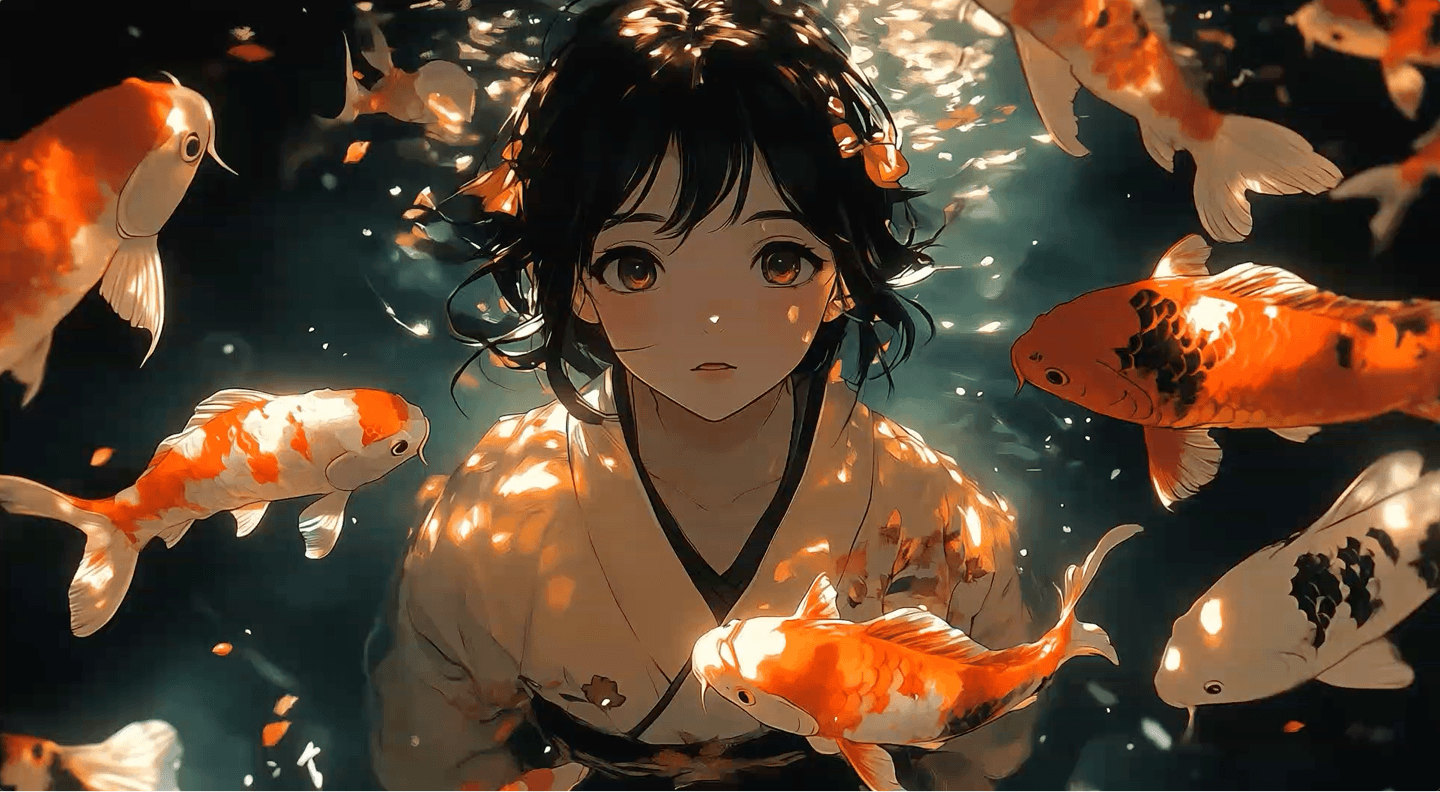
Spark your imagination with generative AI
With powerful generative AI tools, you can edit photos and create beautiful images more efficiently than ever. Welcome to the future of image editing with our online photo editor!
AniStudio AI Agent unlocks Infinite creative potential
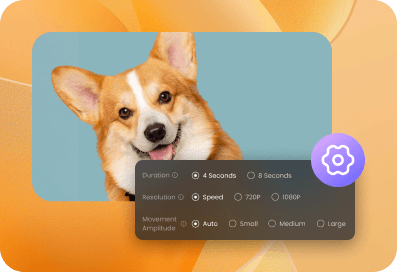
Unlock your creative potential with AniStudio AI Image Agent. Whether you're crafting social posts or telling product stories, our AI chat photo editor makes bringing your visual ideas to life easy and gives you total creative freedom.
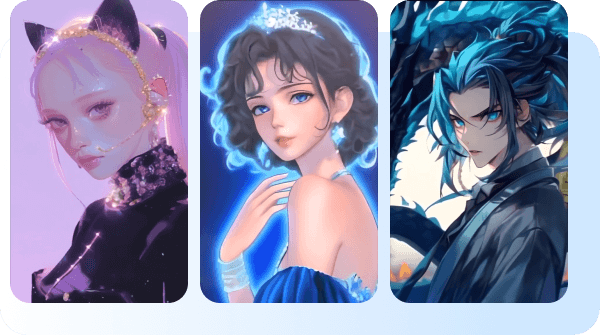
Explore AI Photo Filter Styles
From anime to 3D, sketch to cartoon—discover creative transformations powered by AI.
Add 3D Depth to Your Photos
Transform your photos into 3D models with Dzine's AI art filter. Instantly create immersive, realistic 3D effects for avatars, product designs, or landscapes.
Neural Synthesis Engine Benchmarks
A rigorous technical evaluation of the leading generative video architectures.
Values represent averaged performance across 500 standardized diffusion passes.
| METRIC CLUSTER | Seedance 2.0 | Kling 3.0 | Sora 2 |
|---|---|---|---|
| Mean Latency (60) | 1.24ms | 0.98ms | 1.42ms |
| VRAM Allocation | 24GB | 32GB | 16GB |
| Temporal Delta Score | STABLE | STABLE | DRIFT |
| Core Frequency | 2.4GHZ | 2.8GHZ* | 3.1GHZ |
| Prompt Fidelity | 94.2% | 98.9% | 91.4% |
Tips for using the online AI image generator
The best image generation starts with a solid concept, a simple image prompt, and some strong reference images. Use these tips to spark ideas, guide the AI image generator, and get results you’ll love.
Start with a simple prompt
Start with a simple 4-5 word phrase, such as ‘raining soccer balls in the desert.’ Then experiment with different words to see what else Text to Image can create for you. For the best results, be as descriptive as possible. Use simple text prompts and iterate.
Upload reference images or shapes
Upload an image whose style you want to replicate, for example, create a white 3D sphere on a blue background. Then build on that structure to generate similar shapes like basketballs, soccer balls or anything round you can imagine.
Create in stages
Use generative AI whenever you're inspired to create images, then reuse the images as style references later. For example, you could create an underwater macro photo of colorful blobs, then reuse that same image to generate more.