
What Is an AI Animated Photo?
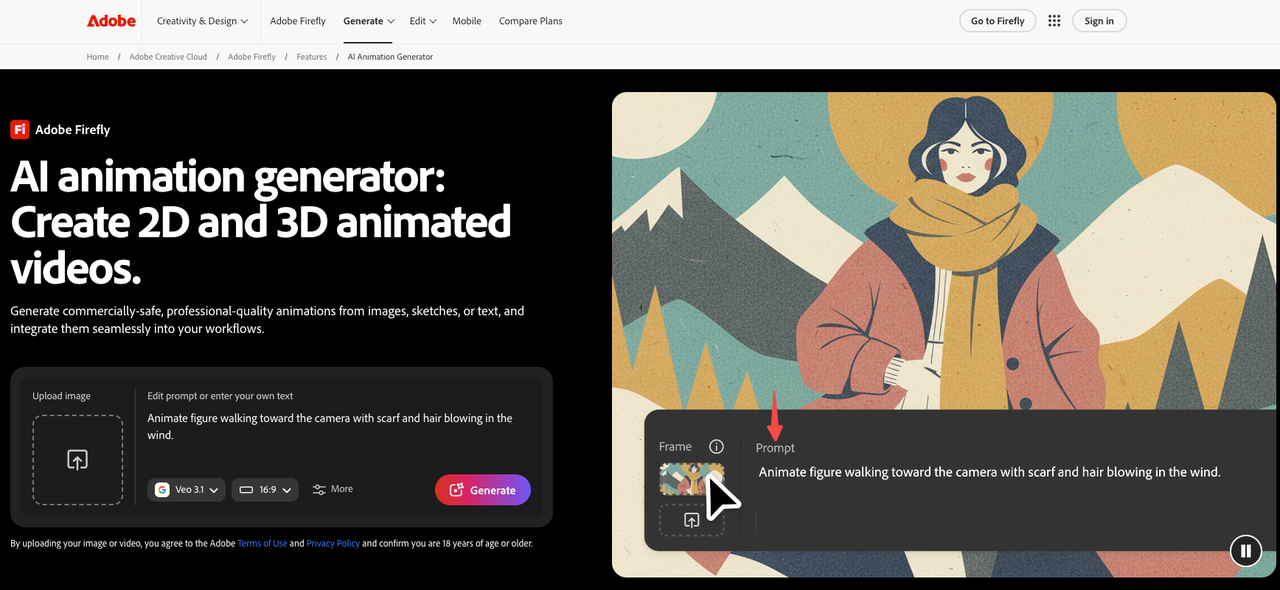
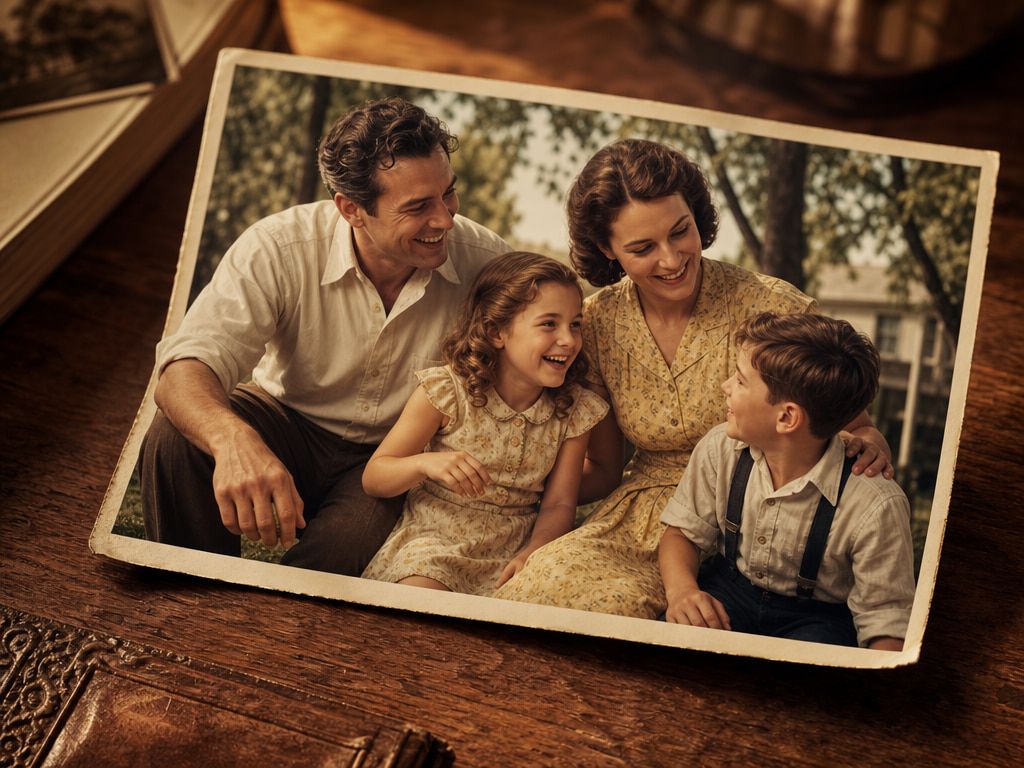
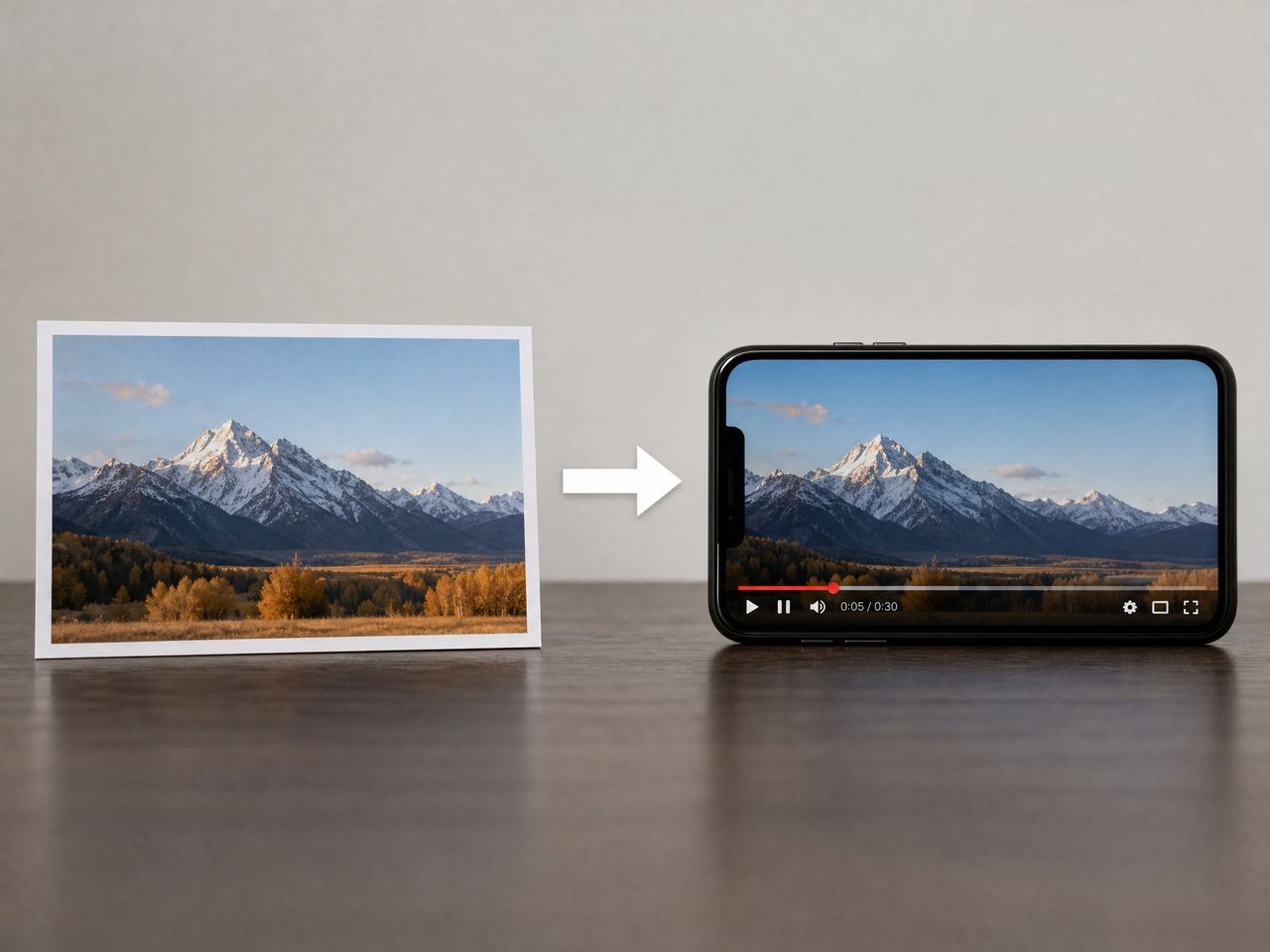
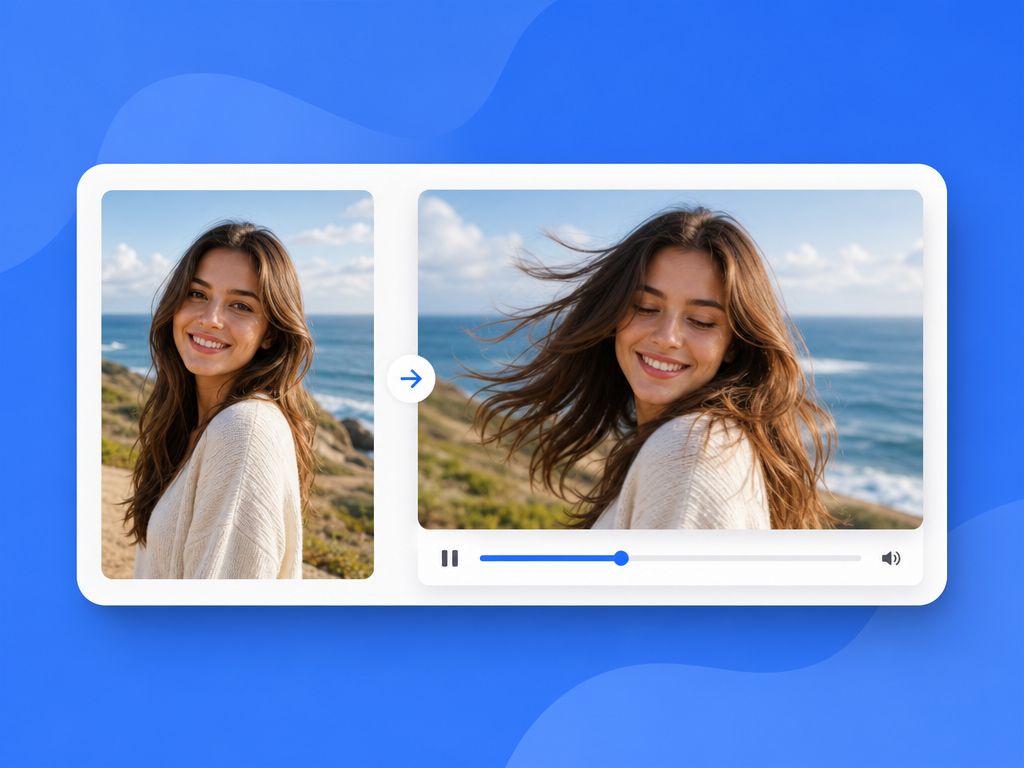
An ai animated photo is a short video clip generated from a single still image — typically 3 to 8 seconds — where the model synthesizes motion that wasn't in the original frame.
It's not a GIF. It's a video file with temporal coherence across frames, meaning the AI decides how each pixel moves relative to the ones beside it over time. That's fundamentally harder than generating a static image, which is why outputs vary so much between runs.
The terminology gets messy — "animated image ai," "ai animated image," "animated picture ai" — these all describe the same output: a still image used as the first frame condition for a short video generation. The ai animated images you see in short-form feeds are almost always this format.
What separates a usable result from a broken one comes down to how the model handles three motion layers at once.
How AI Animated Photos Are Made
The underlying technology is image-to-video diffusion modeling — the model takes your uploaded image as a conditioning frame, then predicts how pixels should evolve over time. It's learned motion priors from large video datasets: how fabric moves, how hair shifts, how a face breathes.
It's not copying motion. It's predicting motion that's statistically plausible for your input. "Plausible" doesn't mean "correct for your specific image" — that gap is where most QA failures live.
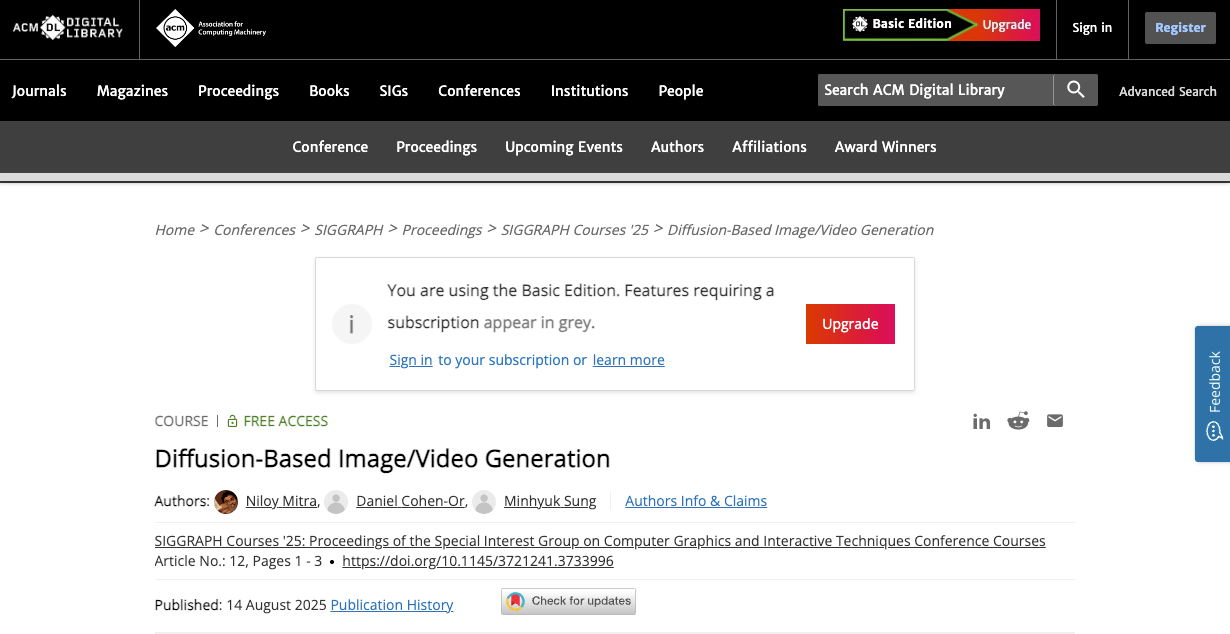
The SIGGRAPH 2025 diffusion course frames these models as operating on spacetime: not just spatial pixels but temporal coherence across frames. When it breaks, it breaks in time — frame five doesn't match frame two.
Three layers the model manages simultaneously:
Subject Motion
The character's body, face, or object responding to implied physics — coat shifting, eyes that seem to breathe. This layer breaks first. Facial drift starts appearing reliably after 4–5 seconds. Under 3 seconds, subject motion tends to hold.
Camera Motion
The synthetic perspective shift — slow zoom, pan, parallax. More controllable than subject motion because it operates on the whole frame rather than tracking face topology. According to a 2025 review in Springer Nature's AI Review, camera motion methods now allow pan, tilt, and zoom to be specified separately from subject motion — tools that expose these controls give a meaningful stability advantage.
When it drifts: background warping at edges, or a "rubber reality" feel where parallax doesn't match real optics.
Background Motion
The ambient layer — trees, fog, water, shifting light. Most forgiving, and useful for masking minor subject drift. The trade-off: flat or solid-color backgrounds lose this buffer entirely. For studio portrait setups, background motion does nothing for you.
Best Creator Use Cases
Based on repeated generation passes across clip types, here's where ai animated images hold versus where they don't:
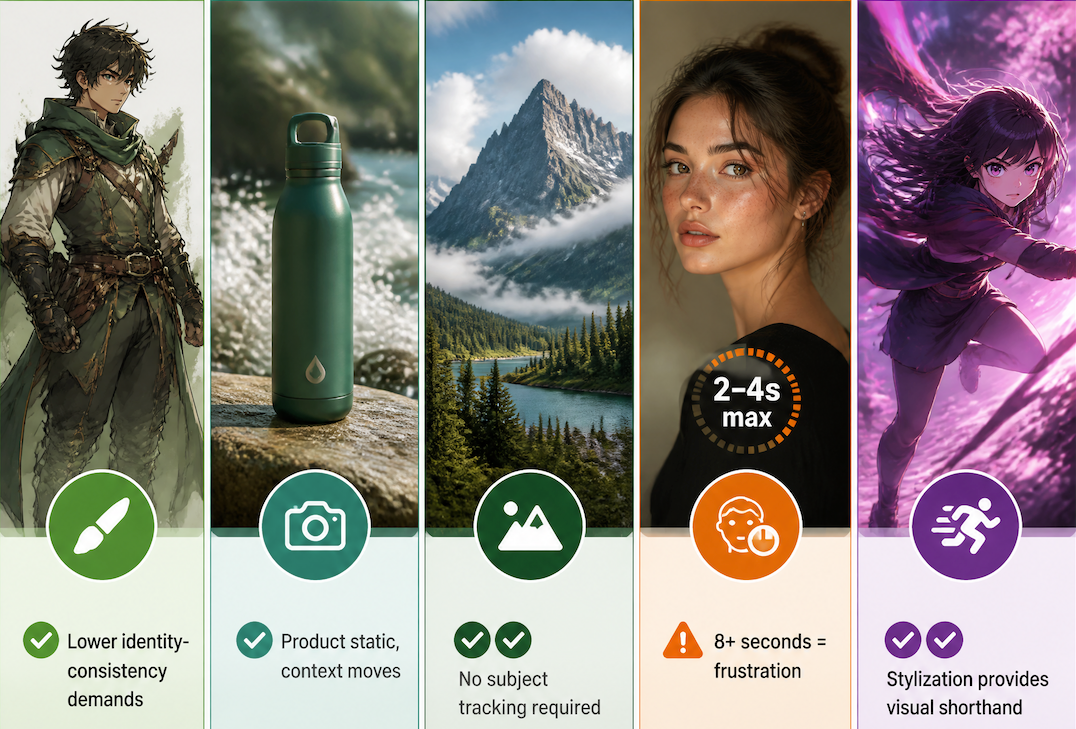
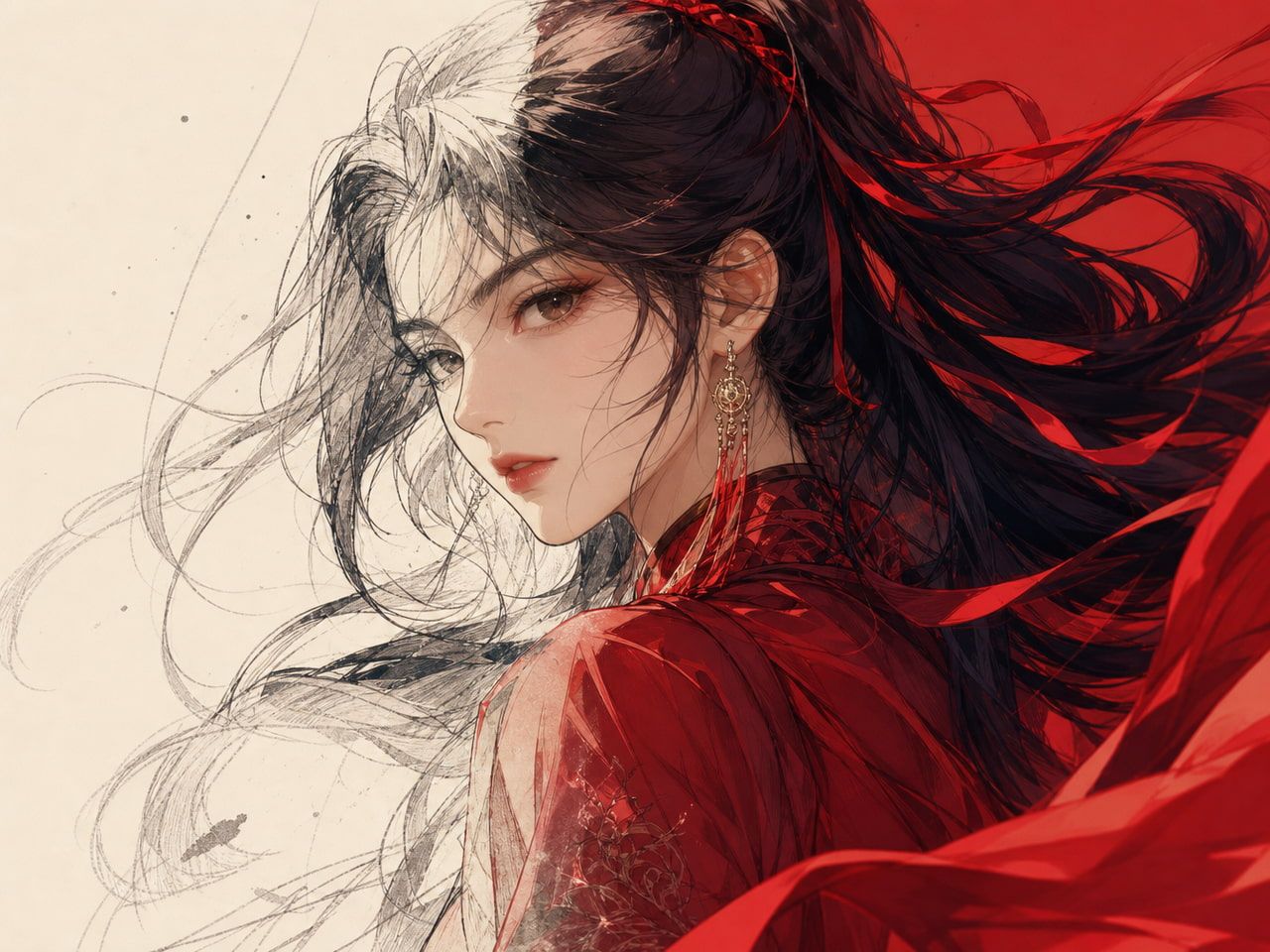
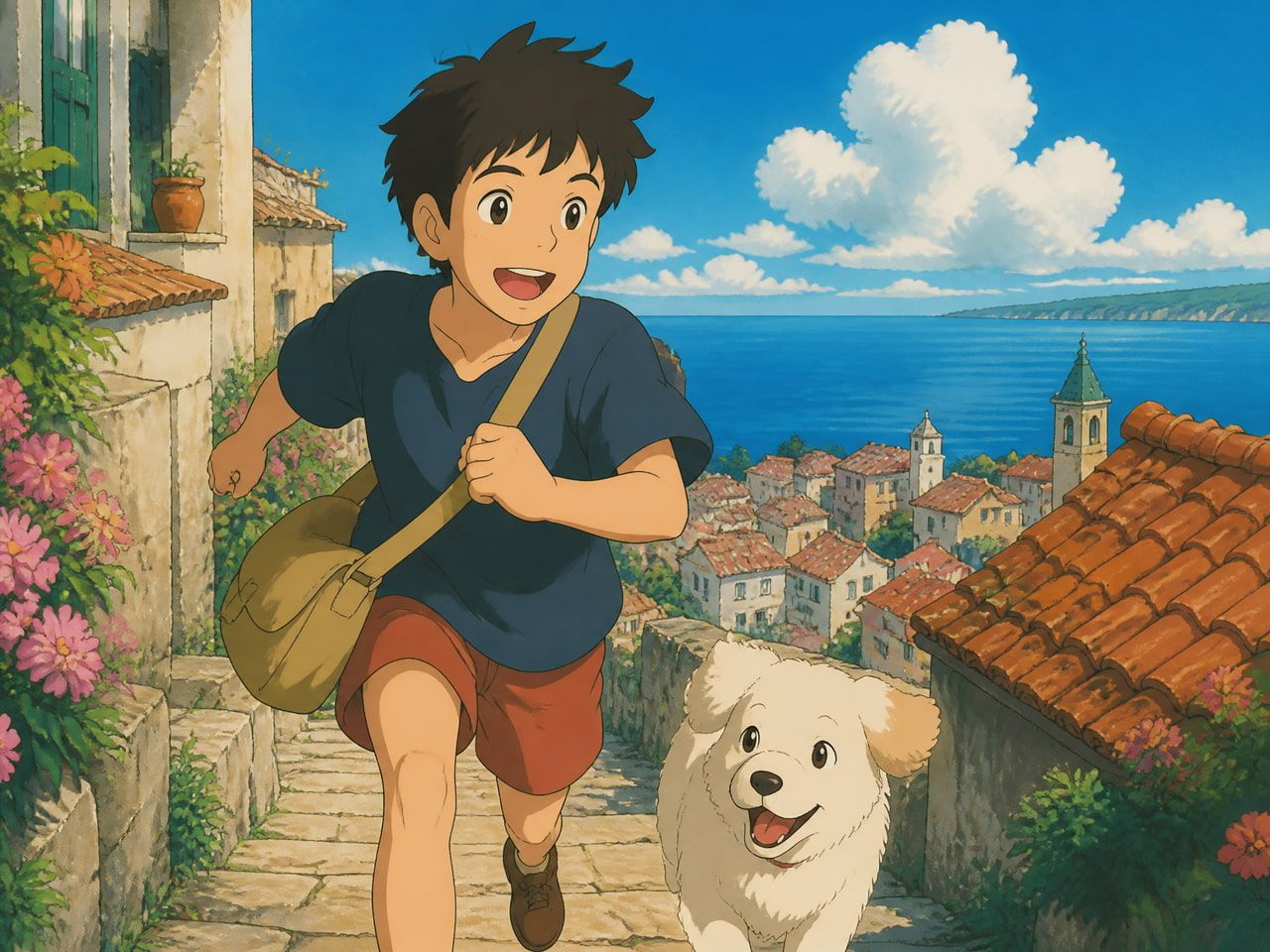
Character concept art — Stable. Stylized or anime-style images have lower identity-consistency demands than photorealistic portraits. Slight drift reads as natural, not broken.
Product lifestyle shots — Solid. A product on a surface with ambient environmental motion holds reliably. The product isn't moving — only the context is. Low-motion-demand scenarios are where these models perform best.
Landscape and environment clips — Best stability of any category. No subject tracking required. Usually usable on the first or second pass.
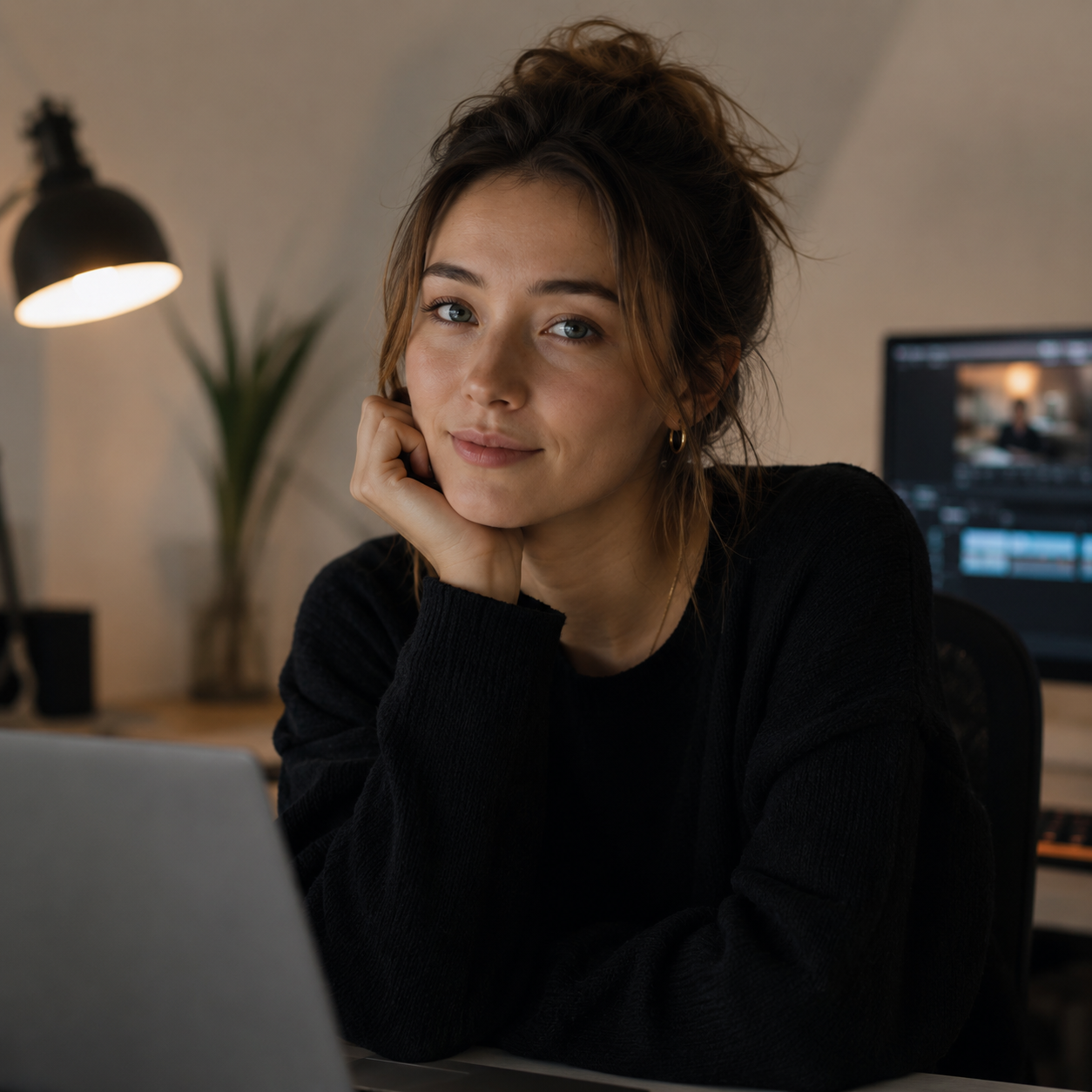
Portraits with identity requirements — Usable only at 2–4 seconds, and only without precise facial animation. If the brief requires someone to look recognizably themselves across 8+ seconds — this workflow will frustrate you. Not broken, just at its current limit.
Stylized or anime art — Consistently strong. This is where ai animation photo workflows punch above expectations. Stylization gives the model a visual shorthand without over-constraining face topology.
For ad applications: Vidu's Image to Video supports product and character inputs for short commercial clips, with commercial licensing on paid plans.
What Makes Animated Photos Look Stable
A few conditions consistently push results toward usable:
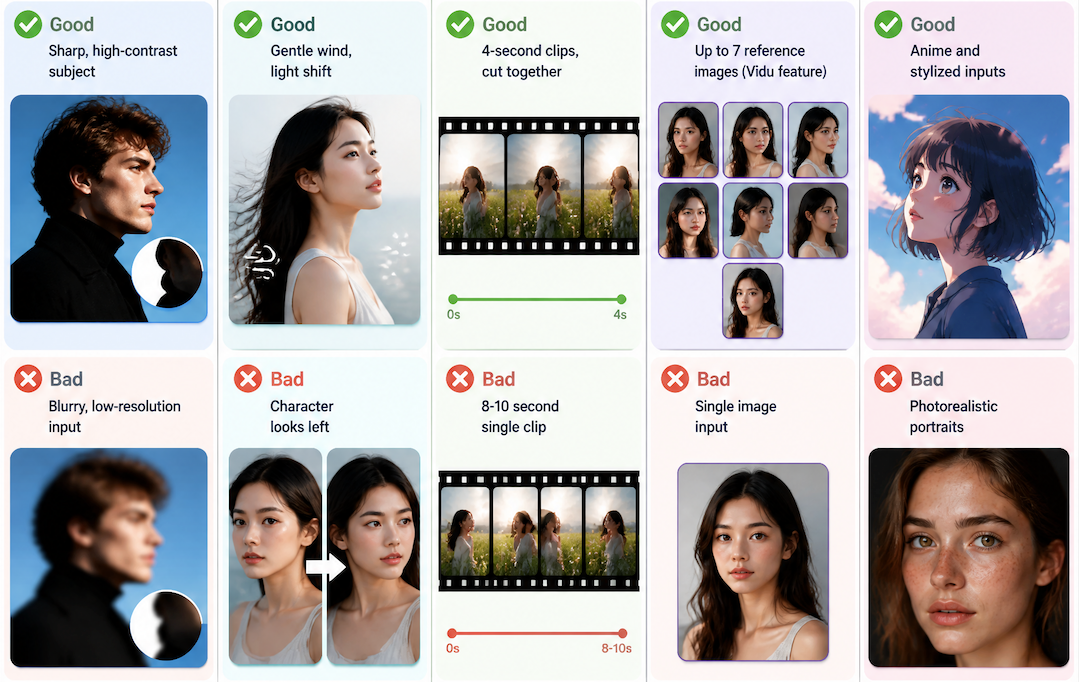
High-contrast subjects with clear edges. Blurry inputs give the model ambiguous boundary information that compounds into edge flicker. Sharp edges give the temporal prediction something to anchor to.
Implied motion, not commanded motion. "Gentle wind, ambient light shift" is more stable than "the character looks left." The first adds motion without changing the subject's pose; the second asks the model to transform the face.
Short durations. Subject identity holds at 3–5 seconds. The gap between a 4-second pass and an 8-second pass isn't marginal — plan to work in short clips and cut together.
Multiple reference images. For character-forward workflows, Vidu's Multi-Reference Consistency accepts up to 7 reference images — in testing, this meaningfully reduced face drift compared to single-image inputs.
Stylized over photorealistic. Lower fidelity demands mean more model tolerance for variation, fewer failed passes.
FAQ
Is an AI Animated Photo a Video?
Yes — a video file with actual frame-by-frame temporal data, not a looping GIF. The animated picture ai generates is typically MP4, droppable directly into a timeline or posted to short-form platforms as-is.
Can AI Animated Photos Preserve Identity?
Partially. For stylized characters: yes, generally strong enough for creative use. For photorealistic portraits: identity drifts noticeably past 4–5 seconds. The image-to-video diffusion research literature identifies maintaining appearance fidelity alongside motion quality as the core unsolved challenge of I2V generation. Multi-reference inputs reduce drift, but don't eliminate it.
What Image Styles Work Best?
In descending order of observed stability:
- Environmental / landscape (no moving subject)
- Product on surface with ambient scene
- Stylized or anime character art
- Illustration-style portraits
- Photorealistic portraits (short durations only)
High contrast, clean edges, and uncluttered compositions consistently outperform regardless of style category.
Can Creators Use AI Animated Photos in Ads?
Yes, with caveats. Commercial licensing typically requires a paid plan. On Vidu, Standard and above plans include commercial rights without watermarks. For ad production, short motion clips from product images — 5 seconds or under, ambient motion only — tend to be the most reliable category. Worth checking before any commercial use: if the input image contains a real person, review the platform's content policy. This isn't unique to ai animated image workflows — it applies to any AI-assisted content involving identifiable human subjects.