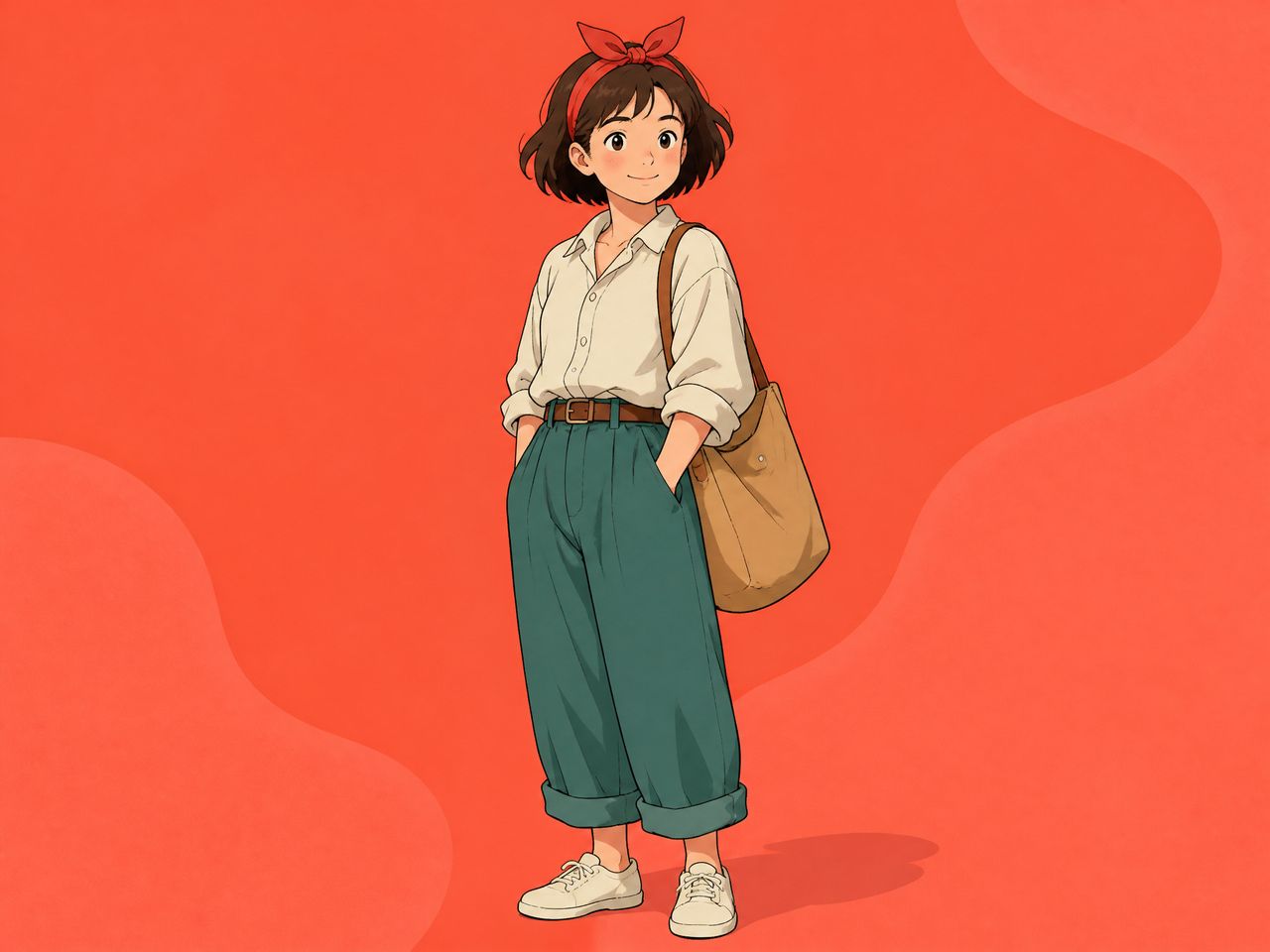
What Is an AI Animation Pipeline?
An animation pipeline is the sequence of steps that takes a project from concept through to finished, publishable output. In traditional production — the kind detailed in a 3D animation pipeline for a studio — that means dozens of departments and months of pre-production.
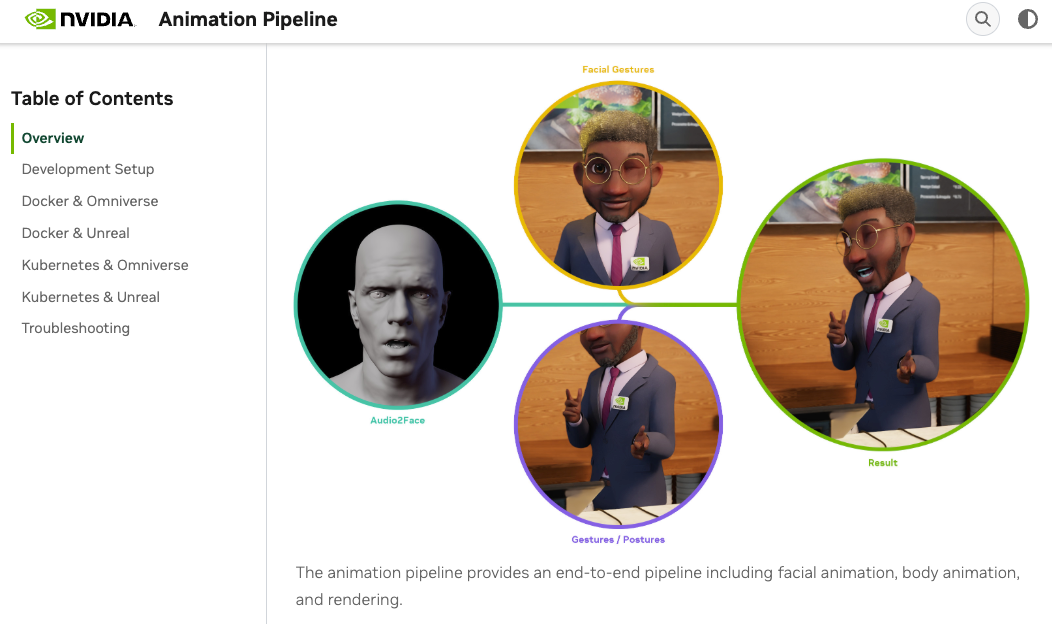
For a small team using AI generation tools, the definition is lighter. The pipeline doesn't need to be big. It needs to be repeatable.
The animation workflow compresses — but the stages don't disappear. Concept, character setup, generation, review, publish. What changes is how much of the heavy lifting gets handled by generation rather than frame-by-frame creation.
What counts as "having a pipeline": you can hand off a project mid-way and the next person knows what files exist, what's approved, and what still needs to run. If that handoff requires a fifteen-minute explanation, you don't have a pipeline yet.
A Lightweight Pipeline for Small Teams
This is the animation production pipeline structure that held across three short series — not on the best day, but on the average day with one person out and a deadline the next morning.
Concept and References
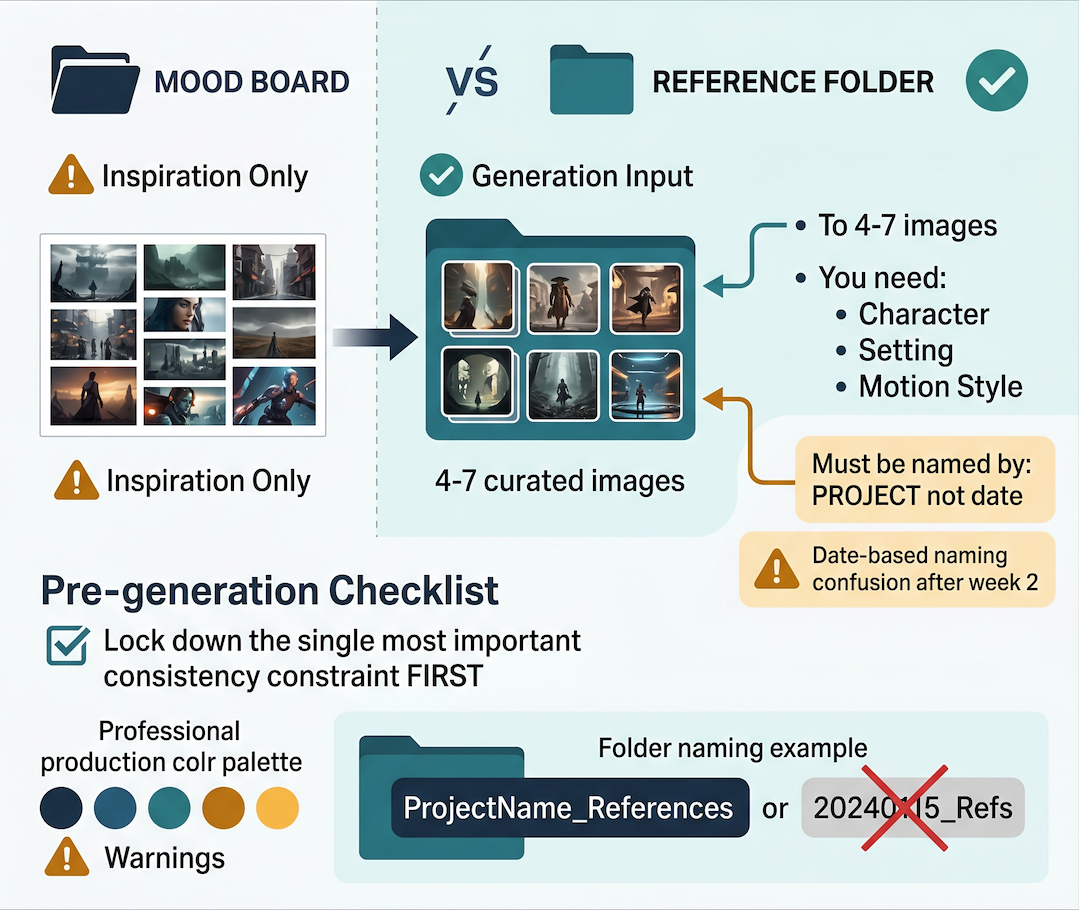
The concept stage has one output: a reference folder, not a mood board.
Mood boards are fine for inspiration. They don't help the generation model. What helps is a named folder with four to seven images that define the character, setting, and motion style. Those images become the inputs you return to across every scene.
Name the folder for the project, not the date. Date-based naming creates confusion after week two. One decision before generating anything: what is the single most important consistency constraint for this project? Lock that down first.
Character and Style Setup
Character animation is where most small team pipelines break down — not because the tools fail, but because the character wasn't built before generation started.
The setup stage means running three to five test generations before any clip is official. The purpose isn't to get a great clip. It's to find the prompt structure and reference combination that produces stable, repeatable output for this character in this style.
At this stage, the goal is less about individual outputs and more about establishing a repeatable pattern. This is where consistent character workflows matter — a fixed reference set is used to preserve identity across multiple generated clips instead of treating each scene as a new starting point.
From there, run the same test prompt across different reference combinations and compare results.
What matters is what holds: which reference set produces the most consistent face, and which prompt structure minimizes drift. That becomes your character sheet for the rest of the project.
Scene Generation
One variable changes per scene: action, camera angle, or environment — not all three. Multi-variable generation produces multi-variable drift, and when something goes wrong you can't identify the cause.
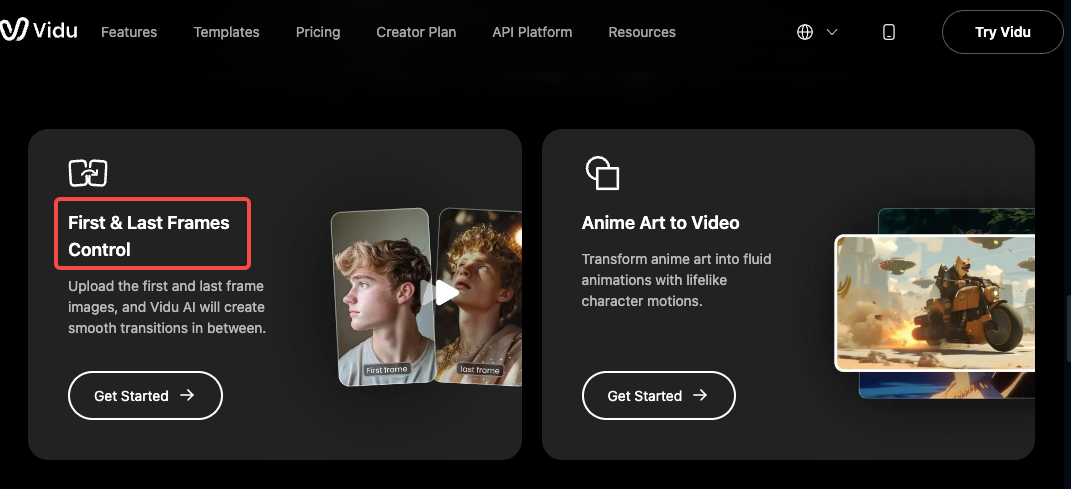
For transitions, Vidu's First & Last Frames Control lets you specify the start and end frame of a clip, keeping the motion arc predictable between scenes. Test each transition pair before generating the full scene.
Track approvals in a shared document, not in your head. Even a simple spreadsheet — scene number, status, file name — prevents the version confusion that breaks animation asset management in collaborative production.
Review and Publishing
Review has one job: catch drift before the clip leaves the team.
The review pass should happen after a break, not immediately after generation. Specifically check: does the character look like the same person from clip one? Are there motion artifacts in the last two seconds?
Publishing specs — resolution, aspect ratio, platform format — should be standardized before the project starts, not decided per clip.
What to Standardize for Repeatable Output
Three things worth standardizing in a small team animation workflow:
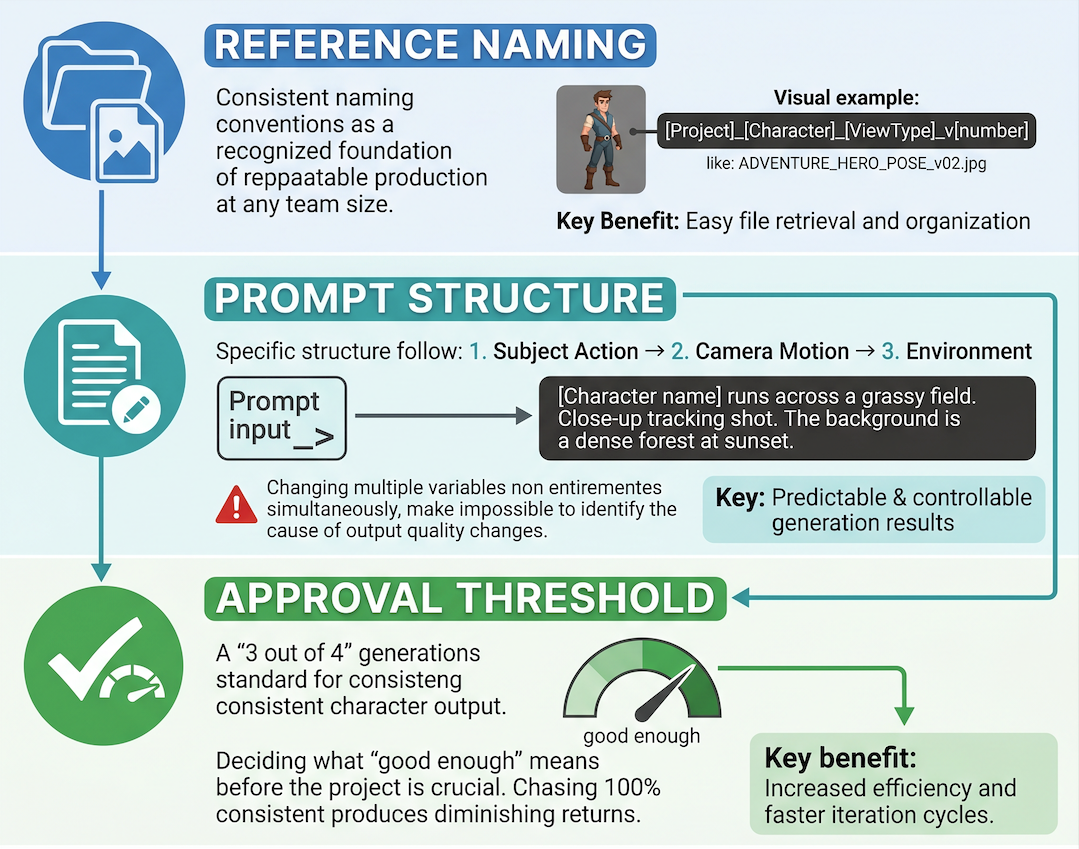
Reference naming. Every reference image gets a consistent name format: [Project]_[Character]_[ViewType]_v[number]. Consistent naming conventions are a recognized foundation of repeatable production at any team size.
Prompt structure. Find the structure that works for your character — subject action first, camera motion second, environment third — and keep it. Changing prompt structure and reference images simultaneously makes it impossible to know what caused a good or bad output.
Approval threshold. Decide before the project what "good enough" means. Three out of four generations producing consistent character output is a workable standard. Chasing 100% consistency produces diminishing returns.
What AI Does Not Replace
An AI video workflow handles generation. It doesn't handle judgment.
The decisions that still require human attention: whether the script makes sense at the scene level, whether pacing holds across all clips, whether a technically consistent clip is actually interesting to watch.
Two things a small team should not skip: a per-project character setup phase and a cold-view review pass before publishing. Both are the stages of the animation production pipeline that catch what you stop seeing after generating the same clip five times.