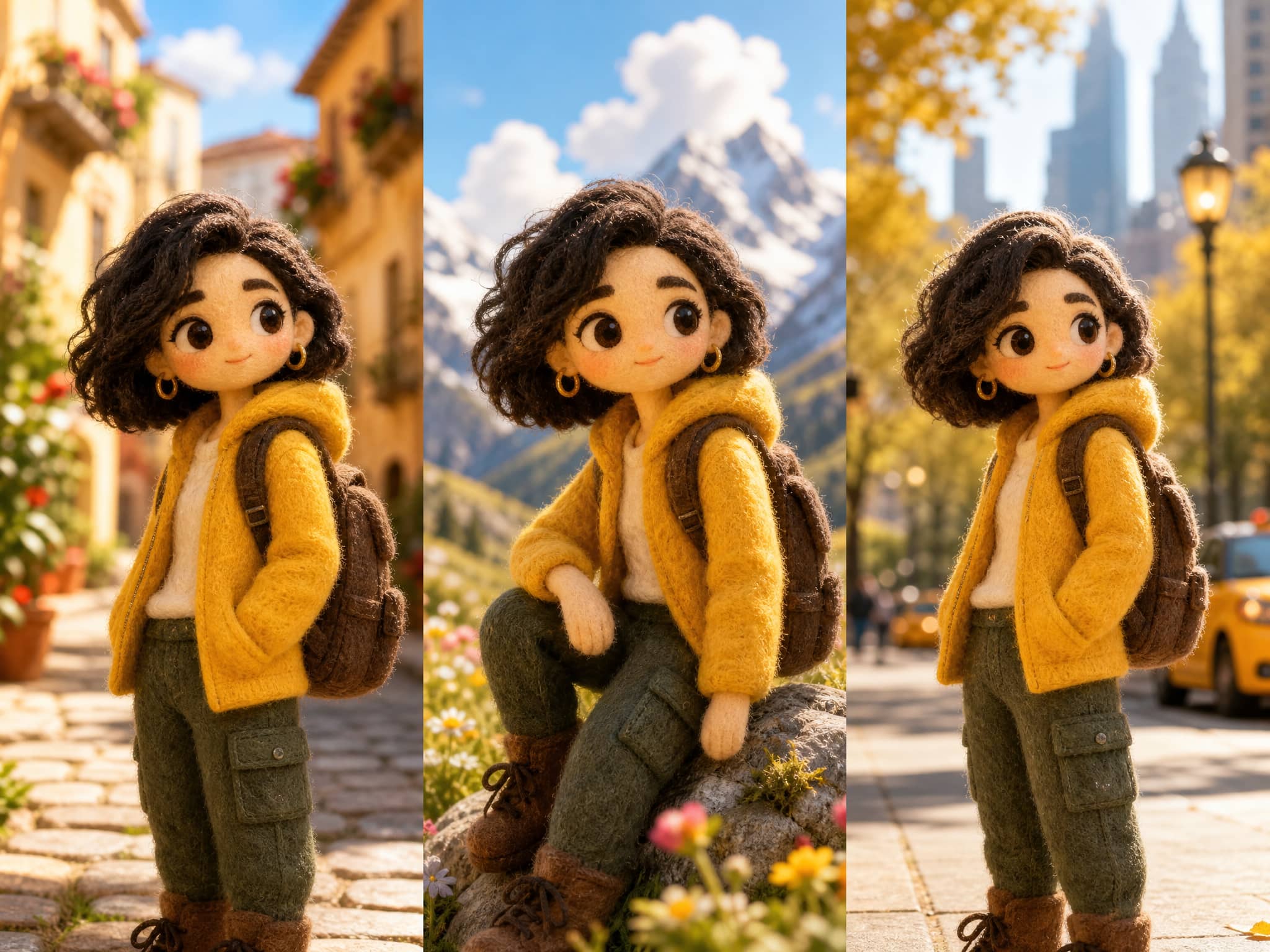
What Is an AI Character Generator?
At its narrowest, an AI character generator takes a text description and outputs a character image. At its broadest, it's a pipeline where a character design becomes a repeatable visual identity across scenes and clips.
For video, the narrower definition fails fast. A single character image is a starting point, not a usable asset. The real test is whether that character survives motion — whether the model treats your reference as a binding contract or a soft suggestion it can revise whenever it feels like it.
That gap is where most workflows fall apart. Character design AI research has been actively trying to close it — NVIDIA's Video Storyboarding work (ICCV Workshop, 2025) names multi-shot character consistency as one of the field's most persistent challenges. The core problem: models generate frames without truly remembering who the character is. Each clip starts fresh. Without deliberate reference conditioning, drift is the default — not the exception.
Why Character Consistency Matters in AI Video
Character drift doesn't just look bad. It makes the whole video feel untrustworthy.
When a character's face changes between Shot 1 and Shot 2, viewers don't consciously register the failure — they just feel like something is off. For creators using AI video for branded content, social storytelling, or serialized formats, that loss of cohesion is the difference between usable output and footage that goes straight to the bin.
Consistent character AI solves believability, not just aesthetics.
The MIT AI Film Hack survey from 2025 is direct: among artists working with generative video tools, consistent character movement ranked as the top priority — above camera control, above overall image quality. Creators voting with their pain points.
What makes it hard:
- Models generate frame-by-frame without a persistent identity anchor
- Reference images are treated as hints, not constraints — especially in longer clips
- Scene changes push the model away from the reference
Stability begins to drop the moment scene context changes.
How to Create a Character for Video Workflows
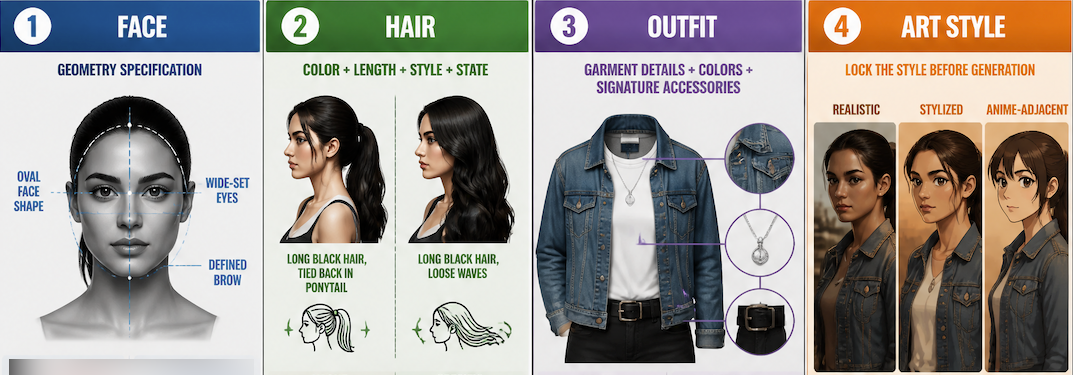
Define Visual Traits
Before generating anything, write out the character's fixed visual identifiers. This is character design AI at its most basic: deciding what must stay fixed before the first generation runs.
- Face: specific geometry, not vague adjectives (oval face, wide-set eyes, defined brow)
- Hair: color, length, style — and whether it's tied back or loose matters for motion
- Outfit: specific garments, colors, signature accessories
- Art style: realistic, stylized, anime-adjacent
The model fills in everything you don't specify — and fills it in differently each time. The more concrete the spec, the less room for drift.
Generate Reference Images
One front-facing portrait is not enough for video. Coverage is what matters:
- Front view (neutral expression, neutral lighting)
- 3/4 angle (how the face reads when not head-on)
- Side profile (especially if the character turns in motion)
- Expression variants (motion amplifies expression inconsistencies)
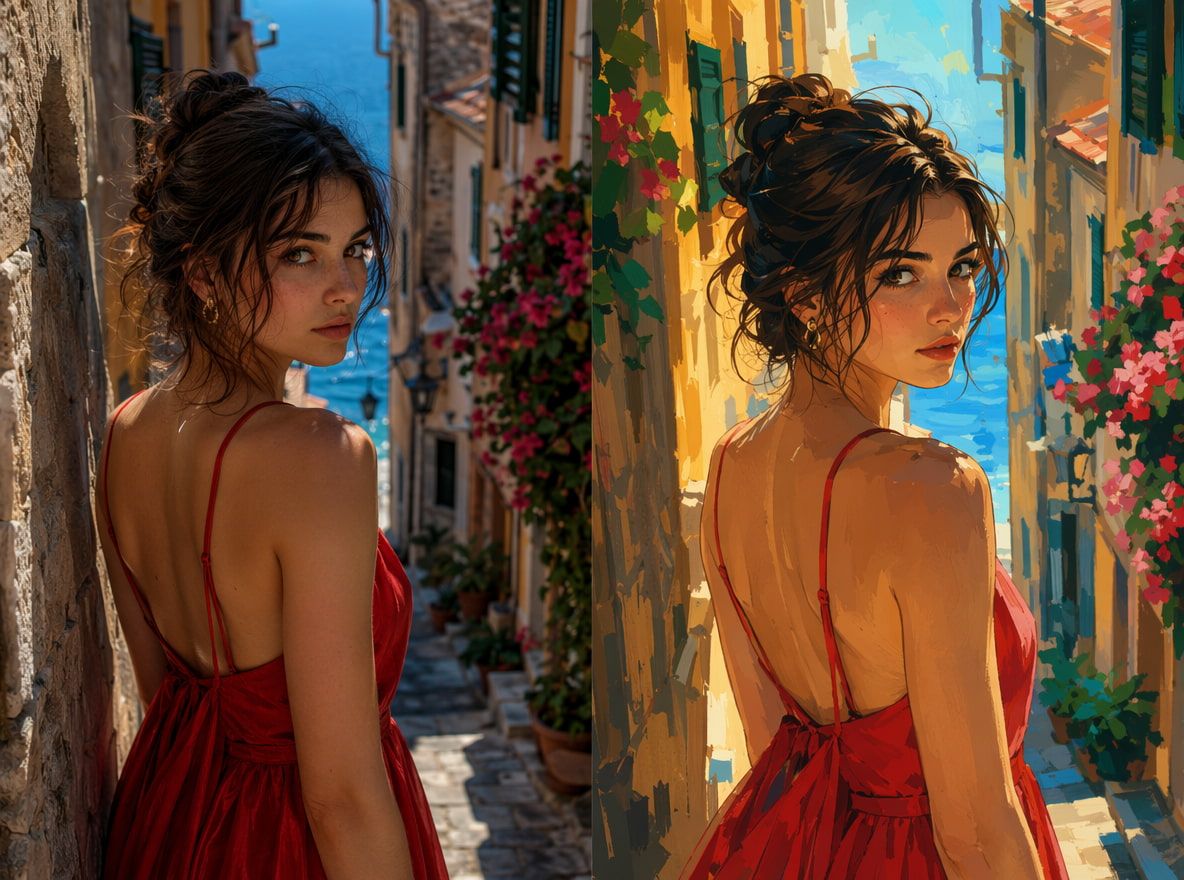
You're trying to give the model enough angles that it doesn't have to invent what your character looks like from a new viewpoint.
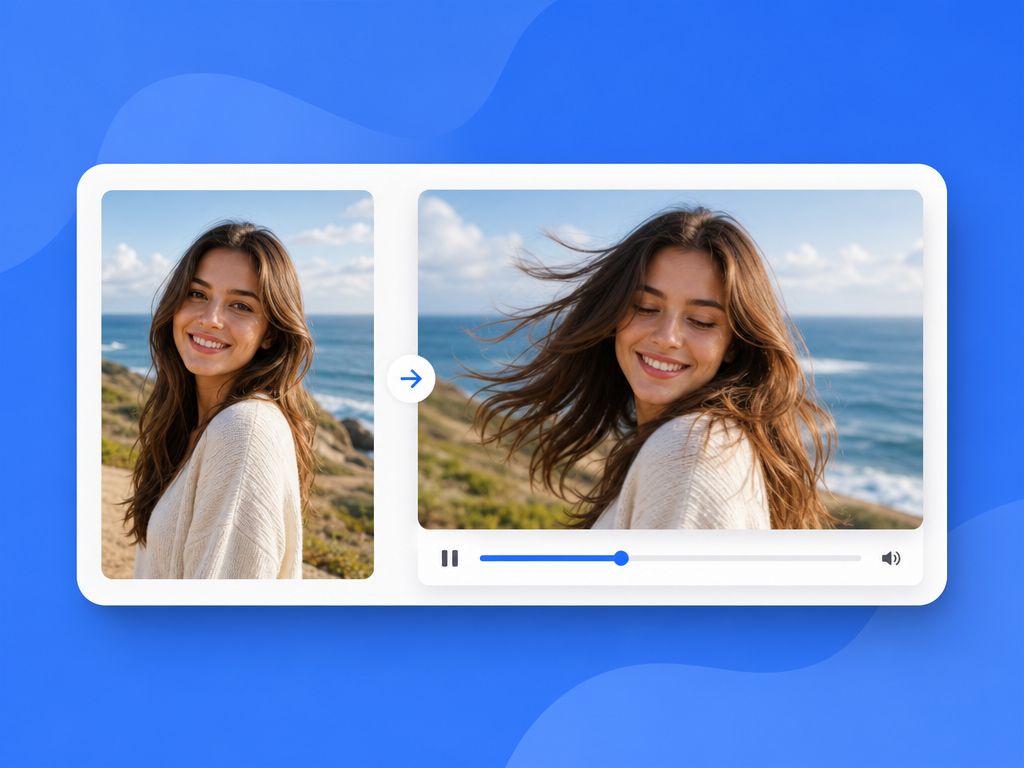
AI Image-to-Motion Video supports up to seven reference images per sequence — faces, outfits, props, and backgrounds simultaneously. In my testing across five consecutive generations, more reference coverage reduced drift. The first two generations still showed some facial inconsistency. By the third, with a proper reference set loaded, the character started reading as the same person across cuts.
Consistency improves when input coverage improves. That convergence is real.
Test the Character Across Scenes
Don't test consistency in a single clip. Test it between clips — different prompts, different scene descriptions, same reference.
Run at least three scene types before committing to a workflow:
- Static scene (character standing, minimal motion)
- Motion scene (walking, turning, reacting)
- Scene change (different background, different lighting)
In my testing: clothing and hair color stayed consistent more reliably than facial geometry — especially around the eyes and jaw. Out of 5 consecutive generations, 3 produced recognizably the same character across a scene change. 2 showed noticeable facial drift by the second clip.
This output is usable in short clips. Not stable enough for longer scenes without additional reference coverage.
Best Uses for Creators
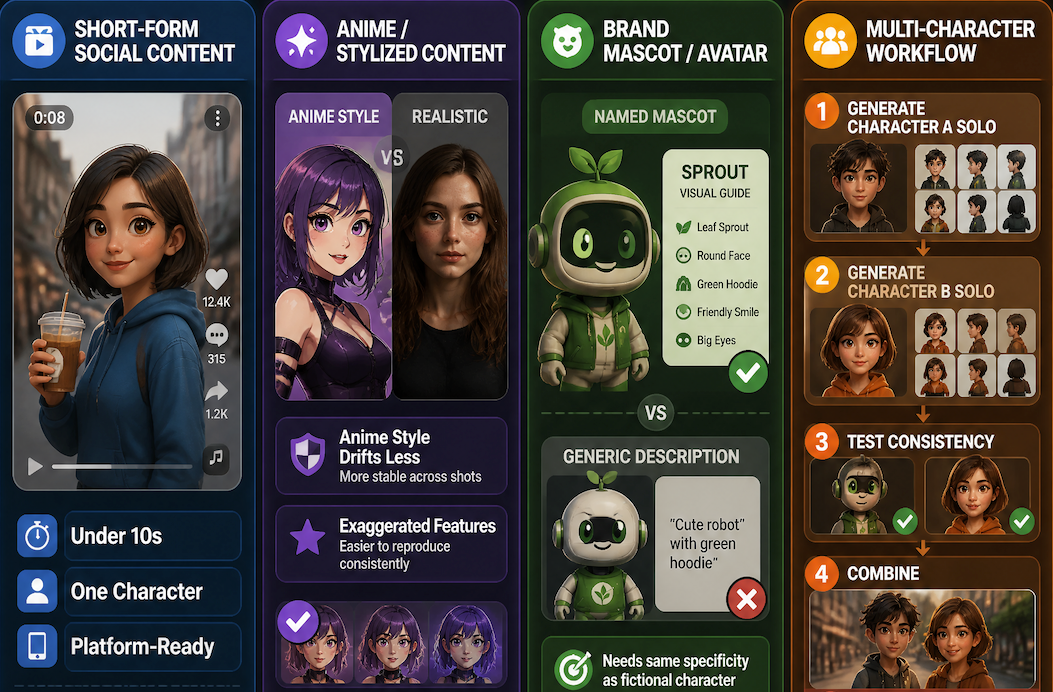
Short-form social content is the strongest use case. Clips under 10 seconds, one character, clean reference set — output is usable without significant manual correction.
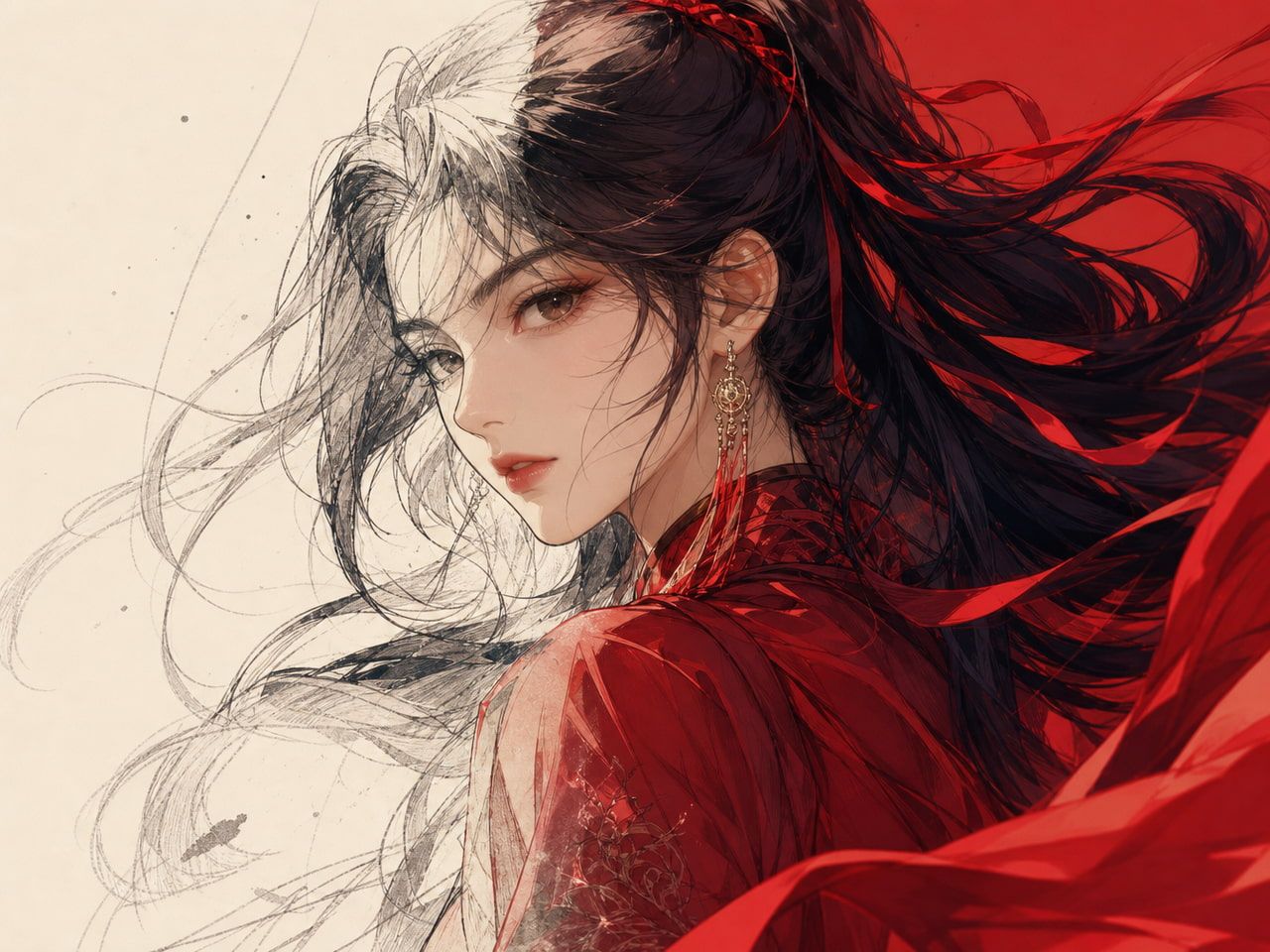
Anime and stylized content holds up better than realistic characters. The exaggerated proportions and high-contrast features that define anime style are easier for models to reproduce consistently. A reusable AI character built in anime style drifts less than a realistic portrait across shots — which is part of why Vidu specifically highlights Superior Anime Generation as a category advantage.
Brand mascot and avatar workflows work well with one caveat: the avatar needs to be defined with the same specificity as a fictional character. Generic descriptions produce drift. A named mascot with documented visual traits holds better.
Multi-character scenes are still hard. Generate each character separately, test solo consistency, then combine. Don't start with the multi-character scene.