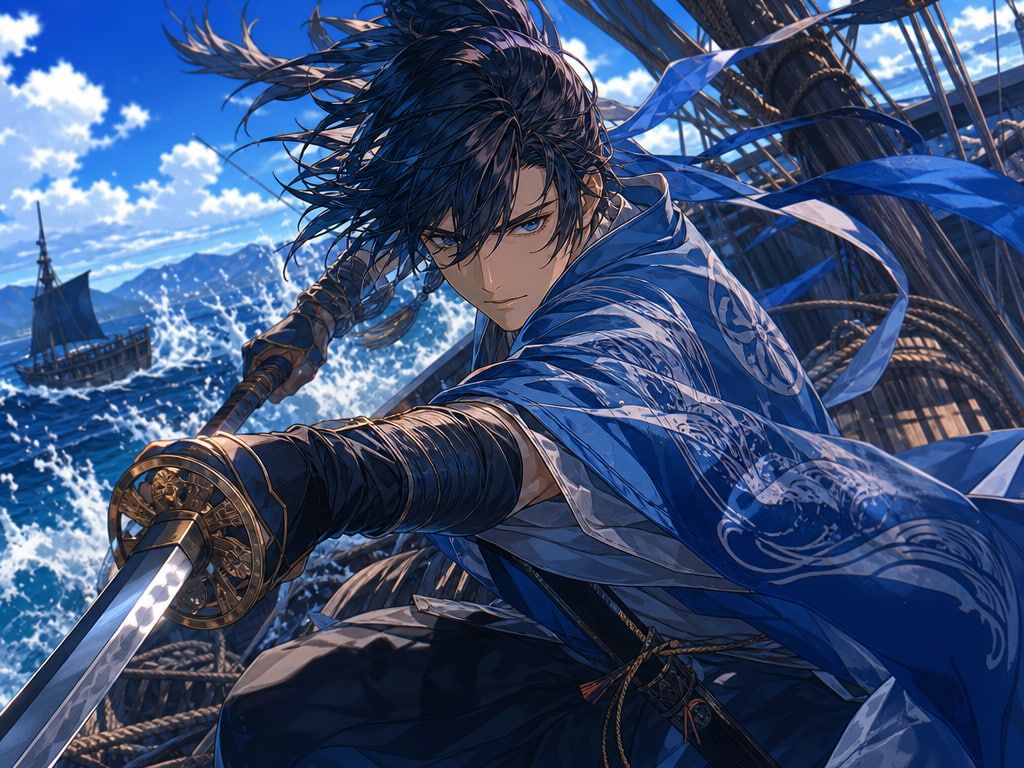
What an Anime AI Image Generator Does
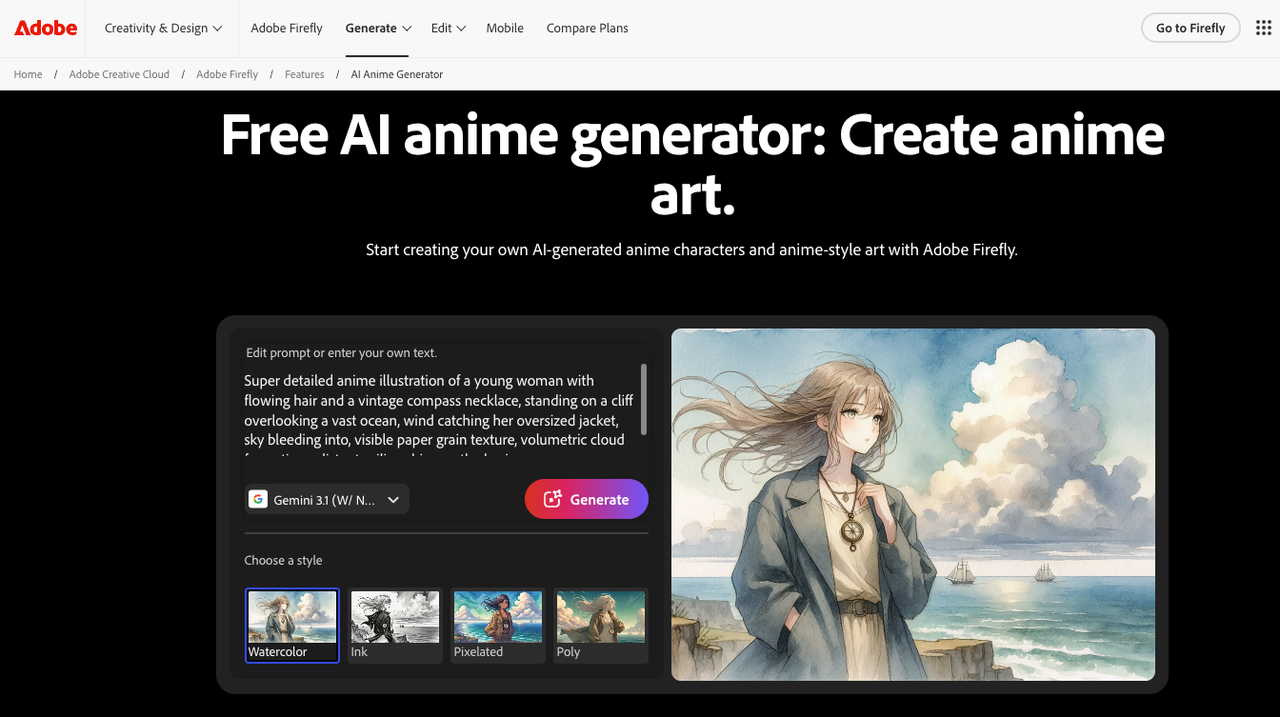
The core function is text-to-image, tuned for anime aesthetics: flat color fills, defined outlines, stylized proportions. Input a description, get an image.
For video work, a single output tells you almost nothing. The third or fourth output from the same prompt is where you find out whether the tool is useful as a reference asset — not "does it look good," but "does it look stable enough to hand off to a video generator and get something consistent back."
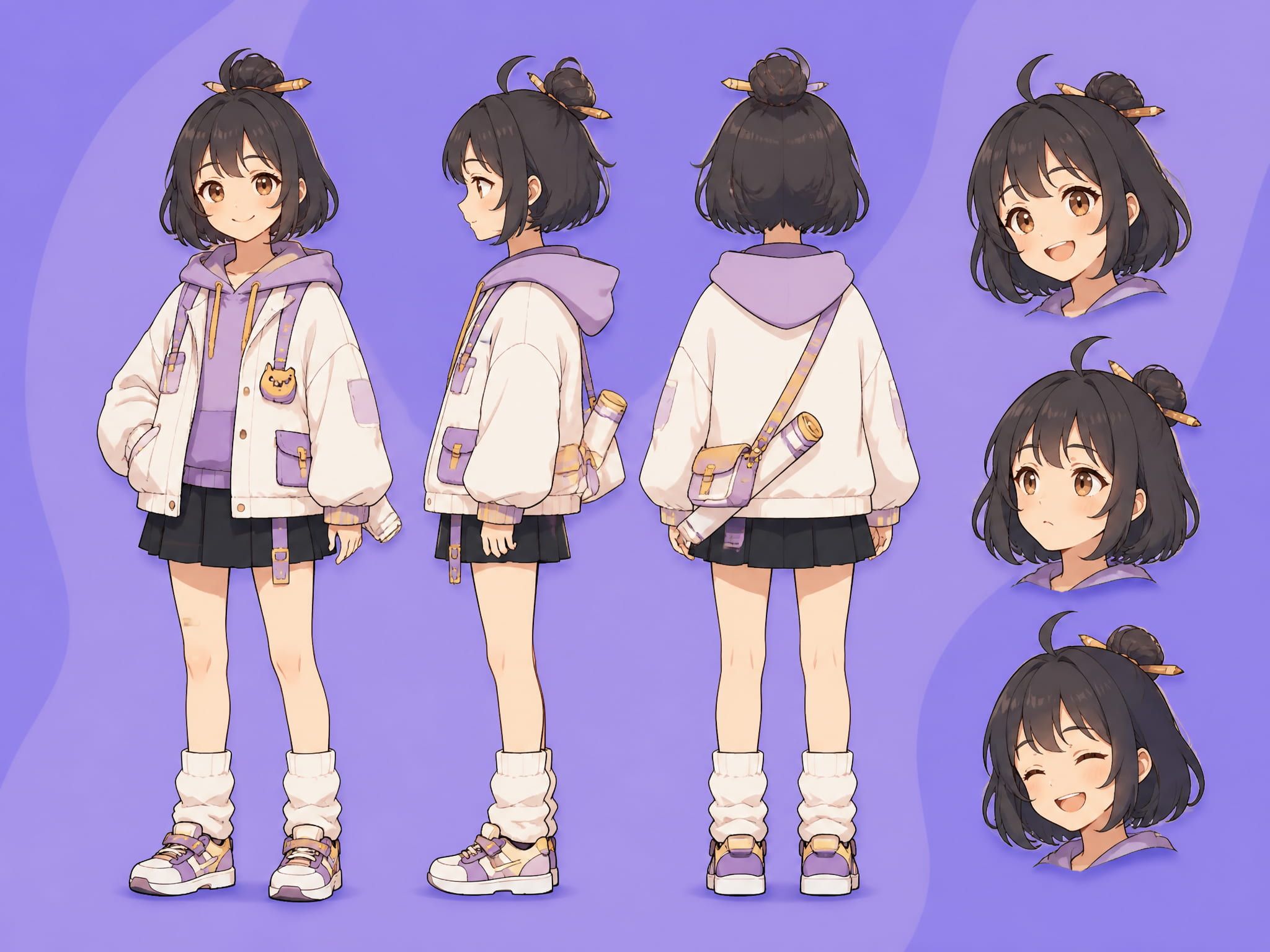
Vidu's text to image tool runs in anime and stylized modes. Across five runs of the same character description, the face structure and hair color held. Outfit details drifted on runs three and four — collar shape changed, a sleeve length shifted — but the core visual identity didn't collapse. That's the threshold that matters before moving to video.
How Anime Images Support AI Video
Character references
A front-facing, neutral-expression portrait on a plain background gives a video model less to interpret and more to hold onto. Busy compositions — multiple characters, detailed environments — introduce ambiguity that shows up as drift in motion output.
I tested both: a portrait-style reference produced usable clips on four out of five runs. A scene-style image of the same character gave me usable output roughly half the time. The anime portrait ai framing — clean, isolated, single subject — is where the reference workflow is most reliable.
Style consistency
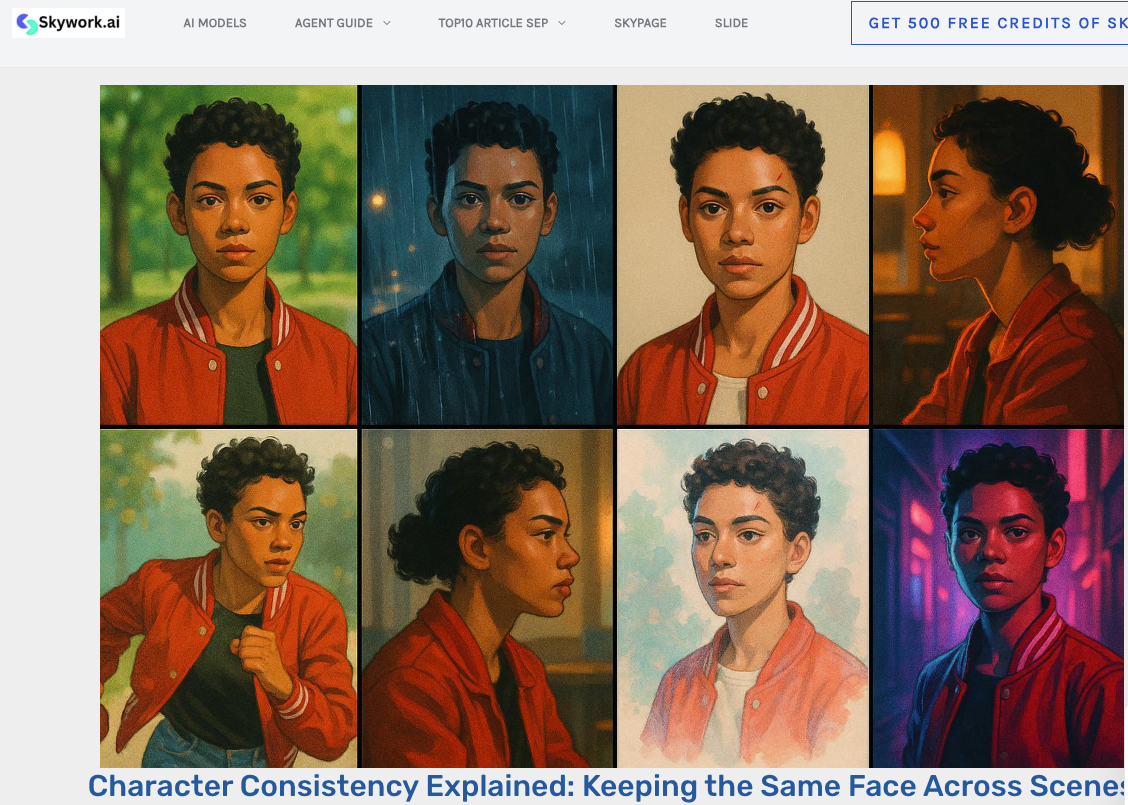
Style drift is a separate problem from character drift. The rendering style — line weight, shading density, color saturation — can shift between frames even when the character's identity holds.
Flat, cel-shaded input images animate more cleanly than detailed or painterly ones. Heavy shading and texture caused the rendering to soften toward photorealistic around the 2–3 second mark. Flatter inputs pushed that boundary later. Research on photo-to-anime translation shows that separating foreground and background processing improves style stability — the same principle applies when using anime images as video input.
Scene concepts
Background and environment references are lower-stakes than character references. The model isn't preserving a face — just animating a setting.
Simple exterior scenes from an anime ai art generator (city street, rooftop, forest clearing) animated cleanly on first or second runs most of the time. The failure point was camera movement: pans and zooms on complex scenes started breaking down past the 4-second mark. Ambient motion prompts — "gentle wind," "light particle effects" — stayed within usable range more consistently.
How to Create Anime References for Video
Define character traits
Before generating, write out the fixed visual traits: hair color, eye color, hairstyle, outfit silhouette. A list, not a paragraph. The more specific the anchors, the more consistent the output across runs.
An ai character generator workflow — where the reference image anchors identity across video frames — depends on this input discipline.
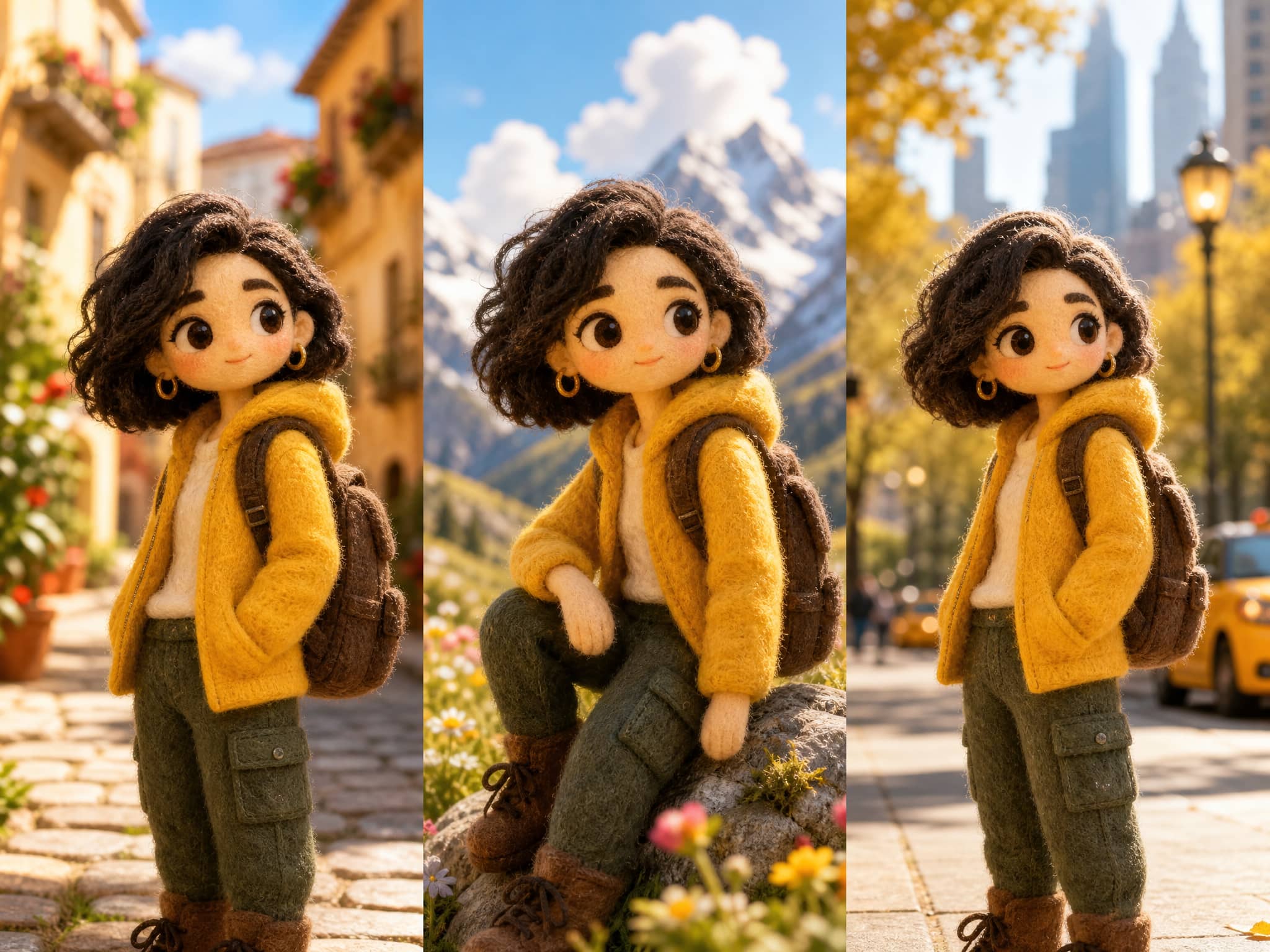
This is where tools like consistent character AI become useful, especially when building multi-image reference sets that need to hold identity across multiple video generations.
Build a small reference set
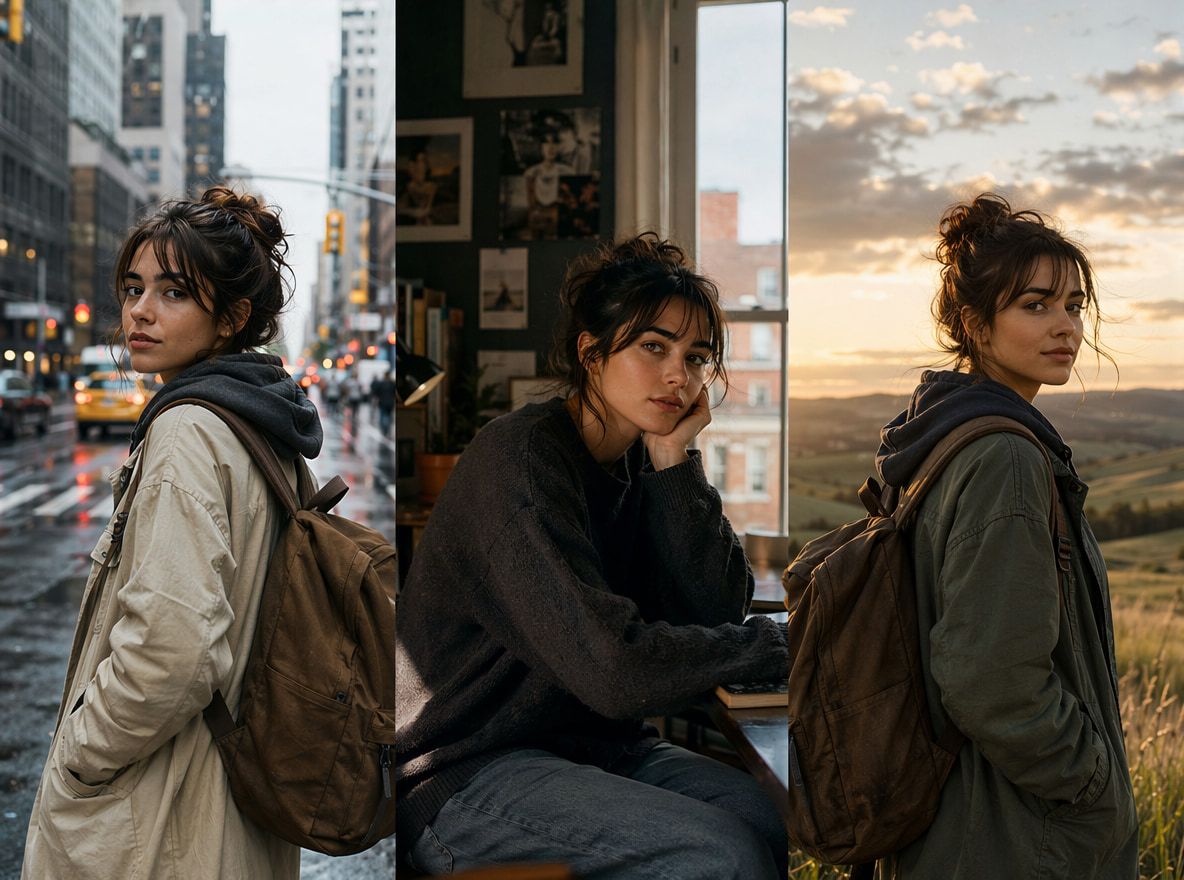
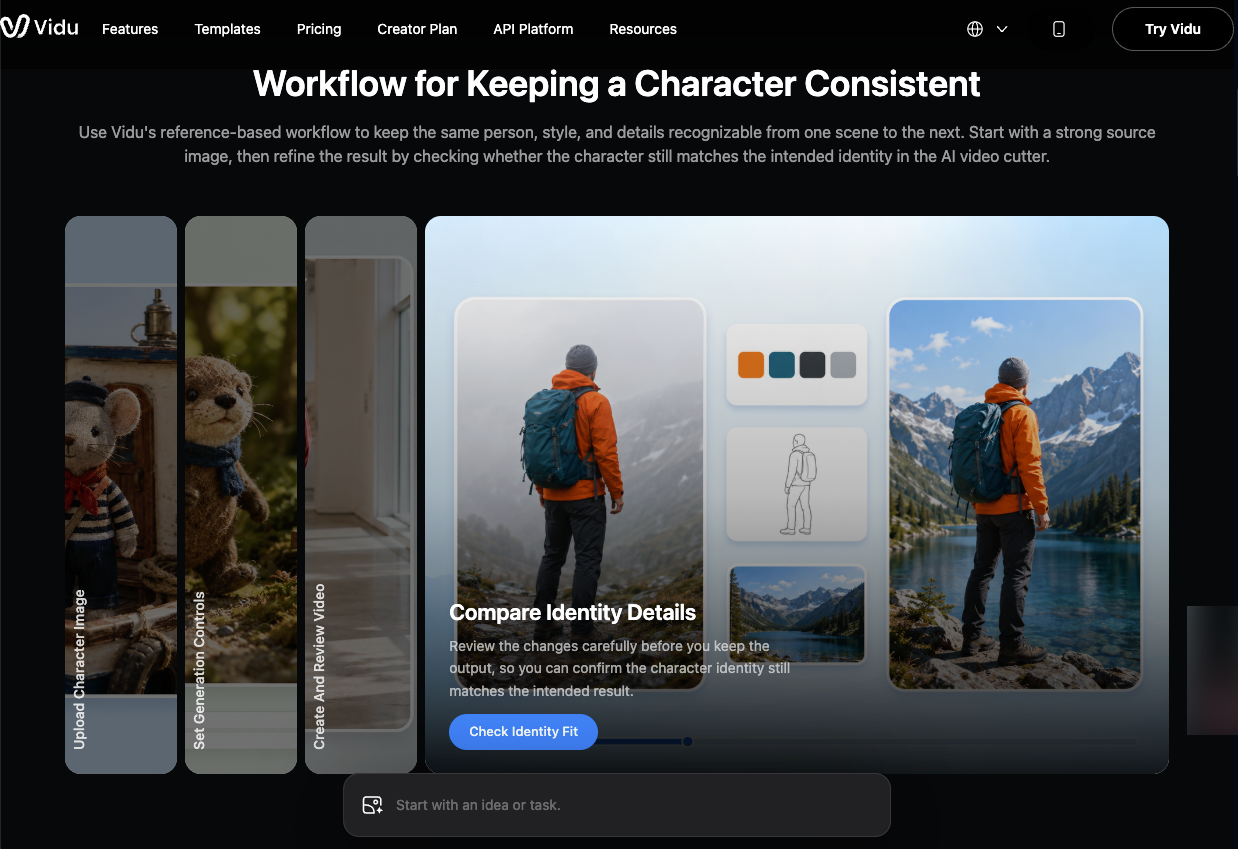
Three to five images: front-facing portrait, three-quarter view, optionally a side profile. More than five introduces diminishing returns — and if one drifted during generation without you noticing, you've added an inconsistent anchor to the set.
Check each image for face structure before including it. If two images in the set look like different characters, the motion output will reflect that.
Test motion with image to video
Run five-second test clips before committing to longer generation. Five seconds is enough to see whether the face holds, whether style degrades, and whether the motion prompt is working. Drift that appears in five seconds will compound in ten.
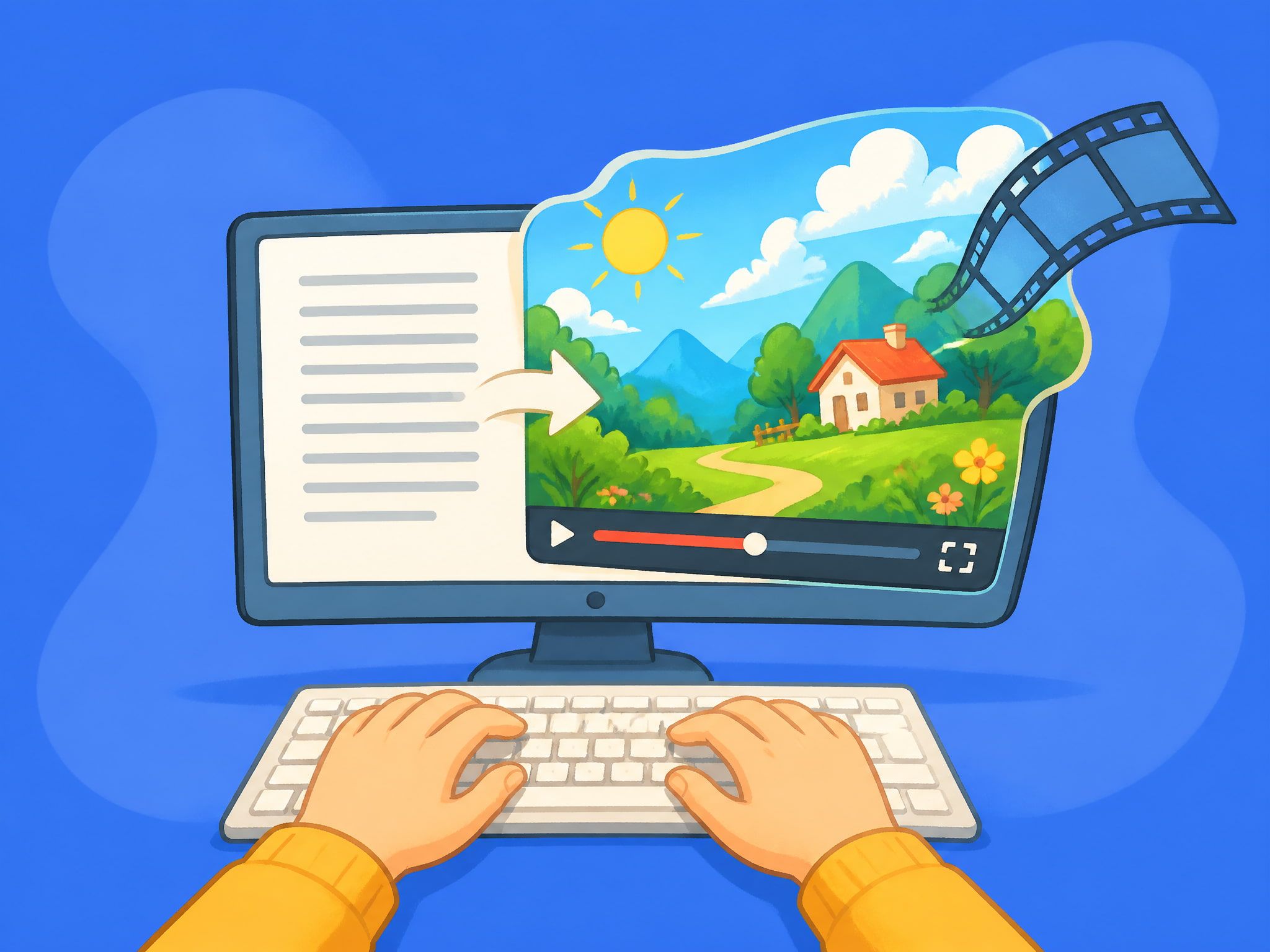
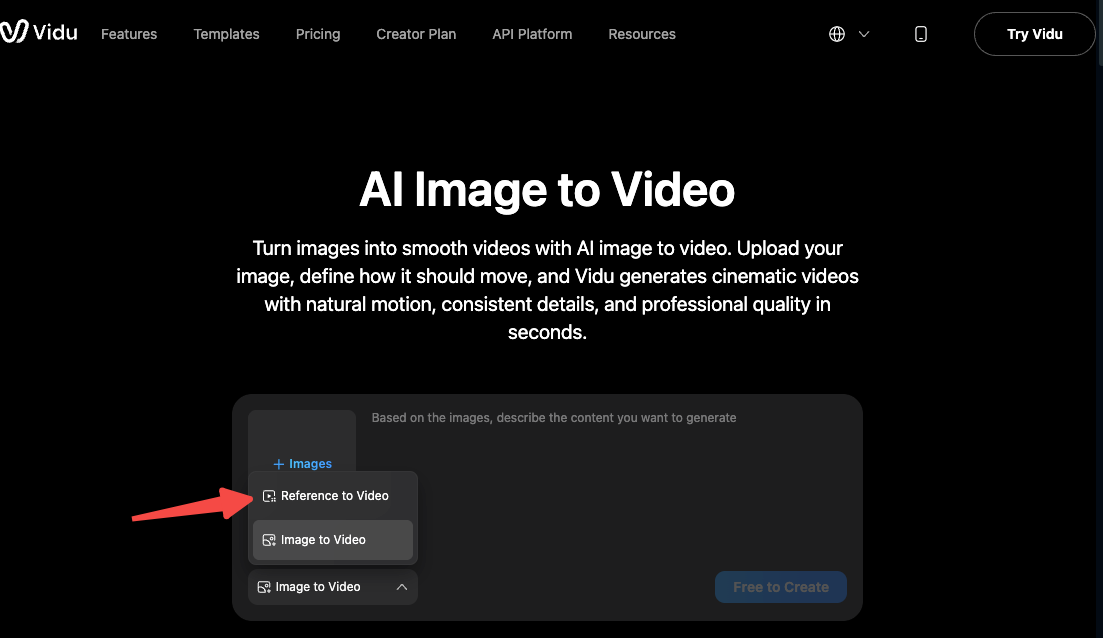
On Vidu, a single portrait reference in Image to Video held the character through the first three seconds on most runs. Facial proportion shifts started appearing at seconds four and five. Switching to Reference to Video with the full portrait set reduced that drift — not eliminated, reduced. Running ai animated image tests at five seconds first is the step that saves the most iteration time.
Limits and Style Drift
Style drift is the default state. The question is whether it stays within acceptable range.
Under eight seconds, anime reference workflows are currently reliable enough for short-form content. Past twelve seconds, even clean reference sets produce visible inconsistency in character appearance.
Complex motion accelerates drift. Ambient motion — hair movement, breathing, light effects — holds style better than directed action. When I prompted for walking or gesturing, the character started looking different by the second or third motion cycle. The model was generating plausible movement but wasn't staying anchored to the reference identity.
The underlying cause is latent space drift: each generated frame samples from slightly different regions of the model's distribution. Reference images narrow the range but don't eliminate it. For short-form creators, the constraint is workable. For multi-clip sequences, it requires a testing habit — generate short, check for drift, keep or discard, then move forward.