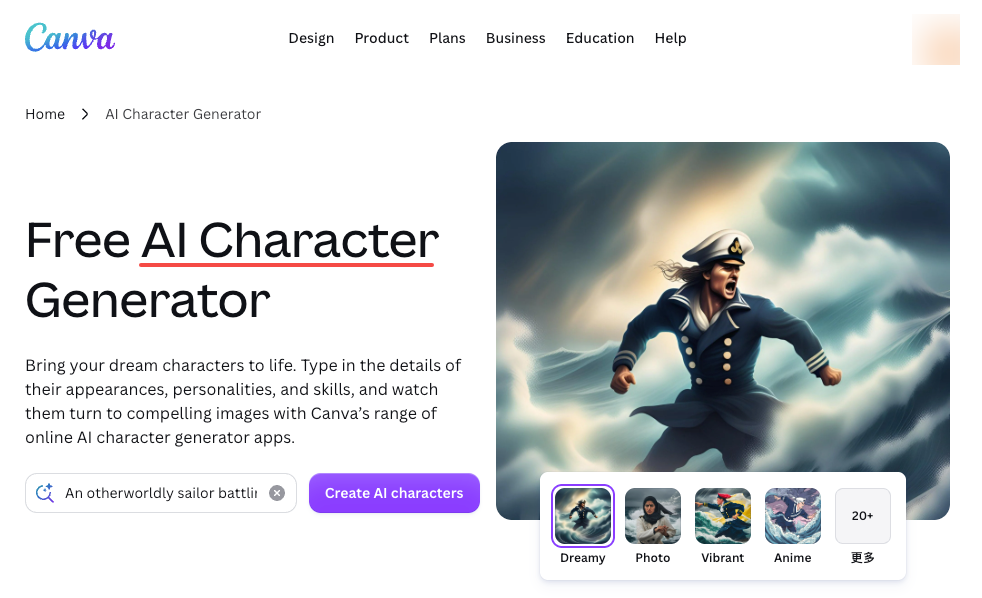
What Is a Character Creator AI Workflow?
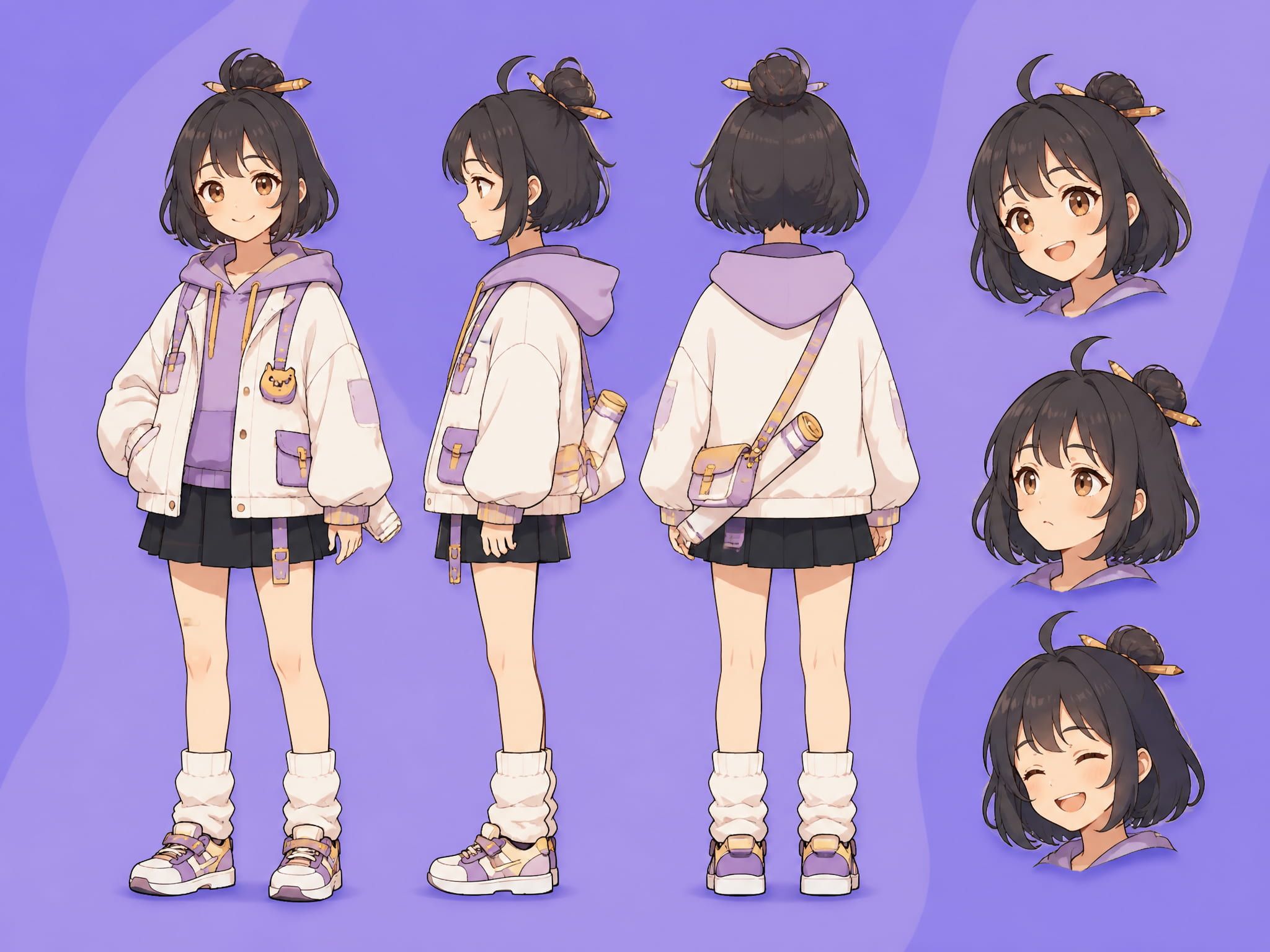
A character creator AI workflow is not the same as generating a pretty portrait.
Portrait generation gets you one good image. A workflow gets you a character that can appear in scene two, scene seven, and a thumbnail — and look like the same person each time. Three parts: design, reference construction, and generation testing. Most creators skip the middle one. That's usually where the drift starts.
An AI character creator handles the generative side — translating inputs into visual output. But consistency work happens before you hit generate. The model doesn't know your character. It only knows what you gave it.
NVIDIA research on multi-shot character consistency frames this clearly: the challenge in video isn't generating one good frame, it's keeping identity stable across sequential frames without hurting motion quality.
Character Design for AI Video
Most people open the generation tool first. The character comes out decent. Then they try to replicate it in a different scene and can't.
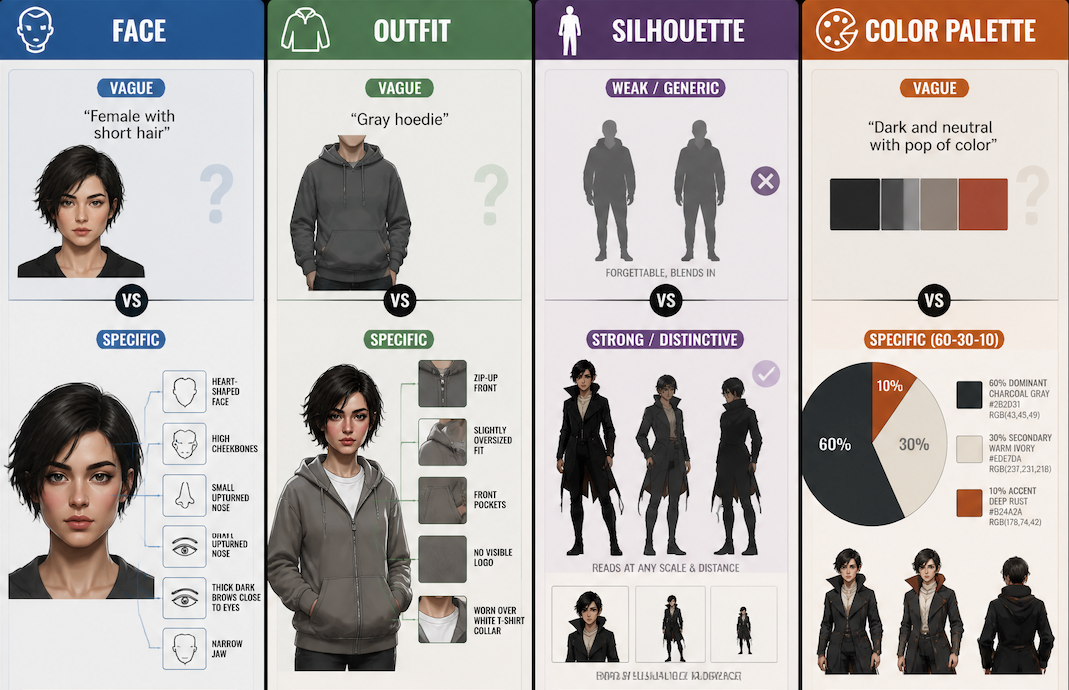
Face, Outfit, Silhouette, Color Palette
Four things need to be locked before you generate anything.
Face. Not "female with short hair." Something like: heart-shaped face, high cheekbones, narrow jaw, small upturned nose, thick dark brows close to the eyes. The more you specify, the less the model fills in on its own.
Outfit. "Gray hoodie" gives the model latitude. "Gray zip-up hoodie, slightly oversized, front pocket, no visible logo, worn over a white t-shirt collar" gives it a target. The second description is what makes the outfit survive across clips.
Silhouette. A character with a distinctive silhouette — tall collar, asymmetric cut, unusual proportions — reads as recognizable even when other details drift. Silhouette readability is foundational in professional character design: it's what survives distance, scale changes, and imperfect rendering.
Color palette. Three dominant tones maximum. The 60-30-10 rule — dominant base, supporting secondary, accent — gives you specific RGB anchors to describe in prompts. "Charcoal gray, warm ivory, deep rust accent" is a palette. "Dark and neutral with a pop of color" is not.
Personality and Scene Role
Personality shapes how the character holds their body — posture, weight distribution, whether hands are relaxed or tense. These signals influence prompt language, and prompt language influences output.
Scene role determines what the character needs to do. A narrator needs a different design foundation than someone who runs or interacts with objects. Clothes that read well in a static medium shot may behave unpredictably when the model generates motion.
How to Make a Character Video-Ready
Create Reference Views
One front-facing image is not a reference package.
A video-ready character needs: front view, three-quarter view, and one expression or pose variant. These three views give the model enough information to triangulate identity across different generated angles.
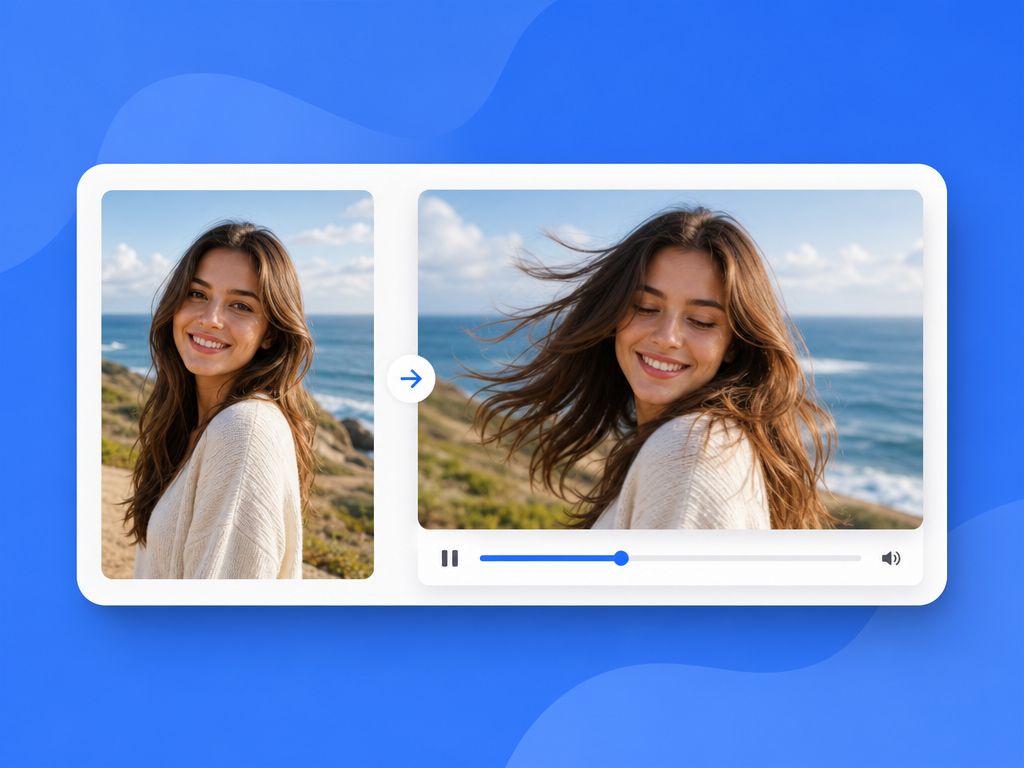
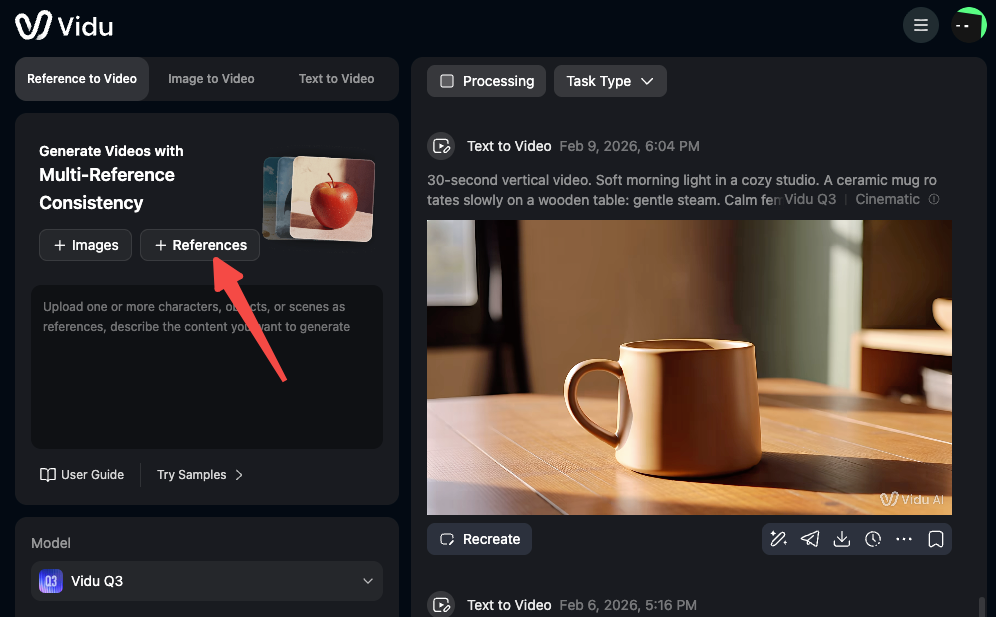
AI Image-to-Motion video supports uploading multiple reference images and holds character identity across shots using multi-reference consistency. The ceiling is seven reference images per sequence. In practice, two to four well-chosen images outperform six redundant ones — overlap doesn't give the model new information.
For animated character design: include at least one reference showing the character in a non-standard pose. A static character sheet generates fine, but the model's read on how your character moves depends on whether you've shown it anything kinetic.
Test in Multiple Scenes
Generate the same character in at least three different environmental contexts before committing to your reference set. Interior, exterior, different lighting.
Faces drift first at edges — hairline, jaw, ears. Outfits drift at detail level — stitching, layering. The core silhouette holds longest. Drift there means your reference images aren't distinctive enough.
Vidu's consistency documentation distinguishes Normal Reference (single-shot) from My Reference (cross-shot, multi-scene). If you're building a series, My Reference is the function that actually matters — it saves character definitions so you're not rebuilding every video.
Save Reusable Prompts and Assets
The workflow isn't done when you get a good result. It's done when you've documented what produced it.
Save: exact prompt text, reference images used, generation settings, notes on what was stable versus drifted. Three weeks later when you need a new scene with the same character, you'll either have this or you'll be starting over.
Common Consistency Problems
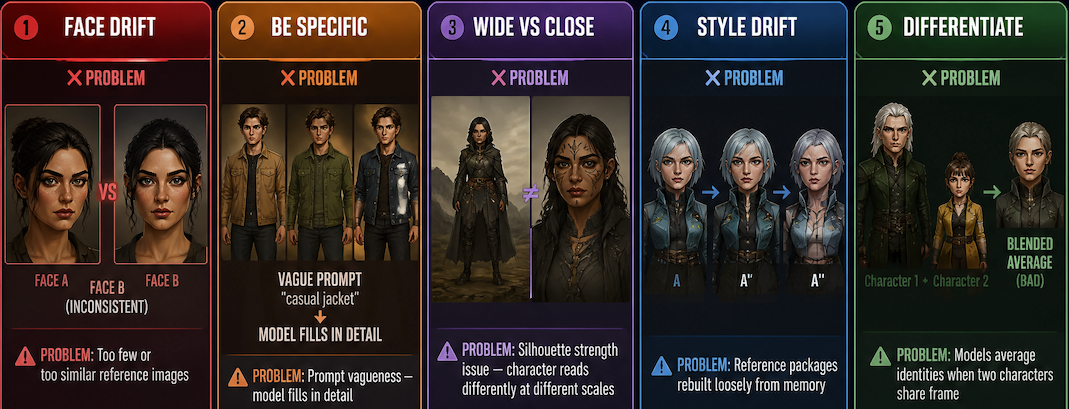
Face changes between shots. Too few or too similar reference images. Add a three-quarter view and a close-up face reference as separate uploads.
Outfit details shift. Prompt vagueness — the model fills in detail rather than reproducing it. "Denim jacket, raw hem, no embroidery" is better than "casual jacket."
Character reads differently at different scales. Wide shots versus close-ups produce different results. This is a consistent character AI problem rooted in silhouette strength. Redesign toward more distinctive macro shapes.
Style drift across a series. The character slowly migrates when reference packages are rebuilt loosely from memory. Lock the My References save and use it without modification.
Multi-character scenes lose one identity. Models tend to average identities when two characters share a frame. Strong silhouette differentiation — different heights, different palettes, different shapes — is the fix.
ACM SIGGRAPH research on AI visual coherence in film found that character-level identity preservation across scenes remains a gap even with current tools. Worth knowing going in.