What Consistent Character AI Means
"Consistent character AI" isn't a single feature. It's the result of a few things working together: what the model was trained to do, what you give it as input, and how you structure your workflow.
At the model level, the problem is simple to describe. NVIDIA Research's Video Storyboarding work (ICCV 2025) puts it clearly: text-to-video models generate each shot independently, without a persistent identity for recurring subjects. Every new generation is a fresh sample. The prompt is a suggestion, not a contract.
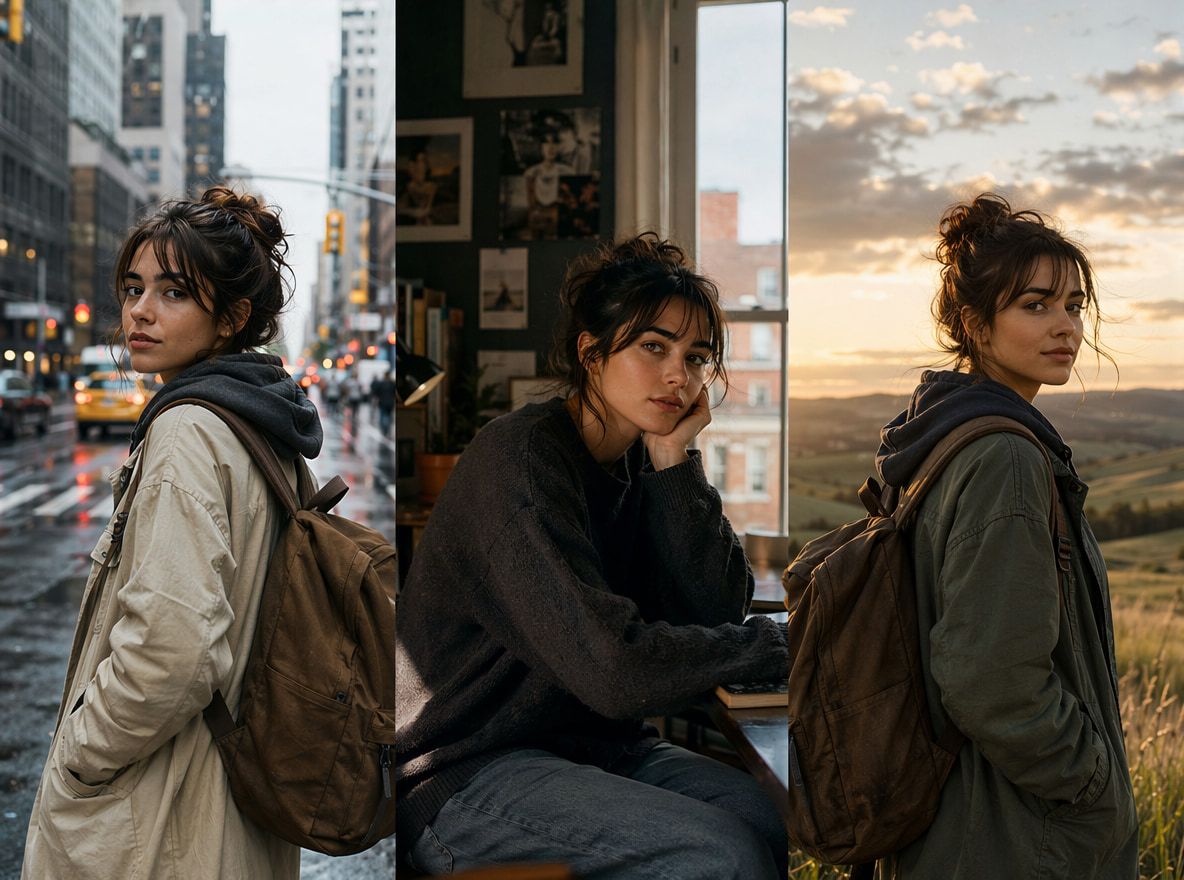
What you want — what character consistency ai is supposed to deliver — is a face, outfit, and visual signature that stays recognizable across different scenes and camera angles. Not pixel-perfect. Recognizable.
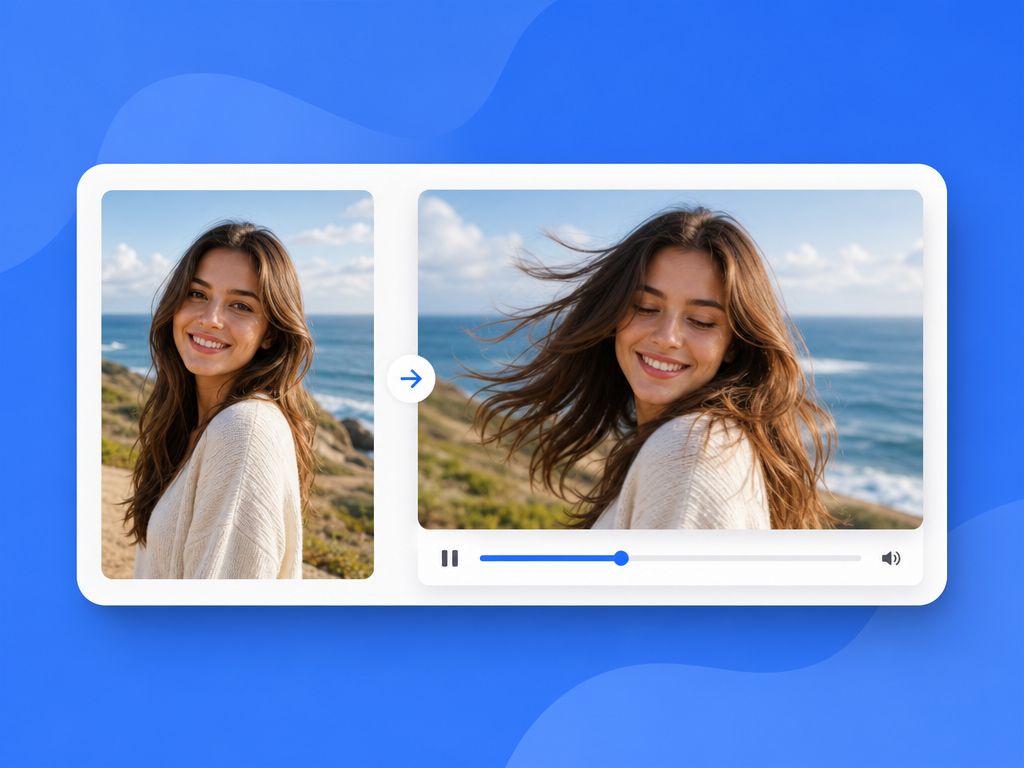
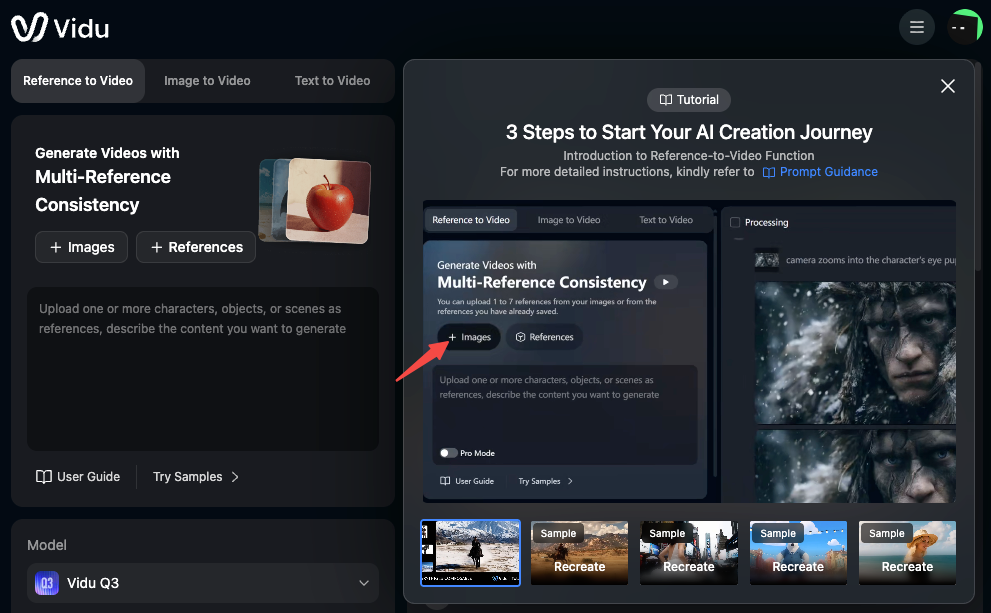
AI Image-to-Motion video lets you upload up to seven images per generation — faces, costumes, props, backgrounds — and the model uses those to keep each entity visually consistent across the clip. That's a starting condition that makes stability possible, not a guarantee.
Why Characters Drift in AI Video
Drift happens even with references loaded. Knowing where it comes from helps you predict which scenes are risky before you generate them.
Weak References
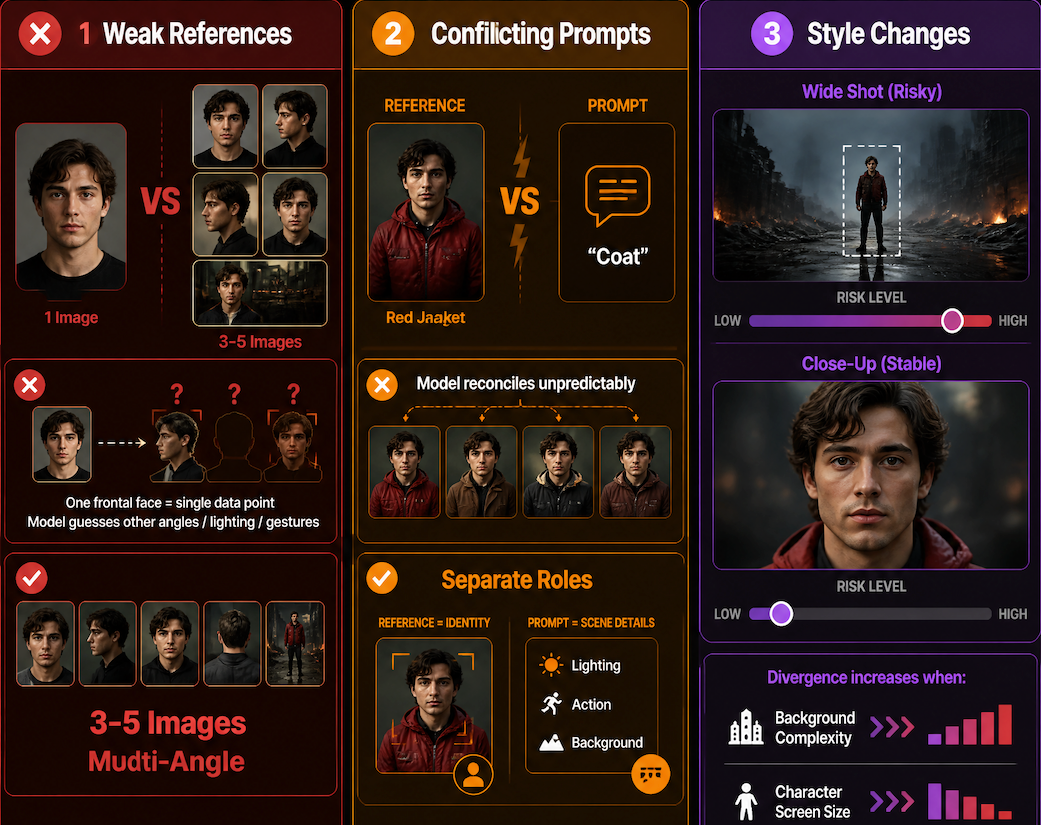
One frontal face photo is a single data point, not a reference set. The model has to guess what your character looks like from a three-quarter angle, in low light, mid-gesture — and it guesses based on training data, not your character.
Three to five images covering different angles and lighting is the minimum that gives the model something real to work with. Multi-angle reference bundles — close-up, medium, wide — reduce the gap between what the model infers and what you actually intend.
Conflicting Prompts
The prompt competes with the reference. If your reference shows a character in a red jacket and your prompt says "wearing a coat," the model reconciles those — sometimes picking the reference, sometimes the prompt, often landing on something neither. Keep scene-specific details (lighting, action, background) in the prompt. Let the reference carry identity.
Style Changes
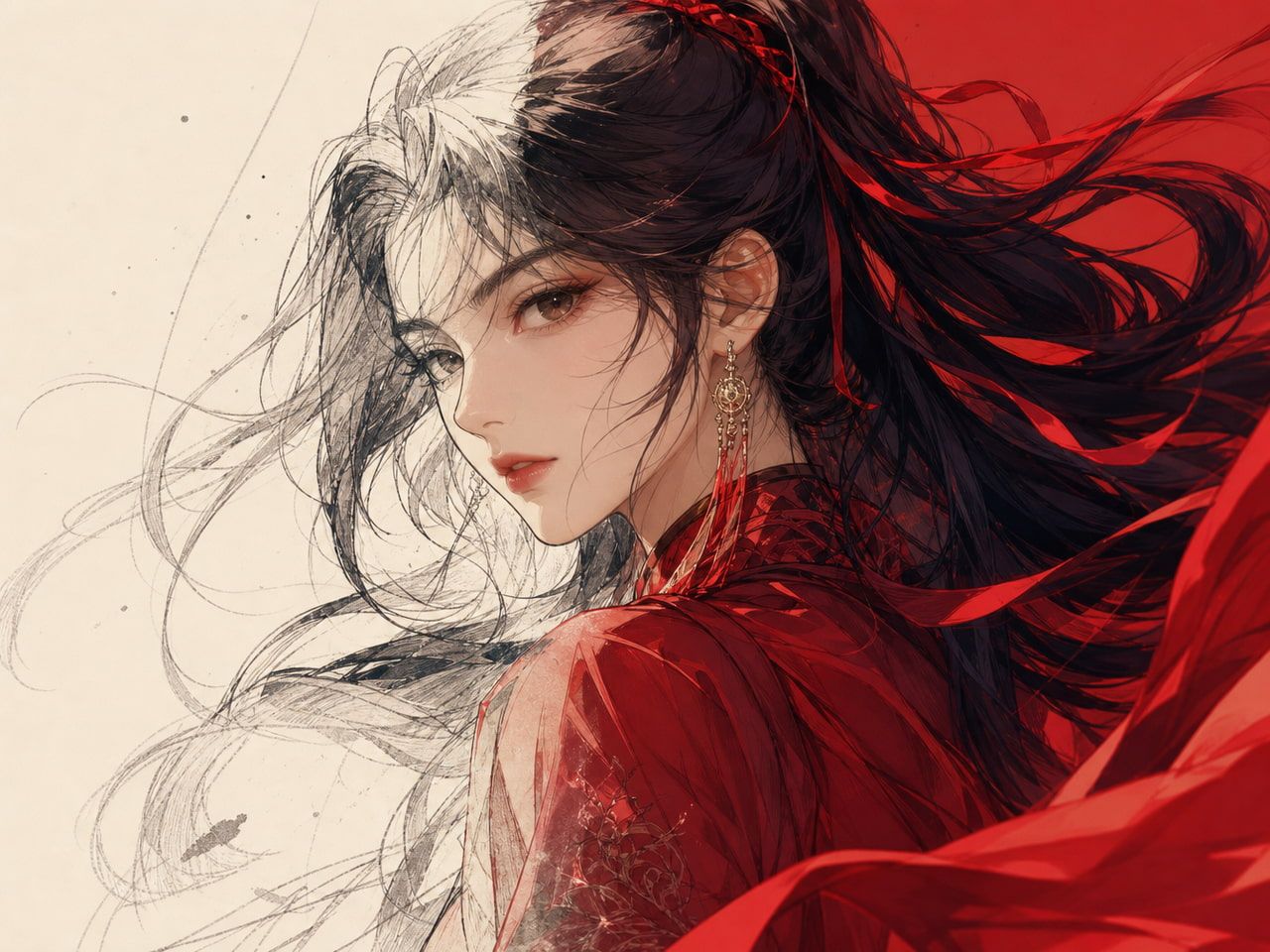
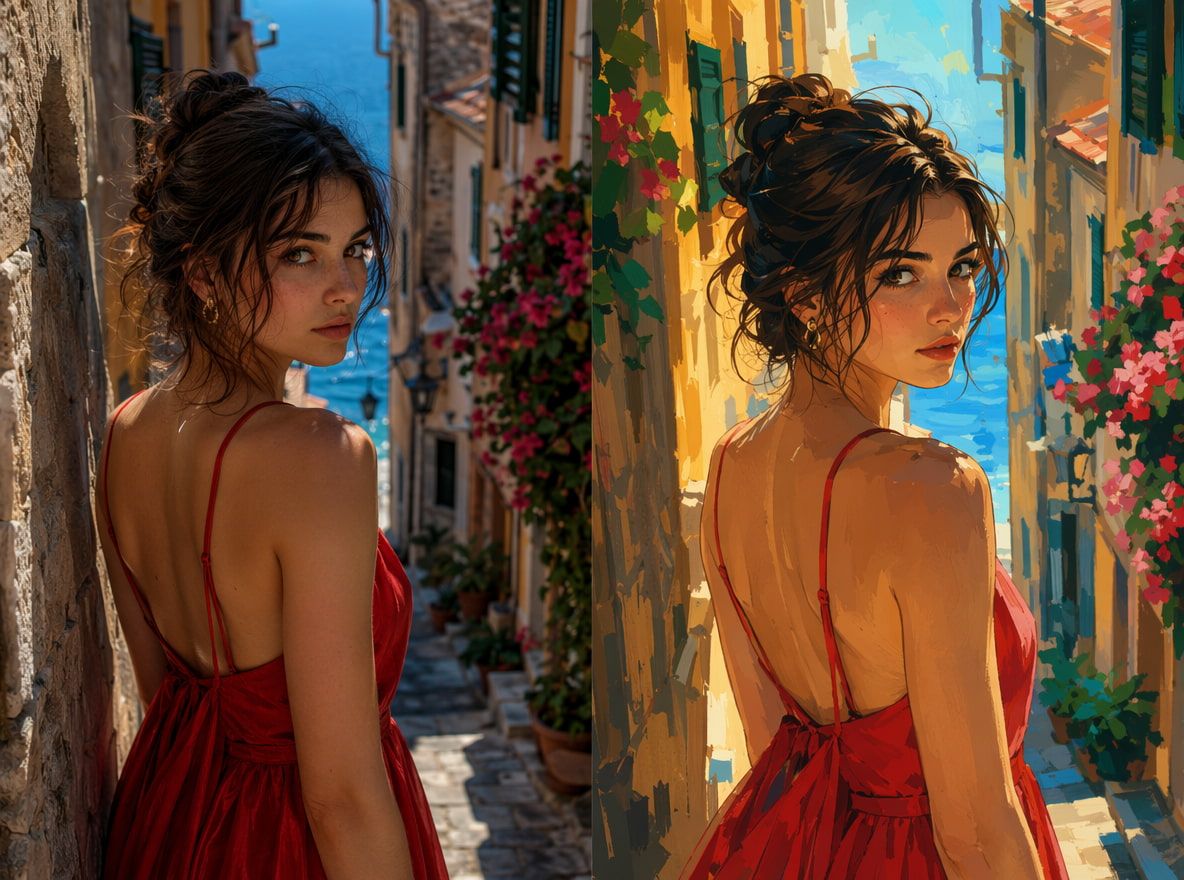
Wide shots are riskier than close-ups. Scenes where the character is a small figure in a larger, complex frame give the model more freedom to reinterpret — and it takes it. Divergence starts appearing in this round whenever background complexity increases while character screen size decreases.
How to Keep a Character Consistent
Build a Reference Set
The reusable ai character workflow starts before you open the generation tool. Gather three to five images: one clean frontal, one three-quarter profile, one wider shot showing the full outfit. If the character has a signature prop, include that separately.
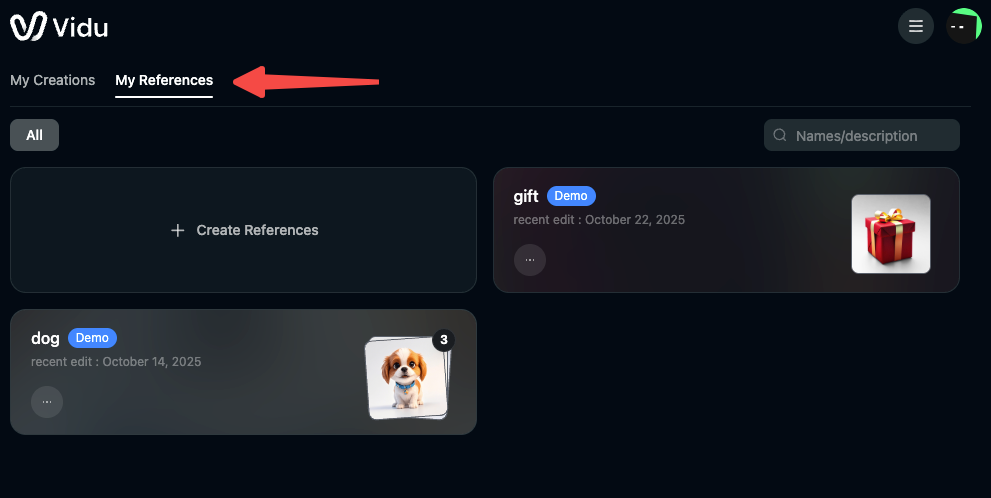
Save them as a named set. Vidu's My References library lets you store and retrieve these without re-uploading each session. Most people skip this because it feels slow — then spend six clips trying to remember which version of the character looked right.
Lock Visual Traits
Write a two-sentence character description covering only immutable traits: hair length and color, face shape, skin tone, outfit colors. Keep this open during every generation session. The rule: identity lives in the reference, action lives in the prompt. "Walking through a market at dusk, slightly nervous" is a good scene prompt. "Walking through a market at dusk, wearing her usual brown coat" is where you start competing with your own reference.
Test Across Scenes
Generate two or three short clips before committing to a full scene count. Multi scene character ai testing means deliberately varying the conditions — different angle, different lighting, different action — and checking whether the character still reads as the same person.
Face drift happens faster than body drift, especially across multiple generations. Test close-ups first. If the face holds there, you have something to build on. And test your highest-risk scene type early — not last.
Quality Checklist Before Publishing
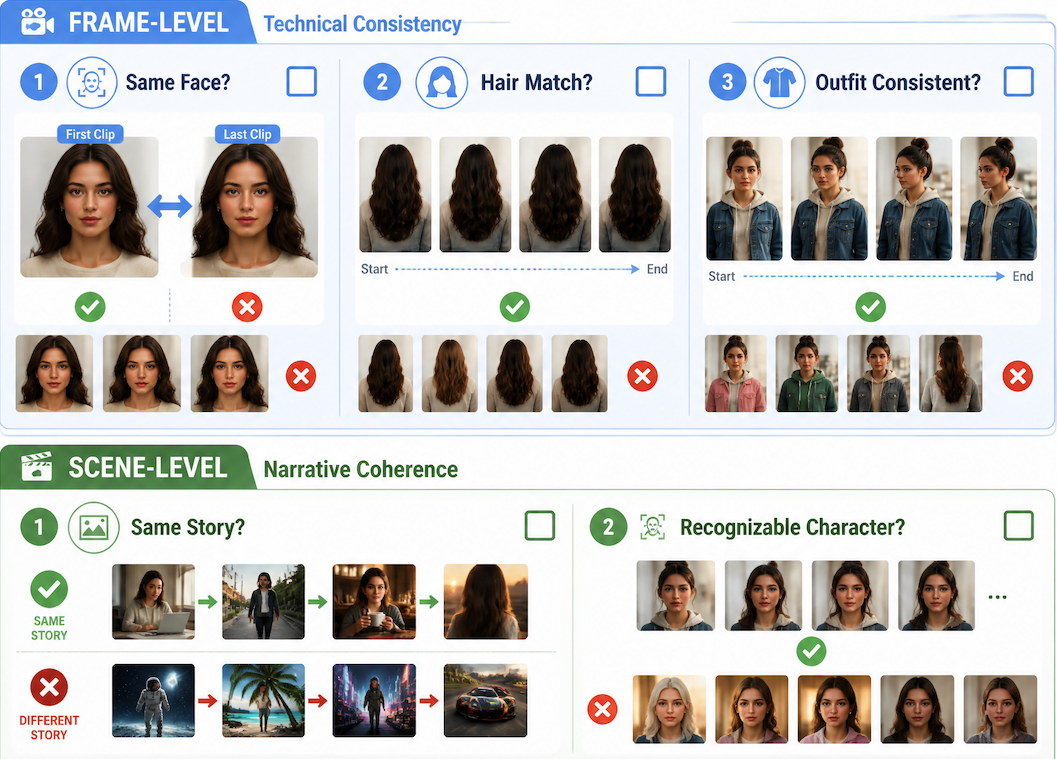
Frame-level:
- Does the face read as the same person across the first and last clip?
- Do hair length and color match throughout?
- Is the outfit consistent — colors, layers, visible details?
Scene-level:
- Do background changes feel like the same story or a different one?
- Would a viewer who hasn't seen your reference images recognize this as one character?
That last question is the real one. Build in one cold-view pass — watch the full sequence after a break, as if seeing it for the first time. The viewer's eye is less forgiving than the creator's.